

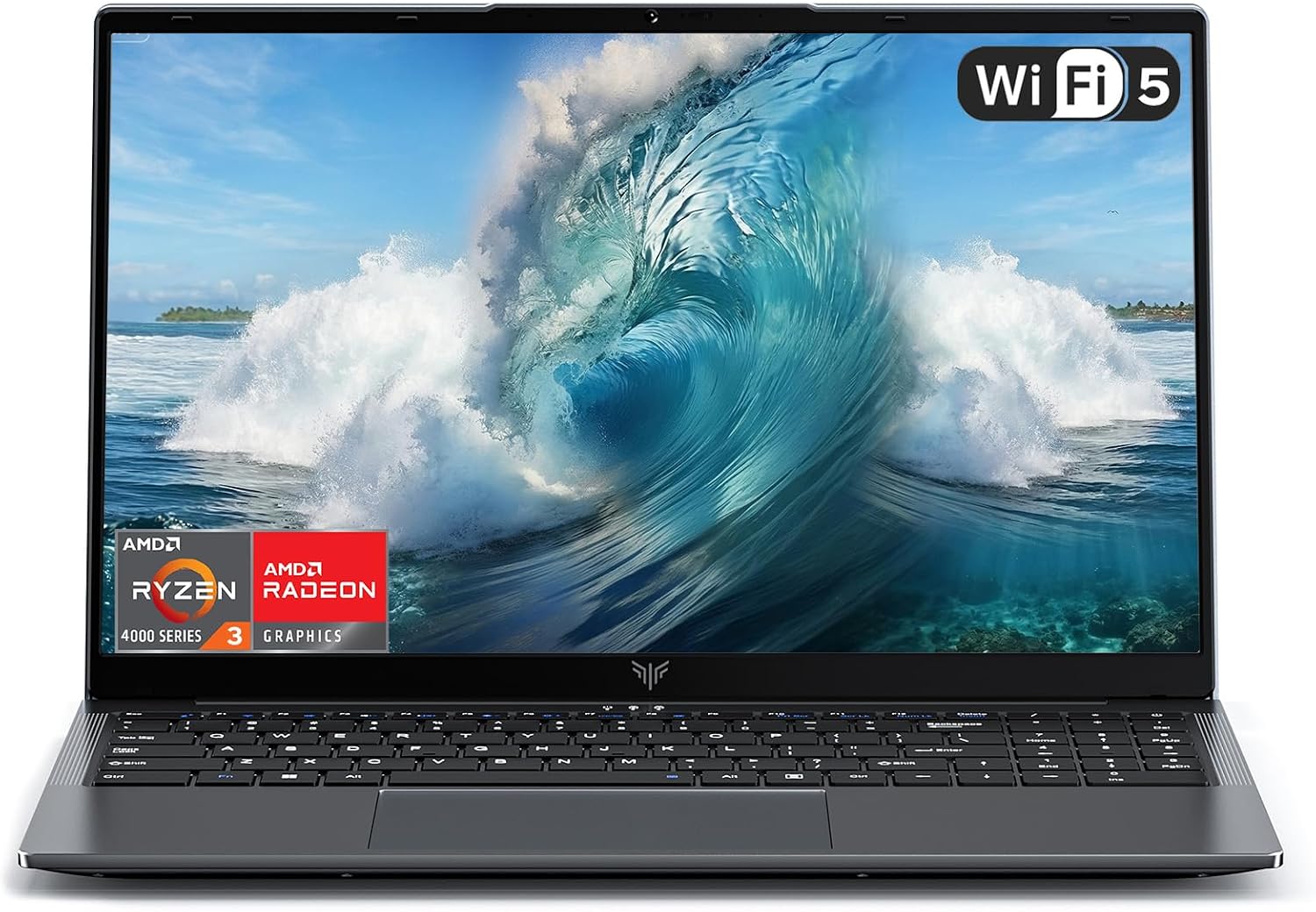
ACEMAGIC 16 inch FHD Laptop – Ryzen 4300U, 16GB RAM, 512GB SSD
Product description
What this is all about
The ACEMAGIC 16 inch FHD Laptop is a business-focused notebook aimed at everyday productivity. It pairs an AMD Ryzen 3 4300U processor with 16GB of RAM and a 512GB M.2 SSD, all housed in a 16-inch chassis running Windows 11 Pro. On paper, this setup targets smooth multitasking for office tasks, light creative work and reliable day‑to‑day computing. It’s a pragmatic option for home or small‑office use where performance needs are sensible rather than extravagant.
Performance and efficiency
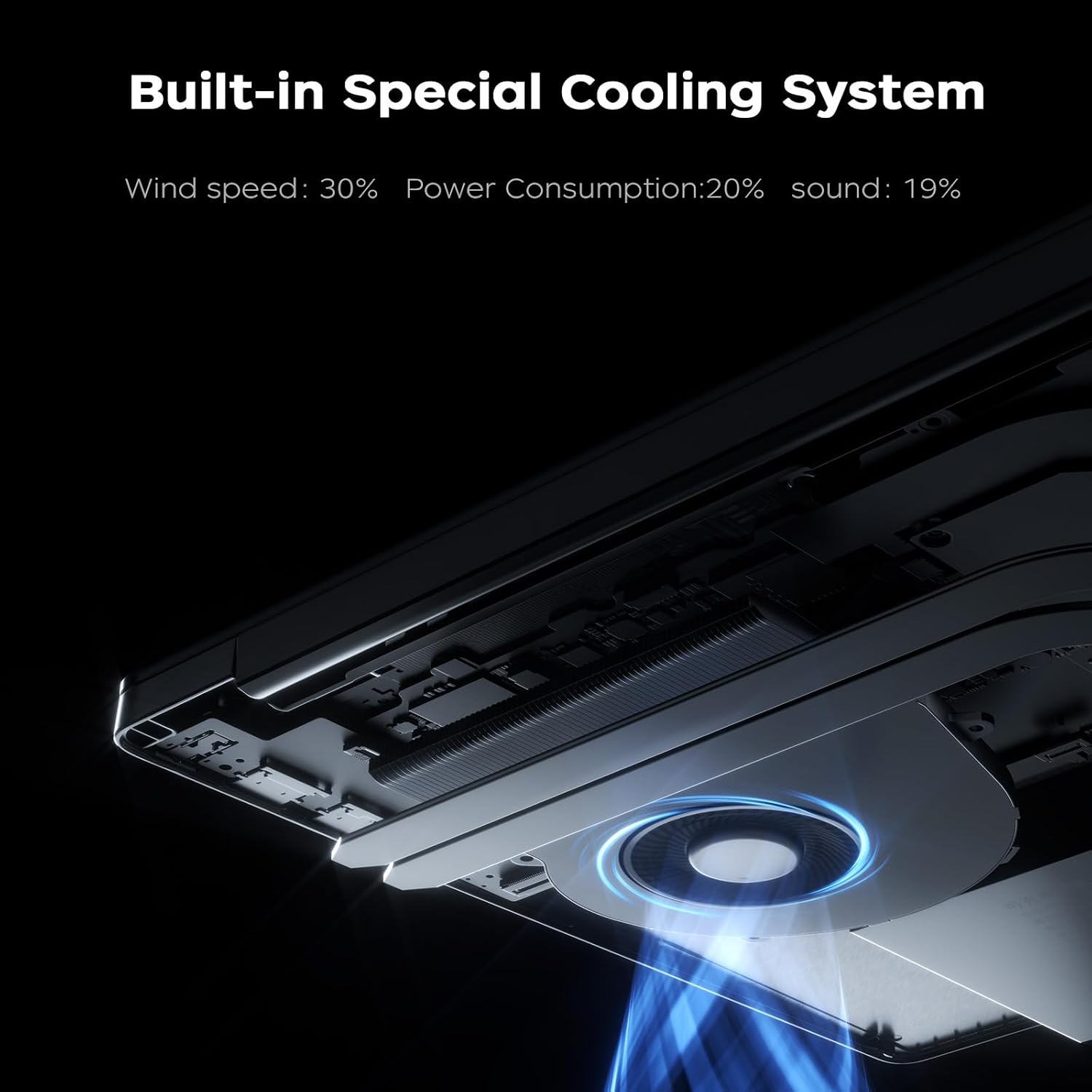
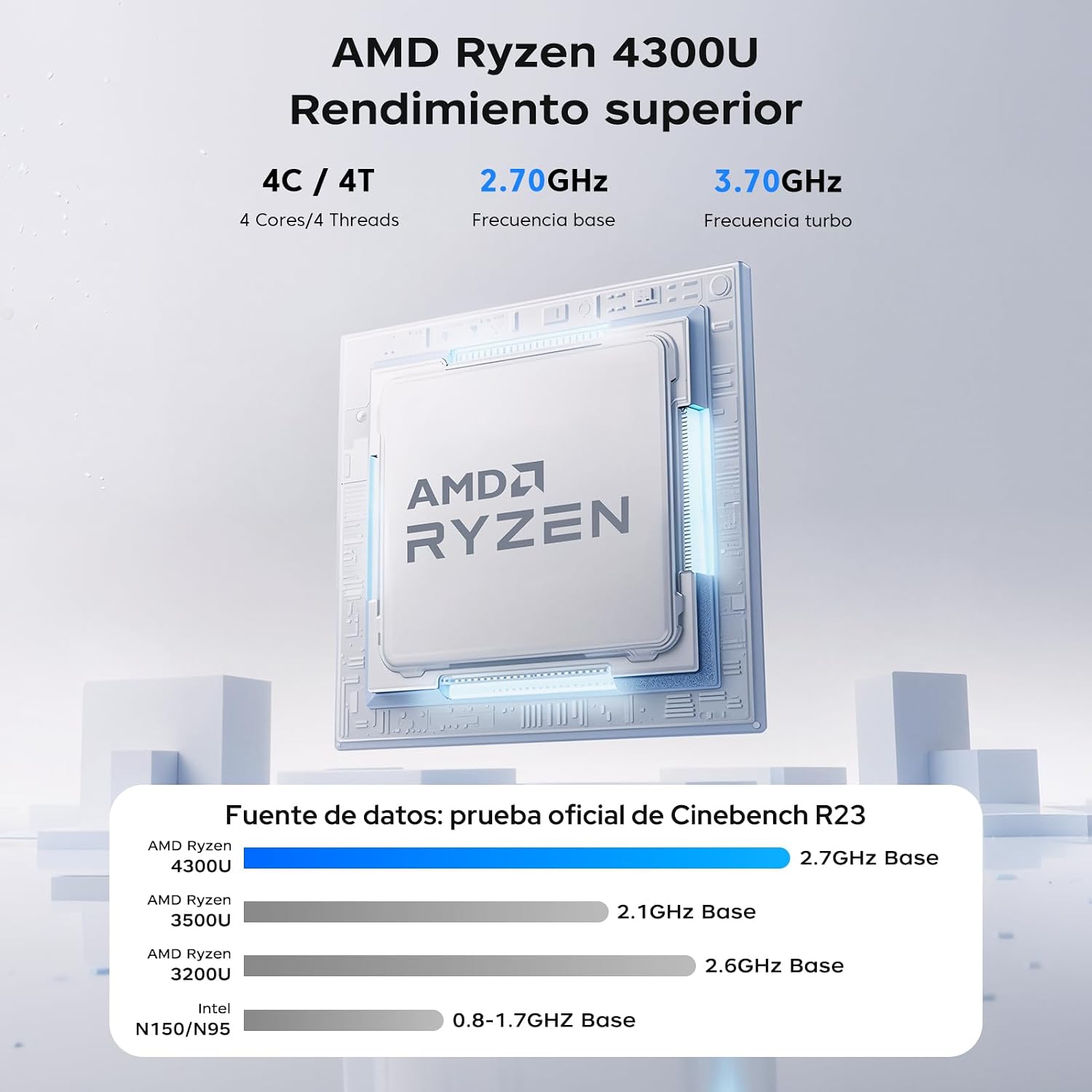
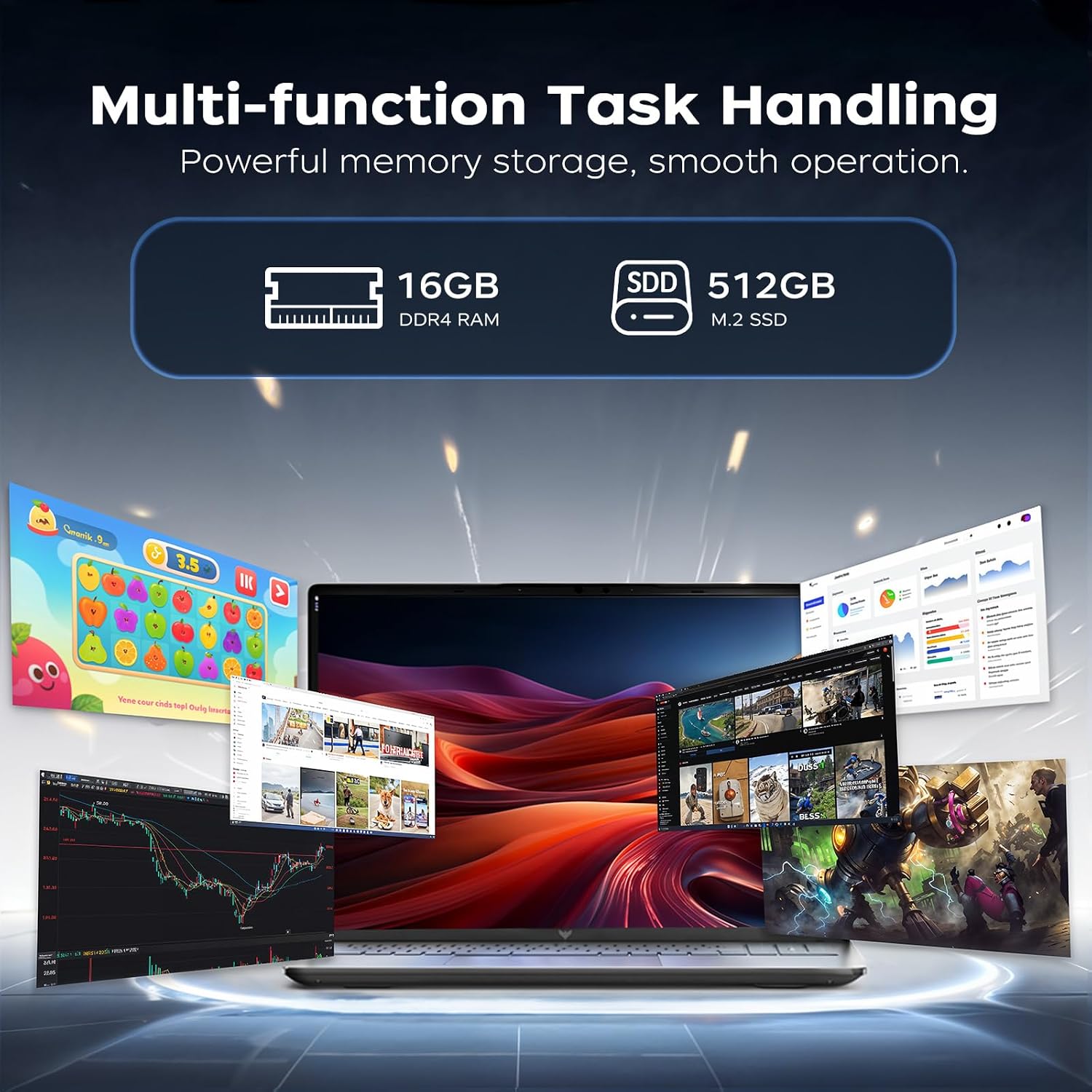
Powered by the Ryzen 3 4300U (4 cores, up to 3.7GHz), the system is designed to feel responsive for typical workloads like word processing, spreadsheets, web browsing and video calls. The 12W architecture helps keep the device cooler and quieter than higher‑powered laptops, which can be an advantage if you’re using it in a quiet office or on a commute. The combination of 16GB RAM and a fast SSD means you can boot quickly, launch apps with little lag, and manage multiple browser tabs without the system feeling announced. It’s not a high‑end creative workstation, but for day‑to‑day tasks it remains solid on the basics.
Display and visuals
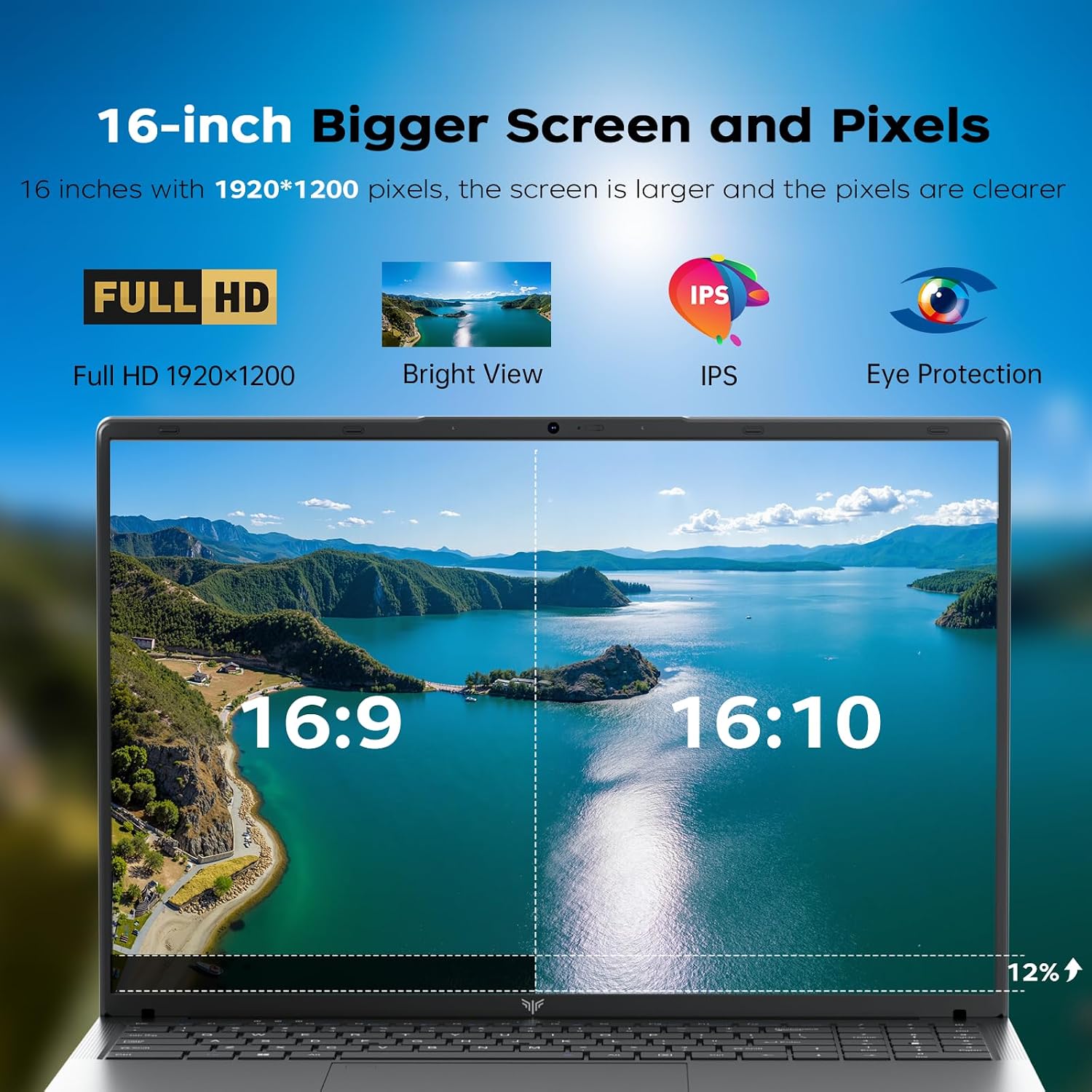
A 16‑inch Full HD (1920x1200) IPS panel delivers a bit more vertical content thanks to the 16:10 aspect ratio, which is handy for long documents or browsing. The anti‑glare finish is helpful for reducing reflections in bright environments, and the screen should feel reasonably comfortable for extended work sessions. If you regularly edit photos or videos at a professional level, the panel may not replace a dedicated colour‑accurate screen, but it’s adequate for general design tasks and everyday media consumption.
Storage, memory and operating system
With 16GB DDR4 RAM, multitasking across several apps and browser tabs is feasible. The 512GB M.2 SSD provides both decent storage headroom and snappy boot times. Pre‑installed Windows 11 Pro offers a familiar, secure workspace out of the box. If your workflow involves large files or a growing media library, you’ll appreciate the capacity, but you might still need external storage for backups or archives.
Portability and design
The laptop is described as slim at 1.8 cm and weighing around 1.7 kg, which makes it reasonably portable for a 16‑inch device. It’s a sensible choice for commuters or those who need to move between meetings or locations without carrying a heavy machine. The chassis design aims to balance a sizeable screen with a manageable footprint, though it will still be noticeably larger than many 13–14 inch rivals.
Connectivity and inputs
Connectivity is practical for everyday use, with hardware support including WiFi 5 and Bluetooth 5.0. The available USB 3.2 ports (3 in total) cover essential external peripherals and storage devices. Dual speakers are included for basic multimedia playback. If you rely on newer wireless peripherals or require faster USB data transfer for large backups, you may want to verify the exact port arrangement and potential needs beyond the listed spec.
Battery life and endurance
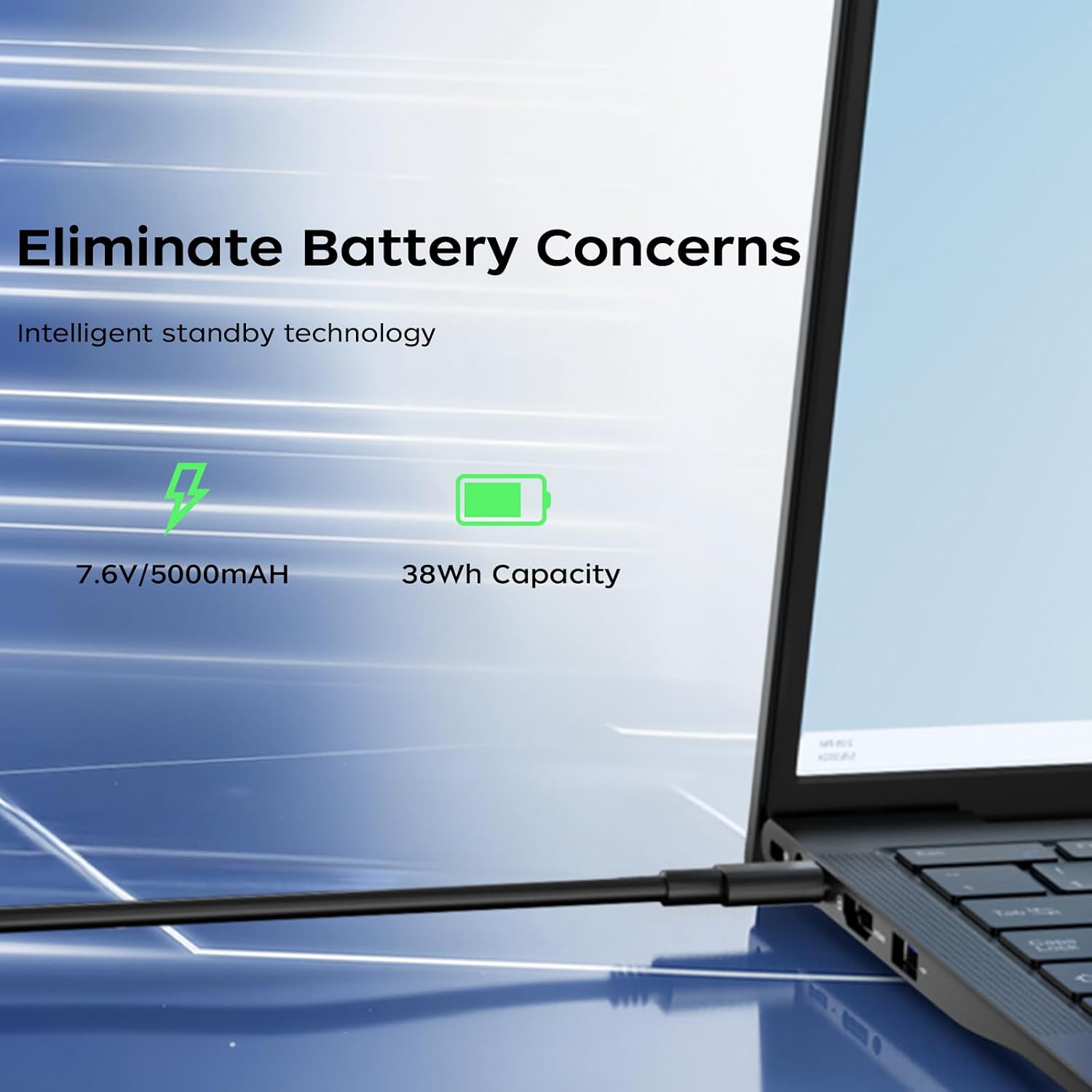
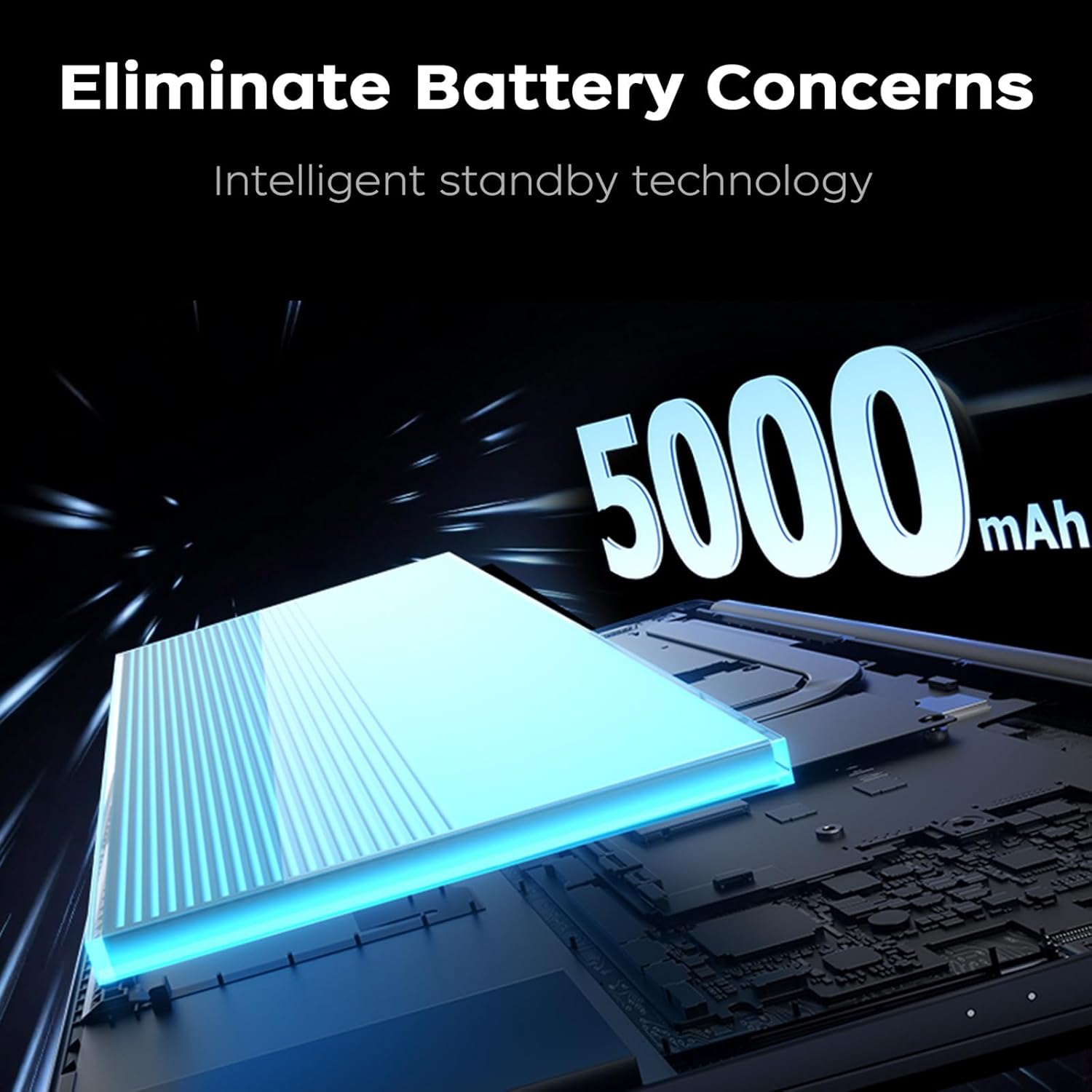
A 5000mAh battery paired with intelligent standby aims to reduce power drain when idle, contributing to longer unplugged use between charges. In real‑world use, battery life can vary based on screen brightness, workload and wireless activity. It’s useful for days with mixed tasks, but heavy editing or gaming on battery may still rely on a charger.
Software and security considerations
Out of the box you get Windows 11 Pro, which offers features suited to business users such as enhanced security and management options. The practical takeaway is that the device provides a familiar, capable environment for office apps, email and collaboration tools, with the potential for straightforward IT integration in a small business context.
Who it’s for and who it isn’t
This ACEMAGIC model fits users who need a larger display for productivity, a solid amount of RAM for multitasking, and reliable storage for documents and media, all at a reasonable price point. It’s particularly sensible for home offices, students with work‑heavy curricula, or professionals who travel a bit and want a single device for everyday tasks. If your work revolves around high‑end photo/video editing, 3D work, or gaming at high settings, this isn’t the best choice—and you may prefer a faster CPU, a brighter screen, or a more robust GPU.
Before you buy – what to check
- Confirm you’re happy with the 16:10 screen format and 16 inch size, which is great for immersive documents but adds bulk.
- Consider whether WiFi 5 suffices in your environment, newer networks or dense offices may benefit from WiFi 6.
- Think about your storage needs beyond 512GB, external drives or cloud storage could help if you keep large datasets.
- Check port layout to ensure you can connect your essential peripherals without constantly swapping cables.
Practical uses in real life
Imagine editing a lengthy report with multiple references while streaming a conference call in the background. The 16GB RAM helps keep tabs open without stalling, and the 512GB SSD keeps your project files and templates quickly accessible. The larger screen makes reviewing layouts and documents more comfortable during long sessions, and the slim profile means you can carry it between rooms or meetings without feeling burdened.
Final decision – is it worth it?
Is it worth it? For buyers prioritising value for money in a balanced, business‑oriented package, this ACEMAGIC model offers a pragmatic blend of CPU performance, generous memory, ample storage and a large screen in a portable chassis. It may not be the top pick for power users or those who demand cutting‑edge display quality or gaming performance, but it aligns well with everyday productivity needs and a sensible budget. If your workflow is rooted in office software, data handling and light creative tasks, and you value Windows 11 Pro out of the box, this is a reasonable option to consider.
Quick FAQ
- How does the Ryzen 4300U perform for multitasking? It handles everyday computing and light creative work comfortably, especially with 16GB RAM, though it isn’t a high‑end workstation.
- Is the display good for long work sessions? The 16:10 Full HD IPS panel reduces eye strain somewhat with anti‑glare coating, but professional colour work may require a dedicated screen.
- What if I need more storage later? The 512GB SSD is fast, but you can add external storage or use cloud services to expand capacity.