

BlueSwan Matte Anti-Fingerprint Case for MacBook Air 15-inch (M5/M4/M3/M2) A3448/A3241/A3114/A2941
Product description
What it is
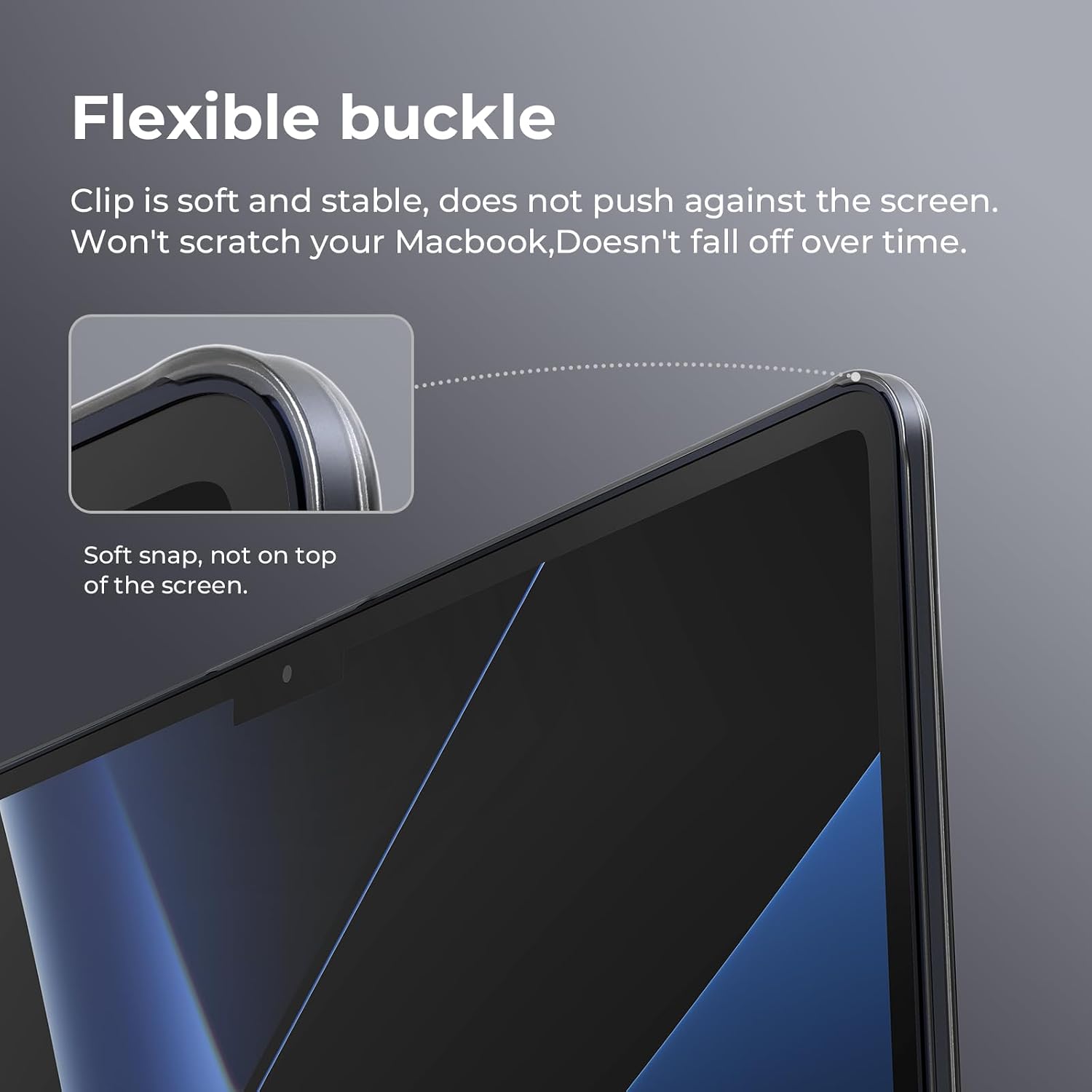
This is a matte, anti-fingerprint protective shell from BlueSwan designed for the 15-inch MacBook Air. It’s a lightweight, soft protective case with a frosted black finish, intended to shield the device from daily wear without adding bulk.
What it fits
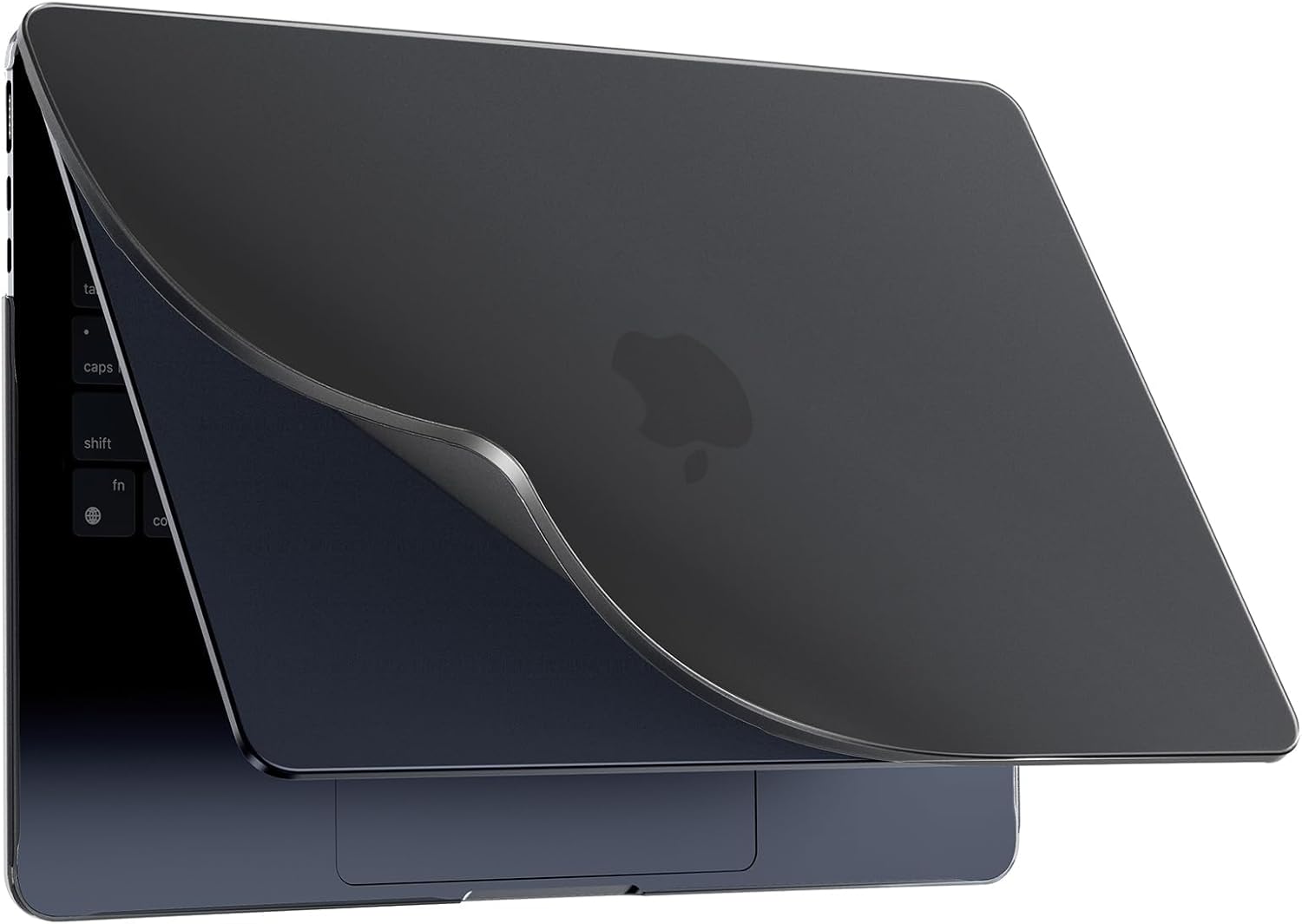
Only compatible with the New MacBook Air 15.3 inch series (Model Numbers: M5 A3448, M4 A3241, M3 A3114, M2 A2941) released in 2023–2026. Before buying, check the model number on the back of the laptop to ensure a proper fit.
Materials and feel
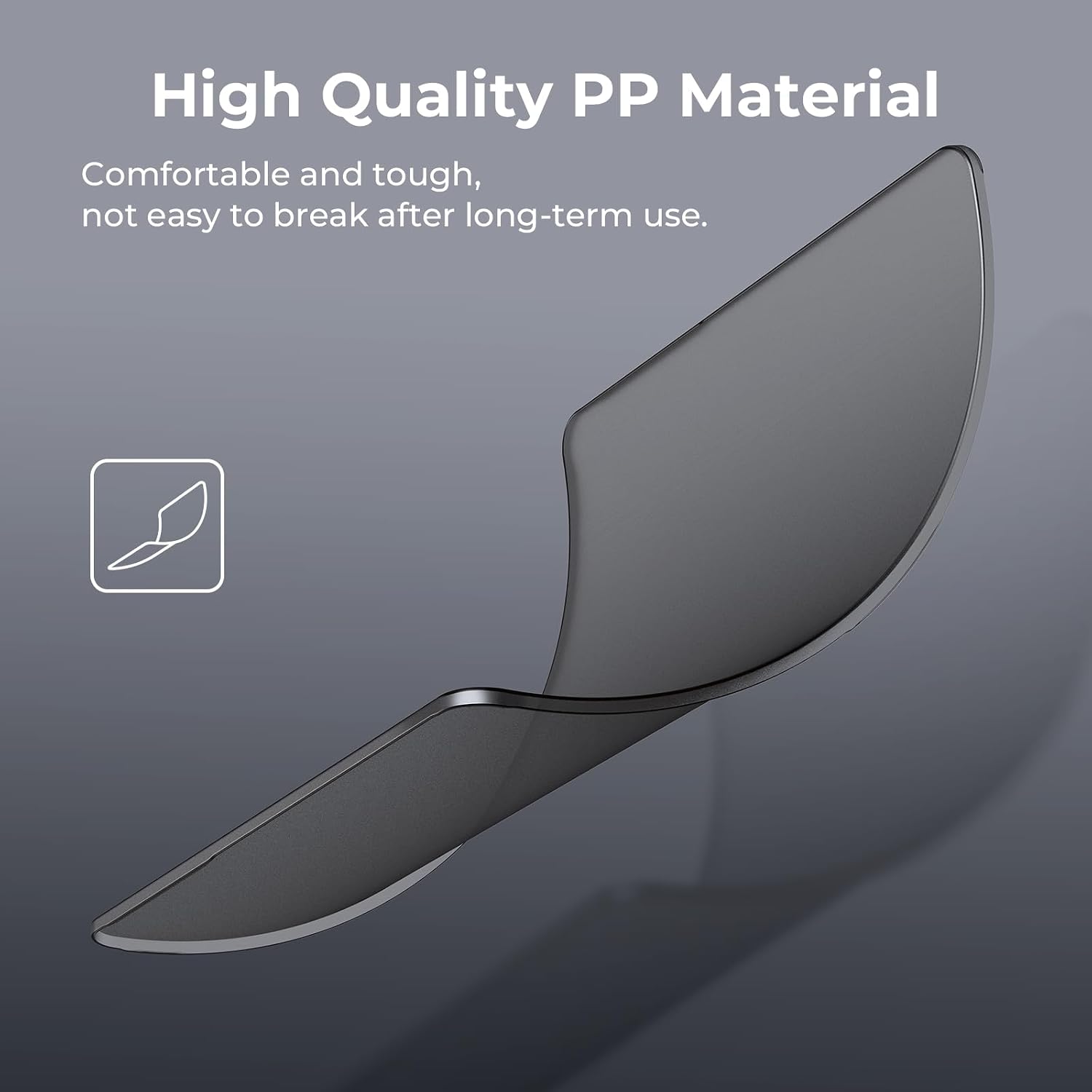
The case uses PP (polypropylene) materials described as high-quality and environmentally friendly, with a finish that tends to reduce fingerprints. The overall shell aims to be comfortable to touch and easy to install or remove, which matters if you swap devices or travel often.
Design benefits
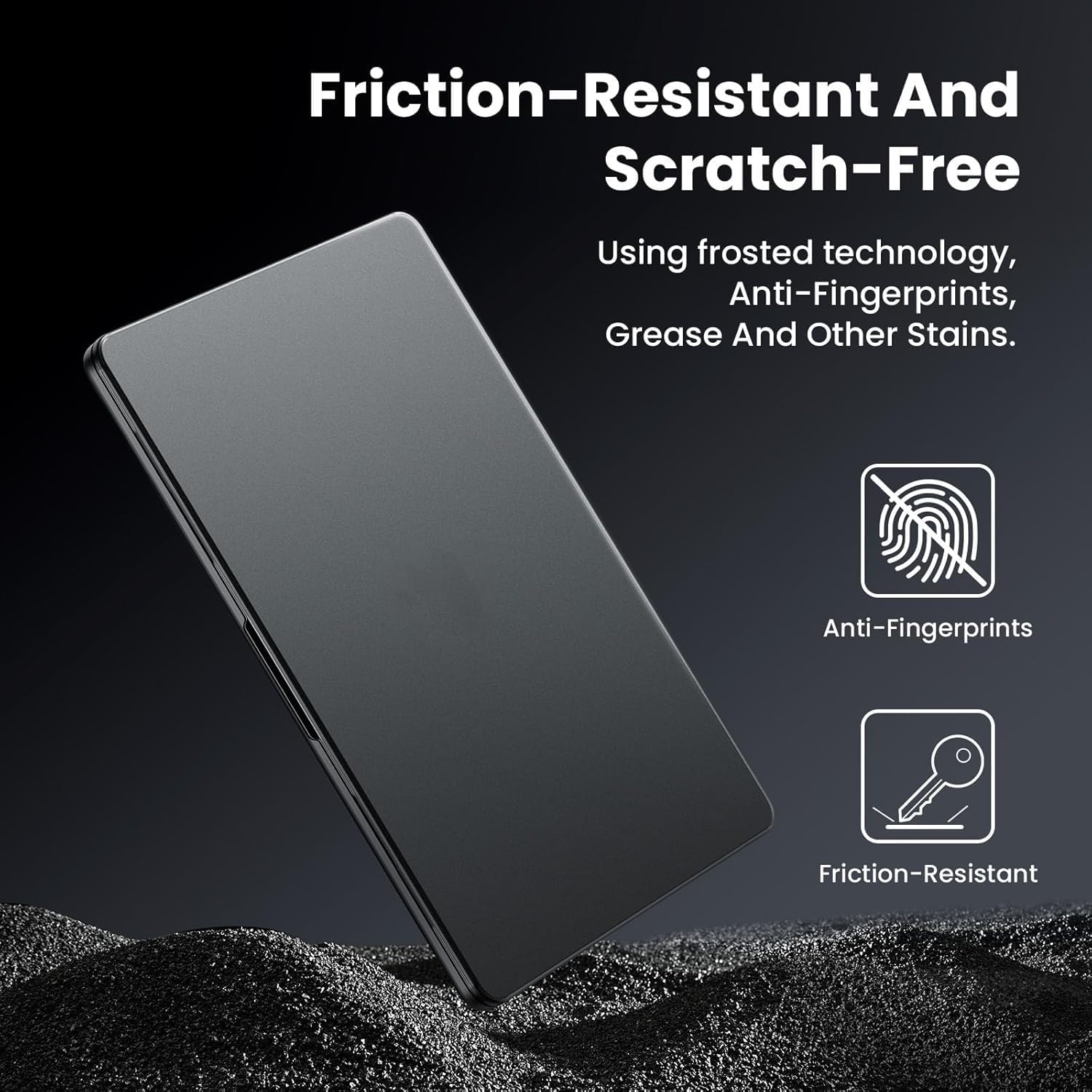
Compared with many traditional PC-style covers, this shell is lighter and slimmer, which can aid portability and handling. The frosted exterior is designed to minimise fingerprint marks and simplify cleaning, helping maintain a neat appearance with less maintenance.
Practical use and heat considerations
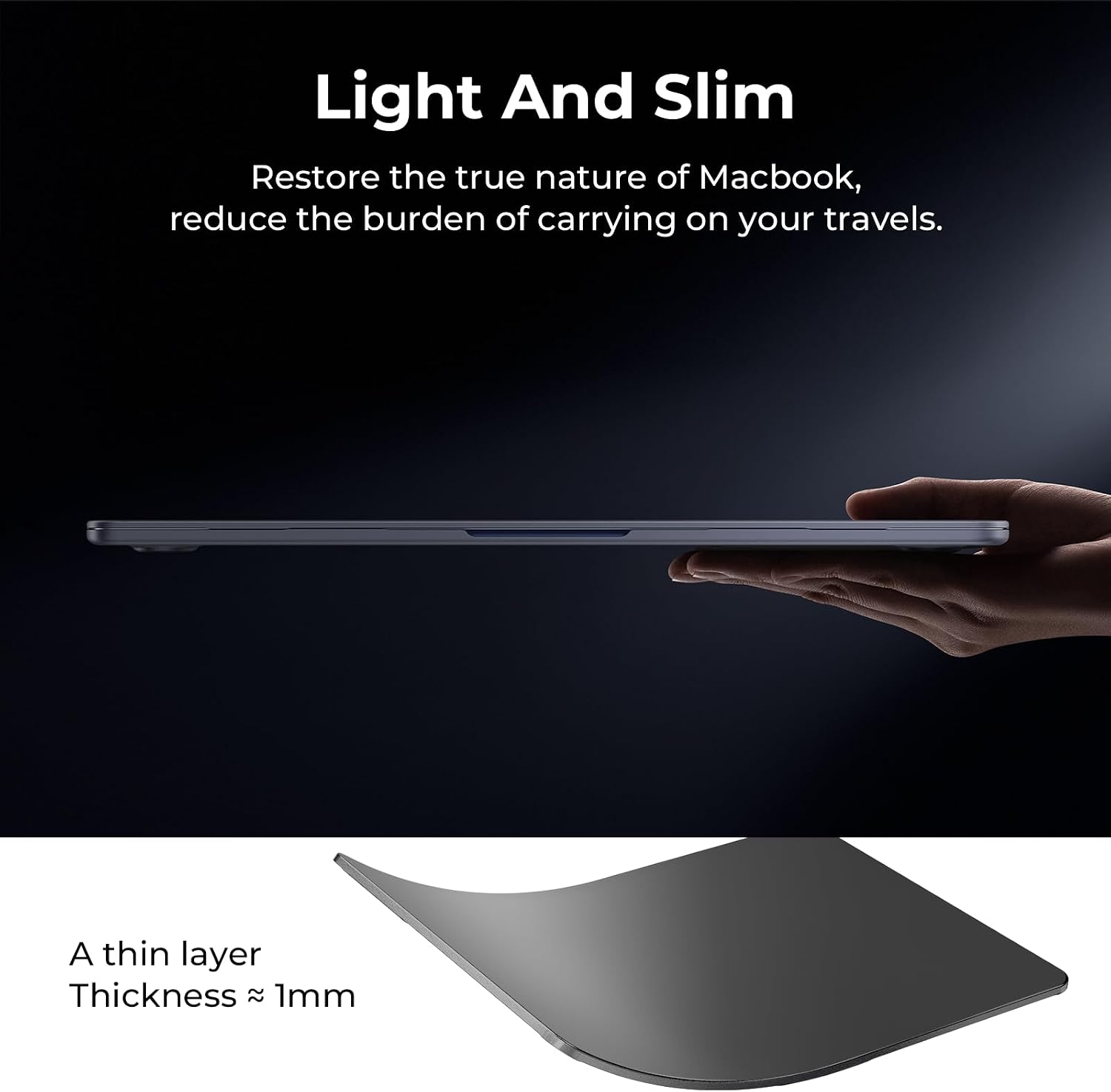
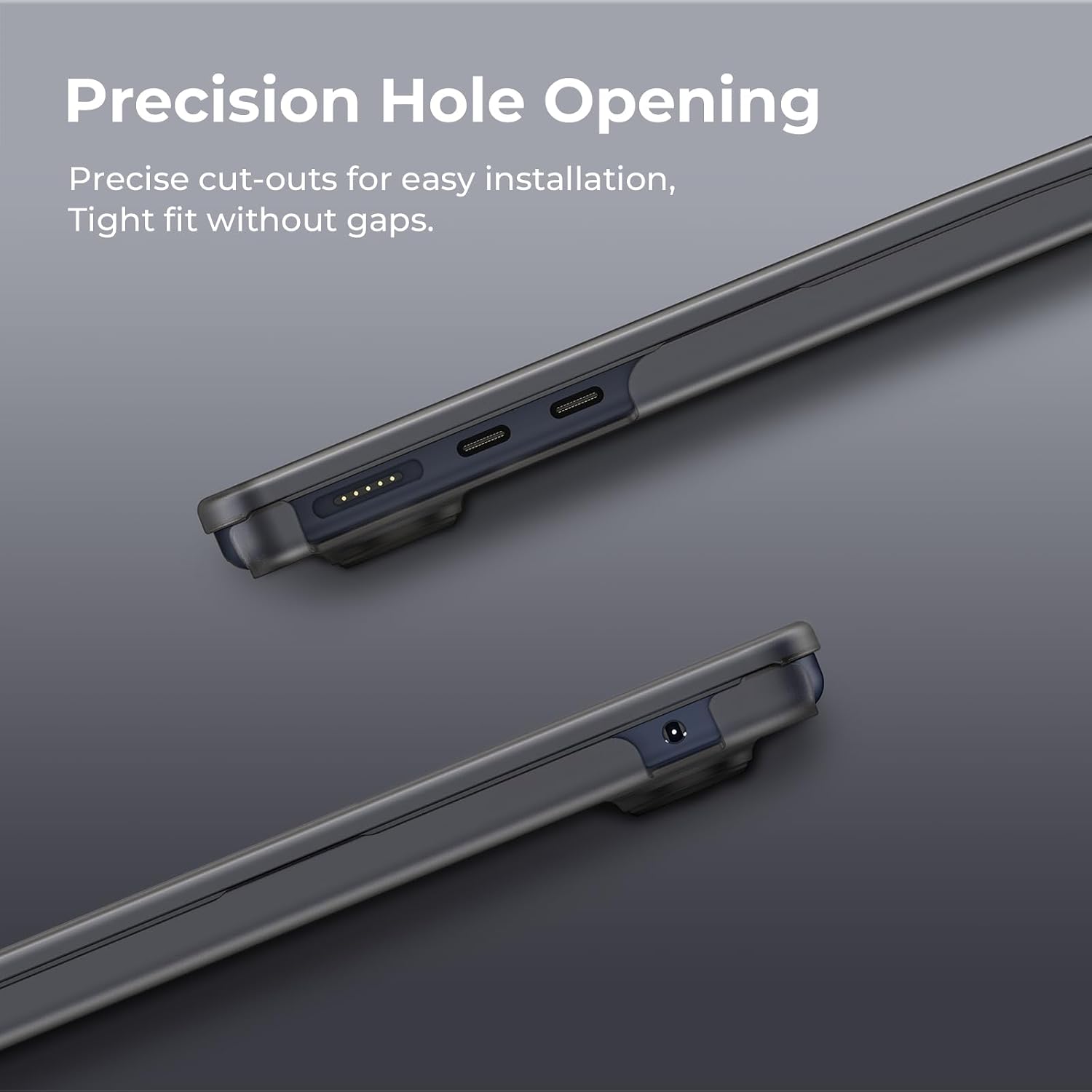
A lightweight build can contribute to better grip and ease of carrying. The lid and base are designed to align with the laptop’s openings, and the fit is intended to avoid surface scratches or corner cracking. However, as a protective shell, it does not change the internal cooling system, keep in mind that heat management still relies on the laptop’s own design and airflow.
What stands out and where it may fall short
You’ll likely notice the reduced fingerprint smudges and the slim profile, which makes it unobtrusive for daily carry. It may not be the best option if you need rugged, all-terrain protection or if you require a case with substantial impact absorption. Some users prioritise extreme drop protection may prefer more robust alternatives.
Who it’s for
This case suits MacBook Air 15-inch users who want a light, low-profile cover that resists fingerprints and keeps the device looking tidy. It’s a sensible choice for students, commuters and light use at the office.
Who should think twice
If you require heavy-duty protection, or if you frequently work in harsh environments, you might find this shell’s protection level limited compared with tougher, bulkier alternatives. Also, ensure your workflow involves a model from the compatible range, using it with other MacBook sizes isn’t advised.
Before you buy: what to check
- Verify your MacBook model number ends with A3448, A3241, A3114, or A2941.
- Confirm you’re comfortable with a lightweight shell rather than a rugged case.
- Consider whether a frosted, fingerprint-reducing finish aligns with your aesthetic and maintenance expectations.
How it compares to general approaches
For many users, this option is a middle ground between bare hardware and heavy-duty plastic shells. If you prioritise a slim, clean look and easy install, it offers a practical compromise, if you want maximum protection or modular functionality (like keyboard covers or kickstands), you might look at alternative designs.
Decision: Should you buy it?
- Is it worth it? Worth considering if you prioritise a slim profile, fingerprint resistance and a clean, neutral look for the 15-inch MacBook Air. If you need rugged protection for rough handling or frequent drops, you may want to explore tougher options.
- Who benefits most? Users who carry their laptop daily in bags or backpacks and want light, unobtrusive protection that stays tidy.
- Who should avoid? Those seeking heavy-duty armour or features like integrated stands or extensive port protection.
- What to expect in daily use? A near-silent, low-profile shell that’s easy to fit and remove and helps keep the chassis looking pristine with less cleaning.
FAQ
- Does the case add noticeable weight? It’s designed to be lightweight and slim, so the impact on weight is minimal.
- Will it affect heat dissipation? The shell aims to be thin enough to avoid obstructing airflow but does not modify the laptop’s internal cooling design.
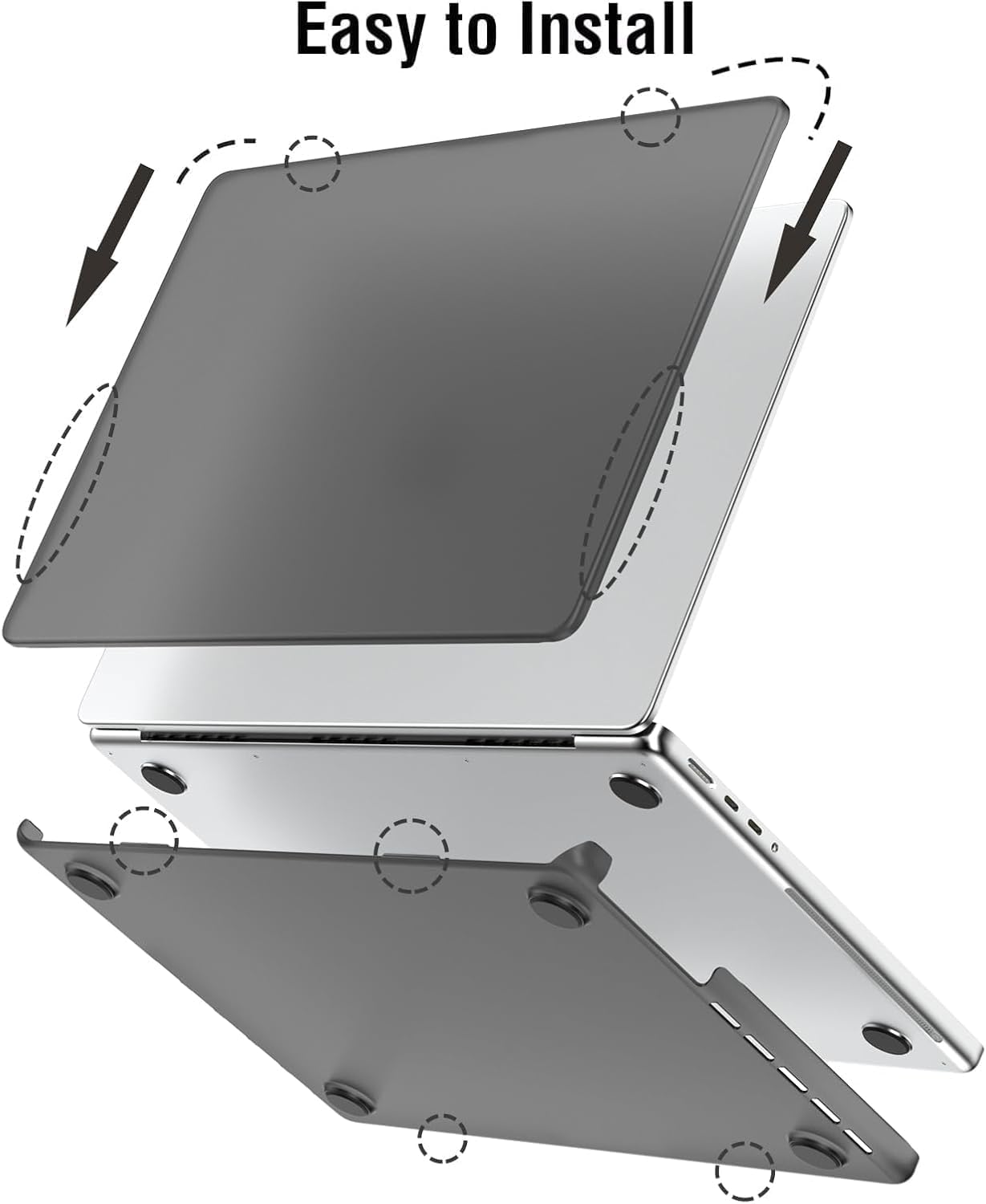
- How easy is installation? Designed for straightforward fit and removal with a comfortable touch, though exact ease can depend on handling and model exact fit.