


Alienware 16x Aurora AC16251 Gaming Laptop (16" WQXGA 240Hz, Intel Core Ultra 9 275HX, RTX 5070, 32GB/1TB) with Windows 11 Home
Product description
What it is and why you’d consider it
The Alienware 16x Aurora AC16251 is a high-spec 16-inch gaming laptop aimed at people who don’t want to compromise on display smoothness and performance—especially in fast-moving games and demanding creator workloads. On paper, it stacks a 240Hz WQXGA G-SYNC screen, a top-end Intel Core Ultra 9 275HX, and an NVIDIA GeForce RTX 5070, plus 32GB RAM and a 1TB NVMe SSD.
It’s the kind of machine that makes sense if you’re juggling more than just gaming—think live streaming, content creation, and AI-assisted workflows—rather than using a laptop mainly as a web-and-email machine. That said, it may feel overkill if your needs are light or if you simply want a quiet laptop for the occasional session.
The essentials: display, motion handling, and day-to-day comfort
The headline feature is the 16" WQXGA display (2560 x 1600) with a 240Hz refresh rate. A fast refresh rate like this is designed for ultra-smooth gameplay, particularly when your input timing matters. The spec sheet also mentions 3ms response time and NVIDIA G-SYNC, which is there to help reduce tearing and keep motion steady during intense scenes.
Colour also gets attention: 100% DCI-P3 coverage is the sort of detail you’ll notice if you do colour-sensitive creative work or you care about a richer looking image. There’s also ComfortView Plus, which is included to reduce blue light strain without claiming to compromise colour accuracy.
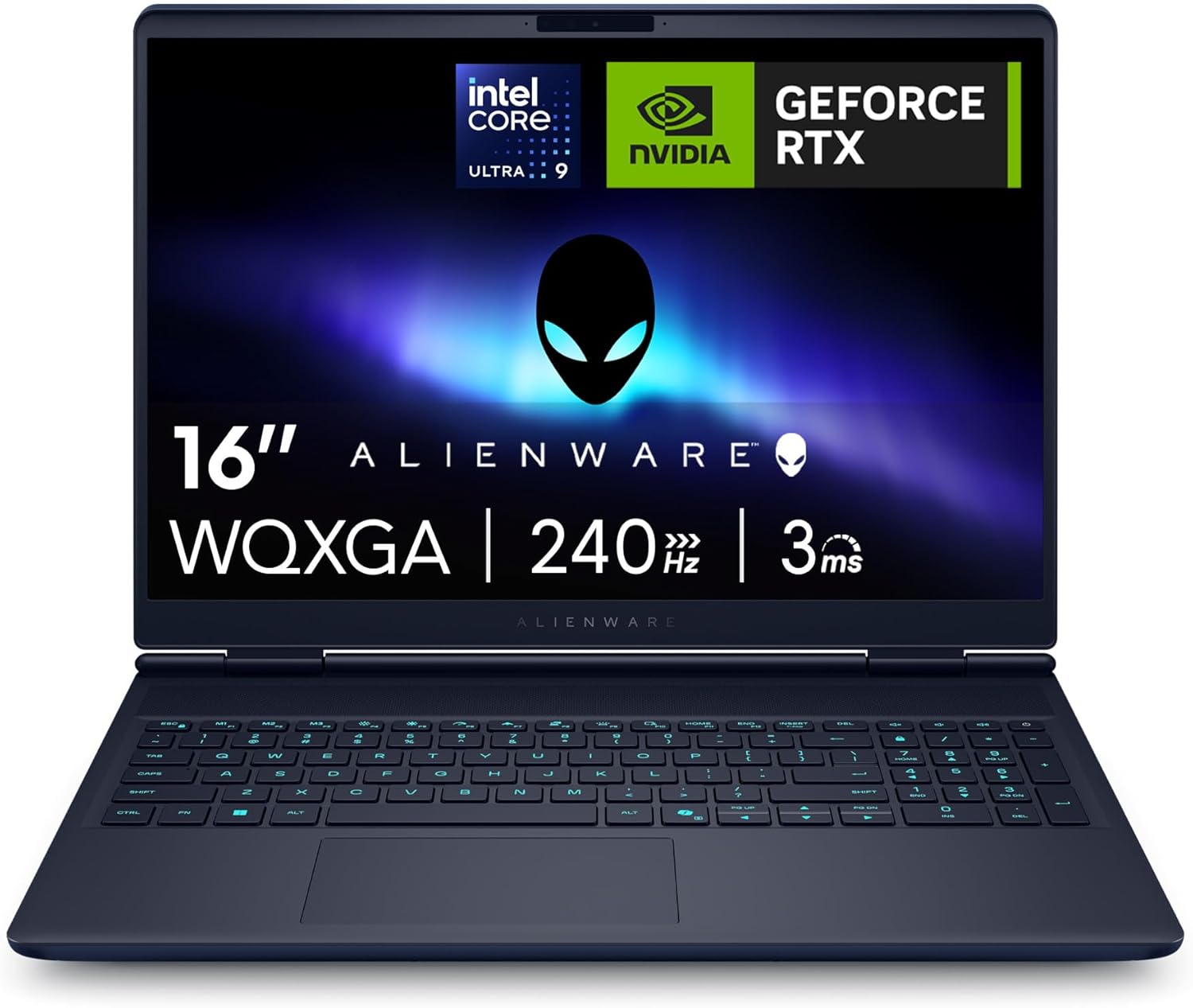
One limitation to keep in mind: a 240Hz panel is great for competitive play, but you’ll typically get the best experience when games and settings can realistically push high frame rates.
Processing power: Intel Core Ultra 9 275HX with AI acceleration
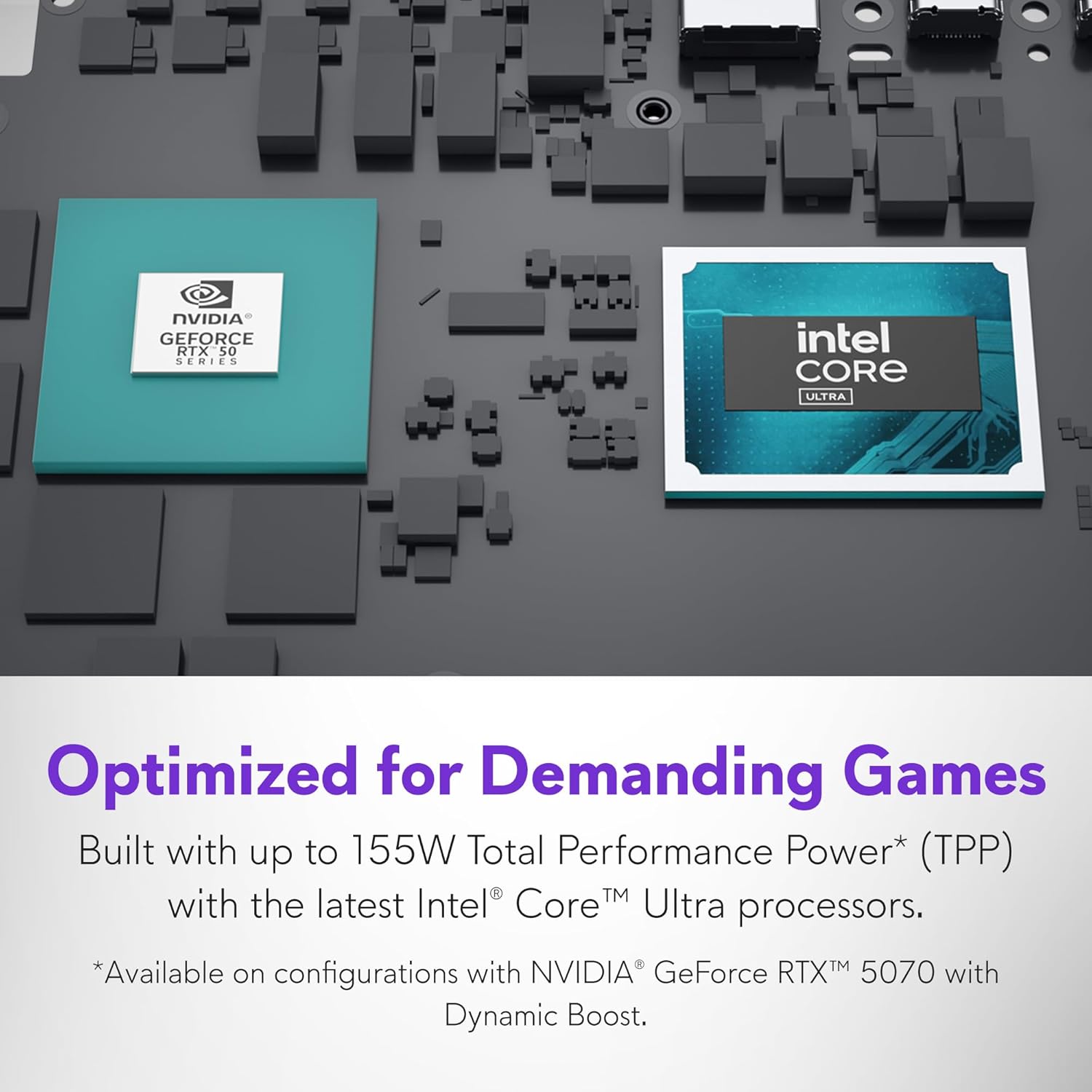
For performance, the AC16251 uses an Intel Core Ultra 9-275HX. The base details provided include 24 cores, 36MB cache, and up to 5.4GHz turbo speeds. This is clearly positioned as a next-gen multitasking chip, which matters if you’re switching between heavy apps while gaming—or running streaming and creator tools side by side.
The description also points to AI acceleration via an onboard NPU. The practical angle here is that some tasks can be offloaded from the CPU/GPU, which the manufacturer says helps with smarter power distribution. In real-life terms, that’s most relevant if you do things like live streaming, content creation, or real-time physics calculations in modern games.

If your workflow doesn’t really involve those kinds of CPU/GPU-heavy tasks, you may not feel the difference compared with a lower-tier setup.
Graphics and gaming/creation features: GeForce RTX 5070 + DLSS 4
The laptop is powered by an NVIDIA GeForce RTX 5070 with 8GB GDDR7. The provided info focuses on next-gen ray-traced visuals and AI-enhanced frame generation, specifically with DLSS 4. There’s also NVIDIA Reflex 2 listed, aimed at keeping gameplay responsive.
This bundle is geared at both competitive gamers and demanding creators, so it’s not just “it runs games”, it’s framed as a platform for modern performance techniques and AI-powered content workflows.
Still, it may not be the best match if you mainly play older titles or you’re happy with modest settings—then a less powerful GPU would likely be the more cost-conscious route.
Memory, storage, and expansion for longer-term use
You get 32GB DDR5 RAM, specified as 2x16GB at 5600 MT/s. That’s a comfortable amount for multitasking, app switching, and streaming while gaming, based on the way it’s described.
Storage is a 1TB PCIe NVMe SSD, positioned as “massive” for games, files, and large creative projects. The entry also says there are expandable PCIe Gen 4 and RAM slots for future upgrades, which is worth noting if you want the option to grow later rather than replacing the whole laptop.
What to watch: with no capacity or slot limits beyond “expandable”, you’ll want to confirm the exact upgrade paths if you’re planning a future expansion.
Cooling, noise control, and the Stealth Mode idea
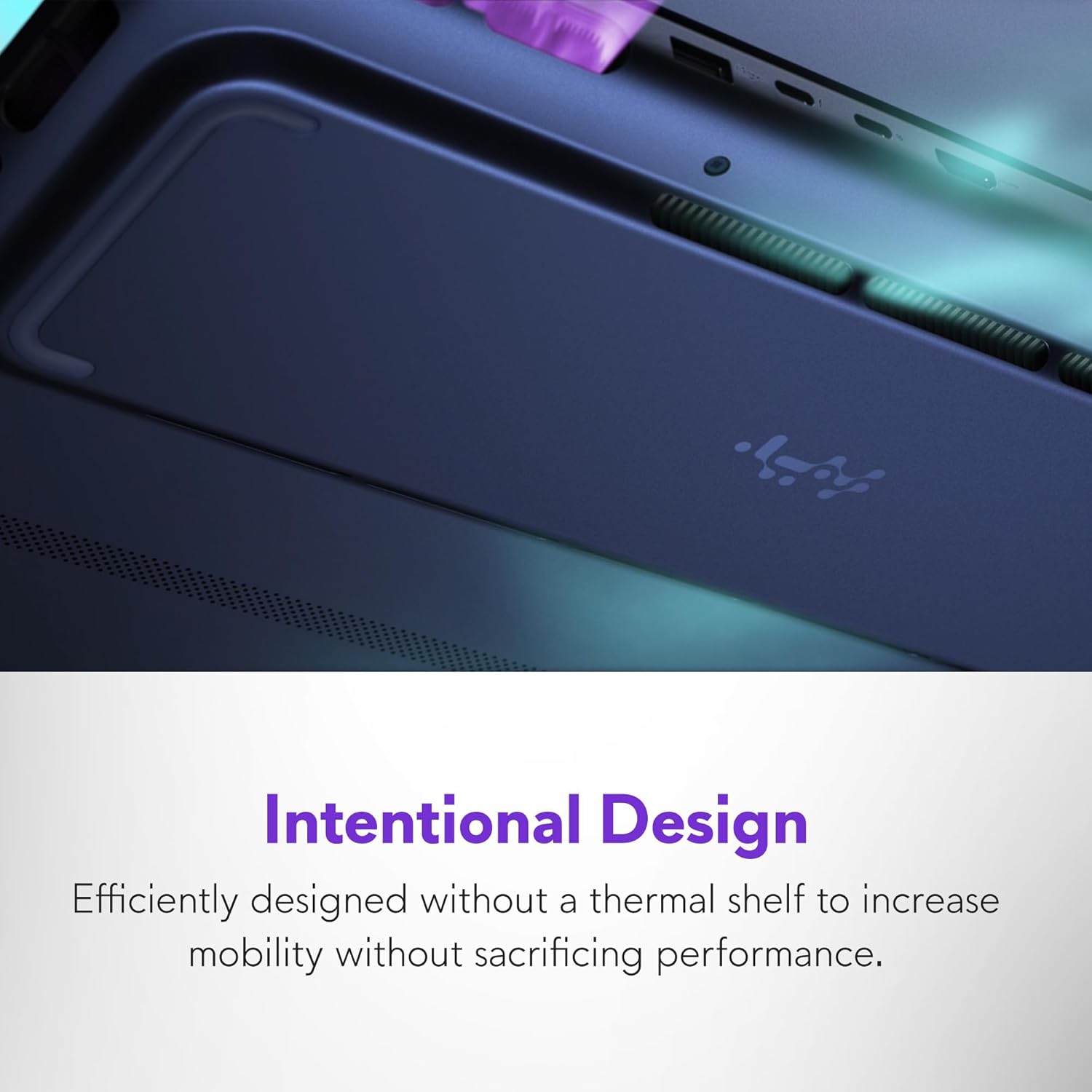
Gaming laptops live or die by thermals, and this model includes Alienware’s enhanced Cryo-Chamber architecture (as described). It uses dual high-efficiency fans pulling cool air in from top and bottom, plus three copper heat pipes and four exhaust vents for heat expulsion.
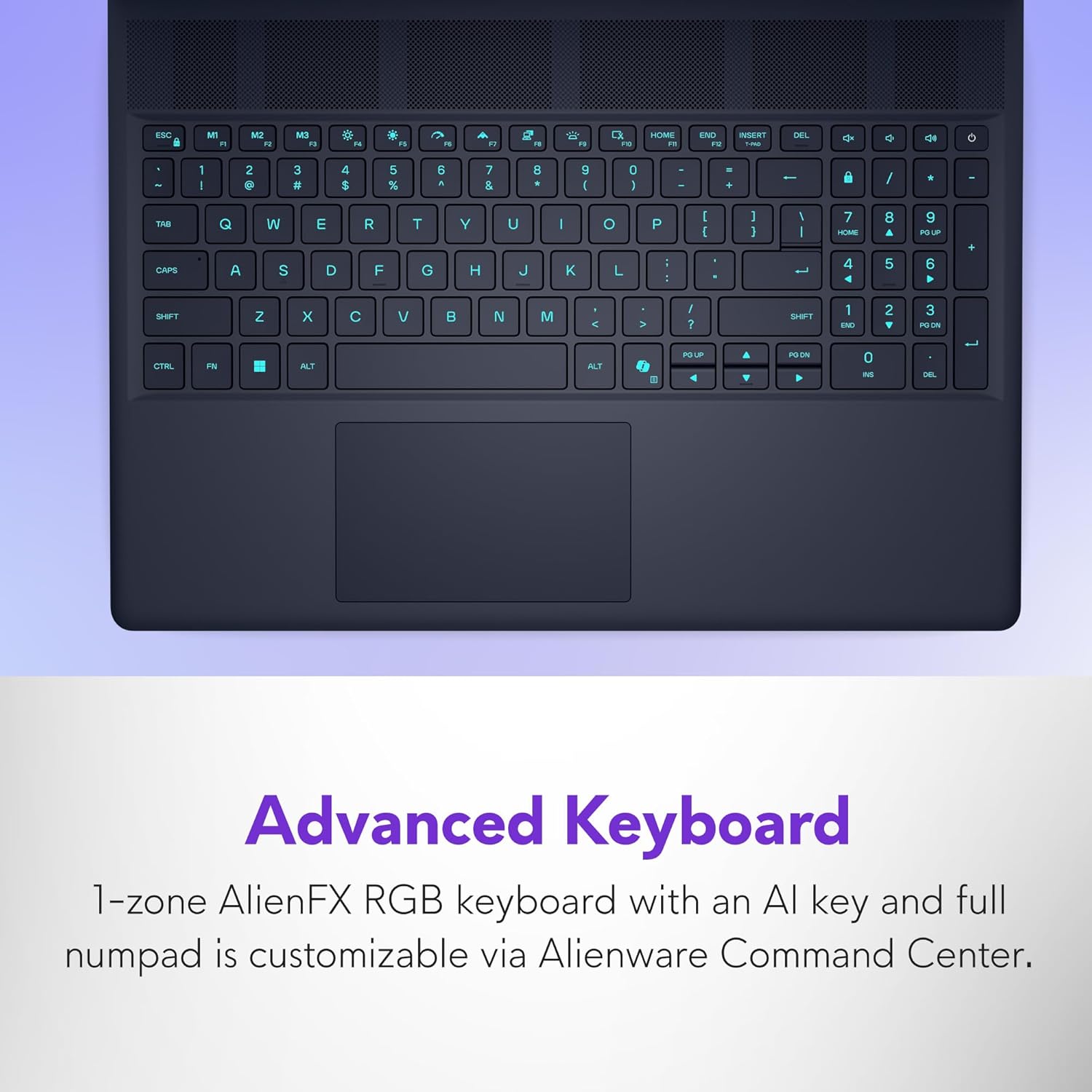
There’s also Stealth Mode controlled via the F7 key. According to the description, Stealth Mode mutes keyboard lighting and is intended to reduce fan noise—useful for classrooms, meetings, or late-night use where you’d rather be less noticeable.
It’s a sensible feature on a laptop this powerful, but “cool and quiet” can depend on the room temperature and the kind of load you put it under. Don’t expect silence while gaming at maximum settings.
Keyboard, looks, and warranty support
A UK-layout RGB keyboard is included, described as a 1-Zone AlienFX RGB keyboard. It’s also where the Stealth Mode toggle lives, so you can dial back lighting quickly.
For support, you get 1 Year of Alienware Care, described as including 24/7 hardware and software support with global coverage.
If you’re buying from abroad and you care about having proper coverage rather than relying on third-party fixes, that support angle can matter more than you’d think—especially for a premium machine.
Is it worth it?
It makes sense to buy the Alienware 16x Aurora AC16251 if you want a 16-inch gaming laptop built around a 240Hz G-SYNC display, and you’re likely to benefit from the higher-end CPU/GPU setup for games plus creator tasks like streaming and content production. It’s also a strong fit if you prefer having room to expand, thanks to the mention of expandable PCIe Gen 4 and RAM slots.
You may want to skip it if your use is mostly light (browsing, office work, casual gaming) or if you’re sensitive to the idea that a high-performance laptop won’t stay whisper-quiet under heavy load. In that scenario, you could easily end up paying for power you won’t use.
For buyers who care about smooth motion, colour performance (DCI-P3), and modern NVIDIA features like DLSS 4 and Reflex 2, this sits firmly in the “serious” end of the market rather than the entry tier.
Mini FAQ
Can the RGB be turned off?
Yes—Stealth Mode (F7) is described as muting the keyboard lighting.
What does ComfortView Plus do?
It’s included to reduce blue light strain without compromising colour accuracy, based on the description.
Is it mainly for gaming?
It’s positioned for gaming and also for demanding creation and AI-related workflows such as streaming and content creation, so it’s not just a gaming-only machine.
Does it have upgrade options?
The entry says there are expandable PCIe Gen 4 and RAM slots, but you’d want to confirm the exact upgrade limits before planning specific upgrades.
What support comes with it?
You get 1 Year of Alienware Care with 24/7 hardware and software support and global coverage, as stated.