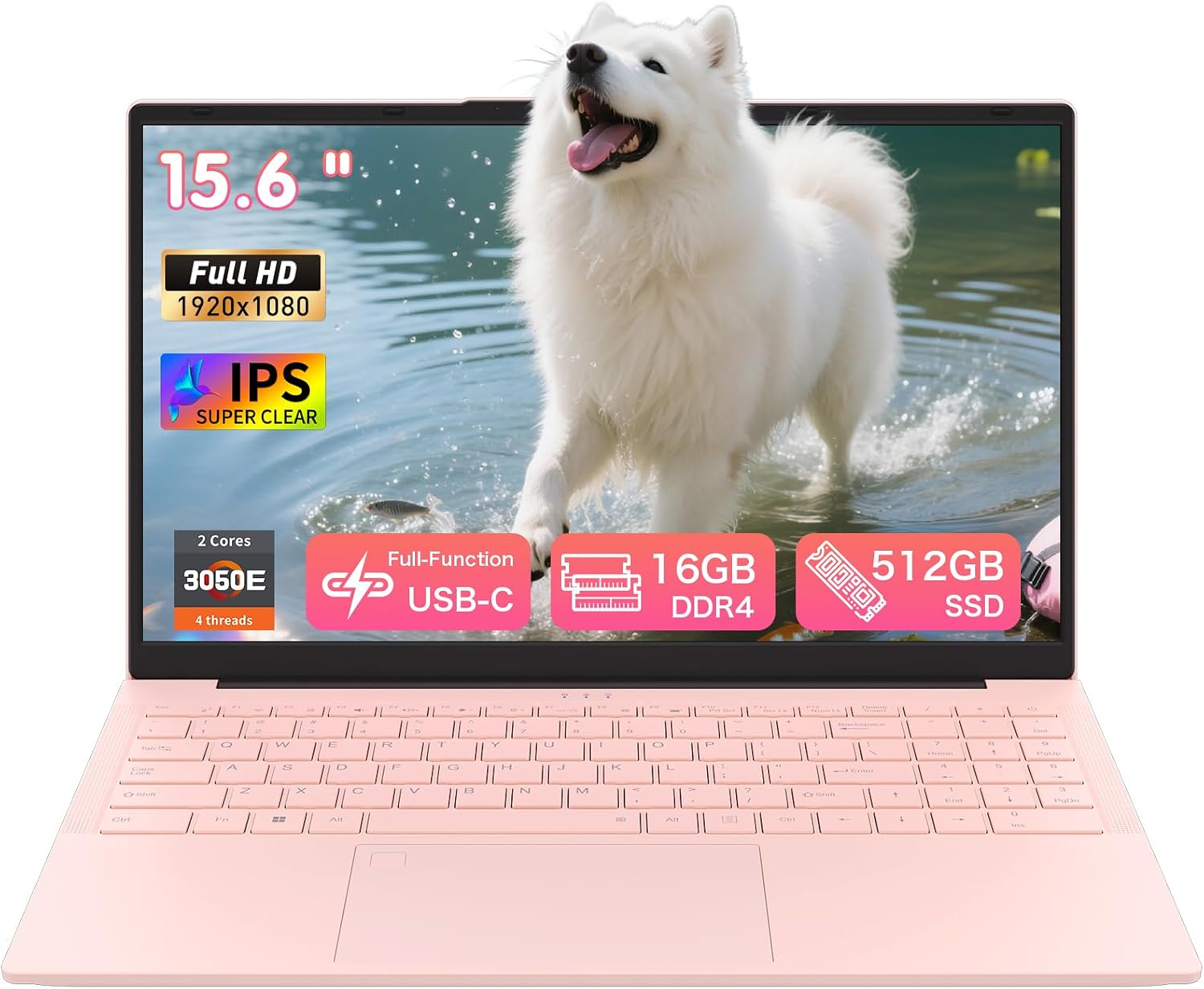
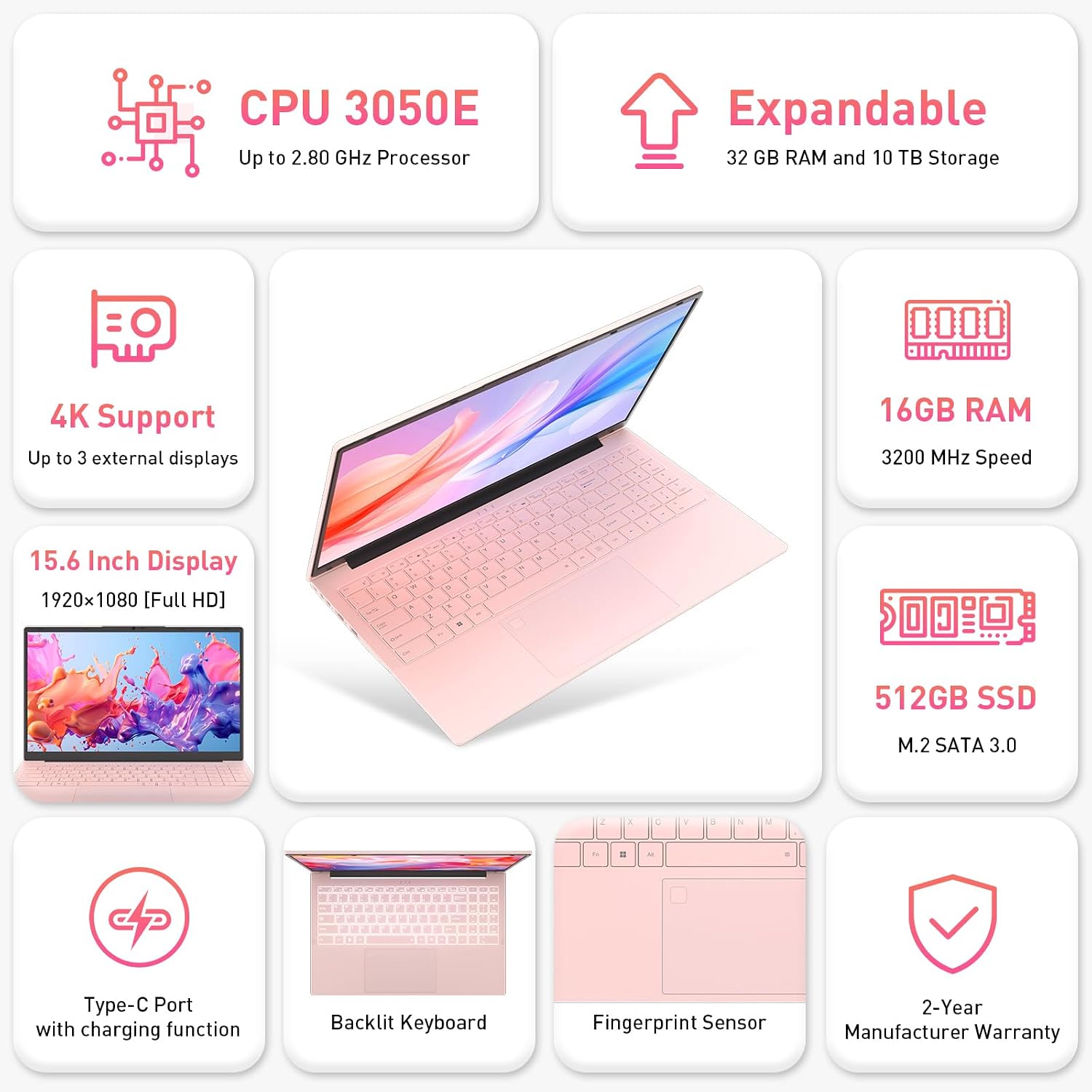
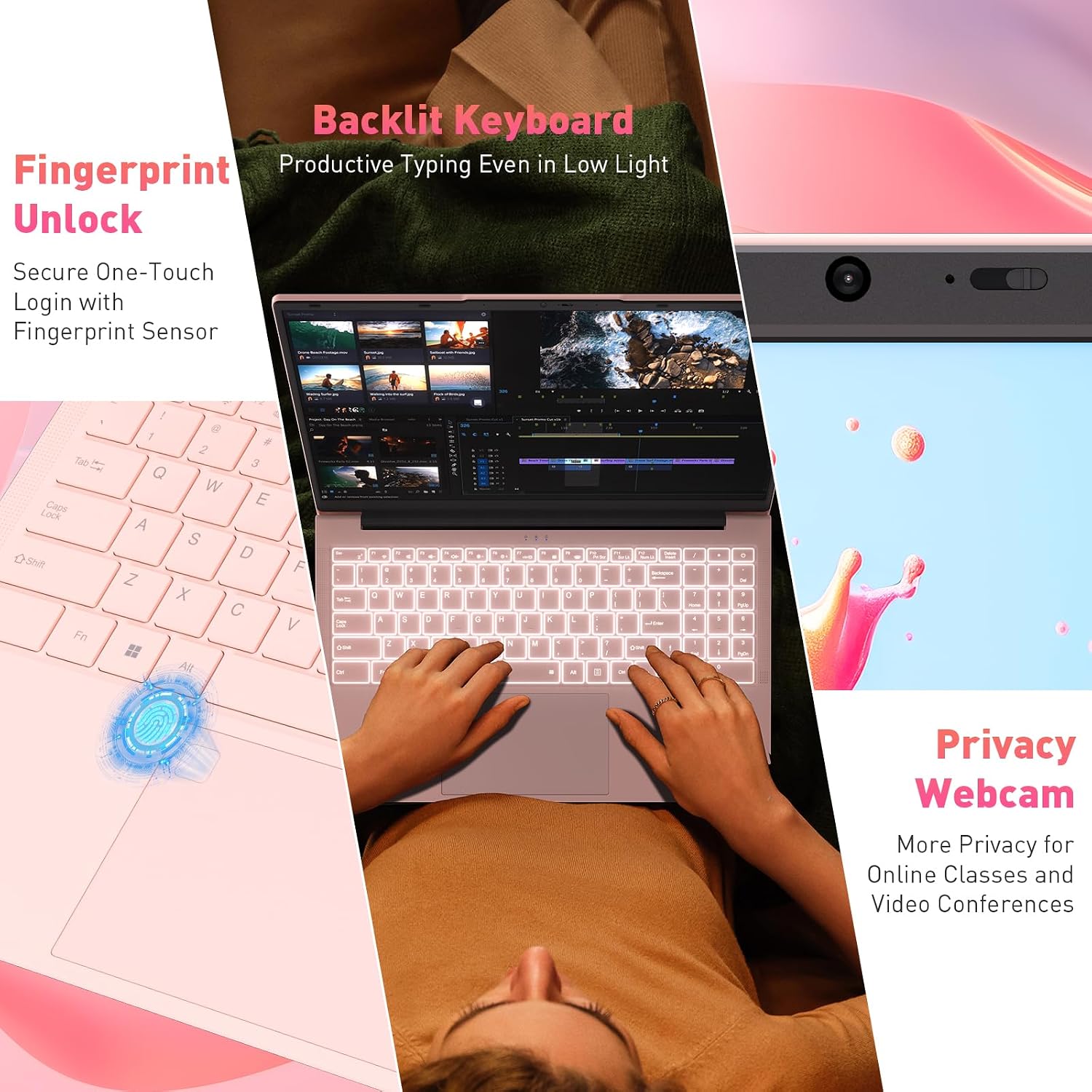
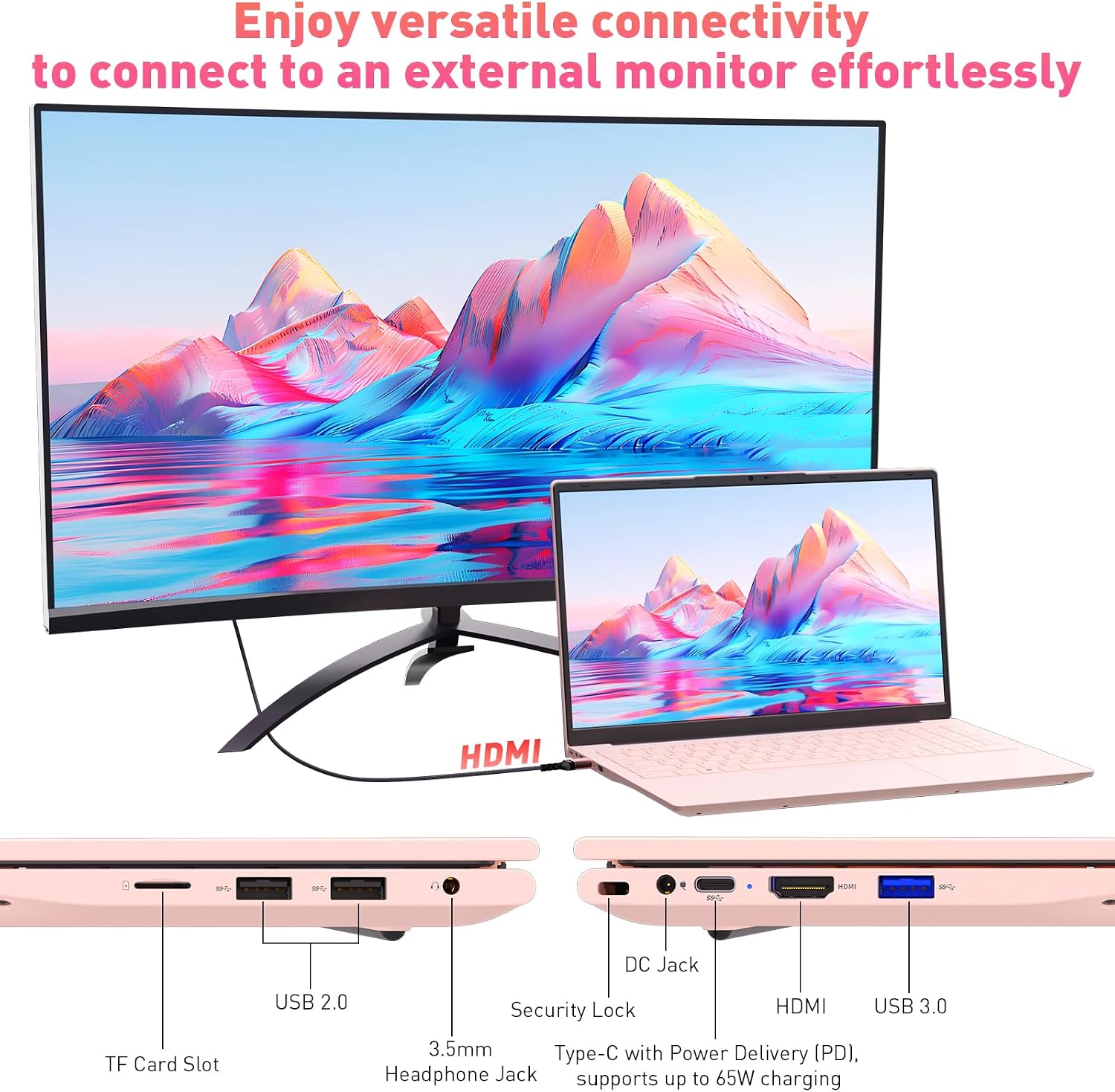
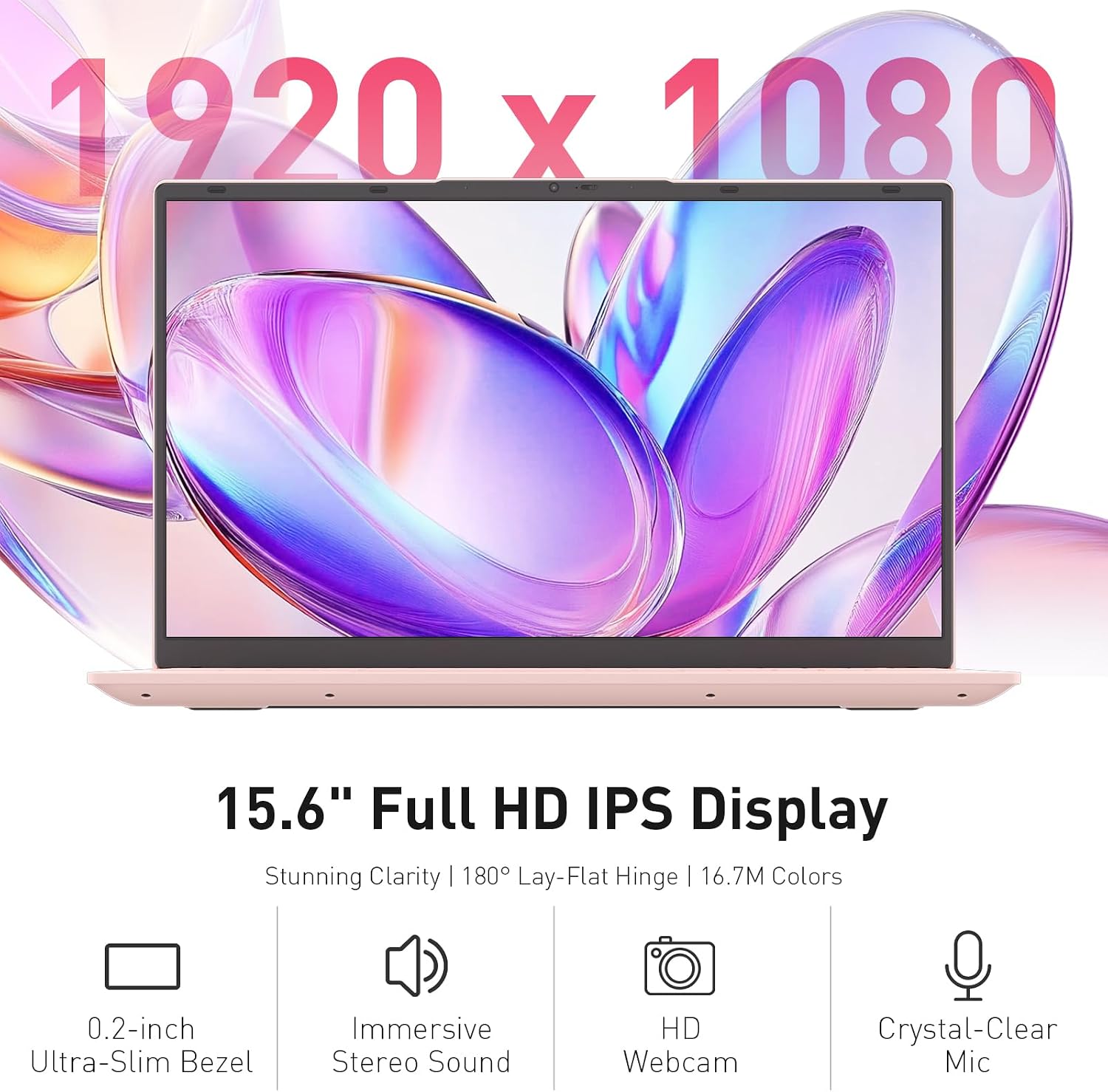
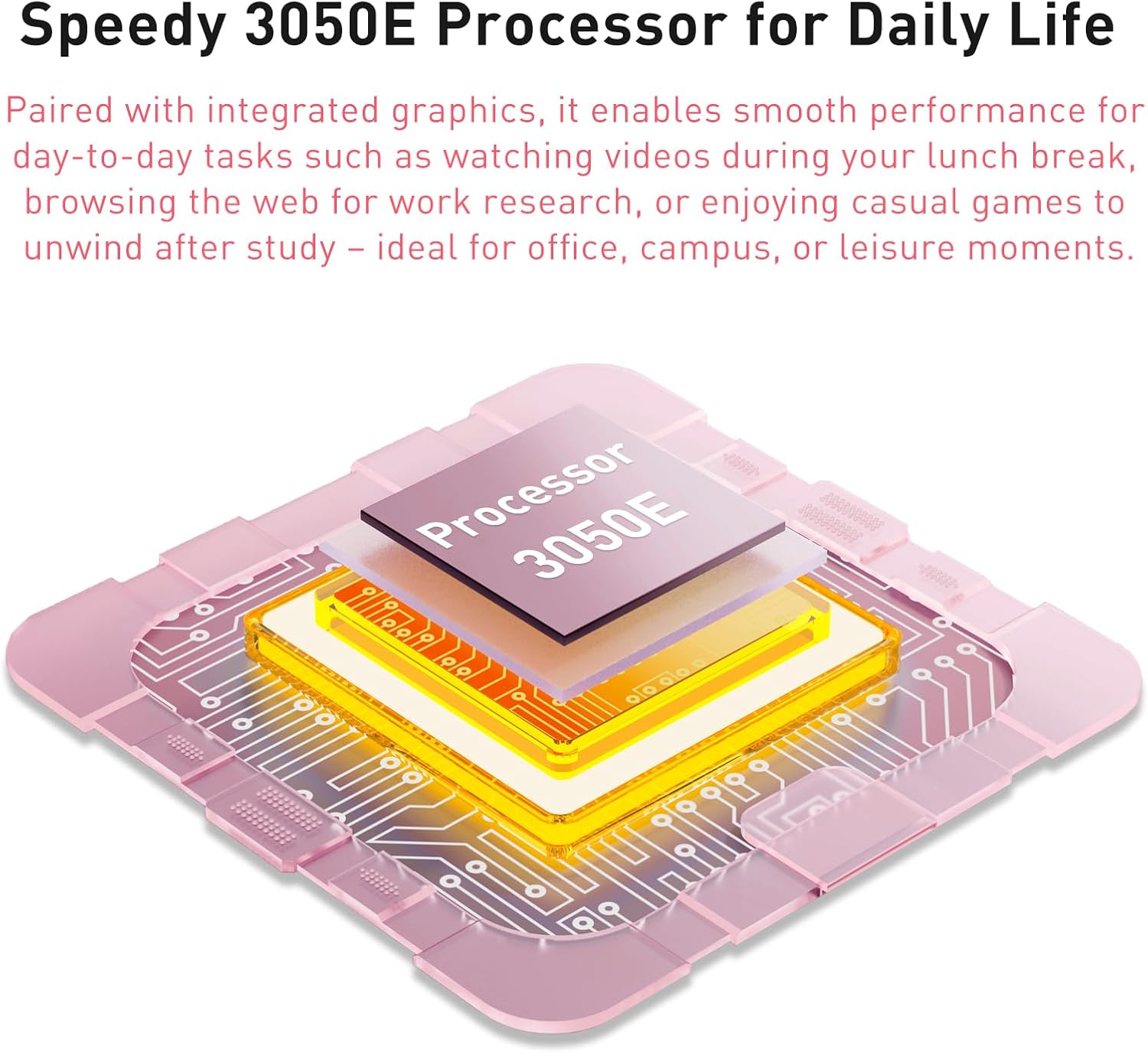
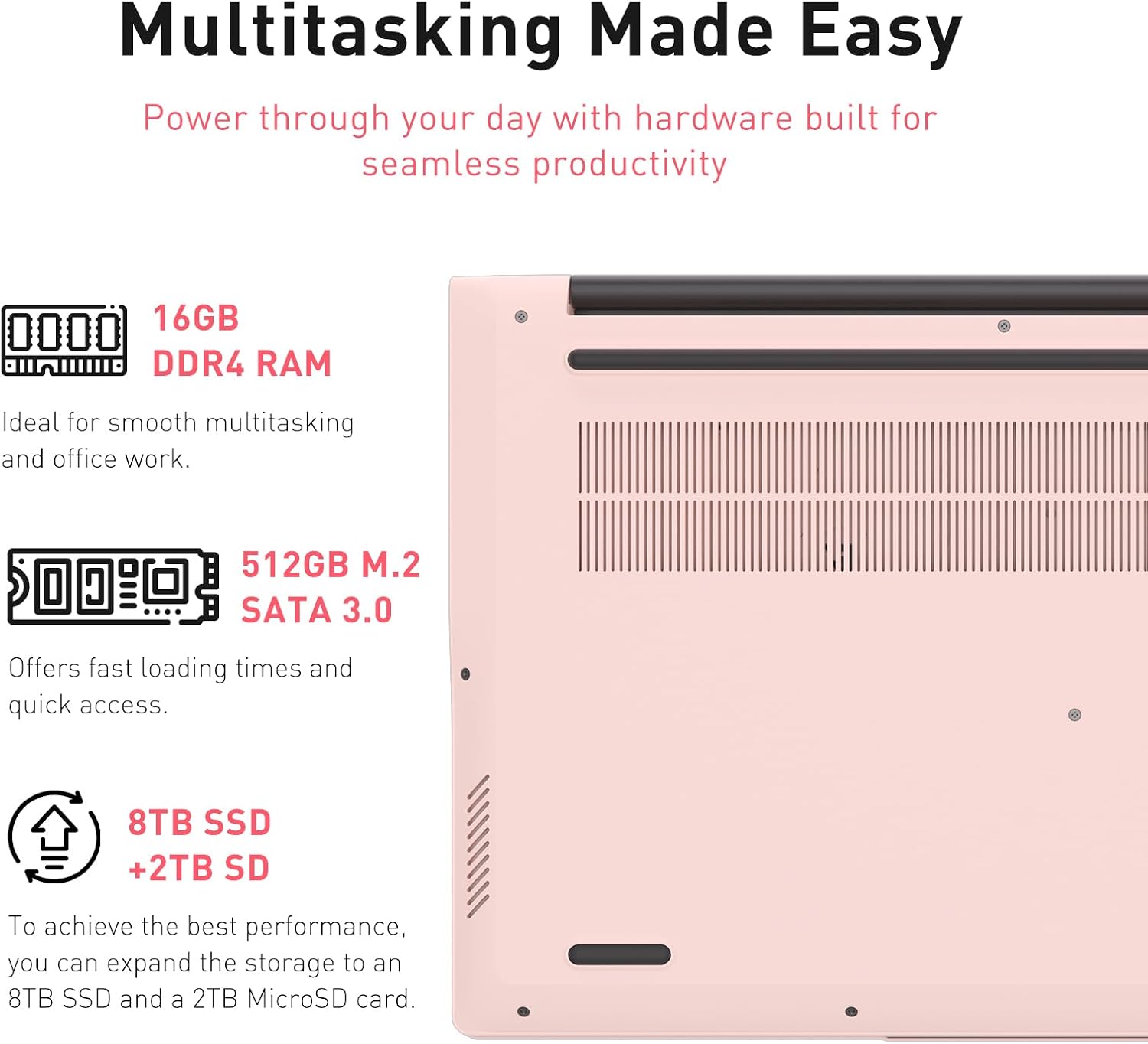
What this is and who it’s for\nThe Auusda 15.6” Full HD laptop is a practical everyday machine aimed at students, home offices and light everyday productivity. With 16GB of RAM and a 512GB SSD, it prioritises responsive multitasking and quicker boot times for tasks like web browsing, document work, and streaming. It’s not marketed as a high-end creator rig, but it offers a balanced setup for study, attending online classes, and standard office software. The pink colour and lightweight footprint give it a casual, approachable look, while USB-C and multiple USB ports improve everyday connectivity. If you’re after a cost‑conscious device for routine use, this model fits a pragmatic, no-nonsense brief.\n\n## Performance in everyday use\nOn paper, 16GB RAM helps with browser tabs, document editing and several apps running at once, and 512GB of SSD storage keeps essential files and software readily accessible. The description implies smooth performance for tasks such as web browsing, online classes, office work and streaming. In real-world terms, you can expect snappy start-up and steady responsiveness for typical student and office workflows. However, it’s important to manage expectations: for heavy photo/video editing, advanced gaming or demanding software, you may notice slower performance or longer render times.\n\n## Design and comfort\nThe 15.6” Full HD display offers clear visuals suitable for study and media consumption. The built-in backlit keyboard is useful for late-night study sessions or dim environments, and the fingerprint unlock provides quick, relatively secure access without passwords. At around 1.67kg, it remains portable enough to carry between classes or to a shared workspace. The pink finish adds a personal touch, which may appeal to some users seeking a less utilitarian look.\n\n## Battery life and reliability\nAccording to its positioning, the device aims for long battery life suitable for study sessions, meetings and general usage without frequent recharging. Exact endurance varies by workload, brightness and software, so you should expect a practical day of light use on a single charge in typical student or home-office scenarios. It’s worth noting that battery life claims are often contingent on screen brightness, background activity and connected peripherals.\n\n## Connectivity and ports\nYou’ll find a USB-C option alongside USB 3.0, USB 2.0 and a card slot, which provides flexible connectivity for peripherals, external drives or memory cards. The inclusion of a UK keyboard cover is a thoughtful touch for immediate practicality, especially for students setting up their new device. If you rely on high-speed data transfer or multiple external devices, verify the exact port layout to ensure it fits your usual setup.\n\n## What it’s best for and who it isn’t for\nThis model is well-suited for students and casual office workers who value straightforward performance, good daily versatility and a light, friendly design. It’s not the best choice if your work involves heavy multitasking beyond standard office tasks, professional video editing, or gaming at high settings. If you prioritise a premium display, top-tier processing power or advanced graphics, you may prefer alternatives with stronger specs.\n\n## What to check before buying\n- Confirm the keyboard layout and UK keyboard cover suitability for your typing needs.\n- Consider your storage needs beyond the 512GB SSD and whether cloud backups or external drives are part of your workflow.\n- Assess your battery expectations based on typical daily usage, screen brightness and active peripherals.\n- Review port availability to ensure your essential devices (mouse, external drive, dongles) connect comfortably.\n\n## Practical use case in real life\nImagine a typical day: you open a web-based learning platform, have multiple browser tabs, edit a document, and join a video meeting. The 16GB RAM helps keep the browser responsive as you switch between tasks, while the SSD makes file access feel instant. When you’re studying late, the backlit keyboard helps you type without fuss, and the fingerprint unlock keeps things quick and secure between sessions.\n\n## Quick comparison context\nCompared with devices that pair lower RAM with larger but slower storage, this Auusda model leans into a balanced, modern workstation feel that suits everyday study and office work. It sits between entry-level laptops and more capable mid-range machines, offering practical value for the target user without promising peak performance in demanding workloads. If you need more processing headroom or a brighter, higher-resolution display, you might explore devices positioned for higher price points.\n\n## The decision snapshot\n### Is it worth it?\nIt makes sense if you prioritise a lightweight, affordable laptop for study, online classes and standard productivity that’s easy to carry and quick to boot.\n### When to skip it\nIf you expect high-end multimedia editing, gaming, or sustained heavy multitasking, this model may feel limited.\n### Who should consider it\nStudents and daily office users who want a practical, colour-pop machine with decent RAM and storage, plus secure login features.\n### What you’ll gain\nA responsive system for everyday tasks, a backlit keyboard for low-light typing, and fingerprint security for quick access.\n### What to watch out for\nReal-world battery life will depend on brightness and workload, and the 15.6” screen, while comfortable, isn’t a premium panel.\n\n## FAQ (quick answers)\n- Can I upgrade RAM or storage later? The input does not specify upgrade options, check official specs before purchase.\n- Is the keyboard comfortable for long typing sessions? The backlit keyboard is mentioned, which aids typing in low light, but no long-term comfort data is provided.\n- Does it come with a windows licence in the package? The base description notes compatibility with Windows 11 but does not confirm licence inclusion.\n