

jumper 15.6 inch Laptop with Office 365 – 12GB RAM, 512GB SSD, Celeron, UK Keyboard Film
Product description
What it is and who it’s for
This is a compact, 15.6 inch laptop pitched at students and business users who want an affordable all‑rounder with built‑in Office 365 for a full year. It combines a large HD display with a practical level of memory and storage, aiming to balance everyday productivity with portability. If you prioritise a sensible price point and a device that can handle document work, email, browsing and light multitasking, this model fits the bill.
What stands out on paper
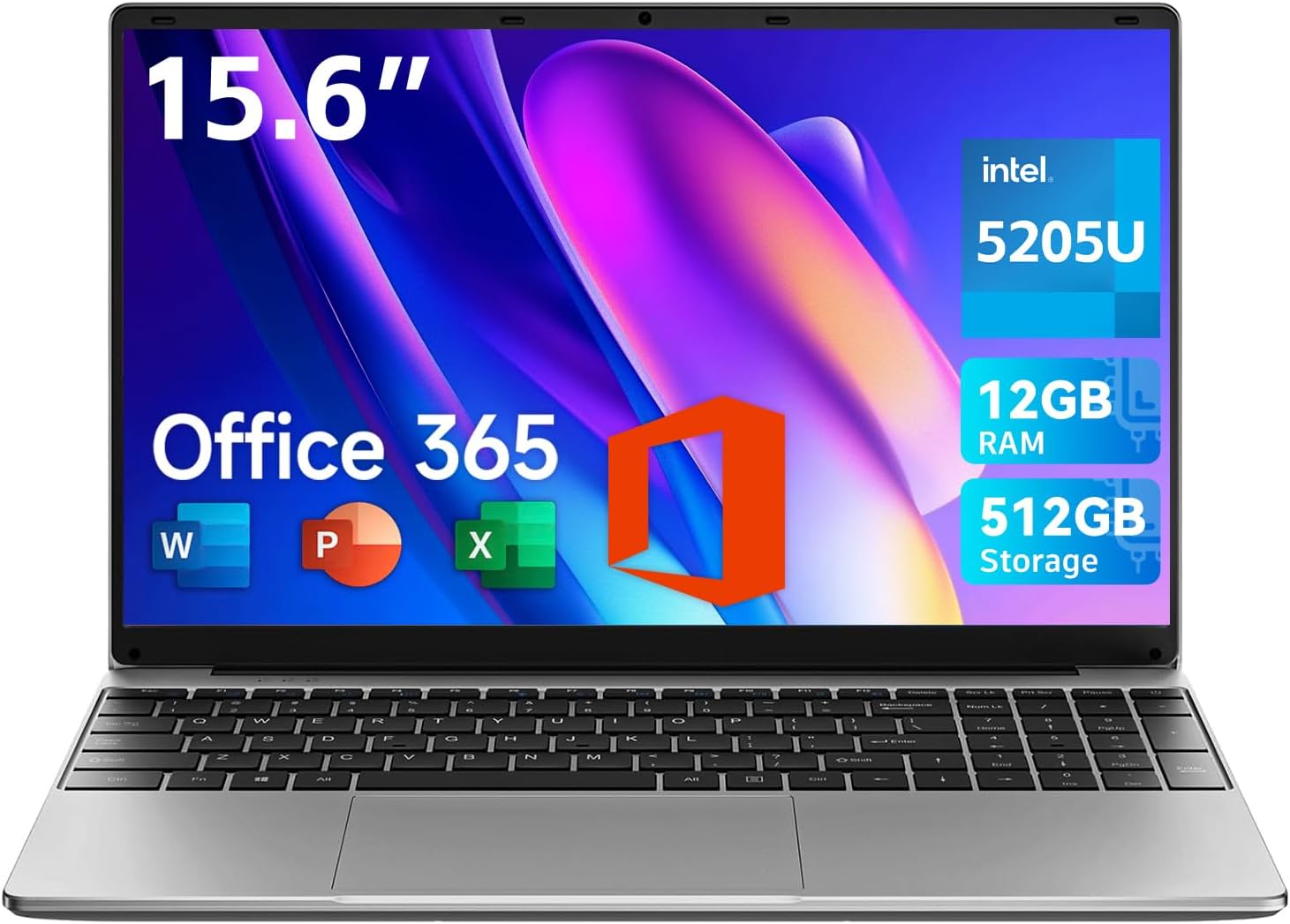
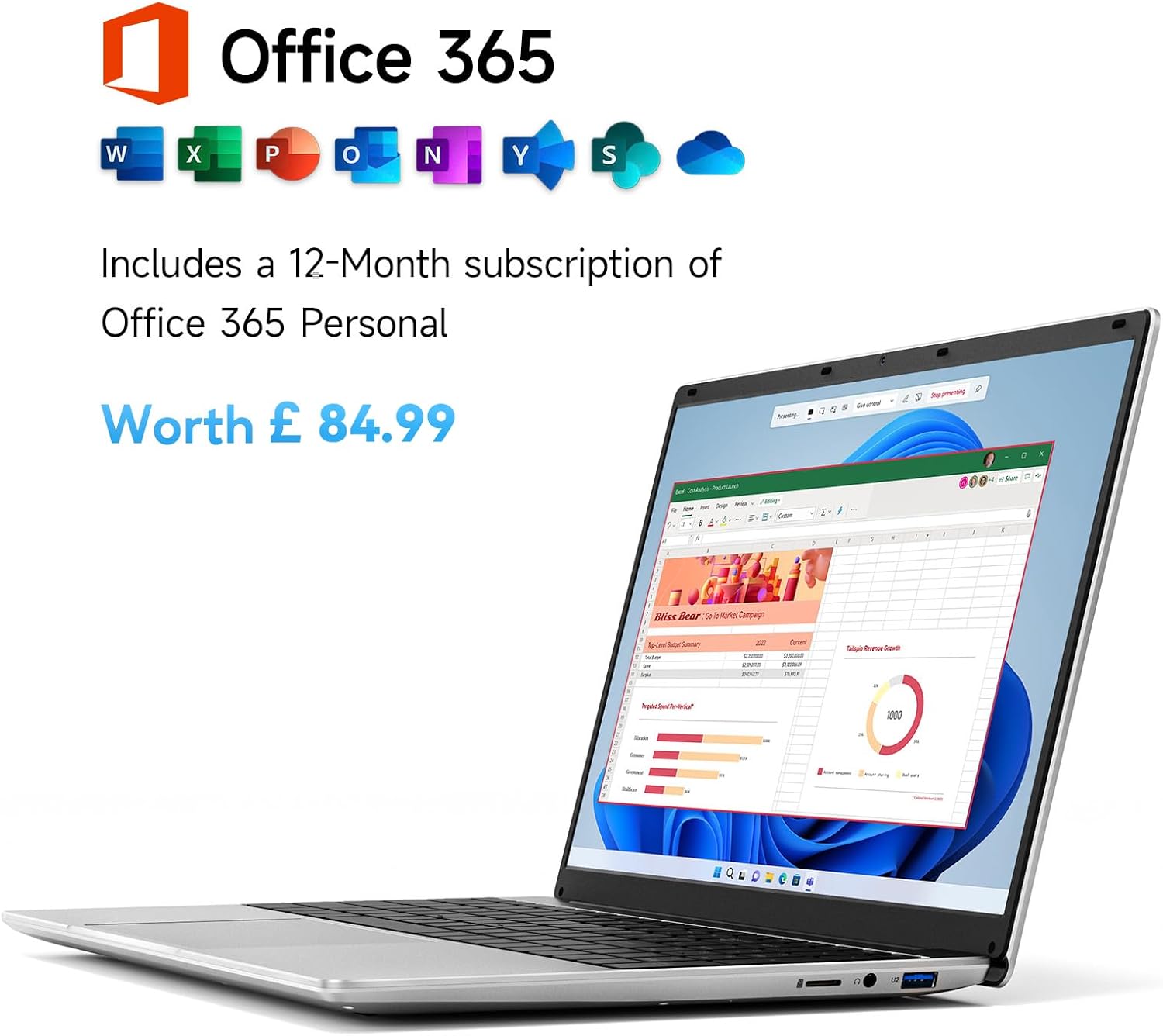
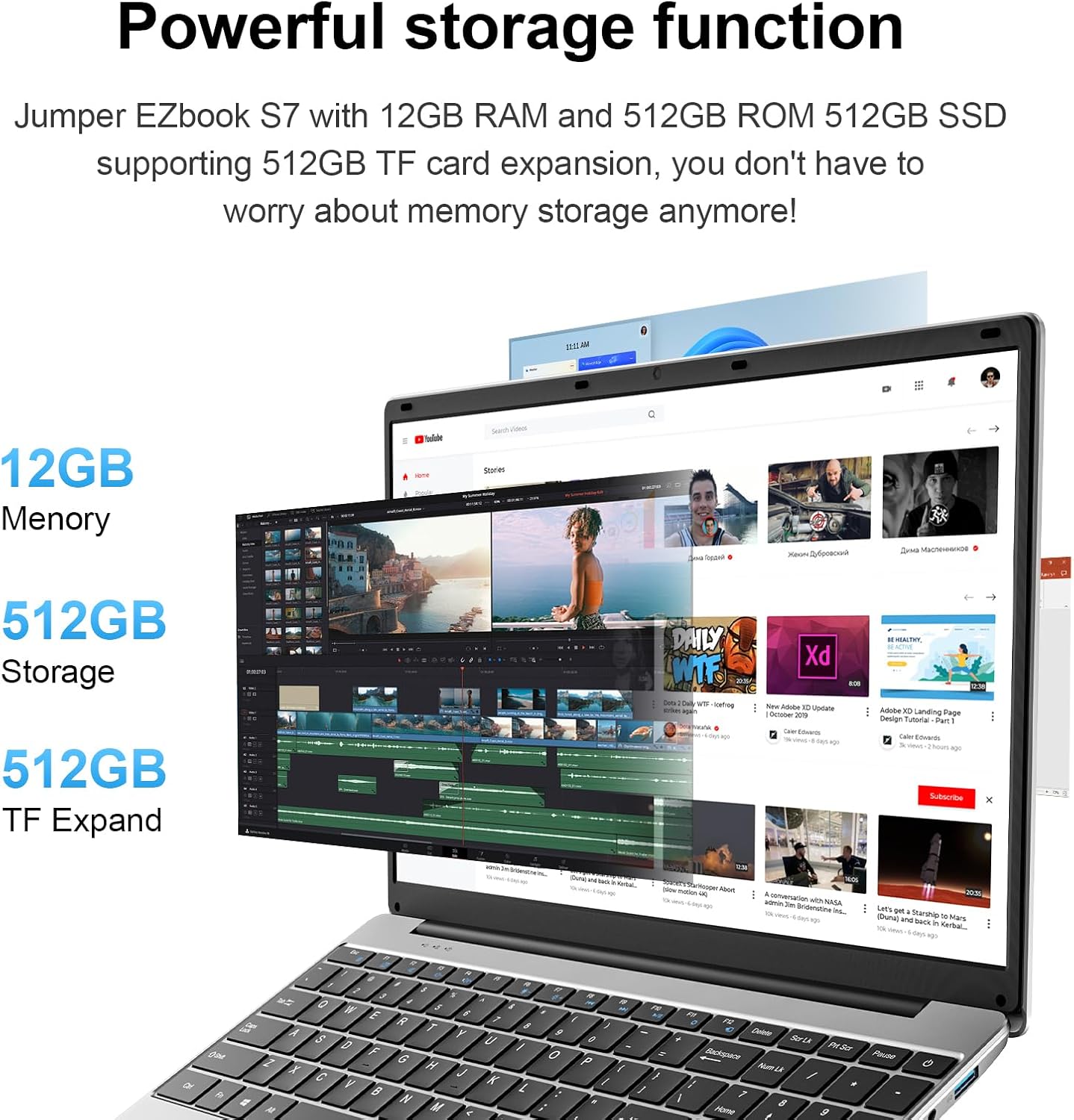
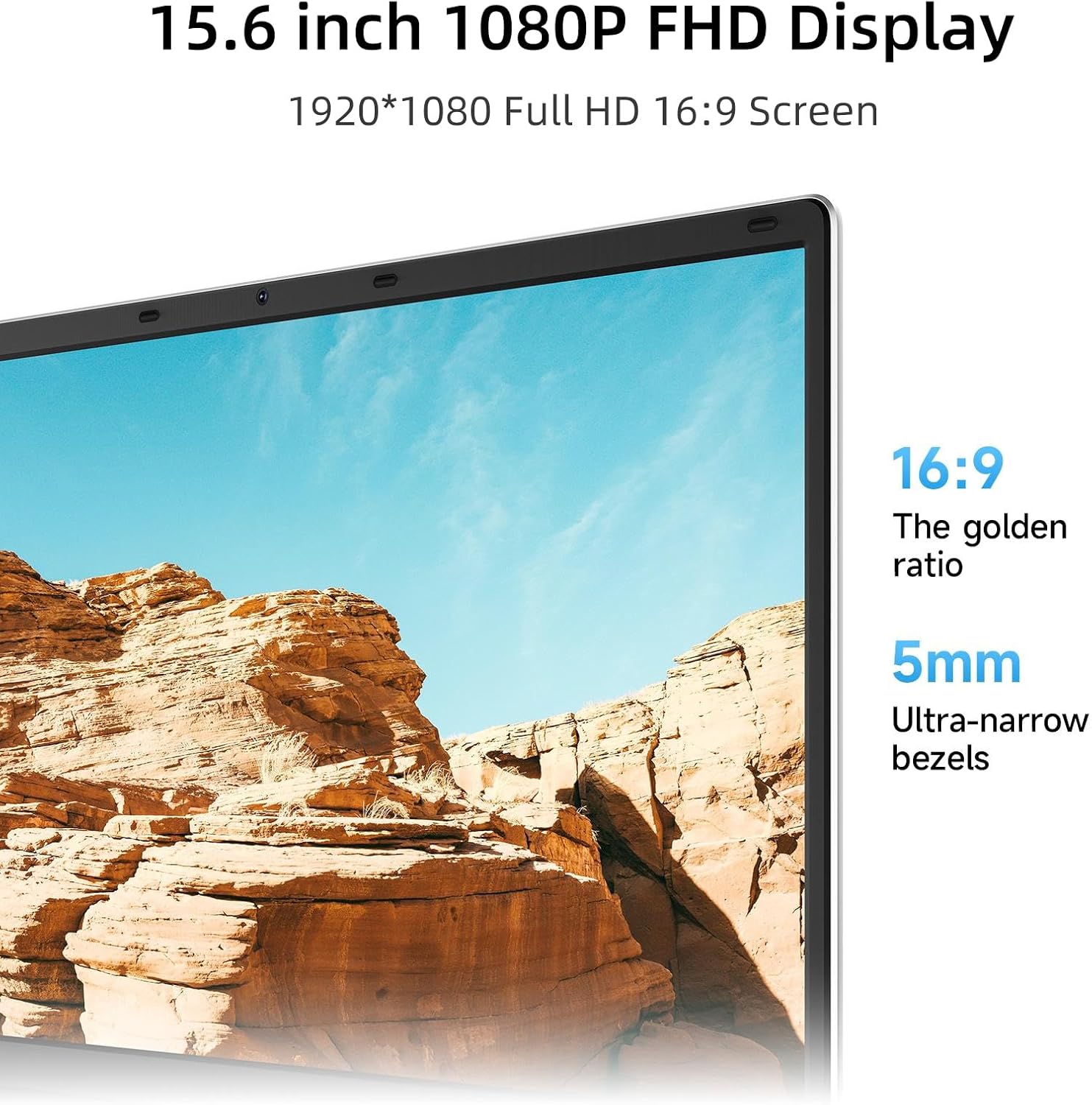
On the key specs, you’re looking at a 1920×1080 display for clear detail, 12GB of RAM and 512GB of storage. That trio should help with smoother web apps and multi‑tab workflows, plus more room for documents, photos and larger files compared with usual entry‑level laptops. The inclusion of Office 365 for a year adds practical value for writing, spreadsheets and presentations straight out of the box.
Design and portability
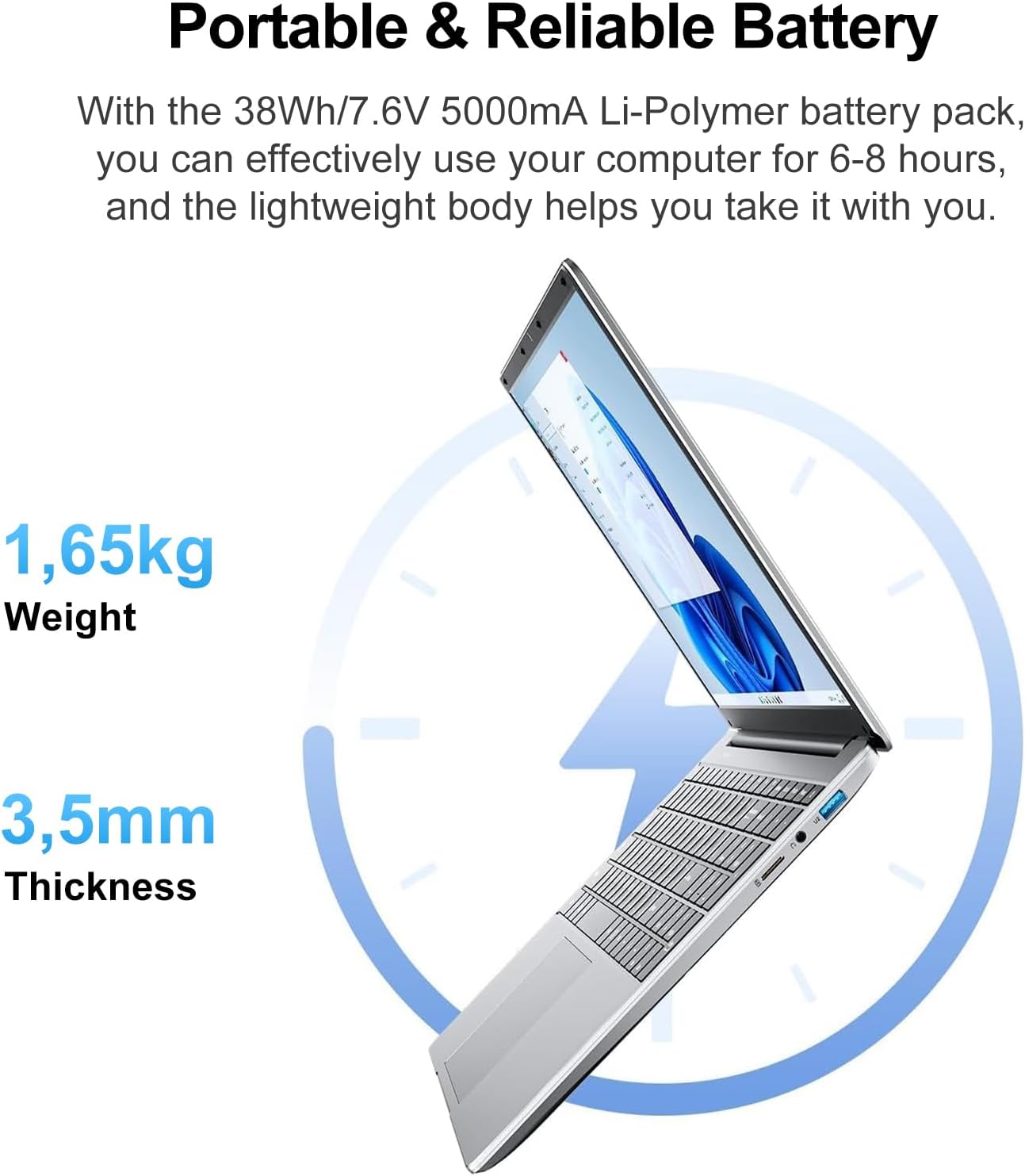
The device is described as ultra‑thin and portable, weighing around 3.6lbs (about 1.6 kg) and a chassis thickness of 0.8 inches. That makes it reasonably easy to carry in a bag between lectures, a café desk, or a meeting room. The keyboard is presented with a film covering (UK keyboard film), which can influence typing feel and protection—worth checking if you have particular preferences for keyboard texture.
Connectivity and real‑world usability
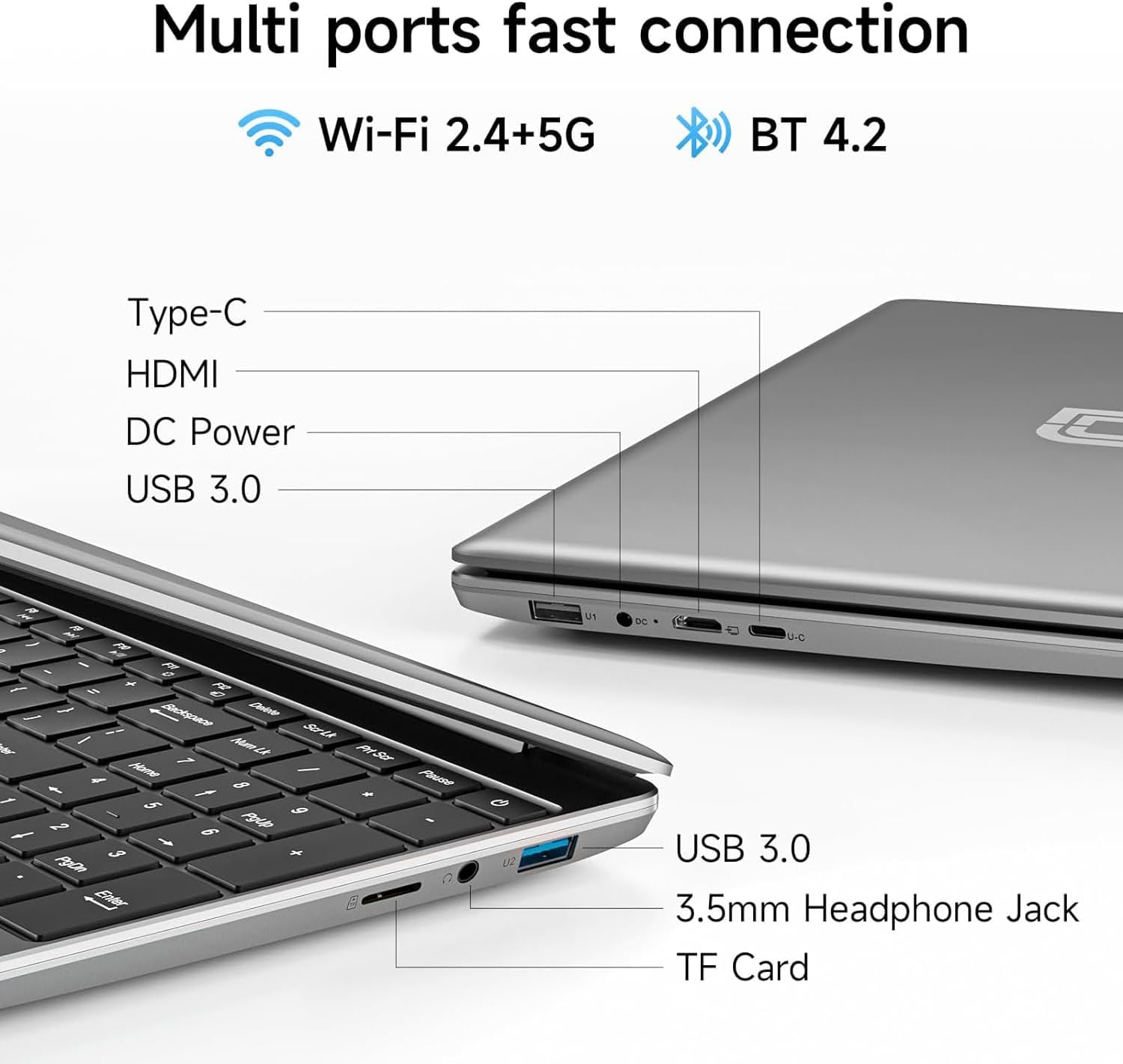
A practical port set includes a Type‑C, HDMI, two USB 3.0 ports, a 3.5 mm audio jack and a Micro TF slot, plus a quick charger DC port. This arrangement covers external display needs, peripheral connections and simple data transfers without relying heavily on dongles—useful for students and professionals who reuse external monitors or projectors.
What you can do with it
- Office tasks: Word, Excel and PowerPoint are supported by the pre‑installed Office 365 licence for one year, which is helpful for coursework, reports or client documents.
- Multitasking: With 12GB RAM, you’ll likely experience smoother transitions between browsers and office apps, compared with leaner budget machines.
- Storage freedom: 512GB SSD gives you space for documents, media and installed apps, with faster boot and load times than traditional HDDs.
- Media and presentation work: The Full HD panel is suited to reviewing slides and media previews, beneficial for study groups or on‑the‑go reviews.
What to consider before buying
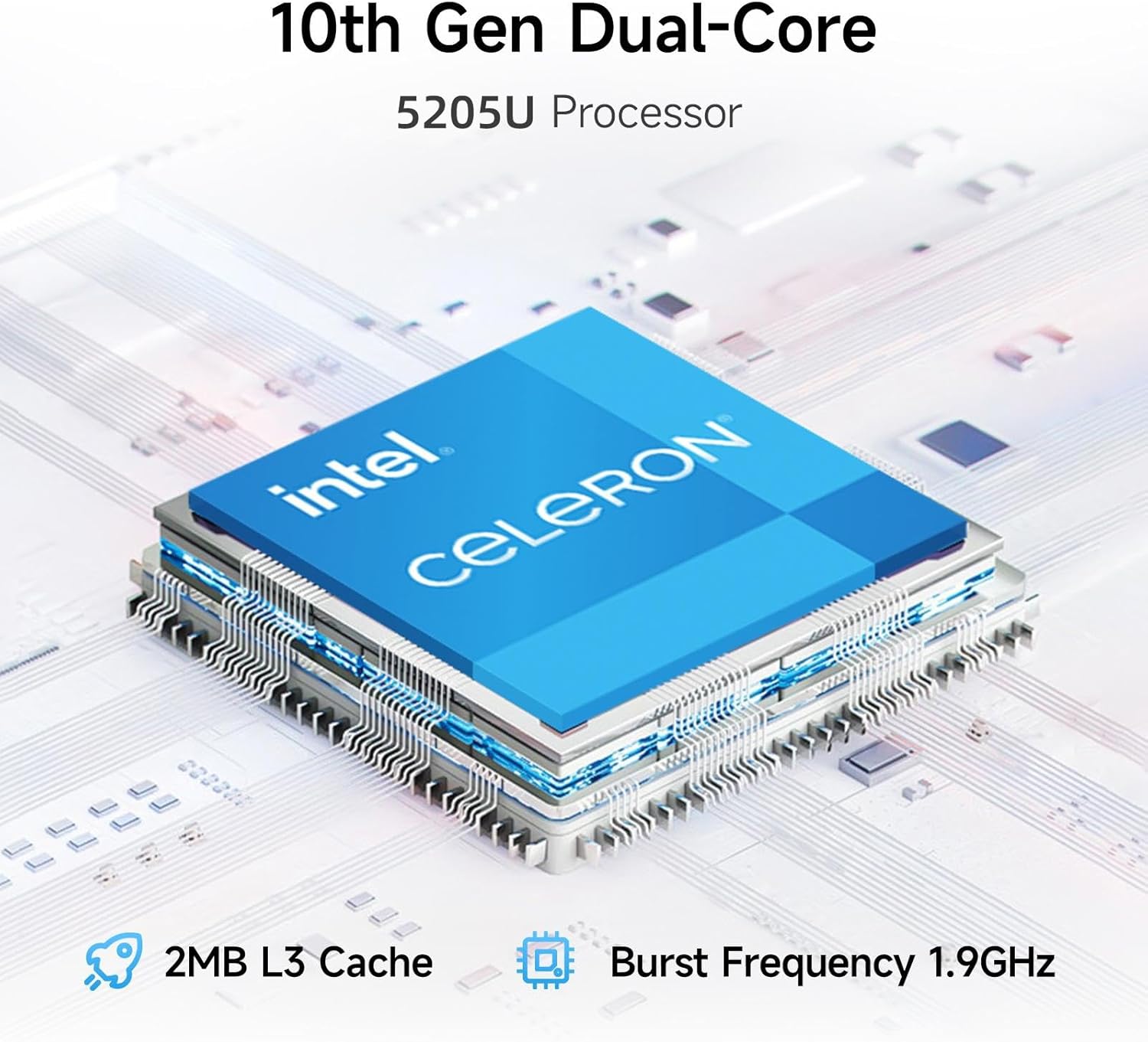
- Processor class: A Celeron processor is typically entry‑level, if your work involves heavy data processing, large software suites or memory‑heavy tasks, this may feel limited when compared with mid‑range CPUs. Consider whether your daily tasks are mostly document‑centric or if you expect significant multitasking.
- Battery life: The listed 5000mAh battery can vary in real‑world use, long sessions away from a power source may require a plan for recharging during the day.
- Build and keyboard feel: The presence of a keyboard film and the emphasis on portability suggest a focus on cost efficiency over premium typing comfort. If you type a lot, you might want to test the keyboard feel in person.
Who it’s best for
- Students needing a complete Office setup with decent storage and a large screen for notes and assignments.
- Early‑career professionals who want a practical laptop for email, documents, and presentations without a premium price tag.
- Users who value a ready‑to‑use Office suite for a year and a straightforward upgrade path for storage or external displays.
Who might want to look elsewhere
- If your workflow relies on CPU‑heavy applications, 3D rendering, or large data work, a device with a more capable processor and higher sustained performance may be preferable.
- If you require all‑day battery life or a premium typing experience, consider options with higher‑end power efficiency and keyboard quality.
Before you press buy
- Check the exact Office 365 terms to confirm renewal options after the first year.
- Verify the keyboard layout and how the UK film affects key travel if you do a lot of typing.
- Confirm compatibility with any specific peripherals you plan to use (external drives, monitors, docking stations).
Practical use case
Imagine editing a long report on campus: you open references on a web browser, edit in Word, add a few charts from Excel, and present using PowerPoint—without constantly swapping to a secondary device. When you need a quick briefing with a colleague, the HDMI output lets you mirror to a projector without fuss.
The bottom line: is it worth it?
Final verdict
Worth considering if you want a ready‑to‑go Office setup with a sizable SSD and sensible RAM at a friendly price, and you don’t anticipate heavy‑duty processing. If your needs lean towards more demanding software or extended battery life, you may want to compare with higher‑powered options before committing.
Quick FAQ
- What does the 12GB RAM buy you in daily use? It helps with smoother multitasking and a more responsive feel when juggling several browser tabs and Office apps.
- How significant is the 512GB storage? It provides ample space for documents and media, with faster access than traditional hard drives.
- Can I upgrade the storage later? The information provided does not specify upgrade options, if you expect growing storage needs, verify upgrade paths with the seller.
- Does the device include a warranty? The base information lacks warranty details, check the seller’s policy before purchase.