

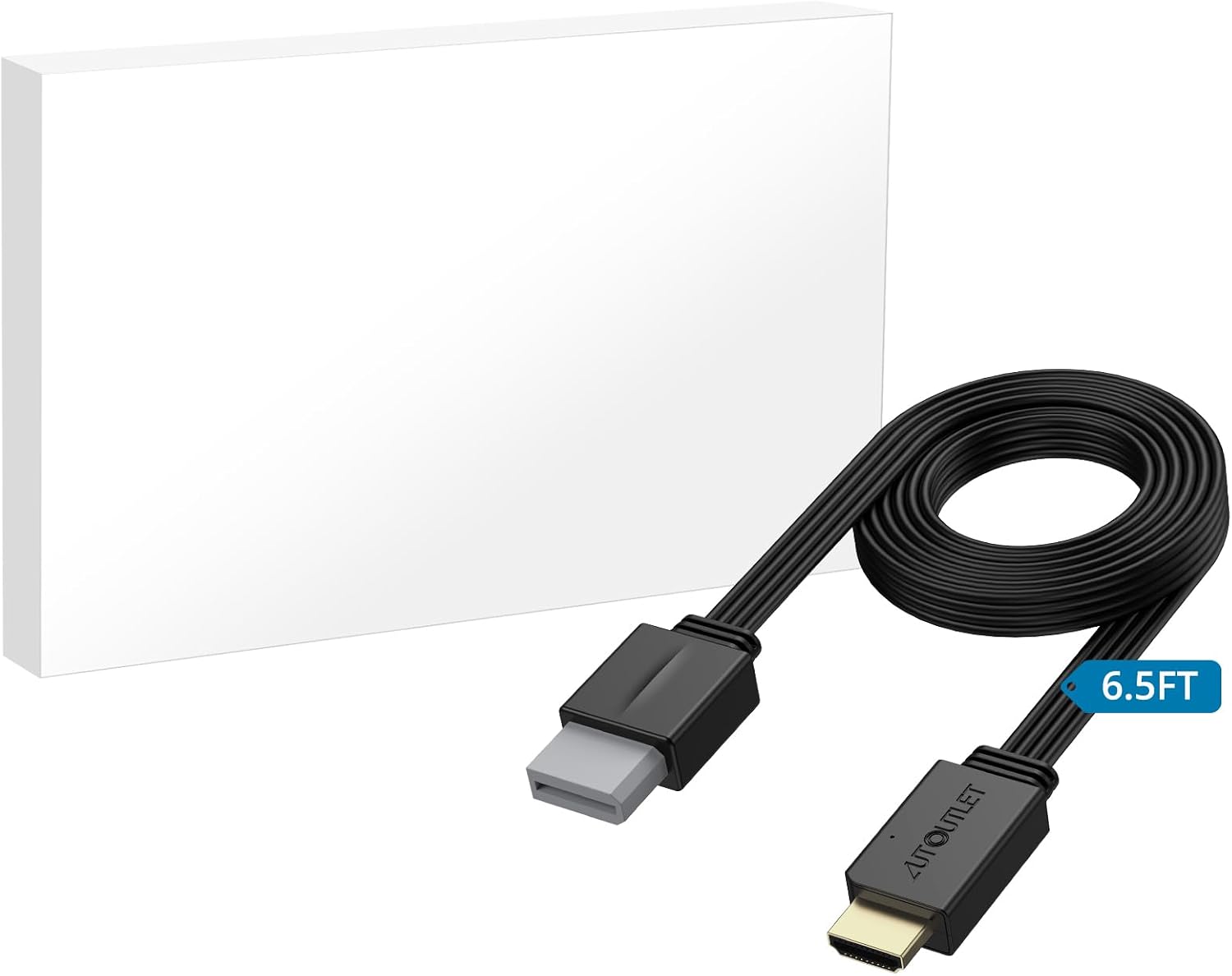
AUTOUTLET Wii to HDMI Converter 1080P – 6.5ft/200 cm
Product description
What it is
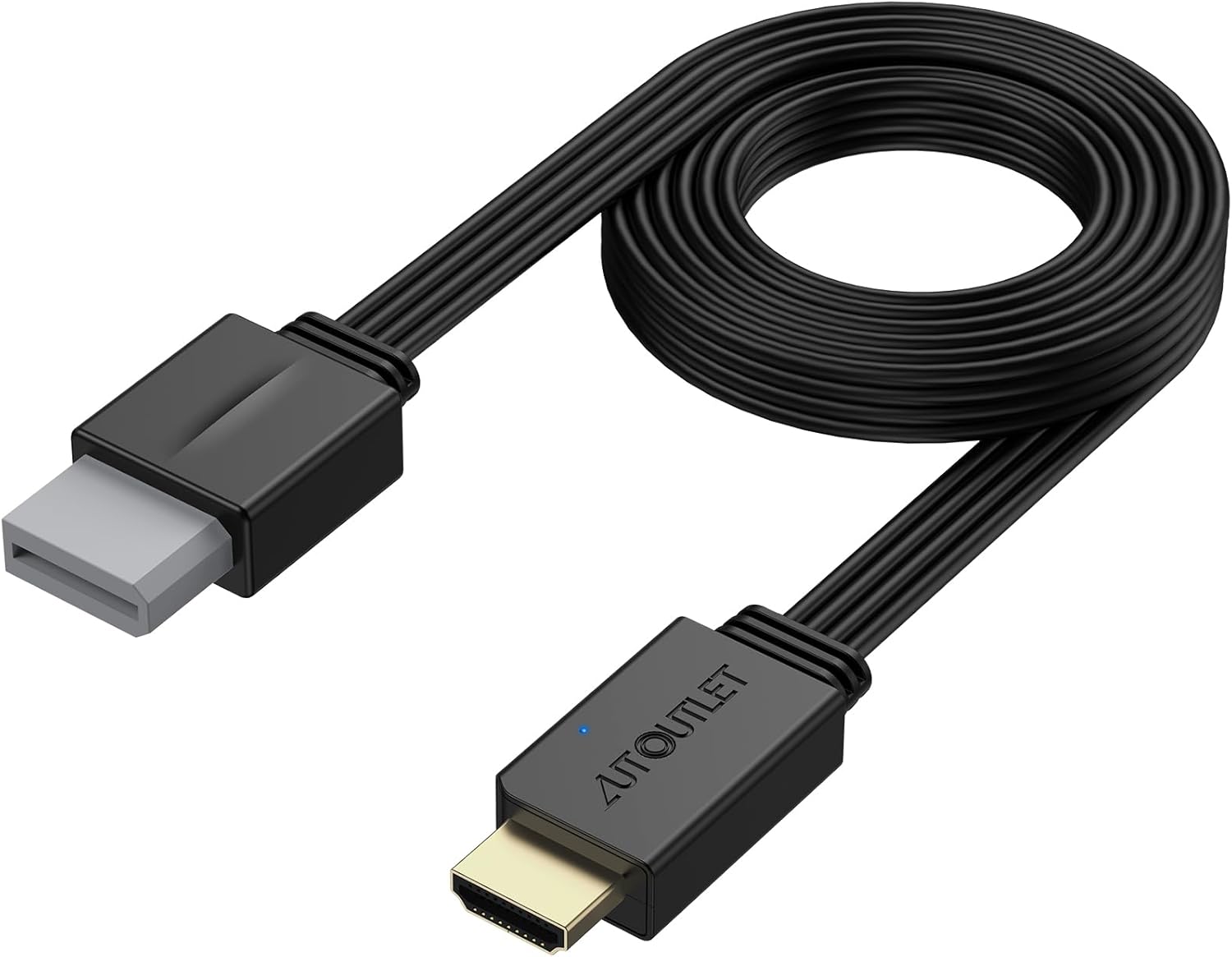
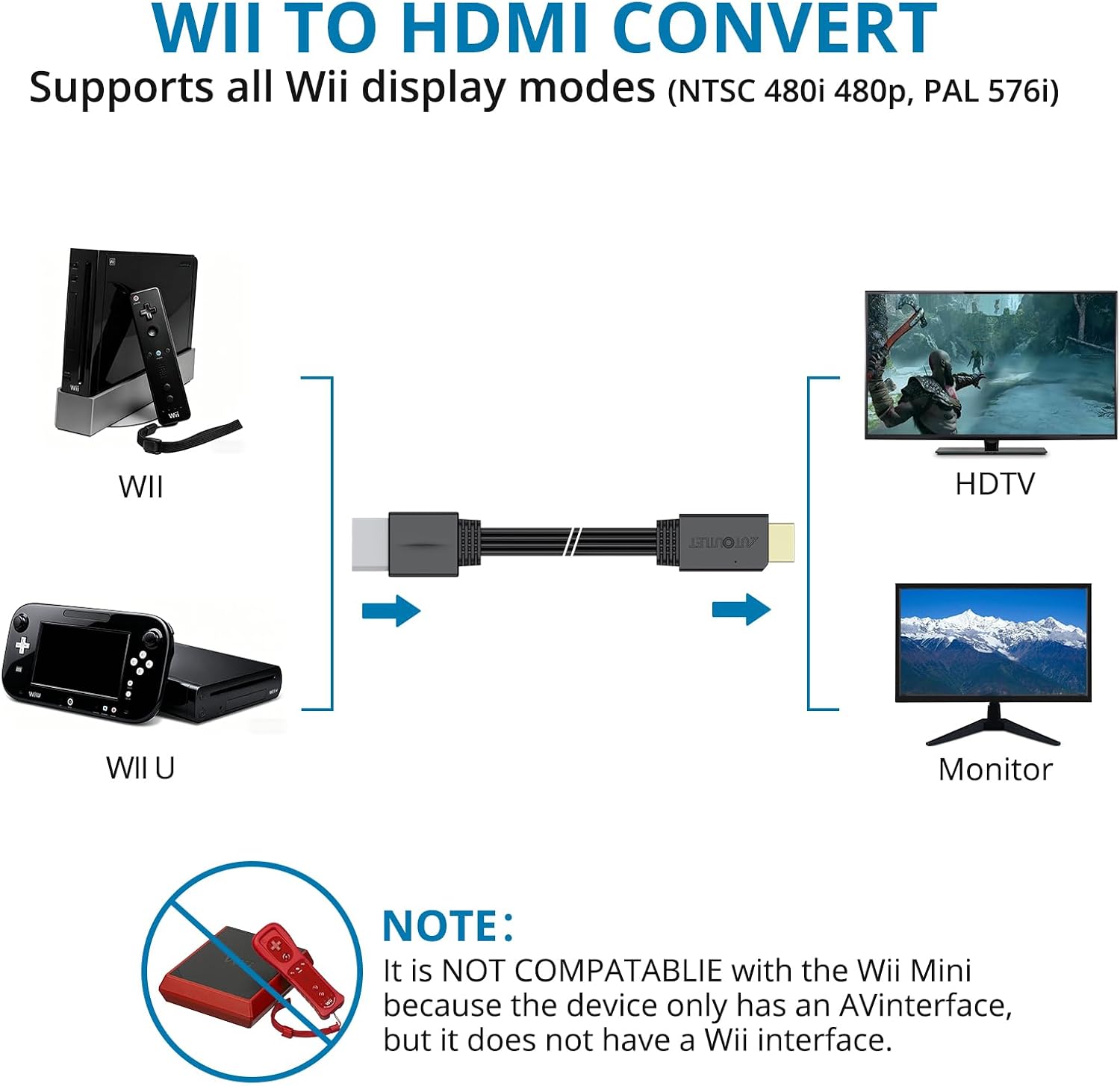
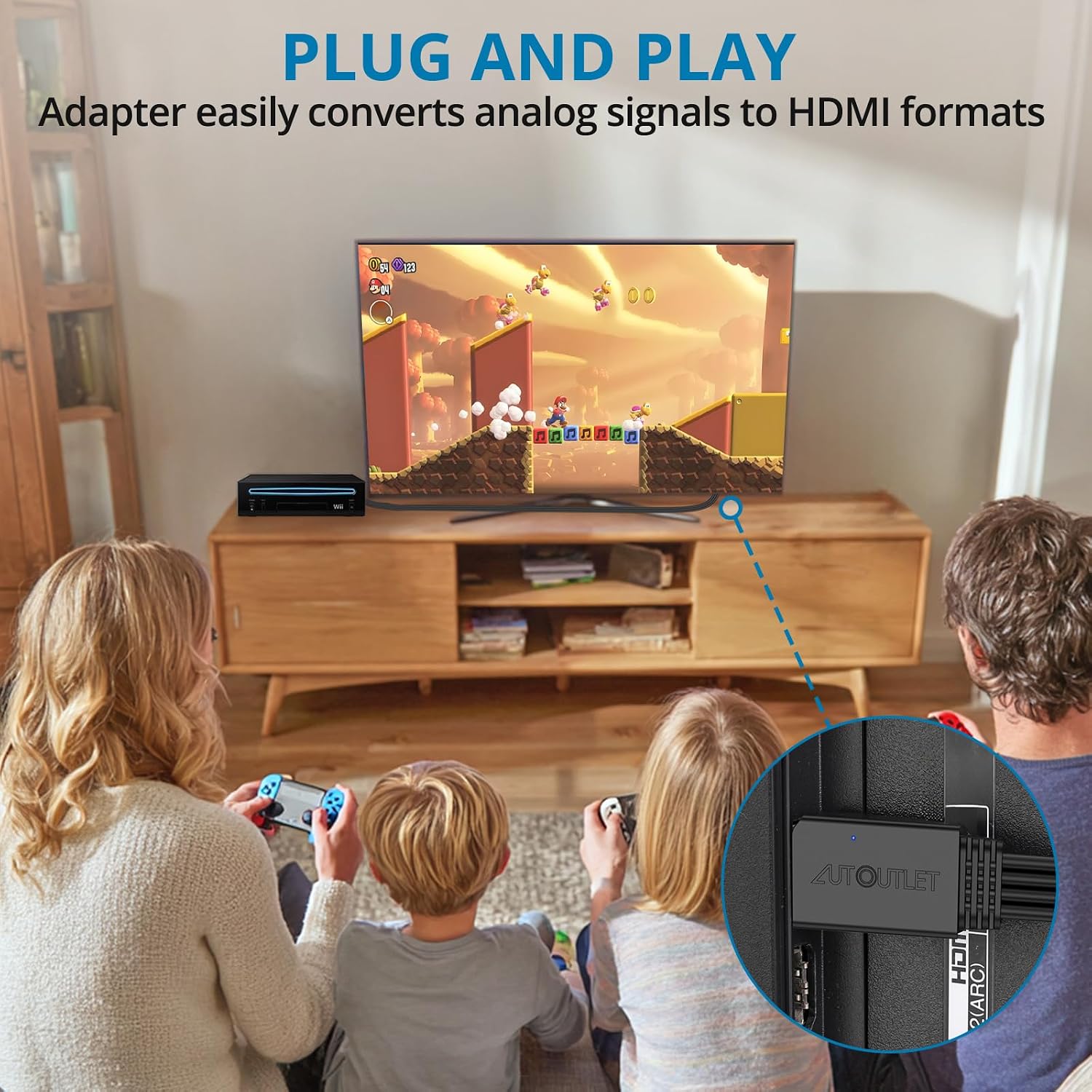
The AUTOUTLET Wii to HDMI Converter is a plug‑and‑play adaptor designed to connect a Nintendo Wii (and Wii U) to HDMI‑equipped displays such as HDTVs, monitors or projectors. It converts the analogue Wii signal to full digital HDMI output, supporting up to 1080P for both video and audio.
What problem it solves
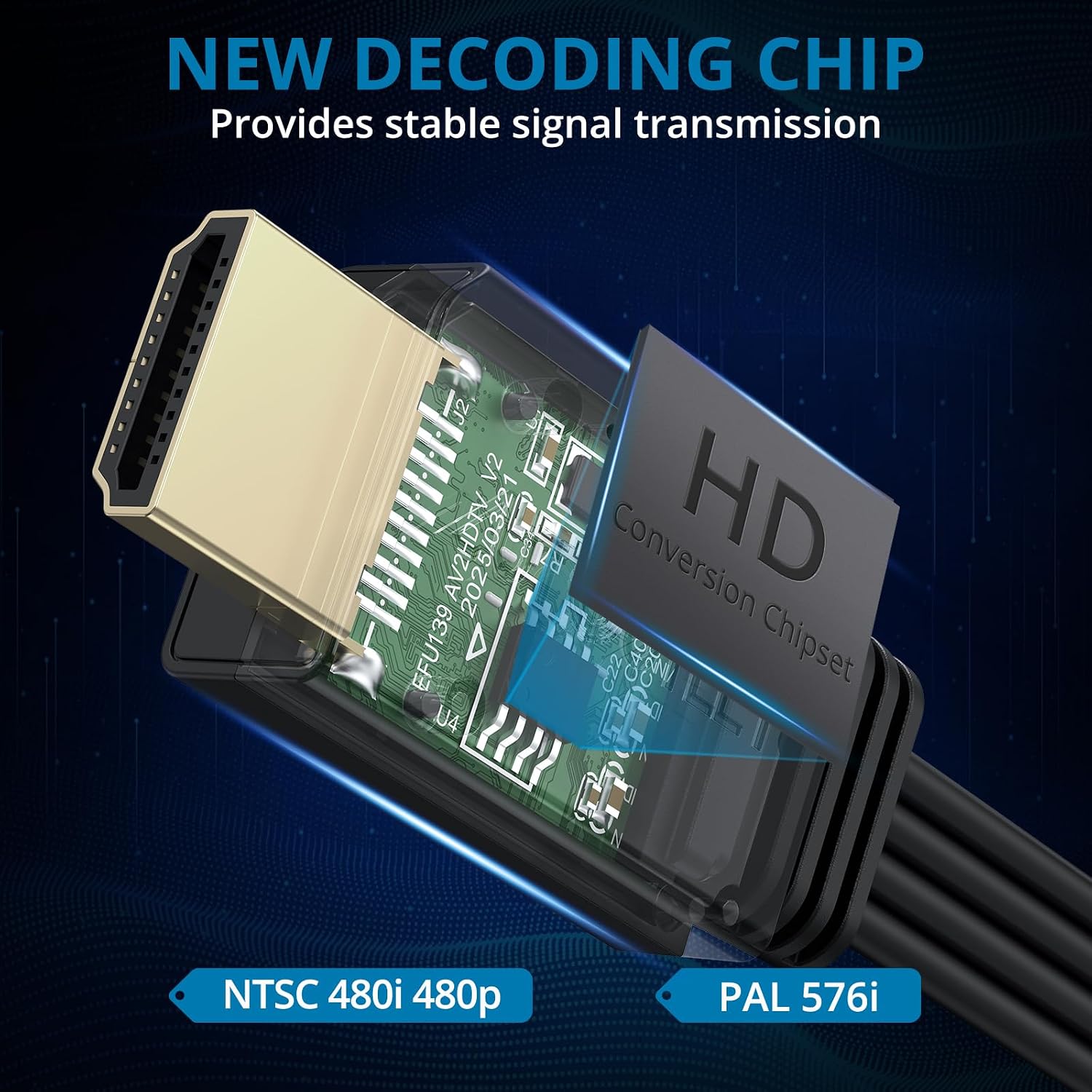
If your old Wii is connected to a modern screen that only accepts HDMI, this converter provides a straightforward bridge. It removes the need for composite cables and separate audio connections, offering a single HDMI feed with coherent video and audio. The device handles all Wii display modes, including NTSC 480i, 480p and PAL 576i, so compatibility isn’t a gamble and you can focus on gaming rather than configuration.
How it works and what to expect
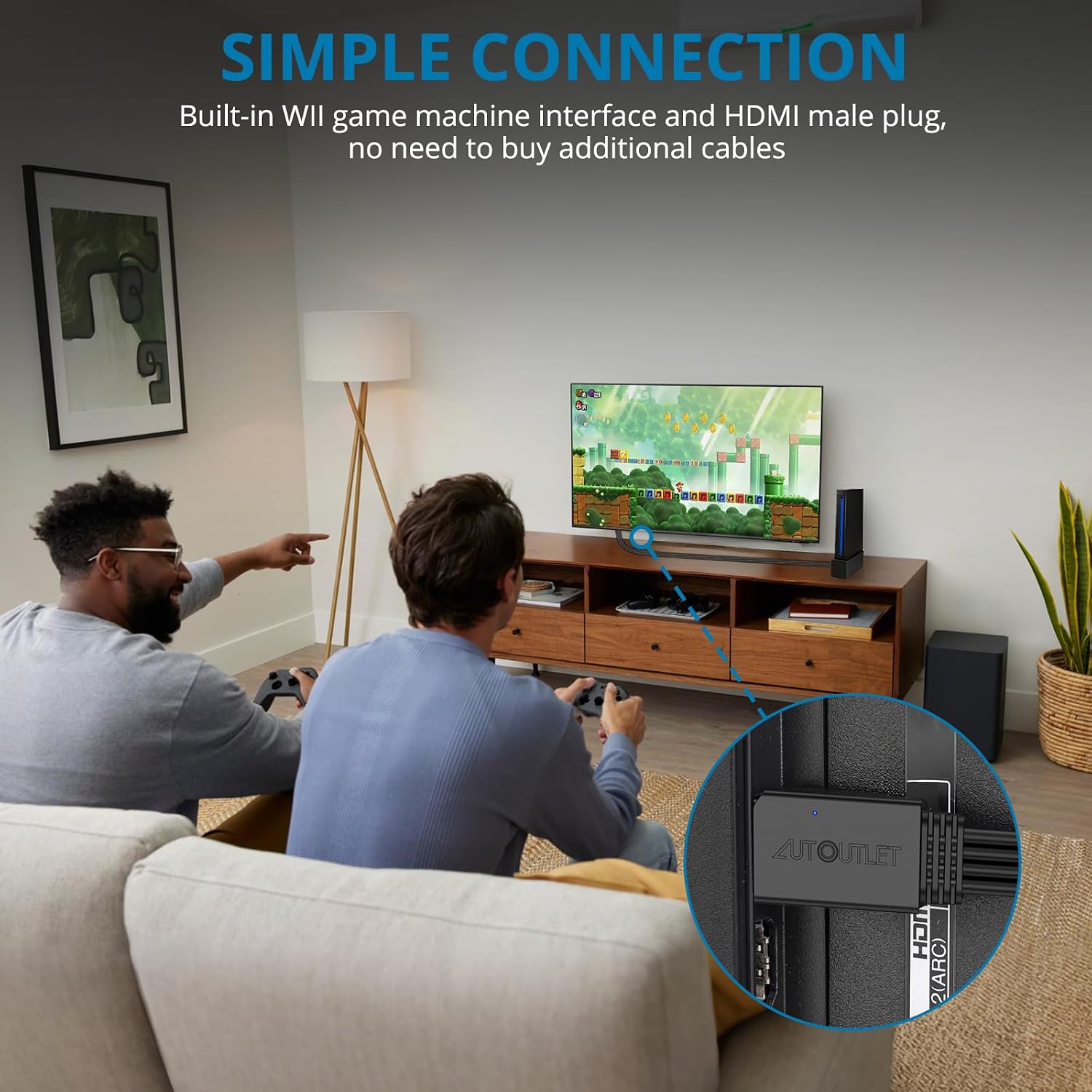
On paper, the device performs a digital conversion with a simplifed, driver‑free setup. You simply plug the Wii into the converter and then connect the HDMI output to your display. The promise is clear, lossless video and audio through a single cable. In practice, you’ll get a compact, beginner‑friendly solution that emphasises ease of use over technical tinkering.
Best or most convincing points
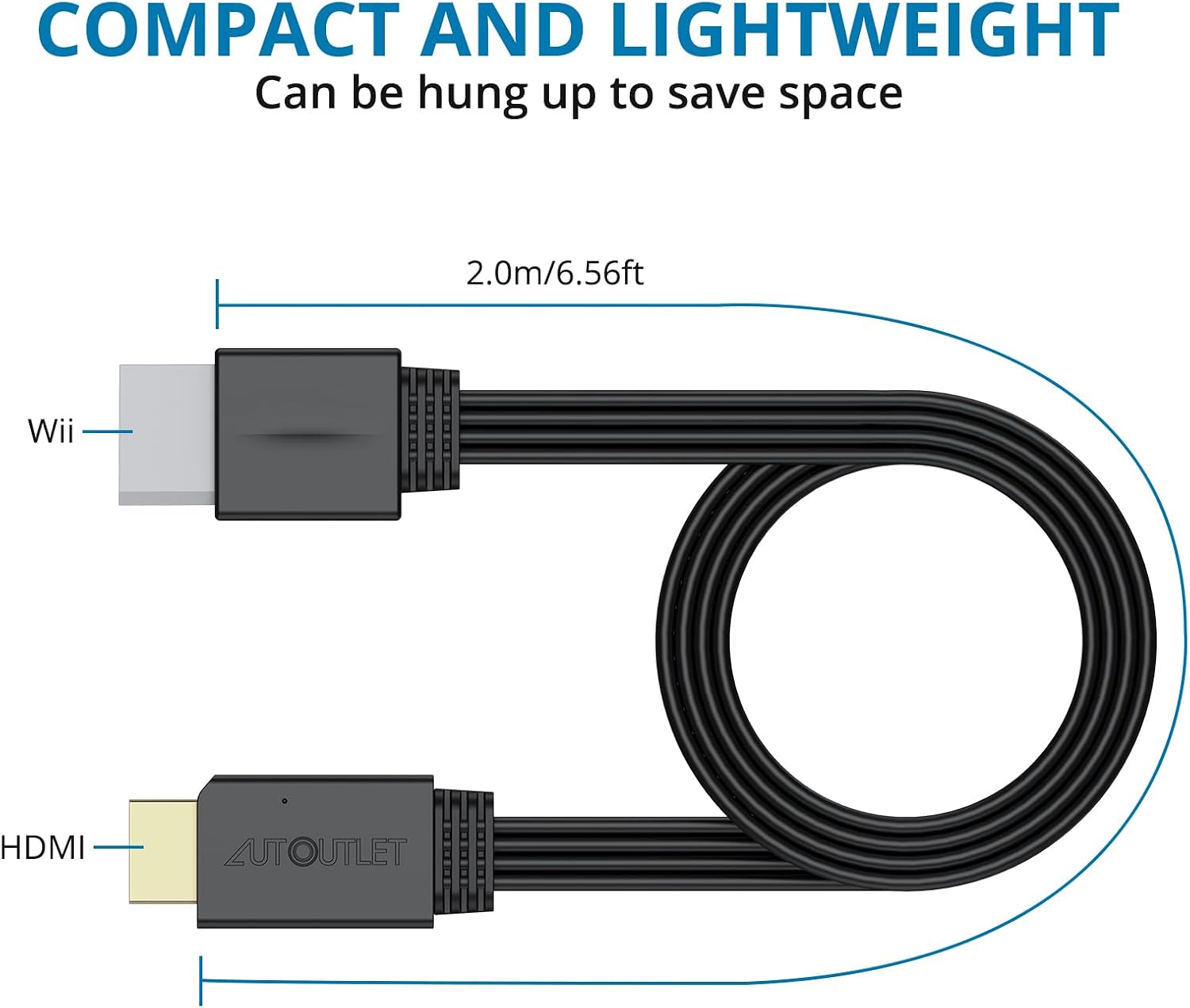
The standout advantage is its broad compatibility with all Wii display modes and its ability to output at 1080P on HDMI devices. For households with older CRTs or basic non‑HDMI setups, this adapter can extend the life of a Wii by letting you use a modern screen without buying a new console. The 6.5ft/200 cm cable length is convenient for living rooms where the console sits away from the display.
Potential limitations or caveats
It’s worth noting that the product description centres on video and audio output from analogue to digital. While 1080P output is possible on HDMI displays, the actual perceived clarity will depend on the original Wii signal quality and your screen’s processing. Also, since this is a dedicated adaptor, it won’t enhance graphics beyond what the Wii hardware can provide. If you prioritise high‑end upscaling or HDR features, this solution won’t deliver those improvements.
Who it’s for
- Wii owners who want a simpler, cable‑clean setup on modern HDMI displays.
- Households with multiple HDMI inputs and a desire to reuse an older console without extra electronics.
- Anyone seeking a straightforward, driver‑free, plug‑and‑play experience rather than complex installation.
Who it’s not ideal for
- If you expect premium image processing or upscaling beyond standard 1080P, this converter may not meet those expectations.
- If you require precise gaming optimisation settings or extensive compatibility with other legacy systems, other solutions might be more flexible.
When to buy
Consider this adaptor when you have a Wii and a modern HDMI display, and you want a tidy, reliable connection without extra gadgets. It’s a sensible choice for casual gaming setups where simplicity and compatibility with all Wii display modes matter more than cutting‑edge visuals.
What to check before purchasing
- Confirm your display is HDMI compatible and can accept 1080P input.
- Check if a 6.5ft/200 cm connection length suits your seating and console position.
- Be mindful that the device focuses on basic HDMI output, it isn’t a substitute for a high‑end video processor.
Practical use example
Imagine a family lounge where the Wii is tucked away behind a cabinet. With this converter, you can run a single HDMI cable to the TV, reducing clutter and avoiding the need for complex wiring. The setup is quick, so you can start a quick Mario Kart session after dinner without fiddling with settings.
Quick comparison of purchase approaches
If you’re weighing options, you could either keep using a legacy connection with adapters or transition to a modern, dedicated display for gaming from the Wii. This converter sits between those choices: it preserves the Wii’s original output while delivering a straightforward HDMI path, which is often more convenient for casual use than investing in more elaborate upscaling or conversion gear.
FAQ (3–5 questions)
- Does the converter require any drivers? No, it is designed to be plug‑and‑play.
- Will it improve Wii graphics beyond 1080P? It outputs 1080P digitally, but the Wii’s native resolution limits how sharp the image can appear.
- Is the 6.5ft/200 cm cable long enough for most setups? For many living rooms, yes, but measure your space to be sure.
- Can it work with a Wii U or other devices? It’s described as compatible with Wii and Wii U alongside HDMI displays.
Is it worth it?
Worth considering if you want a simple, cost‑effective way to connect a Wii to an HDMI display while keeping all Wii display modes supported and avoiding extra drivers. It may not be the best option if you’re chasing enhanced upscaling or top‑tier processing, in that case, you might prefer alternatives that offer more control over image quality.