

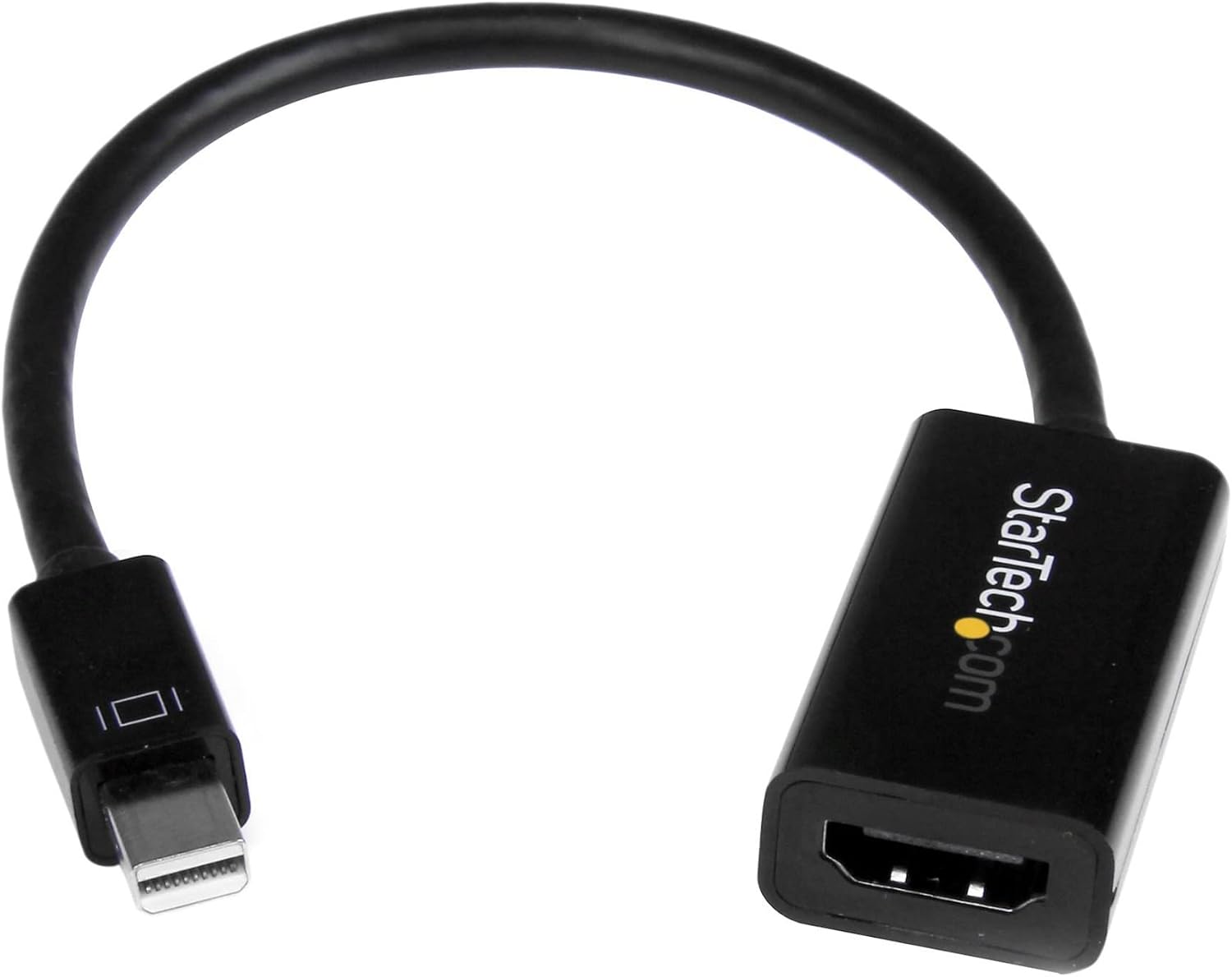
StarTech.com Mini DisplayPort to HDMI Adapter with 4K60/1080p240 – Thunderbolt 1/2 compatible
Product description
What it is and what it solves
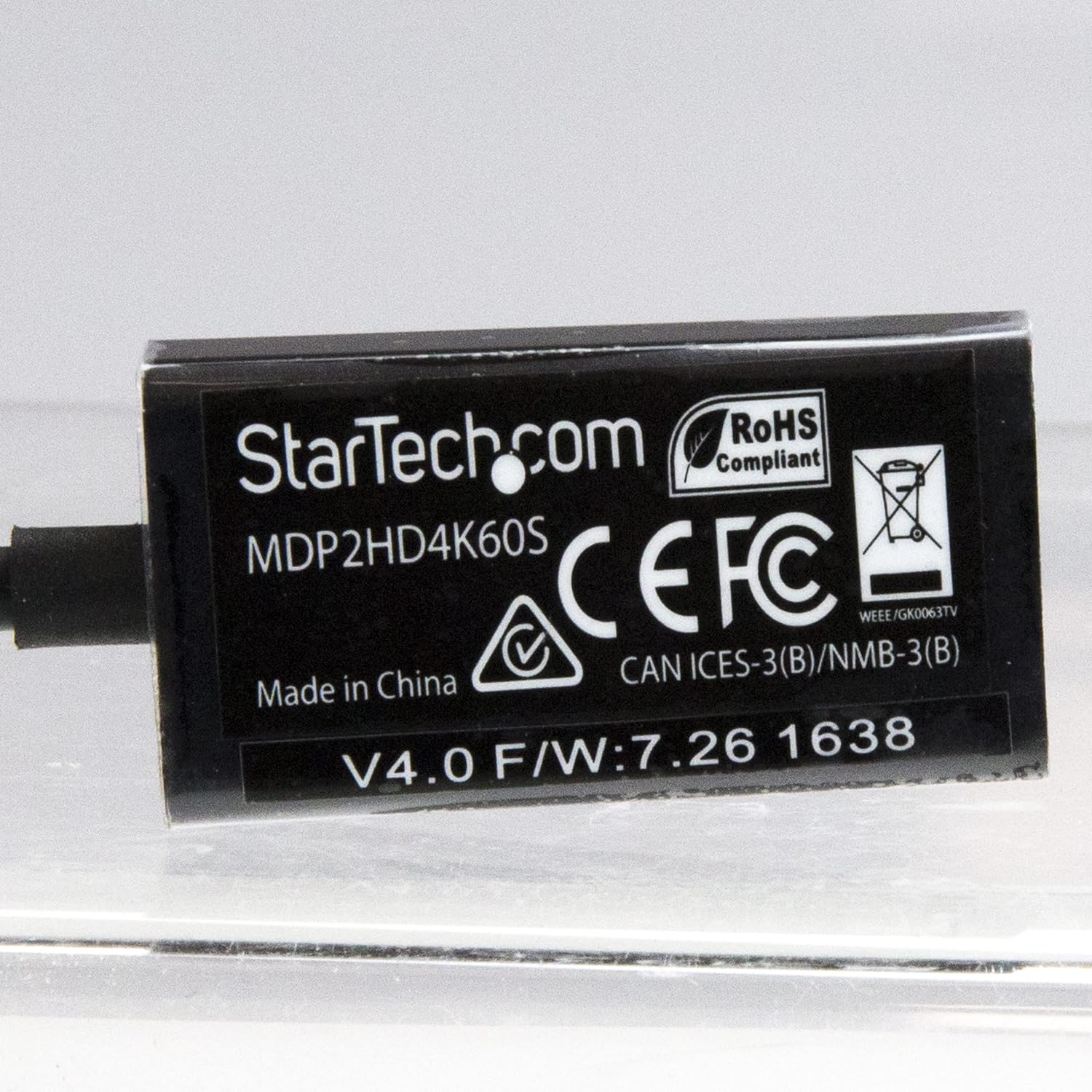
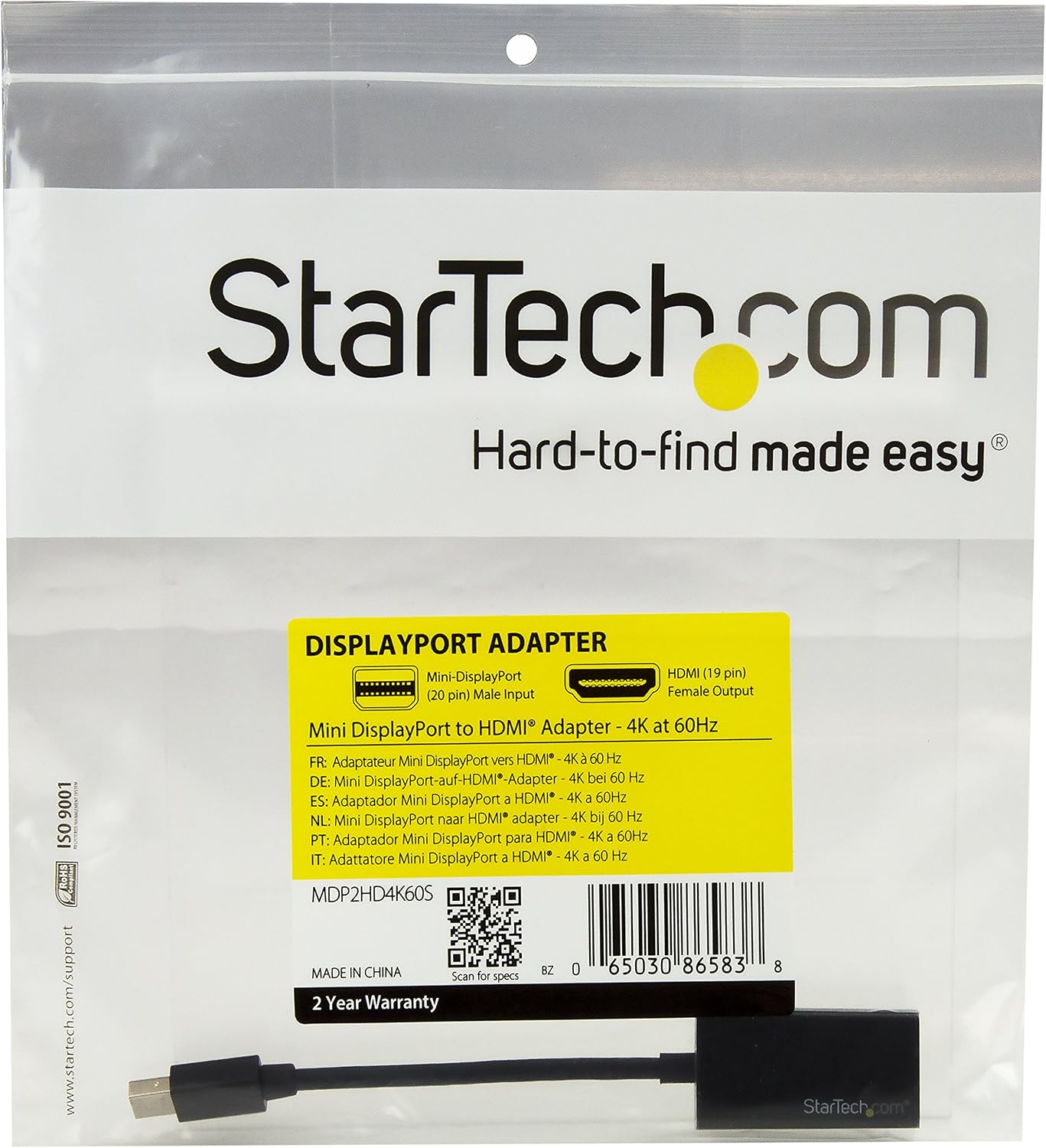
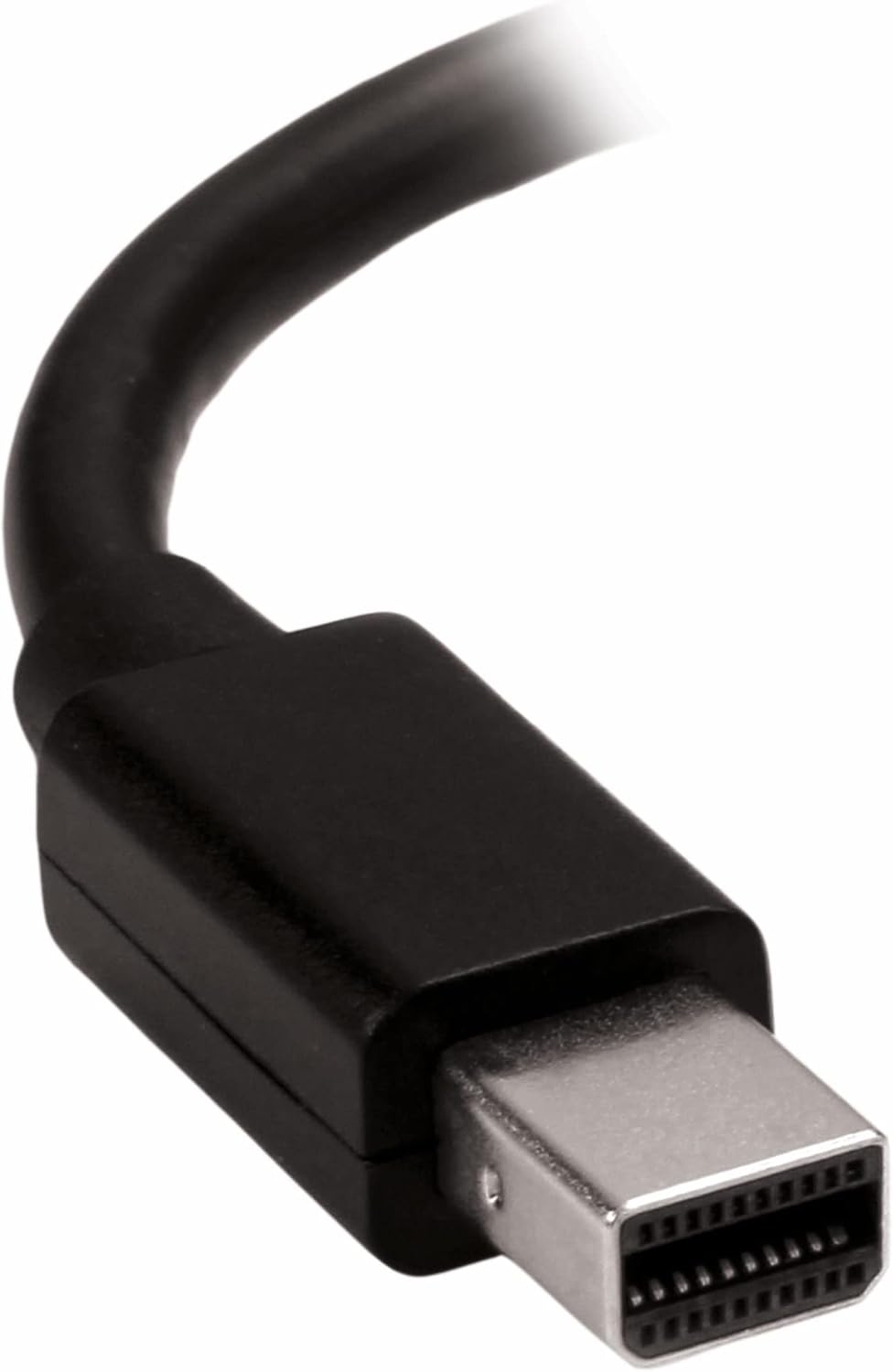
This is a compact Mini DisplayPort to HDMI adapter that supports 4K at 60 Hz and 1080p at 240 Hz, using a 5.8-inch attached cable. It’s designed to convert an mDP (including Thunderbolt 1/2) signal into HDMI so you can connect a monitor, TV or projector to a compatible device. With HDCP 2.2 support and up to 18 Gbps bandwidth, it aims to deliver reliable video and audio output without software installation.
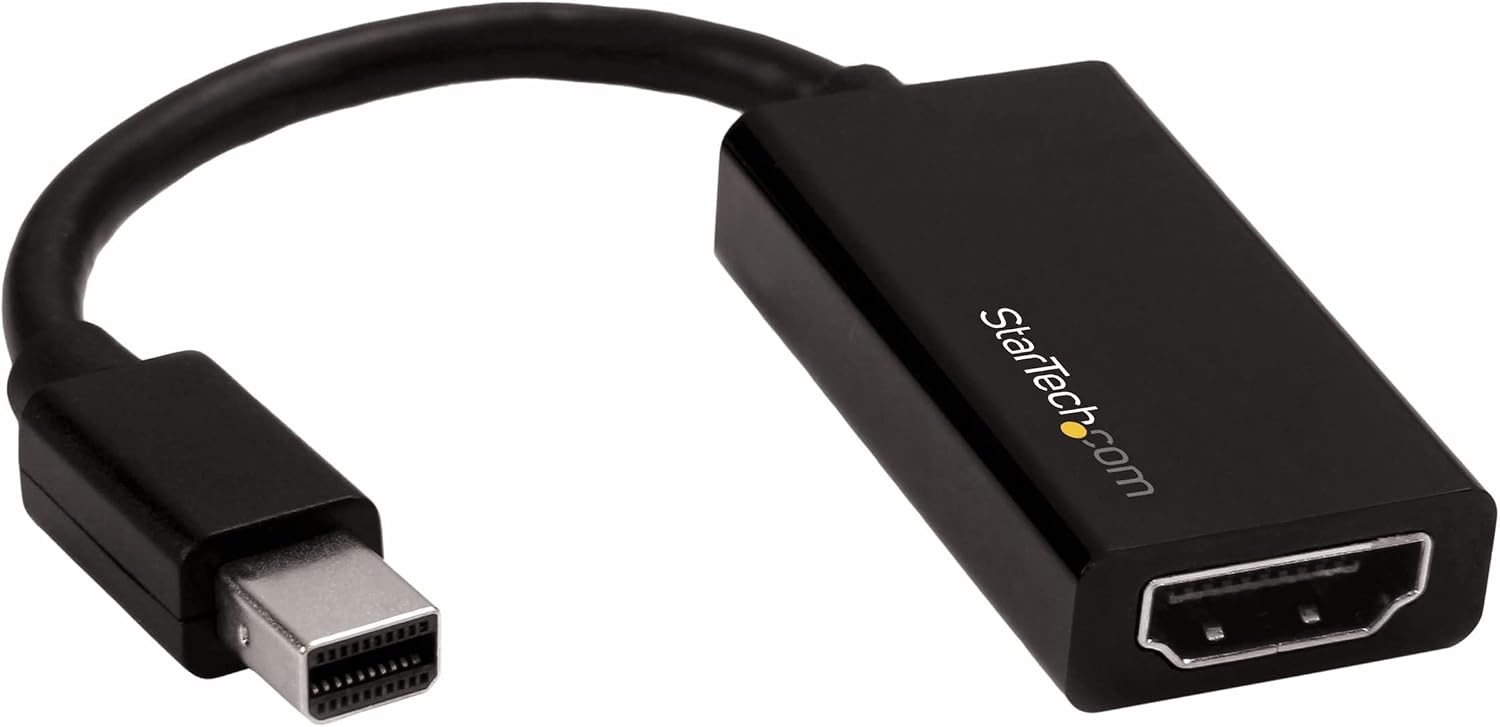
How it performs on paper
On paper, the adapter handles UHD 4K at 60 Hz (4096x2160 or 3840x2160) and 7.1-channel audio, alongside HDCP 2.2 for protected content. The nickel-plated connectors are intended to improve signal integrity, and the device has been tested with HDMI cables up to about 7 m. It’s a passive dongle rather than a standalone display, so no driver software is required and it works with macOS, Windows and some Linux-based systems. It’s compatible with a range of mDP sources, including Thunderbolt 1/2-equipped Macs, surfaces and other devices.
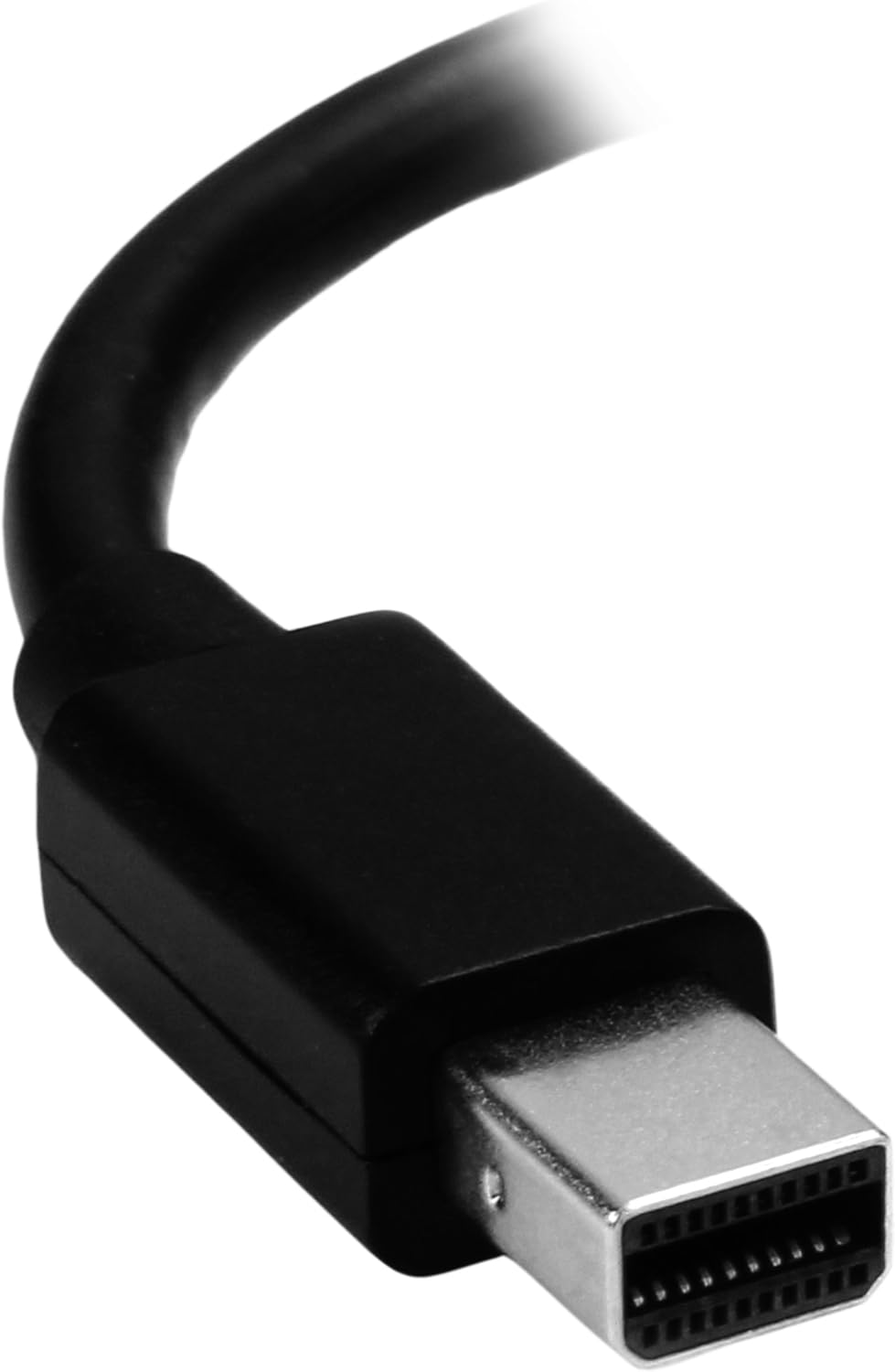
Why it could be worth considering
If you’re looking to extend a laptop or desktop setup without a separate display adapter, this compact dongle offers a straightforward, driver-free route to add an HDMI display. The small form factor makes it easy to carry between home and office, and it supports high-resolution video and multi-channel audio where your HDMI display is capable. It’s particularly practical for users who already own Thunderbolt 1/2 Macs or similar devices and want a simple upgrade path to HDMI displays.
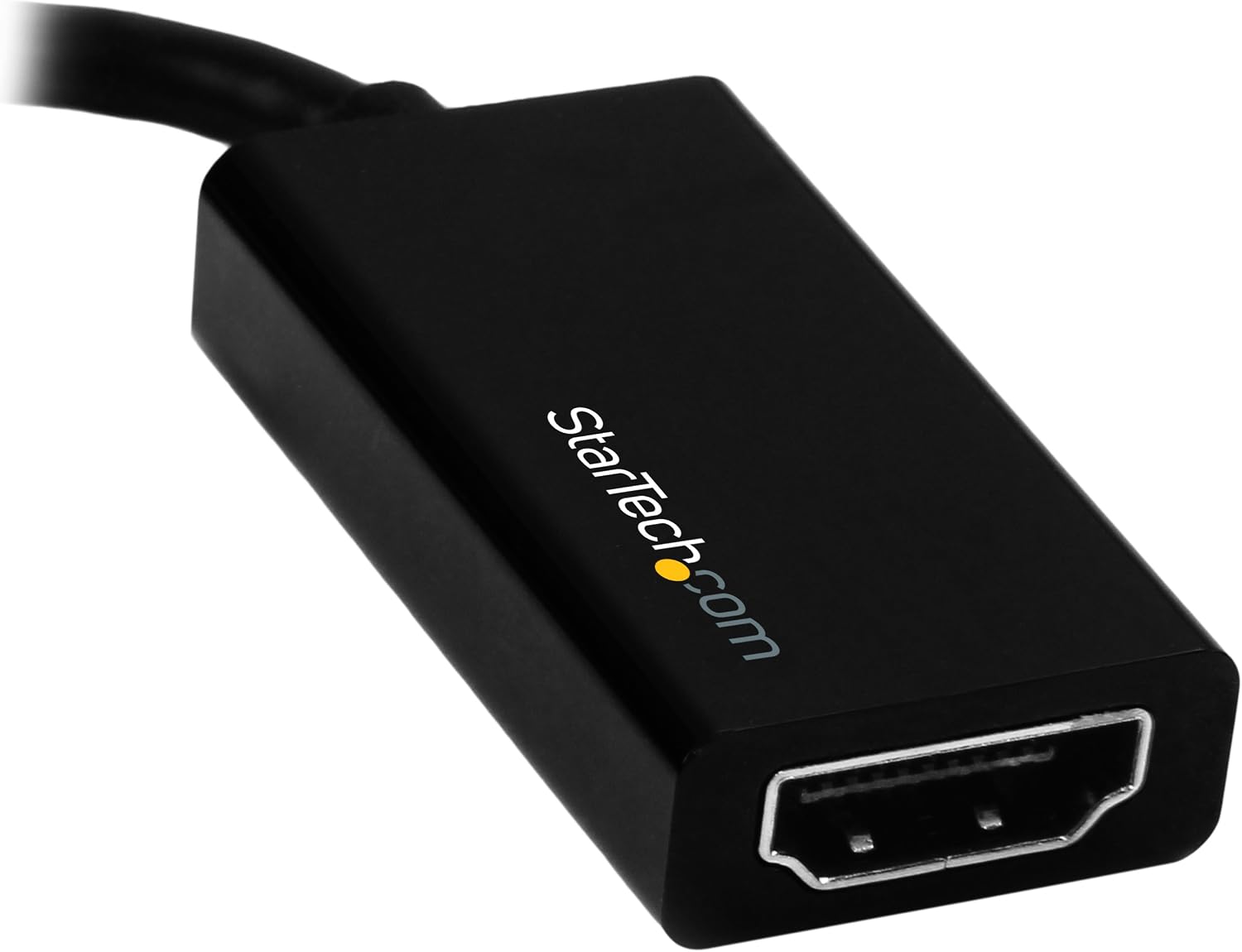
What stands out in use
You’ll notice the plug-and-play appeal: no software to install and no external power required, which keeps your desk tidy. The 5.8-inch cable length helps reduce clutter and makes the setup portable. Its broad compatibility with mDP sources means it can work with a mix of devices—from older MacBooks to some desktops and tablets that provide Mini DisplayPort output.
Limitations and caveats
It’s important to set expectations: when pairing with very demanding HDMI setups or certain high-refresh-rate displays, you may encounter limitations depending on the host GPU and cable quality. Some users might find the passive dongle less suited for high-end gaming or long cable runs at top resolutions, where active adapters or alternate connections could be more reliable. If your workflow relies on sustained 4K60 with heavy colour processing, verify that your source and display align on HDCP 2.2 and bandwidth requirements.
Who this is for
This adapter is a sensible choice for professionals and students who need a lightweight, no-fuss upgrade to add an HDMI display to a Mini DisplayPort/Thunderbolt-enabled device. It’s handy for MacBook Air, Mac Mini or Surface Pro users who want a quick external display solution without installing drivers.
When it makes sense to buy
Consider it when you already own an mDP/Thunderbolt-equipped device and you want a simple HDMI output without extra software. It’s appropriate for presentations, secondary displays at the workstation, or extending a laptop setup for more screen real estate, provided your HDMI display supports 4K60 or lower resolutions as needed.
What to check before you buy
- Confirm your host device has a Mini DisplayPort/Thunderbolt 1 or 2 output and that your HDMI display supports the resolution you want.
- Review your HDMI cable quality and length, especially for 4K60 or 1080p240 compatibility.
- Ensure HDCP 2.2 compatibility if you plan to view protected content.
Tech specs
- Type: Mini DisplayPort (mDP) to HDMI adapter
- Resolution: 4K60 (4096x2160 or 3840x2160) and 1080p240 supported
- Bandwidth: 18 Gbps
- Audio: 7.1ch
- HDCP: HDCP 2.2
- Cable: 5.8 in attached cable
- Compatibility: Thunderbolt 1 & 2 MacBooks, MacBook Air, Mac Mini, Surface Pro (1–6), plus other mDP sources
- Notes: No software or drivers required
Is it worth it?
Worth considering if you prioritise a compact, driver-free adapter for adding an HDMI display to an mDP/Thunderbolt setup and you don’t need advanced gaming capabilities or ultra-long cable runs. It may not be the best choice if you require frequent true 4K60 gaming or if your setup demands an active adapter or more robust long-term vehicle for high-brightness displays.