

MOKiN 7-in-1 USB C HDMI Hub for MacBook Pro/Air: 4K @60Hz, 2x USB 3.0, SD/microSD, 100W PD
Product description
What this is
A compact USB C hub designed to expand a single USB-C port into a multi‑purpose dock. It’s pitched for MacBook Pro and MacBook Air, but the description indicates broad compatibility with other USB-C devices. The core idea is simple: mirror or extend your display, add data ports, and keep charging going, all in one compact dongle.
How it helps in everyday use
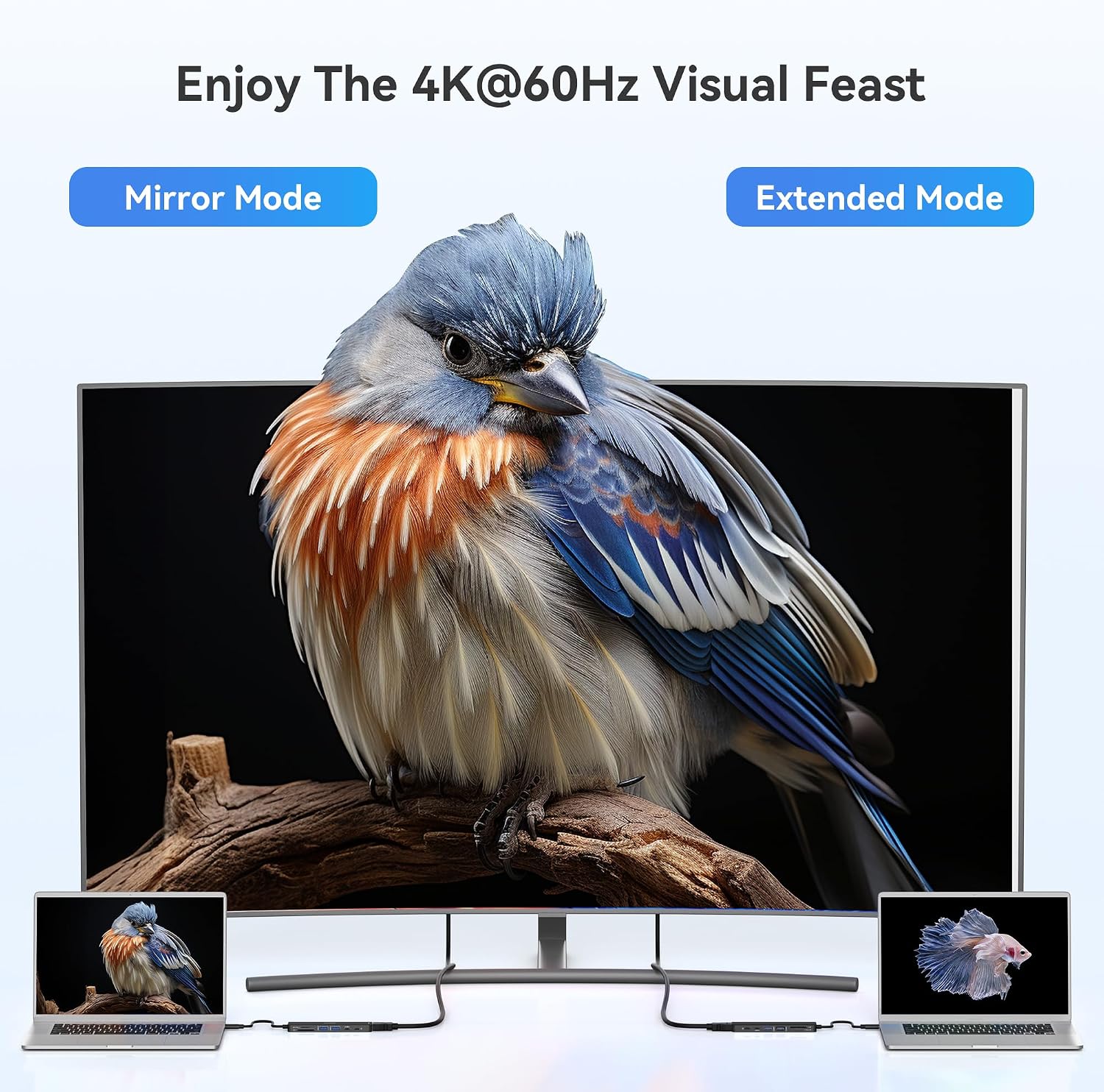
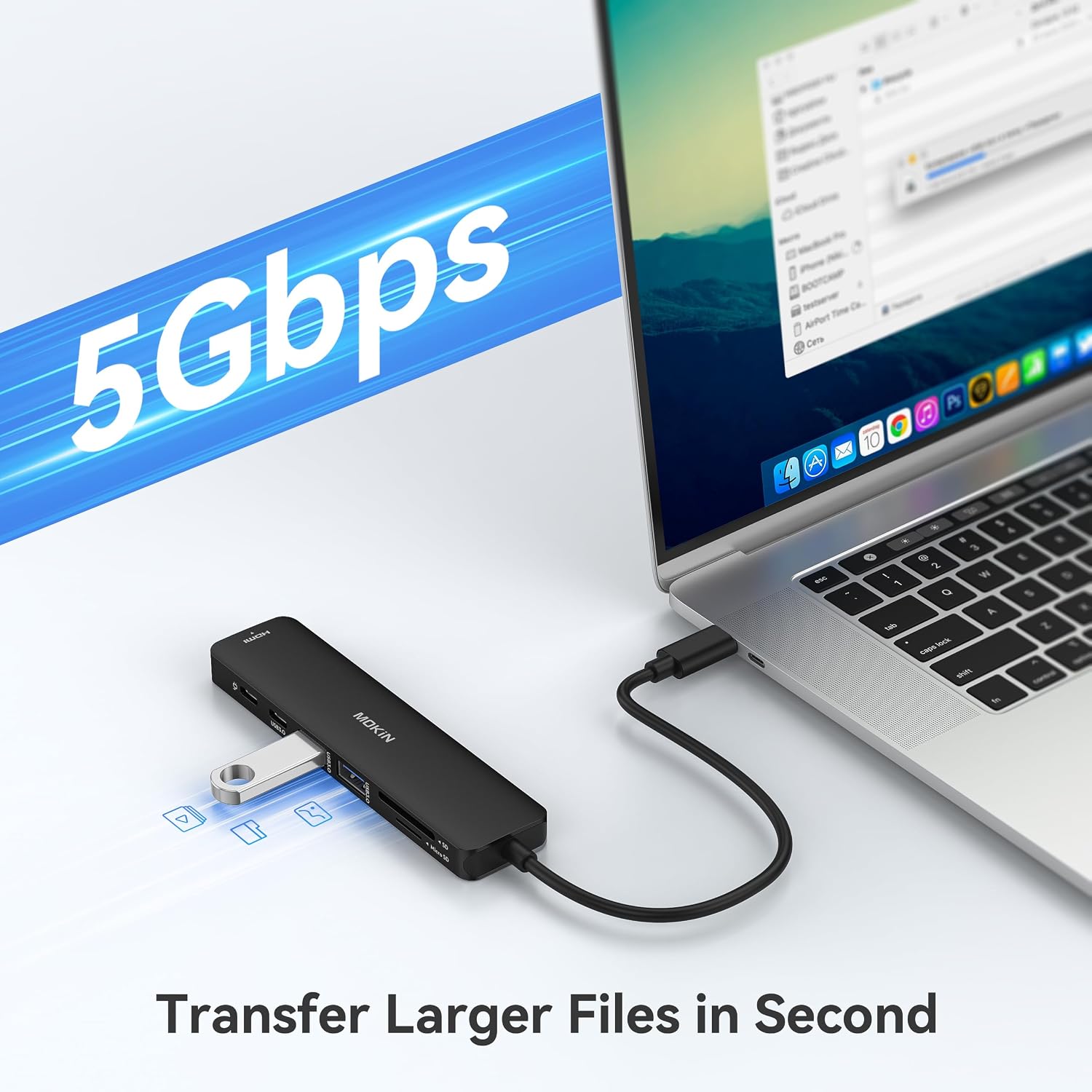
If you routinely connect a monitor, keyboard, mouse, and some peripherals to your laptop, this 7‑in‑1 dongle can reduce clutter and keep your desk tidy. With a 4K@60Hz HDMI output, you can drive an external display crisply, which is handy for presentations, video editing, or simply working across two screens. The two USB 3.0 ports offer up to 5Gbps for accessories like keyboards, mice, or external drives, while the USB-C data port enables quick transfers between devices and storage.
What stands out on paper
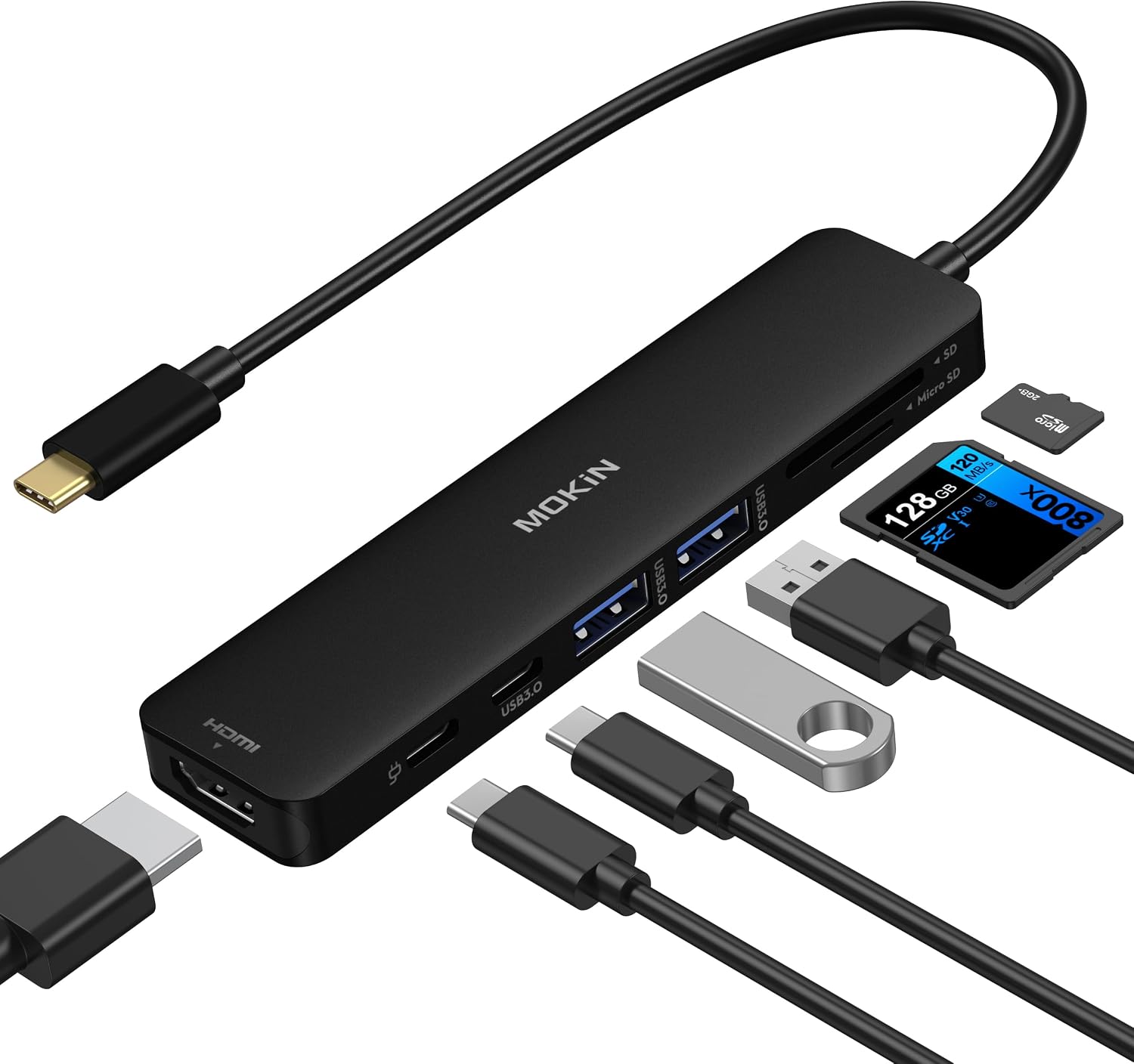
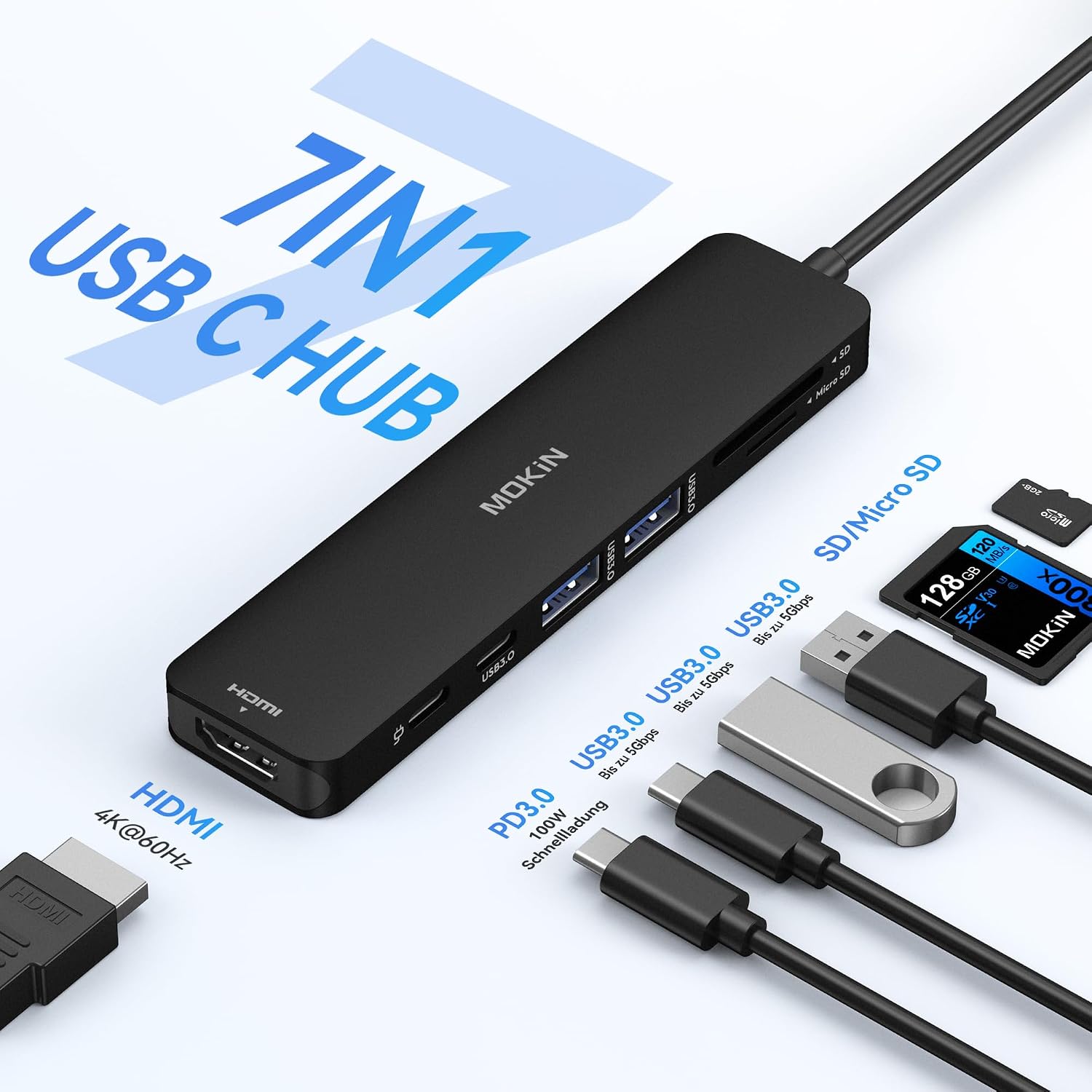
- 4K UHD output at 60Hz via HDMI, which supports clear video and smoother motion.
- Two USB 3.0 ports to connect common peripherals without slowing things down.
- A USB-C data port to link multiple USB-C devices for file transfers.
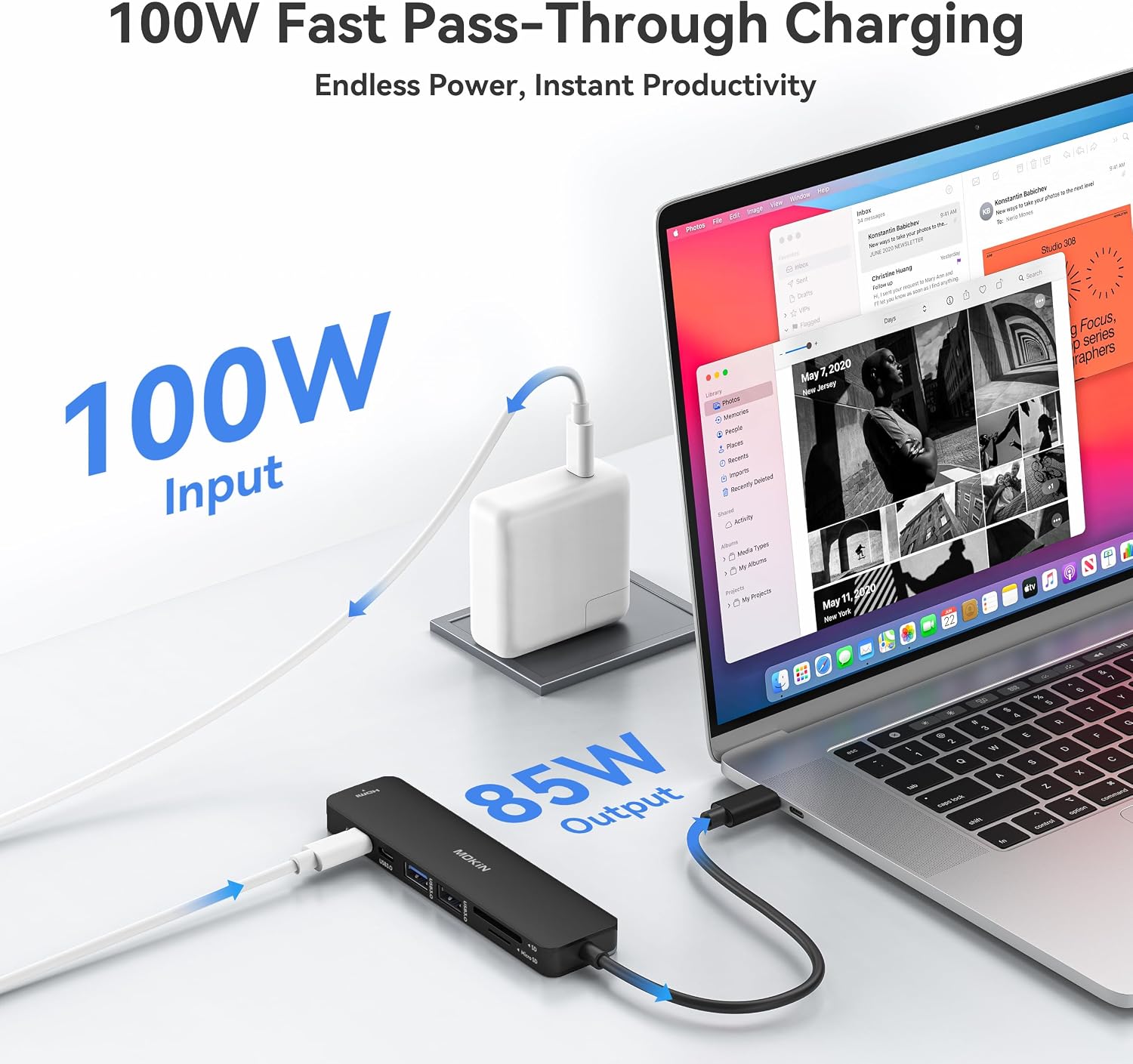
- A 100W PD port for charging, with safety limiting power delivery to 85W for charging while in use.
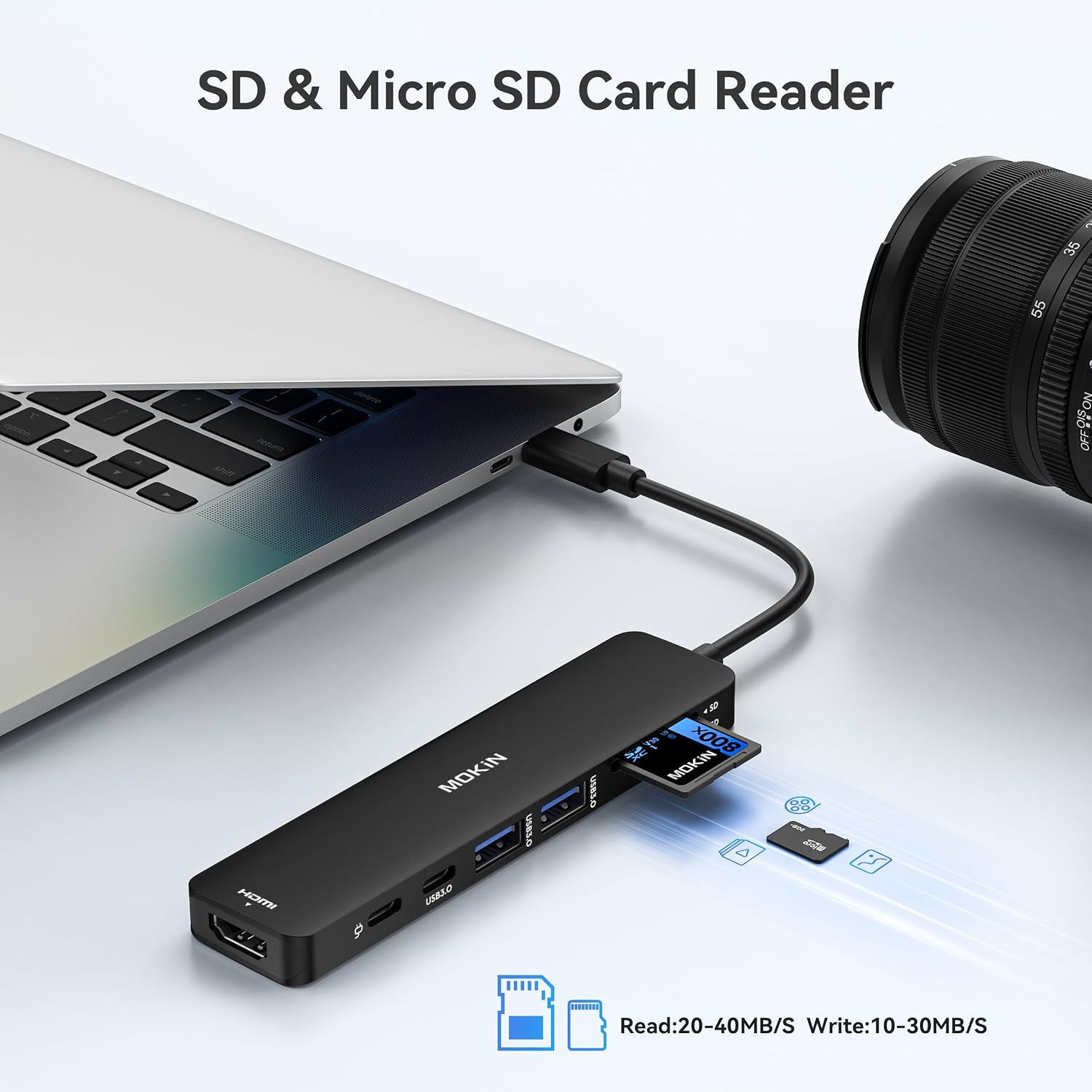
- SD and microSD card readers for quick media transfer, a practical feature for photographers and designers.
Potential limitations to keep in mind
This adapter is a hub, not a source of extra graphics power. If you push an external 4K workflow with demanding GPU tasks, you may notice some constraints depending on your laptop’s power and the peripheral load. Also, it notes that for HDD/SSD operations, only two drives can be connected, and it won’t support Apple USB SuperDrive. For users who rely on a powered external storage setup or require more than two drives, this could be a drawback.
Who it’s for
- MacBook Pro/Air owners who want a simple, space-saving dock for daily use with occasional 4K video output.
- Professionals and students who need quick access to SD/microSD cards, USB peripherals, and a single high‑quality display without carrying a larger dock.
- People needing to keep devices charged while connected, as the PD port supports up to 100W input, though charging output is capped for safety.
When it makes sense to buy
- You want a single compact hub that provides a monitor connection, data transfer, and card reading all in one.
- You typically connect a couple of USB peripherals and occasionally copy from SD/microSD cards.
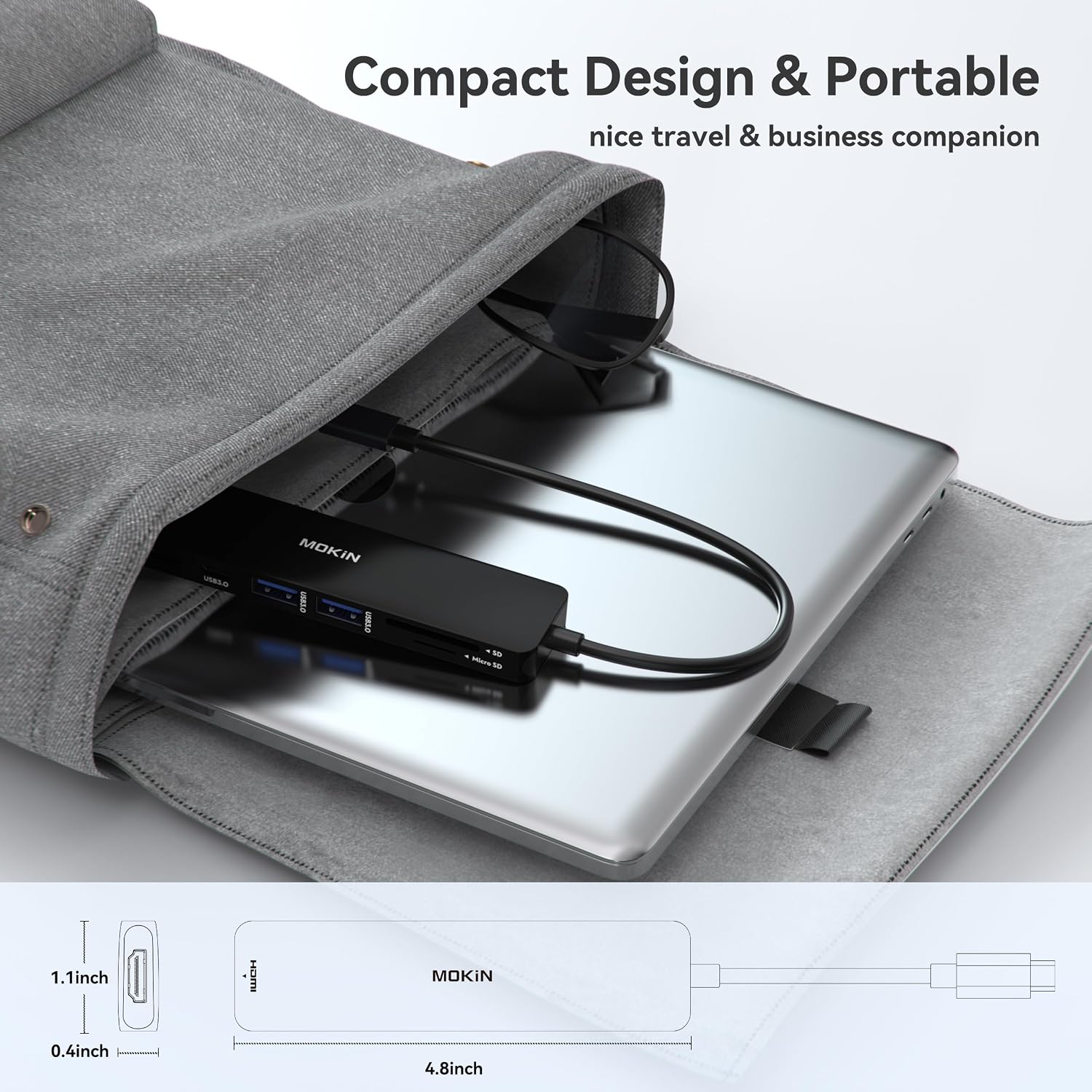
- You value a straightforward, bus-powered (via PD) solution that fits neatly into a lightweight travel setup.
When you might skip it
- If you regularly require more than two HDD/SSD connections or rely on Apple USB SuperDrive, this hub won’t fit your needs.
- If you need higher-than-60Hz 4K editing workflows or more generous charging at higher wattage while using multiple peripherals, you may want a more robust docking solution.
What to check before buying
- Ensure your MacBook model supports 4K@60Hz output via HDMI with external docks, some models or cables can influence performance.
- Consider whether you need more than two USB 3.0 ports or additional USB-C ports beyond the two included.
- Check whether you’ll be using SD/microSD heavily, card reader speed can vary and affect transfer times.
- Plan how you’ll route power: the 100W PD input is generous, but the device limits charging to 85W when in use.
Practical usage example
Imagine plugging this hub into a MacBook Pro for a meeting: you mirror your screen to a TV via HDMI, attach a wireless keyboard and mouse to the USB 3.0 ports, slot in a memory card to transfer recent photos, and keep the laptop charging through the PD input. You’ll likely appreciate the reduced cable clutter and the ability to work across two displays without a full desktop dock.
FAQ in brief
- Will it run with Windows or other USB-C laptops? It lists broad USB-C compatibility, but the emphasis is on MacBook models, check your device’s HDMI output capability and power requirements.
- Can I connect external HDDs simultaneously? Yes, up to two HDD/SSD connections are supported, but performance may depend on power and processor load.
- Is the PD charging safe while using ports? Yes, but charging is limited to 85W for safety when in use.
Final decision
Is it worth it? If you prioritise a compact, affordable all‑in‑one hub that adds essential ports and a capable HDMI output for daily work, it makes sense to consider. It suits light to moderate multi‑tasking on USB‑C laptops, especially when desk space matters. If your workflow demands more than two high‑powered drives or frequent high‑demand 4K editing, you might want to explore higher‑capacity docks.
Quick conclusion
For many users, this MOKiN 7‑in‑1 USB C Hub offers practical value: a simple expansion that covers display, data, and media needs without a heavyweight dock. It’s not a perfect fit for every high‑end professional setup, but it should solve common desk‑side bottlenecks for everyday use.
Is it worth it? (Bottom line)
Worth considering if you want a tidy, travel‑friendly way to connect a display, USB peripherals, and SD/microSD cards, while keeping your MacBook charged. If your needs run towards more drives or more aggressive professional workloads, you may want a more capable dock.