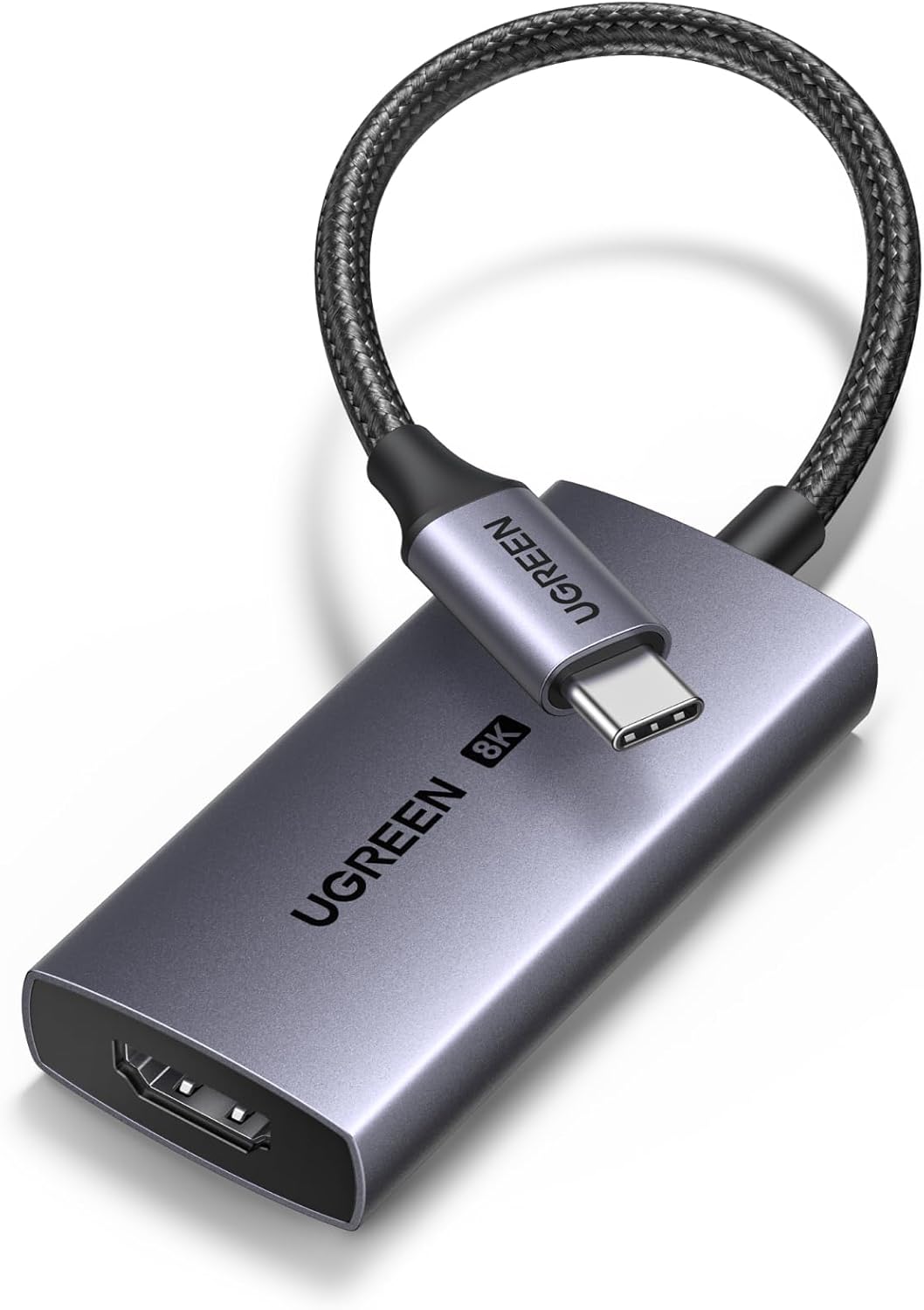
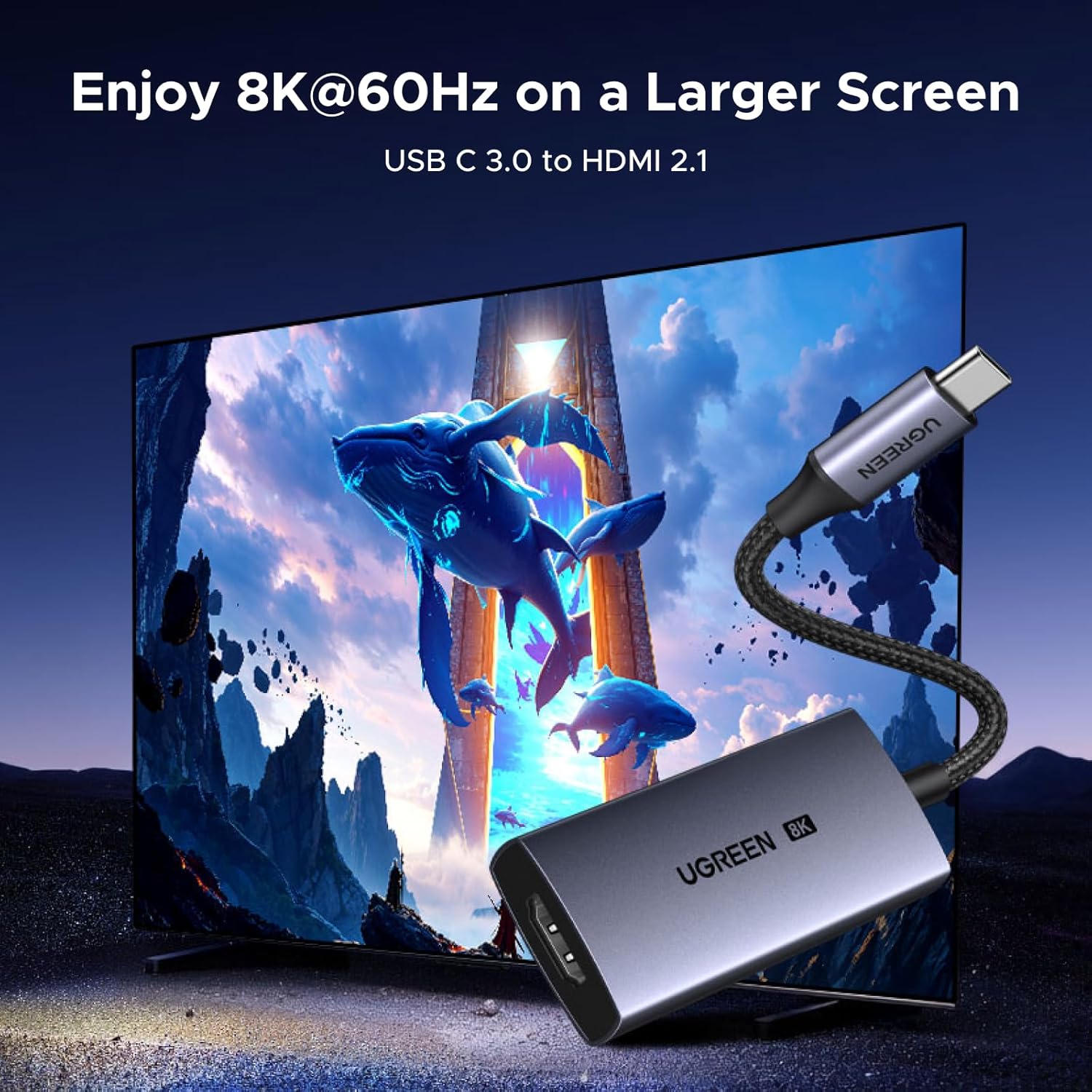
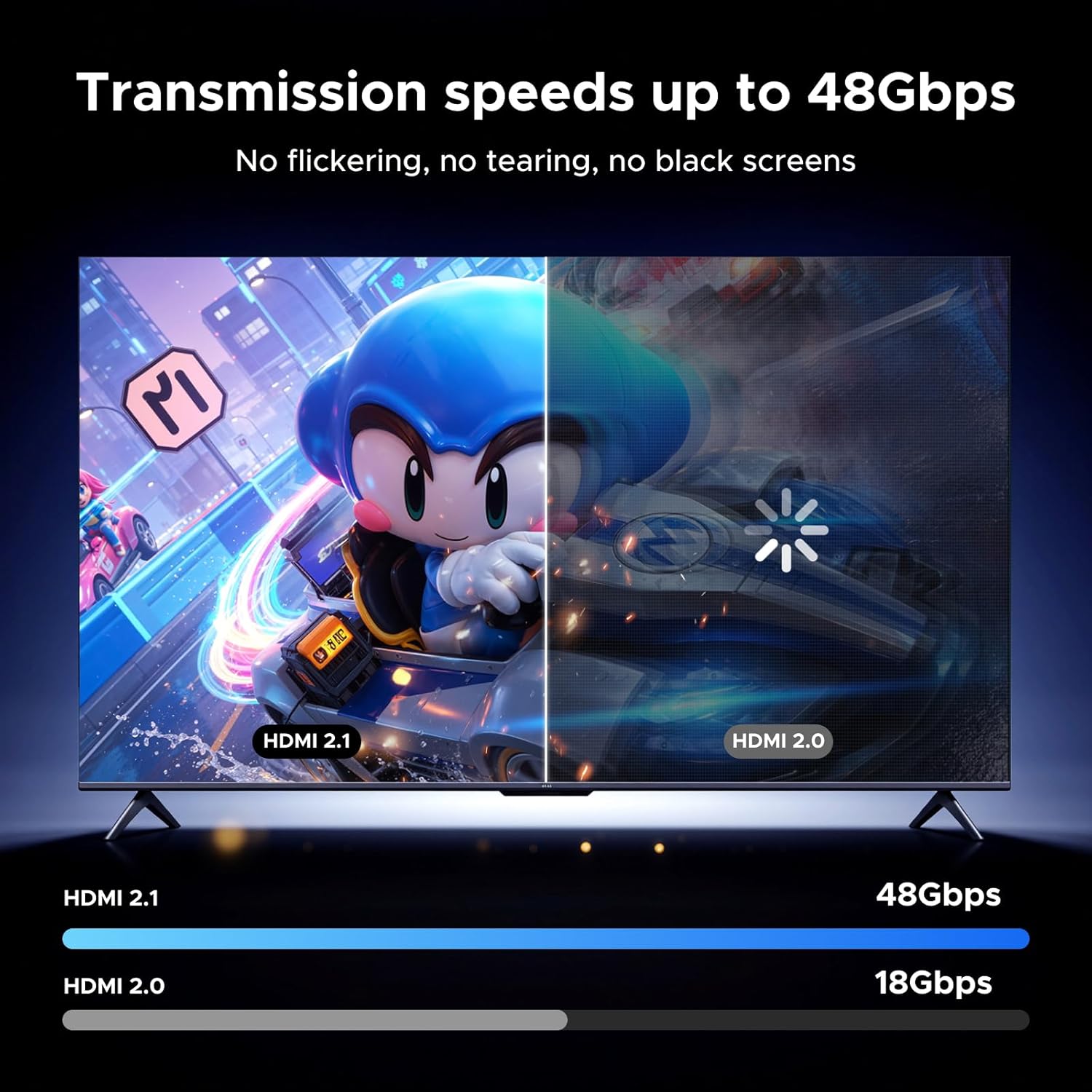
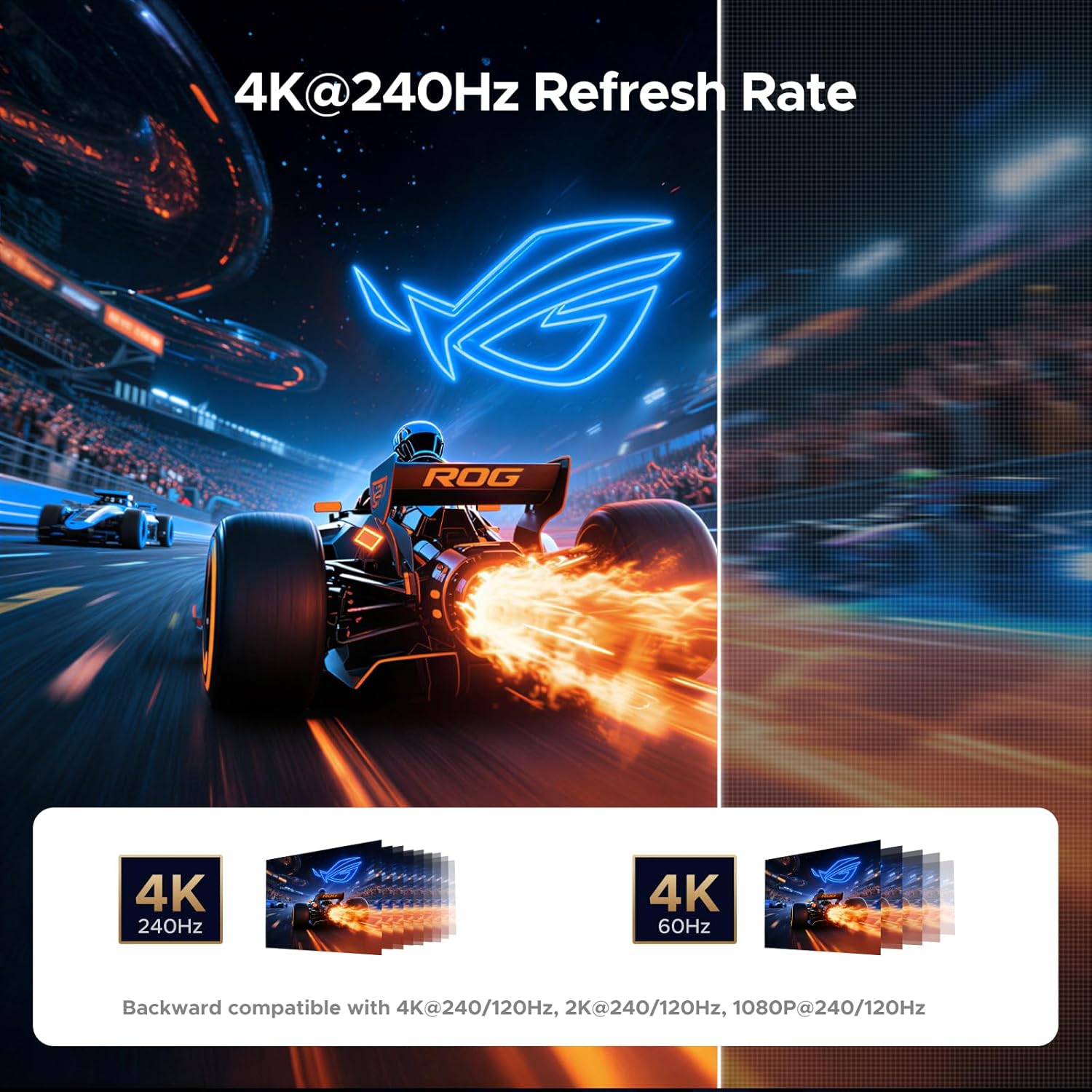
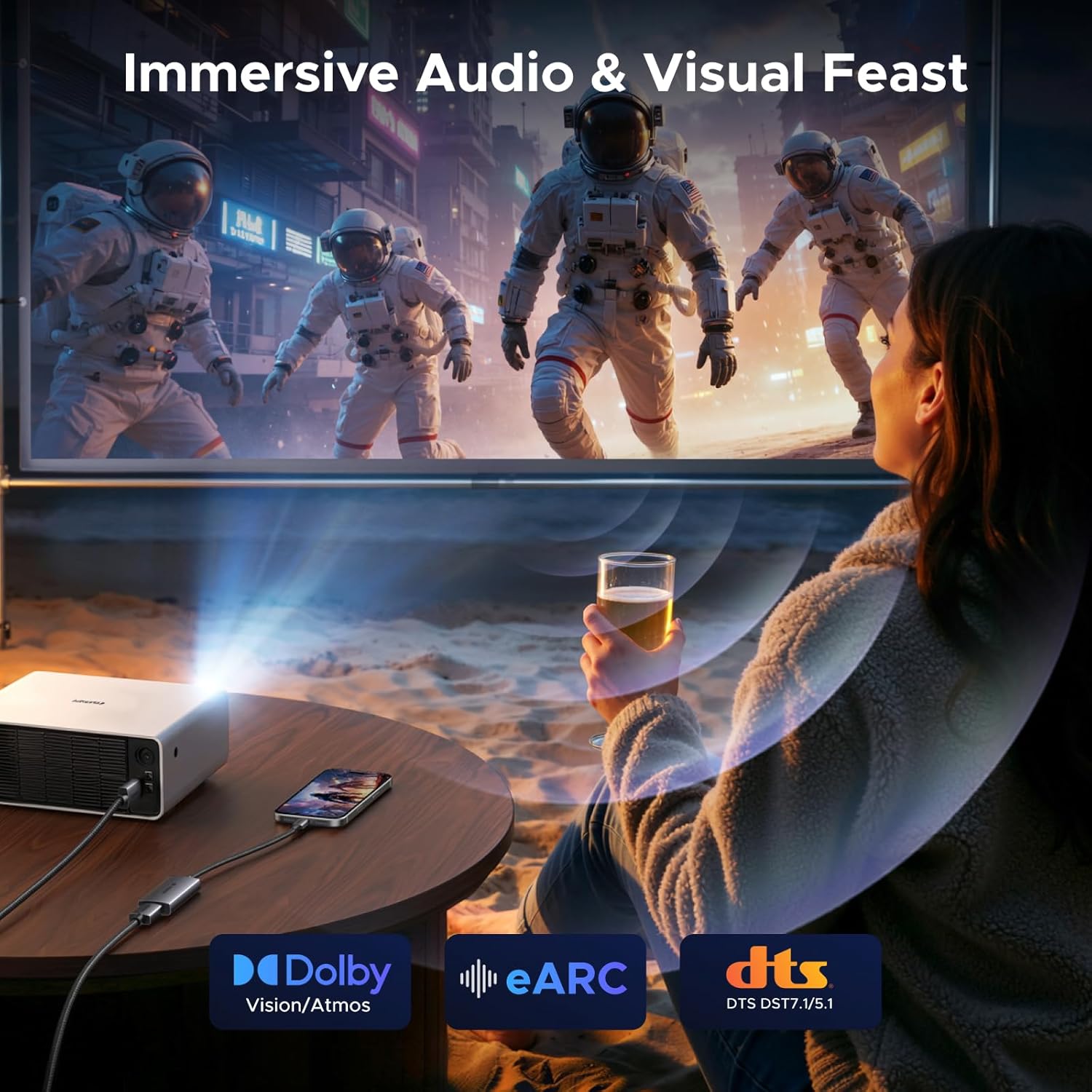
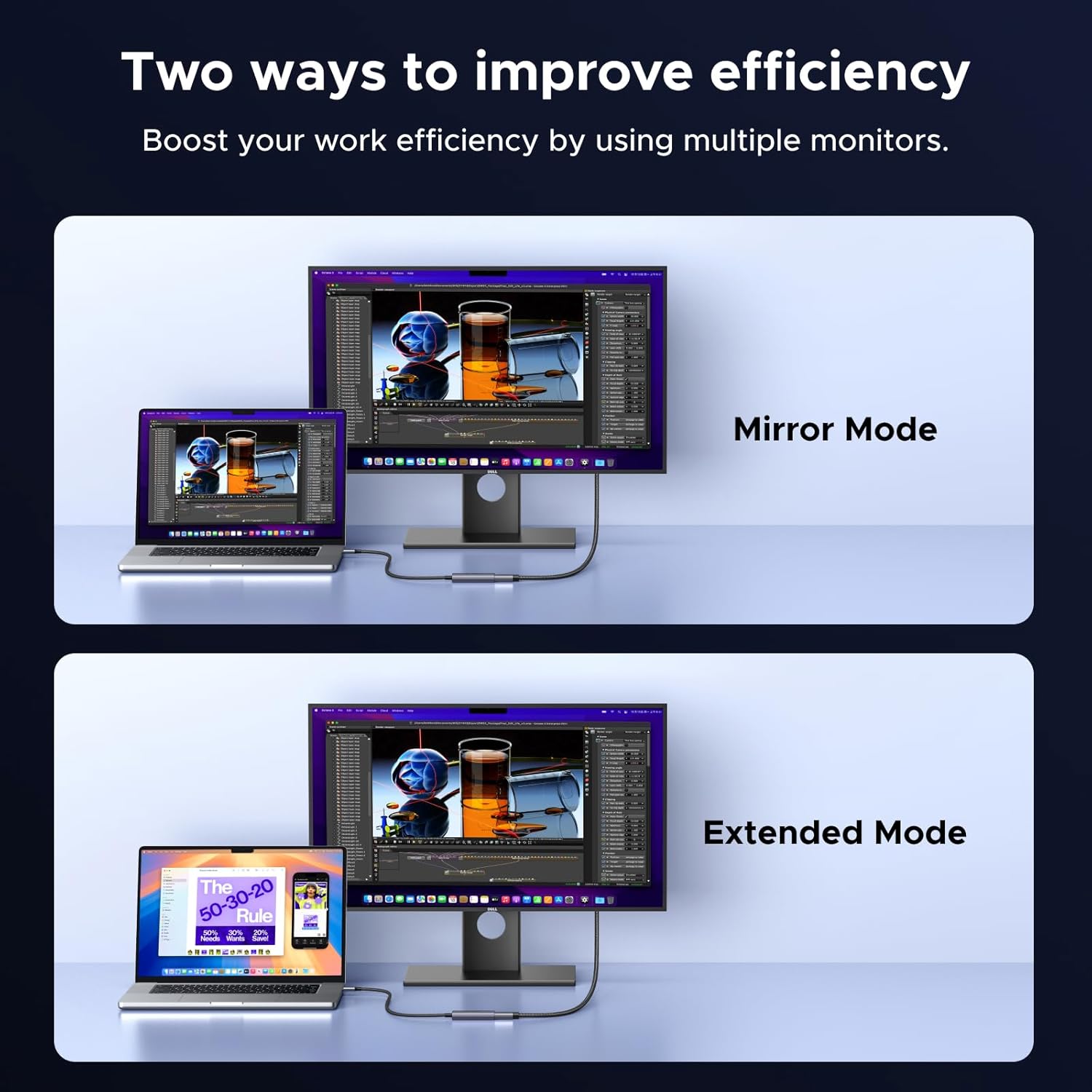
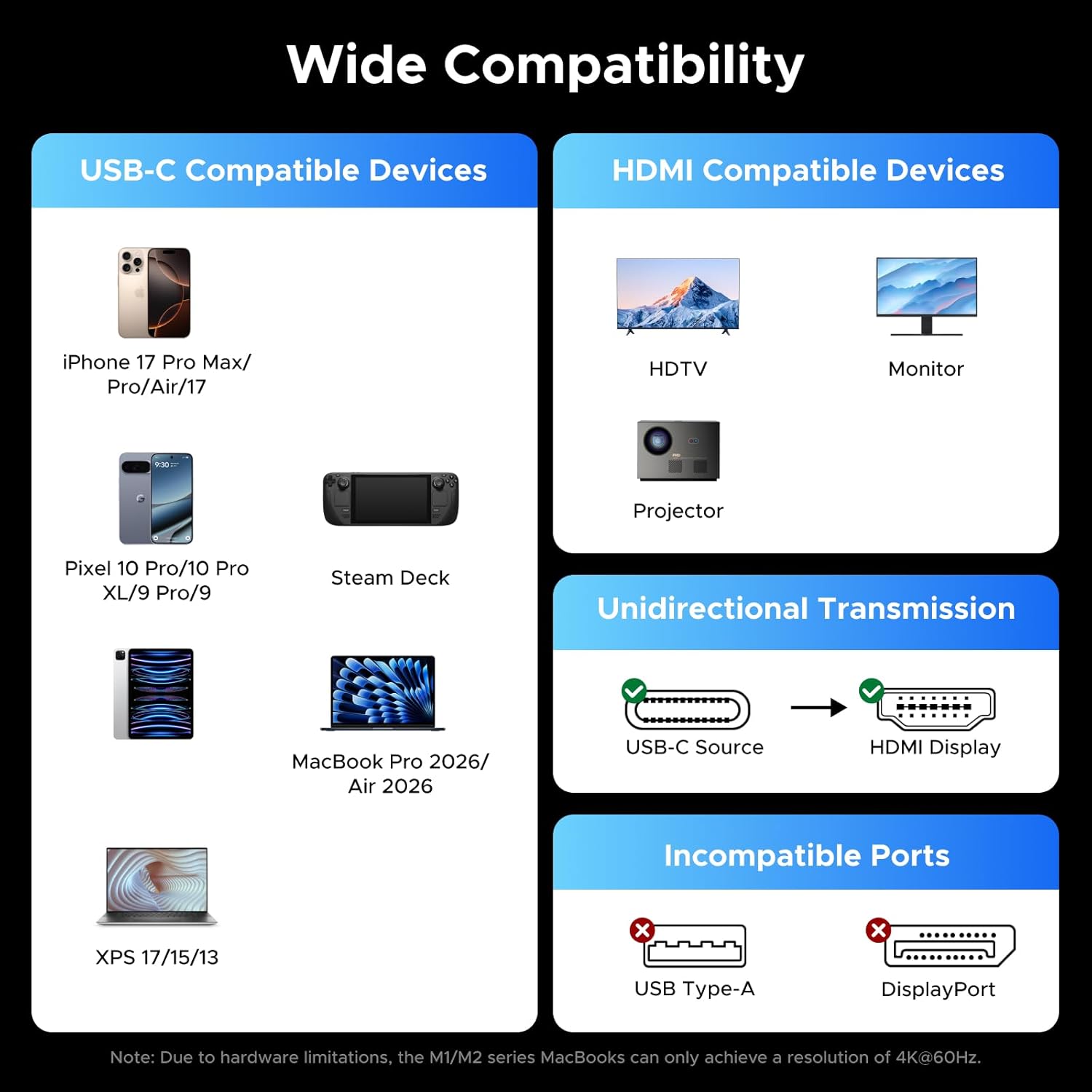
What it is and what it solves\nThis is a USB-C to HDMI 2.1 adapter designed to mirror or extend a laptop, tablet or phone display to an external monitor or TV. It supports very high resolutions and refresh rates, including 8K at 60Hz and 4K up to 240Hz, which can be appealing if you want smooth gaming, rapid action or cinematic video playback on a larger screen. The aim is to offer a straightforward, driver-free connection from devices that output via USB-C with DP Alt Mode or Thunderbolt to a standard HDMI display, all in a compact, durable package.\n\n## How it performs on paper\nWith a bandwidth of 48Gbps, the adapter can handle very high data throughput, which translates to crisp image quality and fluid motion in supported content. HDR support, including Dynamic HDR, HDR10+ and Dolby Vision, is promoted to deliver more vivid colours and contrast. Audio is positioned to be cinema-like with multi‑channel formats such as Dolby Atmos, dependent on the source and display capabilities. In practice, results will depend on the source device, HDMI display, and content being viewed.\n\n## What stands out in everyday use\nThe unit is marketed as easy to use straight from the box, requiring no driver installation for compatible devices. It can mirror or extend a computer screen, and it also supports Dex mode or clamshell setups so you can run a larger display while keeping the laptop lid closed. It’s meant to work with a broad range of devices—from MacBook Pro and MacBook Air to iPad and Galaxy tablets/phones, as well as other USB-C/Thunderbolt-equipped machines. This makes it handy for presentations, streaming and casual gaming when you want a bigger or secondary display.\n\n## Who it’s for\nIf you prioritise high refresh rates for gaming or fast-moving content, and you want the flexibility to connect a USB-C host to an HDMI monitor or TV without extra drivers, this adapter could fit. It also suits users who value the option to run external displays in Dex or clamshell mode. It’s reasonable for those who upgrade to devices with USB‑C/Thunderbolt 3–5 and want a single dongle that covers both display output and video quality.\n\n## Where it may fall short\nSome caveats to consider: the best results depend on the host device’s capabilities and the HDMI display’s own limits. While 8K@60Hz messaging is appealing on paper, not every setup will reliably push 8K at 60Hz due to bandwidth and content availability. Likewise, 4K at very high refresh rates (240Hz/144Hz) will require both the source and display to support those modes, along with appropriate content. If your use is mainly basic office work or 4K video at standard 60Hz, you may not notice the higher end of the spec.\n\n## What to check before you buy\n- Ensure your host device supports DP Alt Mode or Thunderbolt 3/4/5 over USB-C.\n- Confirm your display and HDMI cable can handle the desired resolution/refresh rate.\n- Consider whether you actually need 8K or if 4K/144–240Hz will meet your day-to-day needs.\n- Think about portability: the adapter is designed to be pocket‑sized and durable, but the overall experience depends on your setup and usage.\n\n## Practical use case\nImagine connecting a MacBook Pro or a high-end tablet to a large TV for a movie night or a quick demonstration. With this adapter, you can mirror the screen and enjoy sharp imagery with enhanced colours, while using the TV’s speakers or a connected sound system for better audio. If you’re gaming, you’ll want a display that supports high refresh rates to benefit from the adapter’s capabilities.\n\n## Decision time\nThis is a pragmatic option for users who want a single, driver-free USB‑C to HDMI 2.1 solution that supports very high resolutions and refresh rates when the rest of the chain (device and display) can deliver them. It’s not the only route to external displays, and for casual use or older devices, you might not need the top-end specs.\n\n## FAQ\n- Does it work with any USB‑C device? It works with devices that support DP Alt Mode or Thunderbolt 3/4/5 over USB‑C.\n- Can I get 8K at 60Hz on all content? Not always, 8K at 60Hz depends on the source and display capabilities and content availability.\n- Is there any setup required? No driver installation is needed on compatible devices, just plug and play.\n- Will it also charge my device? This adapter does not specify power delivery, so charging depends on the host device and other connections.