

BENFEI USB-C to HDMI Cable (4.5m) – 4K@60Hz, Aluminium Shell, Nylon Braided
Product description
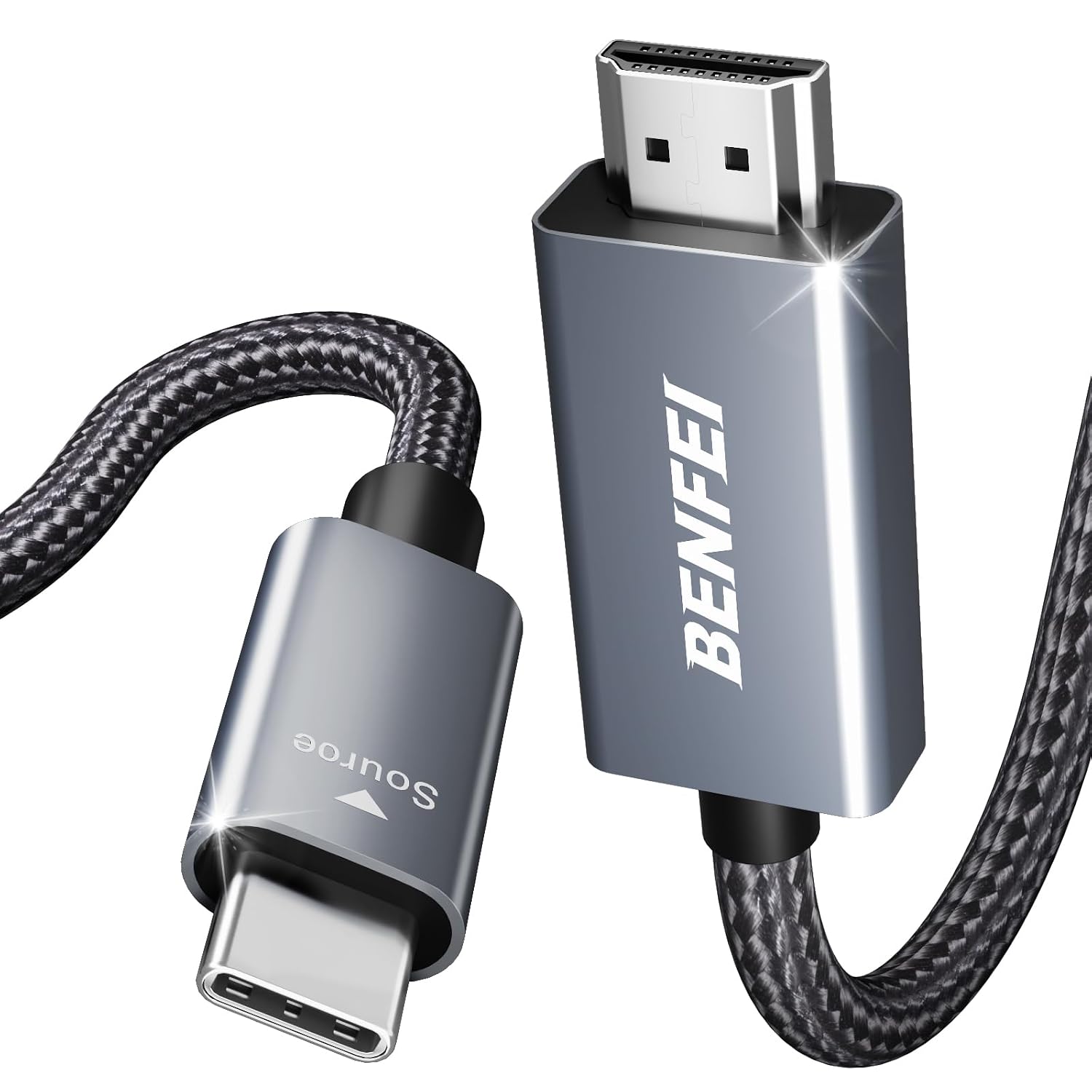
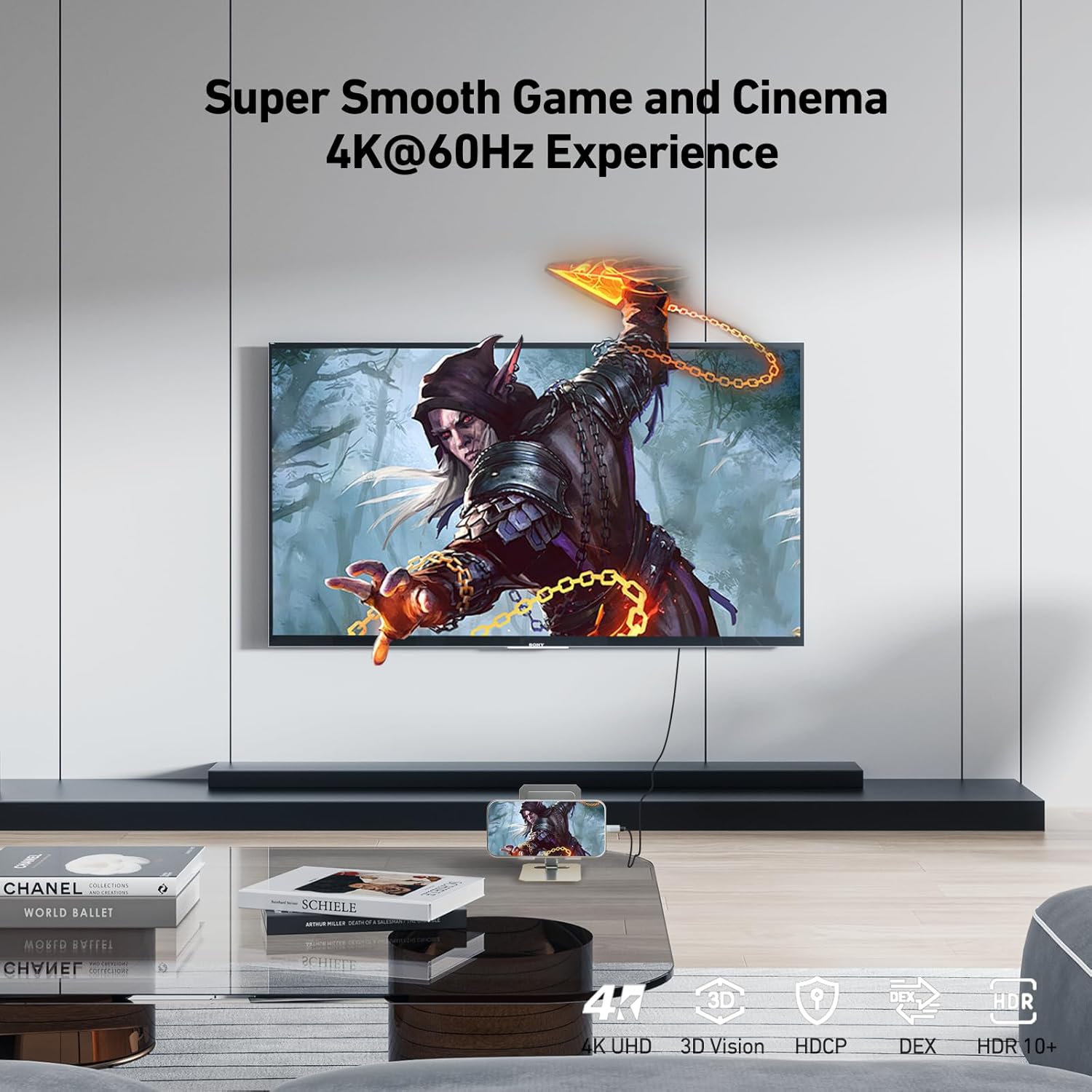
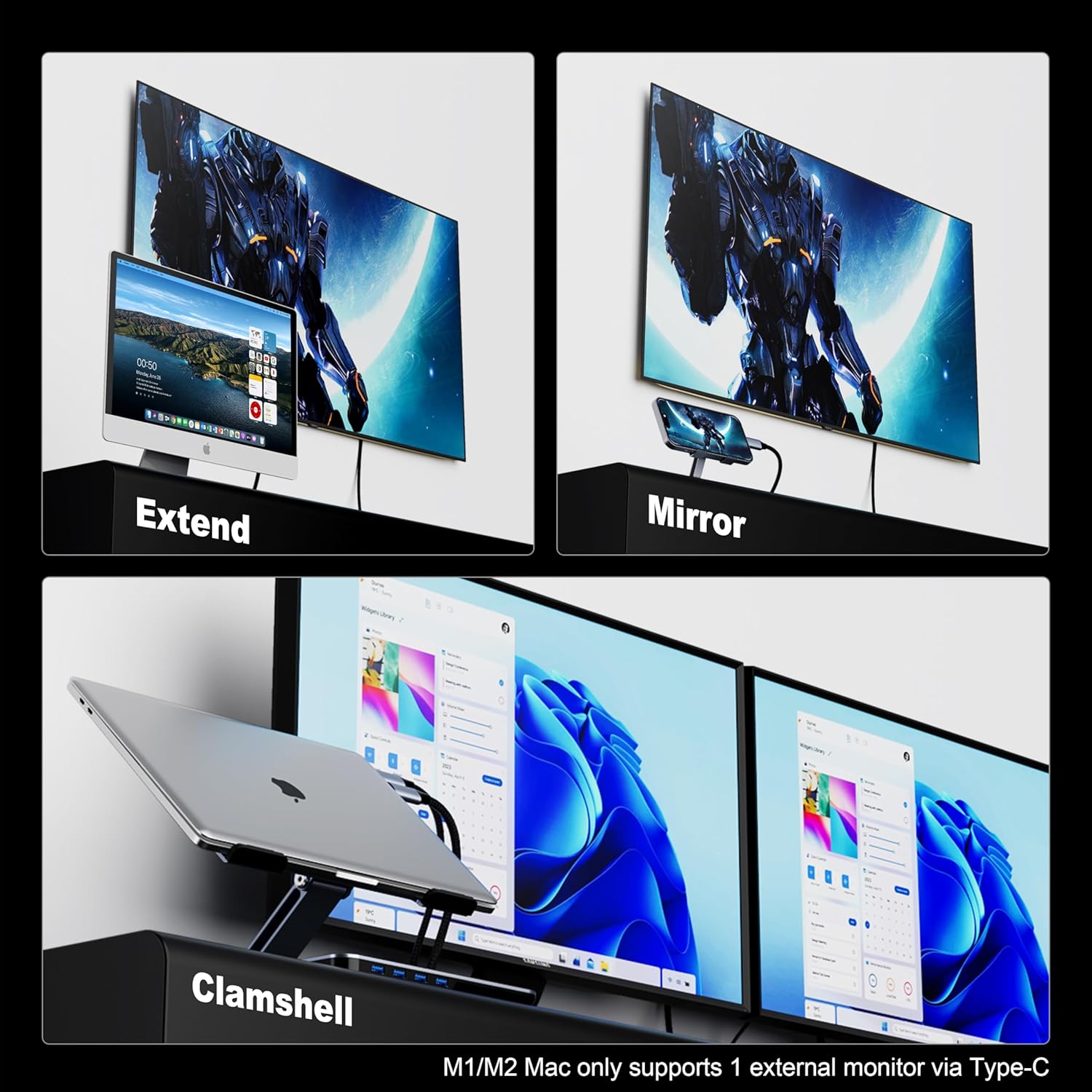
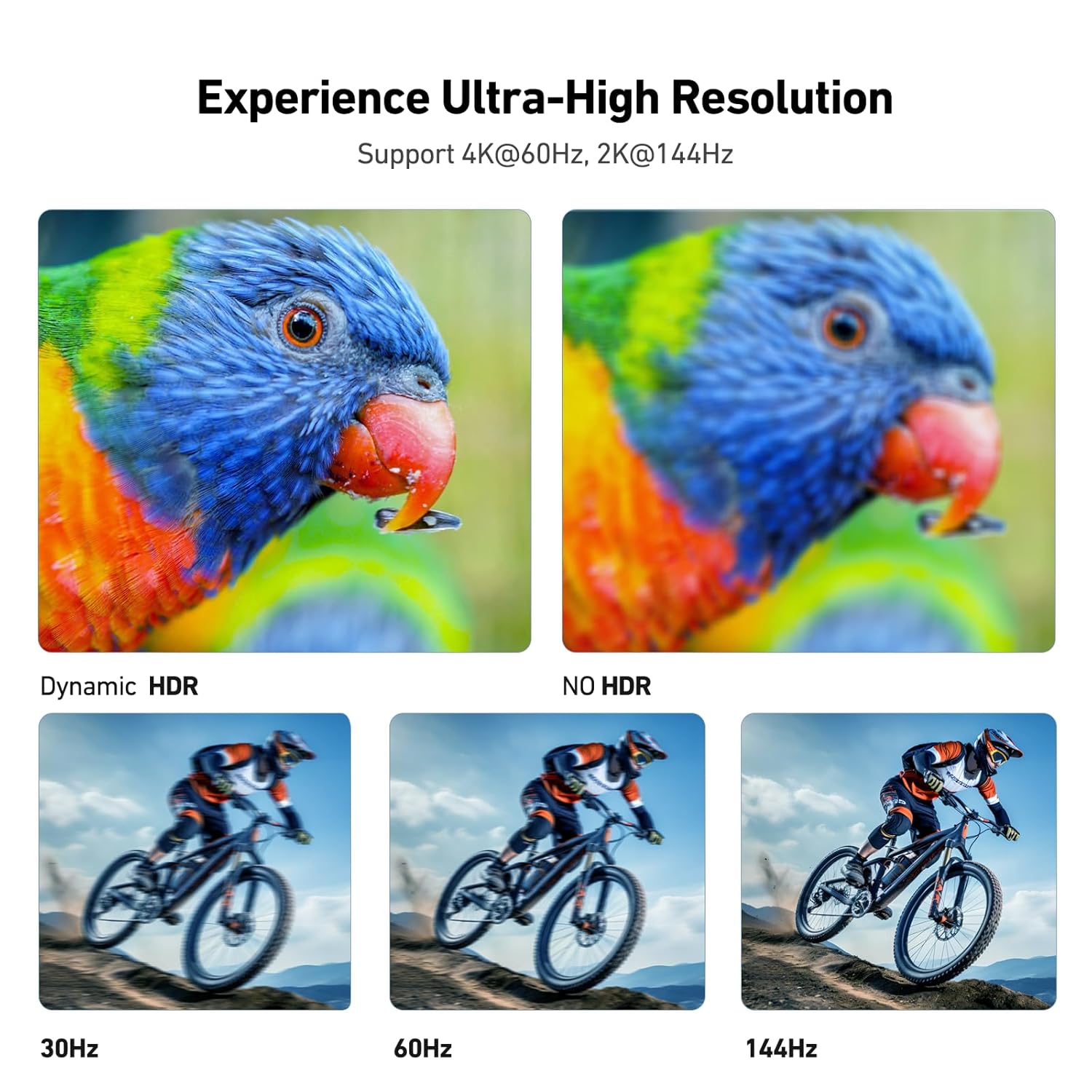
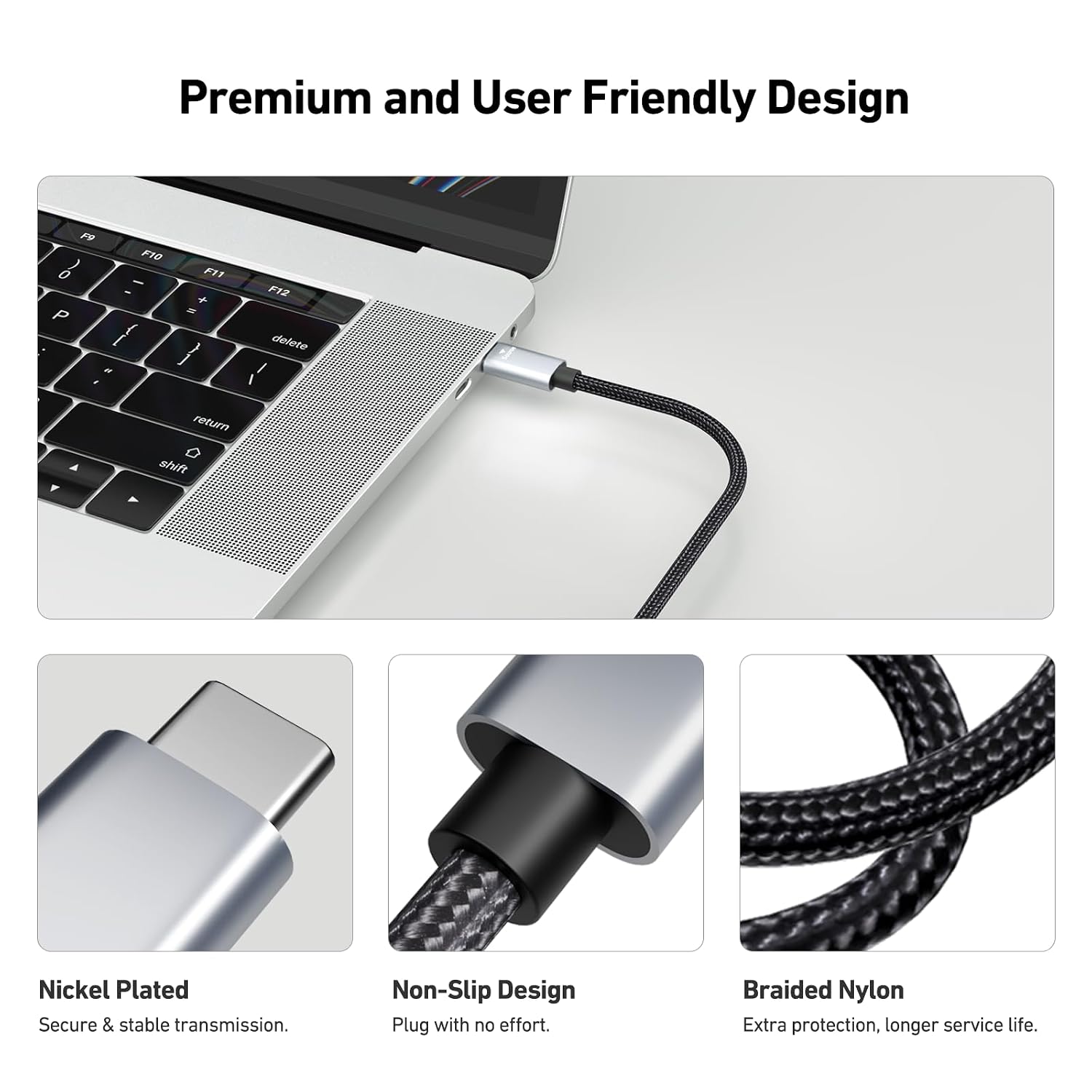
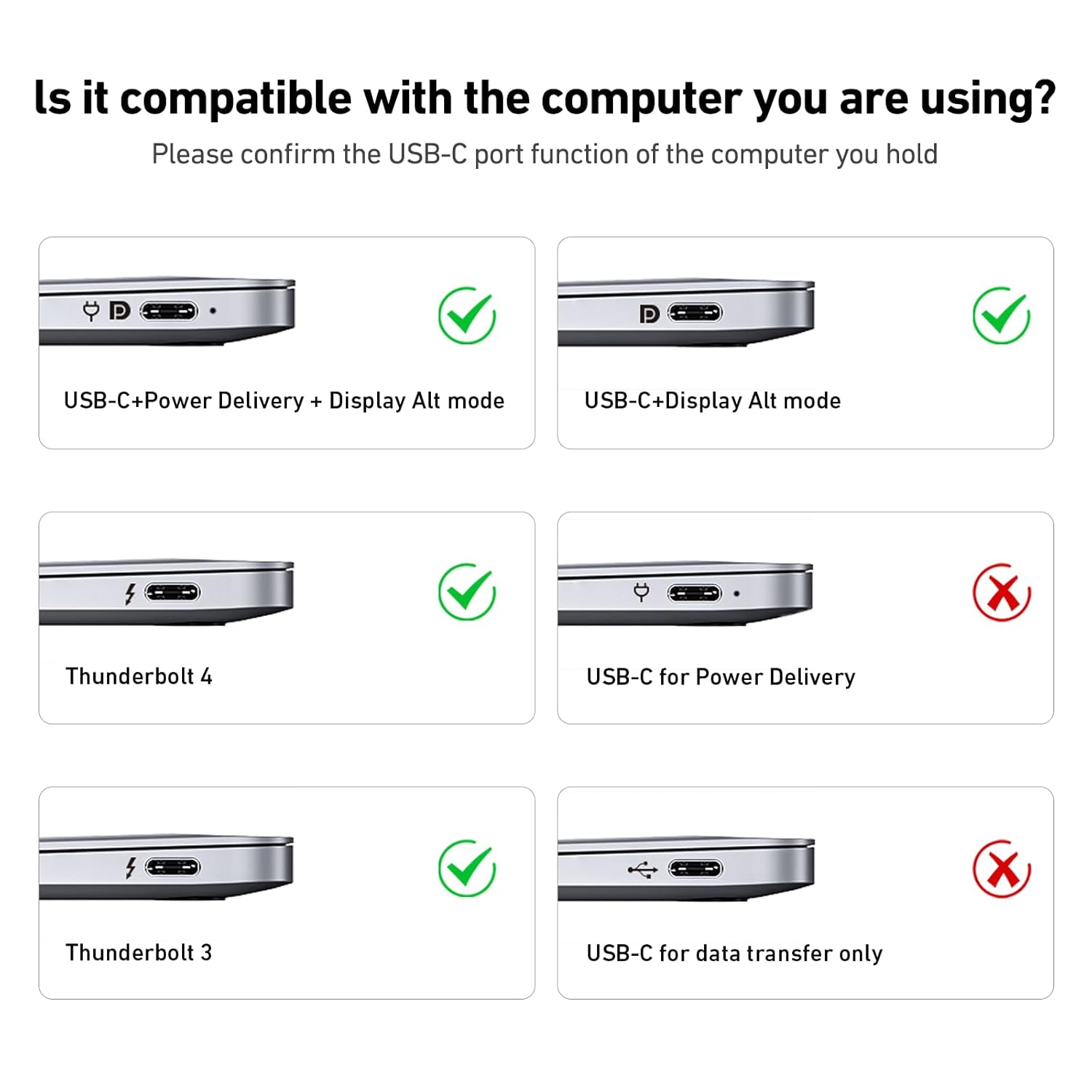
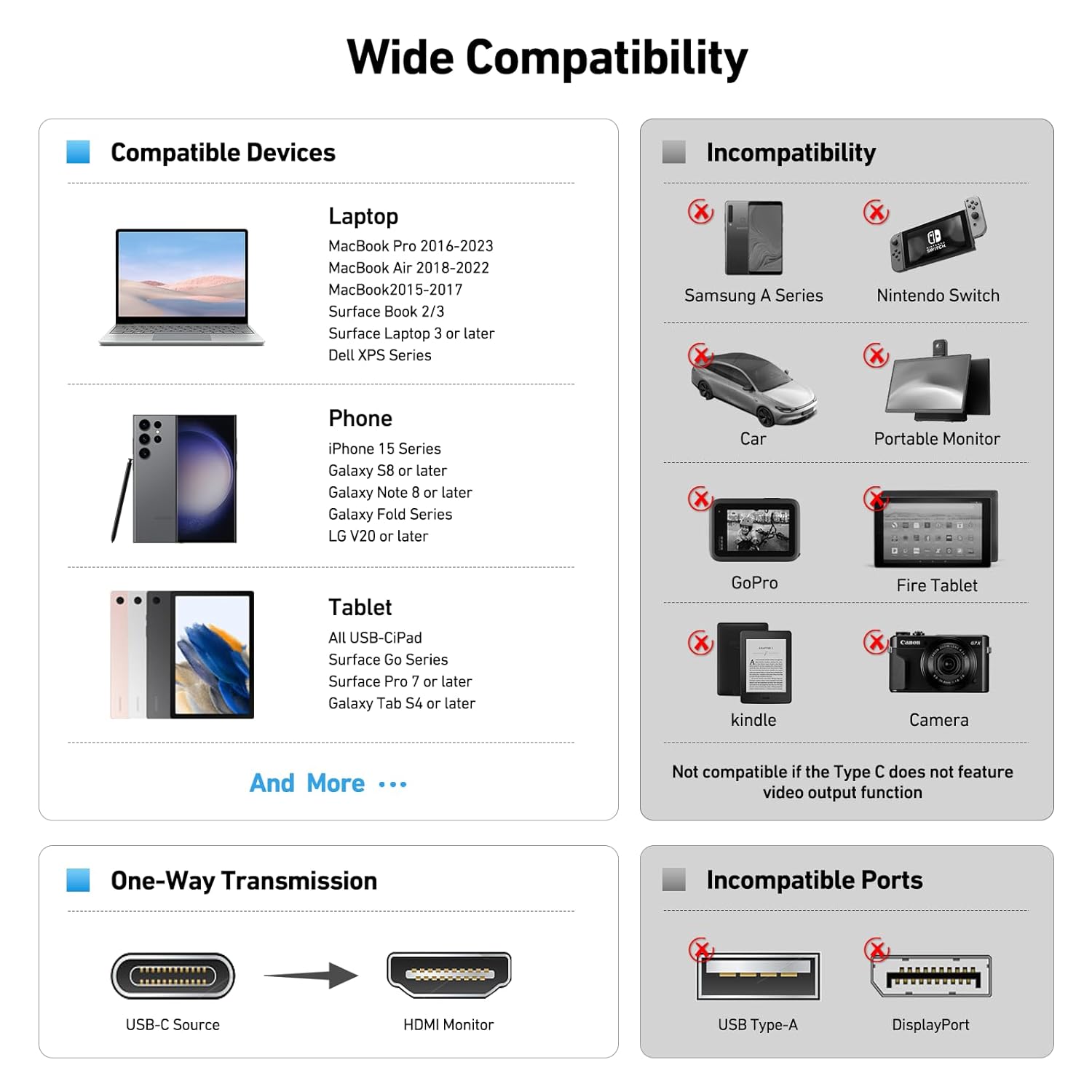
What it is and what it’s for\nThis BENFEI USB-C to HDMI cable is a plug-and-play solution designed to mirror or extend a display from a USB-C host device to an HDMI input. It’s aimed at laptops, tablets or phones that support USB-C video output and want a straightforward path to larger screens such as monitors, TVs or projectors. The cable is 4.5 metres long, giving you room to position devices and displays without needing a desk-wide setup. On paper, it supports resolutions up to 3840×2160 at 60Hz, plus 2K at 144Hz and common desktop resolutions. One important caveat is that it’s a one-way cable: from USB-C host to HDMI display, not the other way round.\n\n## Build and durability you can feel\nThe cable uses an aluminium housing which helps with heat dissipation during longer sessions and a solid, nickel-plated plug for reliable connections. The reinforcement continues with a single, moulded construction and a thicker copper core aimed at reducing signal loss when pushed to higher conductivities. The outer sheath is braided nylon, which tends to resist fraying and kinking better than standard plastics. A non-slip thumb grip near the plug helps when connecting or disconnecting, and the overall aesthetic and feel lean towards a product you’d leave connected on a desk rather than constantly re-routing.\n\n## Compatibility and real-world use\nThe description lists compatibility with a broad range of Apple, Windows and Android devices, including iPhone 15 Pro/Max, MacBook Pro/Air (various generations), iPad Pro, Surface devices and several Galaxy models. While this breadth is appealing, it’s worth noting the cable is intended for devices that support USB-C video output to HDMI displays, and it’s specifically positioned as a one-way link from host to display. If you frequently switch between devices with different ports or require bidirectional display output, you may need a different solution.\n\n## What stands out in everyday use\nIn daily setups, the 4.5m length provides flexibility for a living room or office where the display is not immediately adjacent to your USB-C source. The aluminium shell and braided exterior reduce heat and wear during longer sessions, such as conference calls or streaming. If your use-case involves occasional screen mirroring from a mobile device, or a more permanent desktop-to-monitor extension, this cable is well suited to keep a tidy setup with fewer cables around the desk.\n\n## What it might miss or where it could fall short\nIf you prioritise the quietest possible cable or a version that supports more exotic resolutions or refresh rates, you may want to check exact compatibility with your monitor. The stated 4K@60Hz and 2K@144Hz capabilities are good for most modern displays, but real-world performance will depend on the source device and HDMI display compatibility. Also, being a single-direction cable means you won’t be able to drive a display from an HDMI source back into a USB-C device.\n\n## Who it’s for\nThis is a pragmatic option for users who want a longer, sturdy USB-C to HDMI link for extended or secondary displays, especially in home offices or meeting spaces. It’s suitable for MacBook Pro/Air users, iPads with USB-C, and select Windows tablets or laptops that can output video via USB-C. People who value durability, an unobtrusive cable feel, and a clear one-way signal path will find it aligns with their needs.\n\n## Before you buy: a quick checklist\n- Confirm your device supports USB-C video output to HDMI.\n- Check the monitor or TV input is HDMI and supports 4K@60Hz or the desired resolution.\n- Ensure the display arrangement is one-way from the USB-C host to HDMI display.\n- If you expect to use the cable with multiple devices, test compatibility on each to avoid surprises.
\n## Practical example of use\nImagine you’re working from a laptop at coffee shop, then you join a conference room with a larger screen. You simply plug this cable into your USB-C laptop, route the HDMI end to the display, and you’re extending your screen with a comfortable 4.5m reach. The setup is straightforward, and the cable’s build should stand up to regular plugging and unplugging as you move between spaces.\n\n## Final thoughts: is it worth considering?\nIf you need a longer, robust USB-C to HDMI link for occasional or regular external displays, and you prioritise a durable build with a neat finish, this BENFEI cable offers a sensible balance of length, colour stability and ease of use. It may not be the best pick if your setup requires bidirectional display or niche resolutions, but for many everyday scenarios it presents a practical value option.\n\n## FAQ (practical and concise)\n- Q: Does this cable work with all USB-C devices?\n A: It’s designed for USB-C host devices that can output video to HDMI, compatibility can vary by device and software.\n- Q: Can I use it with a USB-C hub?\n A: If the hub is designed to pass video from host to HDMI, it should work, but your mileage may vary depending on the hub’s internal routing.\n- Q: Will it support 4K at 60Hz on my display?\n A: The specification mentions 4K@60Hz, ensure your source device and HDMI display both support this mode.\n- Q: Is the cable reversible in any way?\n A: No, it’s one-way from USB-C host to HDMI display.\n\n## Decision: Final verdict\nFinal verdict: Worth considering if you prioritise length, durability and straightforward one-way display from a USB-C host to an HDMI screen for everyday use. It isn’t a bidirectional solution and buyers should confirm device compatibility with their own gear.