

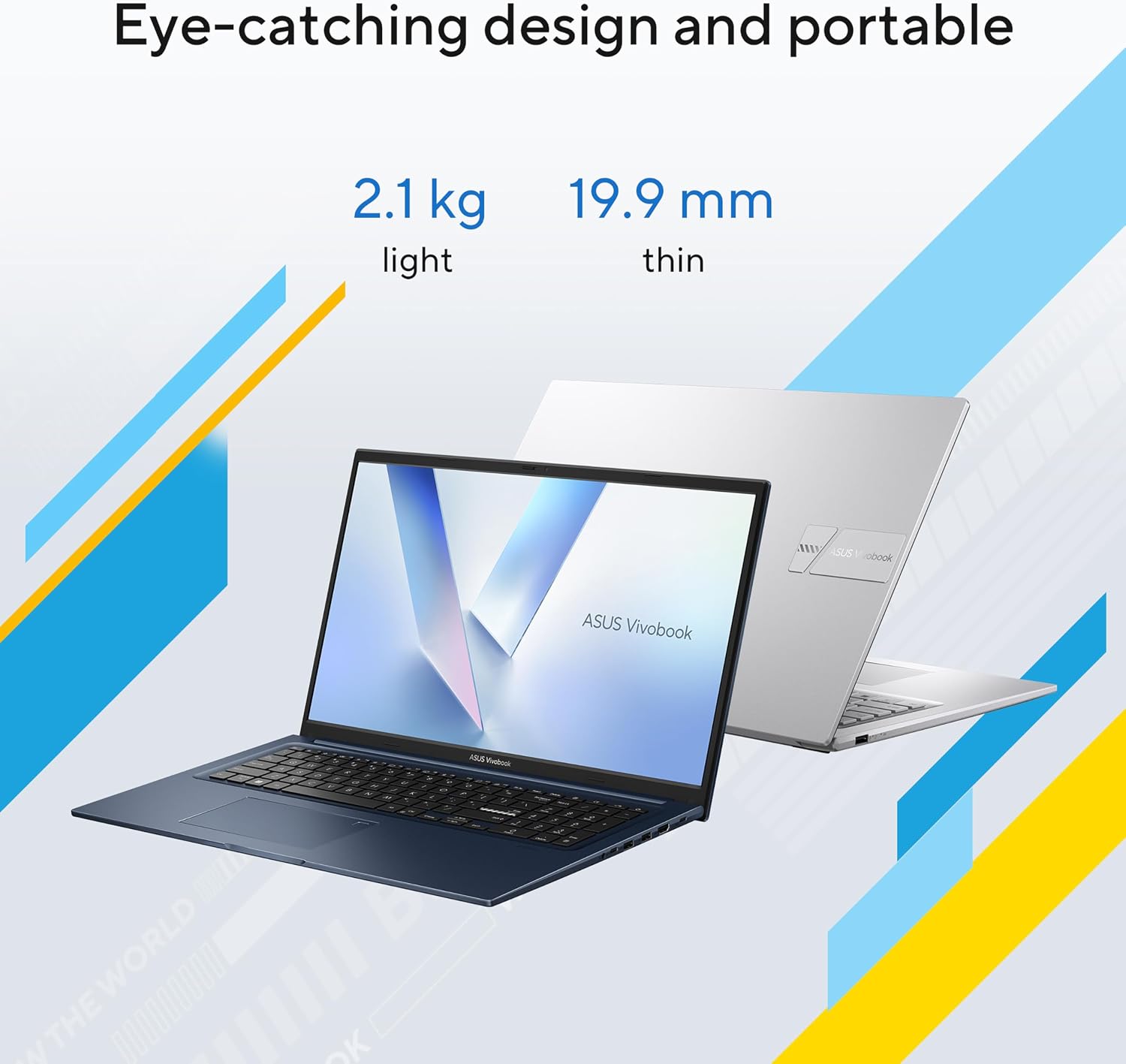
ASUS Vivobook 17 X1704VA Laptop — 17.3" FHD, Core i5 120U, 16GB RAM, 512GB SSD
Product description
What it is and what it’s for
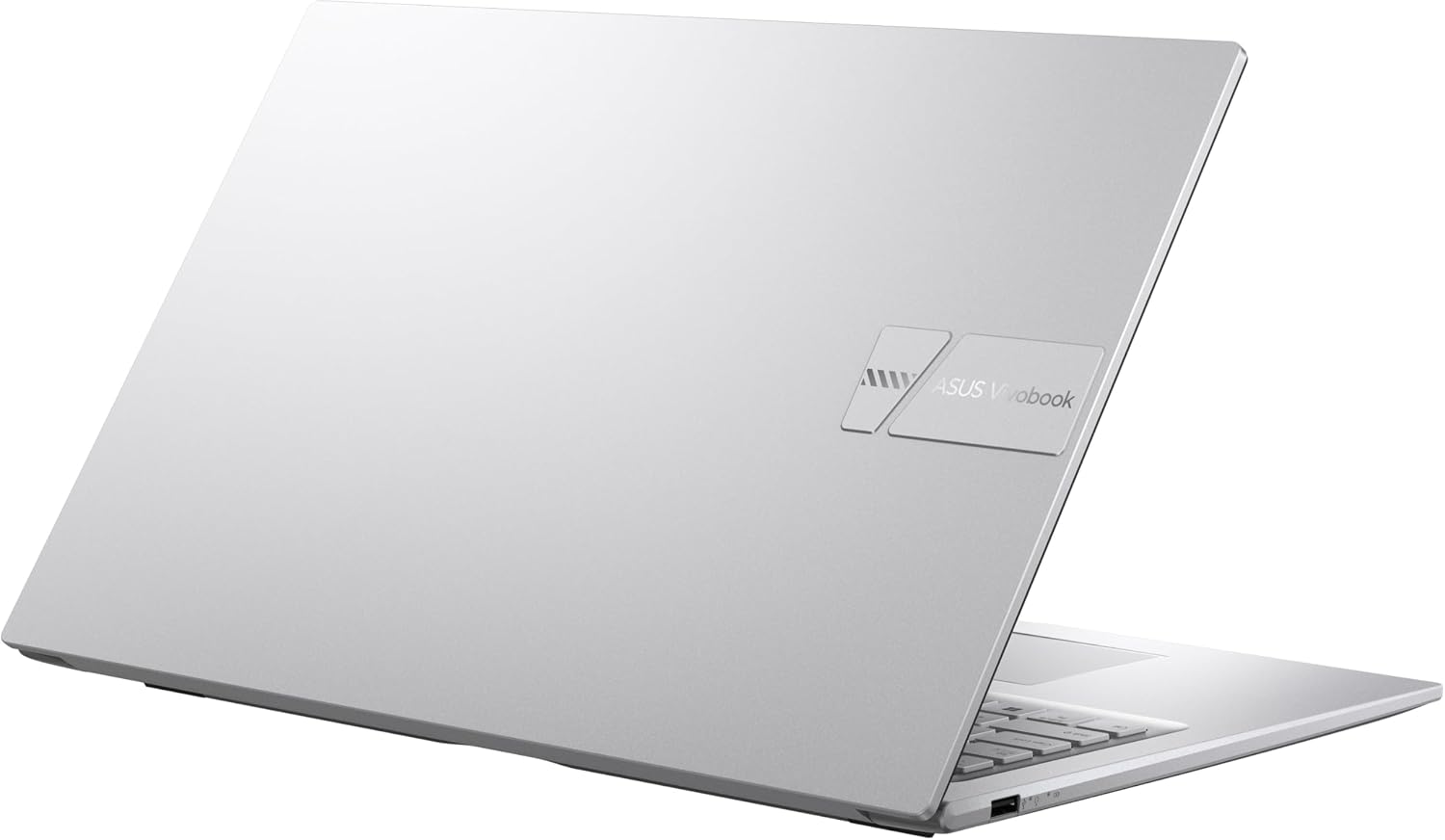
The ASUS Vivobook 17 X1704VA is a 17.3" Windows 11 laptop designed for everyday tasks, from schoolwork and productivity to light entertainment. It centres on a balance of power and practical features, aiming to handle multiple browser tabs, document editing, and media playback with ease. If you prioritise a large display for comfortable viewing and a straightforward general‑purpose machine, this model offers a clear path to that setup.
Key features
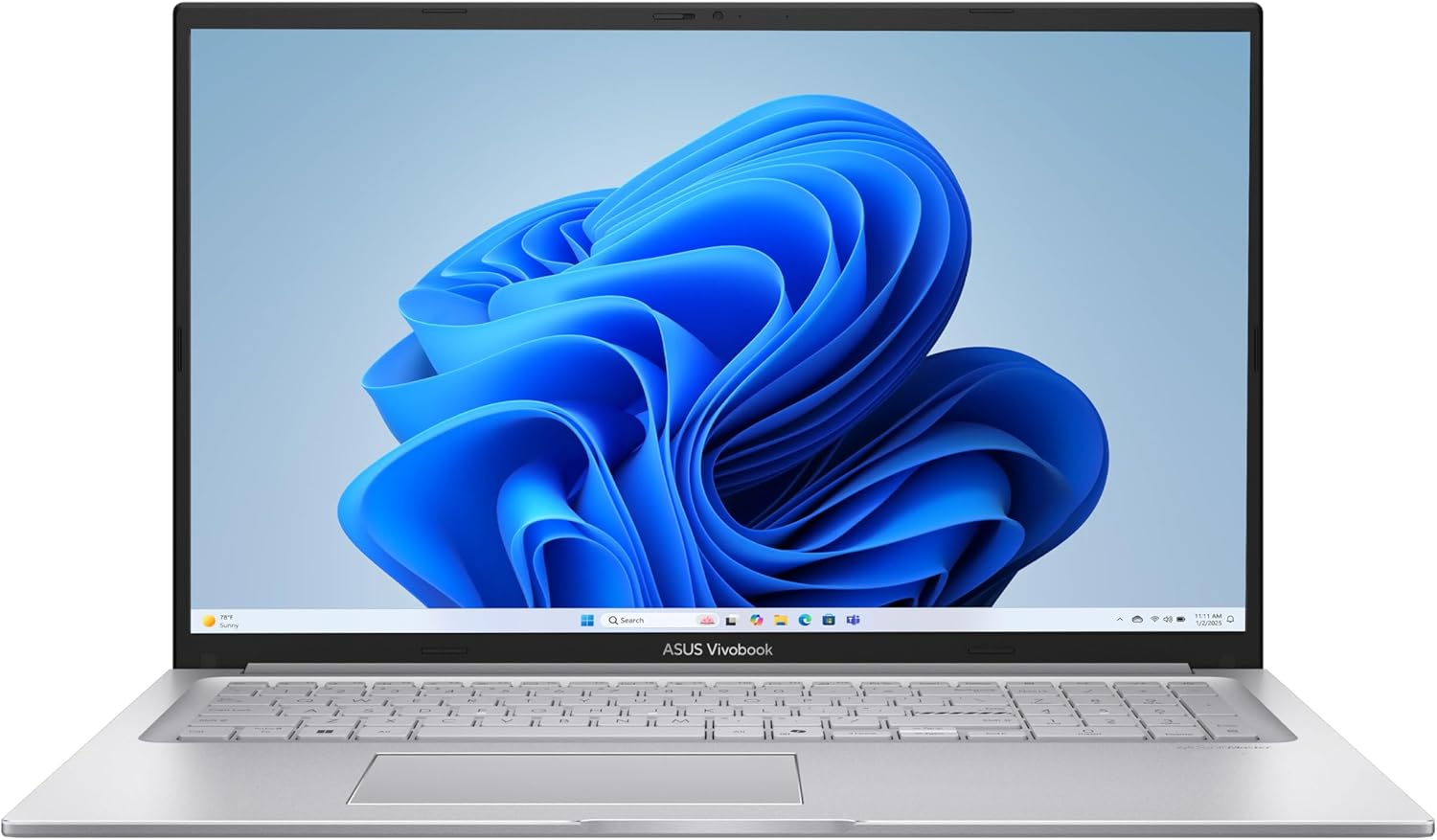
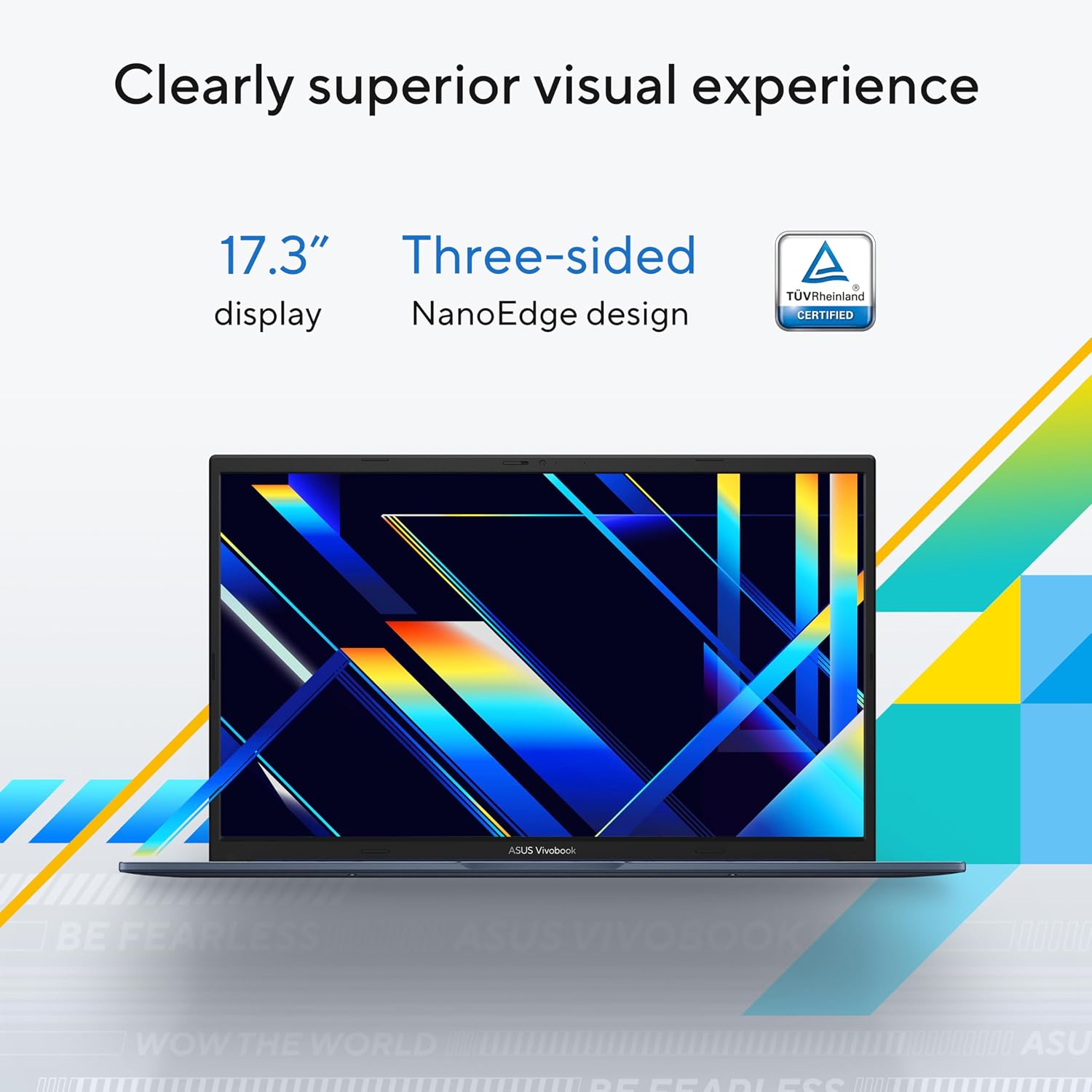
On paper, the core strengths lie in the combination of the 17.3" Full HD screen, a capable Intel Core 5 120U processor, and ample memory and storage: 16 GB of RAM and a 512 GB PCIe SSD. The system runs Windows 11, which is intended to support modern software workflows and safety features. A notable convenience is the fast charging capability, able to take a low battery to about 60% in around 49 minutes, which can help you minimise downtime.
Technical details
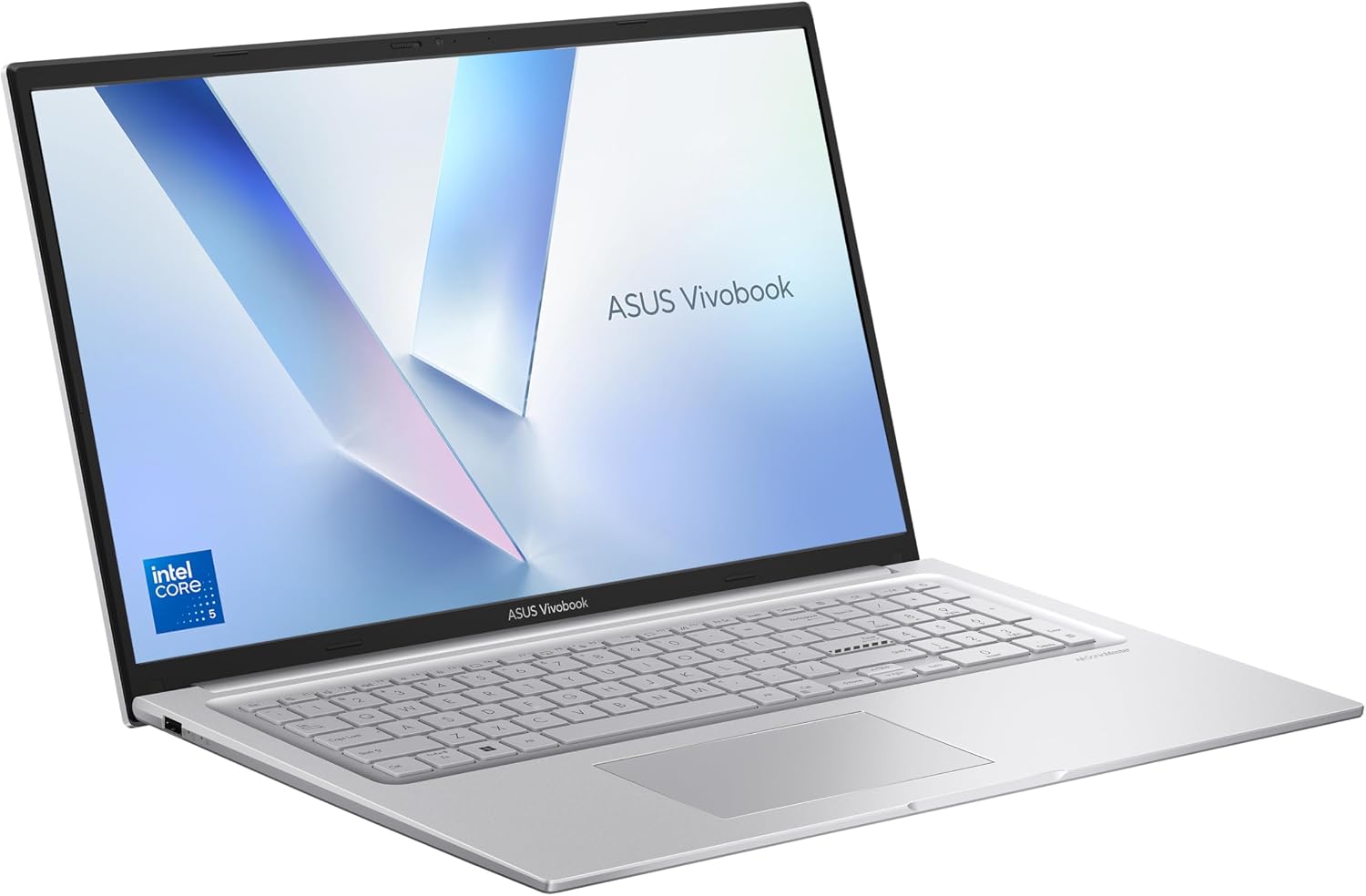
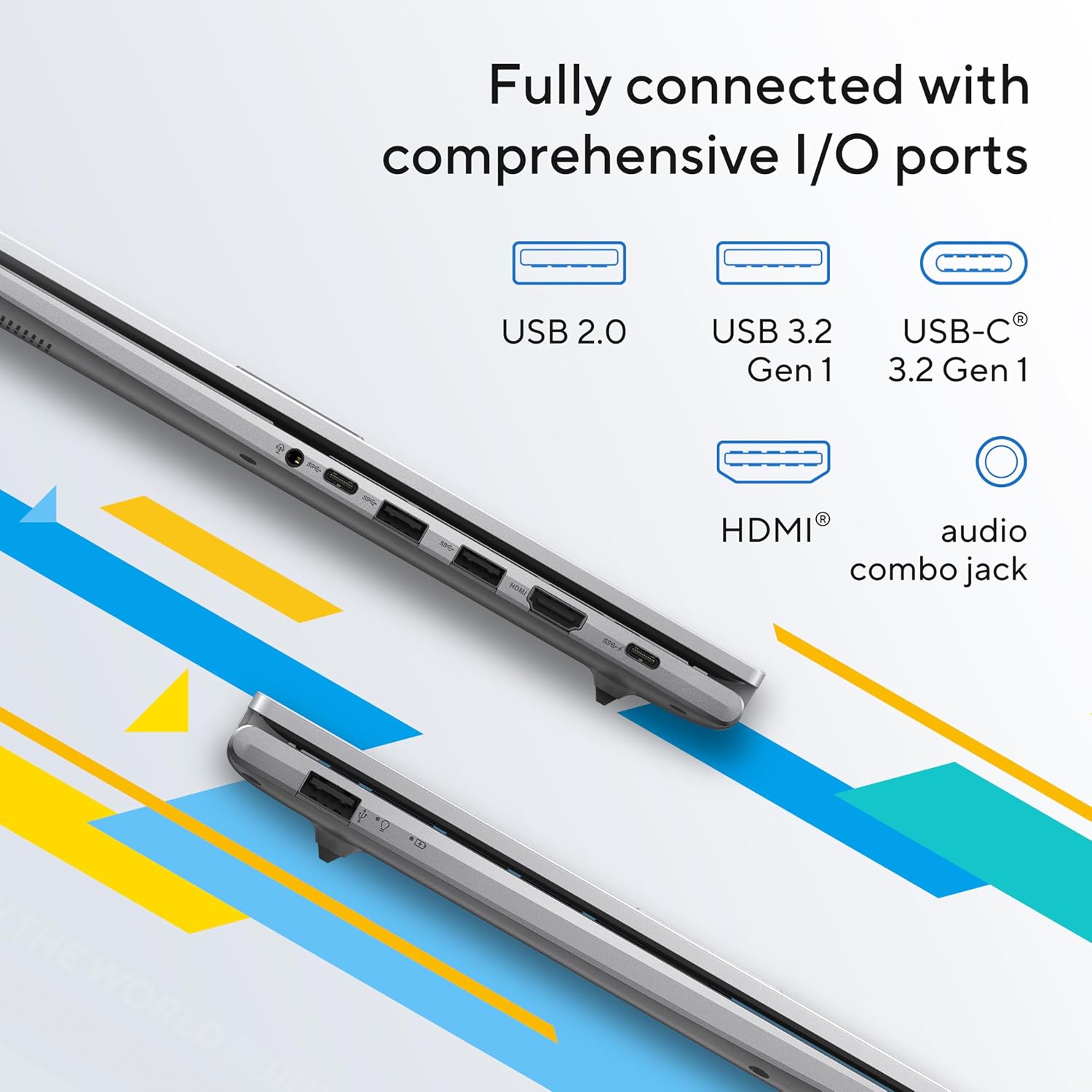
The device provides a well‑rounded set of ports for everyday peripherals: one USB 3.2 Type‑C Gen 1, two USB 3.2 Type‑A Gen 1, a USB 2.0 port, HDMI output and a combined audio jack. The build is described as durable to mil‑std 810H expectations, reflecting Lenovo/ASUS’ emphasis on reliability for daily use across different environments. The display is 17.3" with Full HD resolution, which supports clear text and media at typical viewing distances, though you won’t get the high refresh rates seen on higher‑end gaming laptops.
Practical use and everyday performance
In daily use, you can expect smooth handling of document creation, spreadsheets, video streaming, and casual multitasking, given the 16 GB of RAM and fast PCIe SSD. The 49‑minute 60% fast charge can be handy for short breaks between meetings or classes. On the downside, the 17.3" footprint makes the laptop less portable than smaller ultrabooks, so it’s more suited to a desk‑based workflow or situations where a larger screen is a priority.
Who it’s for
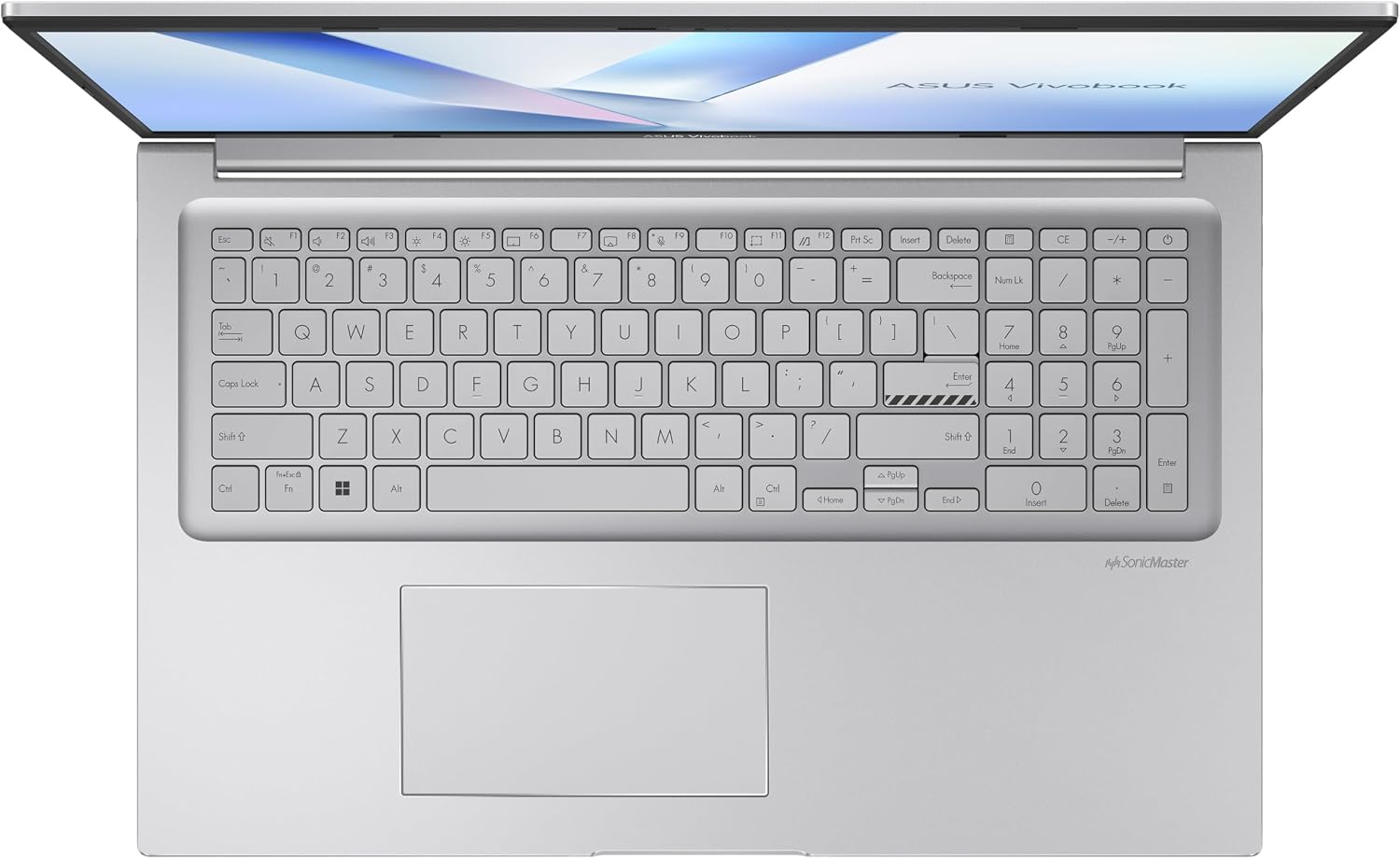
This Vivobook fits students, home offices, and professionals who want a large display for comfortable reading and editing, with enough power for routine tasks and light multitasking. It’s a practical option if you value a complete port set and a dependable chassis in a budget‑friendly package.
Things to watch before buying
- The overall portability is limited by a 17.3" screen, so if you travel frequently with your laptop, you may notice the size and weight more than on smaller models.
- The performance is geared towards everyday tasks, it may not be the best choice for heavy video editing, 3D rendering, or demanding gaming.
- Ensure the storage enough for your needs since it’s a single 512 GB SSD, consider external storage if you expect large media libraries.
What to compare against (contextual choices)
Compared with smaller ultrabooks, this model prioritises screen real estate and a straightforward Windows 11 experience over peak portability. If you want a more compact setup for commuting, you might prefer a lighter, 13–15" machine, if you need a dedicated desktop replacement with a big screen, the Vivobook 17 could be a sensible balance.
Buy decision: when it makes sense
If your daily routine includes document work, web research, light multimedia, and you value a large, clear screen plus decent RAM and fast storage, this model offers a coherent package without obvious overkill. It’s sensible if you want a durable, straightforward Windows 11 laptop with a broad array of ports and quick charging.
Quick usage example
Imagine editing a lengthy essay on the sofa with multiple tabs open, annotating a spreadsheet for a project, and streaming a tutorial side‑by‑side—the 17.3" display and 16 GB RAM help keep everything responsive without swapping between windows too aggressively.
FAQ
- How does the charging work in real life? It supports faster top‑ups to 60% in about 49 minutes, which is useful for short breaks between tasks.
- Is the screen good for studying? The Full HD panel plus a large display generally make text easy to read, though glare and colour accuracy details aren’t specified here.
- Can it handle everyday software easily? Yes, for common productivity apps, browsers, and media tasks, the combination of CPU, RAM and SSD should feel responsive for typical use cases.