

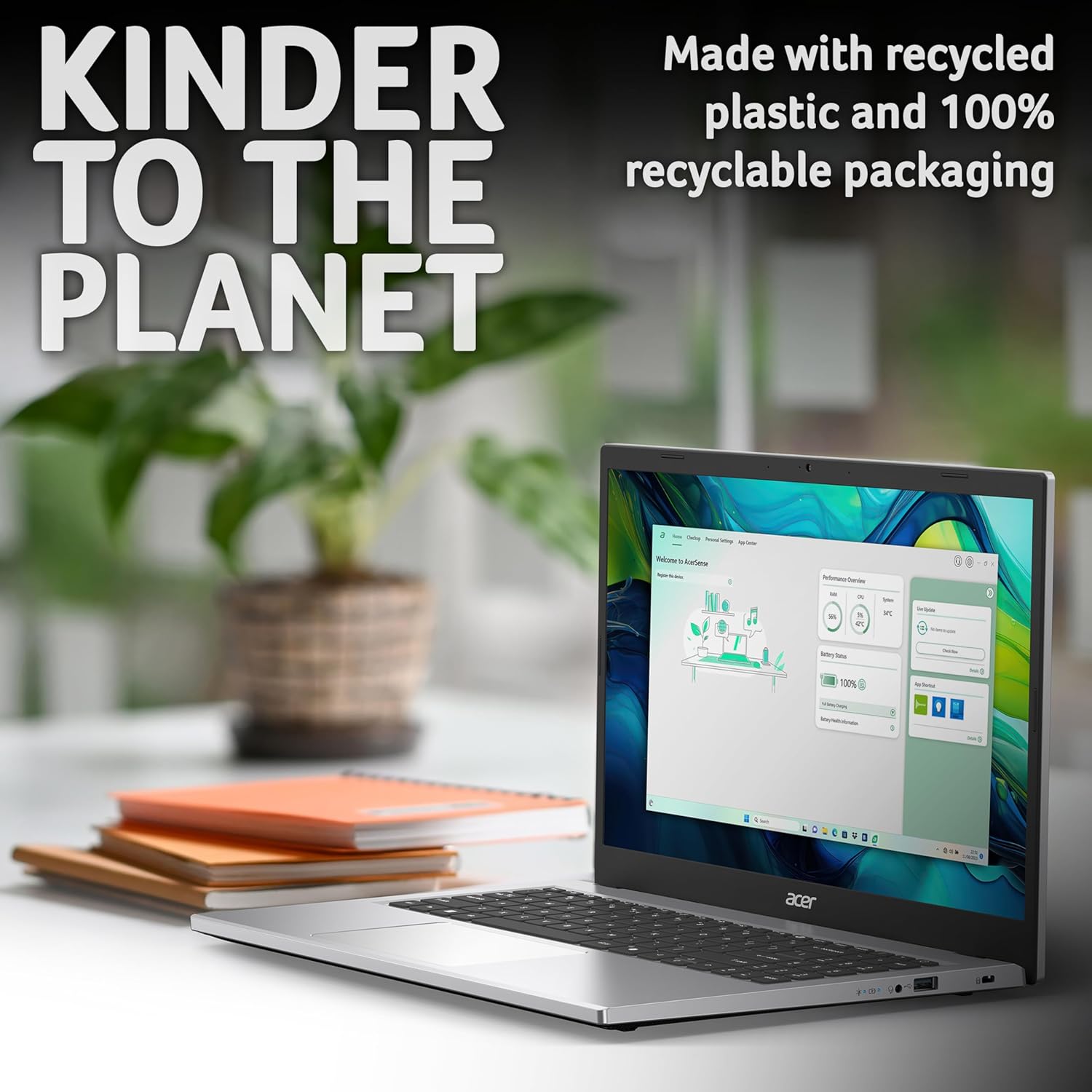
Acer Aspire Go 15 AG15-32P Laptop Review: Solid daily performer for students and families
Product description
What matters most
The Acer Aspire Go 15 AG15-32P targets everyday tasks rather than high-end gaming or intensive creative workloads. With an Intel N150 processor, 8GB of RAM and 128GB of storage, it handles everyday schoolwork, web browsing and light multitasking capably. The Silver chassis and 15.6-inch Full HD display offer a practical, unobtrusive setup for a shared family or student desk. On paper, this is a device made for dependable daily use rather than flashy performance.
The essentials
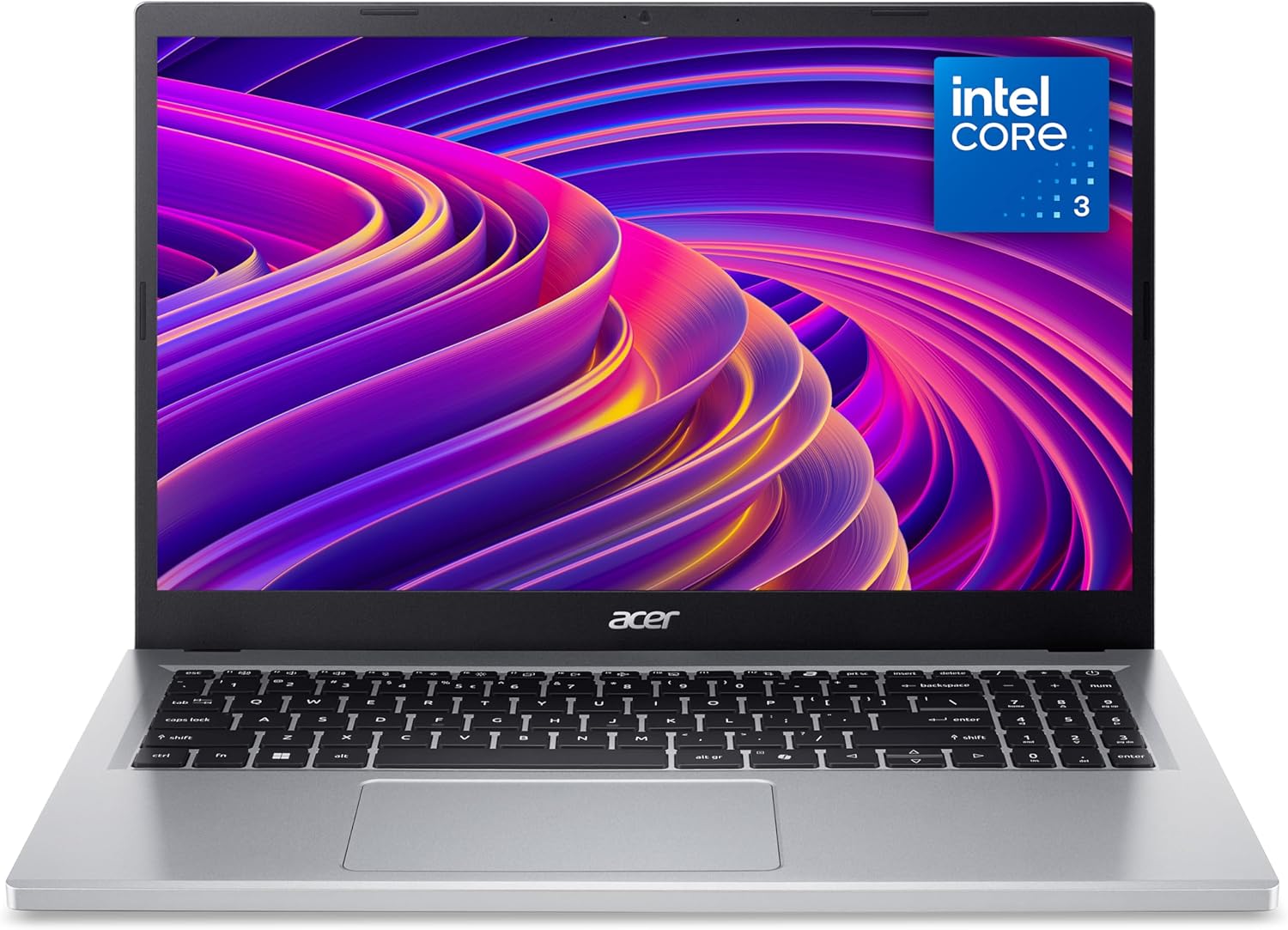
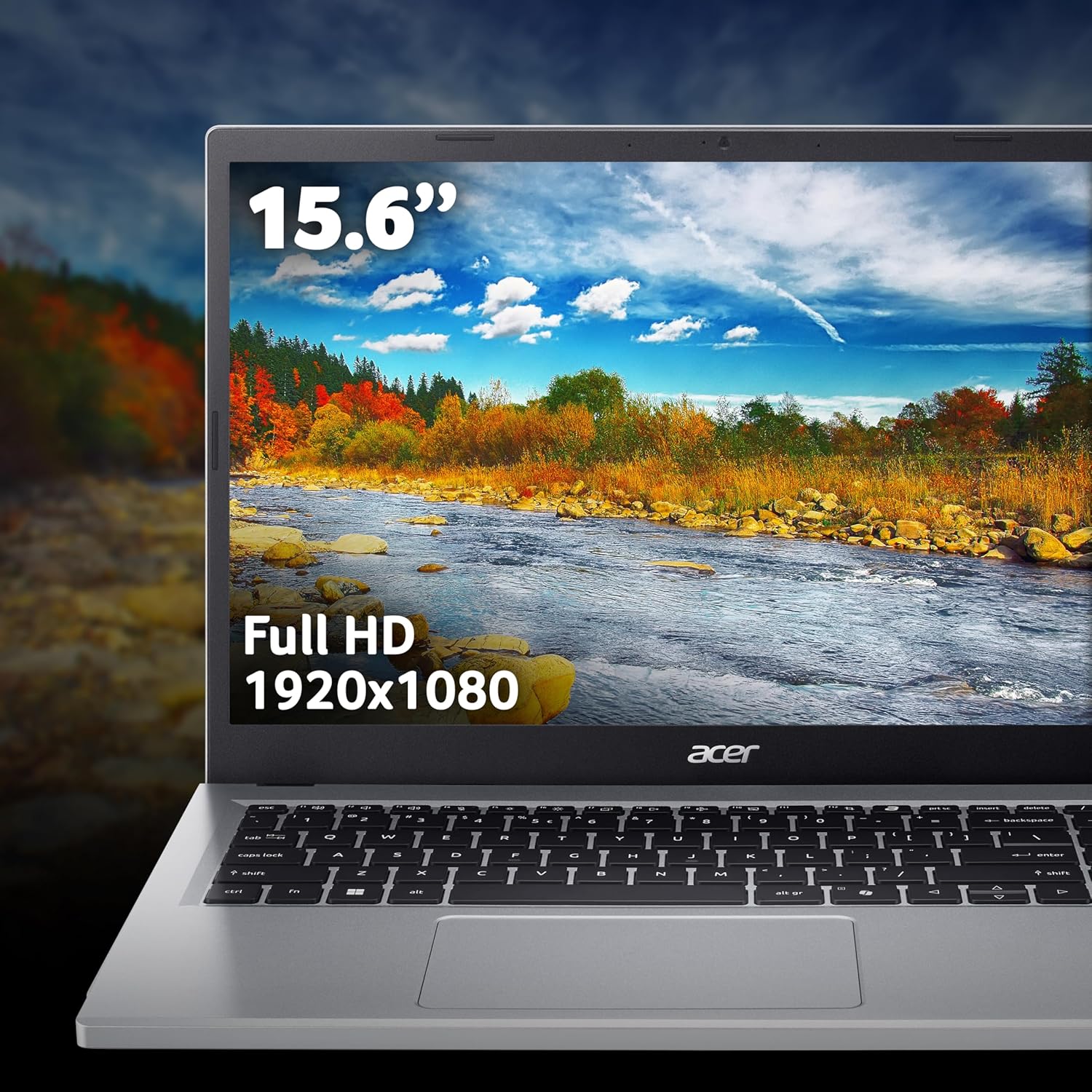
On the move or at a desk, this laptop is designed to cover the basics without fuss. The 15.6-inch Full HD panel promises clear text and decent clarity for reading, typing and video calls. The 8GB RAM supports several open apps at once, while the 128GB of storage leaves room for essential software, documents and media. The integrated graphics keep costs down and power use sensible, which suits light productivity tasks and entertainment rather than demanding design or modern gaming.
How it feels in daily use
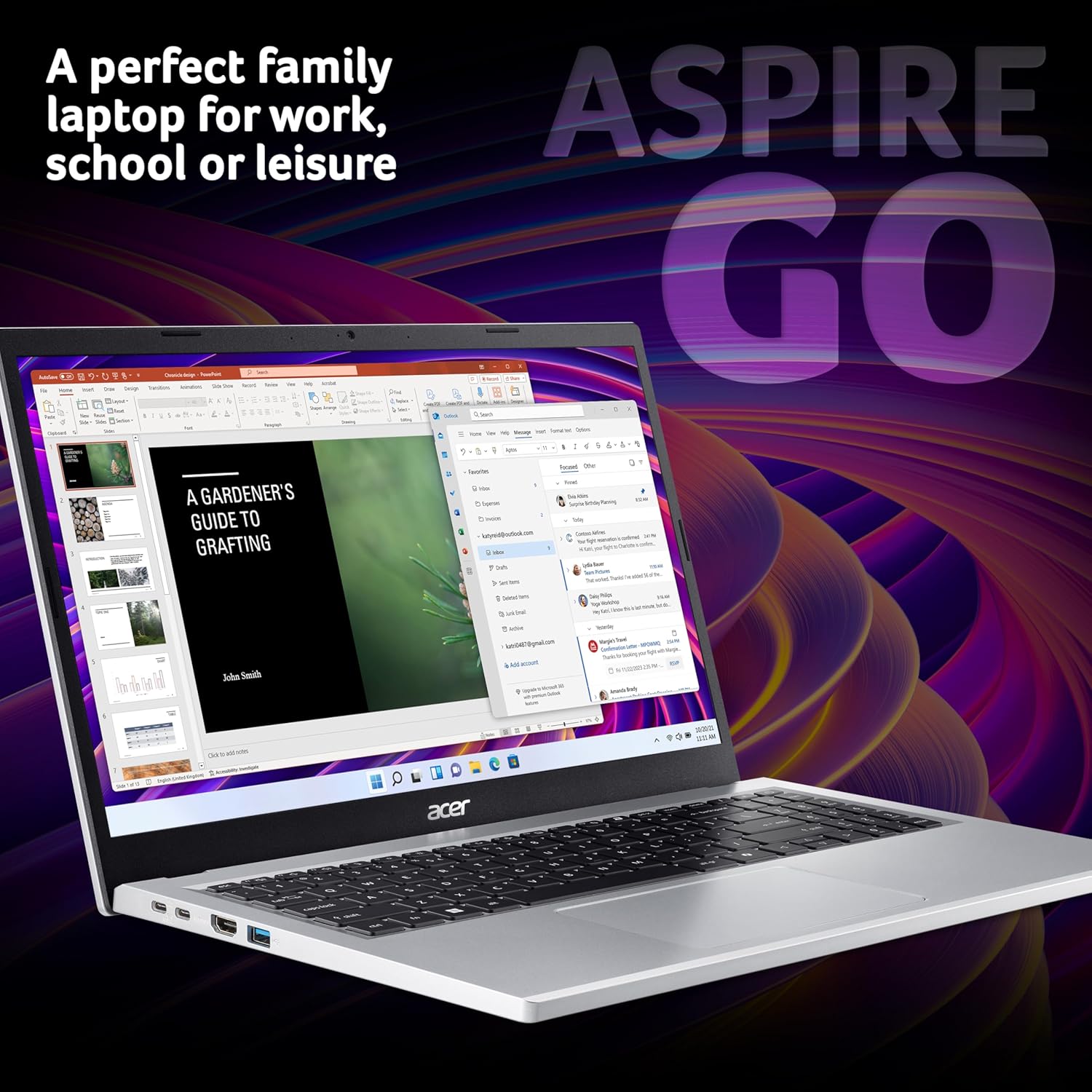
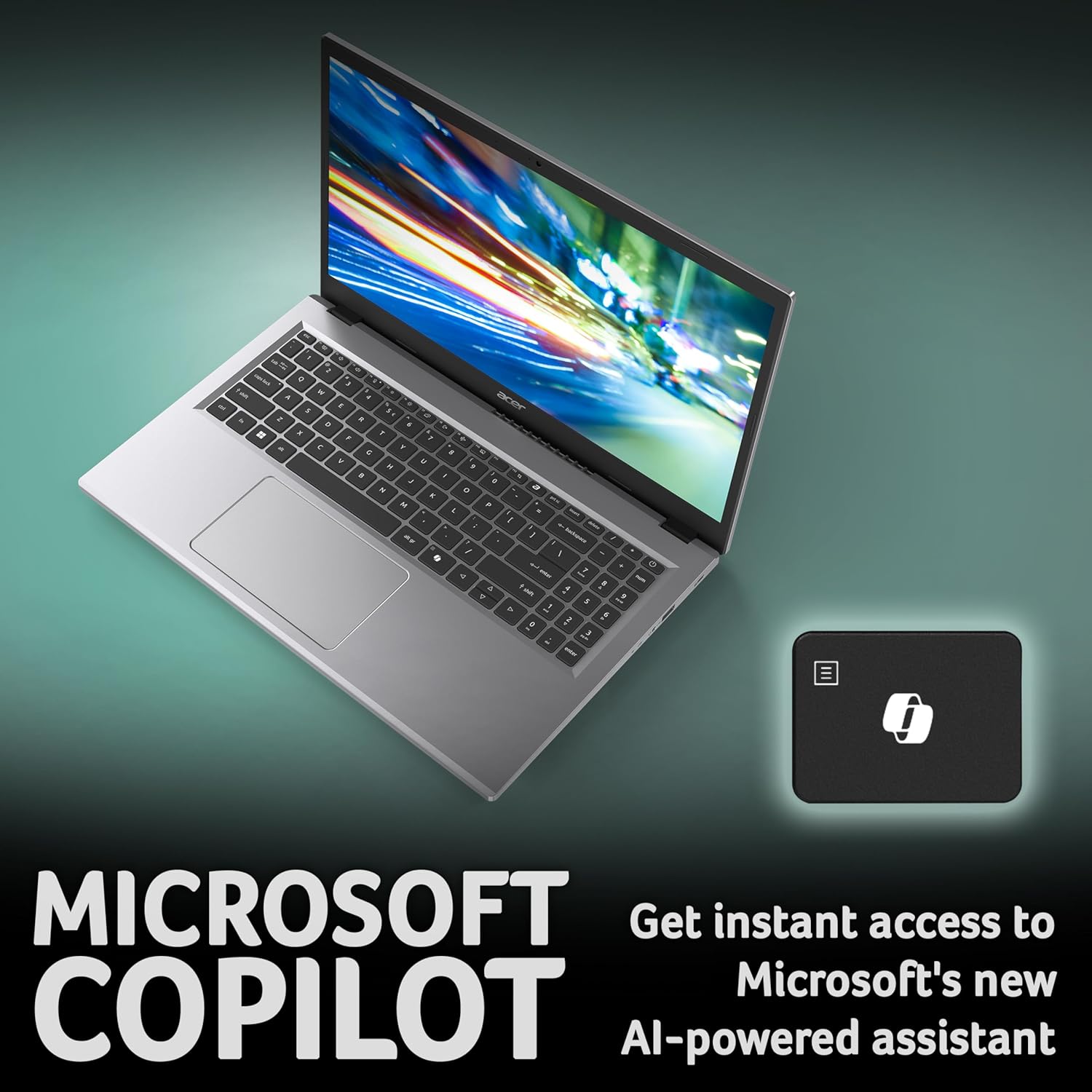
If you prioritise practicality, the Aspire Go 15 can feel reassuringly steady for everyday tasks. The keyboard is generally comfortable for long writing sessions, and the Windows 11 software brings familiar tools and the Copilot assist features to streamline routine work. The device leans into a pragmatic use case: browse, write, present, stream and do schoolwork without needing a premium machine. A potential limitation to consider is that 128GB of storage may fill quickly if you store large media locally or install many programs—unlike models with larger SSDs, you’ll likely rely on external storage or cloud options.
What’s good and what isn’t so obvious
The strengths lie in value-for-money and suitability for light multitasking, with a straightforward setup and a display that remains usable under typical room lighting. The drawbacks are mostly about ceiling: it isn’t built for heavy multitasking, professional software suites or modern AAA titles. If you aim to run several heavy programs at once or prefer lots of local media, you might find the burst capacity and storage limiting. The inclusion of USB-C is handy for quick charging, data transfer and connecting to external displays, which adds practical flexibility for a student or family setup.
Who it’s for

This is a sensible choice for students, households with multiple light users, or anyone needing a reliable laptop for daily tasks, video calls and schoolwork. It’s also a reasonable entry point for those who want a simple Windows PC without paying a premium for more advanced hardware. If you expect to do heavy photo/video editing, large-scale gaming or to keep large UHD media offline, you’ll likely want to look at more capable machines.
Who it isn’t for
If you prioritise speed under heavy multitasking, large local storage or top-tier display performance, this model may fall short. The entry-level processor and modest storage limit the scope of what you can install and run locally. For those who require a longer battery life under demanding workloads or more robust graphics for creative work, a higher-spec alternative would be more appropriate.
Before you buy: what to check
- Ensure your daily apps fit within 8GB RAM for smooth multi-tasking.
- Consider whether 128GB storage meets your needs, if not, plan for external storage or cloud services.
- Think about your display expectations, Full HD is adequate for most productivity tasks and media consumption, but it isn’t a high-contrast or high-brightness panel.
- USB-C is useful for future-proofing and peripheral connectivity, but verify the exact ports available for your needs.
- If you’re buying for a family, estimate how many users may share the device and how often local files will be stored.
Practical usage snapshot
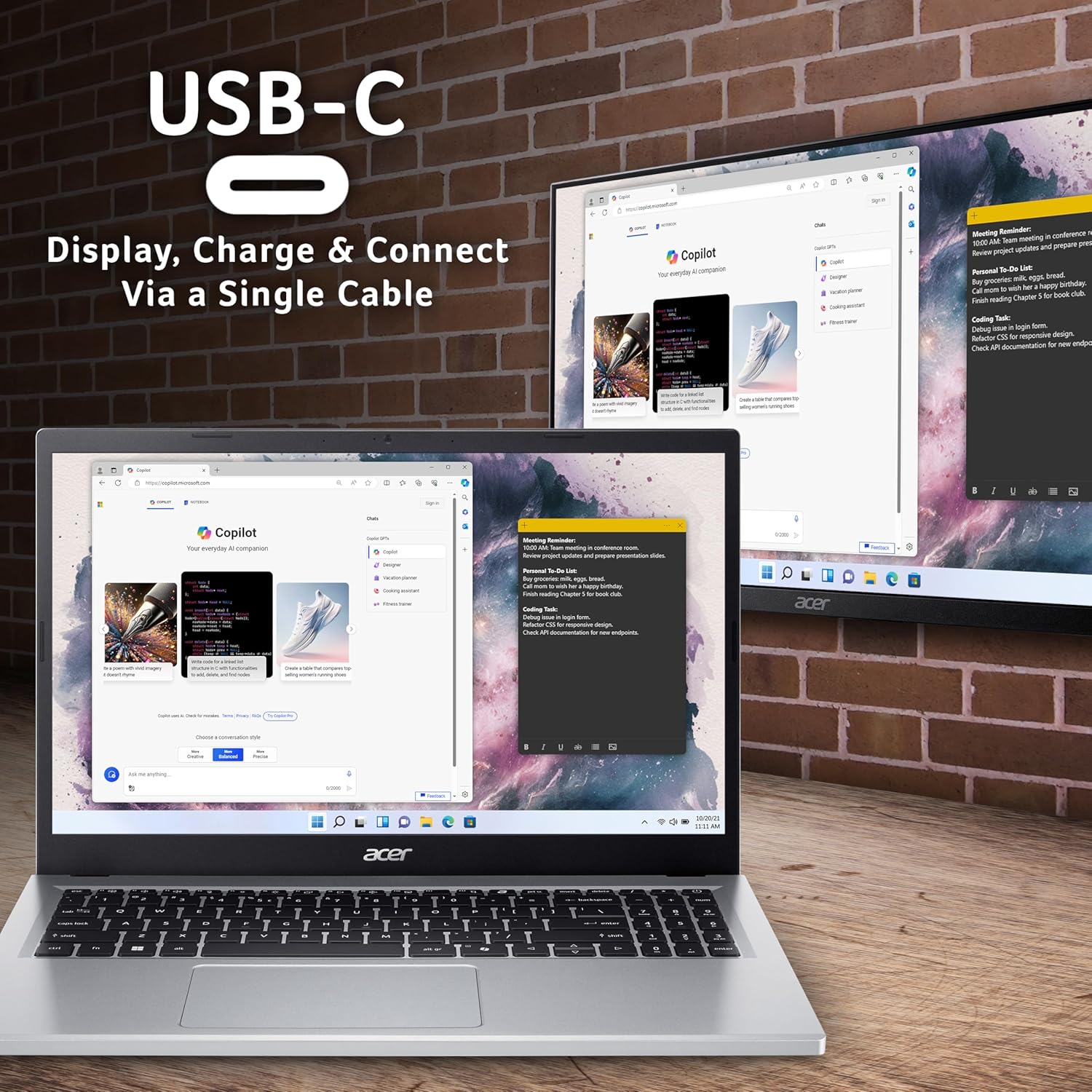
Imagine a student starting a project with multiple tabs, a doc editor and a few reference apps open simultaneously. The 8GB RAM helps keep things reasonably snappy, while the Full HD display makes reading long documents comfortable. When the laptop is docked at a desk, the USB-C port can drive an external monitor and power the machine from a single cable, keeping the setup tidy and flexible for study sessions or simple home 업무.
Quick comparison note
Compared with higher-end laptops, the Aspire Go 15 offers solid everyday performance at a lower price. It’s a sensible alternative to basic entry-level laptops when you want a dependable machine for school tasks and media streaming, without paying for premium features you’re unlikely to use. If your workflow involves more demanding software or more local media, you’ll probably prefer a model with more storage and a faster CPU.
Final verdict
Is it worth it? Worth considering if you want a straightforward, reliable Windows laptop for daily tasks, study and light multimedia at a sensible price. It suits budget-conscious buyers who value a practical 15.6-inch screen, decent multitasking ability and flexible connectivity. If your needs include heavy software, a large media library stored locally or demanding gaming, you’ll want to explore models with more RAM, bigger storage and stronger graphics. For a buyer who wants a no-nonsense machine to cover everyday tasks, the Acer Aspire Go 15 AG15-32P hits the right notes.
Quick FAQ
- How much storage does 128GB realistically offer? It covers essential apps and documents, but you may need external storage for larger media collections.
- Can I game on this laptop? Integrated graphics and a low-powered CPU mean it won’t excel with modern AAA titles, casual games at modest settings are more realistic.
- Is USB-C useful here? Yes, for external displays, fast data transfer and charging—a handy all-in-one connection when used with compatible peripherals.