

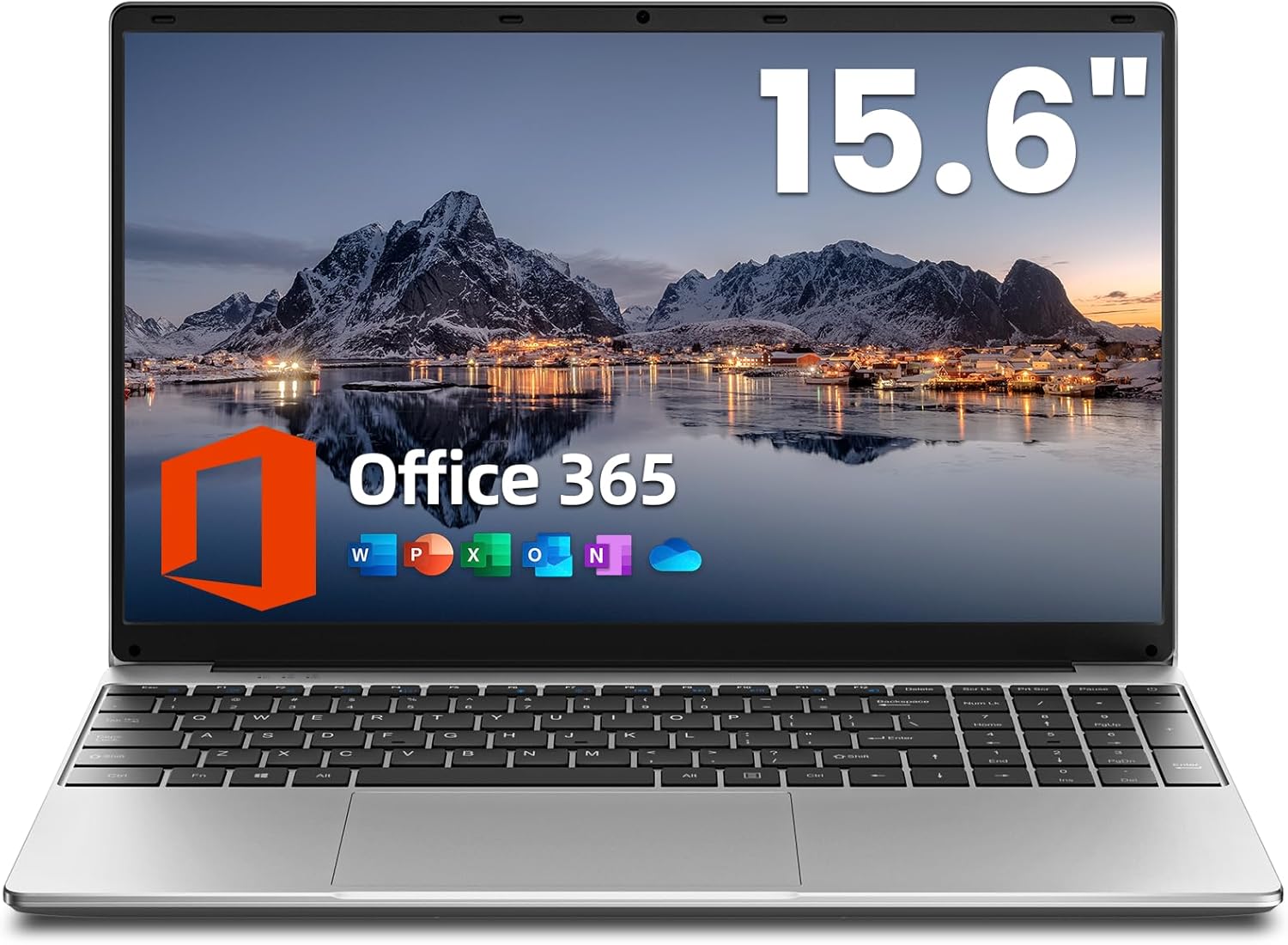
Jumper 15.6 Inch Laptop with Office 365: Balanced everyday performer for work and study
Product description
What it is and what it’s for
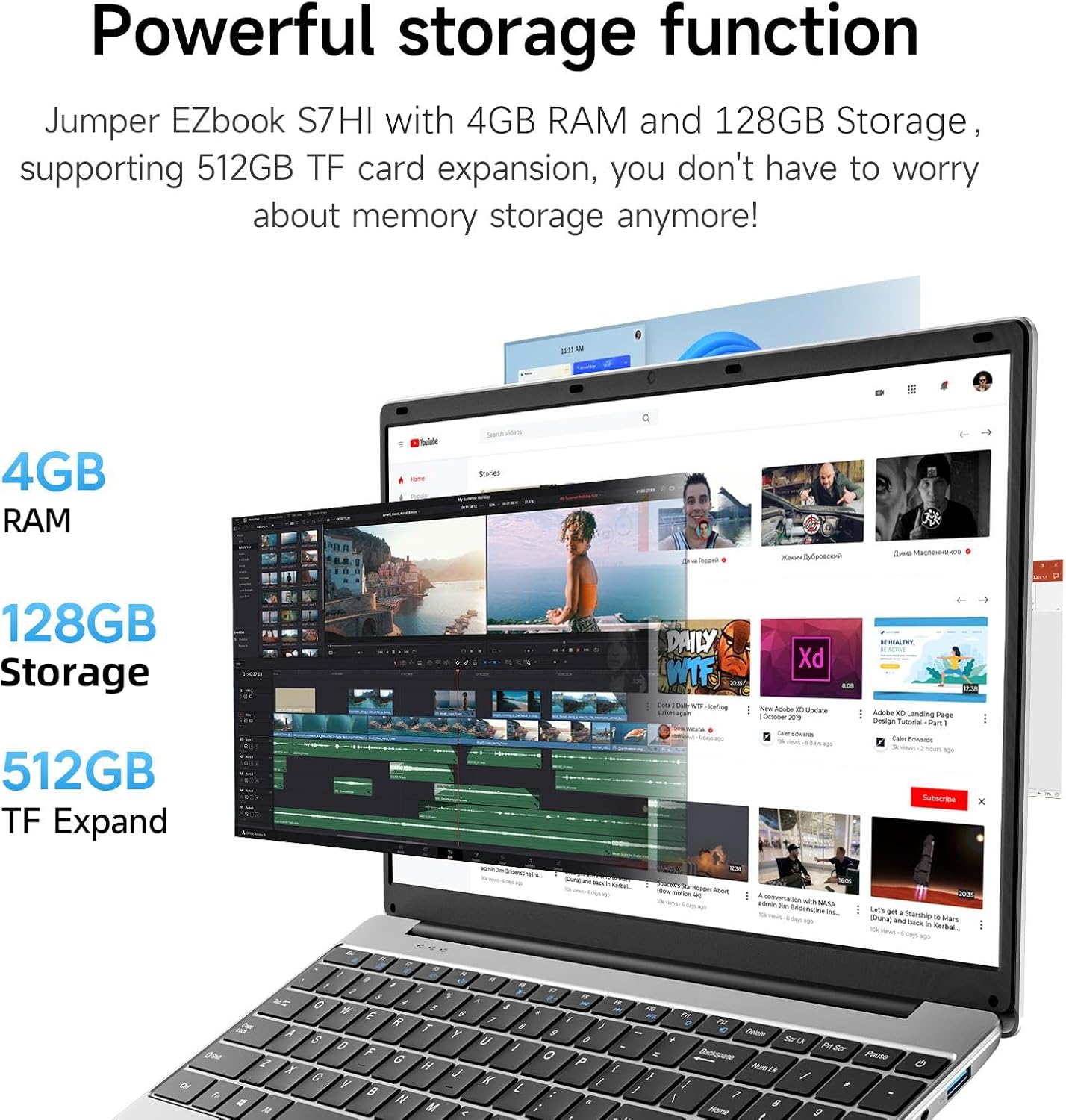
The Jumper 15.6 inch laptop is a compact, entry‑level notebook aimed at everyday office tasks, schoolwork and light multitasking. With 4GB of RAM and 128GB of storage, plus a 512GB TF card expansion option, it’s designed to handle regular productivity software and web browsing without demanding high-end hardware. If your needs centre around word processing, emails, document creation and occasional spreadsheets, this device offers a practical, value‑for‑money entry point.
How it performs in real life
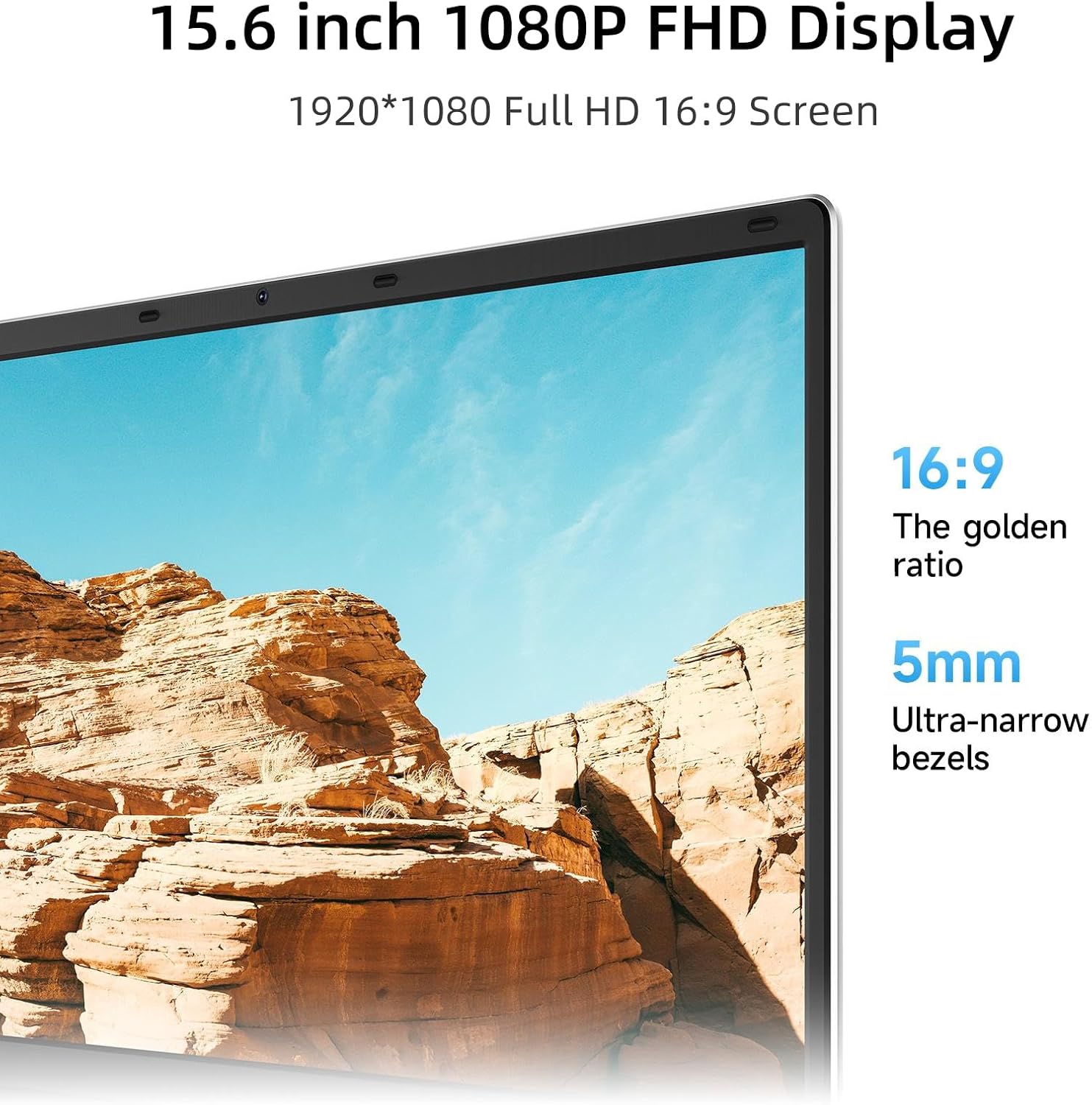
On paper, 4GB RAM can feel limiting when you run multiple programs or browser tabs. In practice, it tends to handle routine tasks—word processing, presentations, light data entry and video calls—adequately, provided you manage expectations about multitasking. The 1080p 15.6” display delivers a pleasant viewing experience for long study sessions or daily work, especially for document editing, online classes and casual media consumption.
What makes it stand out
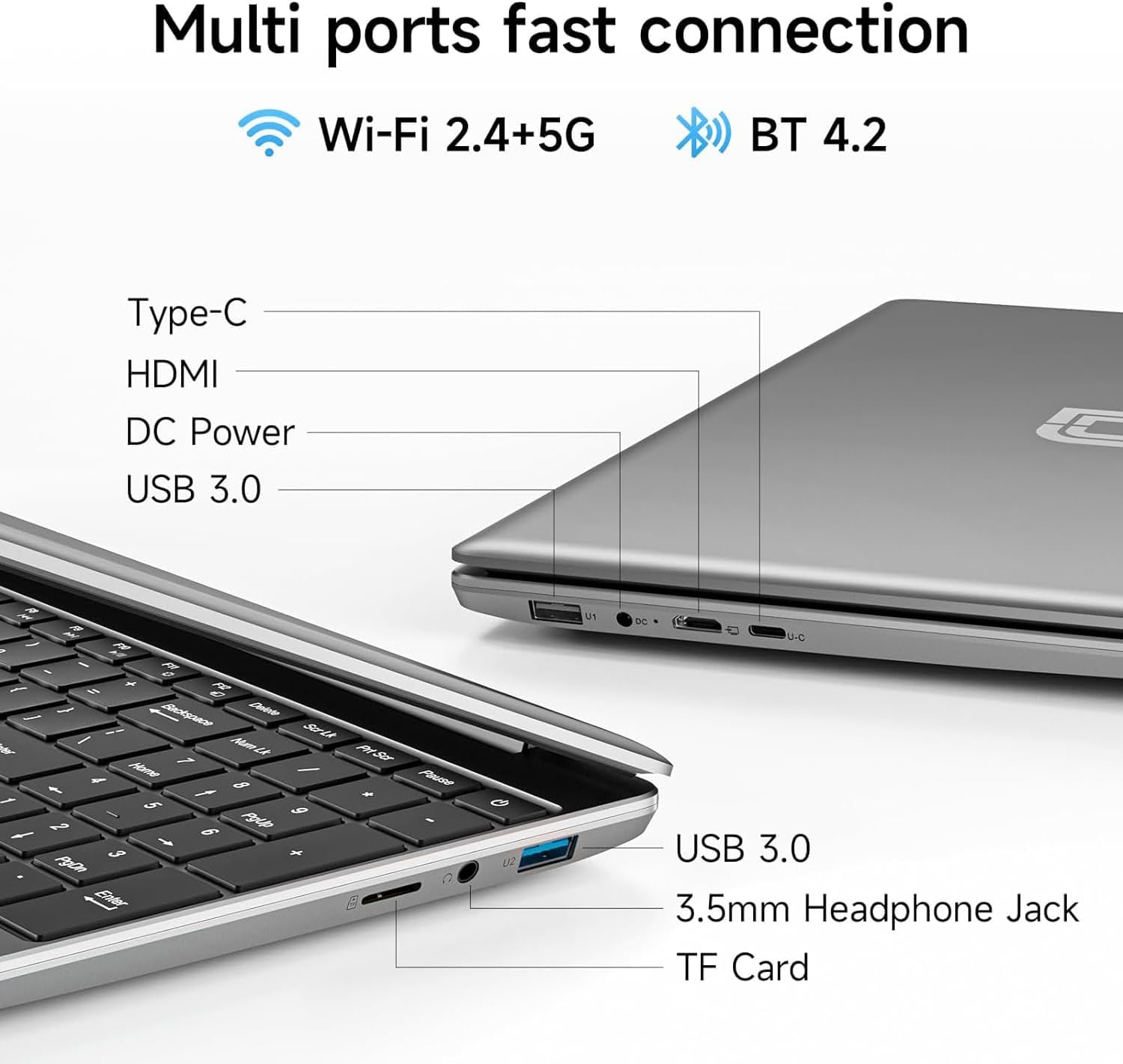
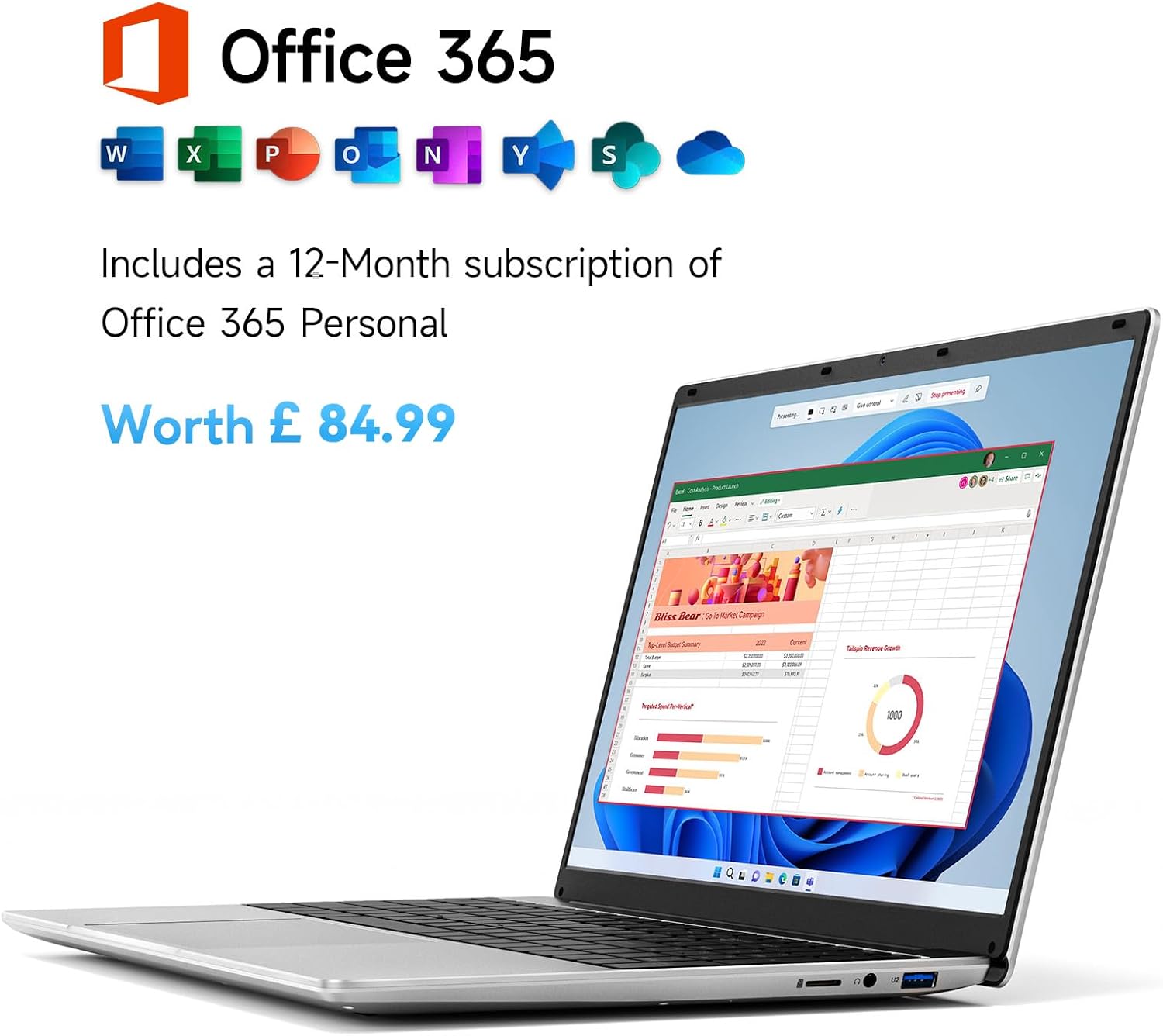
A notable edge is the one-year pre-installed Office 365 licence, which covers Word, Excel, PowerPoint and Outlook. This can streamline onboarding for students and professionals who need ready‑to‑use productivity tools without extra budgeting. The device is marketed as ultra‑thin and portable, tipping the scales at a light weight for easy mobility between home, classroom and the office. The port selection is also practical for everyday use: USB 3.0, HDMI, a Type‑C port, a 3.5mm jack and a micro TF slot offer flexible connectivity for peripherals, external displays and data transfer.
Potential limitations to consider
With only 4GB of RAM, heavy multitasking can slow things down, especially if you run multiple browser windows or resource‑intensive apps at once. The 128GB storage, while expandable via TF card, may fill up quickly if you store large media files or software installers. Battery life is described in general terms, and real‑world use can vary with screen brightness, wireless activity and workload. If you prioritise speed, a higher RAM configuration would be more comfortable for modern, demanding software.
Who it’s for
This laptop suits students and light‑use professionals who need an affordable device for writing papers, creating presentations, participating in online classes and handling standard office tasks. It’s also a sensible option for those who want a portable machine for occasional travel or commuting, where a compact footprint and included Office software can reduce setup friction.
Who it isn’t ideal for
If your work involves heavy data processing, extensive video editing, large databases or advanced design software, this model may feel underpowered. Gamers and power users who rely on fast responsiveness or large local libraries will likely want something with more RAM and storage. Also, if you routinely run several demanding applications at once, consider a higher RAM option or a device with upgradeability.
Before you buy: what to check
- Confirm the Office 365 licence is active for the period promised and whether it requires renewal.
- Check the exact chassis weight and dimensions if you need it for a strict travel setup.
- Consider a plan for expanding storage beyond the built‑in 128GB if you expect to store many media files.
- Test the keyboard feel and trackpad if you can, since comfort matters for long study sessions.
Practical usage example

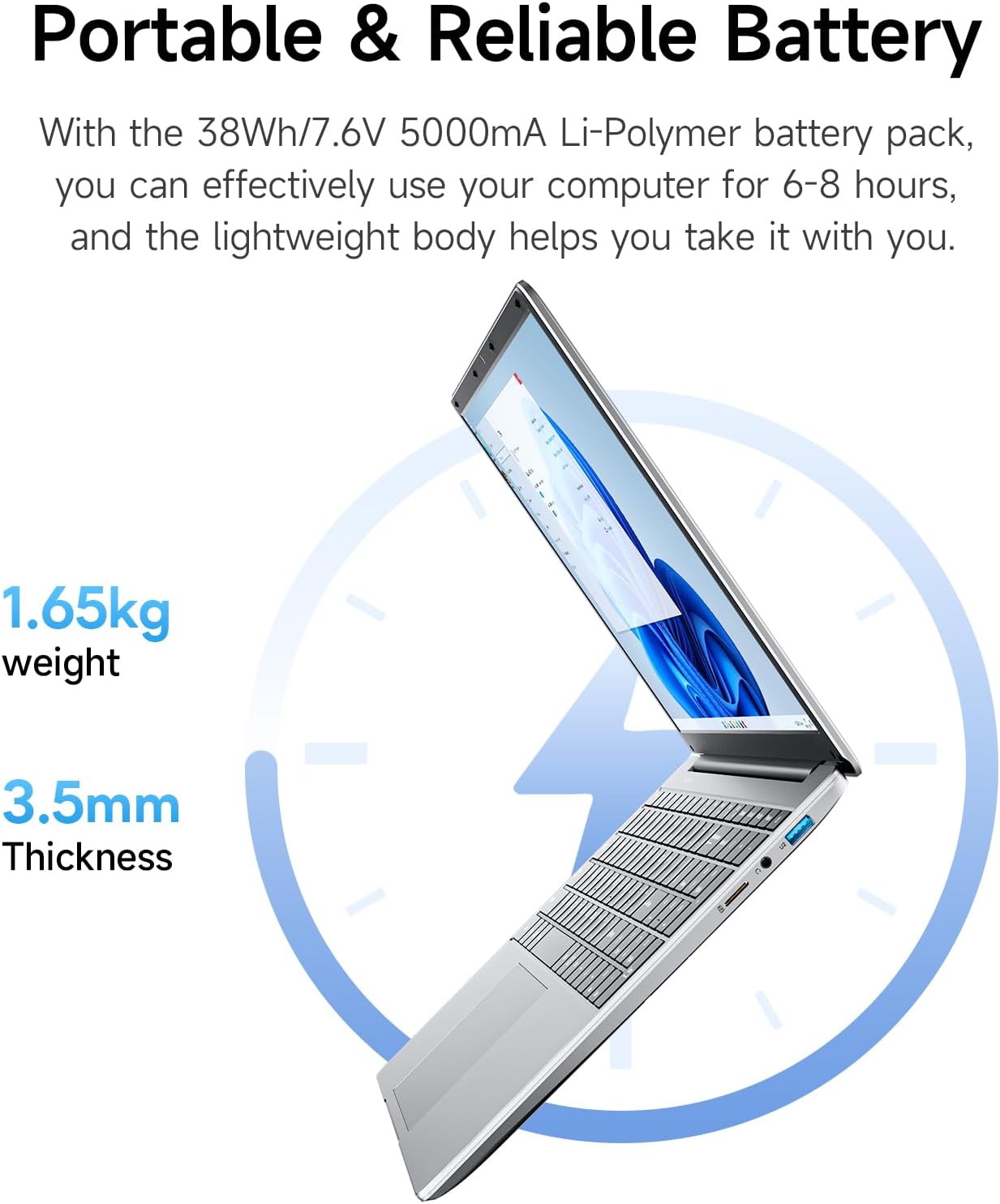
Imagine preparing a slide deck in PowerPoint, drafting a quick research document in Word, and checking emails during a commute. The screen size and full‑HD resolution help with readability, and the USB 3.0 ports let you plug in an external drive for quick backups. When you’re away from a power outlet, the 38Wh battery is a factor to monitor, if you’ll be off campus or offsite for a full day, plan around a potential mid‑day recharge.
How it compares to other approaches
If you want something extremely portable and cheap for basic tasks, this model sits in the lower mid‑range of price‑conscious options. For those who can stretch to more RAM and storage, a device with 8GB RAM or a larger SSD would considerably improve multitasking and future‑proofing. On the other hand, if you primarily operate online, rely on cloud storage and need Office tooling ready to go, the bundled licence plus local storage can still be convenient and cost‑efficient.
The decision point
Is it worth it?
It makes sense if you prioritise a compact Windows laptop with ready‑to‑use Office software and a straightforward setup for everyday tasks. It may not be the best fit if you anticipate heavy multitasking or frequent large file storage.
FAQ
- How does 4GB RAM affect daily use? It’s workable for light multitasking, but you may notice slower responses when many tabs are open or when using memory‑heavy apps.
- Is the Office 365 licence useful long‑term? It provides standard Word, Excel, PowerPoint and Outlook features, renewal terms vary, so check what happens after the initial year.
- Can I expand storage easily? The device supports a TF card and has built‑in SSD storage, plan for external storage if your needs grow.