

AKIYO O2 Projector 18000 Lumen 1080p Mini 📽
Product description
This compact AKIYO mini projector brings a portable cinema to small spaces with a short-throw lens, smart apps and wireless connectivity for streaming and gaming on the go. It suits trips, campervans or small living rooms where a large image is wanted from a short distance, and it includes features aimed at flexible placement and easy control.
Key Points
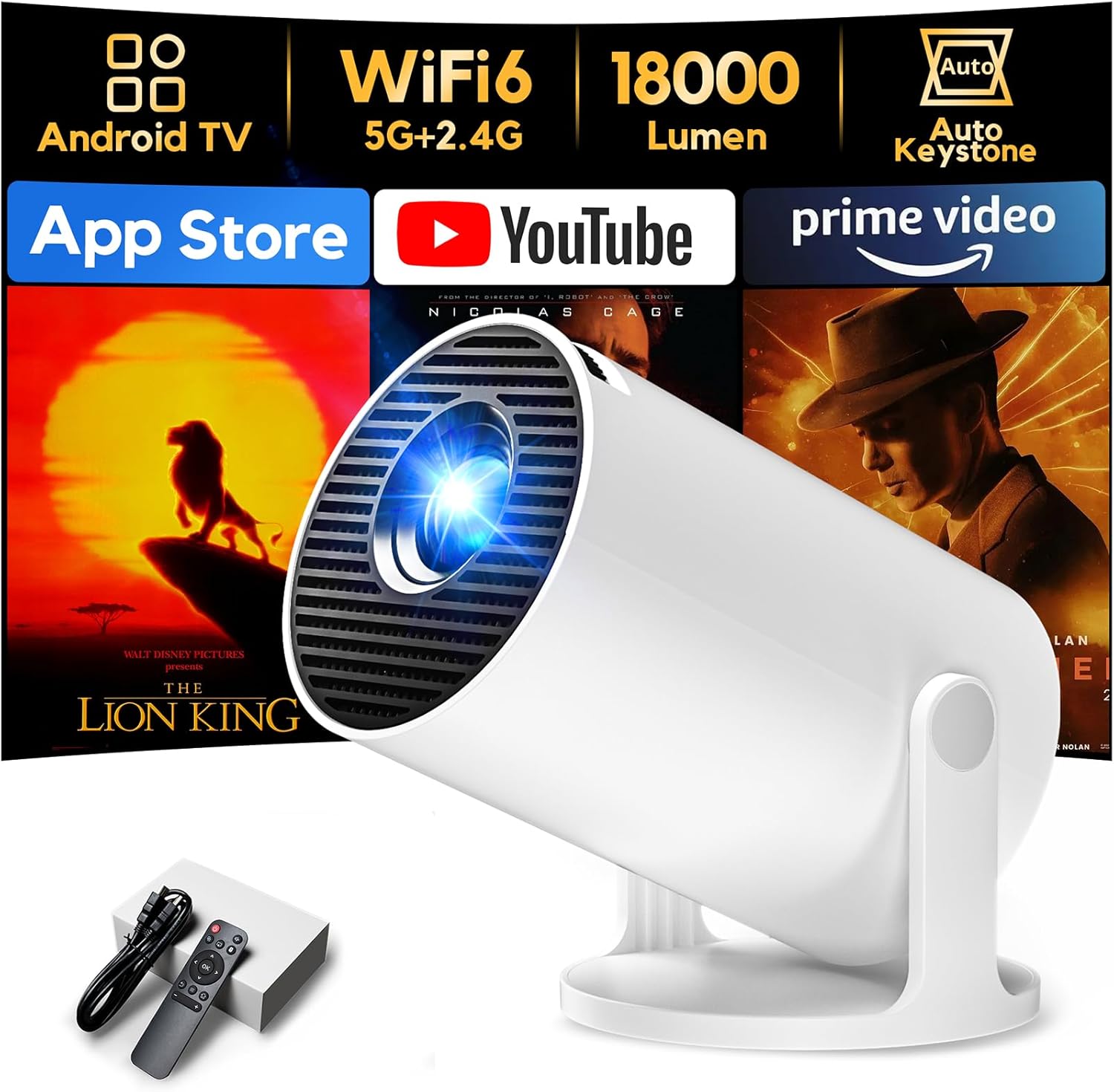
The unit offers a short-throw ratio of 0.8:1 so you can get a 35-inch image from around 0.6 metres and up to a 200-inch display at approximately 3.5 metres. According to the manufacturer, it supports Full HD 1080p playback while using a native 720p panel, and it lists a brightness value of 18,000 lumens together with a 12,000:1 contrast ratio. Built-in smart functionality provides access to thousands of apps via Wi‑Fi, and there are multiple control modes including remote, app control and a mouse-like pointer option for navigation. The device is lightweight at about 360 g and measures roughly 15.5 x 12.2 x 13.1 cm, making it easy to carry.
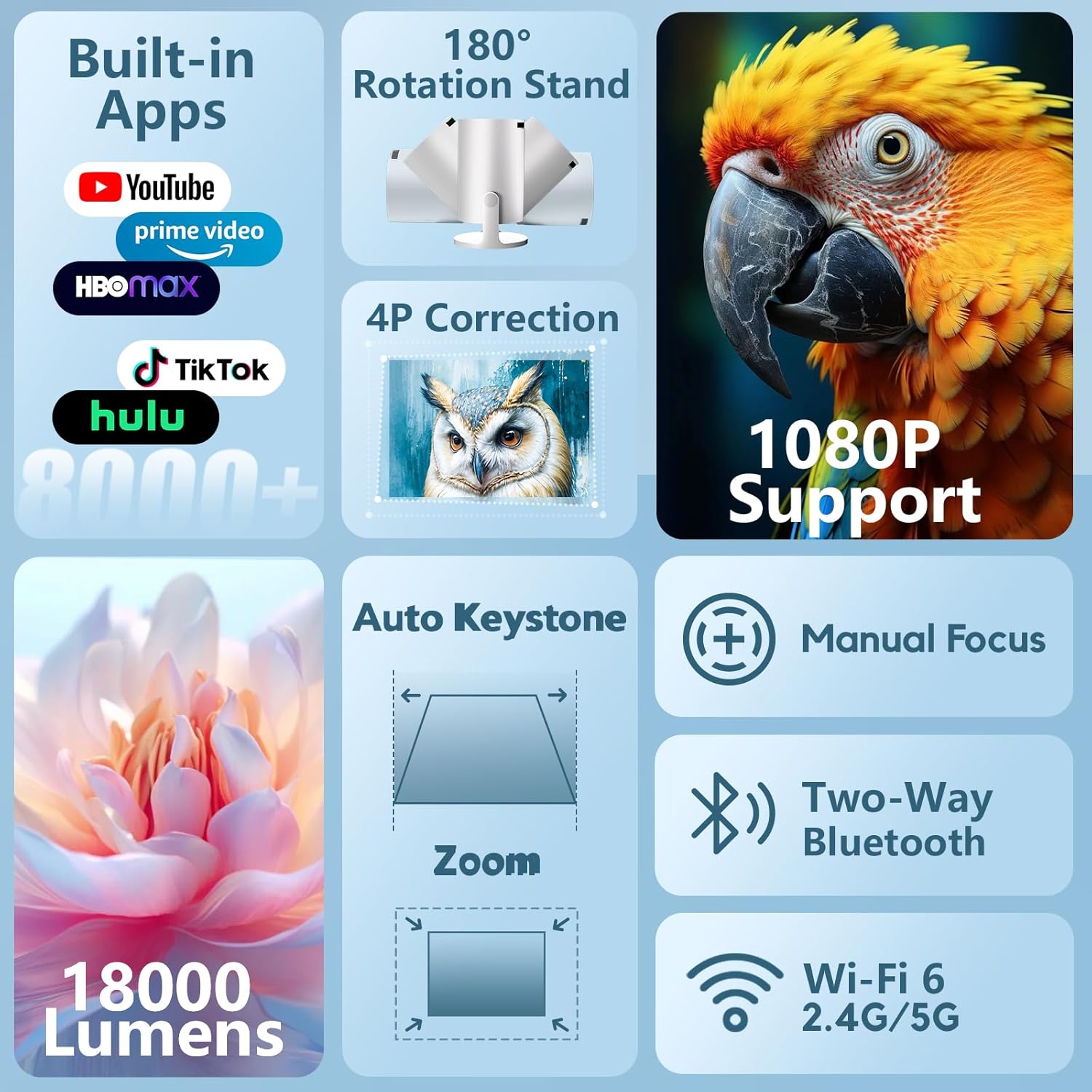
Technical Specifications
- Name: AKIYO O2 projector
- Resolution: native 720p, supports 1080p playback
- Brightness: 18,000 lumens (manufacturer specification)
- Contrast ratio: 12,000:1
- Weight: 360 g
Usage Recommendations
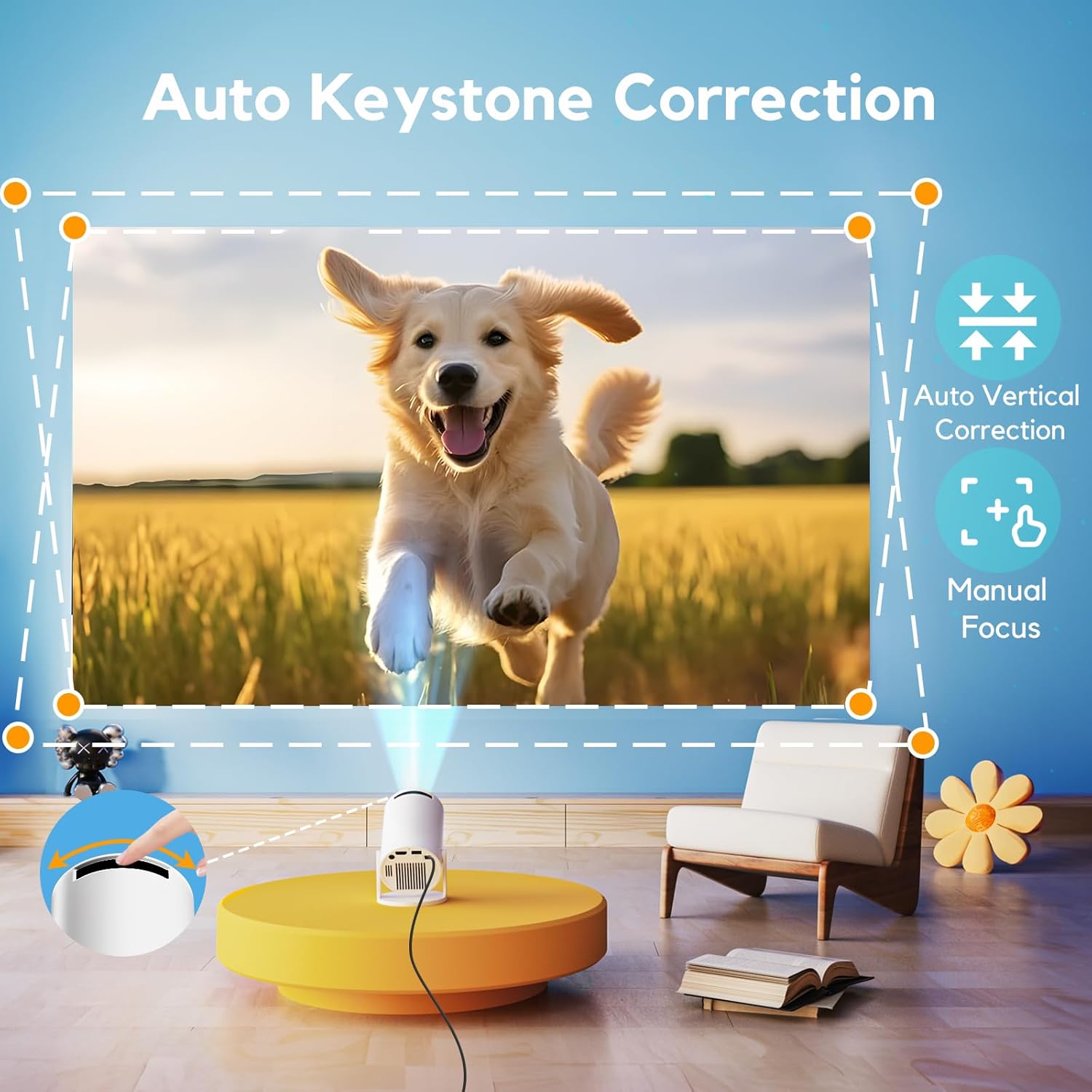
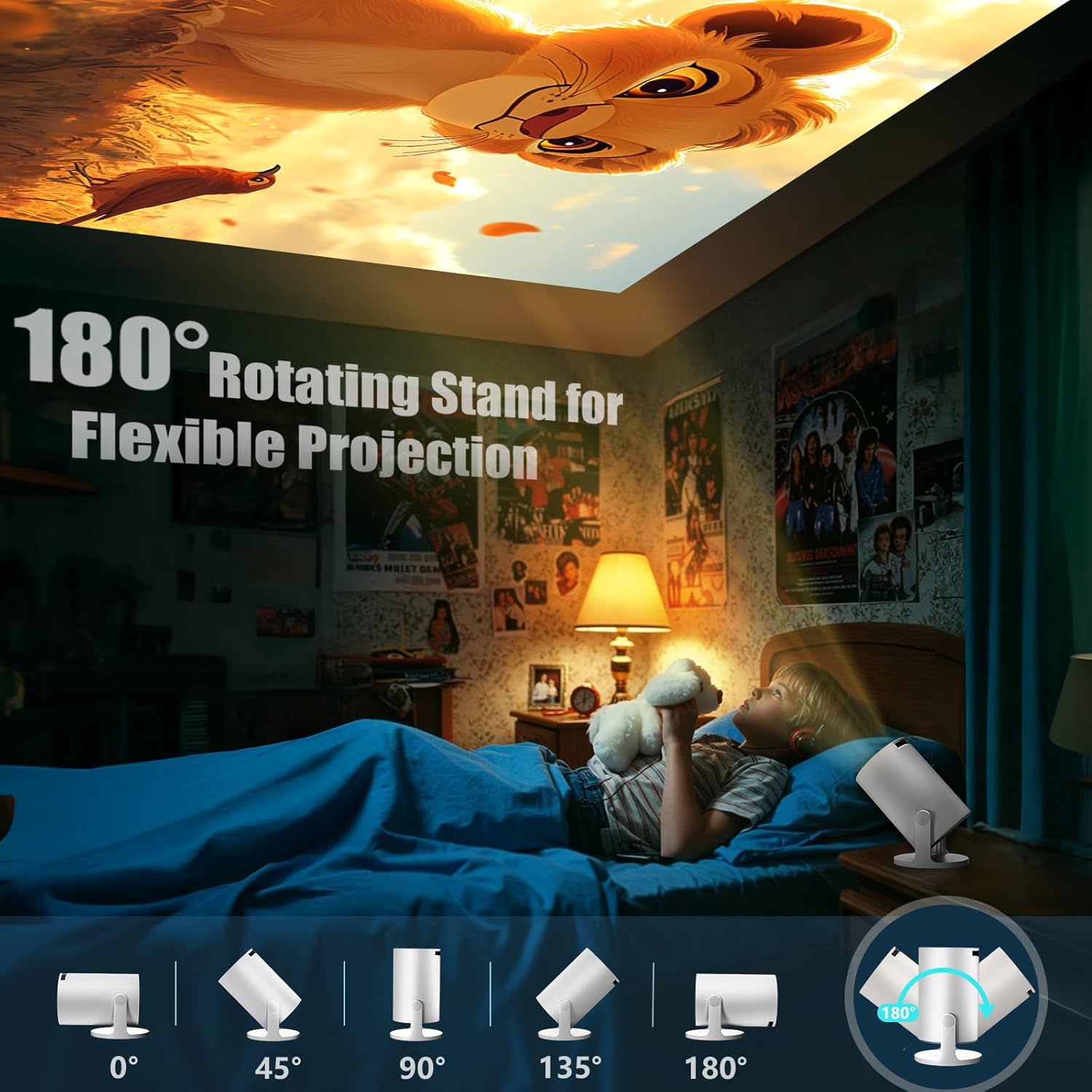
Place the projector close to the wall for smaller installations such as caravans or bedrooms, and move it back to reach larger screen sizes in open spaces. The 50% zoom function helps to fine tune image size without major repositioning, and the focus is adjusted using the manual wheel. For ceiling or unconventional mounting, the built-in 180 degree rotation allows projection onto walls, ceilings or angled surfaces while automatic vertical keystone correction quickly straightens the picture in about one second.
Benefits
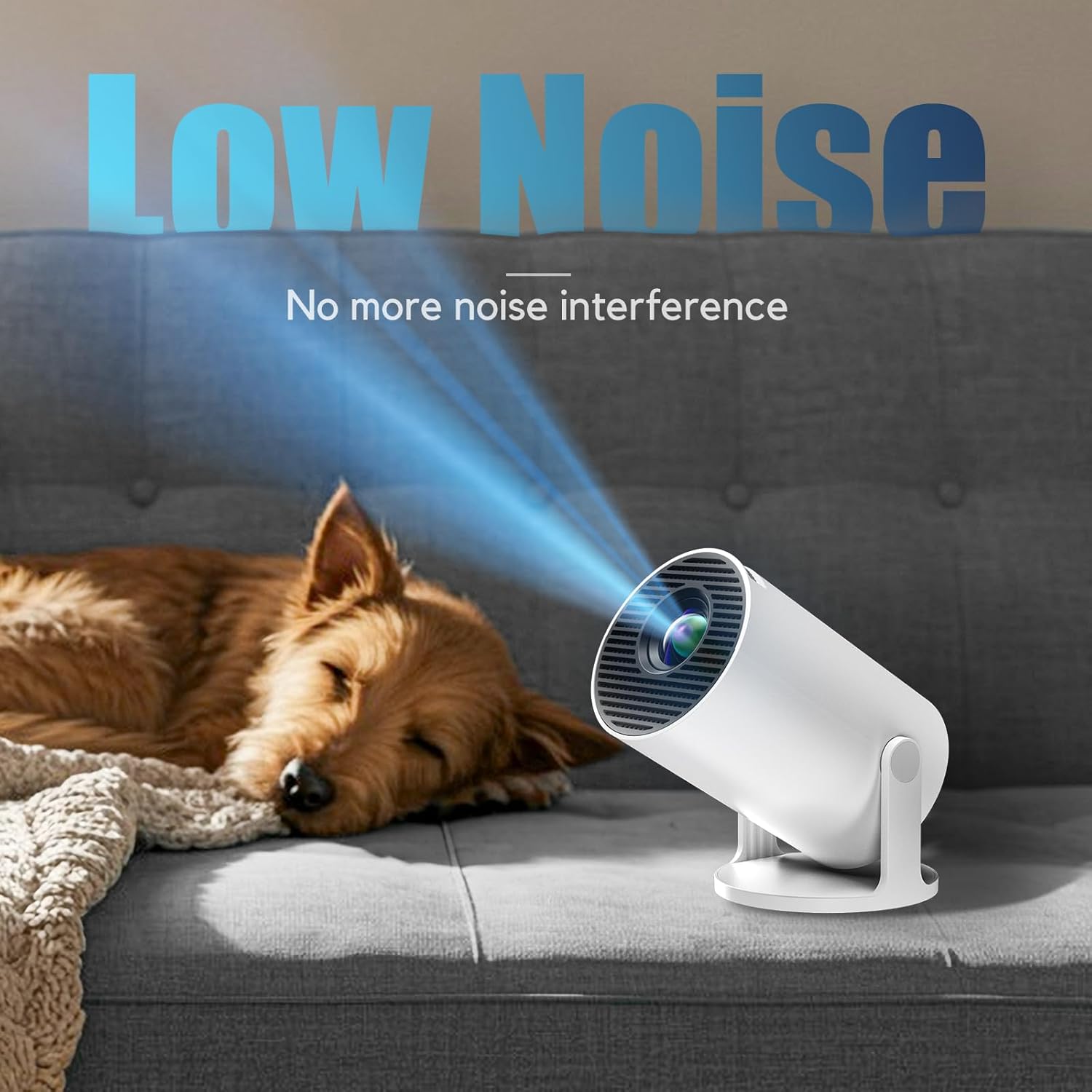
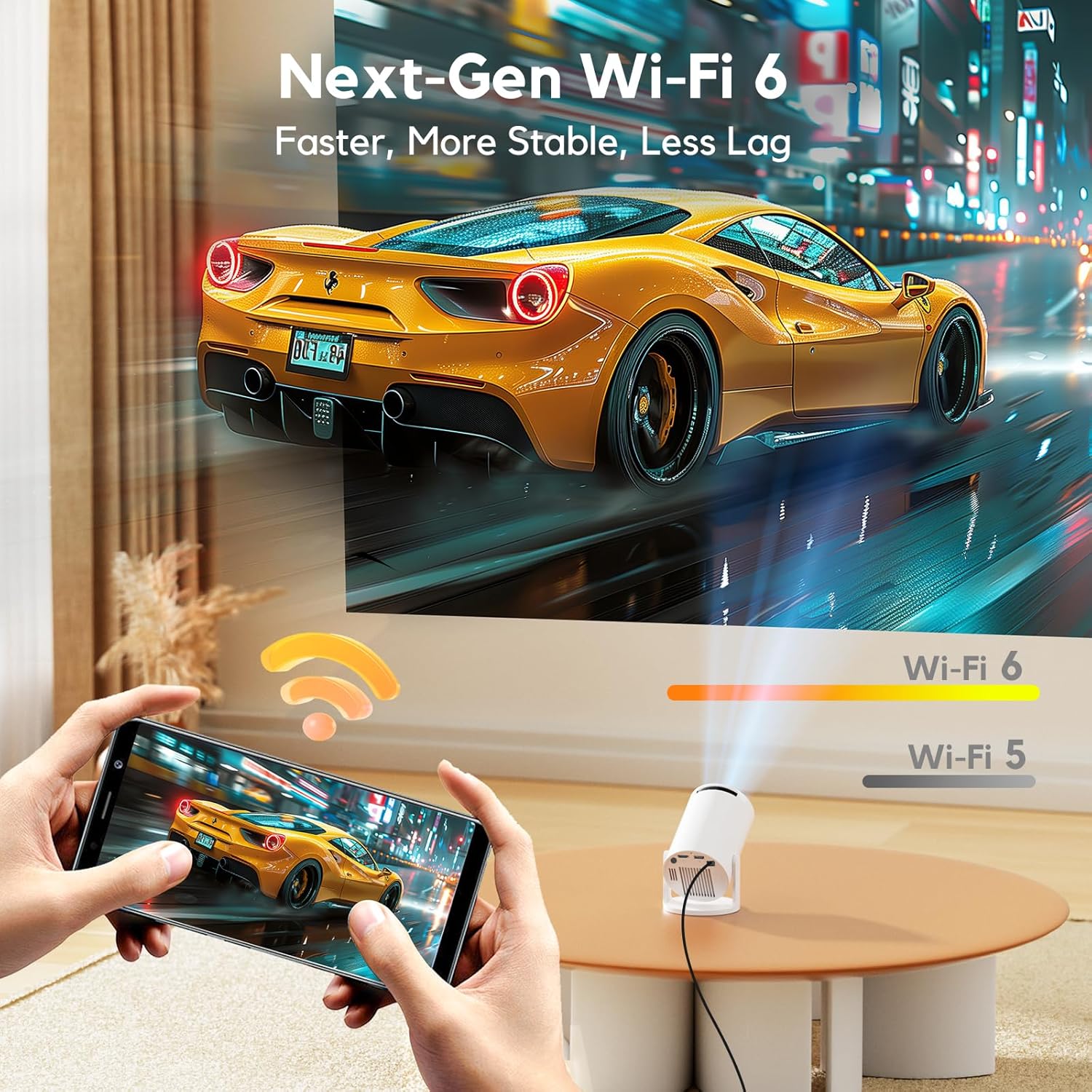
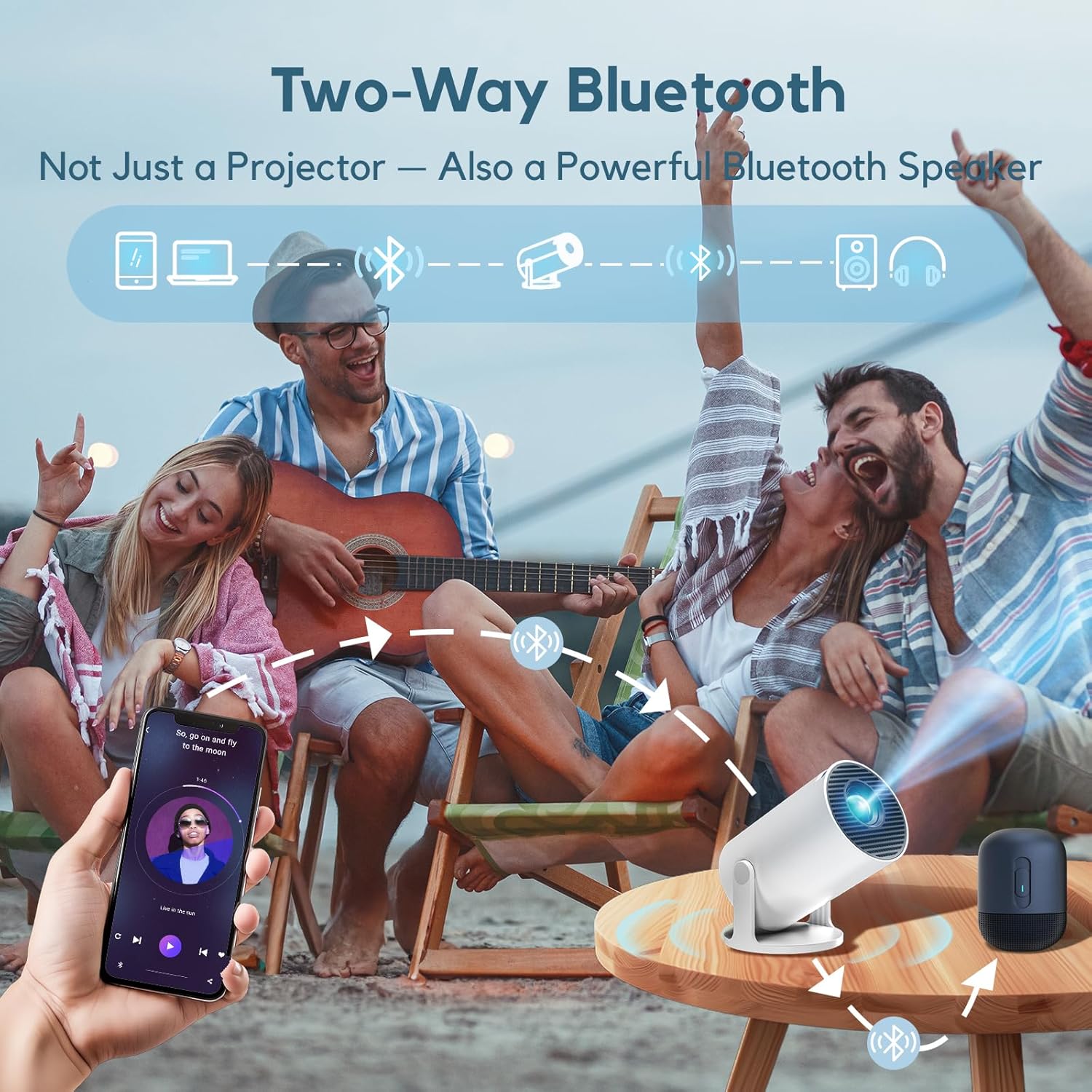
The integrated Smart OS and Wi‑Fi 6 support make streaming smoother on compatible networks, and the bidirectional Bluetooth audio lets you connect headphones or use the projector as a speaker when desired. Its compact dimensions and light weight mean you can slip it into a bag and carry it between locations without extra cases. Note that the native resolution is 720p, so while 1080p input is supported, image sharpness will reflect the projector’s native panel resolution according to the manufacturer, which may be relevant for very detailed content or competitive gaming.
Practical Tips
Allow a little breathing space around vents for cooling during extended use, and use the adjustable stand to help level the unit quickly. If you want a more stable wireless experience, try a 5 GHz Wi‑Fi network with Wi‑Fi 6 capable devices where possible. For improved sound, pair the projector with external Bluetooth speakers or a soundbar using its Bluetooth output.