

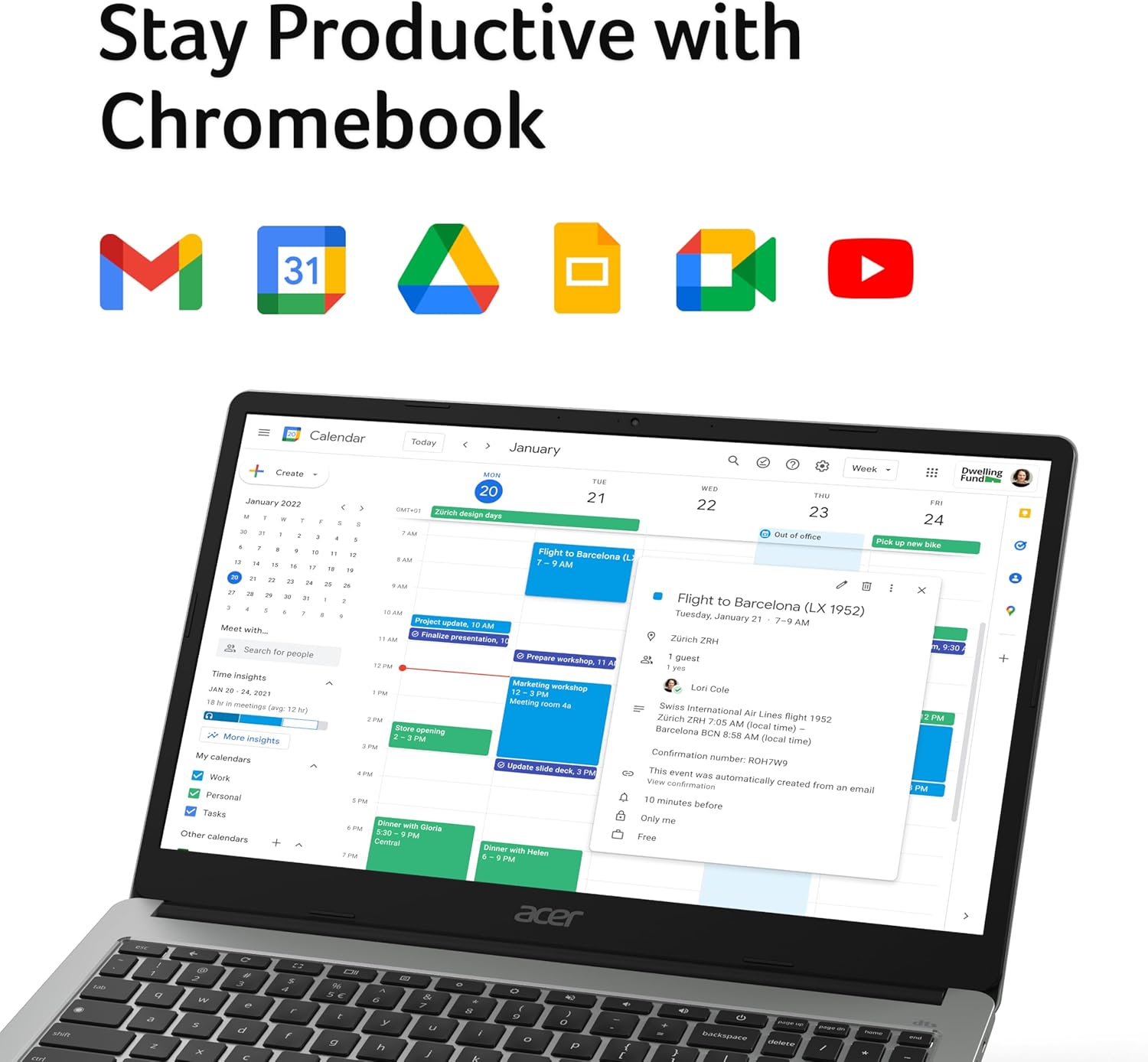
Acer Chromebook 315 CB315-4H (Intel Celeron N4500, 8GB RAM, 128GB eMMC) – 15.6" Full HD, Chrome OS, Silver
Product description
What it is and what it’s best for
The Acer Chromebook 315 CB315-4H is a 15.6-inch Chrome OS laptop aimed at everyday web and school-style work. The key idea with a Chromebook is that you’re not really buying for heavy desktop software—you're buying for a fast, streamlined experience in the browser, plus access to Google Workspace apps.
On paper, that makes it a practical choice for kids, students, or families who want something straightforward: sign in with a Google account and you’re quickly into tools like Docs and Sheets. If your day-to-day involves emailing, browsing, online homework, spreadsheets in the browser, and streaming, the 15.6" Full HD screen is sized for that “multi-task and spread out” feel.
A quick reality check though: Chromebooks are great when your workflow lives in the web. If you need offline-heavy desktop applications or require full desktop installs of specific software, you may find it frustrating—Chromebooks handle Microsoft 365 through the browser rather than installing desktop versions.
Key features that matter in daily use
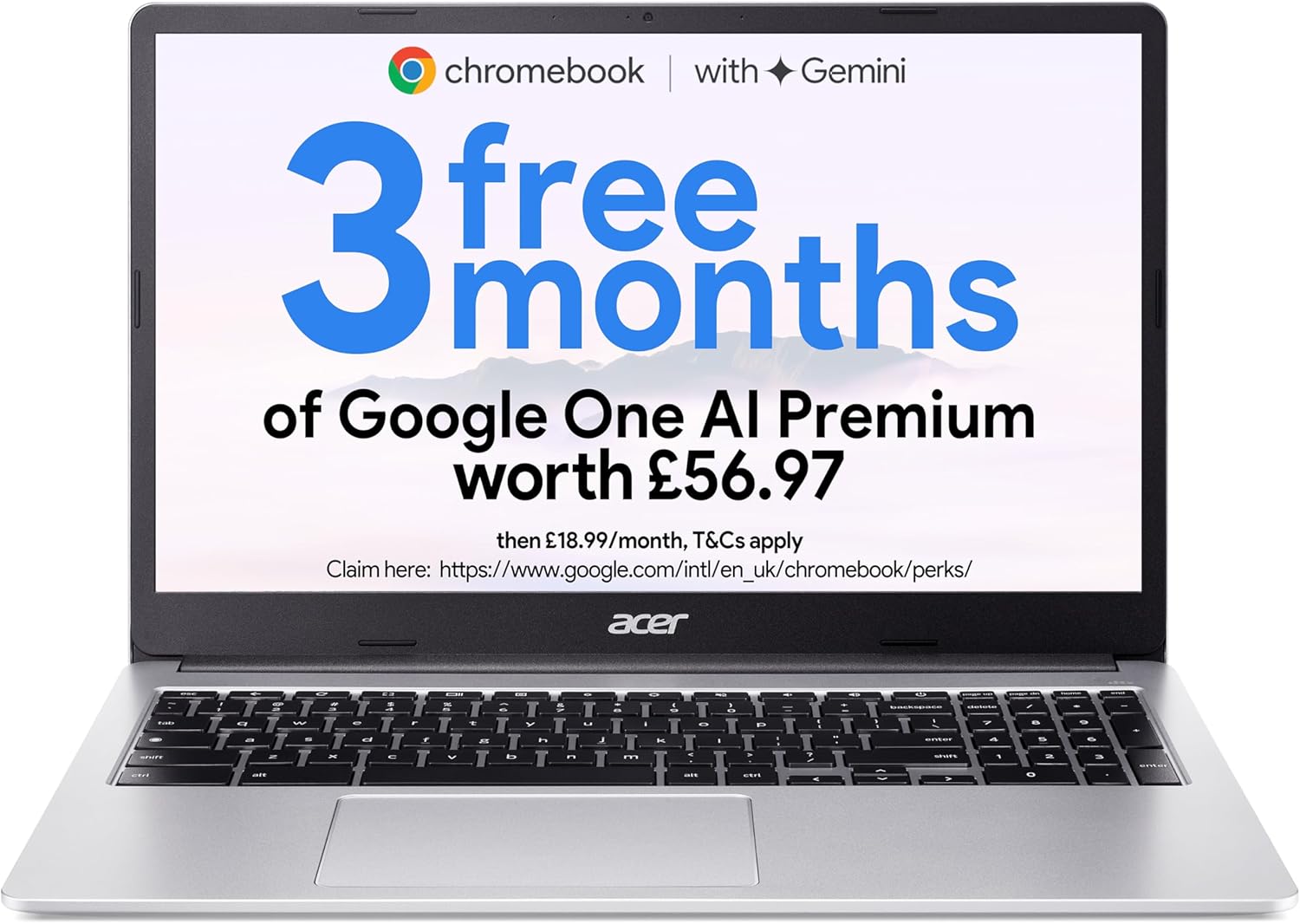
Where this model feels most “built for most people” is in the combination of display size, memory, and input comfort.
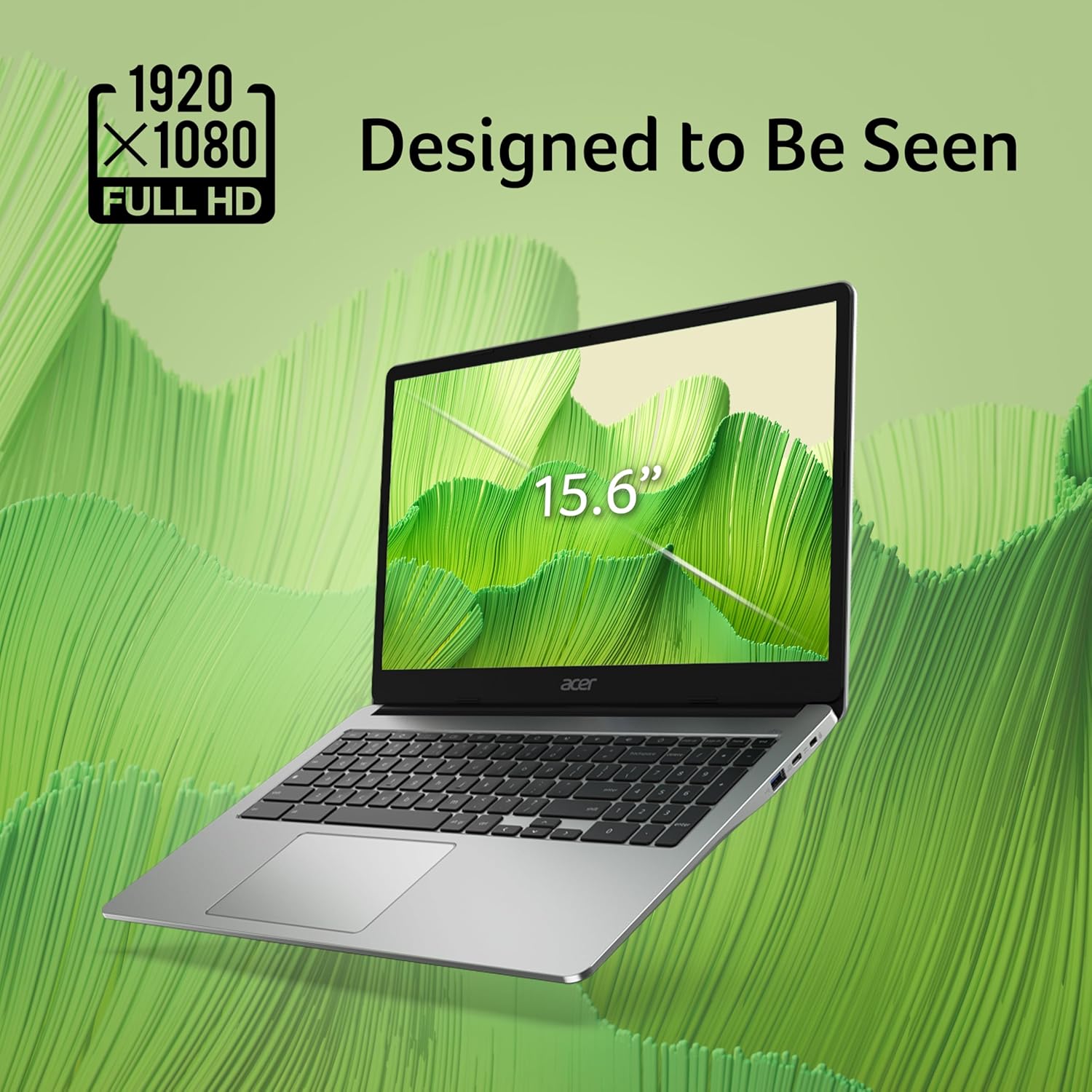
- The 15.6" Full HD screen is the headline if you like a larger workspace. For studying, reading longer documents, or juggling a couple of tabs, it’s easier on the eyes than smaller screens.
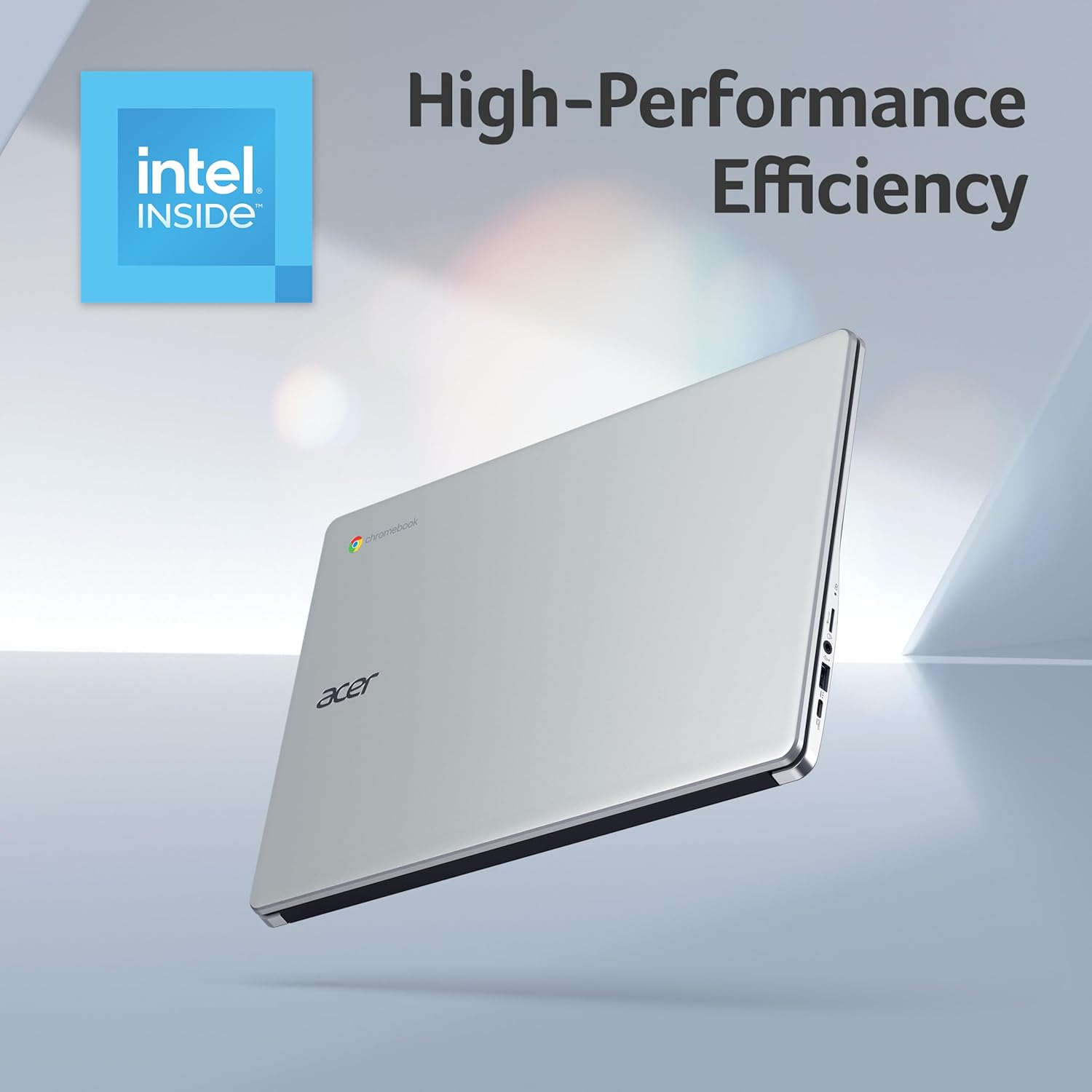
- With an Intel Celeron N4500 and 8GB of RAM, it’s designed to keep everyday apps and tabs running smoothly, which is usually the real test for school and home use.
- 128GB eMMC storage gives you room for apps, files, and media, though it won’t replace the need for good storage habits if you end up saving lots locally.
- The full-size keyboard includes a dedicated number-pad. That’s a big deal if you’re doing anything number-heavy—spreadsheets, homework maths, data entry—or if you simply prefer typing on a layout closer to a traditional laptop.
The tech approach: Chrome OS and Google/Microsoft in the browser
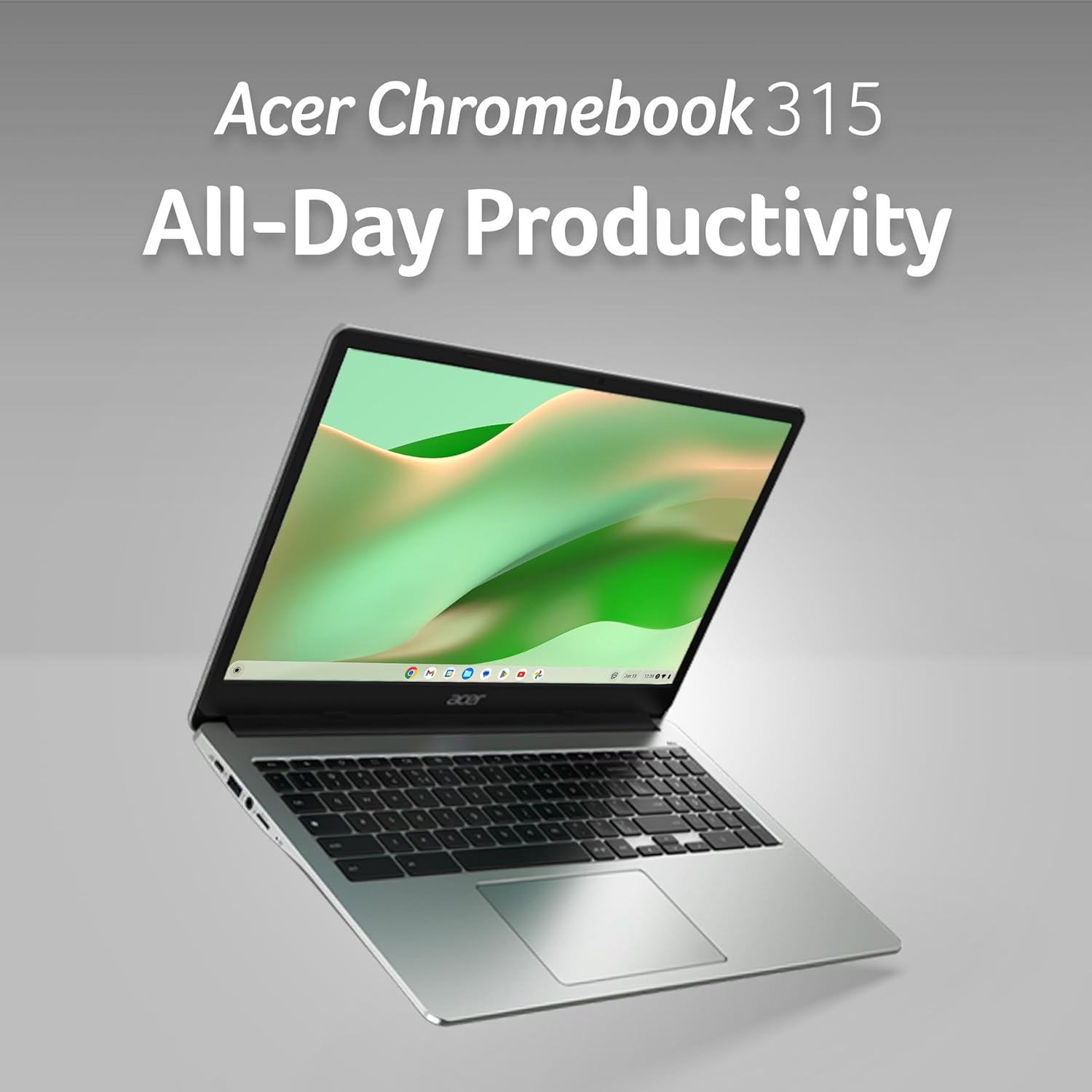
This Chromebook runs Chrome OS, which is built to prioritise speed and security around the web. From a purchasing perspective, that’s important because it changes what you should expect:
- You typically get immediate access to built-in Google Workspace apps after signing in.
- For Microsoft 365, the approach is browser-based. You can create and edit Word, Excel, and PowerPoint files by going to Microsoft365.com in your browser.
- The desktop versions cannot be installed on this Chromebook, and a Microsoft 365 subscription is needed for additional functionality.
So the question becomes: do you mainly work with browser versions and documents in the cloud, or do you rely on full desktop Office apps offline? If it’s the former, this sort of setup can feel very convenient. If it’s the latter, you may end up wishing you bought a traditional laptop for desktop software.
What you’ll notice on screen and on the keyboard
A bigger display and a full keyboard are the two things that can make daily use feel less like compromise.
In practice, using the 15.6" Full HD panel for browsing and learning can be more comfortable than squeezing everything onto a smaller 13" or 14" screen—more content per page, and less constant zooming. And if you’re entering numbers, the dedicated number-pad helps avoid awkward workarounds.
Still, keep expectations grounded. A Chromebook like this isn’t presented as a high-end media workstation. If you expect heavy creative workloads or software that depends on desktop installation, it could feel limited compared to a more conventional Windows laptop.
Who it suits (and who should think twice)
It’s not a “do everything, run anything” machine, but it does match well with typical home and student needs.
It makes sense if: You want a Chromebook that supports everyday web use, online document work, and school/family browsing with a decent screen size and a typing layout that feels sensible.
It may not suit you if: You need to install Microsoft Office desktop apps, or your work depends on desktop software that can’t run as web apps. In that case, a Chromebook can feel like the wrong tool, even if the spec looks perfectly reasonable for basic tasks.
Worth noting, too: 128GB of storage can fill up if you download a lot of media or keep large files locally. If you tend to hoard offline downloads, you’ll want to manage storage carefully.
Tech specs
- Name: Acer Chromebook 315 CB315-4H Laptop
- Type: Laptop
- Processor: Intel Celeron N4500
- Memory: 8GB
- Storage: 128GB eMMC
- Graphics: Integrated Graphics
- Display: 15.6" Full HD
- Operating system: Chrome OS
- Colour: Silver
Buying verdict
Acer’s Chromebook 315 CB315-4H is a sensible all-rounder for people who mainly live in the browser and value a larger 15.6" Full HD screen plus a full-size keyboard with a dedicated number-pad. The combination of a Celeron CPU and 8GB RAM is aimed at keeping everyday tasks feeling responsive, and the storage size should be fine for typical apps and documents if you manage downloads.

Should you buy it? You’ll likely be happy if you want a straightforward family or student laptop for web work, Google Docs/Sheets style tasks, and streaming, and you’re comfortable with Microsoft 365 being used via the browser.
Consider skipping it if your workflow depends on installing desktop Office apps or other desktop software that isn’t meant for Chrome OS web-based use—then you may be better served by a more traditional laptop approach.
Mini FAQ
Does this Chromebook support Microsoft 365?
It uses Microsoft365.com in a browser for Word, Excel and PowerPoint web editing. Desktop versions cannot be installed, and a Microsoft 365 subscription is required for additional functionality.
Is the keyboard suitable for typing and numbers?
Yes—this model features a full-size keyboard that includes a dedicated number-pad, which is handy for number entry and spreadsheet work.
How much storage does it have?
It comes with 128GB of storage using eMMC, intended for apps, files and media.
Is it aimed at kids and students?
Yes, it’s positioned as a good all-round laptop for kids, students and families, based on its Chromebook setup, screen size and everyday performance focus.