


Acer Aspire 16 A16-71GM laptop with Core Ultra 5, 16GB RAM, 1TB SSD and GeForce RTX 3050, 16" WUXGA, Windows 11 (Iron)
Reviews
Price
Product description
The essentials
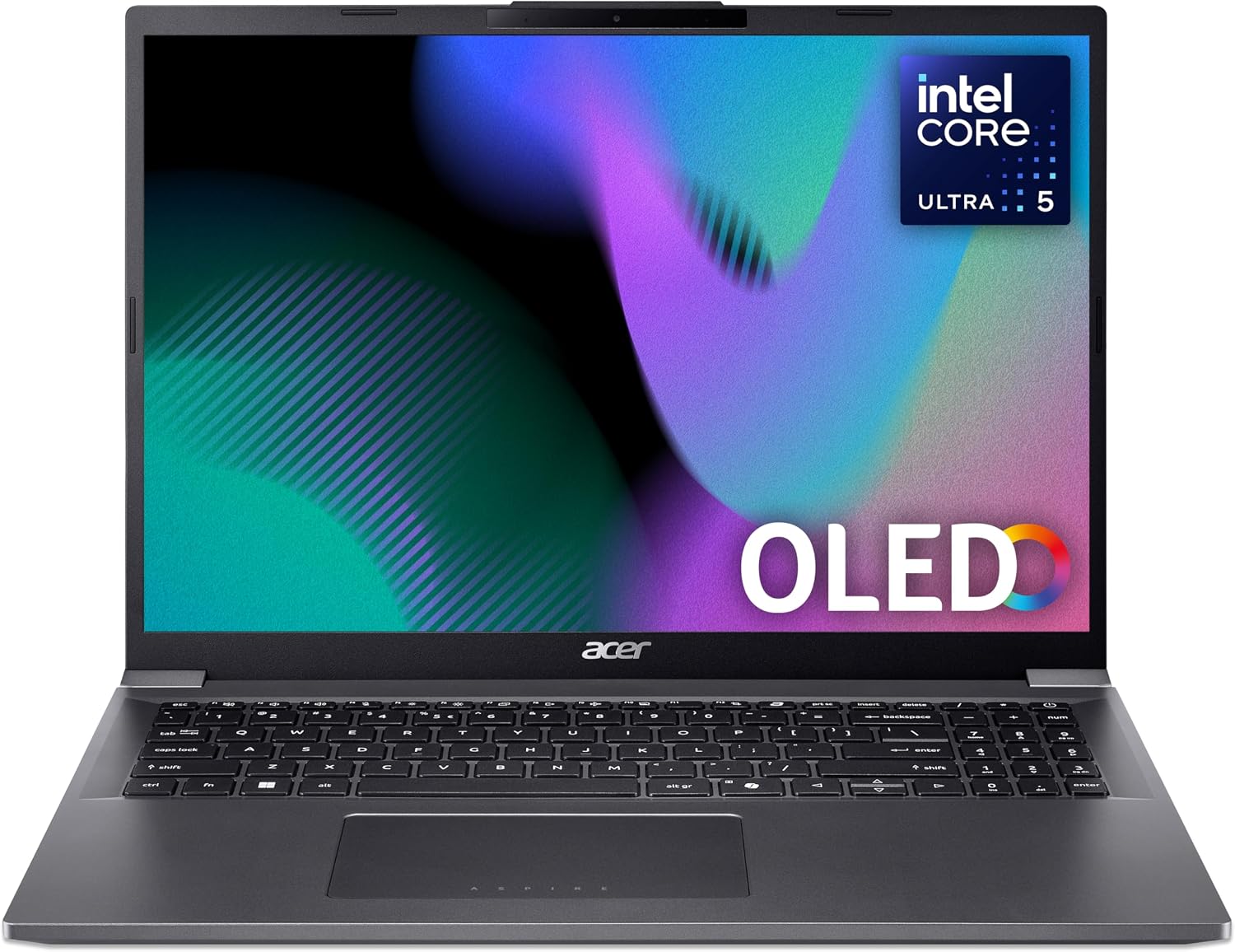
If you want one laptop that can handle everyday work but still has a dedicated GPU for more demanding creative tasks, the Acer Aspire 16 A16-71GM is worth a serious look. It’s positioned as a mid-range all-rounder: powerful enough for photo and video editing workloads, without needing to jump straight to the most expensive graphics-focused machines.
On paper, the combination of an Intel Core Ultra 5 CPU, 16GB RAM and a 1TB SSD gives you the kind of headroom that makes multitasking feel less brittle. Add the dedicated NVIDIA GeForce RTX 3050, and suddenly the laptop isn’t just “fine for editing” — it’s designed to take on more visually demanding workloads such as photo & video editing, where integrated graphics would be more of a compromise.
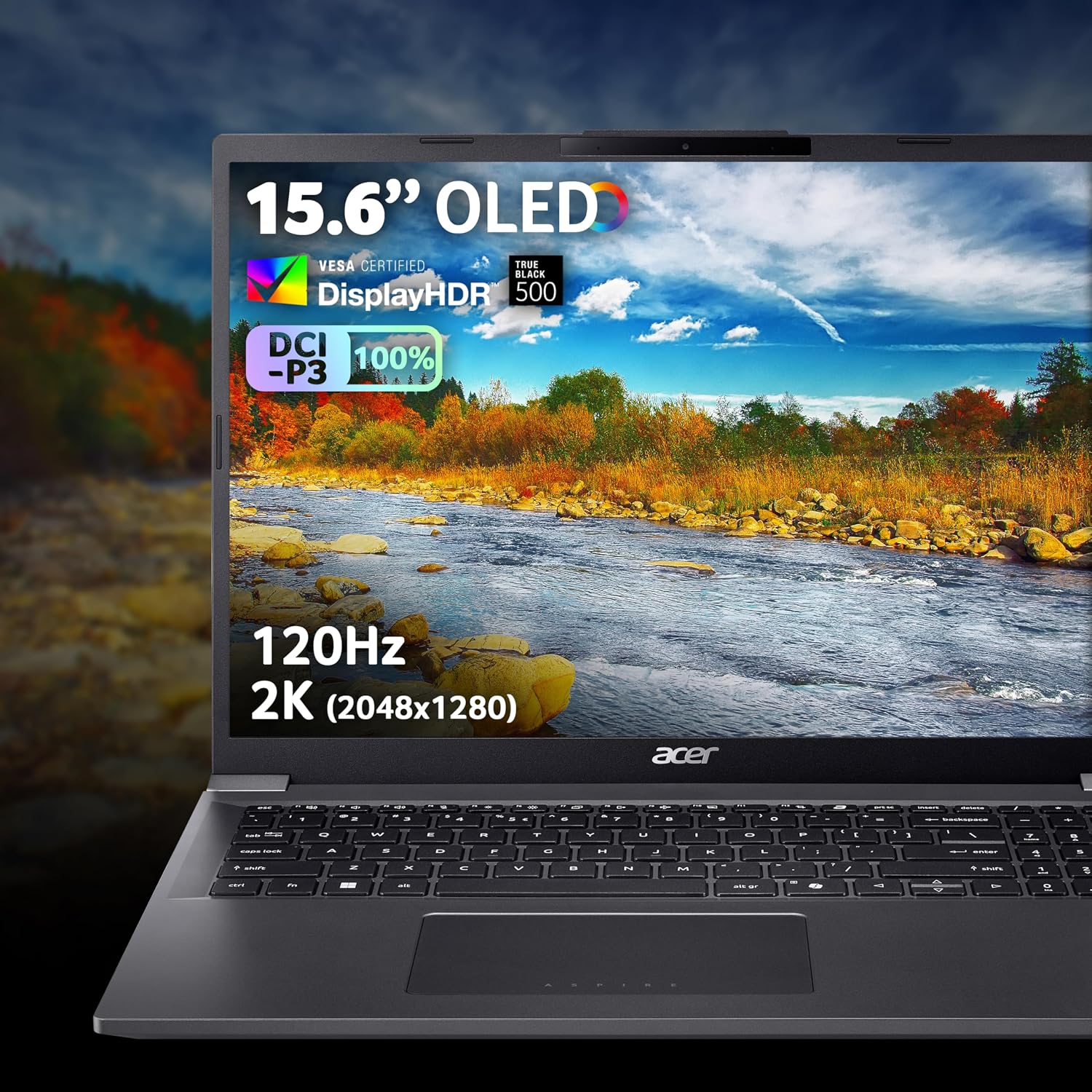
The 16" WUXGA (1920x1200) display is also a practical choice if you work with timelines, panels and reference material all day. It’s not a specialist studio panel, but it should give you more on-screen detail than a standard Full HD layout, which can make a difference during editing and spreadsheet-heavy days.
What stands out in everyday use
A lot of laptops in this space feel like they’re good at one thing and “okay” everywhere else. This Acer tries to keep the experience consistent across tasks.
- Dedicated graphics for creative workloads: The RTX 3050 is the part of the spec that pushes it beyond basic productivity. If your editing workflow includes effects, rendering tasks, or you just want fewer slowdowns while handling media, this is the component you’ll feel.
- 16GB RAM for real multitasking: 16GB is a sensible starting point for running multiple apps without the machine constantly struggling. It’s particularly useful when you’ve got your editor open alongside browsers, media previews and communication apps.
- 1TB SSD for not constantly managing storage: 1TB is generous for apps, documents and media libraries. Depending on your habits, it can reduce the frequency of storage cleanup.
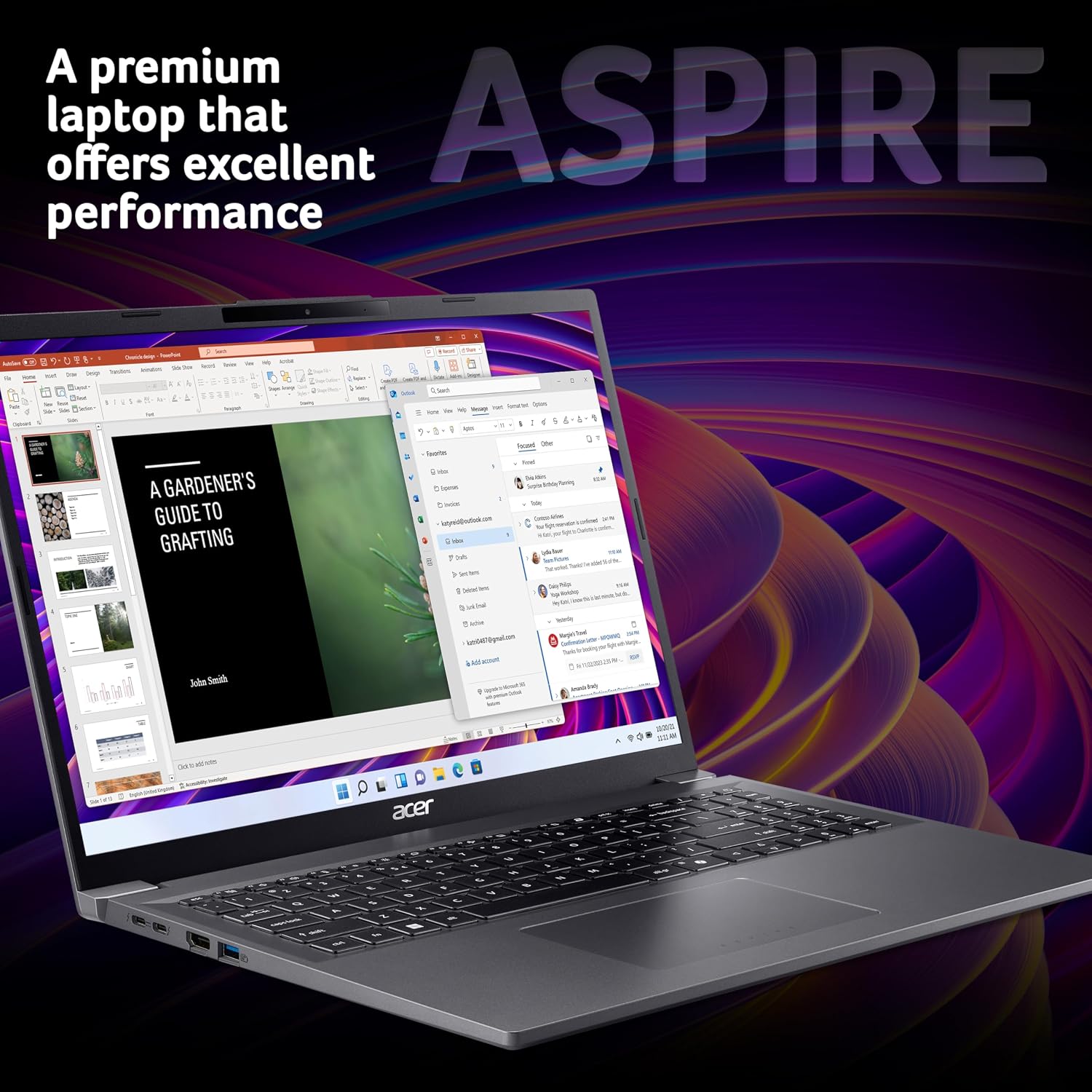
There’s also an “AI-ready” angle: Intel AI Boost with new-generation AI applications such as Microsoft Copilot is mentioned in the provided information. Whether you use those tools day to day or not, it’s a forward-leaning detail rather than something you have to actively configure.
Tech summary (the spec that matters)
This model is built around the following headline components:
- Name: Acer Aspire 16 A16-71GM Laptop
- Type: Laptop
- Processor: Intel Core Ultra 5 125H
- Memory: 16GB
- Capacity: 1TB SSD
- Graphics: NVIDIA GeForce RTX 3050
- Display: 16" WUXGA (1920x1200)
- Resolution: 1920x1200
- Operating system: Windows 11
- Colour: Iron
A small note to keep expectations realistic: while “AI-ready” and dedicated graphics help with compatibility and performance, the RTX 3050 is still not a top-tier workstation GPU. If your editing is very heavy and you expect maximum speed on the most demanding projects, it may feel more like a capable mid-range creator laptop than a no-compromises editing rig.
For who it makes sense (and who should skip it)
It’s a solid fit if you want one laptop for mixed use: studying or office work by day, then photo editing, light to more serious video editing sessions when time allows. You’ll likely appreciate the 16" WUXGA screen for working with timelines and multiple windows, and the dedicated RTX 3050 for workloads that benefit from GPU acceleration.
It may not suit you as well if you’re expecting purely professional-grade performance for large-scale video pipelines, frequent long renders, or highly demanding 3D-style workloads. In those situations, this spec can still be useful, but it might feel like you’re paying for a “general creator” level rather than maximum throughput.
You may also want to pause and check your own software needs before buying. The description talks about photo and video editing and mentions AI Boost for AI applications like Copilot, but it doesn’t provide details on specific software optimisations or performance in particular editors.
Getting the most from it: practical scenarios
Imagine a typical work-and-creative day: you start with spreadsheets and emails, keep a few tabs open, then later switch to an editing workflow where you need your media library to load quickly and you want smoother handling of visual effects. With 16GB RAM and a 1TB SSD, the laptop is set up to avoid the “everything slows to a crawl” feeling that some lower-spec systems deliver when you bounce between tasks.
Or consider this simpler example: you’re editing a batch of photos, moving between thumbnails, reference images and the main preview area. The 16" WUXGA layout gives more detail than a standard Full HD screen, so your workflow doesn’t rely on constant zooming and repositioning.
Buying verdict
Final verdict
Should you buy the Acer Aspire 16 A16-71GM? Yes, if you’re after a Windows 11 laptop that blends solid general performance with a dedicated NVIDIA GeForce RTX 3050 for photo and video editing-style workloads. The 16GB RAM, 1TB SSD and 16" WUXGA display all point towards a practical “creator plus daily driver” setup.
It’s not the best choice if your priority is maximum performance for very heavy professional editing, or if your workload is more demanding than what an RTX 3050-based system is typically aimed at. In that case, it could end up feeling more like a capable step-up than the ultimate answer.
Quick FAQs
Is the Acer Aspire 16 A16-71GM good for photo and video editing?
The provided information explicitly positions it for photo and video editing workloads, supported by a dedicated NVIDIA GeForce RTX 3050 and Intel Core Ultra 5 125H.
How much RAM and storage does it include?
It comes with 16GB RAM and a 1TB SSD, which should help with multitasking and keeping your files on the drive.
Is the 16" screen likely to help with editing?
The display is 16" WUXGA (1920x1200), and the description notes it offers more detail than a standard Full HD screen, which can make editing timelines and layouts easier to work with.
What does “AI-ready” mean here?
The description references Intel AI Boost and mentions AI applications such as Microsoft Copilot. The exact day-to-day benefit depends on the specific tools you use.
Does it run Windows 11?
Yes, it’s listed with Windows 11.