

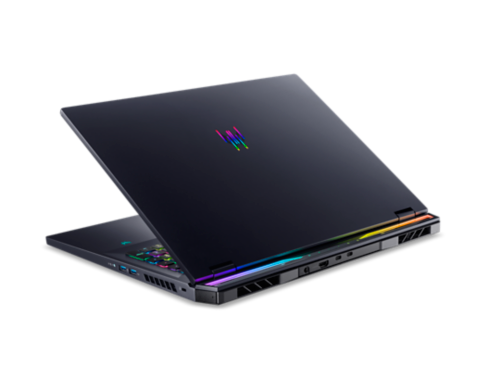
Acer Predator Helios 18 (PH18-72): 18-inch gaming laptop with Intel i9 and RTX 4080
Price evolution
Product description
What it is and what it aims to solve
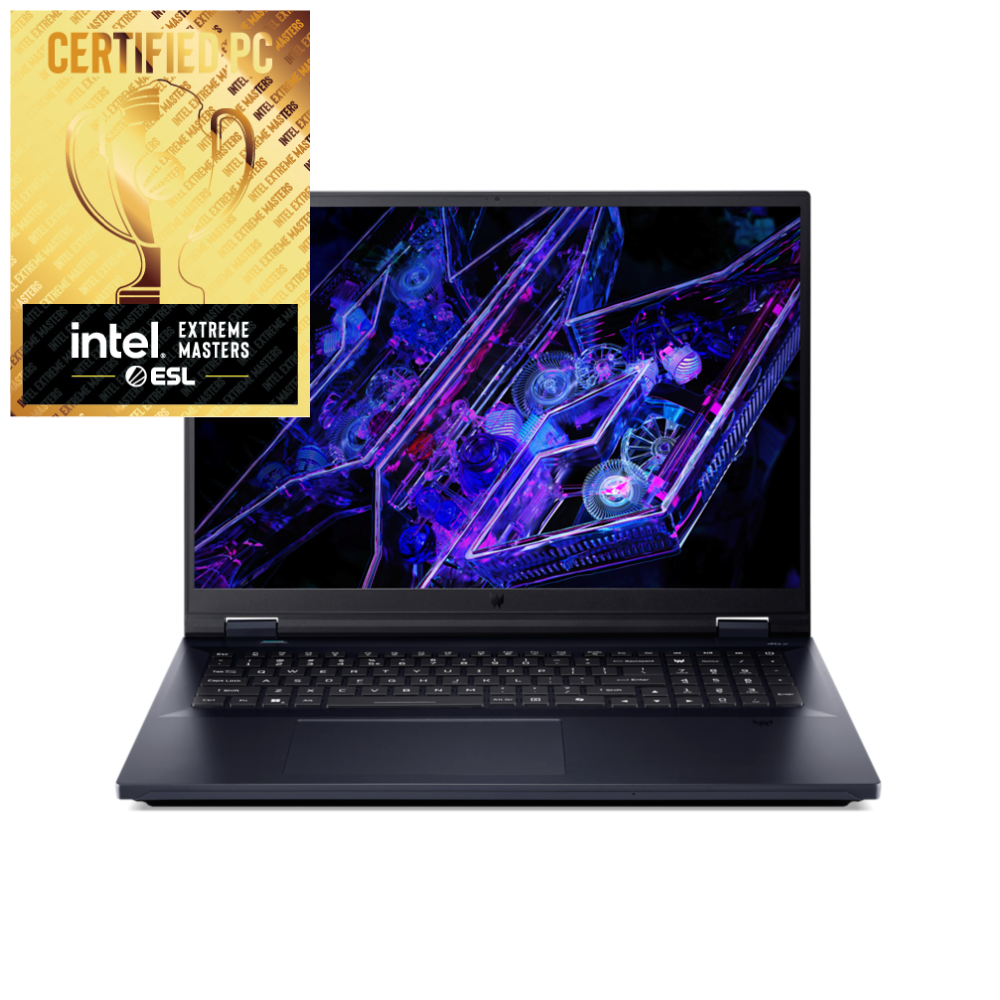
The Acer Predator Helios 18 is a large-screen gaming laptop designed to deliver high-end performance for demanding titles and creative workloads. With a 18-inch WQXGA panel, a fast 240 Hz refresh rate and a powerful processor, it targets players and creators who want desktop-like capabilities in a portable form. It runs Windows 11 Home and pairs an Intel Core i9-14900HX processor with 32 GB of DDR5 RAM and 2 TB of SSD storage, topped by an NVIDIA GeForce RTX 4080 graphics card with 12 GB dedicated memory. The setup is aimed at smooth gaming at high settings, plus the headroom needed for multitasking, streaming and rendering tasks that people often associate with a desktop PC.
Who this is for
If you prioritise a large display for immersive gaming, and you want plenty of memory and fast storage to handle modern titles and content creation, this model is worth considering. It suits users who want performance without compromising a more compact laptop form, the 18-inch screen has real impact for visuals and productivity alike. It might appeal to those upgrading from mid-range gaming laptops who expect strong ray-traced performance and a responsive display for competitive titles.
What stands out in use
On paper, the Helios 18’s core strengths are clear: a capable 24-core-ish Intel arrangement, a high-speed DDR5 memory package and a generous 2 TB NVMe SSD, all feeding a RTX 4080 with 12 GB. The 2560×1600 IPS panel at 240 Hz should feel very responsive in fast shooters and fluid for non-competitive gaming too. In practical terms, you’ll likely notice crisp image quality, smooth motion and quick load times when you’re navigating large open-world maps or editing raw video and large projects.
Realistic pros and cons
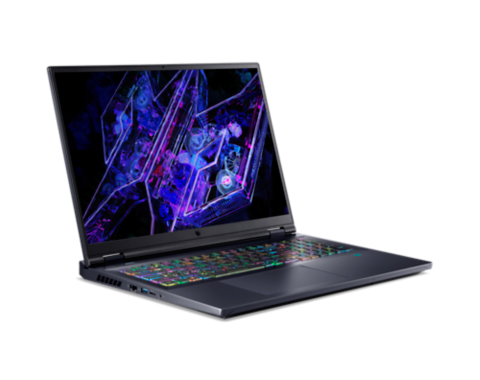
Pros: strong GPU and CPU pairing for gaming at high settings, substantial system RAM for multitasking, ample local storage, and a big screen that’s great for long sessions and productive work. The 240 Hz panel gives a capable edge for fast-paced titles, and the overall kit is aligned with high-performance gaming laptops. Cons: the large chassis and screen can limit portability and battery life in day-to-day use, which is common for this class. While the RTX 4080 is powerful, performance can still depend on cooling design, game optimisation and power settings. If you prioritise a lighter weight or longer unplugged use, this model may feel bulky and demand frequent charging in intense sessions.
How it compares to other approaches
If you’re choosing between a desktop replacement and a slimmer, more affordable gaming laptop, the Helios 18 sits closer to the former in terms of performance headroom. For those who want fewer compromises on frame rates and content-creation workflows, it makes sense to consider this class of device. However, if you favour portability above all, a smaller, lighter notebook with a more modest display refresh or a lower-TDP CPU might deliver better daily convenience even if it means trading off some peak performance.
What to check before buying
- Verify that the display refresh rate and resolution align with your gaming and content needs (the 18” WQXGA at 240 Hz is a standout for fast titles).
- Consider the weight and dimensions if you need to travel with the laptop or move it between rooms frequently.
- Check cooling performance and noise under load, as sustained gaming can impact fan behaviour and acoustics.
- Think about whether Windows 11 Home meets your software preferences, some users opt for a Pro edition in ставe cases.
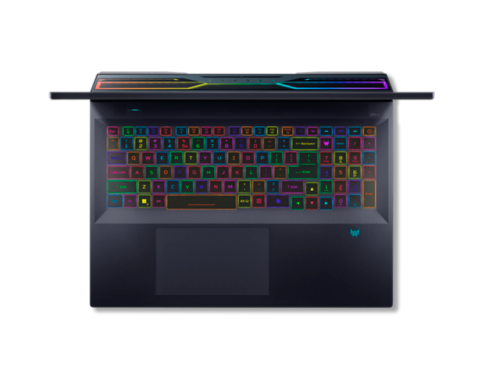
- Ensure you have appropriate peripherals in mind (keyboard feel, some prefer a numeric keypad on large laptops, trackpad behaviour matters for daily use).
Technical snapshot
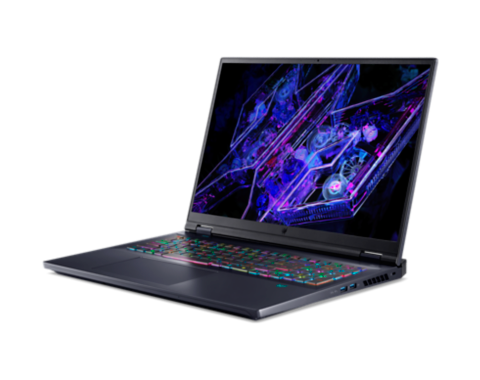
- Display: 18" WQXGA (2560 x 1600), 16:10, IPS, 240 Hz
- CPU: Intel Core i9-14900HX (24 cores)
- RAM: 32 GB DDR5
- Storage: 2 TB SSD
- GPU: NVIDIA GeForce RTX 4080 (12 GB dedicated)
- Operating system: Windows 11 Home
Usage scenarios: practical examples
- A gamer who wants to play latest titles at high settings with high frame rates benefits from the RTX 4080 and 240 Hz panel, especially in fast shooters and action titles.
- A content creator running large 4K projects or multi-track editing workflows may appreciate the 32 GB RAM and speedy NVMe storage for smoother timelines and faster renders compared with many mid-range laptops.
- A student or professional who also dabbles in game design or 3D work can use the big screen for extended sessions without constantly resizing windows, while still having desktop-like performance.
Care and maintenance ideas
Keep the cooling vents clear and use a stable surface to enhance airflow. Given the hardware, it’s sensible to monitor temperatures during long gaming sessions and consider software settings that balance performance with noise if you’re sensitive to fan activity.
Final thoughts: is it worth it?
If you prioritise raw gaming and creative performance with a big, responsive screen, the Helios 18 offers a compelling combination of CPU power, GPU capability and fast storage. It is not the lightest or most portable option in Acer’s range, and you should weigh the need for a large-screen, desktop-like experience against portability and battery life. It’s a solid pick if you want a high-performance machine that anchors a versatile workstation, rather than a device aimed at lean mobility.
Frequently asked questions (FAQ)
- Does the 18-inch display impact battery life significantly during gaming? Battery life on gaming laptops is generally limited under heavy load, this model is designed for performance on mains power.
- Can I upgrade RAM or storage later? The base specs list 32 GB RAM and 2 TB SSD, verify upgrade options with the retailer or Acer support to avoid surprises.
- Is the RTX 4080 with 12 GB memory enough for future titles at high settings? For current-generation games at high resolutions and refresh rates, the RTX 4080 is strong, future titles may benefit from continued driver optimisations and settings adjustments.
Decision: Is it worth it?
Worth considering if you need a capable, large-screen gaming machine with desktop-like performance for both gaming and content creation. Better avoided if portability and battery life are the top priorities.