

ACEMAGIC RX16 16-inch Gaming Laptop Review
Reviews
Price
Product description
What it is and who it’s for
The ACEMAGIC RX16 is a 16-inch gaming laptop designed to balance multitasking power with capable gaming performance. If you’re after a larger portable setup for both work and games, and you don’t want to compromise on screen real estate, this model aims to deliver a coherent package in one laptop. It’s not a placeholder for a high-end desktop, but on paper it targets users who want solid all‑round capability without stepping into a higher price bracket.
Core performance and processor notes
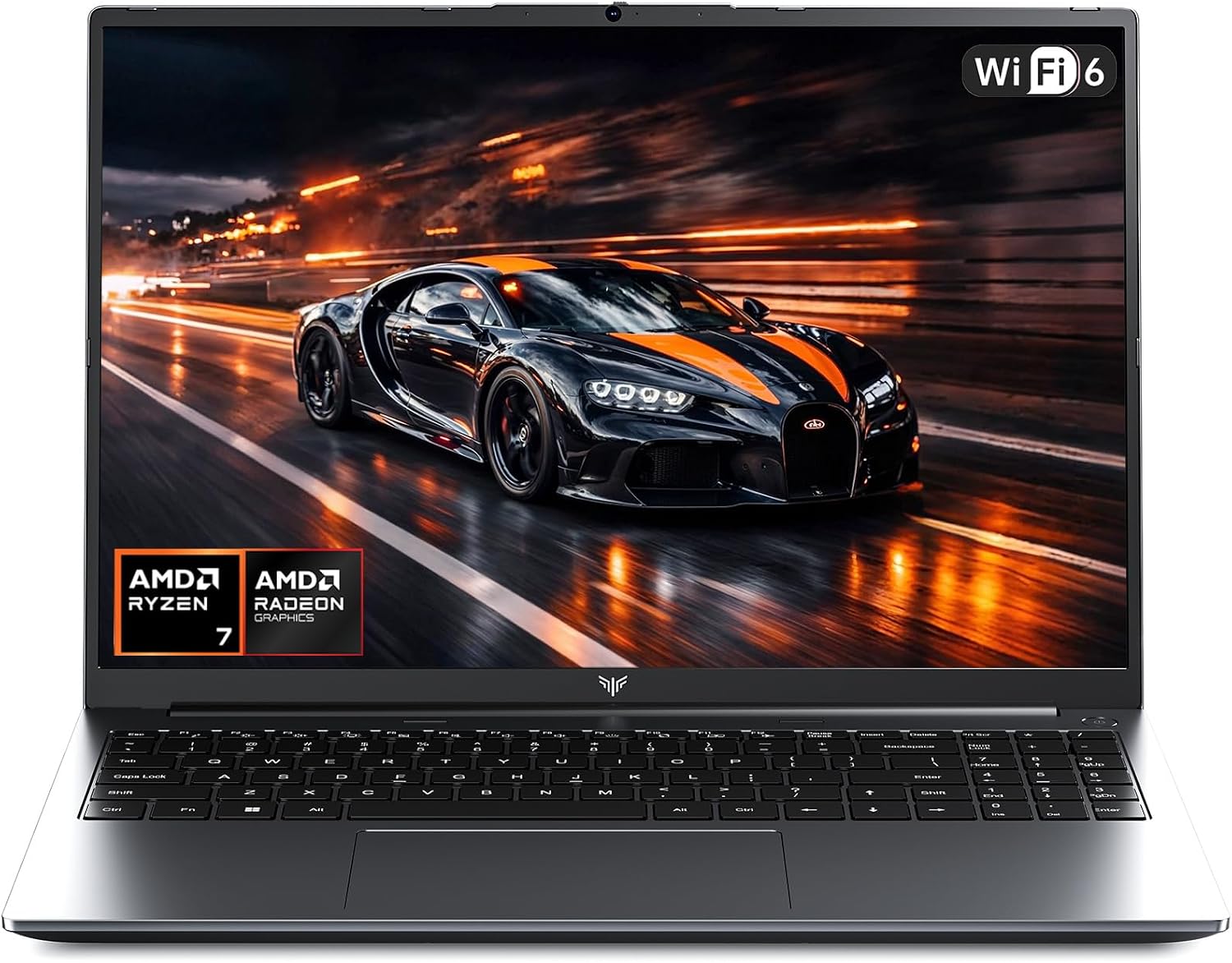
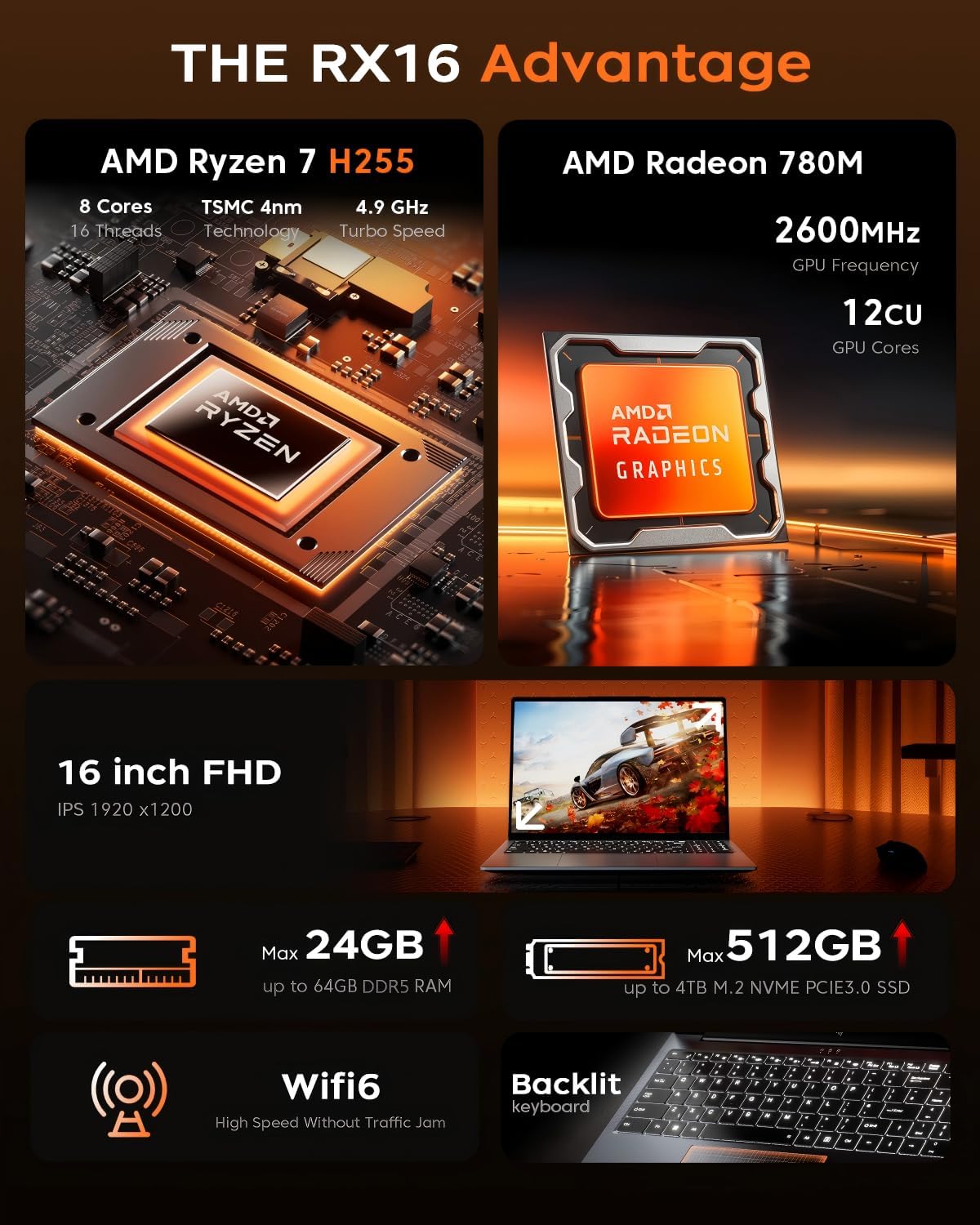
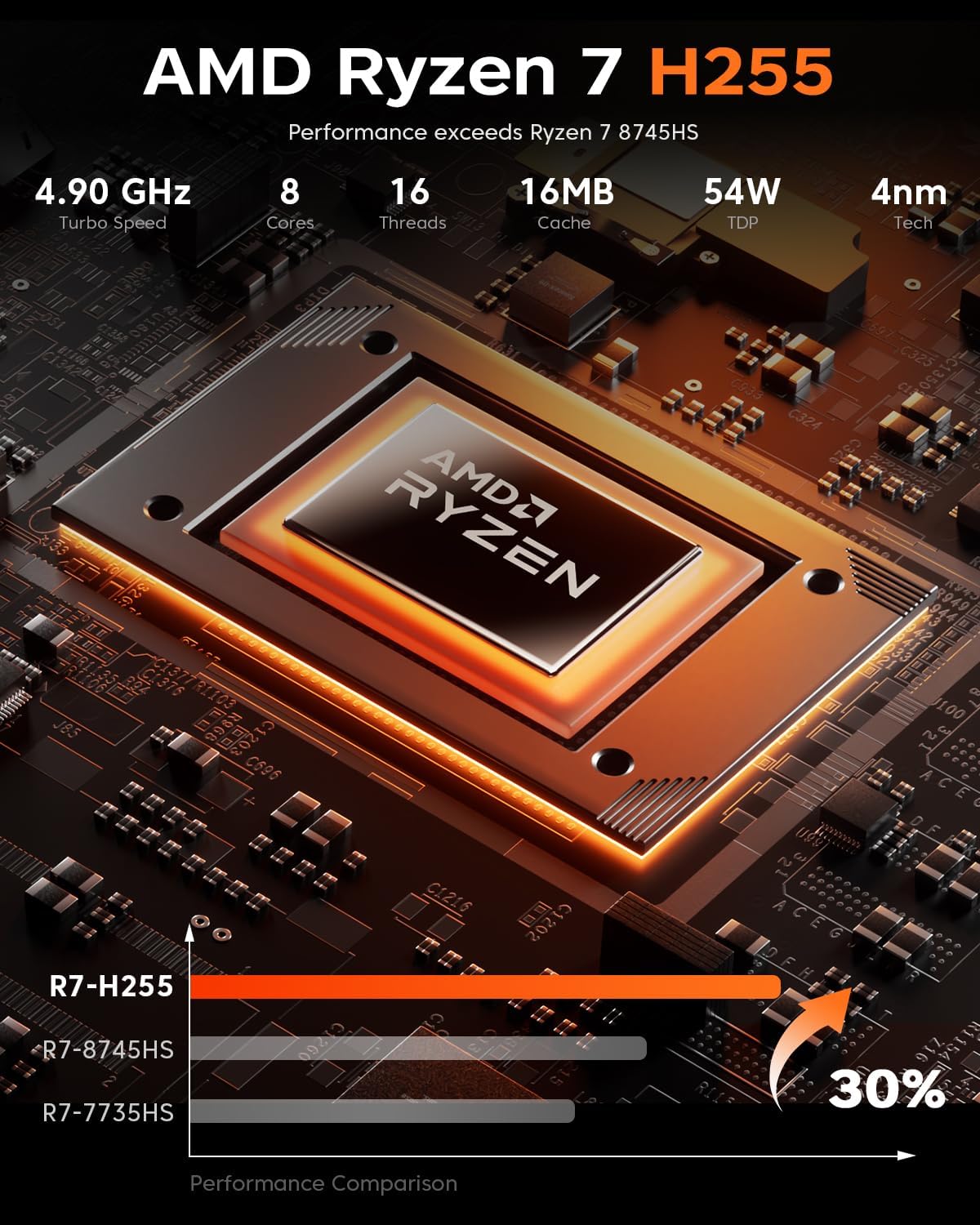
On the paper, the RX16 uses an AMD Ryzen 7 H255 with Zen 3+ architecture, boasting 8 cores and 16 threads and a peak clock around 4.9 GHz. The Ryzen chip is paired with AMD Radeon 680M graphics. This combination is meant to handle everyday multitasking, productivity workloads, and a range of games at modest settings. The claim that integrated Radeon 680M can rival some discreet GPUs should be taken as a rough guide, actual game performance will depend on settings, titles, and cooling behavior during sustained loads.
Display and visuals
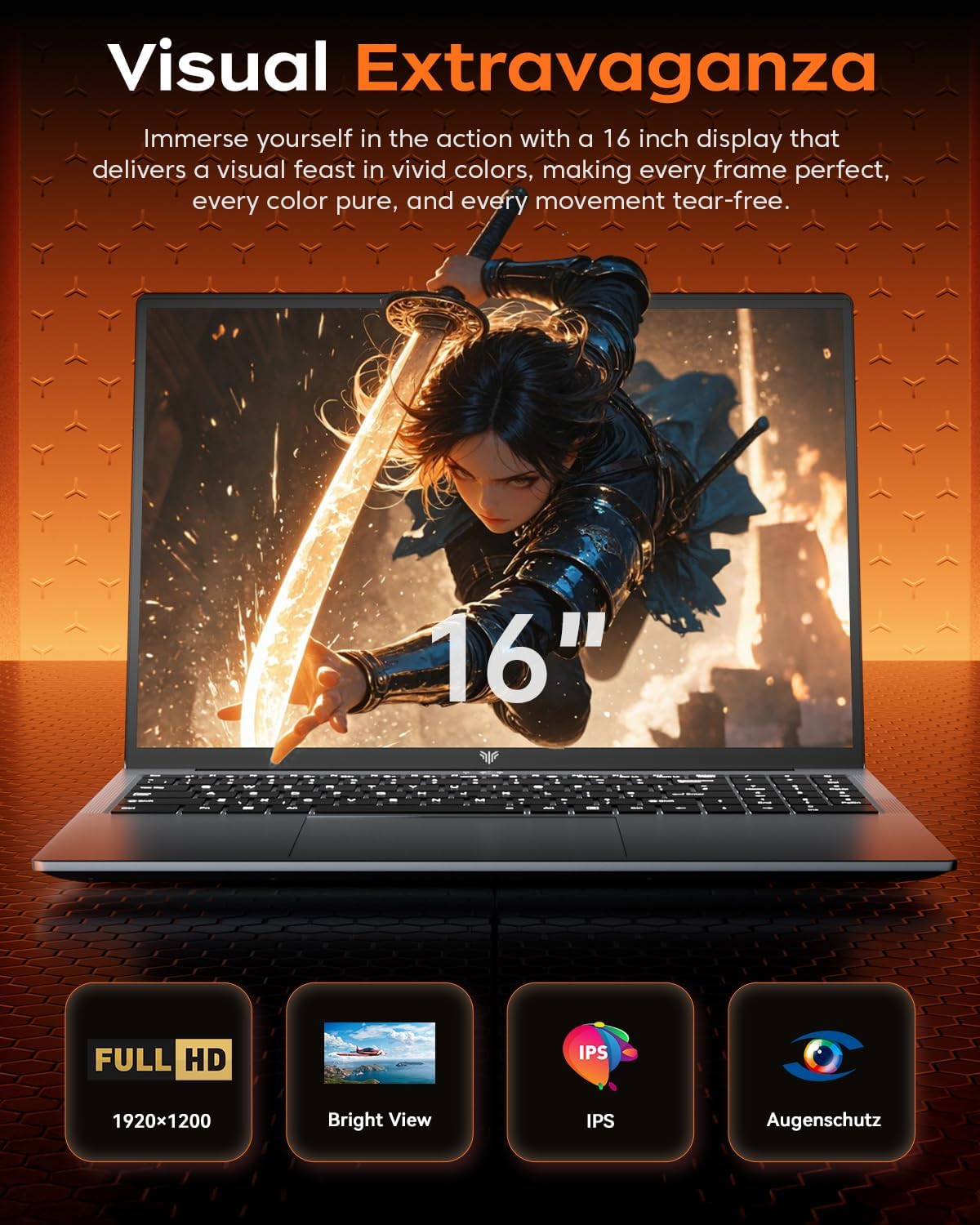
The 16‑inch display has a 1920 x 1200 resolution with an IPS panel and a 16:10 aspect ratio, which can offer a slightly taller image than traditional 16:9 panels. Expect broad colour coverage and good viewing angles from typical laptop positions. The screen is described with a high refresh rate and low latency, aimed at smoother gameplay and reduced motion blur, though exact numbers aren’t specified. The slim bezels are noted to widen the perceived field of view.
Memory, storage and expansion
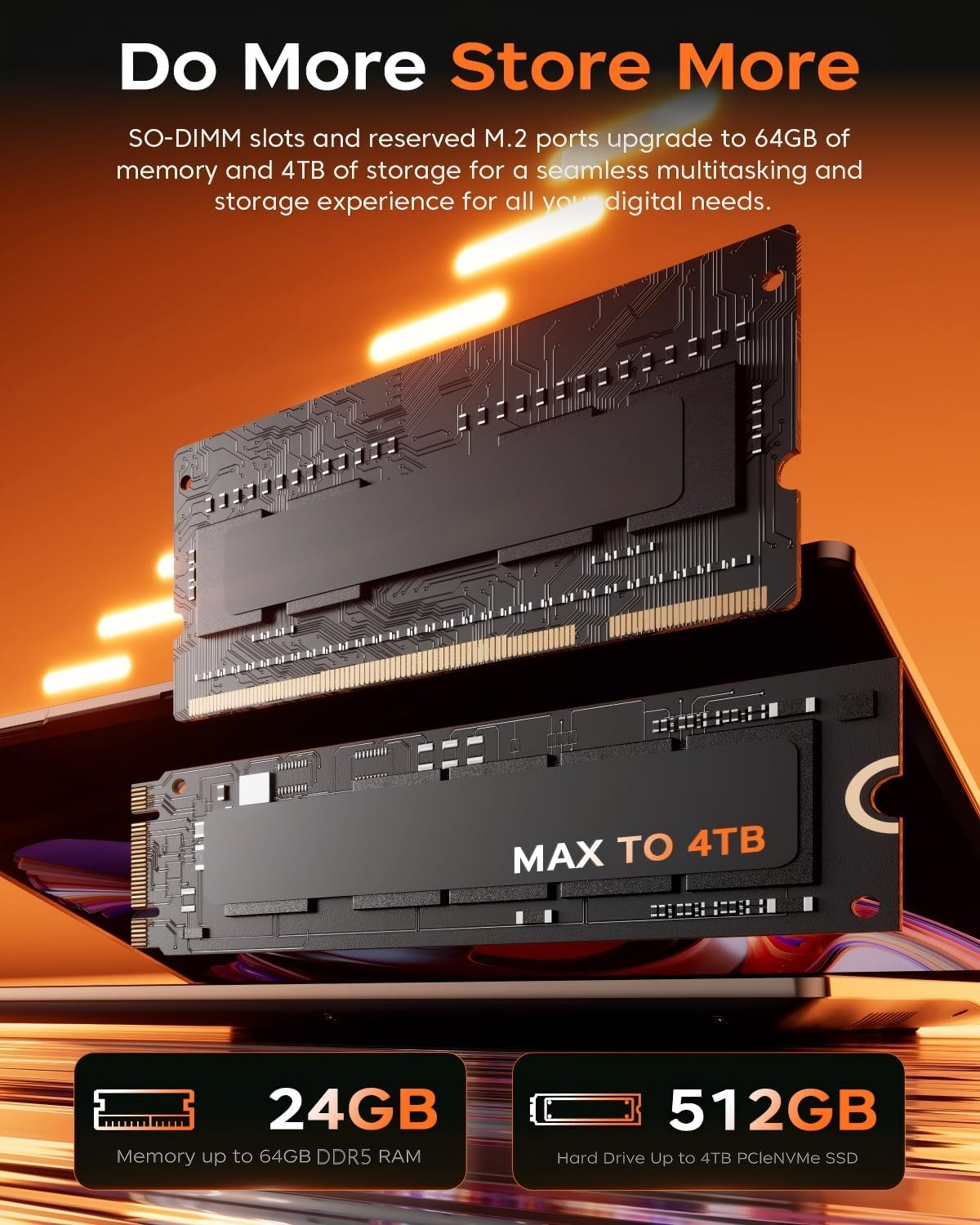
This RX16 ships with 24 GB of DDR5 RAM (the base mention is 16 GB, with the capacity cited as 24 GB in total) and a PCIe NVMe 512 GB SSD. The DDR5 memory supports faster data transfers than older generations, which should translate to snappier responsiveness in multitasking and loading times in games and applications. The 512 GB SSD helps keep the system lean and gives room for a handful of large titles or media files, though workloads with enormous storage would benefit from additional capacity or external options.
Connectivity and everyday use
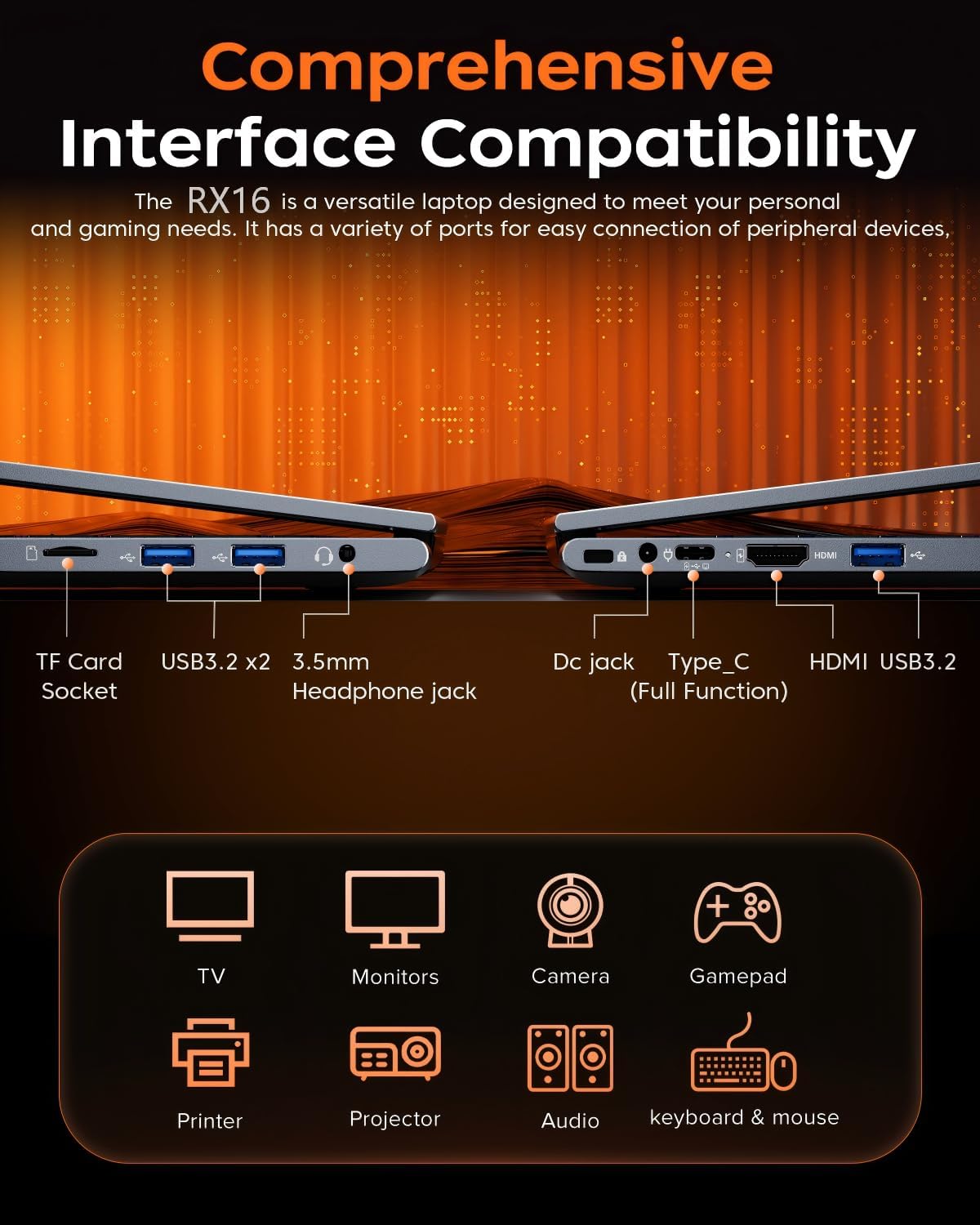
There’s a comprehensive set of ports: USB 3.2, USB 2.0, HDMI, a full-function Type-C, a 3.5 mm combo audio jack, SD card slot, and a DC Type-C. Built‑in Wi‑Fi 6 (802.11ax) promises faster wireless connectivity where networks support it. A backlit keyboard adds practical value for late‑night gaming or typing sessions. The webcam is included for video calls, a useful touch if you use the laptop for work as well as play.
Build, thermals and power
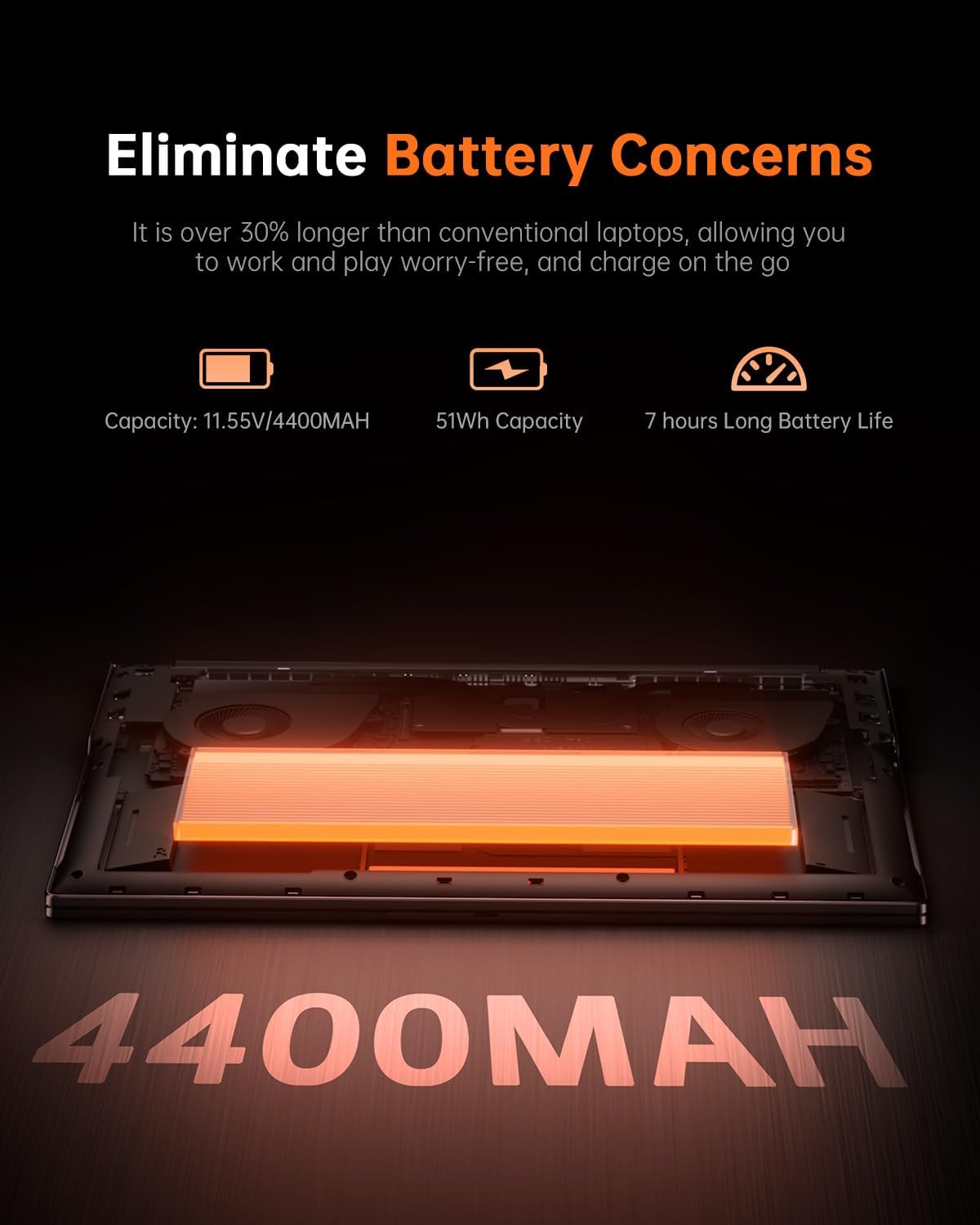
The specification highlights a balance between high performance and lower power consumption. In practice, this implies the RX16 aims to manage battery life better than some peers while still delivering solid multi-core performance when plugged in. As with many gaming laptops, sustained gaming or long work sessions may demand good cooling and a reliable power supply to maintain peak frequencies.
What stands out and what may fall short
What stands out is the combination of Ryzen 7 H255 with a 16-inch IPS panel and 24 GB of faster memory, plus a sizeable SSD. It offers a pragmatic all‑round package for users who value screen size, multitasking ability, and a sensible upgrade path within a portable form factor. On the downside, the description relies on processor and integrated GPU capabilities rather than professed discrete graphics performance. If you’re aiming for ultra‑high‑end gaming at max settings, this model may not meet those expectations. Likewise, the 512 GB SSD, while fast, could feel tight if you install many large modern titles—consider external storage or a second drive if available.
Who it’s for and who it isn’t
It’s best suited to someone who wants a larger laptop for work and light-to-mid‑range gaming, appreciates a backlit keyboard, and values a sensible balance of RAM and storage without chasing top-tier GPU performance. It may not be the best choice if you primarily demand flagship gaming at high refresh rates on demanding titles, or if you need vast onboard storage for a large games library from day one.
When it makes sense to buy
If you prioritise a bigger display, solid multitasking capability, and a reasonably powered gaming experience without delving into the most expensive models, this RX16 could offer good value. It also makes sense if you want a single machine for both productivity and casual to mid‑range gaming, with the added convenience of Wi‑Fi 6 and a backlit keyboard.
What to check before you buy
- Confirm total RAM configuration and whether the system supports upgrading or expanding memory.
- Check real-world gaming performance for titles you care about, in the settings you typically use.
- Consider your storage needs, if you plan a large library, you may want additional storage beyond 512 GB.
- Verify cooling expectations during longer sessions to gauge whether sustained performance remains stable.
- Ensure the keyboard layout and key travel feel comfortable for your typing style, since backlit keyboards vary in feel.
Pros and cons at a glance
Pros: larger display, capable multitasking RAM, fast storage, modern connectivity including Wi‑Fi 6, backlit keyboard. Cons: relies on integrated GPU for gaming in some scenarios, 512 GB SSD may feel restrictive for a big game library, exact performance numbers aren’t specified.
FAQ
- Q: Can I upgrade RAM and storage easily? A: The provided data mentions 24 GB RAM and a 512 GB SSD, it does not specify upgrade paths. If you rely on upgrades, confirm the RAM slots and storage expansion options with the retailer.
- Q: Is it suitable for competitive gaming at high settings? A: It targets solid performance for multitasking and general gaming, for the most demanding titles at max settings, expectations should be tempered as there’s no dedicated high-end GPU stated.
- Q: How is battery life in real use? A: The plan emphasises low power consumption alongside high performance, but exact battery life will depend on workload and display brightness.
Final verdict
Final verdict: Worth considering if you want a 16-inch laptop that blends productivity with a capable gaming experience and you’re mindful of potential storage constraints and the absence of a discrete GPU. It suits buyers who value a large screen and modern memory, but if your priority is peak gaming performance or expansive onboard storage from day one, you might want to weigh alternatives or plan for additional storage.