

130W USB-C Laptop Charger (Type C) compatible with Dell XPS & Precision models – 20V 6.5A
Product description
What this charger is for
If your Dell laptop charges via USB-C and you’re trying to replace a 90W/65W adapter style setup with something more “headline-friendly” for daily use, this 130W USB-C laptop charger is aimed squarely at that job. On paper, it’s built around USB Type-C power delivery with a max output of 130W, and it’s described as compatible with a long list of Dell XPS and Precision models.
That compatibility-heavy approach is useful when you’re trying to avoid the common hassle of buying the wrong lead, the wrong voltage range, or the wrong connector type. Still, it’s worth being a bit cautious: a charger can be “compatible” by model number and still be the wrong fit if your specific device has different charging requirements or you’re relying on a part number match.
Key features that matter in real life
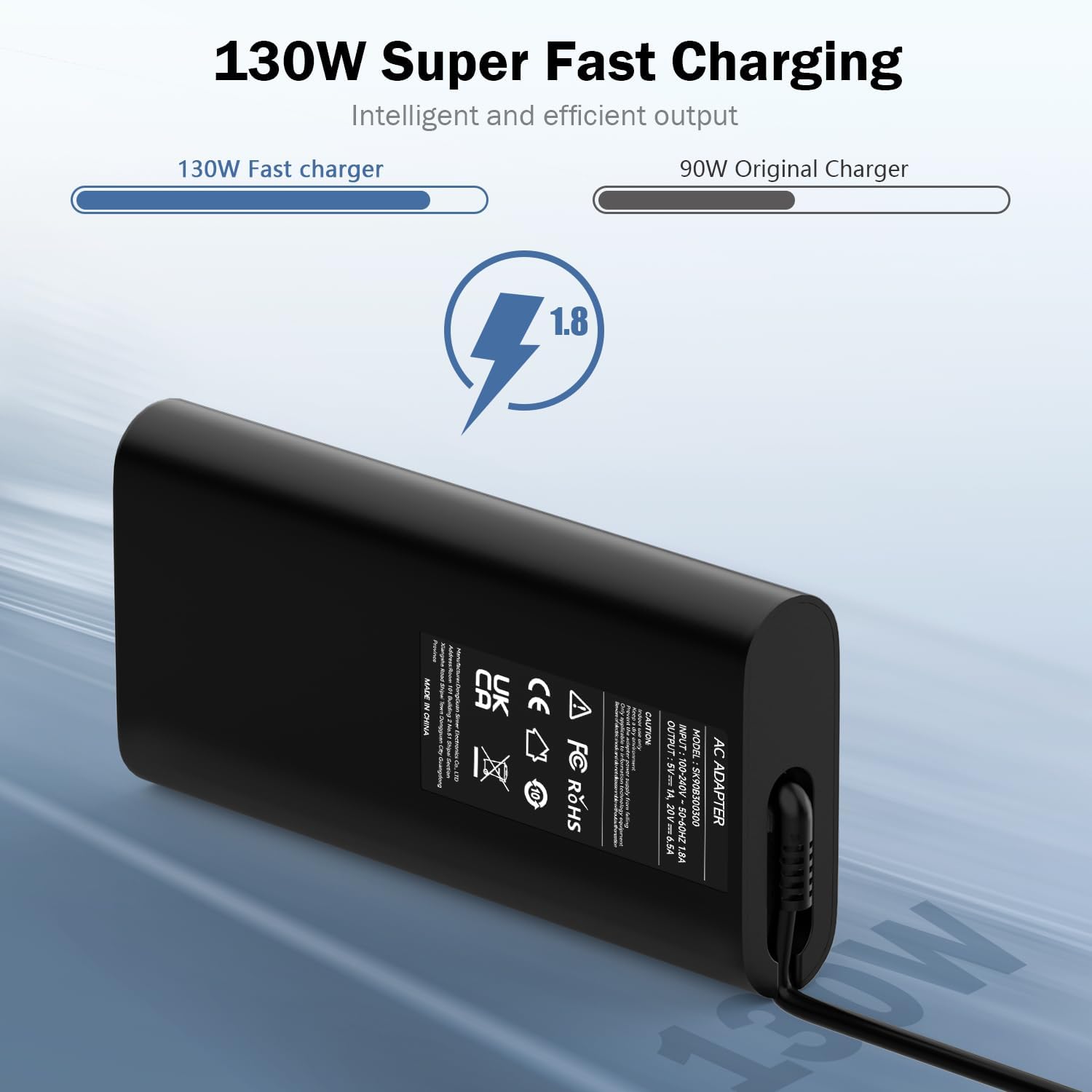
This charger uses USB Type-C (so it’s the single-cable route rather than a barrel-style lead). The output is listed as switching between 5V/9V/15V/20V, with 1A up to 15V and up to 6.5A at 20V for the 130W maximum.
Why does that matter? In everyday terms, it gives the charger room to negotiate power levels based on what the laptop asks for, instead of assuming everything is always pulled at the top wattage. If you’re plugging in for work, browsing, or light tasks, you’re unlikely to sit at maximum draw constantly anyway.
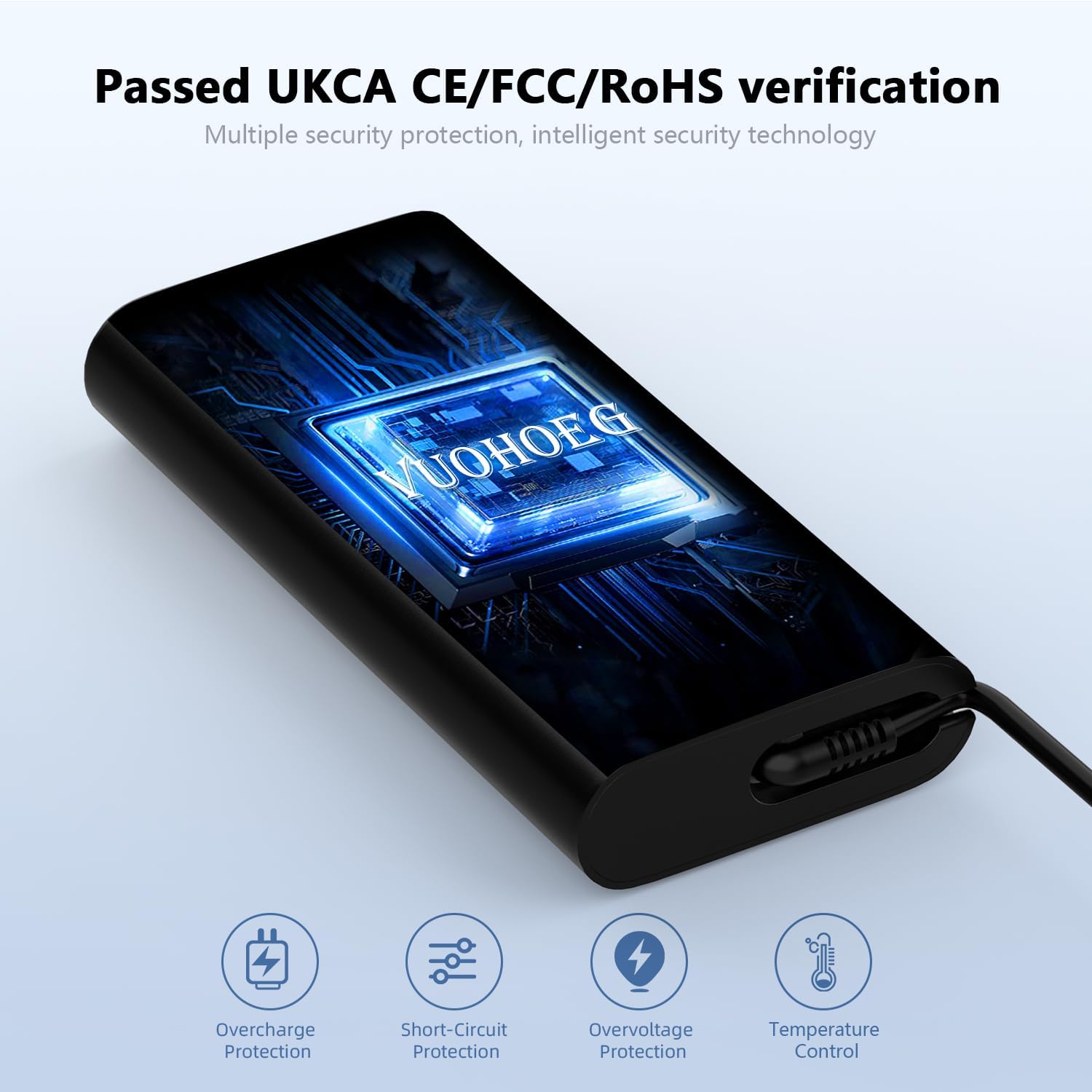
It’s also positioned as portable and sturdier than many generic replacements, plus there are multiple protection features mentioned to help guard against typical failure scenarios such as overcurrent, incorrect voltage, short circuit, and internal overheating.
Where it fits (and where it may disappoint)
It makes sense if you want a USB-C replacement charger for Dell XPS and Precision laptops that list compatibility with this kind of 130W USB-C Type C adapter.
However, it’s not the best choice if you’re expecting “universal” behaviour across every laptop brand. This one is clearly designed for Dell-specific charging situations—so if your device isn’t on the compatible list, or you don’t have confidence in your exact part number, you may end up with a charger that looks right but doesn’t behave as expected.
Also, while it claims compatibility with “Dell 90W 65W” style usage, you should still check your laptop’s charging port and requirements. Depending on your model, you might not need the full 130W, and paying for headroom you won’t use isn’t always the best value.
Compatibility & requirements to check before you buy
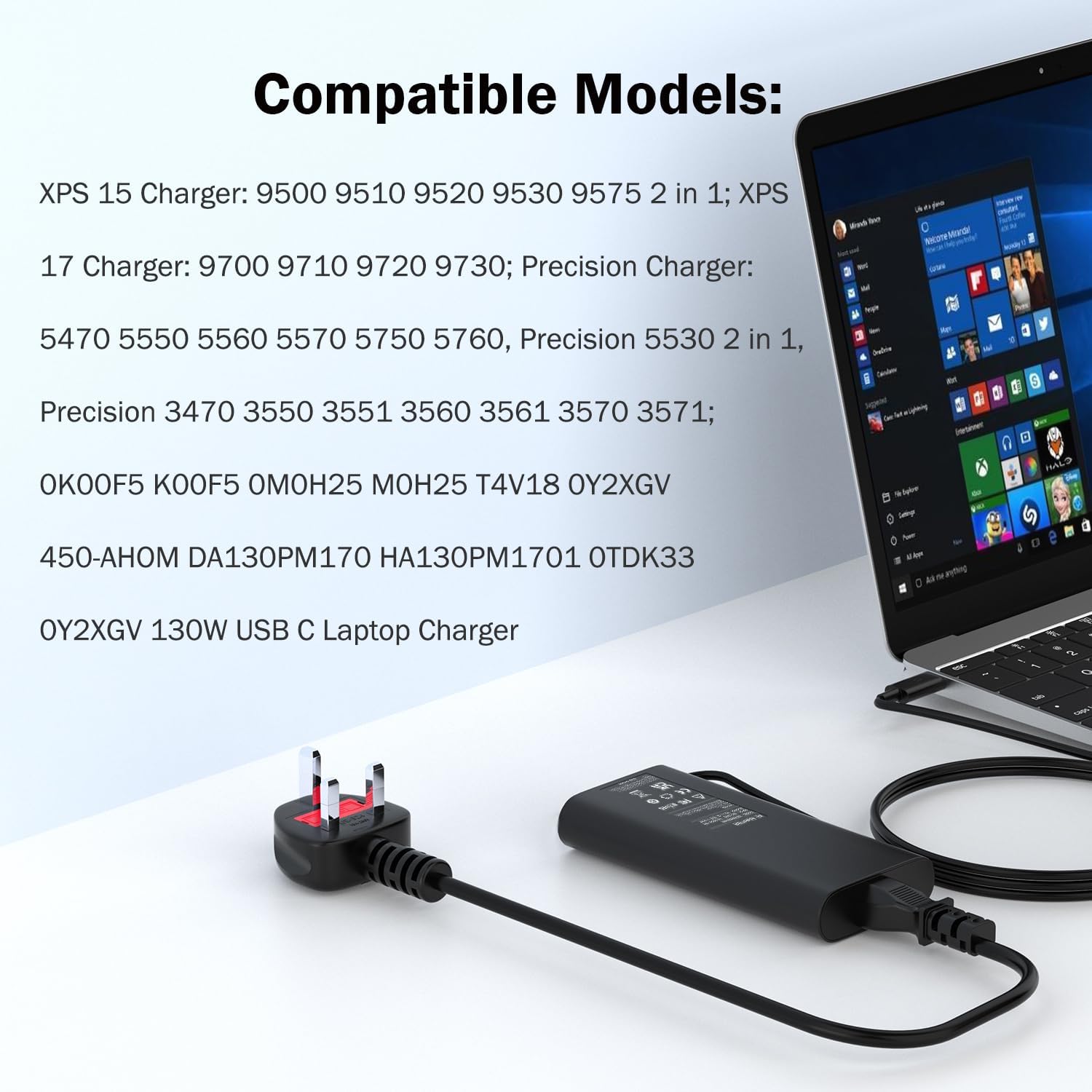
Because the product description includes multiple compatible model lists and several compatible power supply part numbers (like 0K00F5 and K00F5, among others), you’ll get the most confidence by cross-checking rather than relying on the connector alone.
Here’s what you should verify first: - Your laptop charges over USB Type-C (USB-C port, not a different proprietary connector). - Your specific Dell model appears in the provided XPS and Precision lists. - If you have it, your current adapter part number matches one of the compatible P/N entries. - Your laptop’s charging behaviour is USB-C based and not dependent on a particular Dell adapter specification.
What’s in the box and how you’ll use it
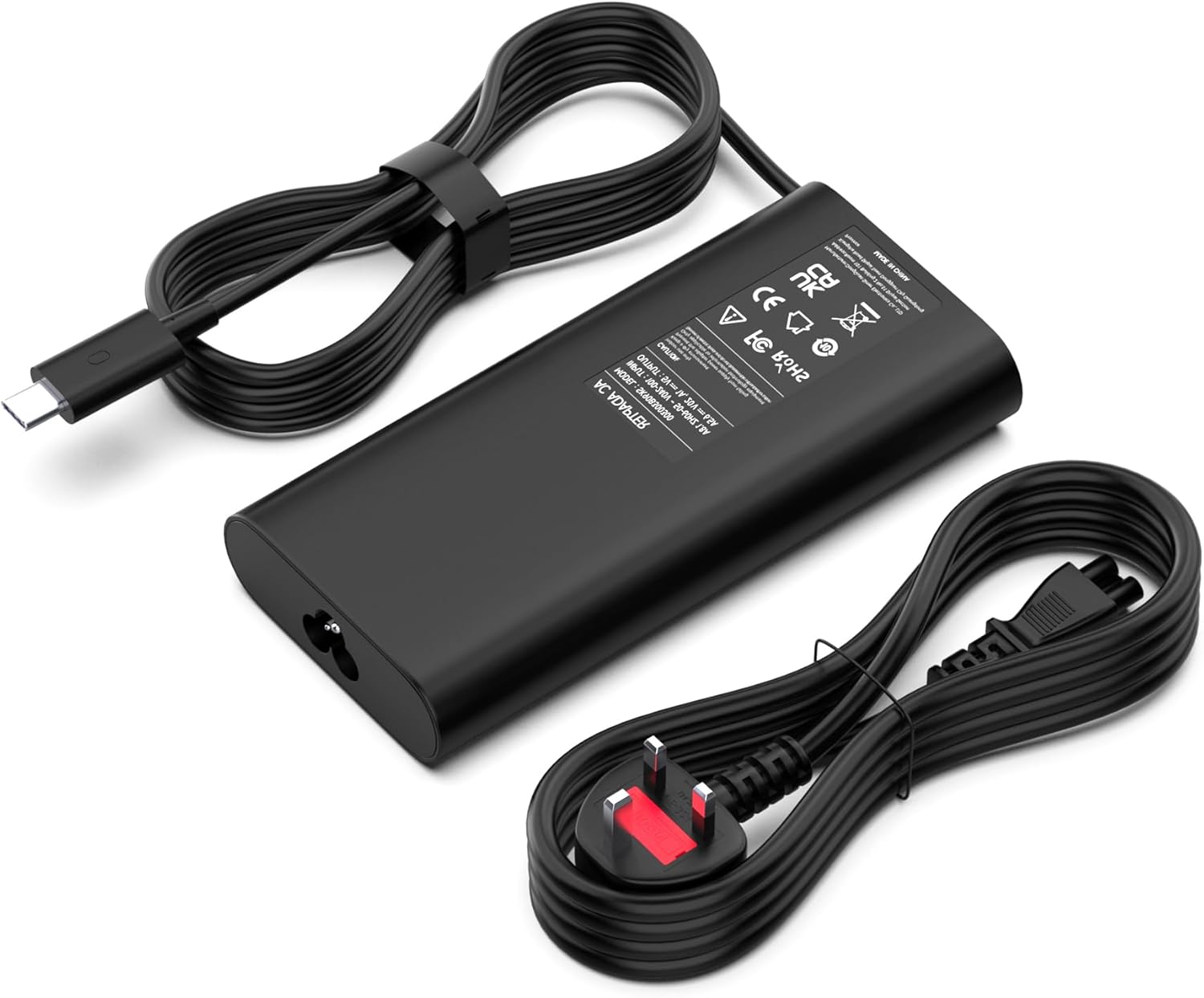
The package contents are listed as 1 x 130W USB-C charger, 1 x DC power cord, and instructions for use. That’s a straightforward “replacement kit” setup: you can keep the charger at home and bring it with you to the office or travel, using USB-C as the main connection.
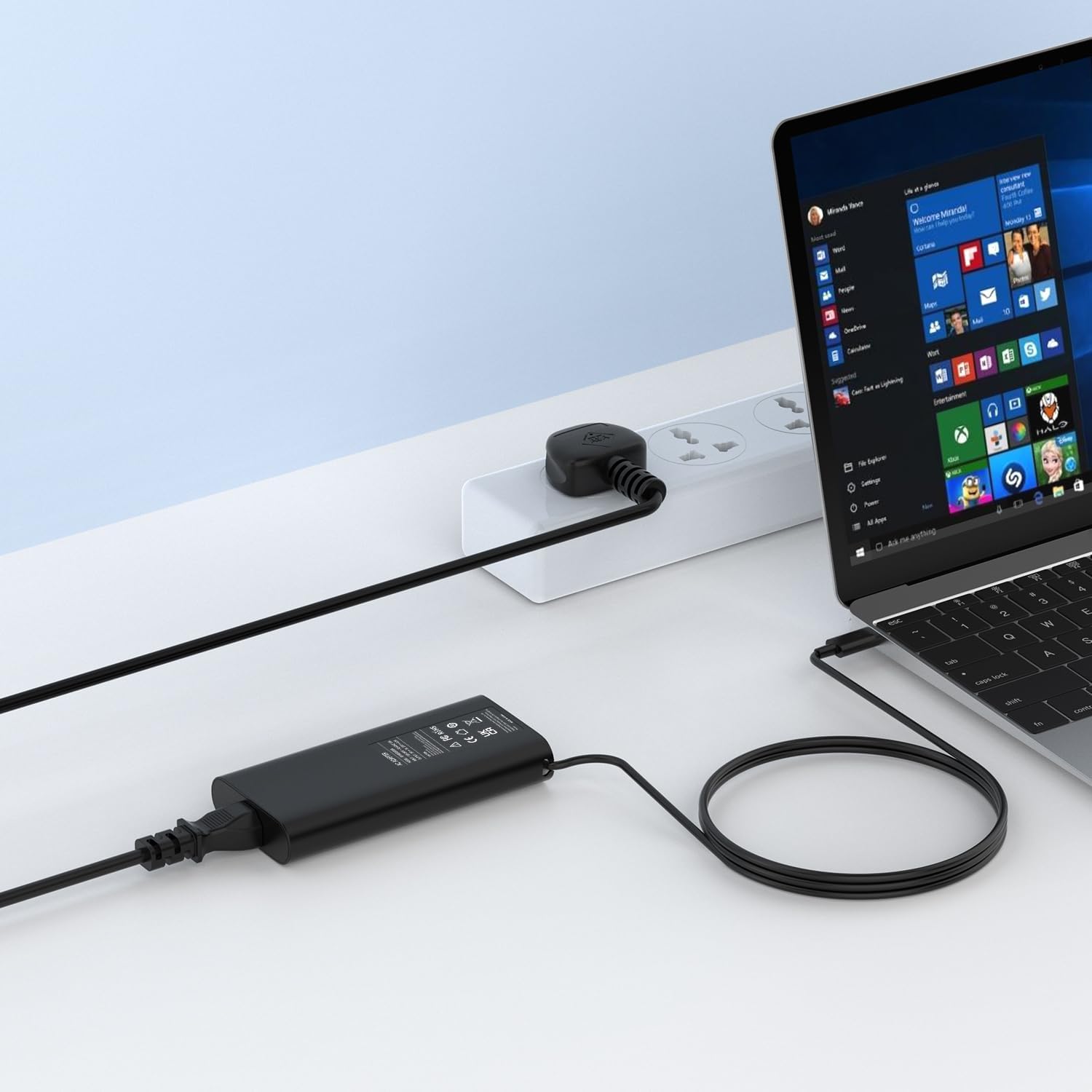
A practical micro-scenario: imagine you’re working from a desk and your existing charger is worn—USB-C can be swapped in with a single cable connection. When you plug in, you’re relying on the charger to deliver the appropriate voltage (up to the 20V 6.5A tier) for your laptop to start charging. If your laptop is indeed one of the listed models and uses USB-C charging, that’s the experience you’re buying into.
Tech specs (the bits that affect buying confidence)
- Input: AC 100V-240V, 50-60Hz
- Output: 5V/9V/15V/20V at 1A/6.5A, up to 130W
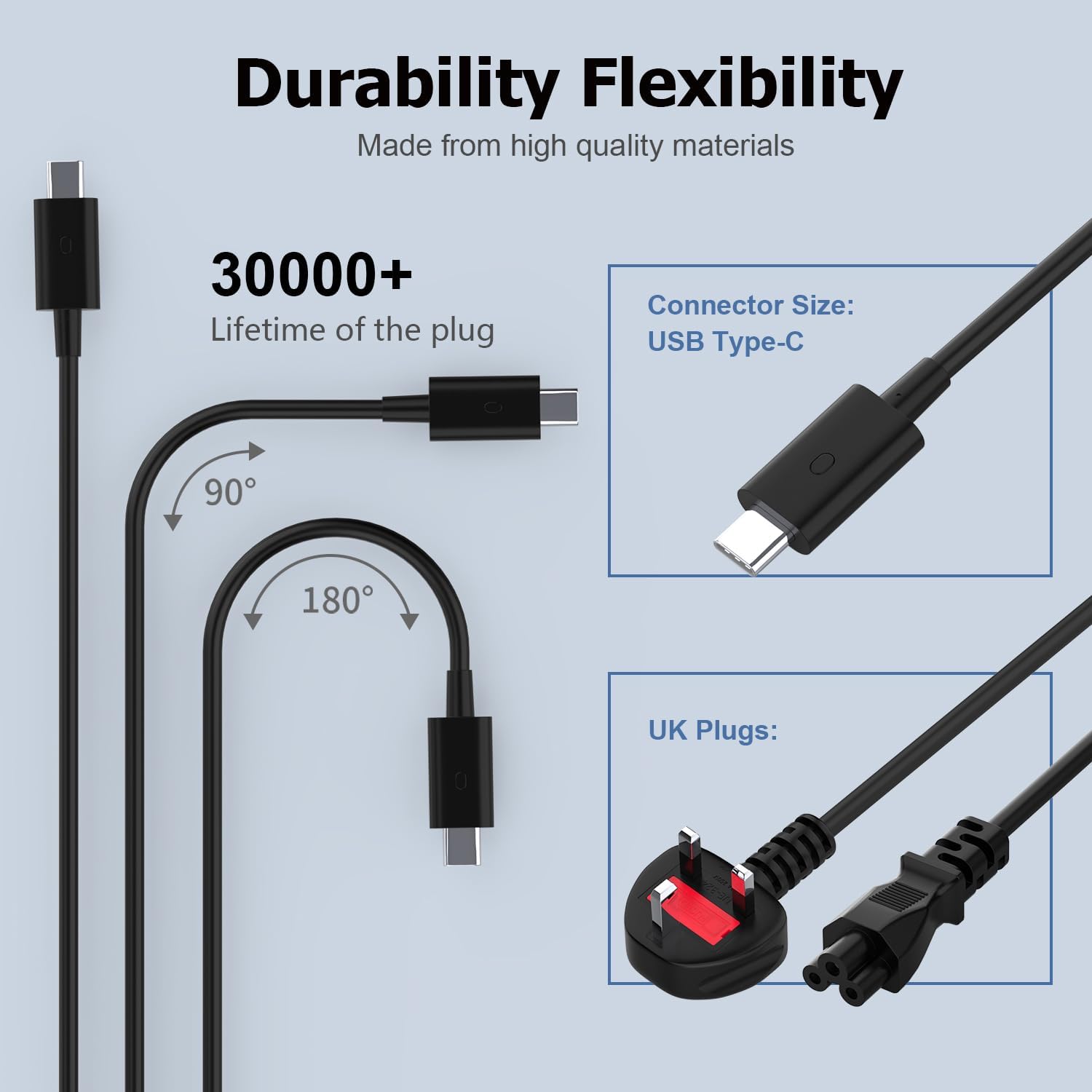
- Connector: USB Type C
Pros and cons to weigh up
Pros - USB Type-C charger format (useful if your Dell charges via USB-C) - High stated output (130W max) with listed voltage steps (5V/9V/15V/20V) - Multiple protection features are explicitly mentioned - Includes the charger and a DC power cord (so you’re not left hunting for an extra cable)
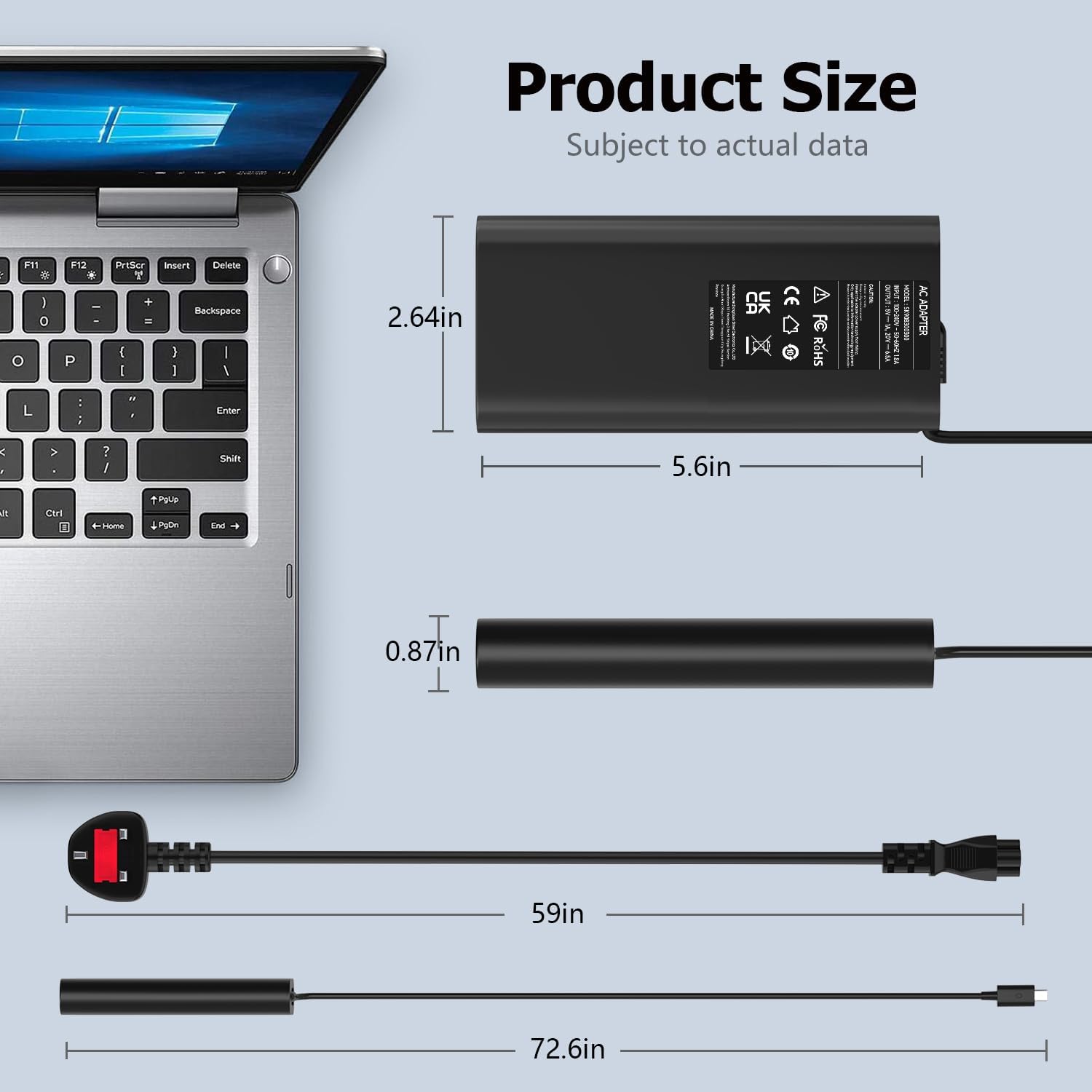
Cons / limitations - Compatibility is Dell-specific and relies on model/part-number matching—so it’s not a safe bet for non-listed devices - If you only need a lower-wattage replacement, you may not get extra value from the 130W ceiling - There’s no detail here about length, build materials, or charging cable type beyond USB-C—those are details worth checking in the listing if you care about durability on the move
Buying verdict
This 130W USB-C laptop charger is worth considering if you have a compatible Dell XPS or Precision laptop that charges over USB Type-C, and you want a replacement that can deliver up to 20V/6.5A with the protections mentioned. It’s a sensible “keep one at home, one at the office” type of purchase where daily reliability matters.
You may want to skip it if your Dell model isn’t on the compatibility list, if your current adapter’s part number doesn’t align with the included P/N options, or if you’re buying for a laptop outside the Dell ecosystem.
If you prioritise getting the right charging setup with minimal guesswork, cross-check the model and part number first. That’s the main factor that will determine whether it’s a smooth swap or an avoidable headache.
Mini FAQ
Is it compatible with Dell XPS laptops?
The description states compatibility with multiple Dell XPS models including 15-series and 17-series entries listed (such as 9500, 9510, 9520, 9530, 9575 and 9700, 9710, 9720, 9730). Still, it’s best to confirm your exact model and charging port type.
Is this charger USB-C only?
Yes—it's described with a USB Type-C connector size, and the product is positioned as a USB-C laptop charger.
What wattage does it output?
It’s rated up to 130W, with output listed across 5V/9V/15V/20V ranges, including up to 20V at 6.5A.
Does the box include the power cord?
Yes. The package contains the charger plus a DC power cord, and instructions for use.
What should I double-check if I’m unsure?
Check the Dell model list and, if possible, match your current adapter part number against the compatible P/N list provided in the description.