

AC600 Dual Band USB WiFi Dongle (2.4GHz & 5GHz) for PC, Laptop & HTPC
Product description
What it is (and why you might want one)
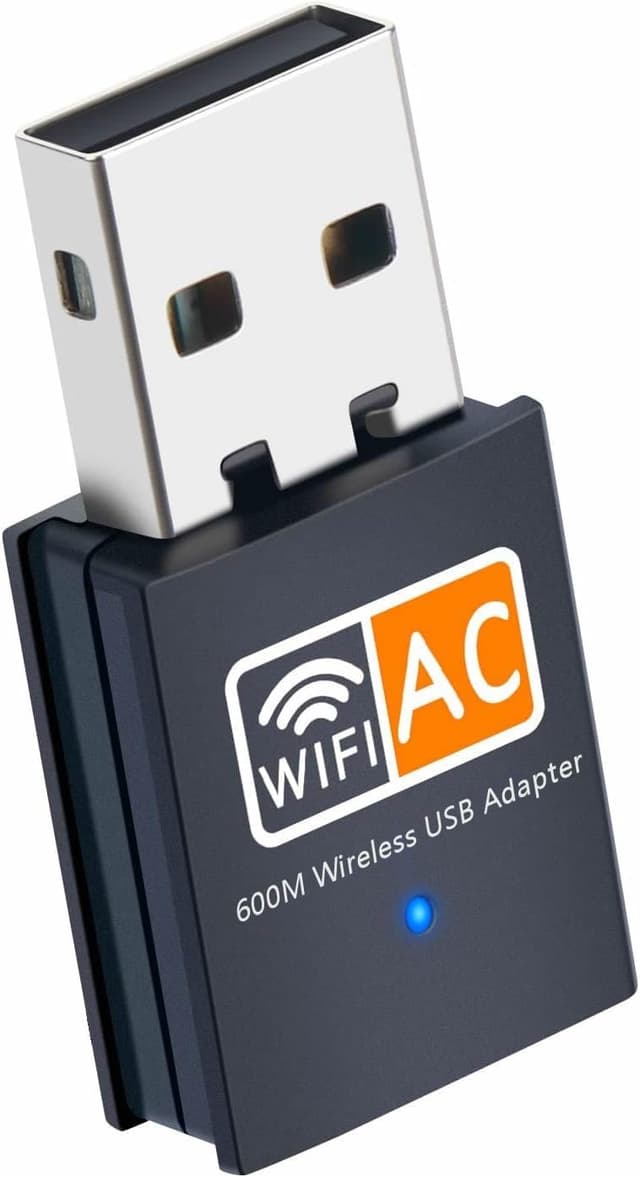
This AC600 Dual Band USB WiFi dongle is a small way to add or improve wireless connectivity on a desktop PC, laptop, or an HTPC setup. The whole point of a dongle like this is convenience: you plug it in and, in many cases, you’re online without having to rework your network.
On paper, it targets people who care about day-to-day speed and stability for things like streaming, gaming, HD movies, and video chatting. It’s also dual band (2.4GHz and 5GHz), which is useful because those two bands behave differently in real homes.
Still, it’s not perfect for every scenario. If you need advanced networking features or Linux support, you may hit a wall, and with USB adapters, performance can also depend on your PC’s USB port placement and signal conditions.
Key takeaways at a glance
The headline specs here are AC600 and dual band support, plus compatibility with common 802.11 WiFi standards. It also supports the main security types you’d expect, including WPA/WPA2 and the pre-shared key variants.
If you’re replacing a weak built-in WiFi card or turning a wired-only setup into a wireless one, this style of dongle can make a lot of sense. It’s also relatively low-fuss for Windows 10/11 users.
Tech specs that matter for buying decisions
Here are the practical technical details you’ll want to match to your own setup:
- Type: Wireless network USB adapter (WiFi dongle)
- Name: AC600
- Supported bands: Dual Band (2.4GHz and 5GHz)
- Data rate tiers: 150 / 433 / 600 Mbps (as stated)
- WiFi standards supported: 802.11 a/b/g/n and ac
- Encryption standards supported: WEP, WPA, WPA2, WPA-PSK, WPA2-PSK
- Supported operating systems: Windows 11/10/8/7/Vista/XP/2000 and Mac OS X 10.9–10.15
- Linux support: Not supported
- Installation approach: Plug and Play for Windows 10/11 (no driver installation required), software CD provided for other systems
- Driver access note: If you don’t have an optical drive, drivers can be downloaded (link provided in the product information)
What you’ll notice in everyday use
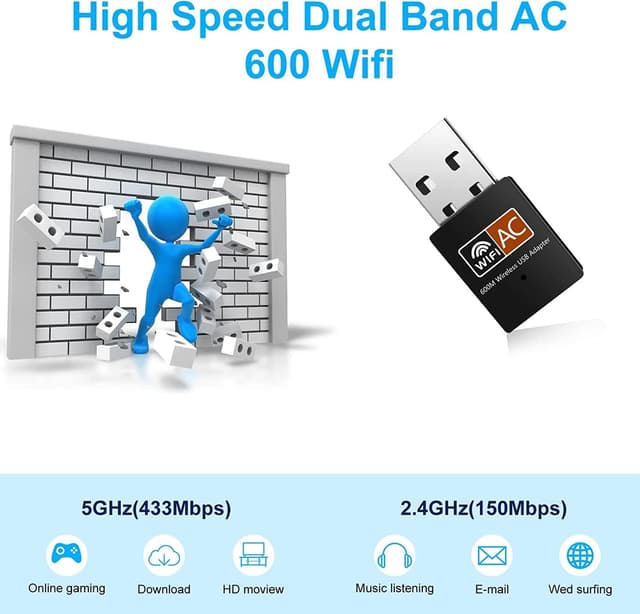
In real home use, the dual band part is where you’ll likely feel the benefit most. 5GHz tends to suit higher-speed activities when you’re closer to the router, while 2.4GHz is often the “workhorse” for longer-range coverage through walls.
A practical example: imagine you’ve got an HTPC in a room where you can’t comfortably run an Ethernet cable. With a dual band dongle, you can aim your main activities (like HD movies or video calls) at whichever band gives the steadier connection. If the 5GHz signal is a bit thin, dropping back to 2.4GHz can help keep things connected rather than flaky.
For gaming and streaming, the stated aim is faster wireless connection using 802.11ac. But do keep expectations realistic: a dongle won’t magically remove poor WiFi coverage, and USB placement can affect the strength of what the adapter actually receives.
Setup and compatibility: the part people forget
This is where the AC600 dongle is genuinely easier for some users than others.
If you’re on Windows 10 or Windows 11, it’s described as Plug and Play with no driver installation required. That’s the sort of detail that matters if you just want it working quickly.
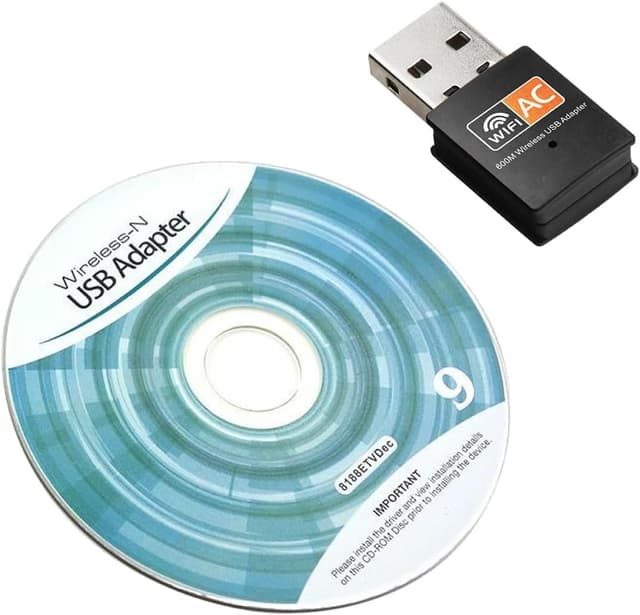
For other Windows versions and for Mac, the information says a software CD is provided. It also includes a fallback: if you don’t have an optical drive, you can download the drivers from a provided link. That’s helpful, but it does mean you may want to plan ahead if your device lacks a CD/DVD drive.
Also worth noting: Linux isn’t supported. If you’re running a Linux desktop or using it in a Linux-based media box, this may not be the right direction.
Strengths and where it can fall short

Where it stands out
- Dual band (2.4GHz and 5GHz), which gives you flexibility for different room distances and use cases.
- Supports common WiFi standards including 802.11ac.
- Covers the main encryption methods (WEP, WPA/WPA2, WPA-PSK/WPA2-PSK), so you’re not stuck with open or legacy security.
- Windows 10/11 Plug and Play setup, which reduces hassle.
Where you may want to think twice
- If you need Linux support, this one is explicitly not supported.
- It’s still a USB dongle: depending on your setup, you might get better results when the adapter is connected to a USB port with better signal access rather than one that’s tucked away.
- “AC600” is a headline figure, and in practice real-world speeds depend heavily on your router, distance, interference, and your local WiFi environment.
Who it’s for (and who should probably skip it)
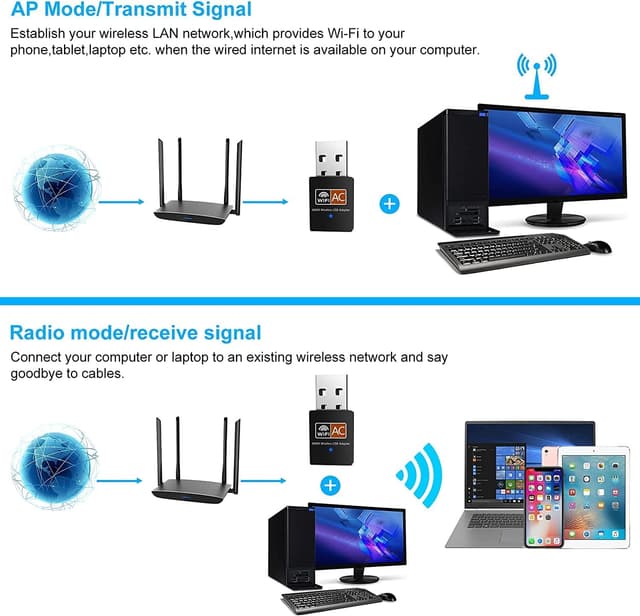
It makes sense if you want a straightforward way to add WiFi to a desktop PC, upgrade an older WiFi connection, or enable wireless use on an HTPC where running Ethernet is awkward.
You may want to skip it if: - you’re on Linux - you need very specific networking features beyond standard WiFi connectivity - you’re hoping a dongle will outperform a good, well-placed built-in adapter in poor signal locations (it may not)
It’s a reasonable “get connected” purchase, but it’s not the kind of product you buy expecting miracles in an apartment that already struggles with WiFi.
Is it worth it?
It’s worth considering if your goal is simple: add dual band WiFi capability to a Windows 10/11 PC (or a supported Mac), with a Plug and Play setup on newer Windows versions. The support for 802.11ac and the encryption standards listed make it a practical choice for everyday streaming, video chatting, and general home use.
Buying this may not be the best move if you’re on Linux or if you already have strong, stable WiFi where you can’t really justify the extra device. And if your main problem is weak router coverage, it’s smart to address placement and signal first—because any USB adapter can only work with what it can actually “see”.
Mini FAQ
Will it work with my router?
It’s listed as supporting 802.11 a/b/g/n and ac WiFi routers, so it should align with standard home router types that support those wireless standards.
Is it Plug and Play on Windows?
For Windows 10/11, it’s described as Plug and Play with no driver installation required.
Does it support Linux?
No—Linux is not supported according to the product information.
What encryption does it support?
The adapter is described as supporting WEP, WPA/WPA2, and WPA-PSK/WPA2-PSK encryption standards.
What if I don’t have a CD drive?
The information says you can download drivers if you don’t have an optical drive (a link is provided in the product details).