

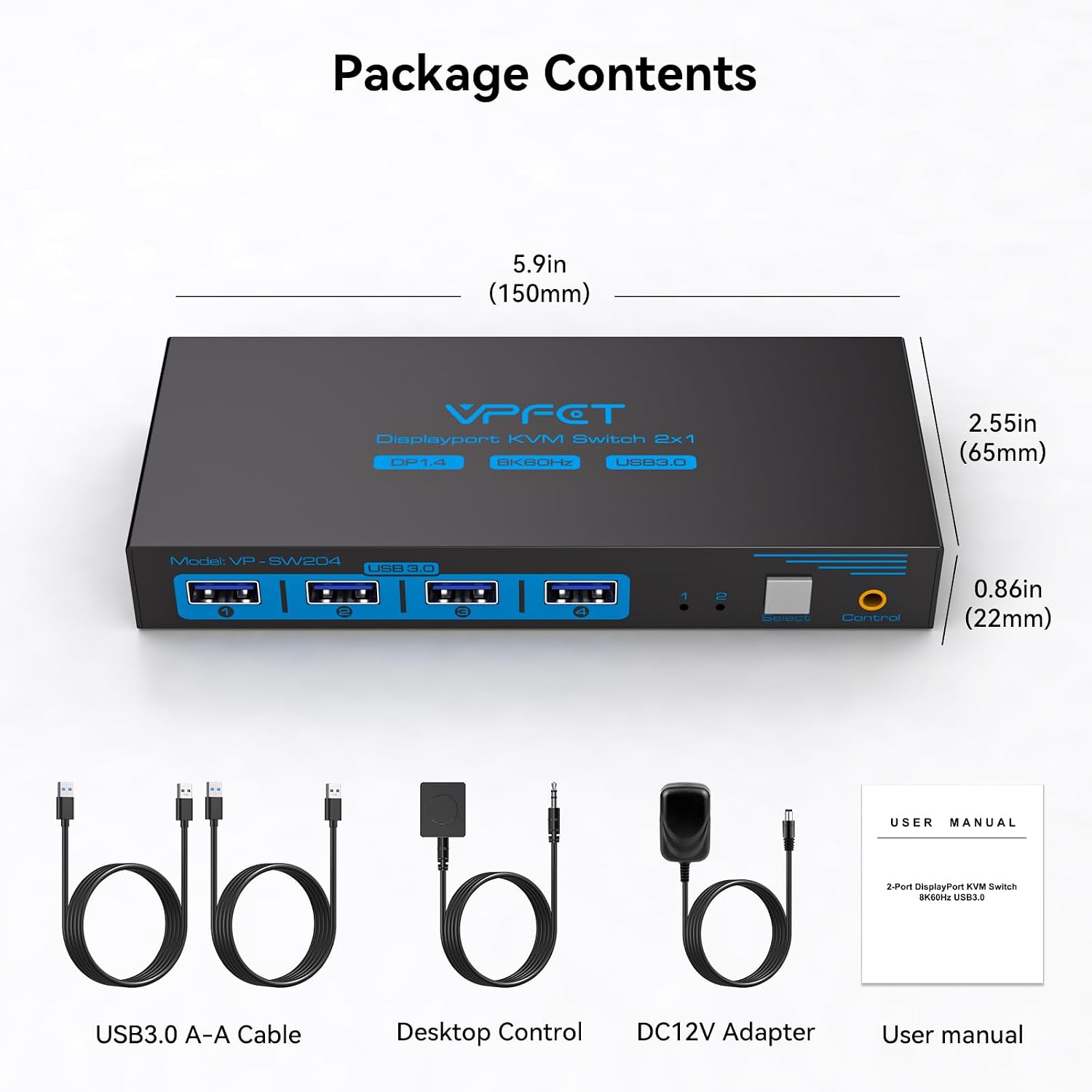
VPFET FLCA-SW204N-Deep Blue DisplayPort KVM Switch, 8K@60Hz, 4 USB 3.0
Product description
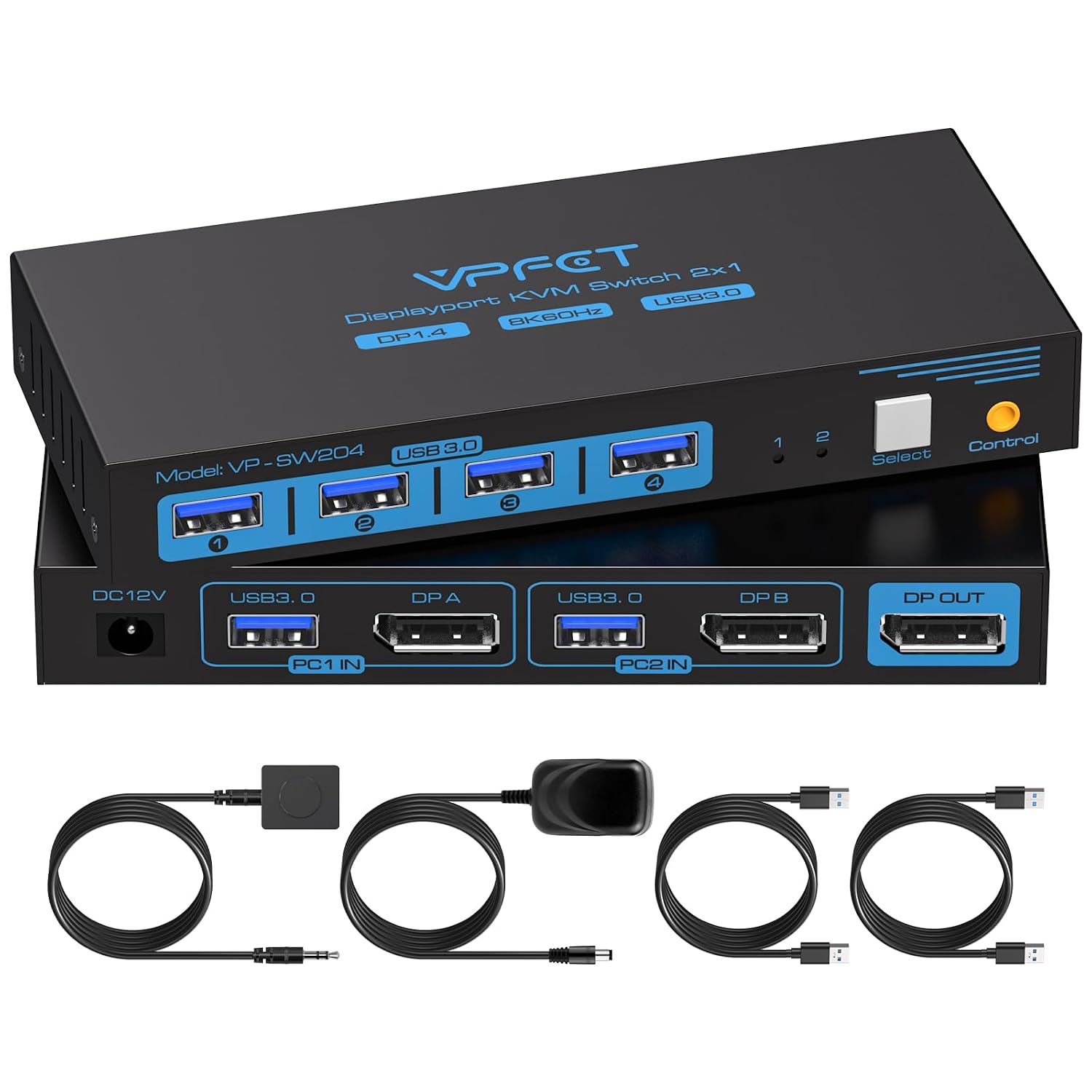
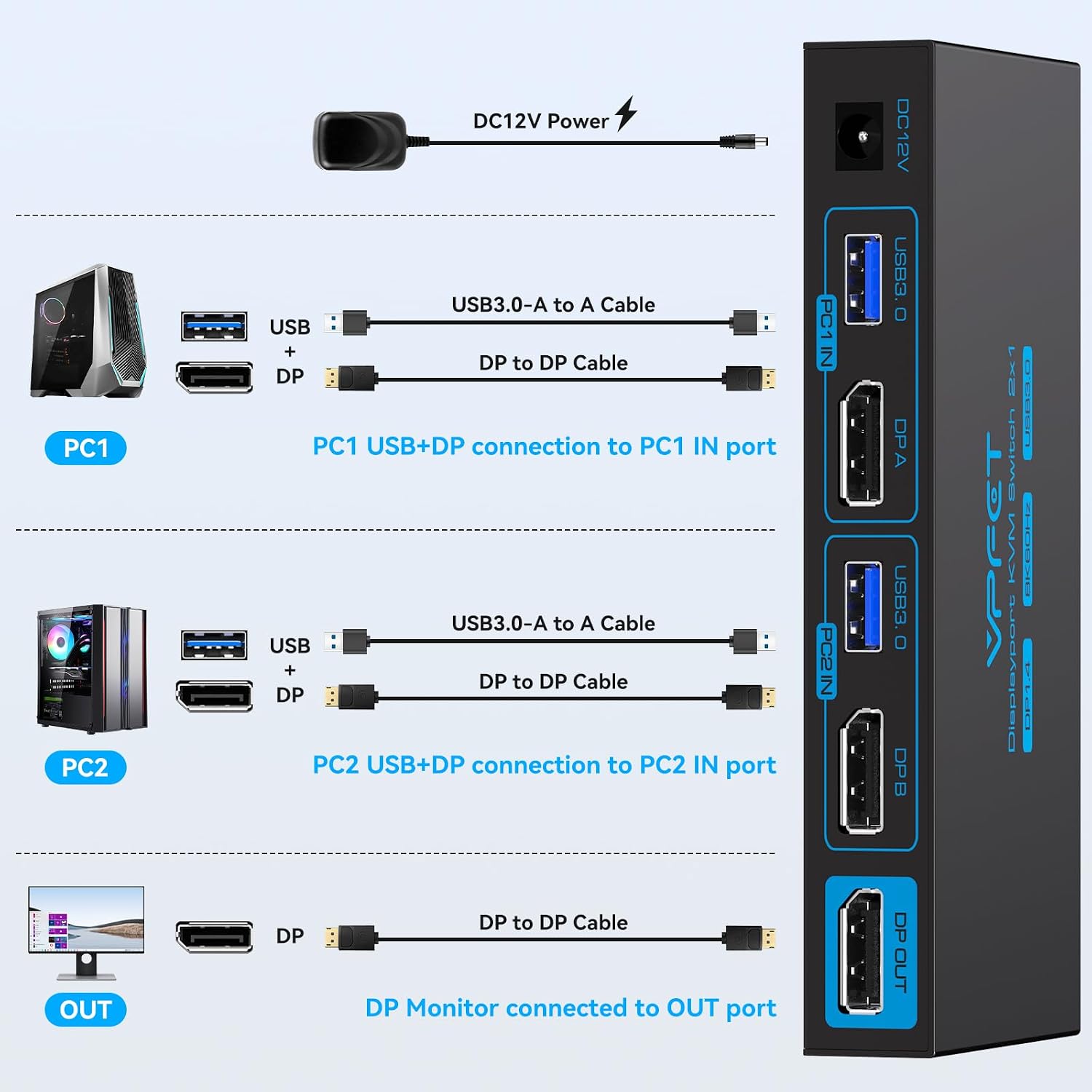
If you want one desk setup to serve two computers, a KVM switch can reduce the need to move a monitor and peripherals between them. The VPFET FLCA-SW204N-Deep Blue connects two computers to one DisplayPort monitor and lets them share up to four USB devices, with switching available from a button or the included desktop controller.
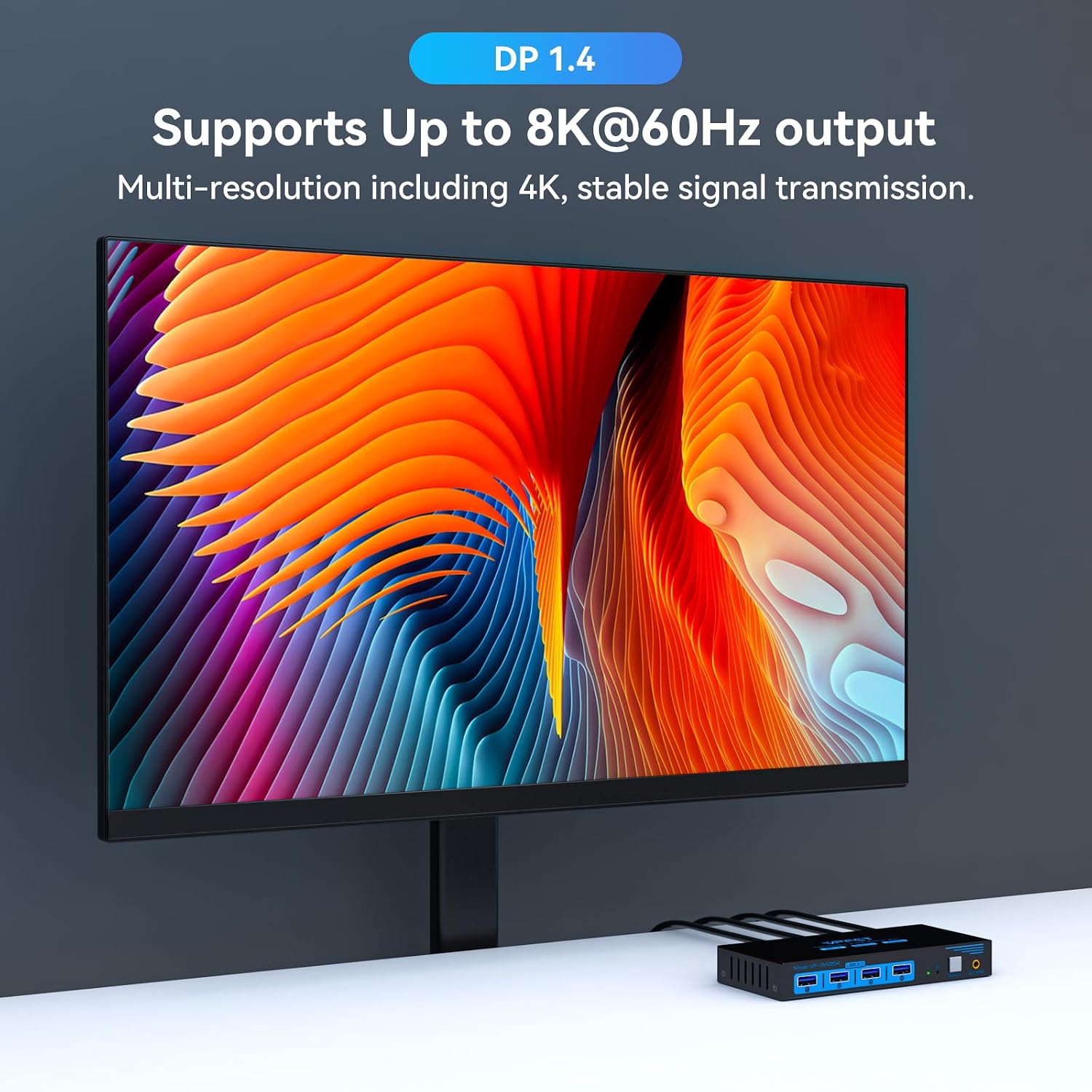
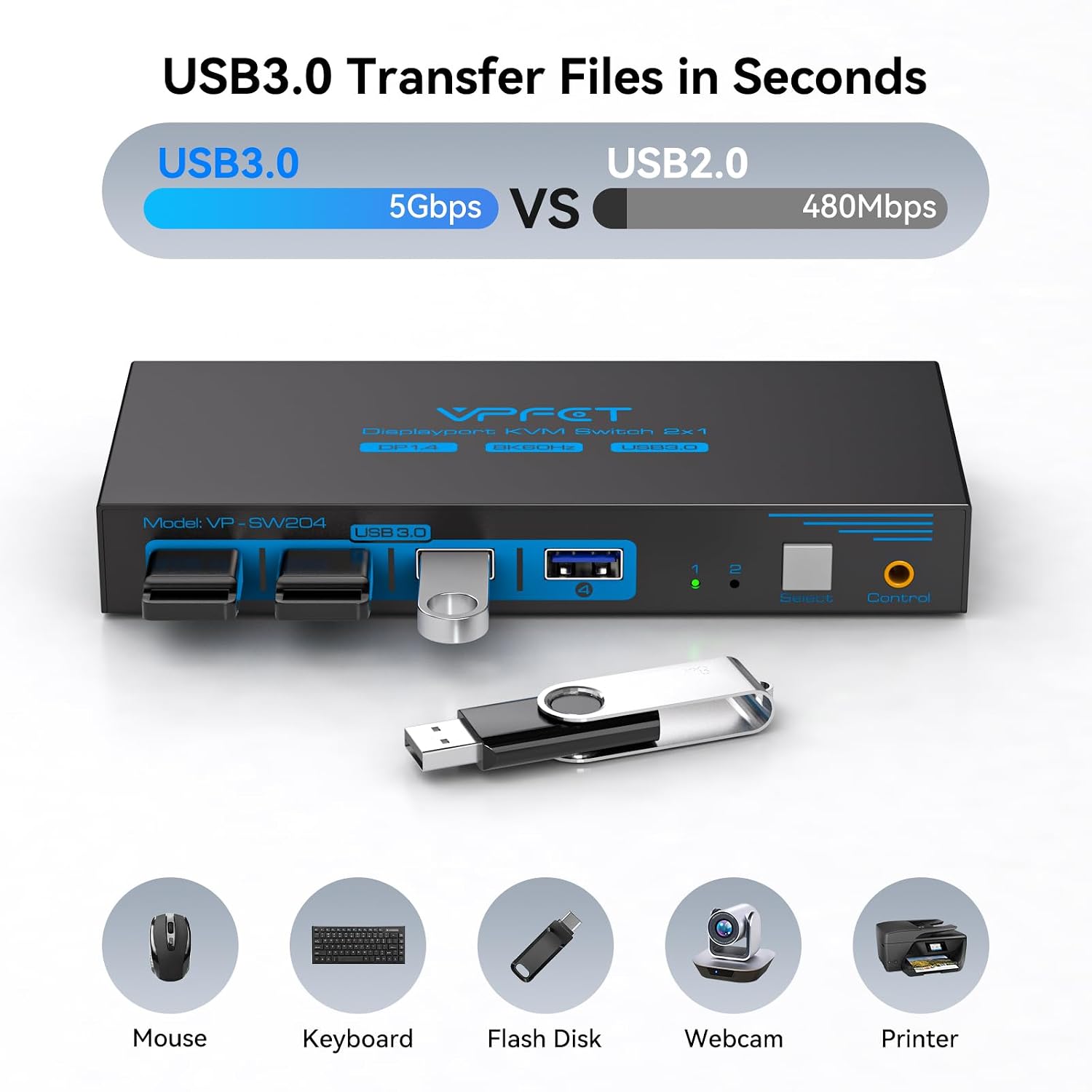
It supports video up to 8K@60Hz and 4K@120Hz, alongside USB 3.0 ports rated for transfer speeds up to 5Gbps. The 12V power adapter is included, a DisplayPort 1.4 cable for 8K use is not.
Who it’s for
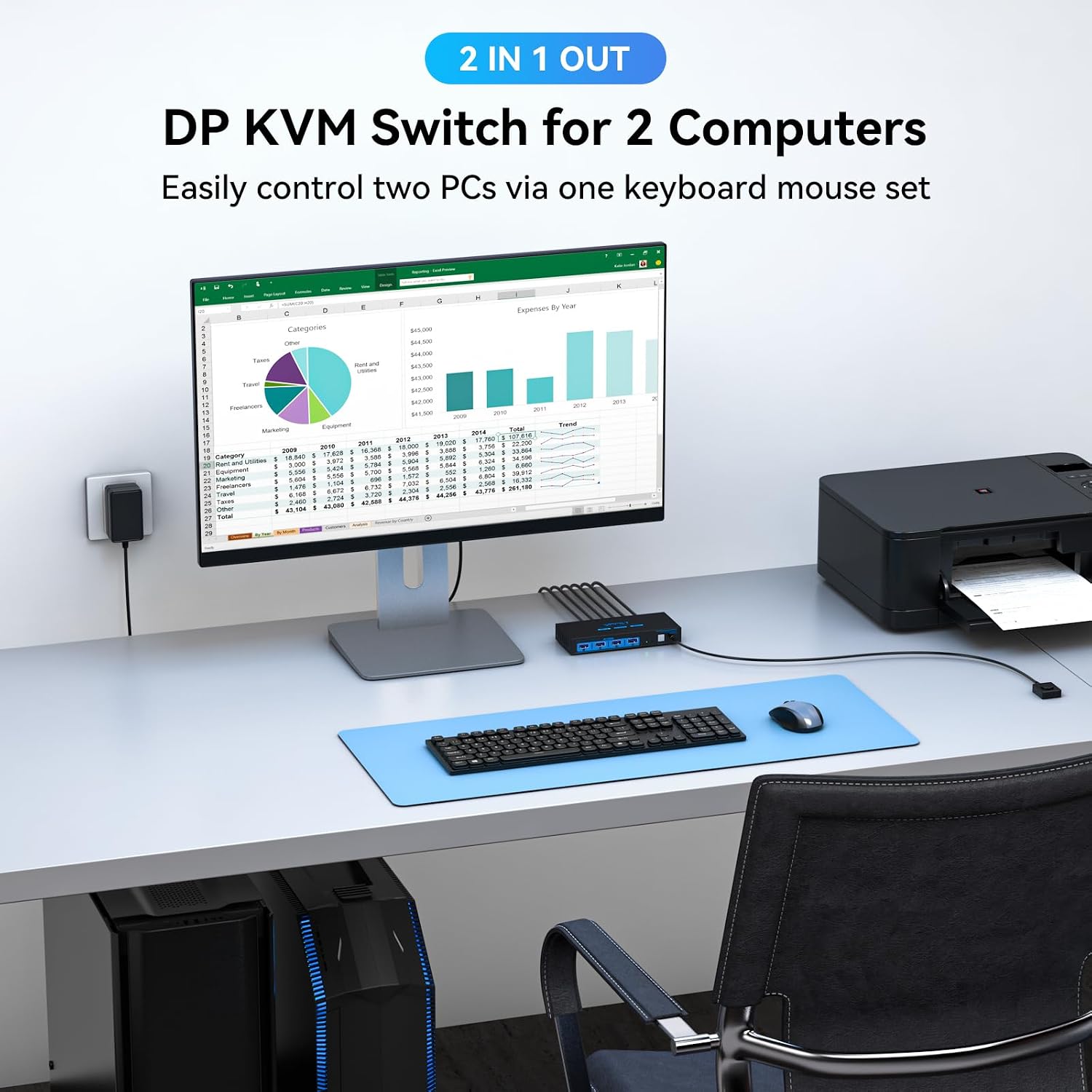
This setup is aimed at people who regularly use two computers at one workstation and want to share a monitor, keyboard, mouse or other USB peripherals. For example, a user could keep a keyboard and mouse connected to the switch, then change which computer uses them when moving between work and another desktop task. LED indicators show which input is active, so the selected computer is visible at a glance.
The four USB ports also support devices such as a printer, webcam or USB drive, and are backward compatible with USB 2.0, 1.1 and 1.0. That makes the switch more useful than a video-only selector when shared USB accessories are part of the setup. A solid pick if the main goal is to manage two computers through one monitor and a common set of peripherals.
Tech specs
- Name: VPFET FLCA-SW204N-Deep Blue
- Type: DisplayPort KVM switch for two computers and one monitor
- Resolution: Up to 8K@60Hz, 4K@120Hz support is also listed
- Connectivity: Four USB 3.0 ports, backward compatible with USB 2.0, 1.1 and 1.0
- Power: 12V, external power adapter included
- Dimensions: 6.5 x 2.2 x 15 cm
- Weight: 480 g
- What’s included: Two USB 3.0 cables, desktop controller and 12V power adapter
Pros
The main practical advantage is having video and USB switching in one device rather than changing each connection separately. Button-based switching and the desktop controller offer options for where to place the switch, while the indicator lights help confirm the active computer. USB 3.0 support is useful for compatible peripherals that transfer data, and the lower USB versions are supported as well.
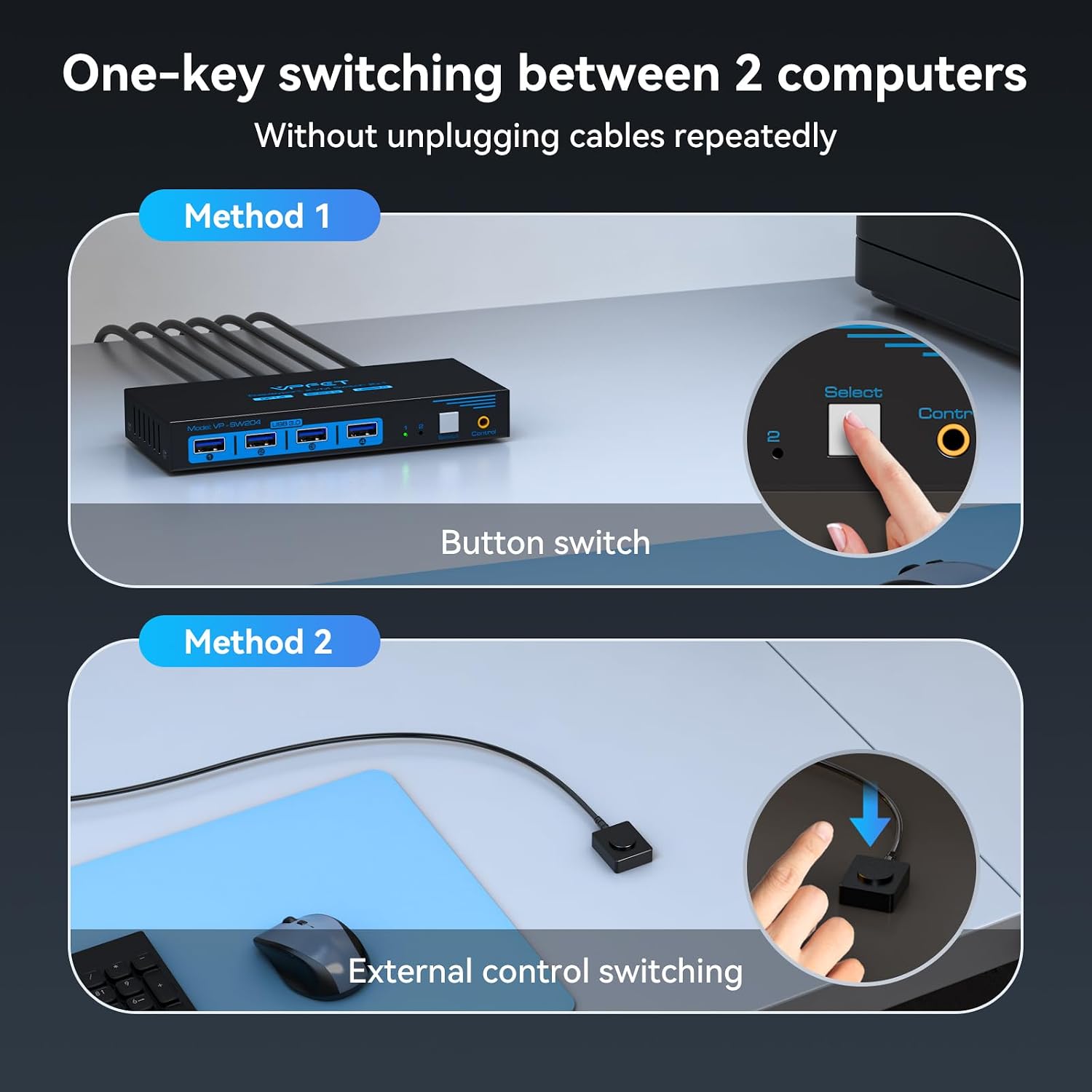
There are a couple of setup details to account for. For 8K video, the instructions specify a standard Super Speed DisplayPort 1.4 cable, which is not included, and the switch should be connected to its 12V power supply. The product also states that power drawn from the computer host alone may not support USB devices such as hard drives. Keyboard shortcut switching is not supported. Need keyboard hotkeys to change inputs? That is a feature this unit does not provide.
When it makes sense
Choose this model when two computers need to share a single DisplayPort monitor and several USB accessories, and switching by button or desktop controller fits your routine. Its 8K@60Hz and 4K@120Hz support gives buyers a reason to consider it for a higher-resolution display setup, while the four USB ports make it relevant beyond simply choosing between video sources.
It’s not for you if keyboard shortcuts are essential to your workflow, or if you need a switch for more than two computers or more than one monitor, this model is specified for two computers and one monitor. If your setup includes a USB hard drive, plan to use the supplied external power adapter rather than relying on the computer’s USB power. The choice comes down to whether shared USB peripherals and button-based switching are useful in your day-to-day setup.