

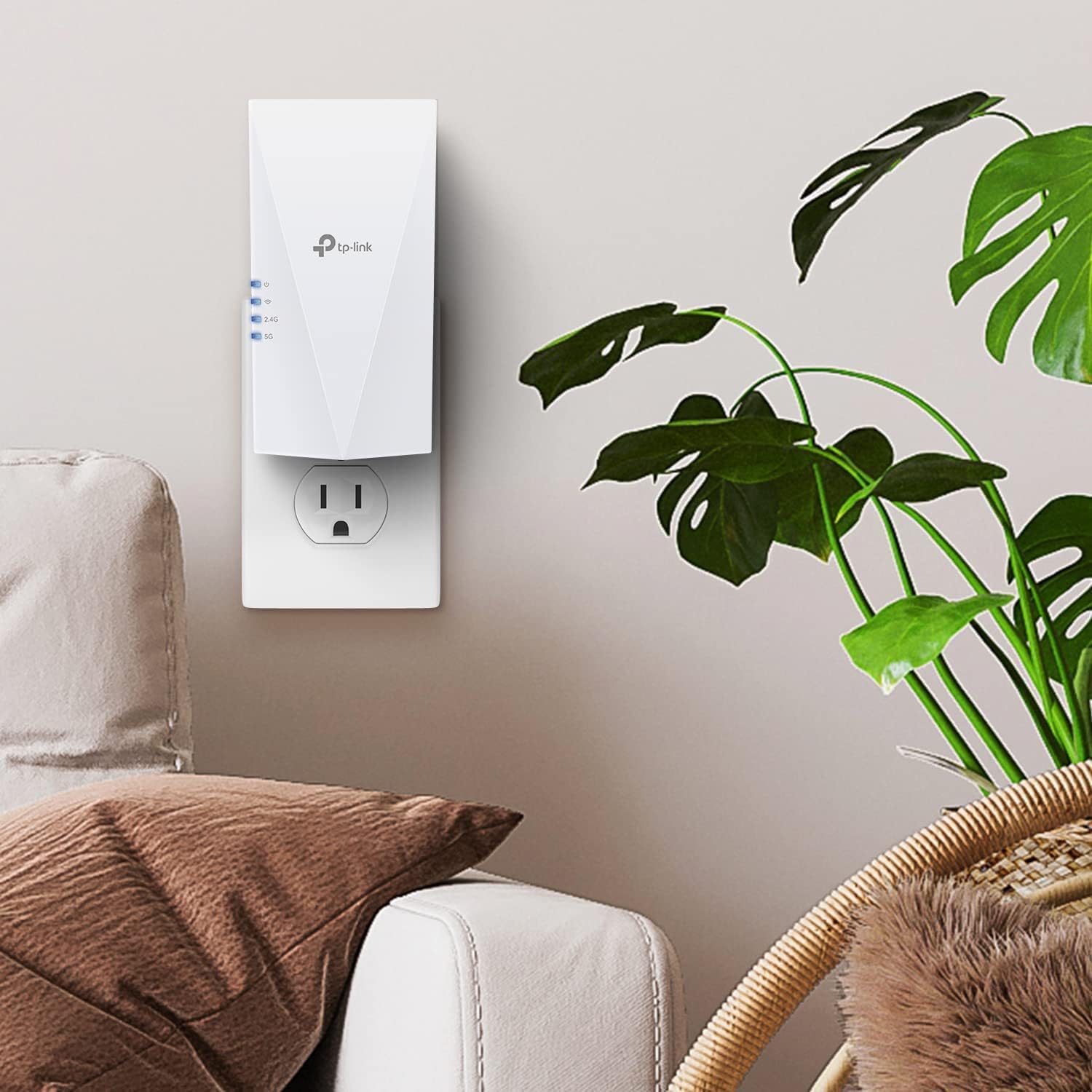
TP-Link RE600X AX1800 Wi-Fi 6 Range Extender with Gigabit Ethernet
Product description
If you need to bring a router’s Wi-Fi into a weaker room, the RE600X is designed to extend coverage rather than replace your network. It combines dual-band Wi-Fi 6 with a Gigabit Ethernet port. Placement matters: the extender needs a usable signal from the router to pass on.
Pros
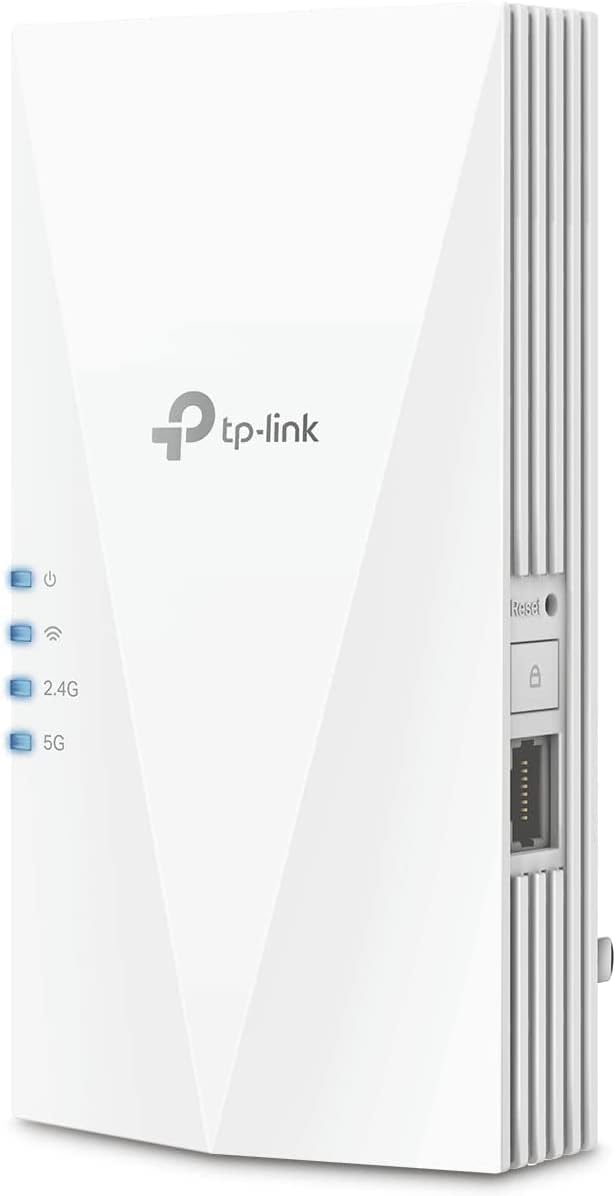
The RE600X gives you two ways to extend connectivity. Use it as a wireless range extender to bring Wi-Fi into an area that is harder for your router to reach, or connect an Ethernet cable and use Access Point Mode to create a dual-band wireless signal from that wired connection. The Gigabit port can also provide a wired connection for a nearby device such as a PC, smart TV or game console.
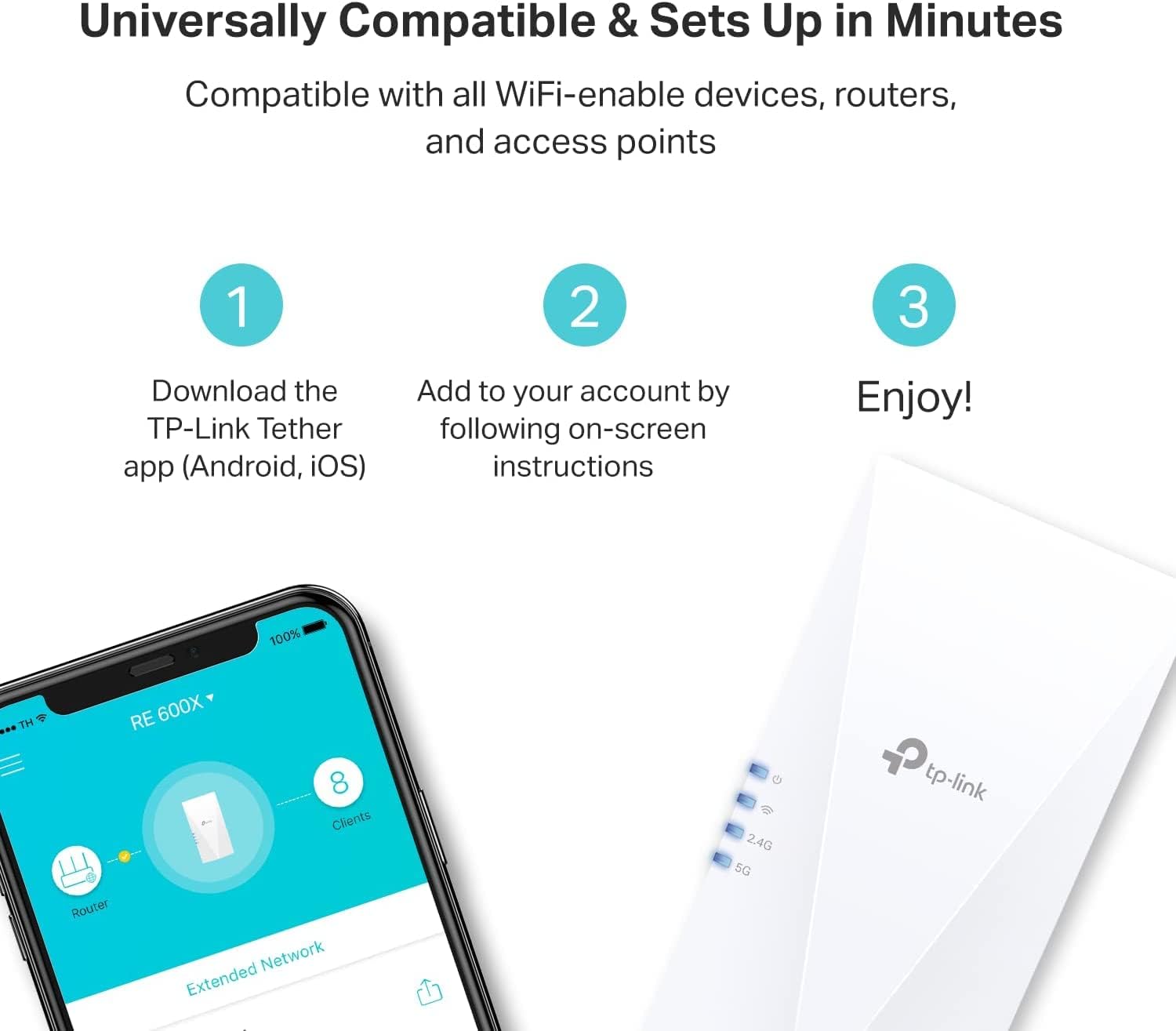
Setup and placement are supported through the TP-Link Tether app for Android and iOS. Its signal indicator helps you find a suitable location between the router and the area with weak coverage. It’s a good fit if you want to improve reach without replacing your router, and would rather have app-guided setup than work through settings unaided.
Highlights
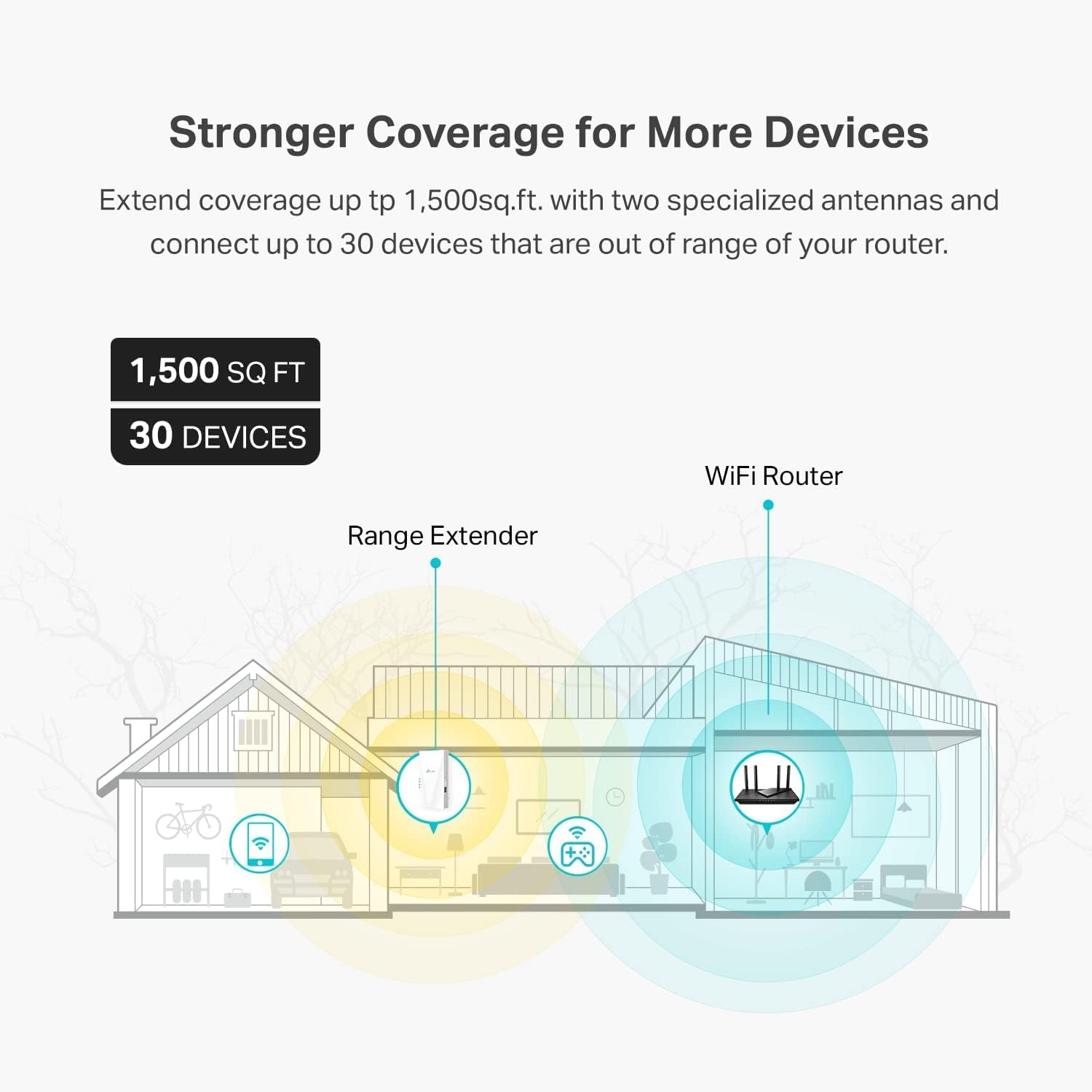
This is an AX1800 dual-band extender, with advertised rates of up to 1.8 Gbps: 1,201 Mbps on 5 GHz and 574 Mbps on 2.4 GHz. The manufacturer lists coverage of up to 1,500 sq. ft. and support for up to 30 devices. These figures describe the product’s stated capacity, actual coverage and connection performance depend on the existing network and where the extender is installed.
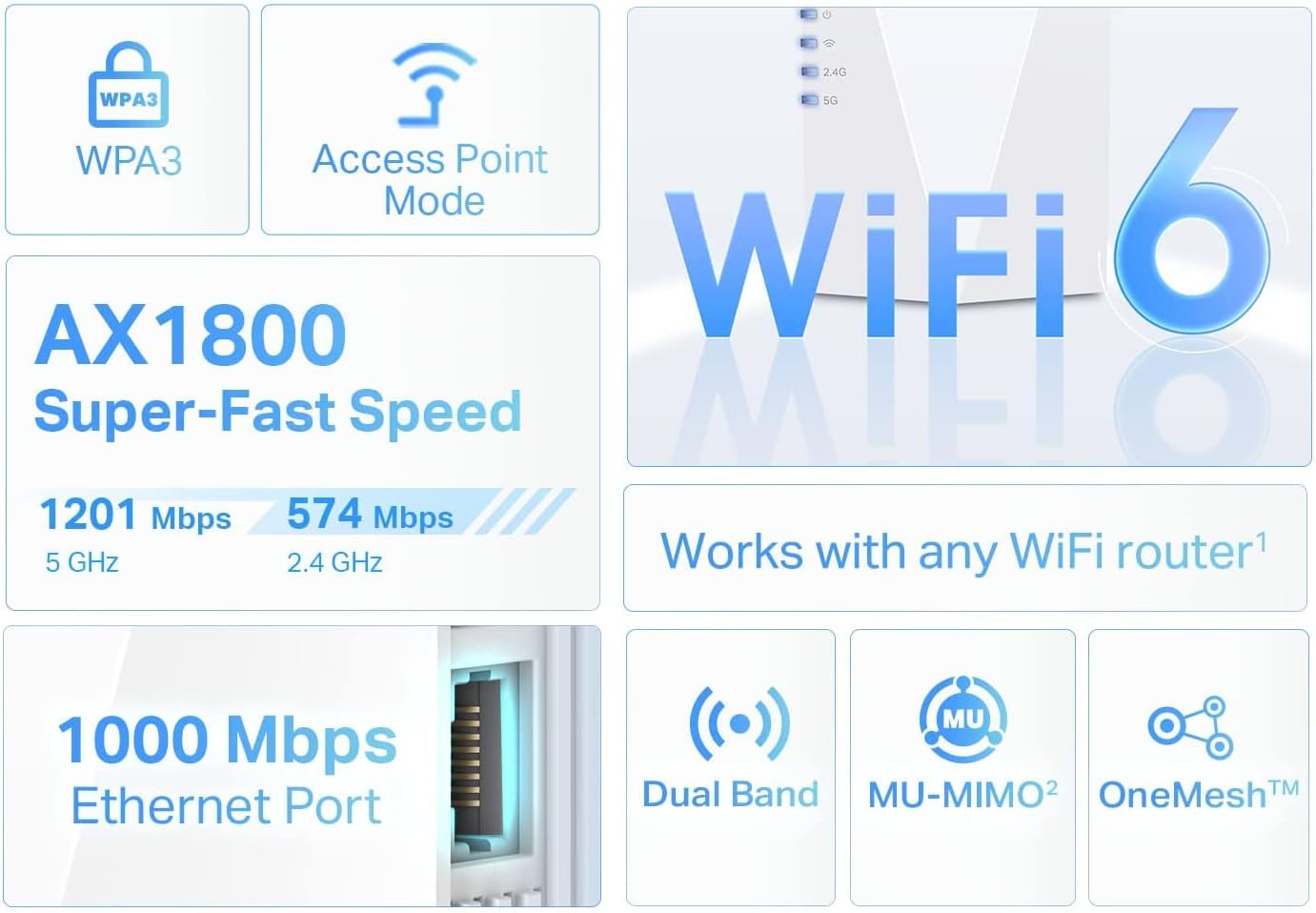
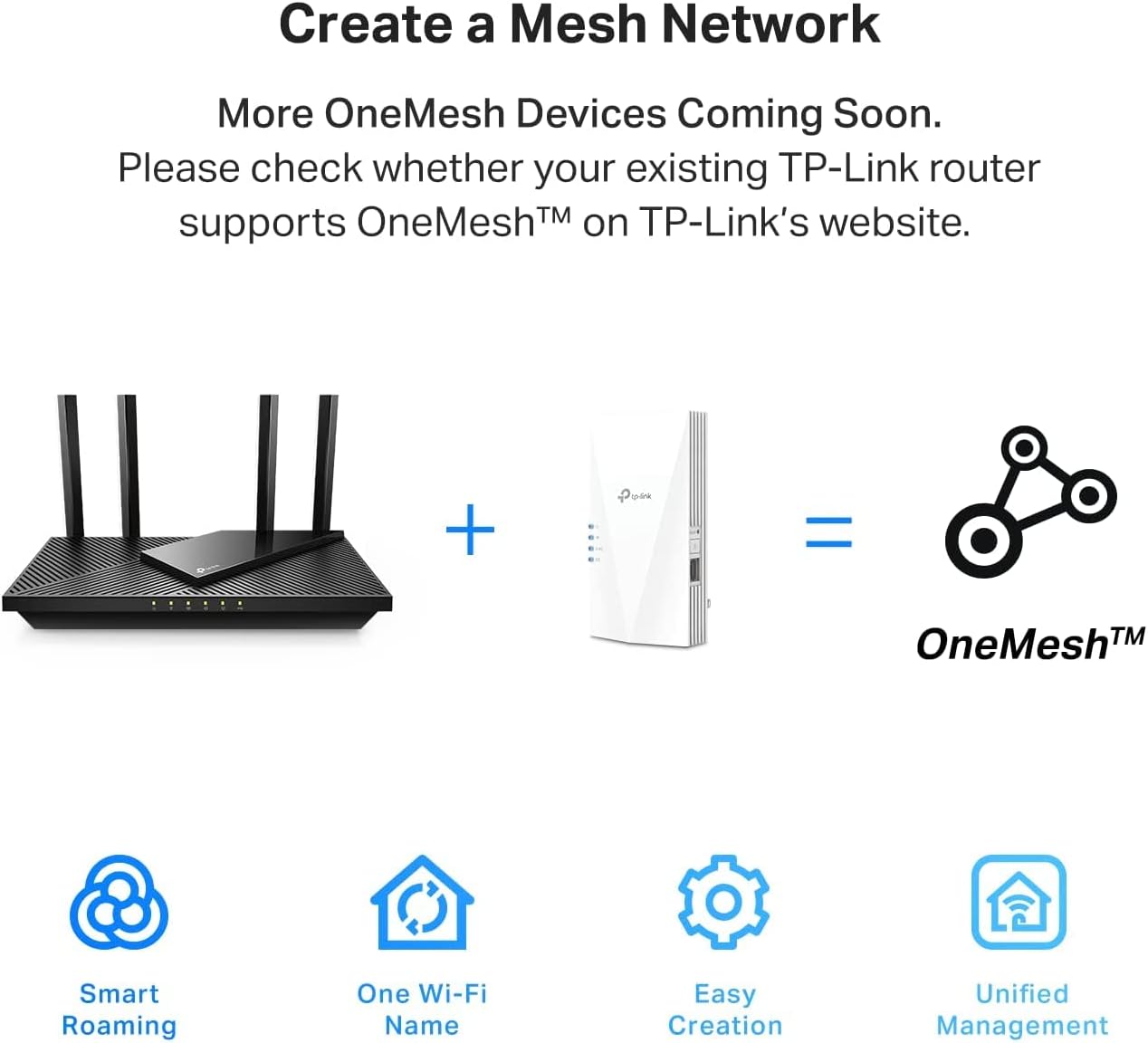
Wi-Fi 6 support makes the RE600X relevant for a home with newer wireless devices, while its listed standards also include 802.11ac, 802.11n, 802.11g and 802.11b. For movement between rooms, OneMesh can create a mesh network with a compatible router. That feature depends on having a compatible router, it is not a mesh setup by itself.
How to use it
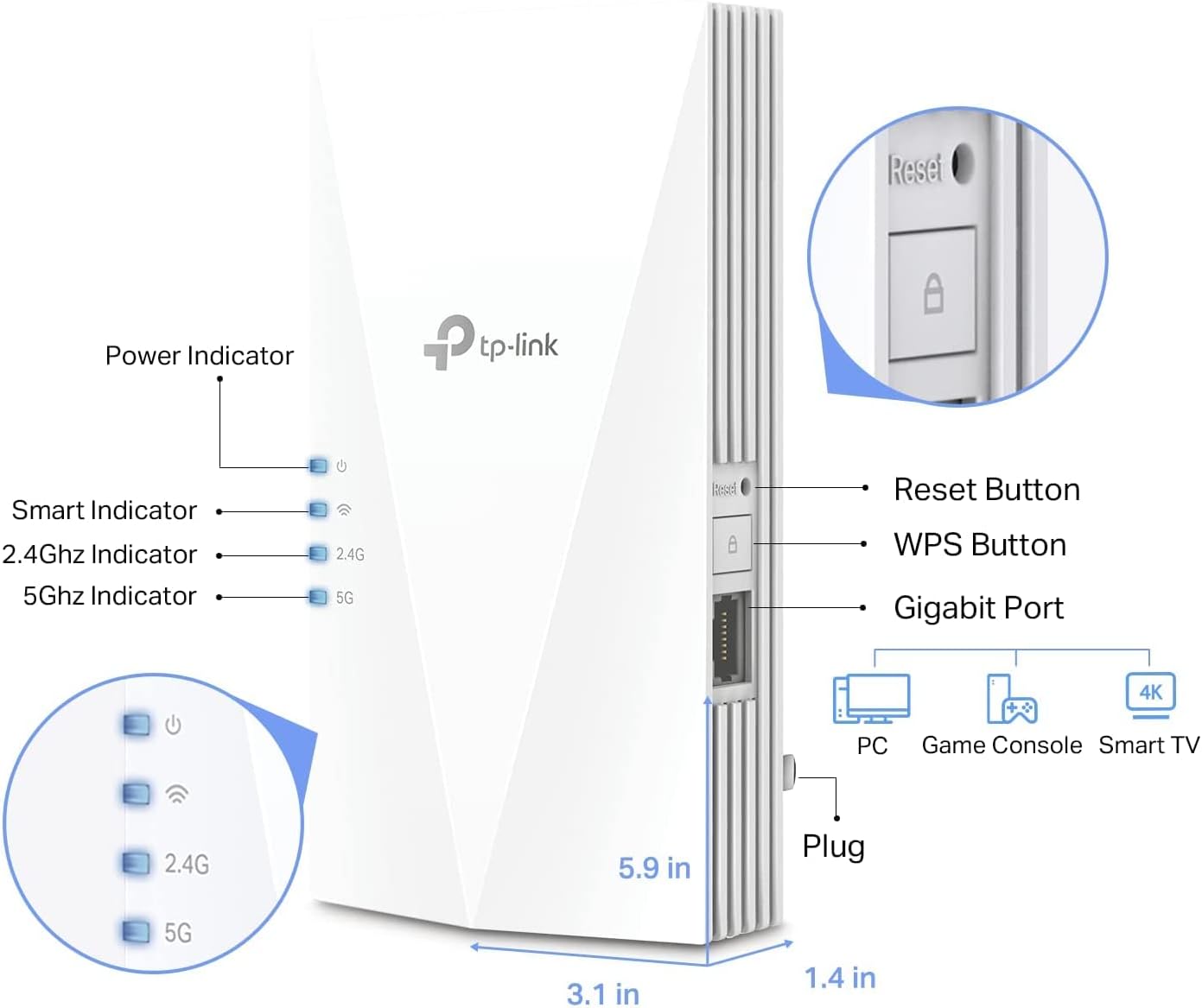
Choose a location where the RE600X can still receive a signal from the router and can reach the area you want to cover. Use the indicator and Tether app to guide setup and placement. For a wired source, connect an Ethernet cable and select Access Point Mode, for a device that benefits from a direct wired connection, use the Gigabit port.
This placement requirement is the main practical consideration: an extender can relay a signal, but it cannot extend a router connection it does not receive. It’s not for you if the intended spot has no usable router signal and there is no Ethernet connection available for Access Point Mode.
Questions before you buy
Can it connect to a device by cable? Yes. The Gigabit Ethernet port supports a wired connection for devices such as a PC, smart TV or game console.
Can it create Wi-Fi from a wired connection? Yes. Connect an Ethernet cable and use Access Point Mode to turn that connection into a dual-band wireless signal.
Does OneMesh work with every router? No universal OneMesh support is stated. The feature is described for use with a compatible router, the extender itself is also described as compatible with Wi-Fi-enabled devices and routers.
Is it worth it?
The RE600X makes most sense when the goal is to extend an existing router’s coverage and you want the choice of wireless extension, a wired device connection or Access Point Mode. Its Wi-Fi 6 support, app-guided placement and stated coverage make it more capable than a basic reach-only purchase, while OneMesh is an added benefit only for a compatible router. If your priority is a unified mesh network, check that compatibility first, if the router signal is weak where you plan to install the extender, placement or a wired connection will matter more than the advertised maximum coverage.