

USB 3.0 HDMI KVM switch for 4 computers
Product description
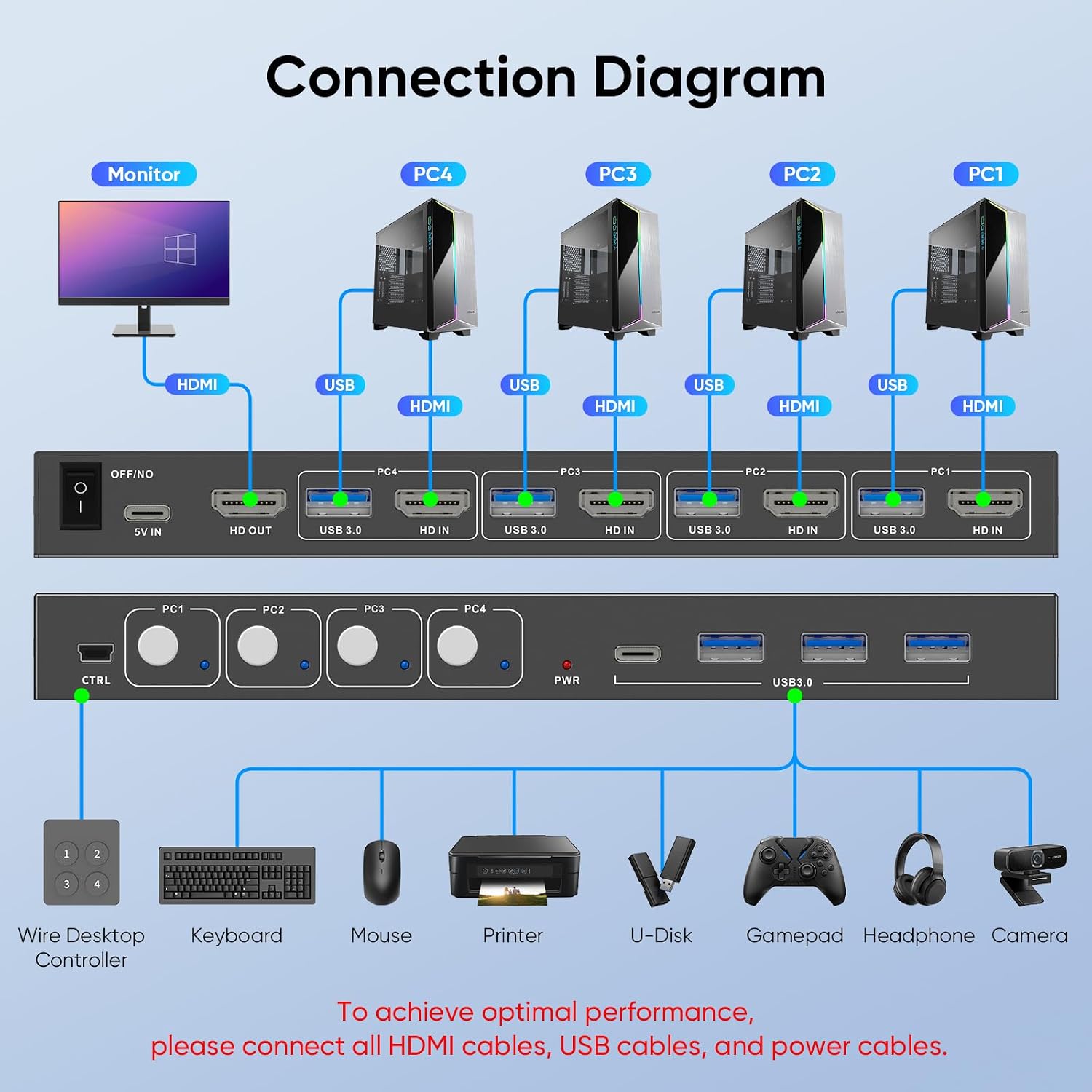
If your desk alternates between several computers, a shared-control setup can mean less cable swapping than keeping a separate keyboard, mouse and display arrangement for each one. This USB 3.0 HDMI KVM switch is described for four computers sharing one monitor, keyboard and mouse, with USB peripherals such as a printer or external drive shared through the unit.
The key trade-off is right in the setup: it brings multiple computers together, but the stated display arrangement is for one monitor. What would you rather share first—the screen and controls, or a more complex multi-monitor workspace?
How to use it
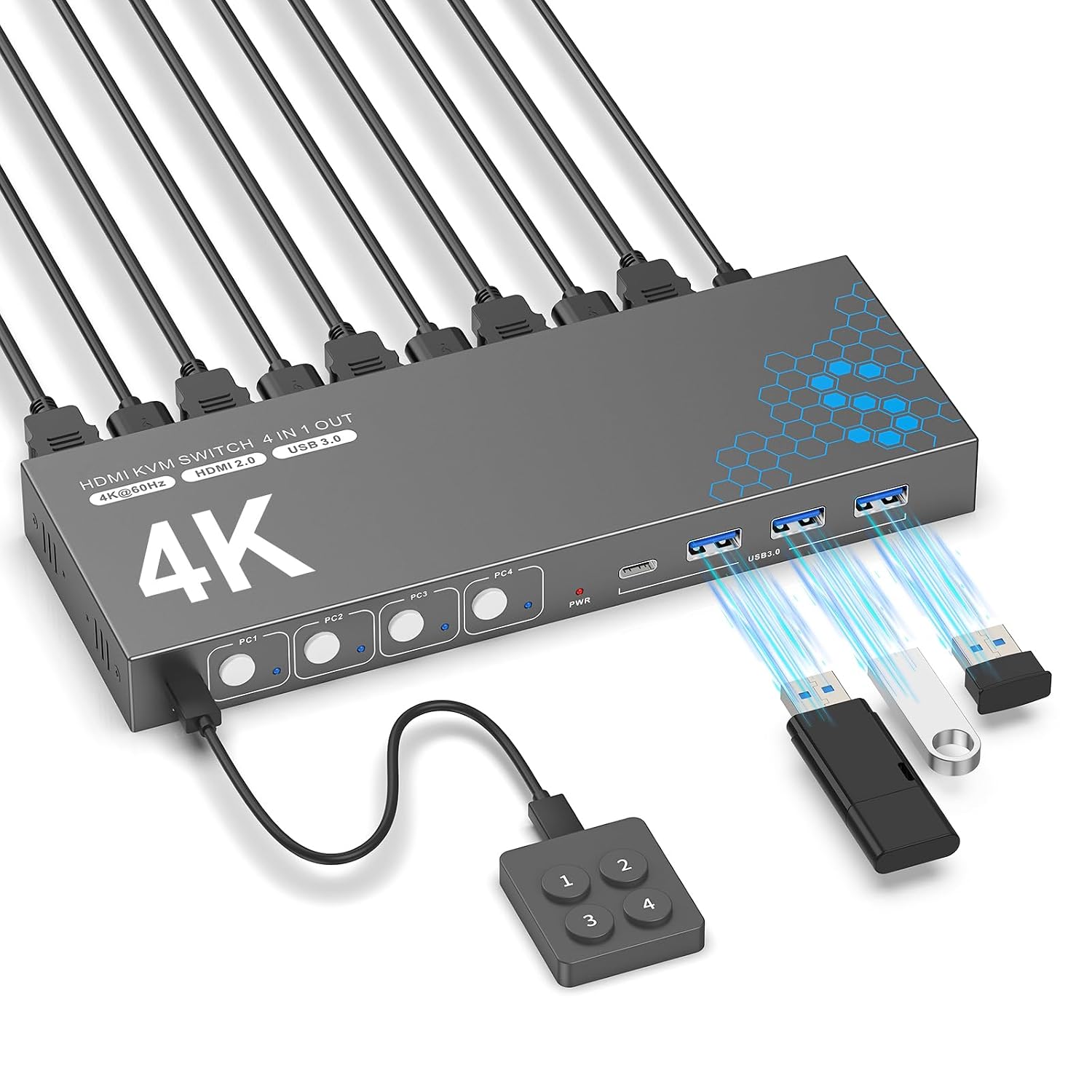
Connect the computers and the shared monitor, keyboard and mouse to the switch, then use the setup to move between the connected computers. The package lists one HDMI cable and four USB 3.0 cables, and the switch is described as plug and play, with no driver software required. Adaptive EDID is intended to optimise display settings automatically, which may make a shared monitor setup less fiddly when changing between sources.
It also supports sharing other USB devices, including printers, scanners, flash drives and external drives. That is useful at a desk where, for example, the same printer and keyboard need to serve a work computer and another connected system. The listing names PCs, laptops and PS4 among supported input devices, and Windows, Linux and Mac among compatible operating systems. Specific computer and display configurations are not detailed, so those still matter when planning a setup.
Pros
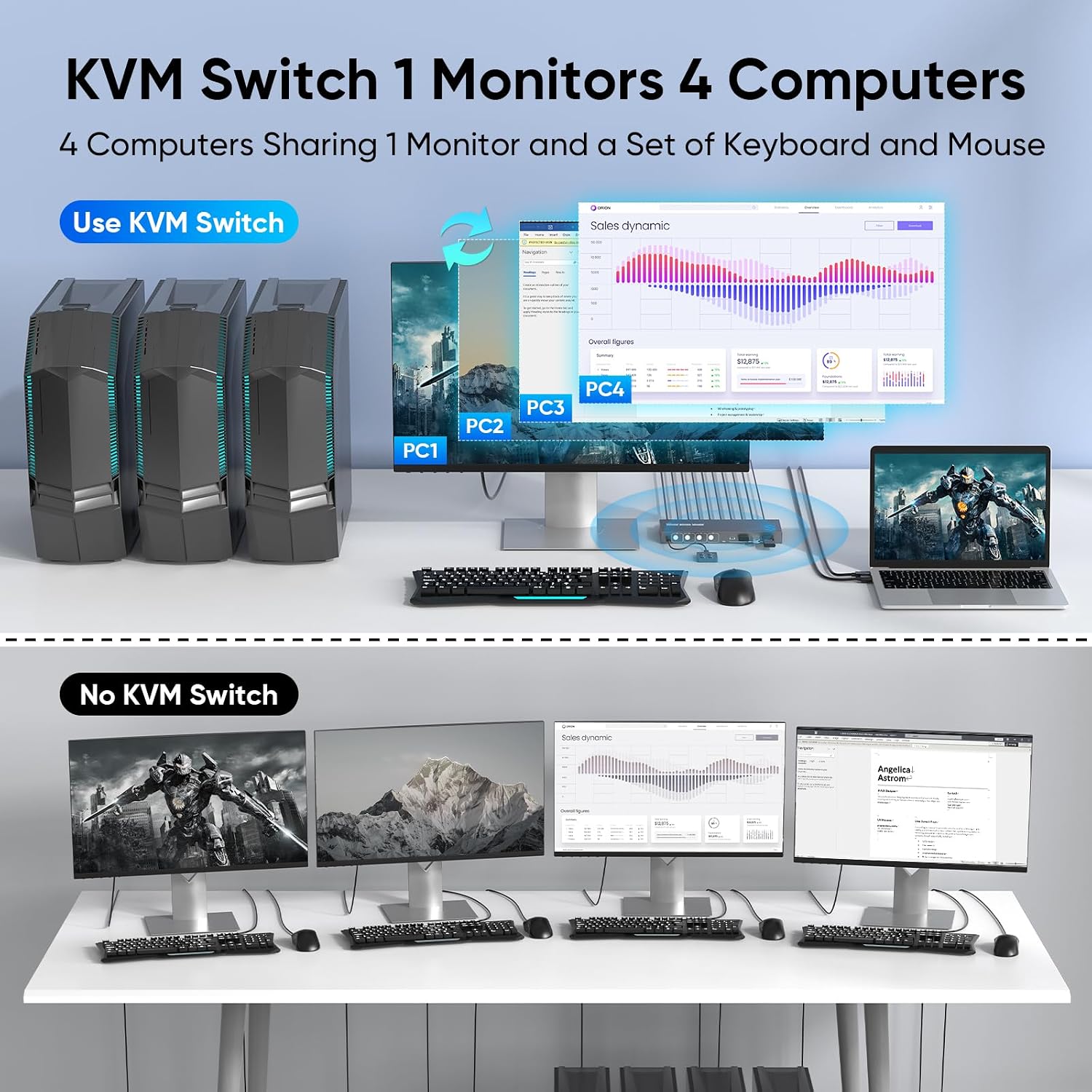
- Four computers can share one monitor, keyboard and mouse, reducing the need to reconnect those items manually.
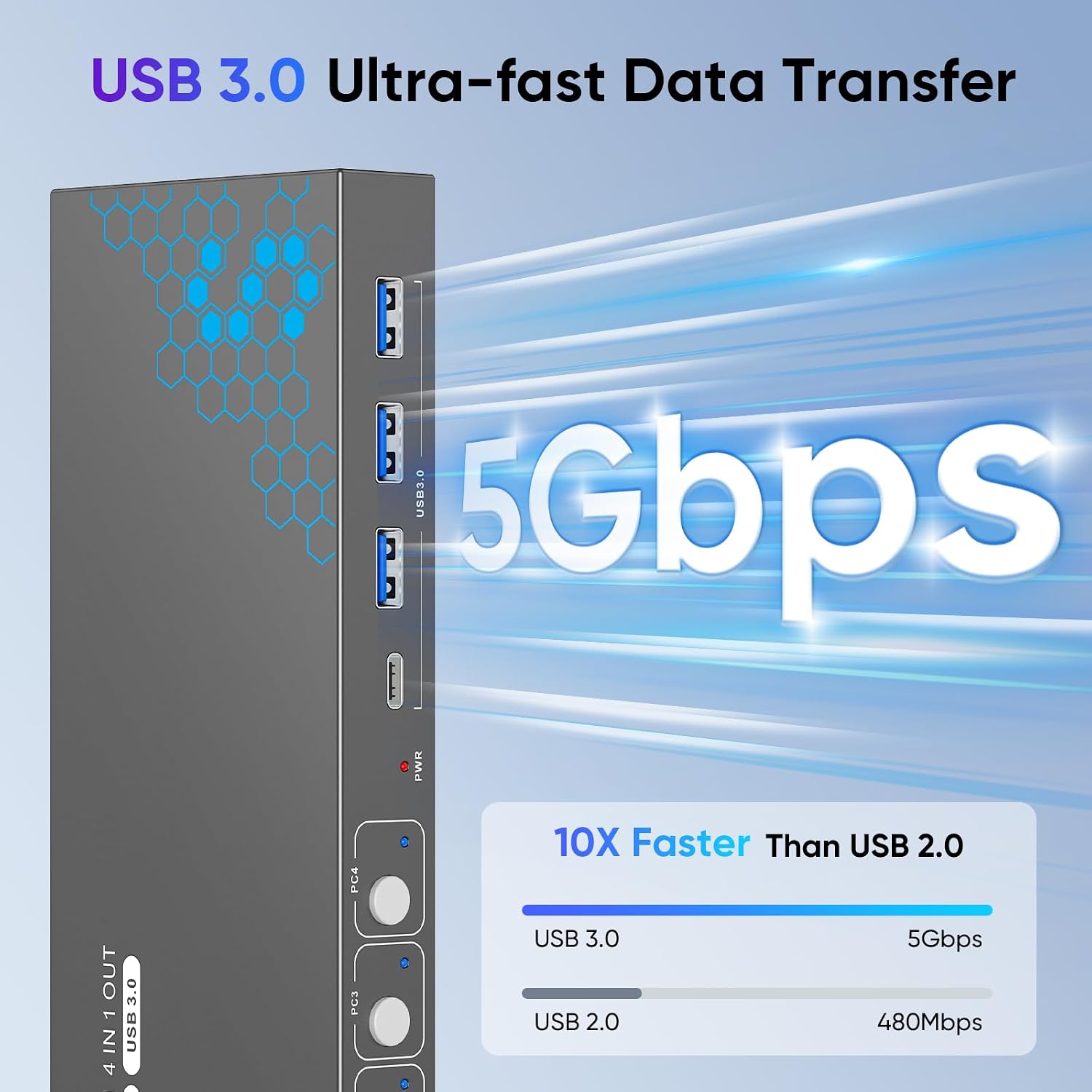
- Three USB 3.0 ports support sharing peripherals, with data transfer stated at up to 5Gbps.
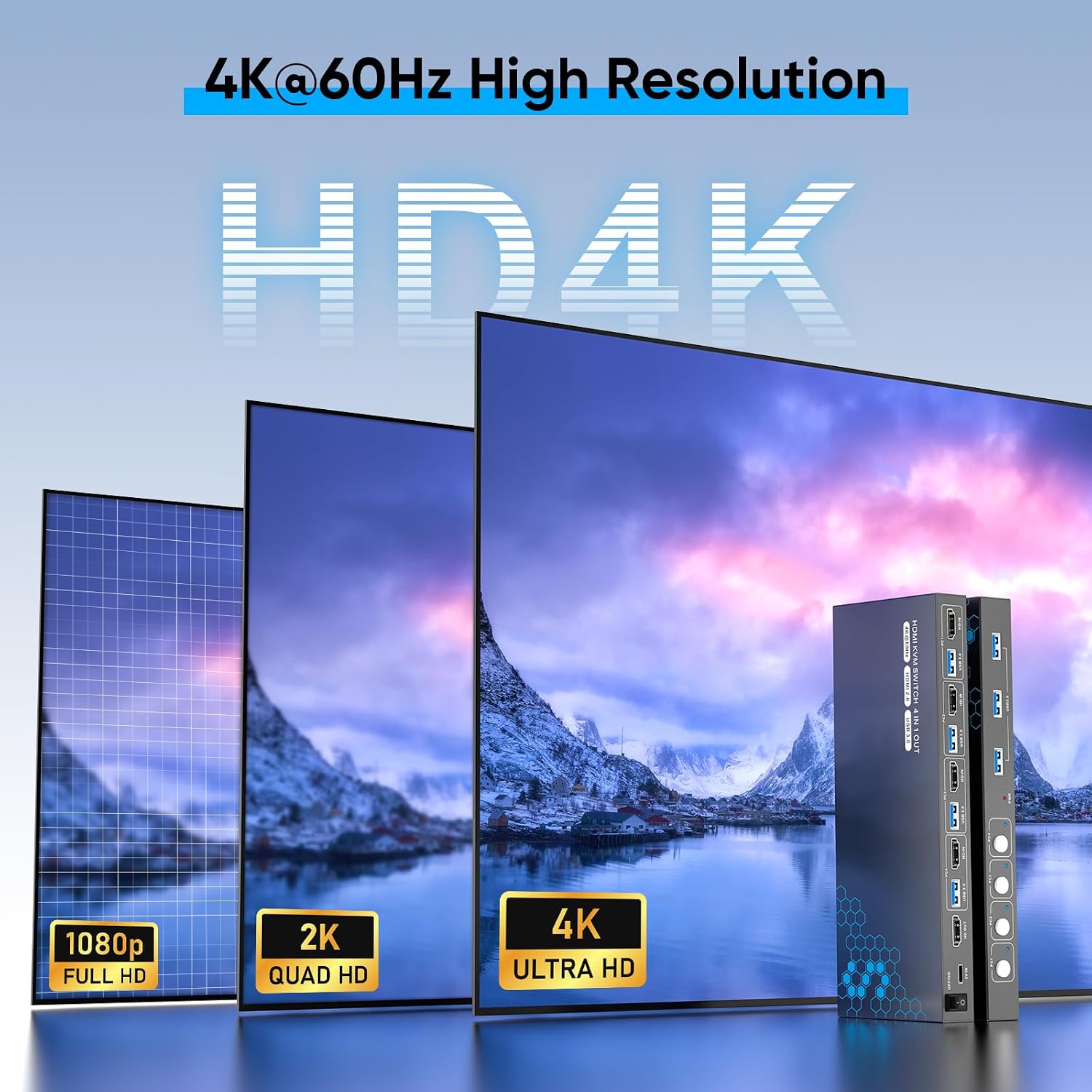
- Display support includes 4K at 60Hz, as well as 4K at 30Hz, 2K, 3D and 1080p, HDCP 2.2 is also listed.
- Adaptive EDID and driver-free setup are useful if you want a straightforward desk arrangement rather than installing switching software.
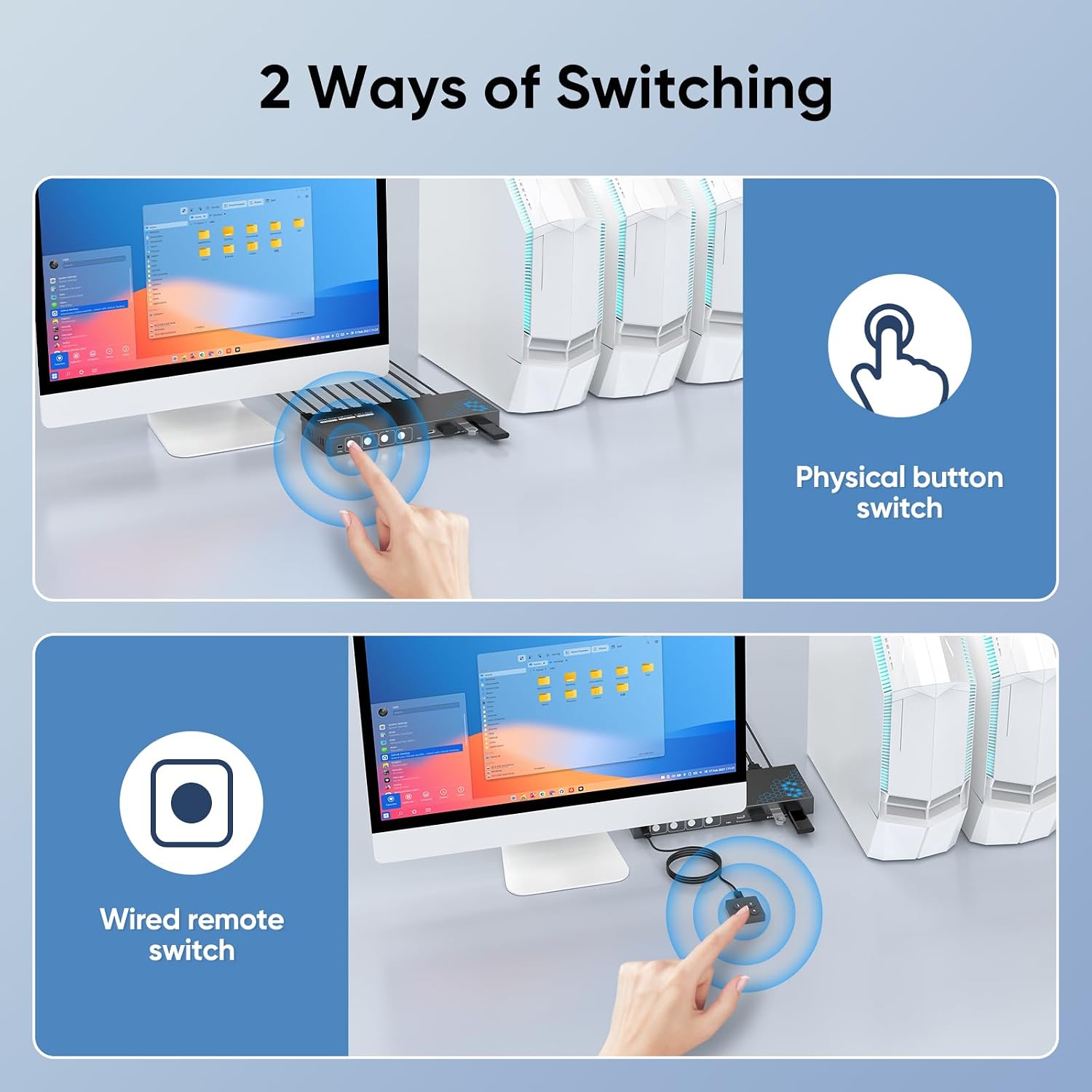
The limit is that this is a one-monitor setup, not a way to build a multi-monitor switching station. Also, the listing does not specify a switching button, remote control or other selection method, so check that detail if the way you change computers is important to you.
Spec sheet
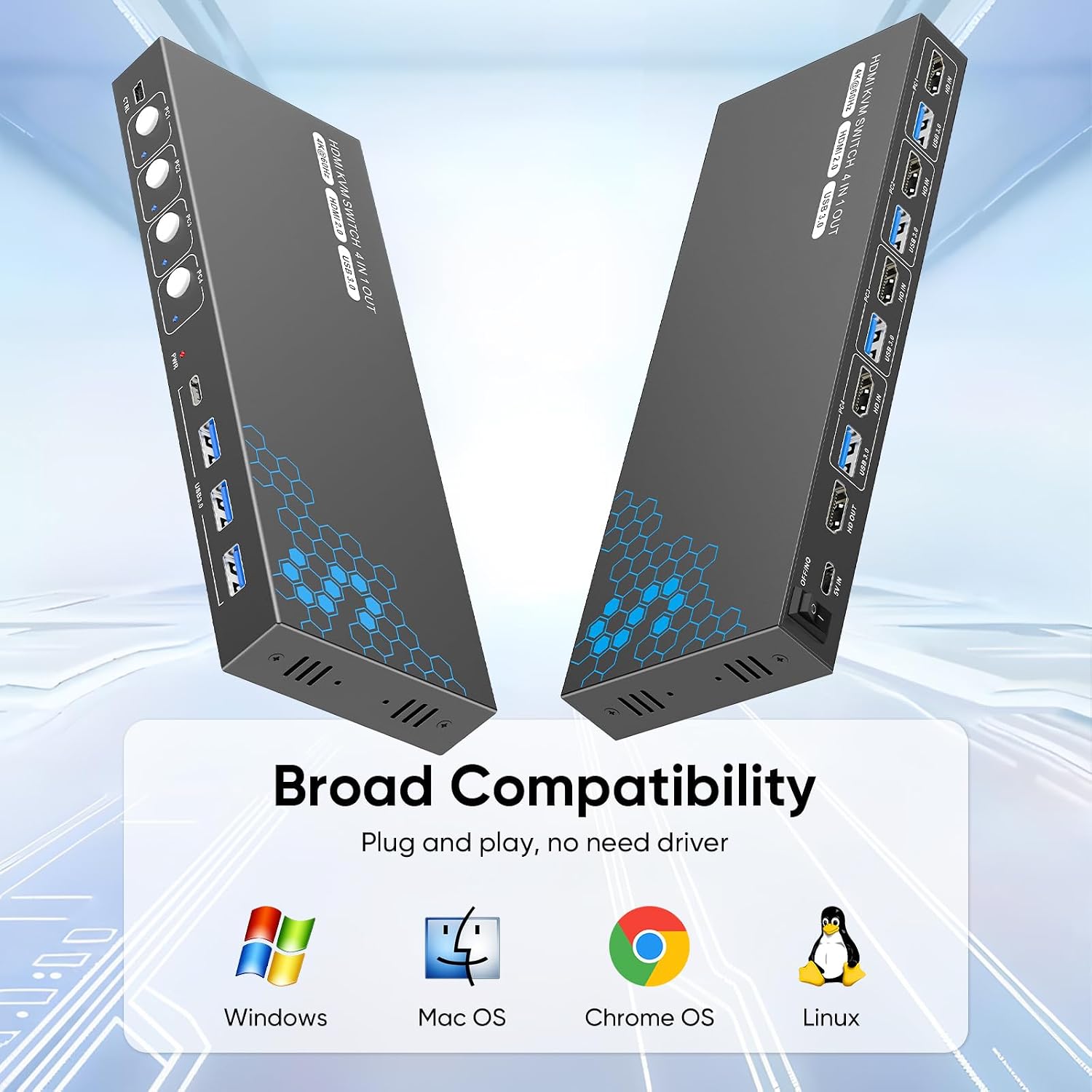
- Type: USB 3.0 HDMI KVM switch
- Capacity: Four computers sharing one monitor
- Ports: Three USB 3.0 ports
- Resolution: Up to 4K at 60Hz, also lists 4K at 30Hz, 2K, 3D and 1080p
- Data transfer: Up to 5Gbps
- Included: One HDMI cable, four USB 3.0 cables, user manual, protection plan card and four anti-slip rubber pads
What I’d decide
It suits you if several computers already share one desk and you want their display, keyboard and mouse in a single switching setup, with room for a few USB peripherals too. Compared with keeping separate accessories at each station, this approach prioritises a tidier shared workspace, a more demanding multi-monitor arrangement calls for a different solution. Better to avoid it if you need more than one shared monitor, or if you need confirmed details about the computer-switching controls before buying. The listing also does not spell out every connection requirement for individual computer and monitor combinations, so match the available connections to your own equipment.