

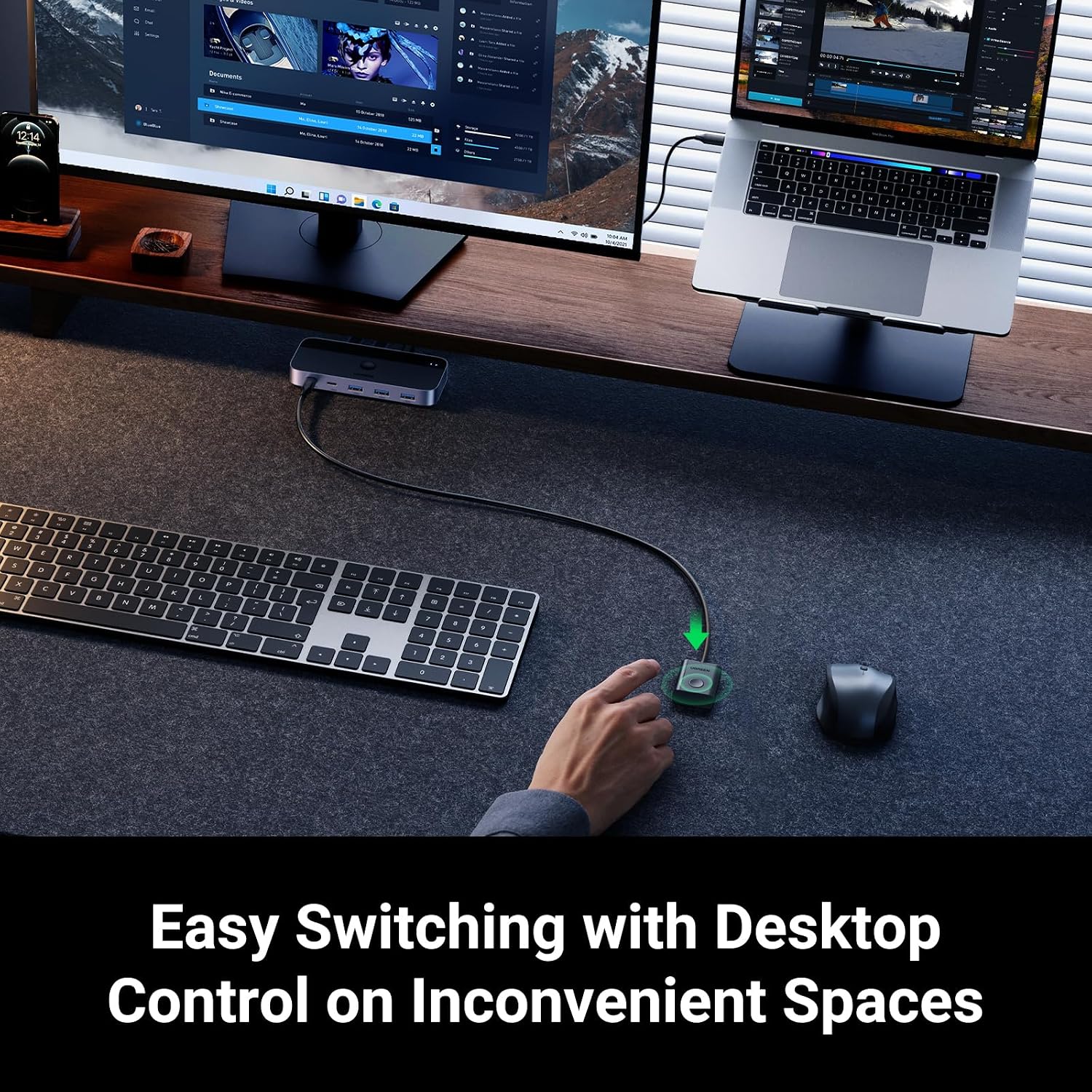
UGREEN USB switch, 4-port
Product description
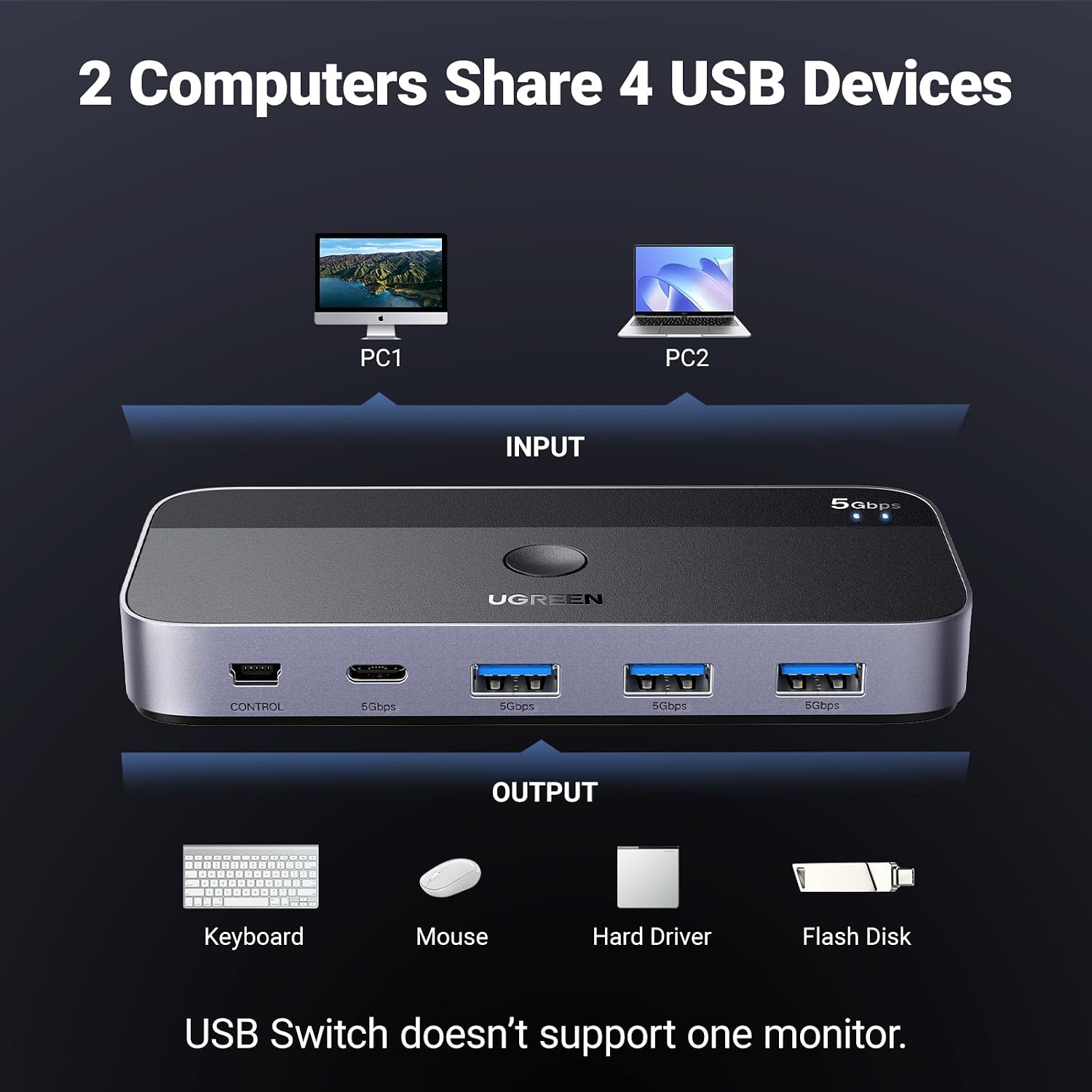
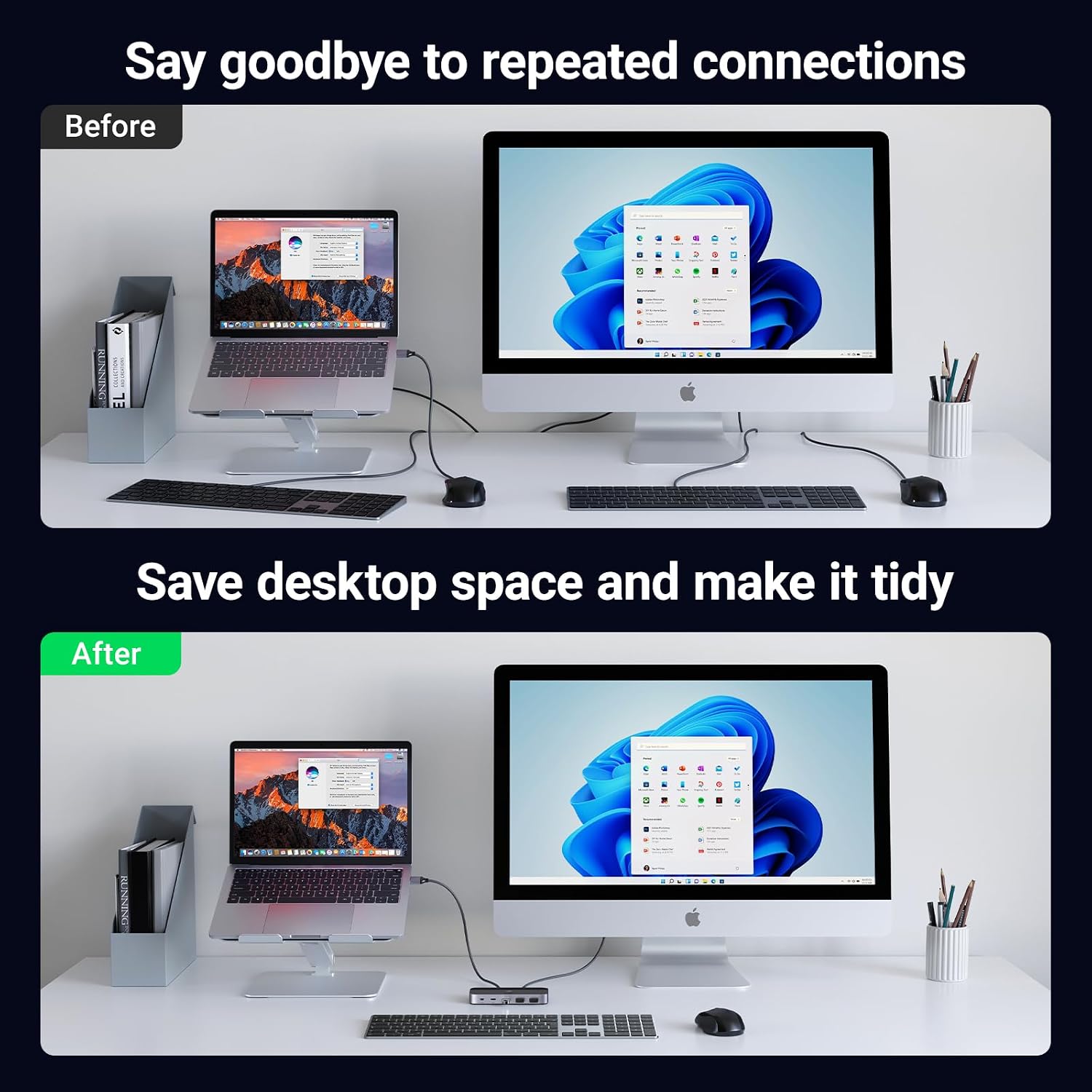
For anyone moving between two computers at one desk, this UGREEN USB switch offers a way to share a keyboard, mouse and other USB accessories without unplugging them each time. It has four peripheral ports—one USB-C and three USB-A—and switches control between the connected computers by button or remote. That makes it more focused than a full desk-docking setup: it handles USB peripherals, not displays. If you prioritize easy keyboard-and-mouse sharing, its straightforward layout may suit, if you prefer one device for both USB and monitor switching, this is not that kind of switch.
Getting the most from it
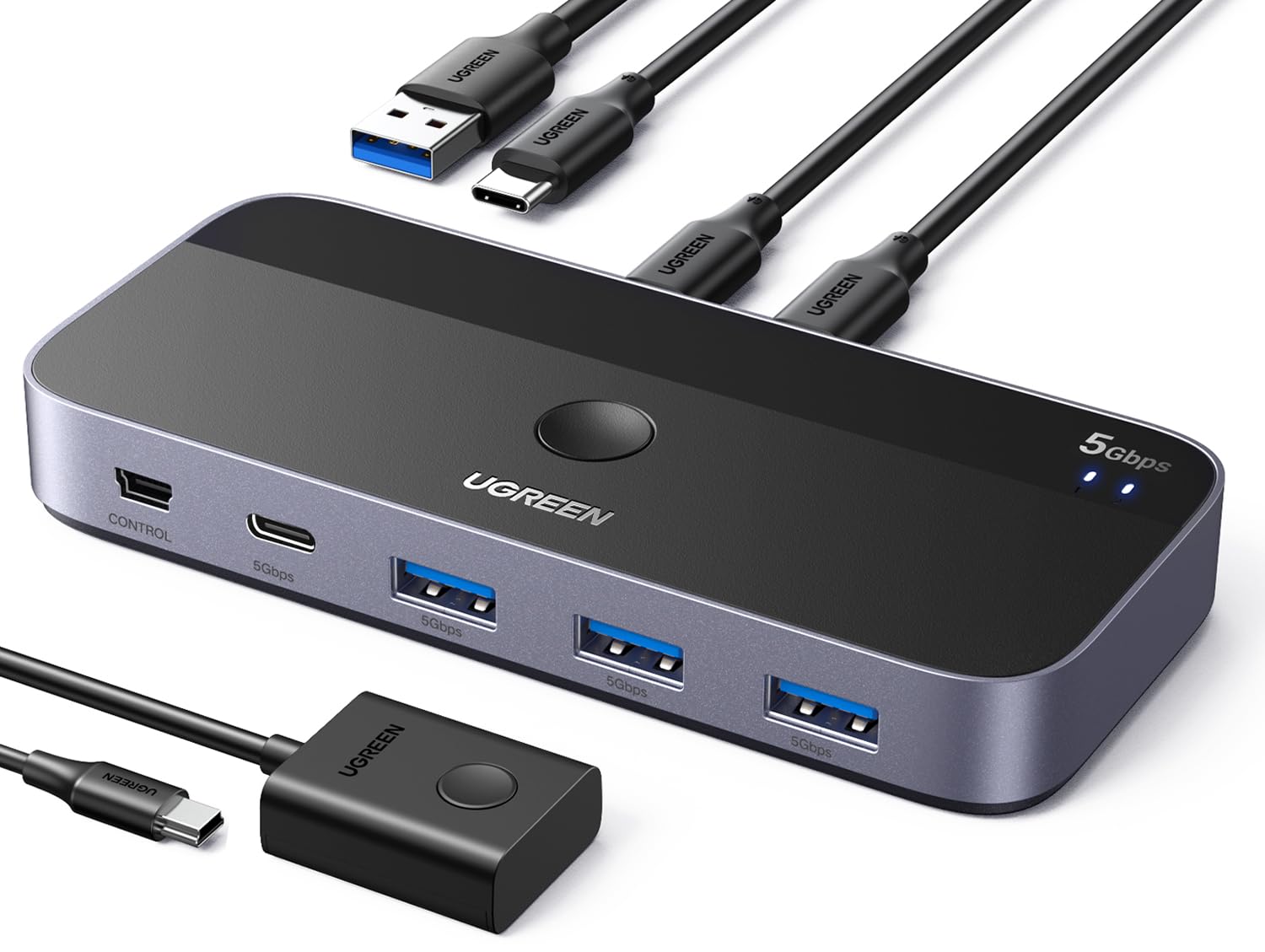
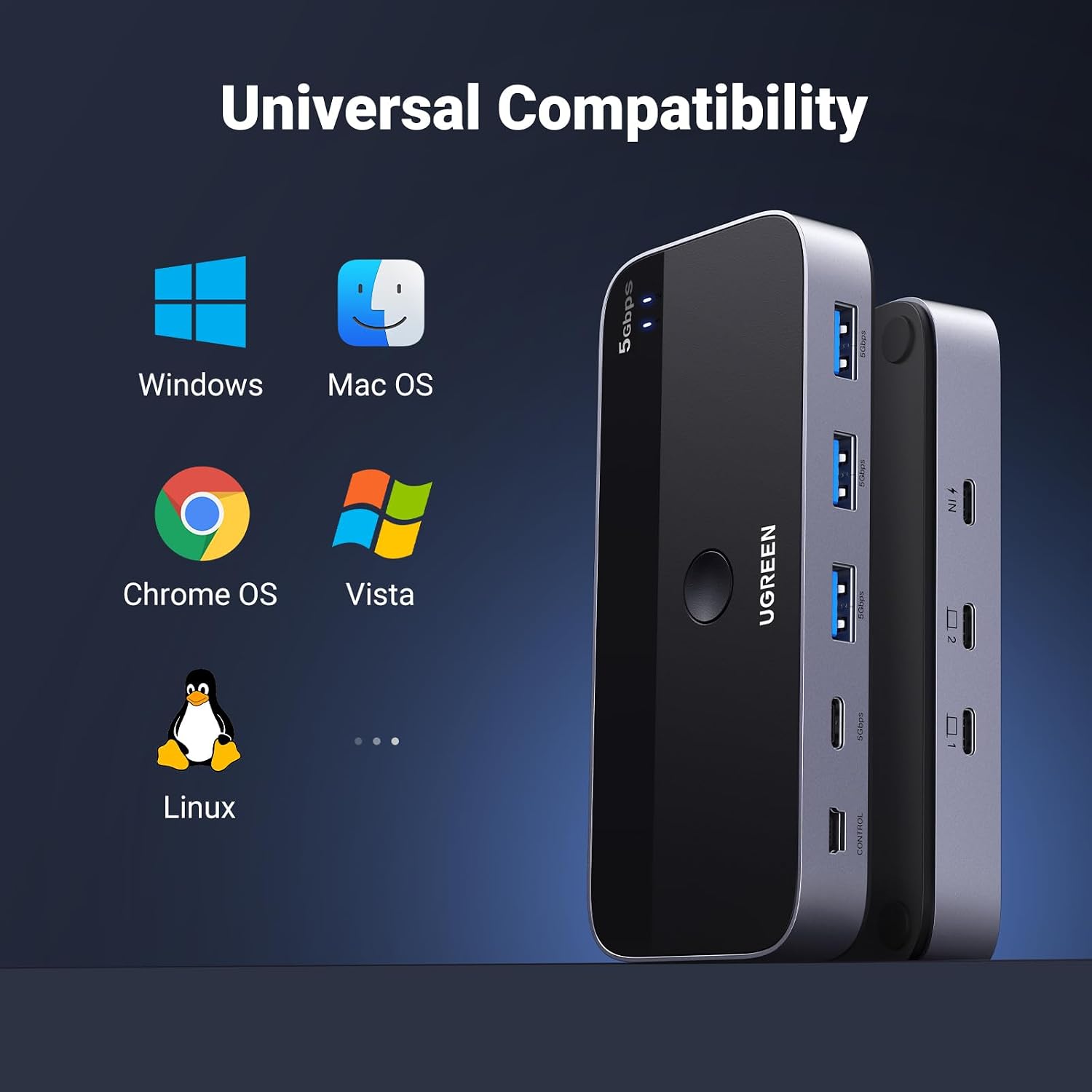
Connect the two computers using the included USB-A to USB-A cables, then plug your peripherals into the switch. For example, you could leave a keyboard, mouse and webcam connected and press the button when moving from a work computer to another computer. The remote gives you another way to switch, which can be handy if the unit is tucked out of reach. It is plug-and-play and the listing names Windows, macOS, Chrome OS and Linux as supported operating systems.
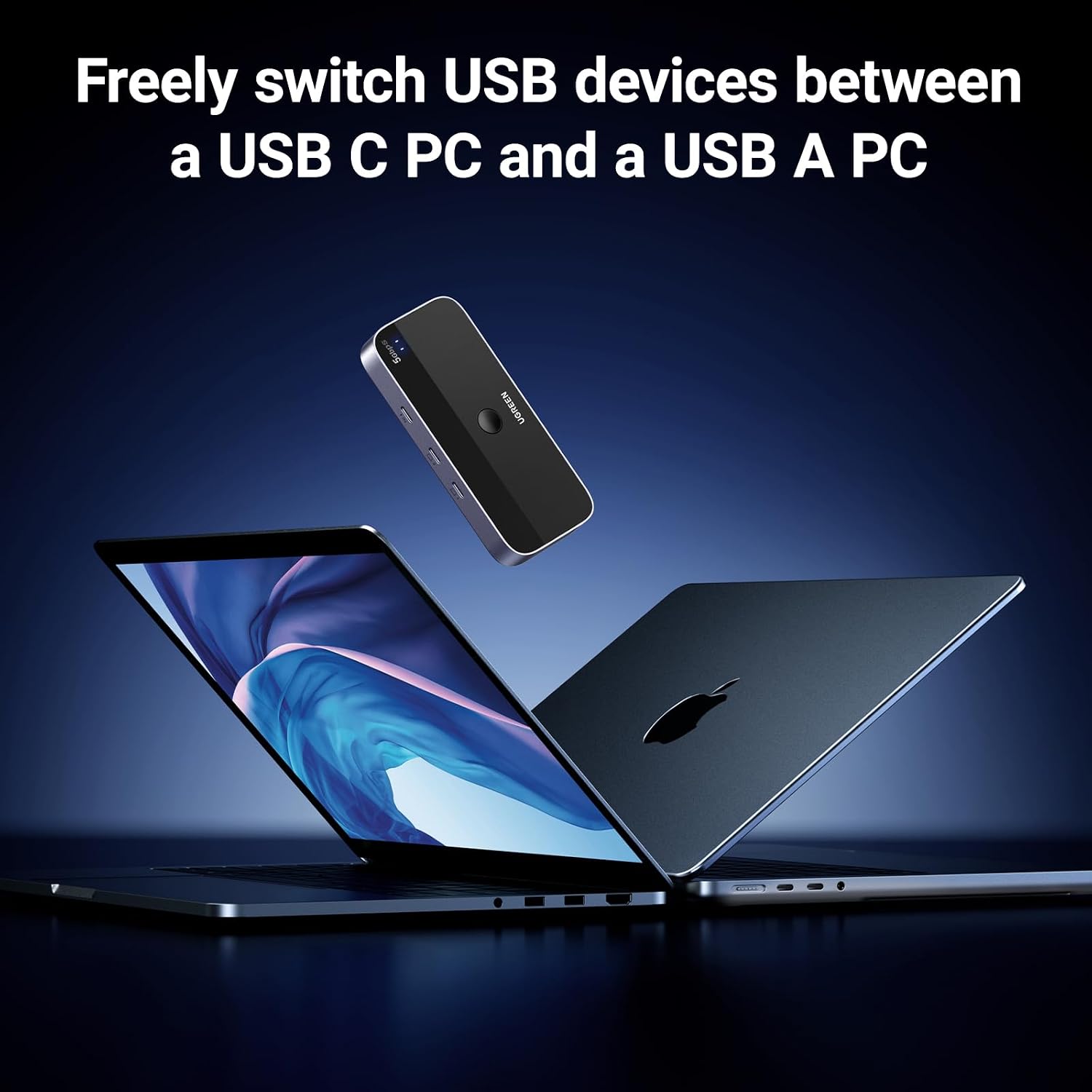
The USB-C port can connect a USB-C hub or dock to extend the available connections, but the switch itself cannot be daisy-chained to another USB hub. If your computer has only USB-C ports, such as some Macs, the listed setup requires a USB-C male-to-USB-A female adapter to use the included cables. That adapter is not listed as included. A USB-C power input is also provided for power-hungry devices, the charging cable and power adapter are not included, so factor that into your setup if a device needs extra power.
Why it’s worth it
Its practical benefit is keeping shared accessories plugged in while you change which computer uses them. That can mean fewer cable swaps during a workday, particularly if your desk has one keyboard and mouse used across two systems. The switch supports data transfer up to 5Gbps, which is relevant for compatible USB 3.0 devices such as external drives and webcams. Actual performance also depends on the connected devices and setup, so treat that figure as the switch’s stated maximum rather than a guarantee for every transfer.
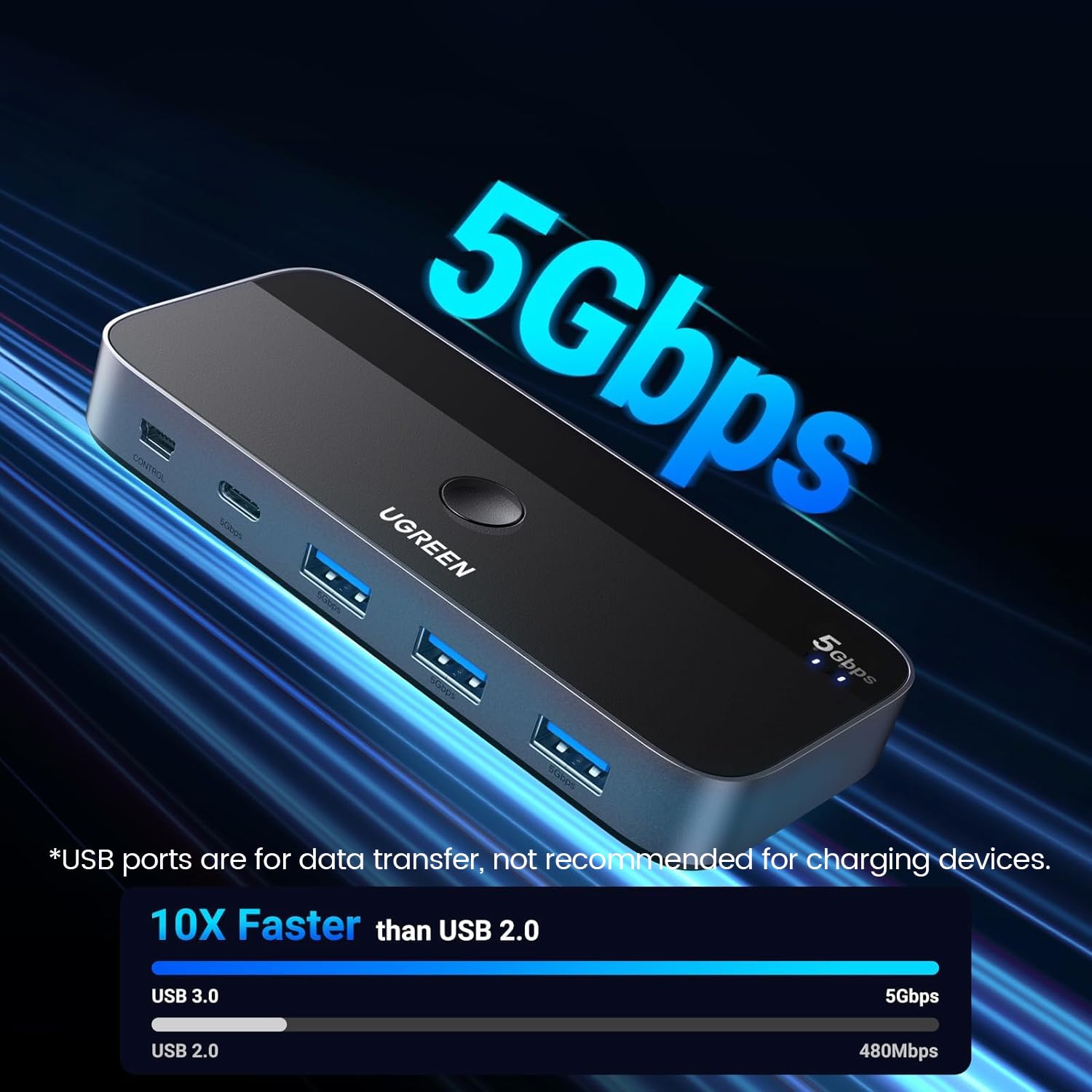
Tiene sentido si you want a compact way to share USB peripherals and do not need to route a display through the same device. A basic manual approach—unplugging and reconnecting each accessory—may cost less in hardware, but it becomes less convenient as the number of shared devices grows. The trade-off here is clear: USB switching is the job, not full workstation switching.
Key features
- Shares up to four USB peripherals between two computers.
- Provides one USB-C port and three USB-A ports.
- Offers button and remote switching.
- Supports data transfer up to 5Gbps and has a USB-C power input.
- Includes the switch, remote controller and two USB-A to USB-A cables.
One important boundary: it is not a KVM switch. There is no HDMI interface, and it does not support monitor or video transmission. No drivers are required according to the listing, but the details provided do not specify which peripherals work in every configuration. Keep that in mind if you rely on a particular device rather than common USB accessories.
When to choose it
Choose this UGREEN switch if the main annoyance is sharing a keyboard, mouse, webcam or similar USB gear between two computers, and you are comfortable switching those accessories separately from your display. No es para ti si you need one control to change both the computer and its monitor, or if your setup depends on connecting this switch in a chain with other USB hubs. Based on the listed details, the key decision is whether USB-only sharing solves your desk problem, if video switching is part of it, look for a different type of device.