

UGREEN 65488 Mac mini Dock with 10Gbps NVMe and Dual-Display Support
Reviews
Price
Product description
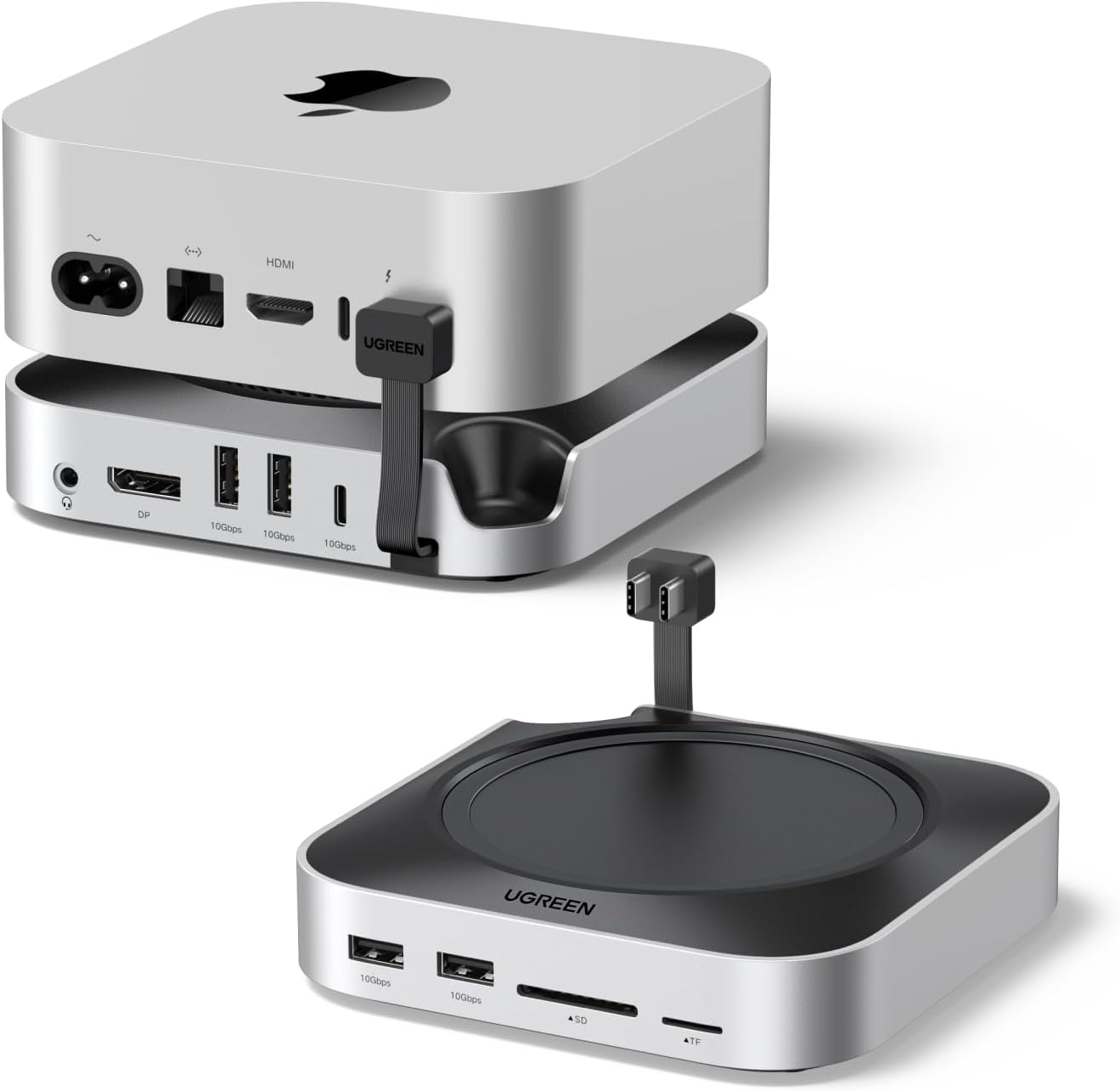
Mac mini M4 and M4 Pro owners who need more room for peripherals and storage can add a broad selection of connections with the UGREEN 65488 dock. It combines USB-A and USB-C data ports, SD and TF card readers, audio, display outputs and an M.2 NVMe SSD slot in a dock shaped to sit neatly with the Mac mini.
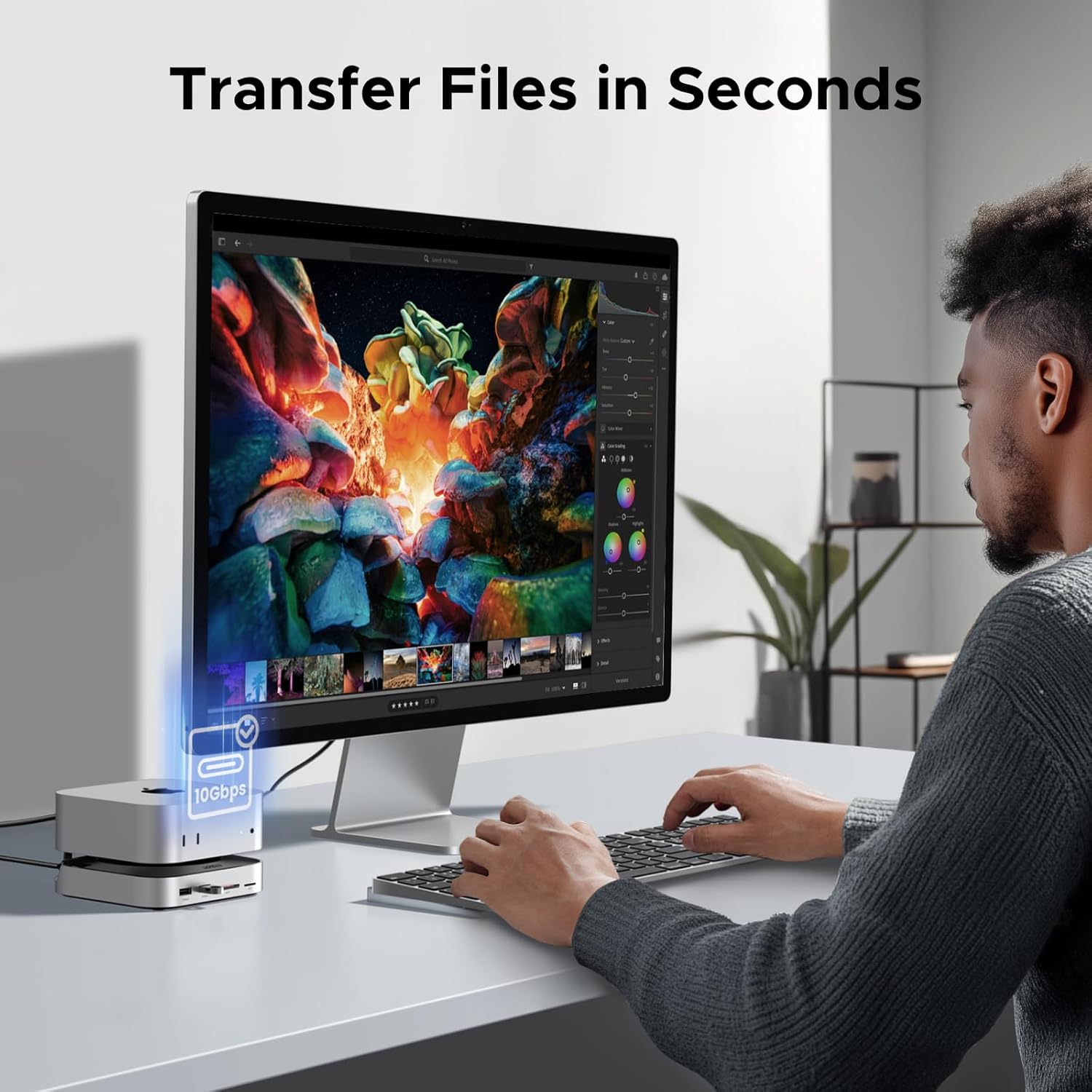
Use it to connect everyday accessories, move files from memory cards and expand storage from one desk setup. What if your monitor, card reader and external devices could all connect through one hub?
Worth noting
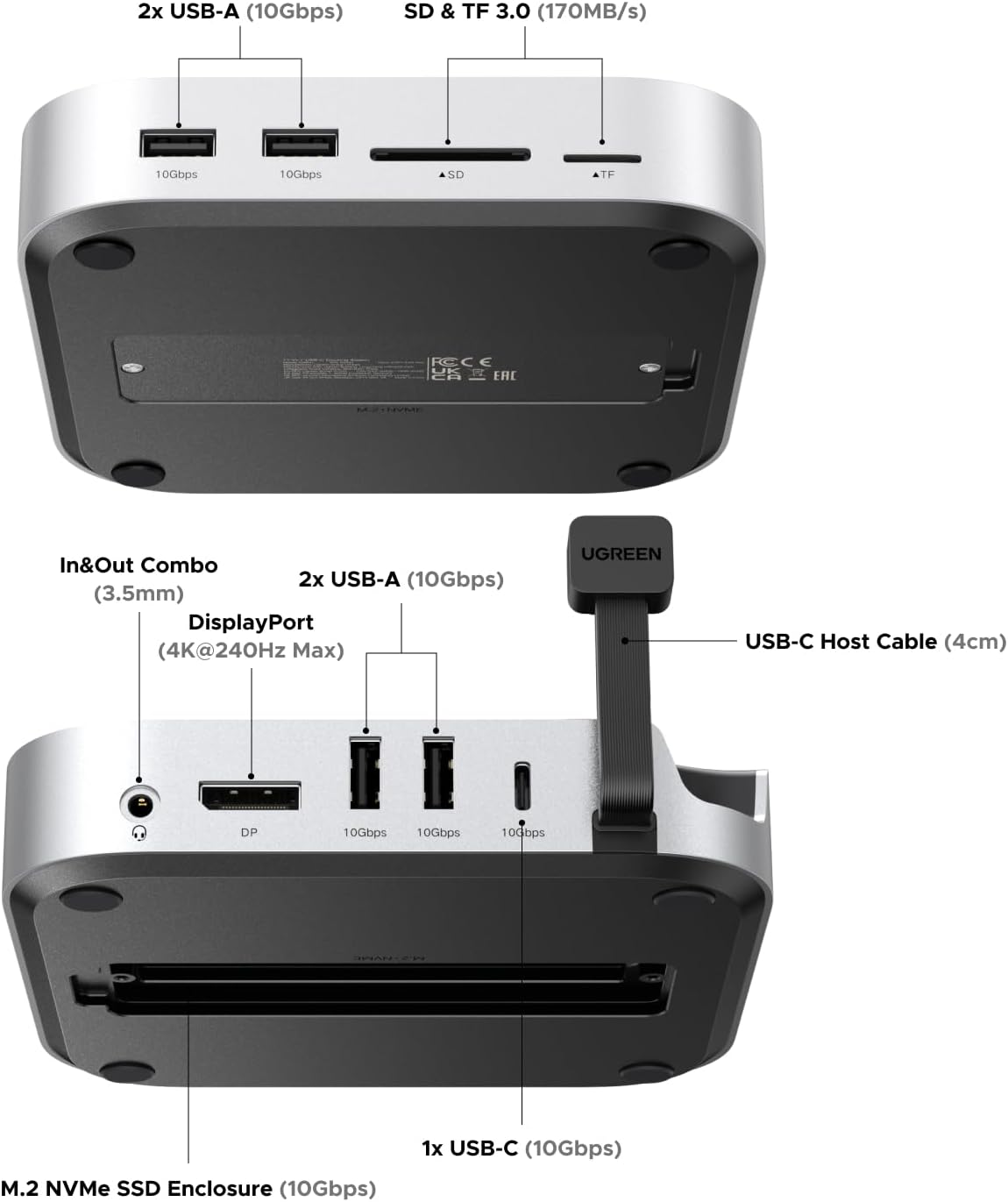
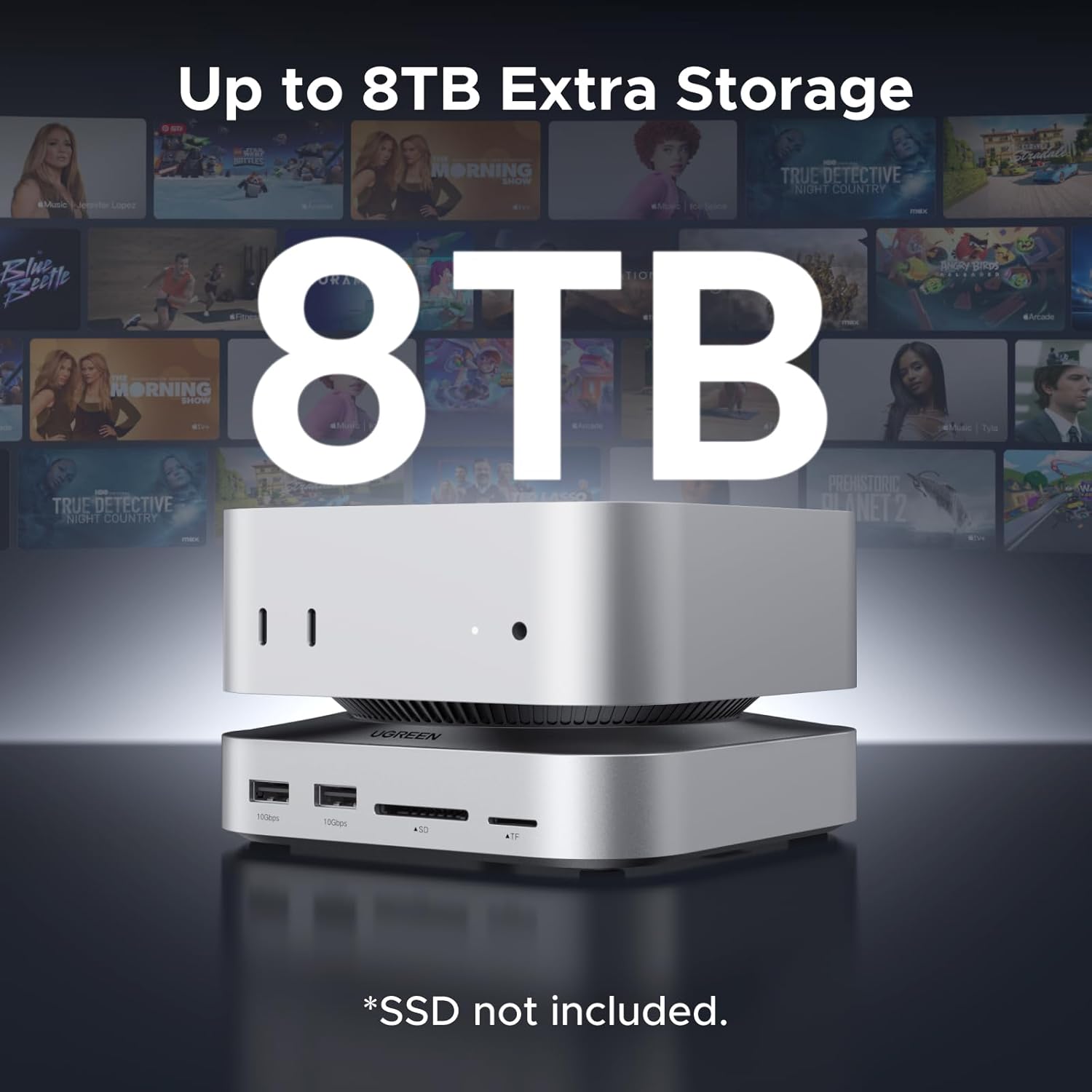
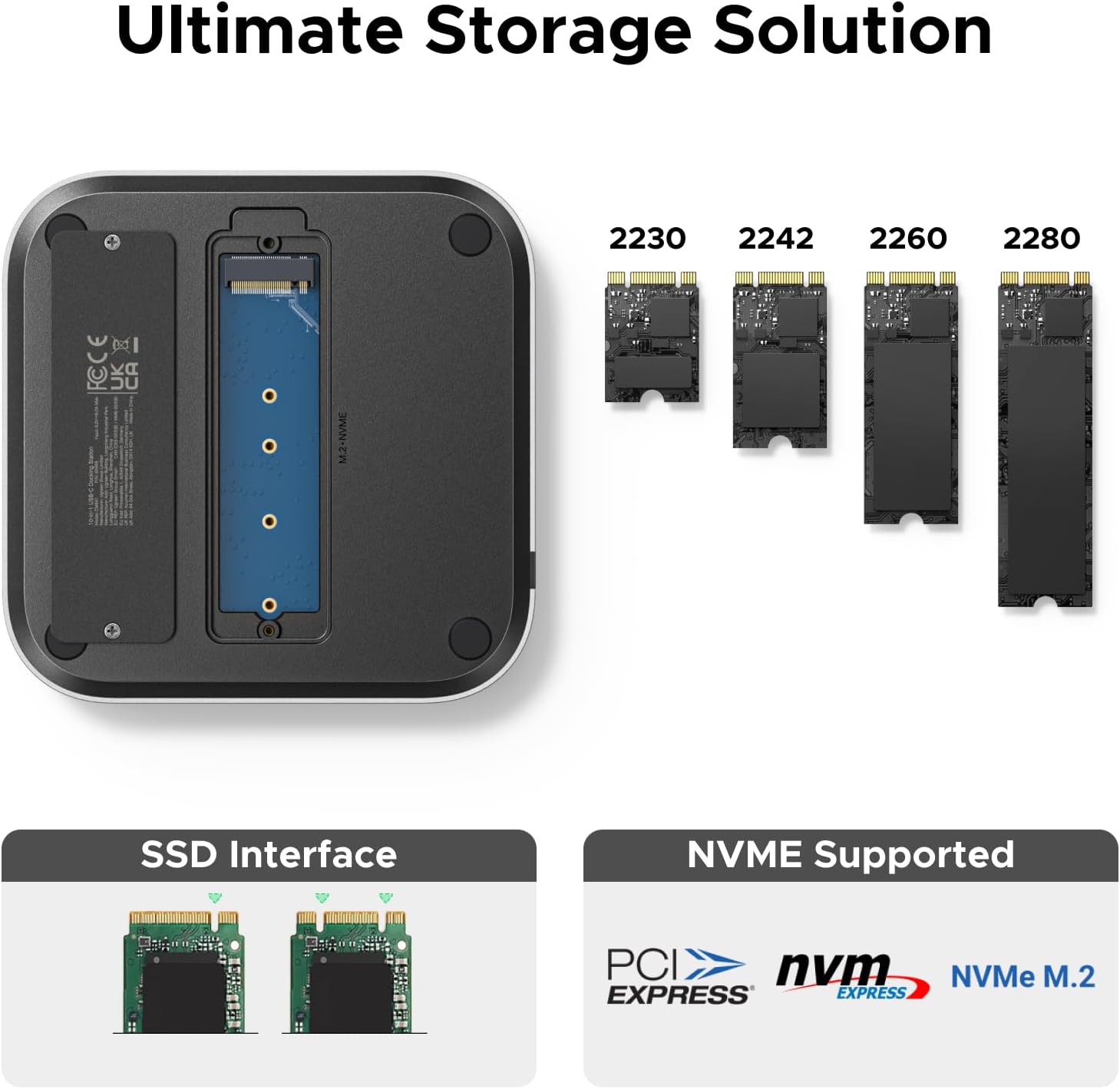
The dock provides four USB-A 3.2 ports and one USB-C 3.2 port, each rated for data transfer up to 10Gbps. An M.2 NVMe slot supports 2230, 2242, 2260 and 2280 SSD formats, with transfer speeds up to 10Gbps and expandable storage up to 8TB. The SSD is not included, so you can select a drive that suits your storage needs.
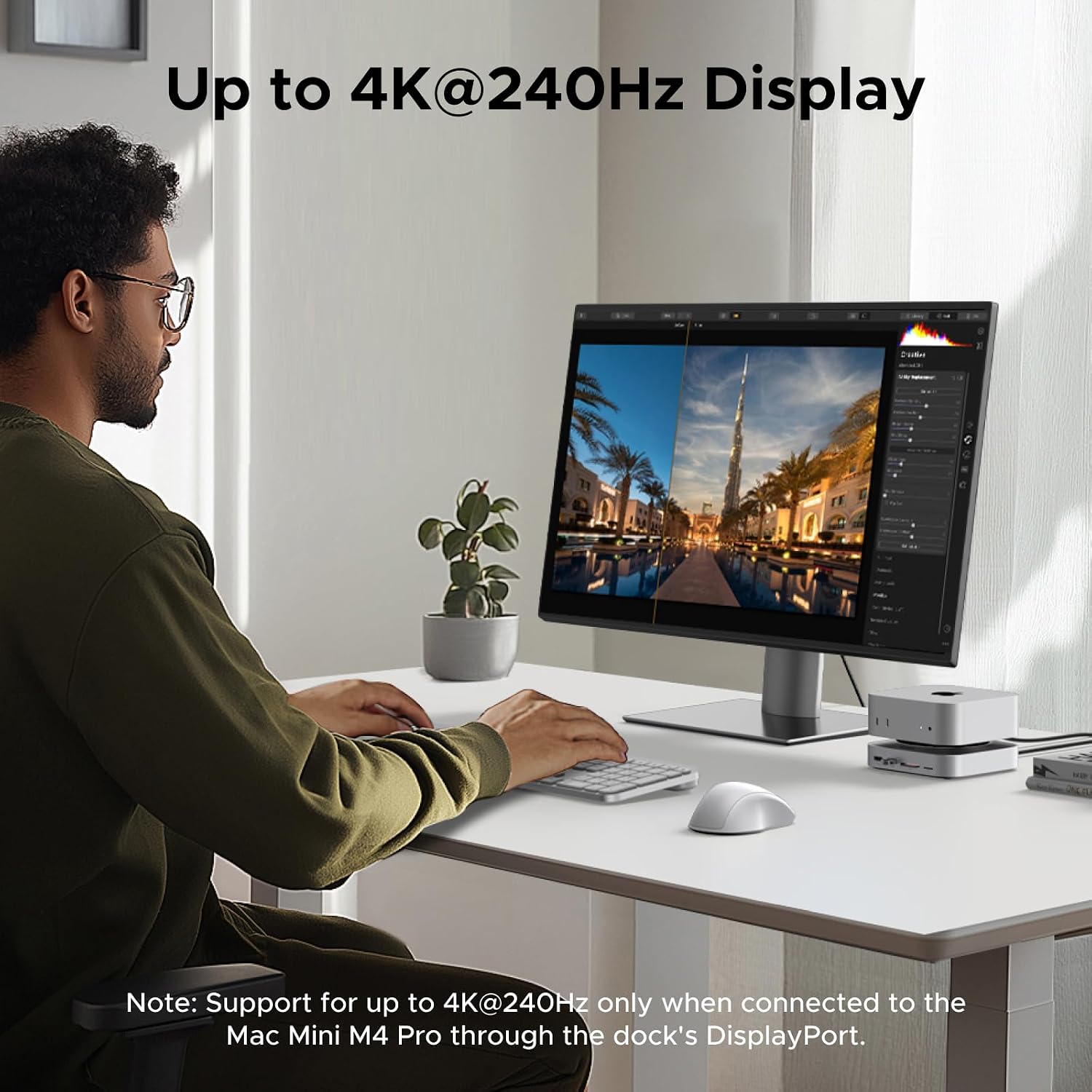
For photo and video workflows, the SD and TF card readers offer transfer speeds up to 170MB/s. A 3.5mm audio port, one HDMI port and DisplayPort add further ways to connect devices and displays. Using DisplayPort together with HDMI supports a dual-display setup. Display output depends on the Mac mini model and connection: the listed DisplayPort support is up to 4K at 240Hz with M4 Pro and 4K at 144Hz with M4. The dock’s Thunderbolt upstream connection supports up to 8K at 60Hz or 4K at 240Hz with M4 Pro, and up to 4K at 240Hz with M4.
Buyers often praise the clean design, useful port selection and straightforward setup. Feedback on reliability and connectivity is mixed, so those experiences are not uniform.
Size & fit
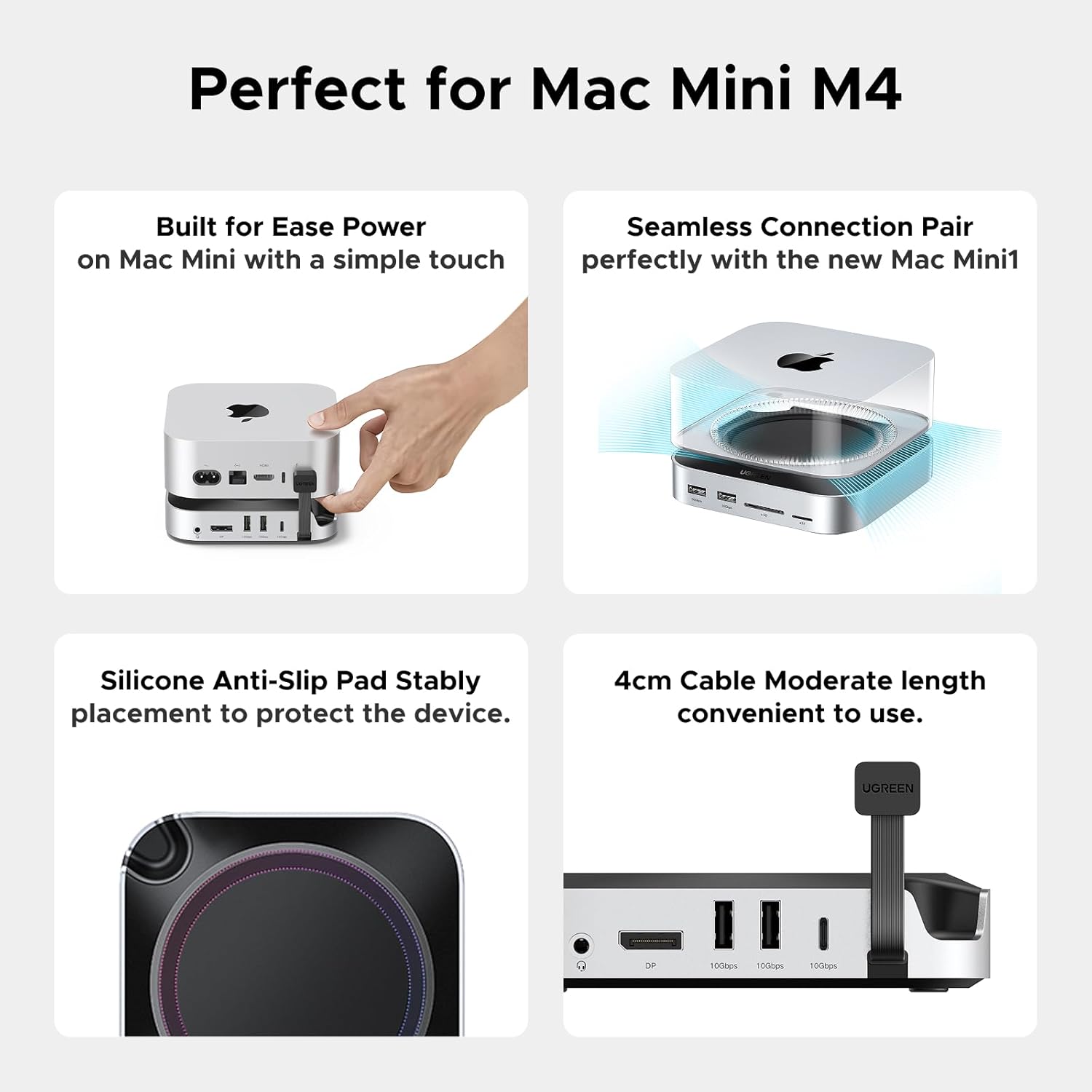
Designed for Mac mini M4 and M4 Pro, the dock follows the computer’s contours and sits beneath it, adding connections while keeping the setup together on the desk. Non-slip silicone pads help hold the dock in place and protect the surface. A grooved power button on the underside lets you start the Mac mini without lifting it.
Compatibility is specific: the manufacturer identifies Mac mini M4 and M4 Pro as supported systems, and says the dock does not work with Mac Studio. The minimum listed operating system is macOS 14 Sonoma. If you’re connecting an HDMI monitor through the dock’s DisplayPort rather than its HDMI port, use an active DP-to-HDMI cable, a passive adapter will not work.
Practical tips
For a simple desk setup, connect your display to HDMI, then use the USB ports for peripherals such as external storage or other accessories. Photographers can transfer files from SD or TF cards, while an NVMe drive in the dock’s M.2 slot provides another place to keep working files. This integrated approach brings storage and common connections together, separate adapters remain a useful alternative when you only need one specific port.
Match the SSD to one of the supported M.2 sizes, and connect the dock to the appropriate Thunderbolt upstream port for your Mac mini. For DisplayPort output, the manufacturer recommends a certified DisplayPort 1.4 cable under 2 m if an image does not appear. Actual display modes depend on the Mac mini, display and cable used.
Buying verdict
For a Mac mini M4 or M4 Pro desk that needs more USB connections, card access and expandable NVMe storage, the UGREEN 65488 brings those functions together in a compact, Mac mini-shaped dock. Its dual-display support and 10Gbps ports also make it a practical fit for multitasking, creative file handling and a more connected workstation.