

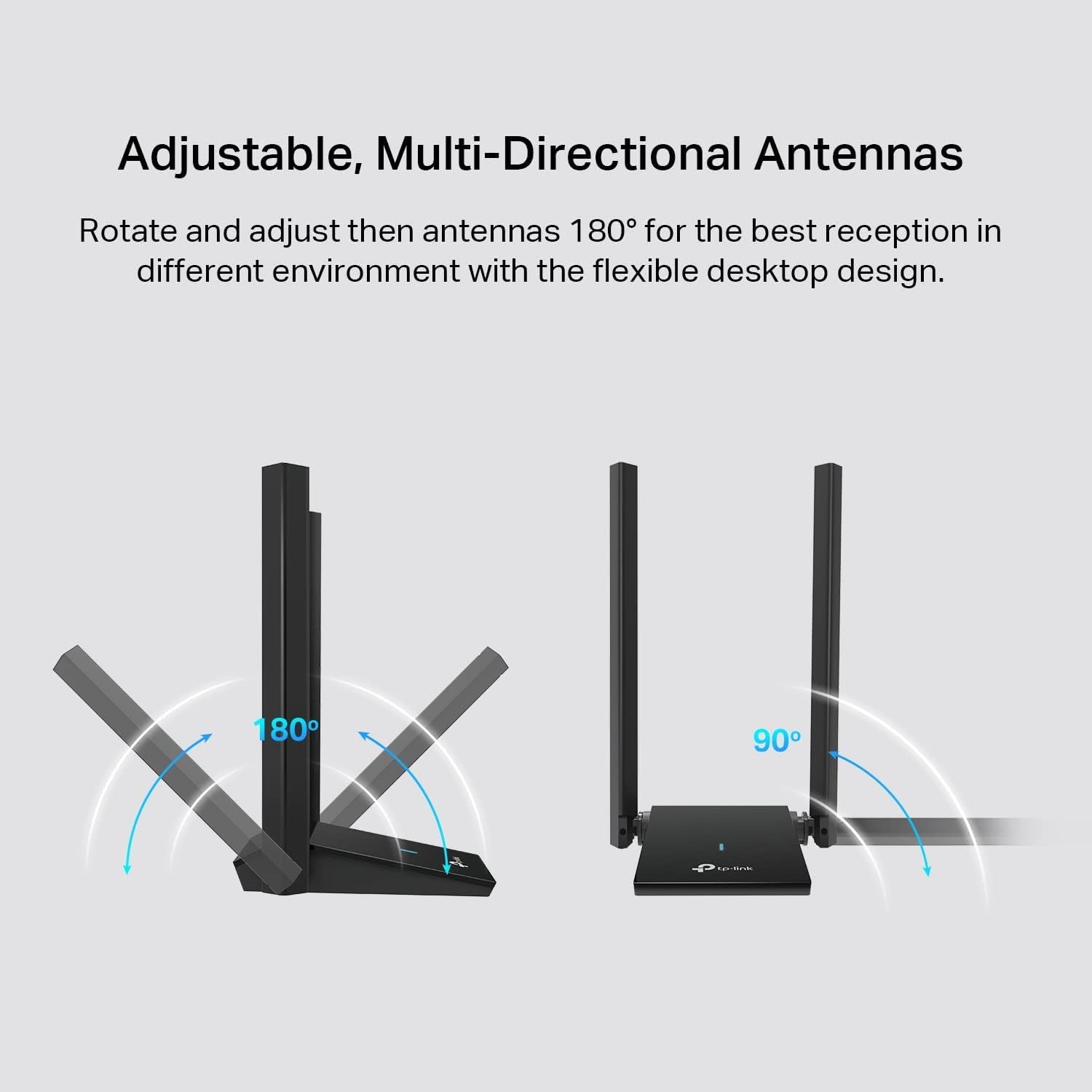
TP-Link Wi-Fi 6 USB adapter TX20U Plus
Product description
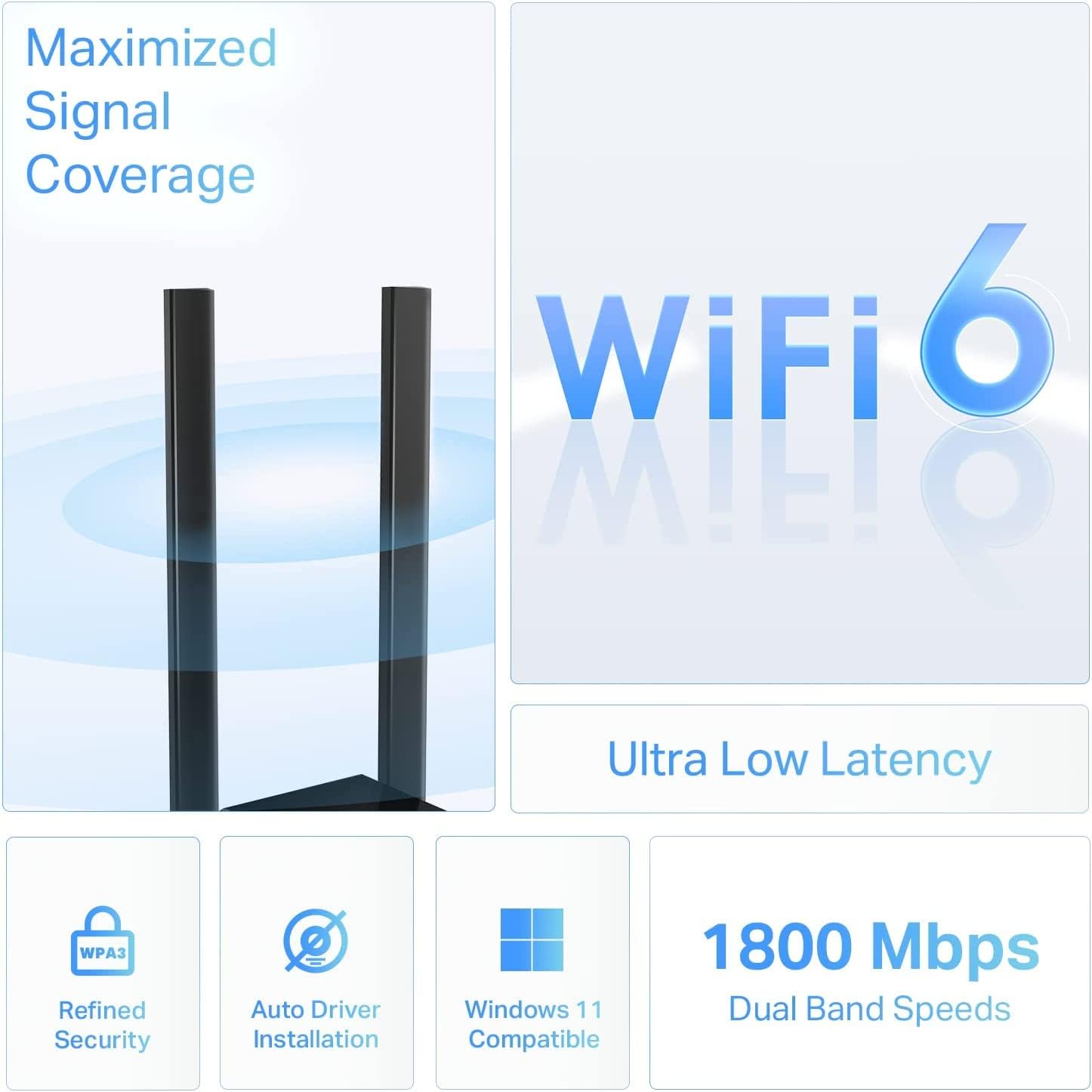
For desktop PC owners who want to add Wi-Fi 6 without replacing the computer, the TP-Link Archer TX20U Plus is a dual-band USB adapter with adjustable, high-gain antennas. It supports 2.4 GHz and 5 GHz networks, plus WPA3 security, and is listed for Windows 11 and Windows 10. Its desktop-style antenna setup gives you more flexibility in positioning than a small adapter that sits directly in a USB port. The trade-off is that connection speed depends on using a USB 3.0 port and on the rest of your network.
Key specifications
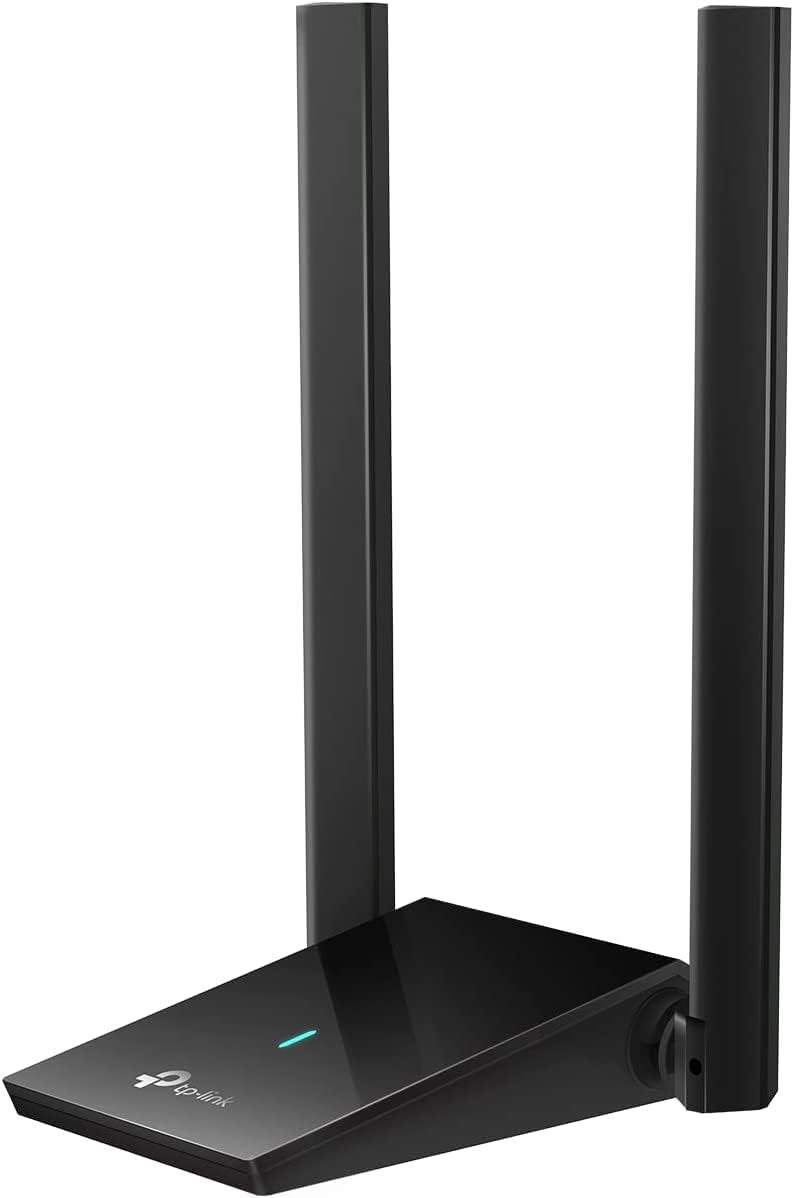
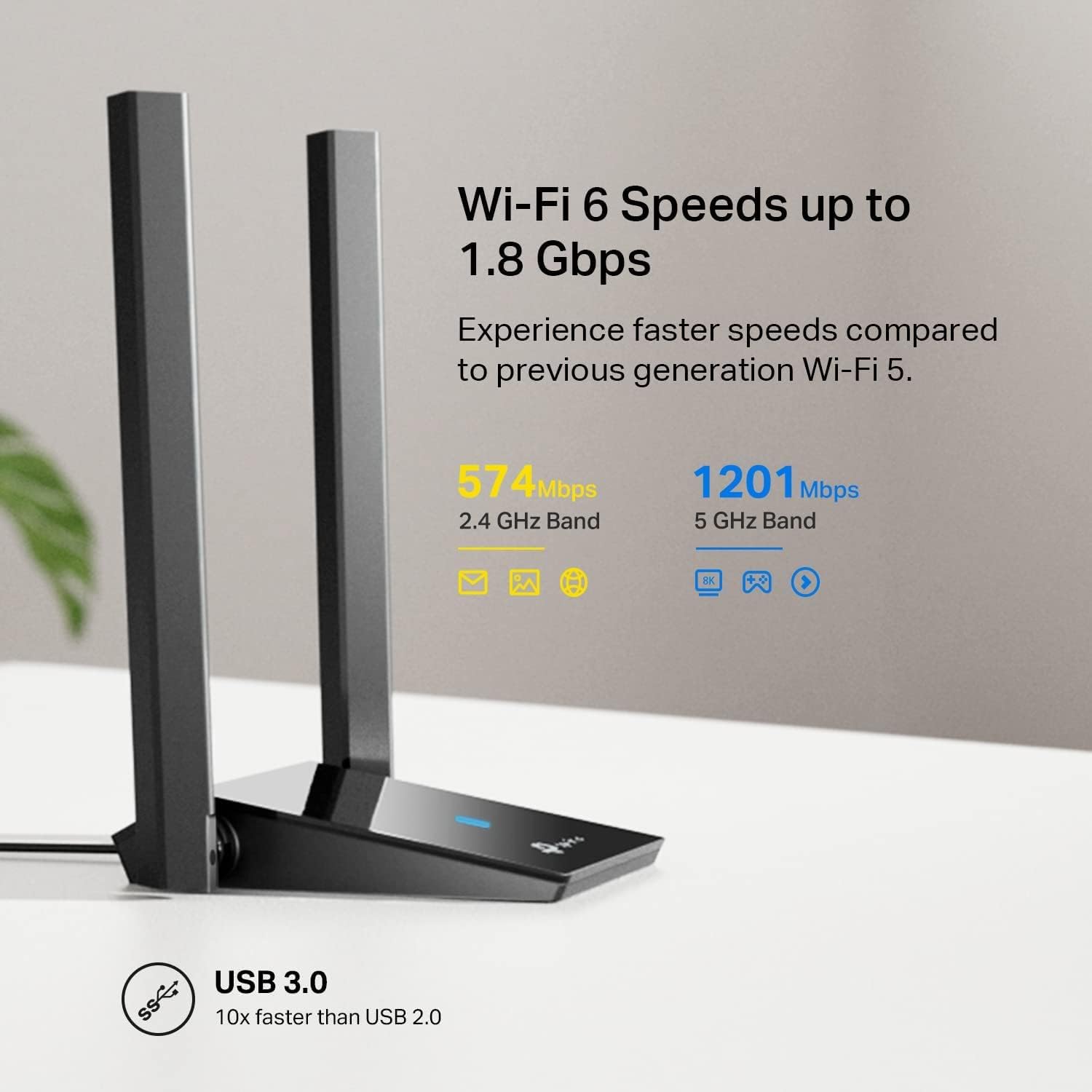
The adapter is rated AX1800, with stated maximum link rates of 1201 Mbps on 5 GHz and 574 Mbps on 2.4 GHz. These are not a promise of real-world download speeds, your router, internet plan, signal conditions and other devices all affect what you get. Dual-band support lets you choose between the two Wi-Fi frequency bands available from your network, while beamforming is designed to direct the signal towards the router.
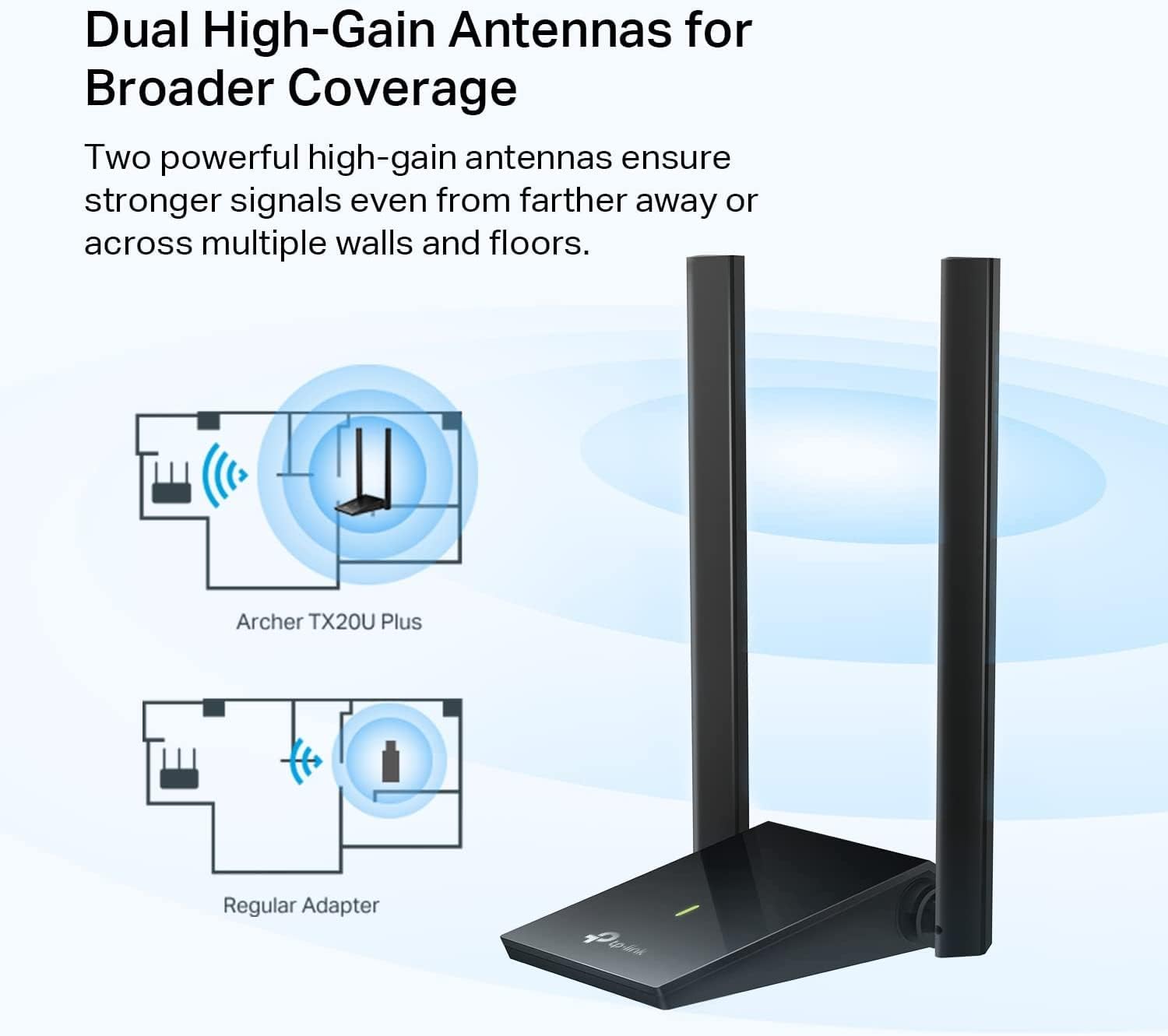
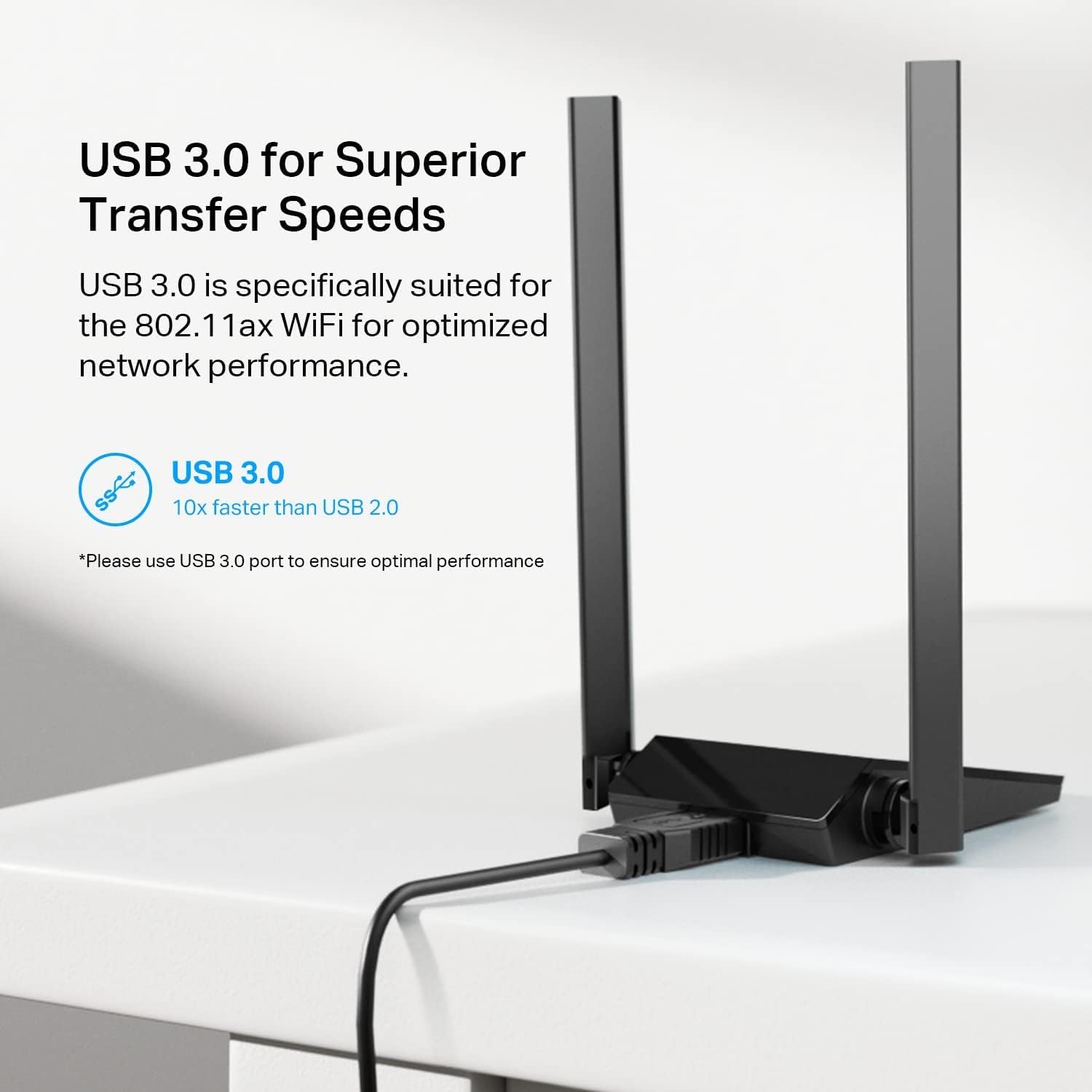
It has two adjustable, multi-directional 5 dBi antennas and supports MU-MIMO and OFDMA, technologies intended to manage traffic when multiple devices are active. The USB 3.0 connection is important to the product’s intended performance: using USB 2.0 can bottleneck speeds. The manufacturer lists support for Windows 11 and Windows 10, WPA3 encryption, a two-year warranty and 24/7 technical support.
Who it’s for
This adapter is aimed at people whose desktop PC needs Wi-Fi access, or whose current wireless connection could benefit from a different adapter and antenna placement. It may interest you if you want dual-band Wi-Fi 6 features and the option to reposition the antennas rather than use a compact, plug-in-only design. For example, you could place the adapter on a desk and angle its antennas towards the room where the router is located, rather than leaving a tiny adapter tucked behind the PC tower.
It may not be the best choice if your computer only has USB 2.0 ports and you expect the listed peak rates, or if you need support for an operating system other than Windows 10 or 11. It also won’t replace the router or improve an internet plan, it is the wireless adapter at the computer end of the connection. A simpler, low-profile adapter may suit someone prioritising minimal desk clutter over adjustable antennas and the stated Wi-Fi 6 feature set.
Everyday use
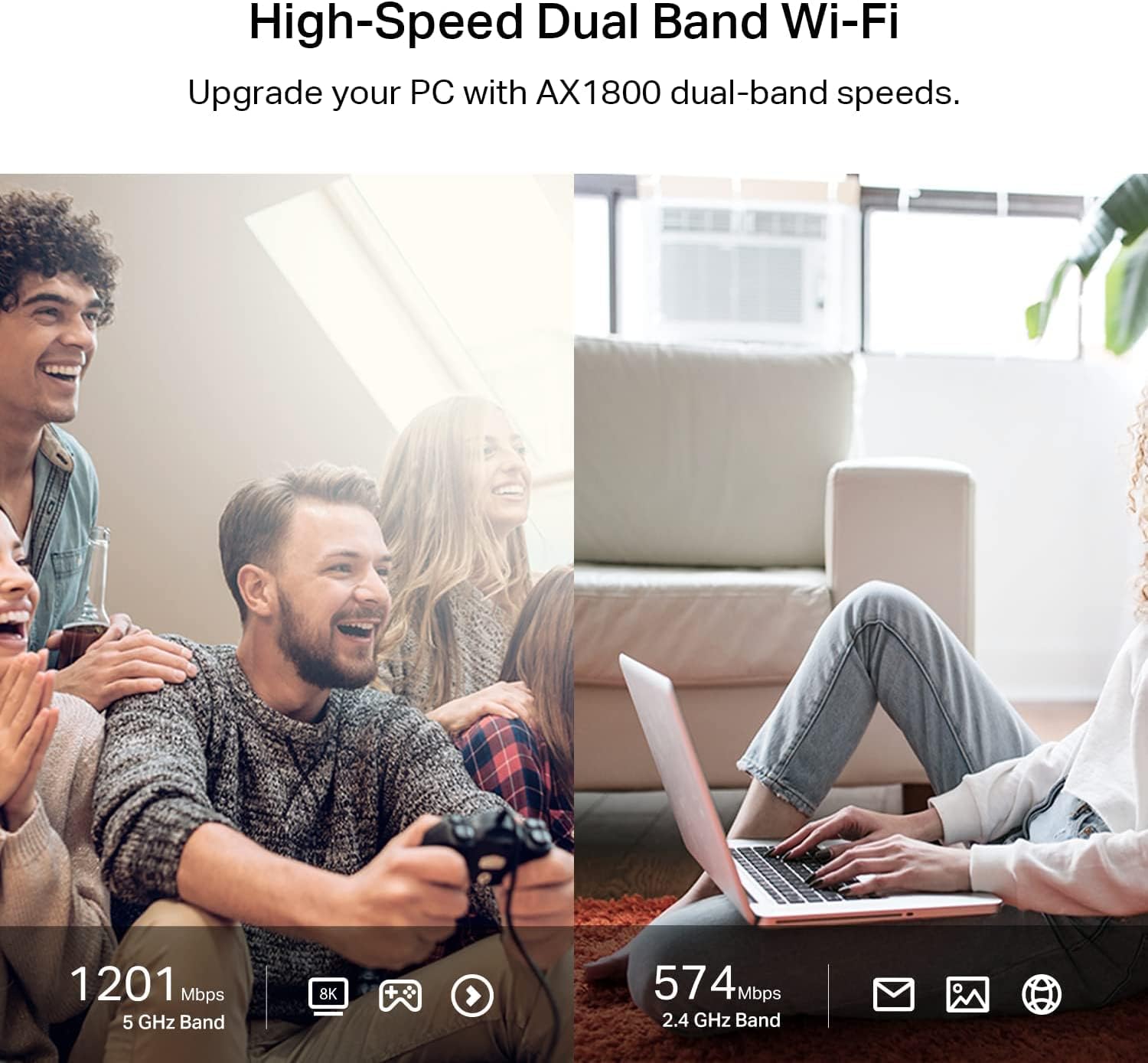
For streaming, online gaming or everyday browsing on a desktop, the TX20U Plus brings the wireless connection to the PC through USB rather than requiring a built-in Wi-Fi card. Its OFDMA and MU-MIMO support is relevant in a home where several devices are sending and receiving data, though it cannot guarantee lower lag or uninterrupted playback. Actual results depend on the router and signal conditions as well as the adapter.
Before choosing it, check that your desktop runs a supported Windows version and has a USB 3.0 port available. The listed AX1800 figure describes combined band rates, not a single connection speed you should expect in every room. Antenna adjustment offers placement flexibility, but it does not remove obstacles or make a distant router’s signal reliably strong by itself.
Three specific questions
Does it support both Wi-Fi bands? Yes. The listing gives separate rates for 2.4 GHz and 5 GHz.
Can I use it with Windows 11? Windows 11 and Windows 10 are the operating systems named in the product information, other versions are not specified.
Can I connect it to USB 2.0? The description warns that USB 2.0 can bottleneck speeds and identifies USB 3.0 as the intended connection for optimal performance.
Final verdict
The Archer TX20U Plus makes most sense when a Windows desktop needs Wi-Fi 6, dual-band support and antennas you can reposition, and a USB 3.0 port is available. Its stated speeds and traffic-management features are useful points of comparison with a basic USB adapter, but they should not be read as guaranteed real-world performance. If your priority is the smallest possible dongle, you have only USB 2.0, or your operating system is not listed, this model’s particular advantages may matter less.