

TP-Link USB Ethernet Adapter USB 3.0
Product description
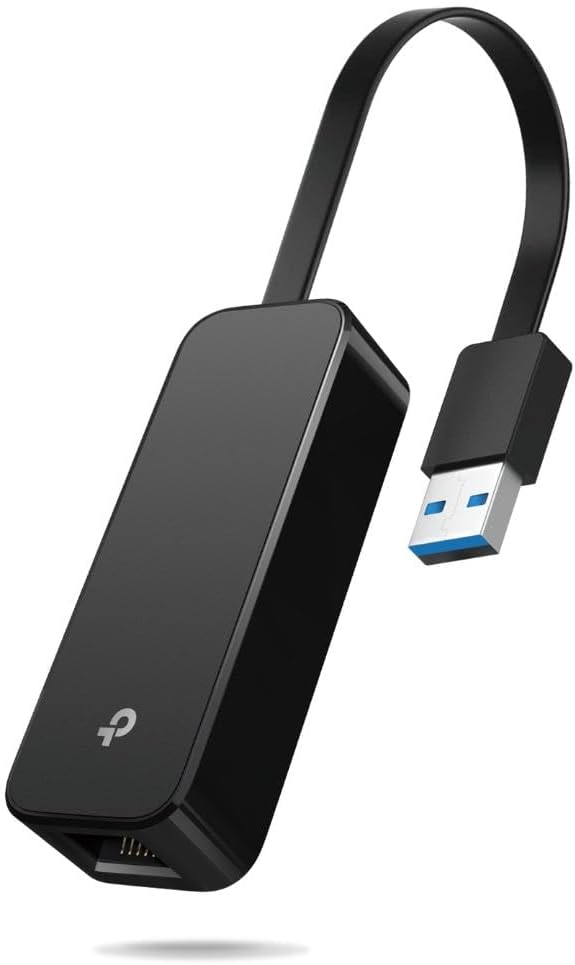
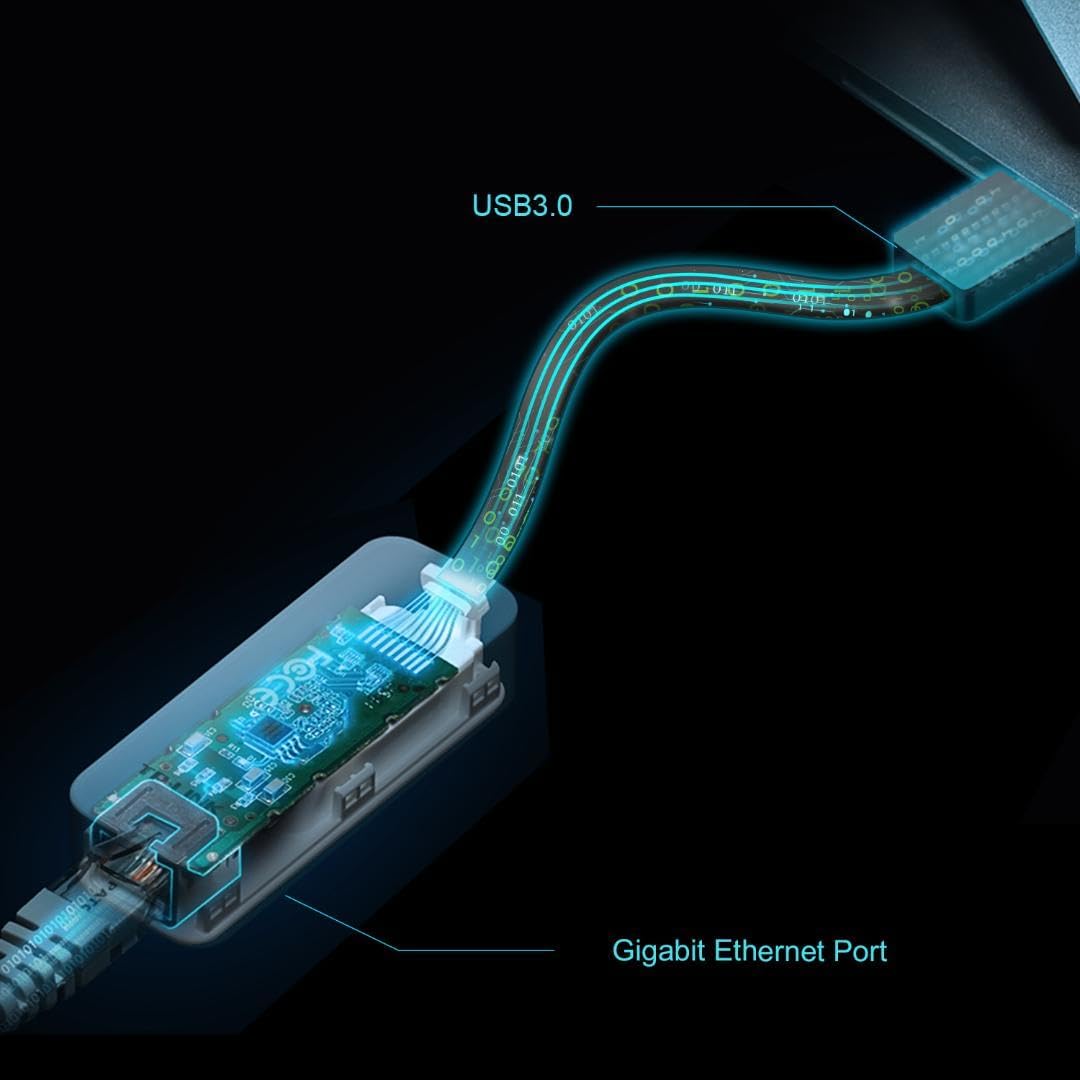
When a wireless connection is unreliable, a wired link can be a more practical way to get a computer or Nintendo Switch dock online. The TP-Link UE306 is a foldable USB-A adapter that adds Gigabit Ethernet through a USB 3.0 port, with a stated connection speed of up to 1,000 Mbps.
It’s a small travel accessory, but it still needs a wired network connection and an Ethernet cable to do its job.
Getting the most from it
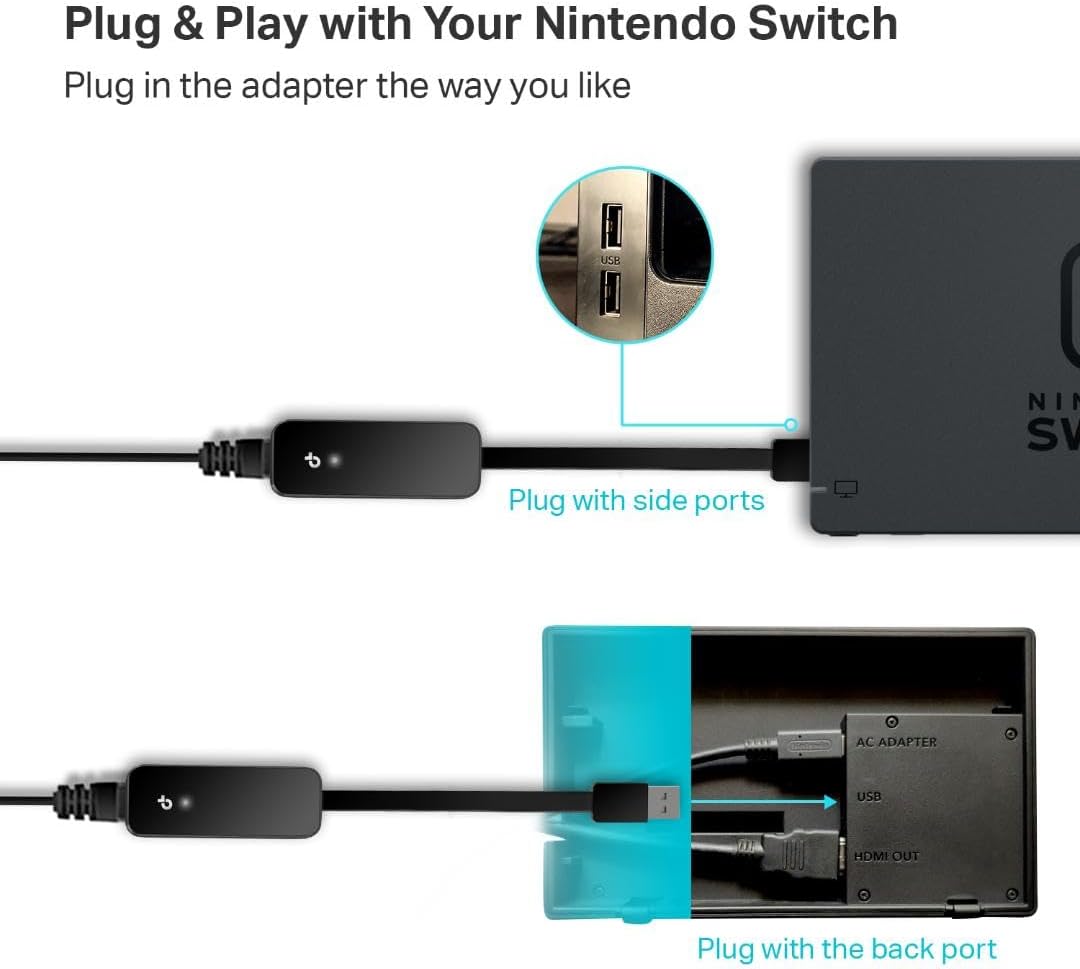
Connect the adapter to a USB 3.0 port, then connect an Ethernet cable to your network. For a Switch, the intended setup is to attach it to the dock, for a laptop or desktop, it provides a wired option when Wi-Fi is inconsistent or unavailable. Picture setting up at a desk before an online game or video call: the adapter gives you a direct connection without needing a built-in Ethernet port.
TP-Link lists plug-and-play support for Nintendo Switch, Windows 11, Windows 10, Windows 8.1, supported macOS versions, ChromeOS and Linux. Older systems may need a driver, so the exact operating system matters. The advertised speed is a maximum, not a promise of the speed you’ll actually get, that also depends on the network connection and equipment it’s connected to.
Why it’s worth it

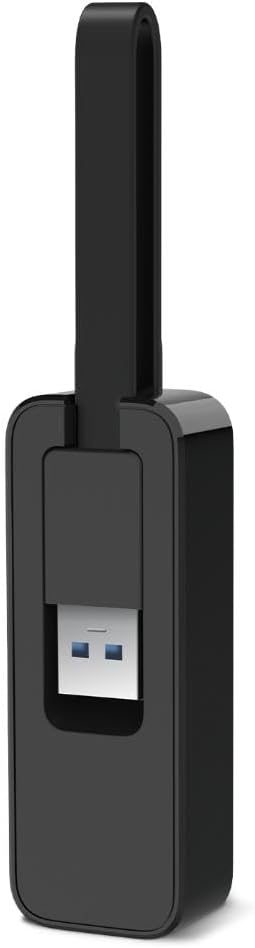
The foldable USB-A design keeps the connector tucked away when the adapter is in a bag or pocket. Its listed dimensions are 71 × 26 × 16.2 mm, which makes it easier to pack alongside a laptop than a bulkier wired-network accessory. It also offers a way to add Ethernet to a computer that doesn’t have an Ethernet port, rather than replacing or changing its wireless setup.
If you prioritize a direct wired connection for a Switch dock or computer, this has a clear use. If you prefer a setup with no extra adapter or cable to carry, built-in Wi-Fi is simpler. It suits you if you regularly use a compatible USB-A device near a wired network connection and want the option of Ethernet when it’s useful.
Worth noting
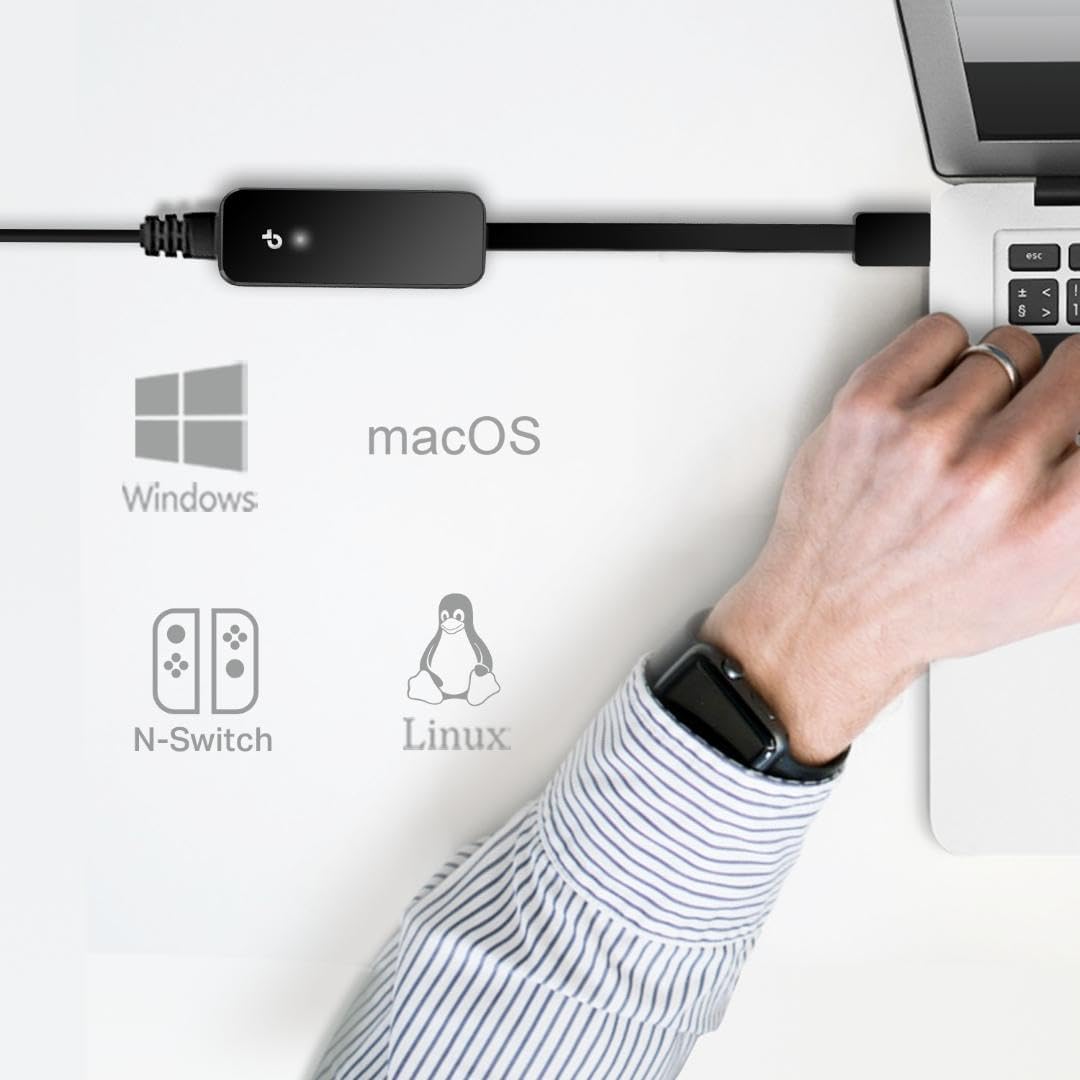
The connection is Gigabit Ethernet, but the adapter won’t make a slower internet plan or network run faster. Its benefits are most relevant when the wired network can take advantage of the connection and Wi-Fi stability is the issue. It’s also a USB-A accessory, so check the ports on your device before choosing it, the product information doesn’t list a different connector option.
Plug-and-play support is not universal across every system version: the listing notes that older systems may require a driver. That’s worth factoring in if you’re setting it up on an older computer. Given its design, it’s best viewed as a compact way to add wired networking, not as a replacement for a router or a fix for a problem elsewhere in the network.
When to choose it
Choose the UE306 if you want a foldable USB-A Ethernet adapter for a compatible computer or a Switch dock, and you have access to an Ethernet cable and wired network. It’s a practical alternative to relying only on Wi-Fi when stability matters for online play, calls or downloads. Best avoided if your device lacks a suitable USB-A port, your operating system needs support that isn’t listed, or you want a cable-free setup. The manufacturer lists a one-year warranty and technical support, but checking device and operating-system compatibility is the more important step before buying.