

TP-Link USB-C Ethernet adapter UE300C
Product description
What matters most
When Wi-Fi is unreliable or you need a wired connection at your desk, the TP-Link UE300C turns a USB-C port into an RJ45 Ethernet connection. It’s a small adapter for a practical job: plugging a compatible laptop or tablet into a network cable.
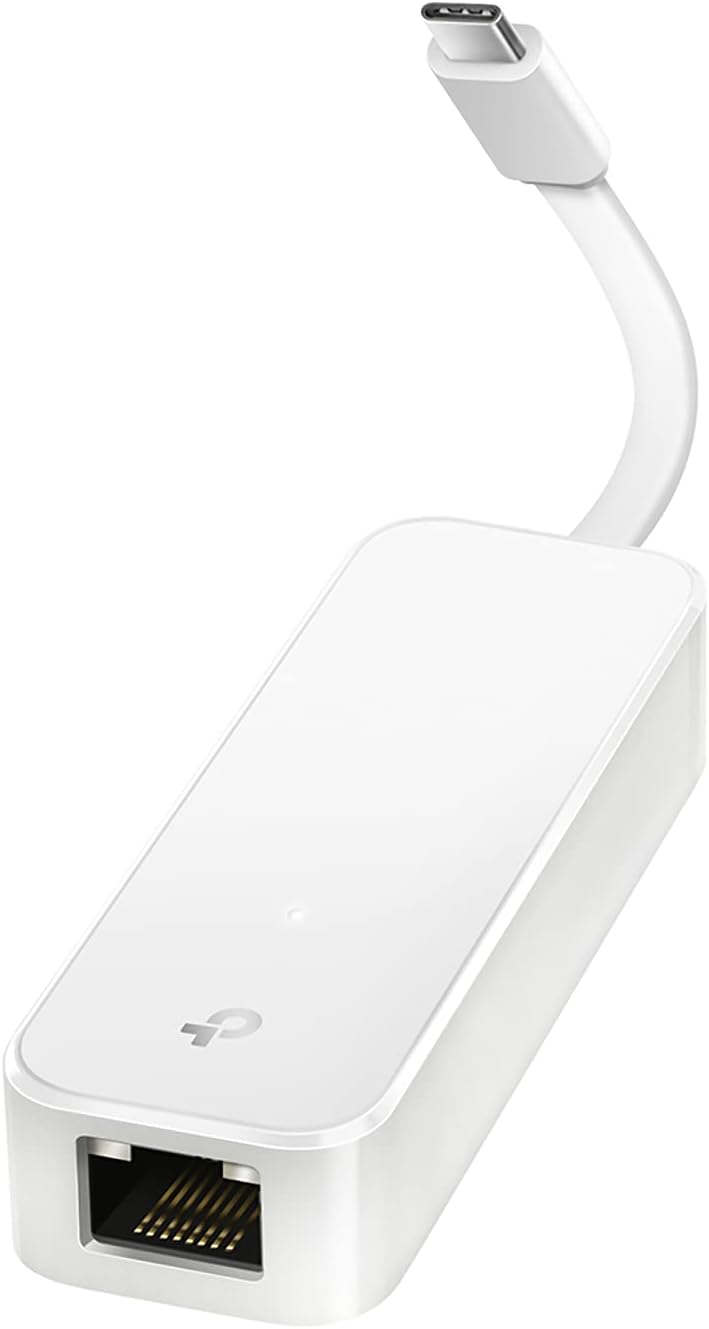
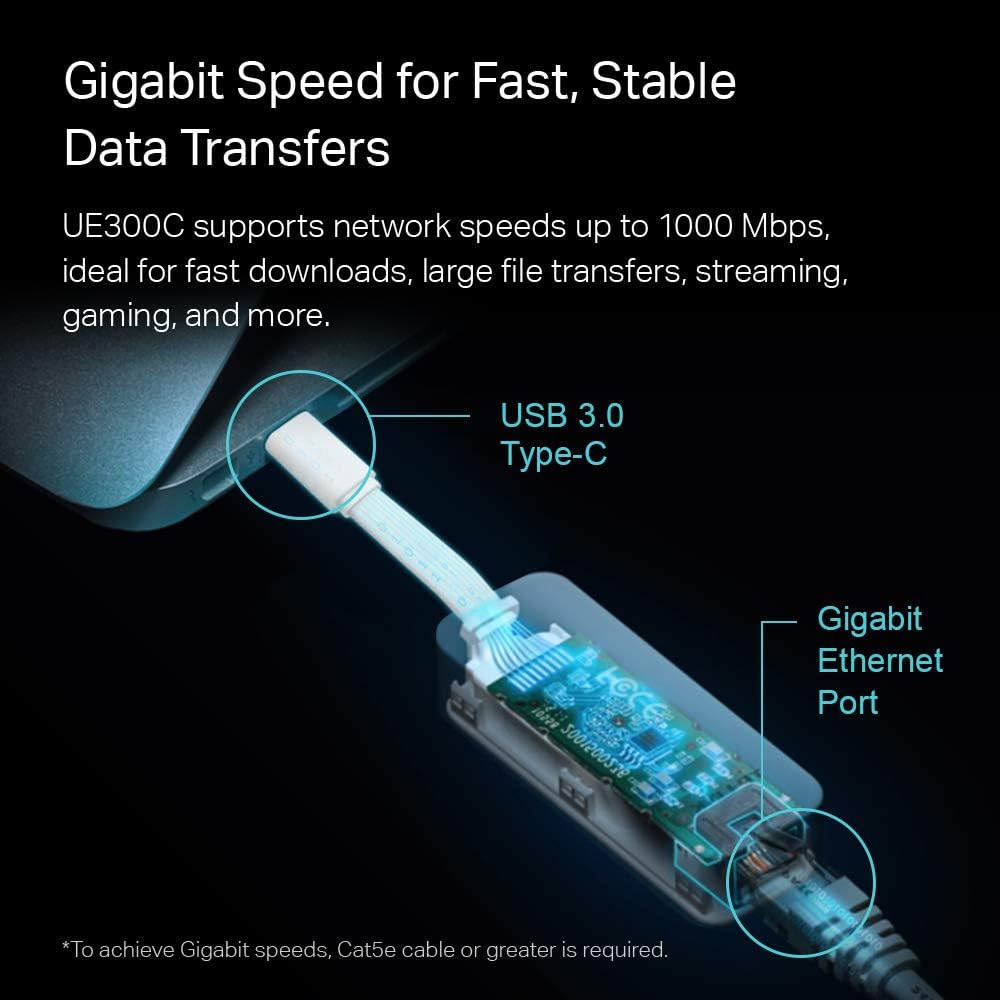
It supports 10/100/1000 Mbps Ethernet through a USB-C 3.0 interface. That can be useful for large file transfers, online gaming or HD streaming, though the actual connection also depends on the network and cable you use.
The foldable design is intended to make it easier to carry in a bag or pocket. It also supports Thunderbolt 3 and 4, and the listed operating systems include Windows 10 and 11, macOS 10.9 and later, Chrome OS and Linux. Keep in mind that reaching 1 Gbps requires a CAT6 or higher Ethernet cable, the adapter alone doesn’t guarantee that speed.
How to use it
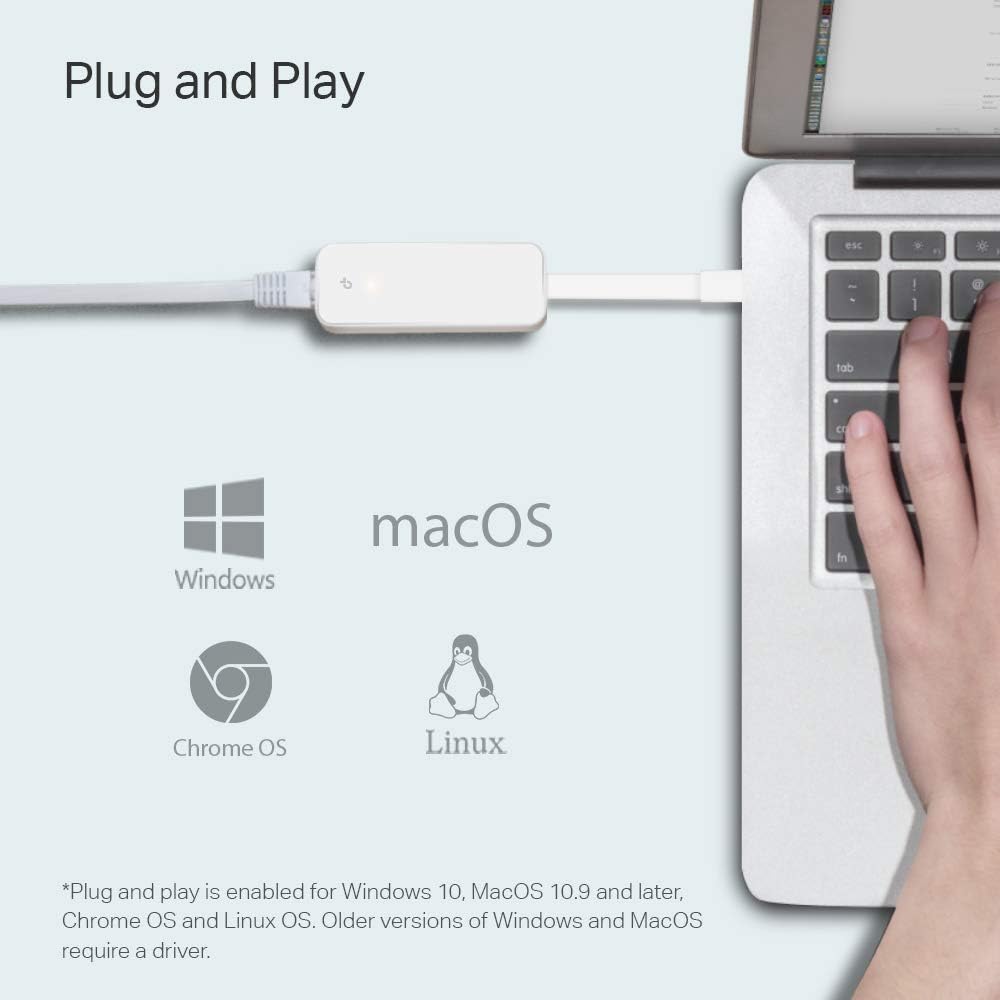
Connect the USB-C end to a compatible device, then connect an Ethernet cable to the RJ45 port. For instance, at a desk with a wired network available, you could use it to replace a weak wireless connection while transferring files or streaming video. The product is described as driver-free on the listed operating systems. Drivers for Windows 7, 8 and 8.1 are available through TP-Link support, so older systems may take an extra step.

It’s a different approach from buying a larger hub: this adapter focuses on Ethernet rather than adding several types of ports. That keeps the setup straightforward, but it won’t serve as a multi-port expansion hub.
Practical tips
Check that your device has a USB-C port and that your network has an Ethernet connection available. If speed is a priority, the cable matters too: the product specifies CAT6 or higher for 1 Gbps. A slower cable or network may limit the connection, even when the adapter is capable of Gigabit Ethernet.
The foldable format suits occasional travel or keeping a wired connection in a laptop bag. TP-Link lists a one-year manufacturer warranty and technical support. Es buena opción si you want a portable way to connect over Ethernet without carrying a larger hub. Puede no ser la mejor opción si you need extra ports or your device doesn’t have USB-C.

Three specific questions
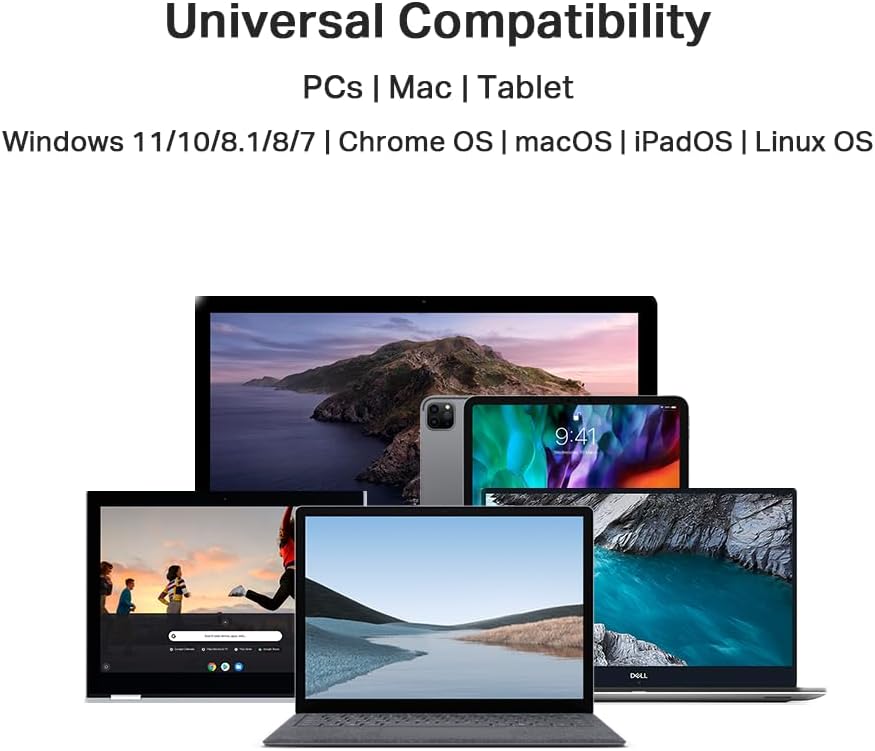
Does it work with a MacBook? The product listing names MacBook Pro models from 2017–2023 and MacBook Air, as well as other devices. Check your specific device’s port and operating system before choosing.
What cable is needed for 1 Gbps? The listing specifies a CAT6 or higher Ethernet cable. The network connection must also support the speed you want.
Do you need to install a driver? Driver-free use is listed for Windows 10 and 11, macOS 10.9 and later, Chrome OS and Linux. Drivers for Windows 7, 8 and 8.1 are available from TP-Link support.
In your case
Choose the UE300C if a compact USB-C-to-Ethernet adapter matches your setup and a wired connection would be useful at home, at work or while travelling. The key trade-off is focus: it adds Ethernet, not a collection of ports. If you mainly need network access and already have a suitable cable, that simplicity may be enough, if you need more connections from one USB-C port, look at a hub instead.