

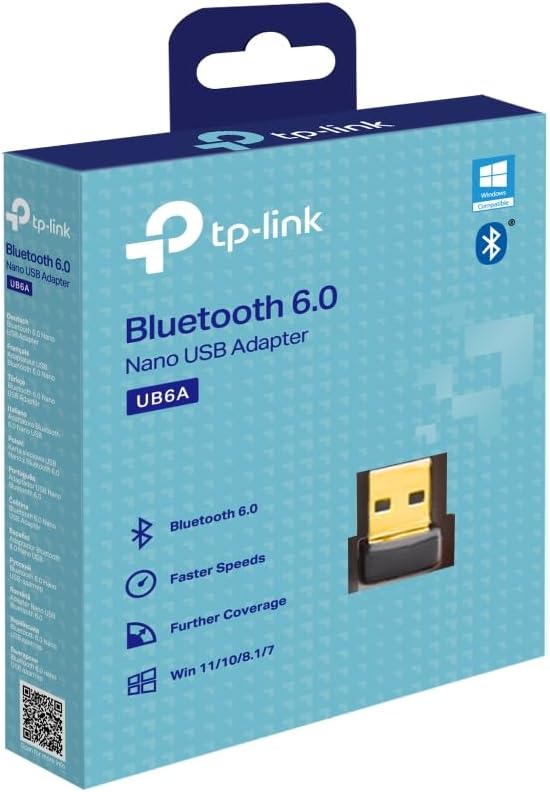
TP-Link Bluetooth USB Adapter, Bluetooth 6.0
Product description
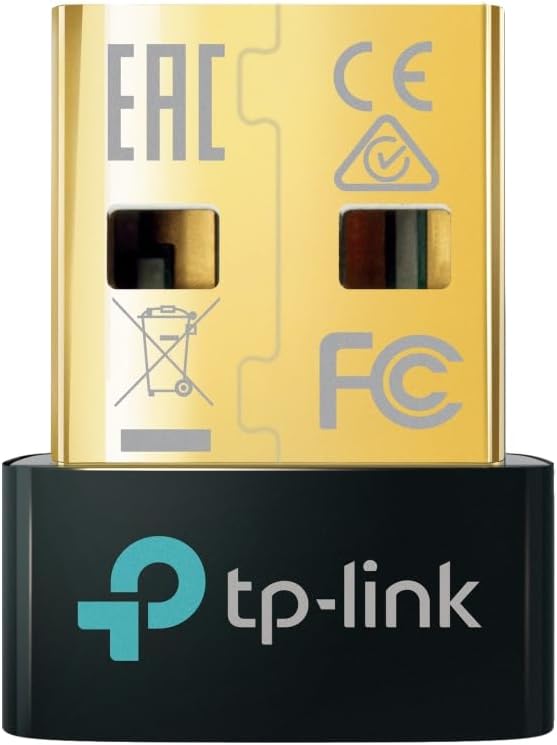
A desktop PC without Bluetooth can leave headphones, a keyboard or a controller tied to cables. The TP-Link UB6A is a nano USB adapter that adds Bluetooth 6.0 connectivity, letting you pair compatible accessories with a Windows computer instead of replacing the whole machine.
Its small form is intended to stay in a USB port, whether the PC is at home, at work or travelling.
Where it shines
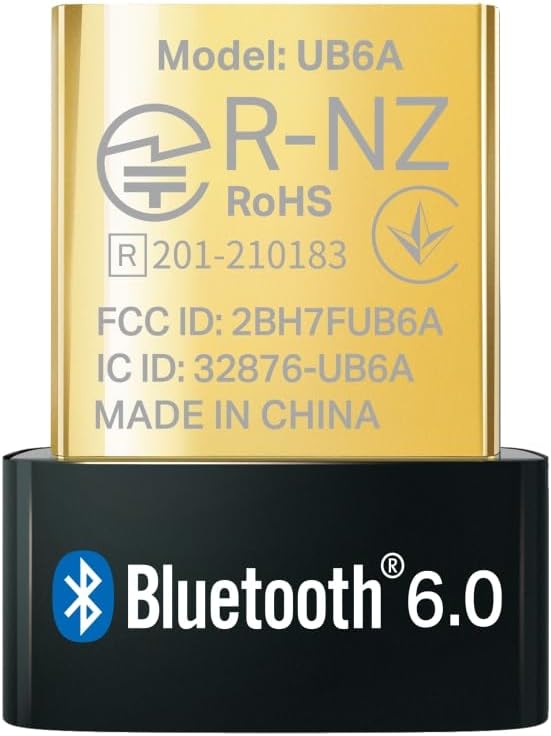
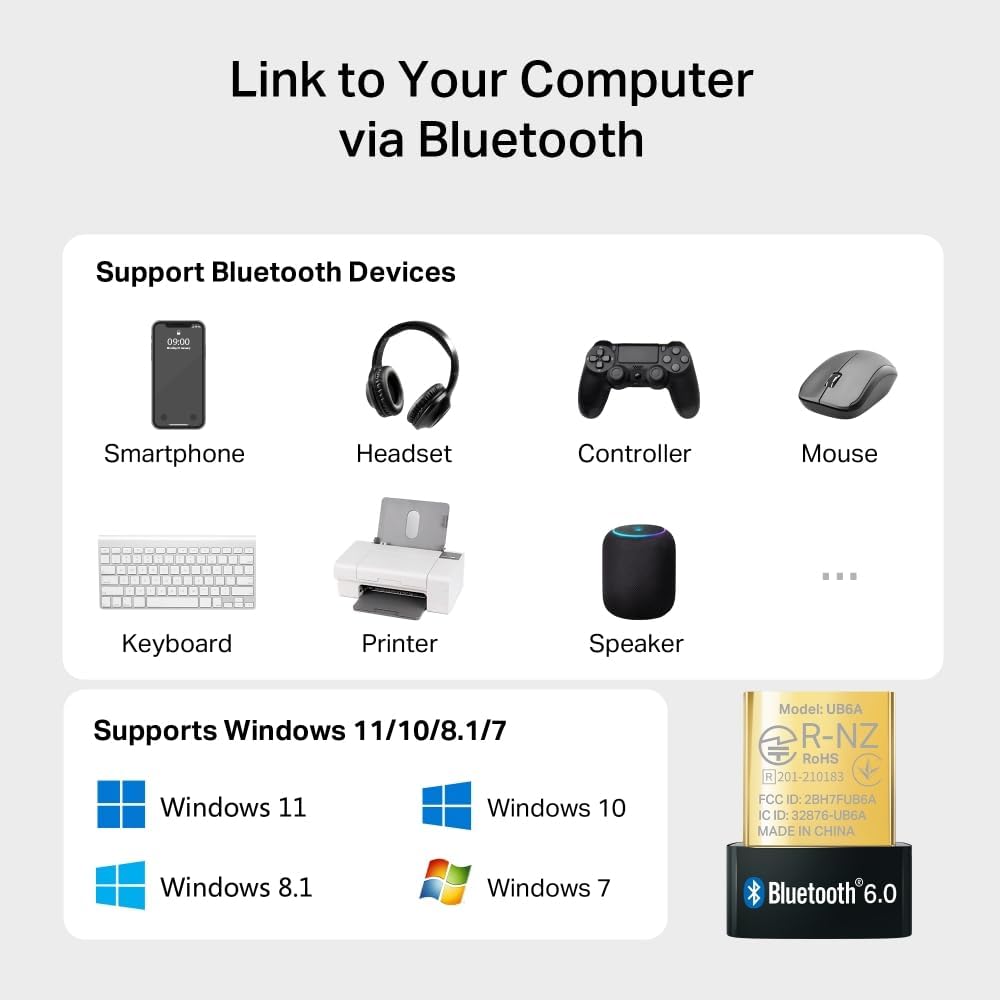
The appeal is straightforward: one adapter can connect a PC to Bluetooth headphones, speakers, keyboards, mice, game controllers and phones. TP-Link says it supports up to seven devices at the same time, which could be handy at a desk where you use a wireless keyboard and mouse, then switch to headphones for a call or a controller for a game. The listing also describes file, music and video transfers between Bluetooth devices and the PC.
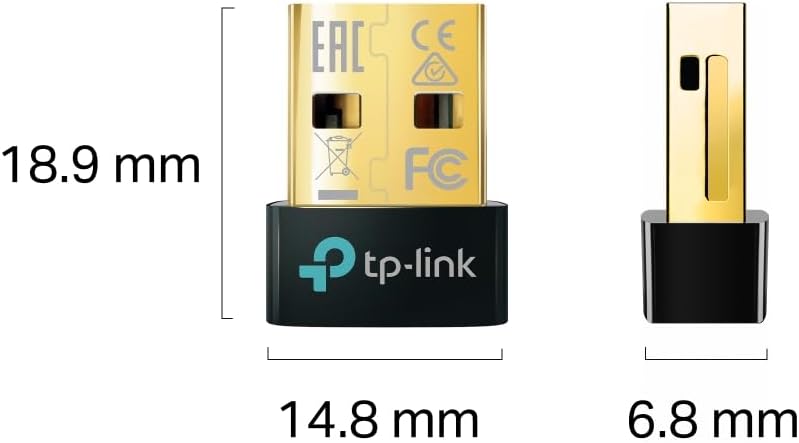
If you prioritize adding wireless connections to a computer that lacks them, this is a simple route, if you prefer fewer accessories plugged into a PC that already has working Bluetooth, an extra adapter may not add much. The nano dimensions—0.58 × 0.27 × 0.74 in (14.8 × 6.8 × 18.9 mm)—are intended to make it less obtrusive than a larger USB adapter.
What matters most
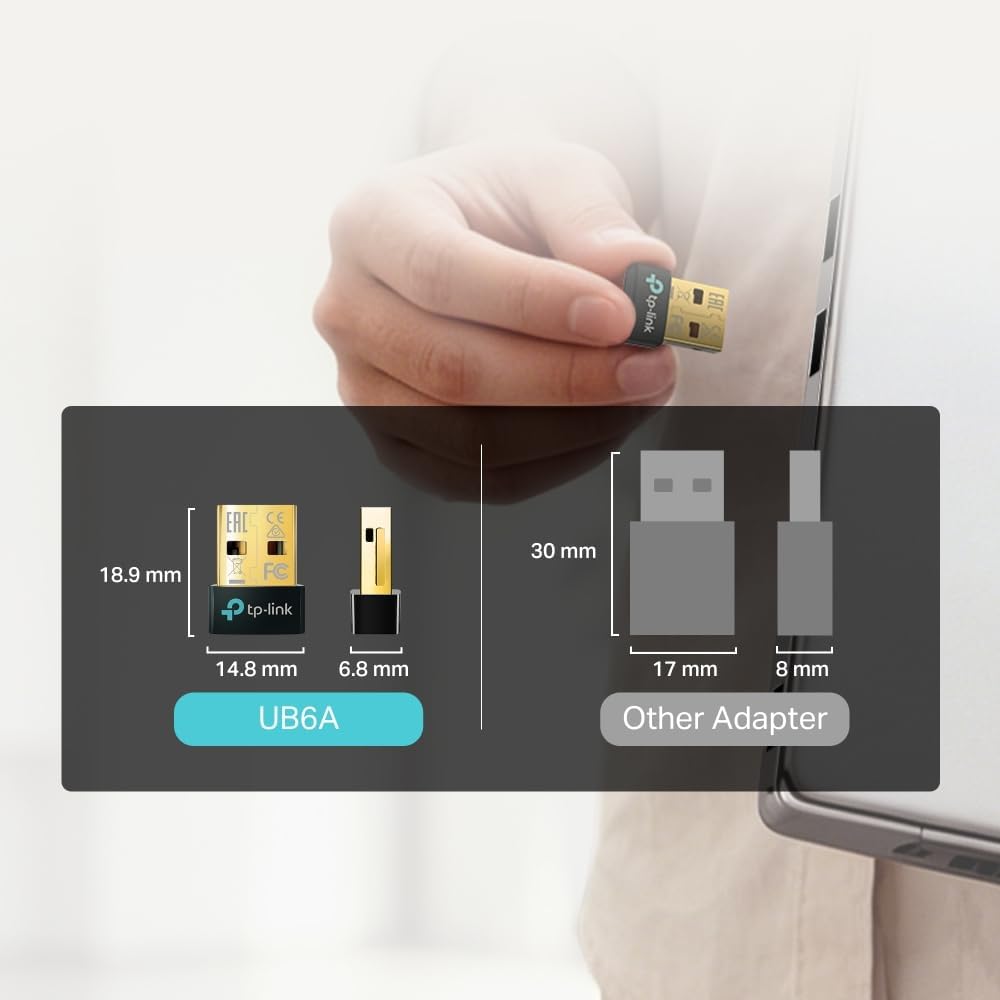
Bluetooth 6.0 is the defining feature, with TP-Link presenting it as a way to improve connection reliability and security compared with the previous Bluetooth generation. The company also claims longer wireless range and transmission speeds up to 2× faster, based on its laboratory testing, actual performance may vary. No specific range or transfer rate is provided, so those claims are best treated as benefits to consider rather than a guarantee of how it will perform in a particular room or setup.
The stated operating-system support covers Windows 11, Windows 10, Windows 8.1 and Windows 7. Windows 7 requires a driver installation from TP-Link’s support page. That extra step is a practical drawback if you want a plug-in-and-go setup on an older PC. Before buying, make sure your computer runs one of the listed versions and that the accessories you want to use can pair with it.
Best use cases
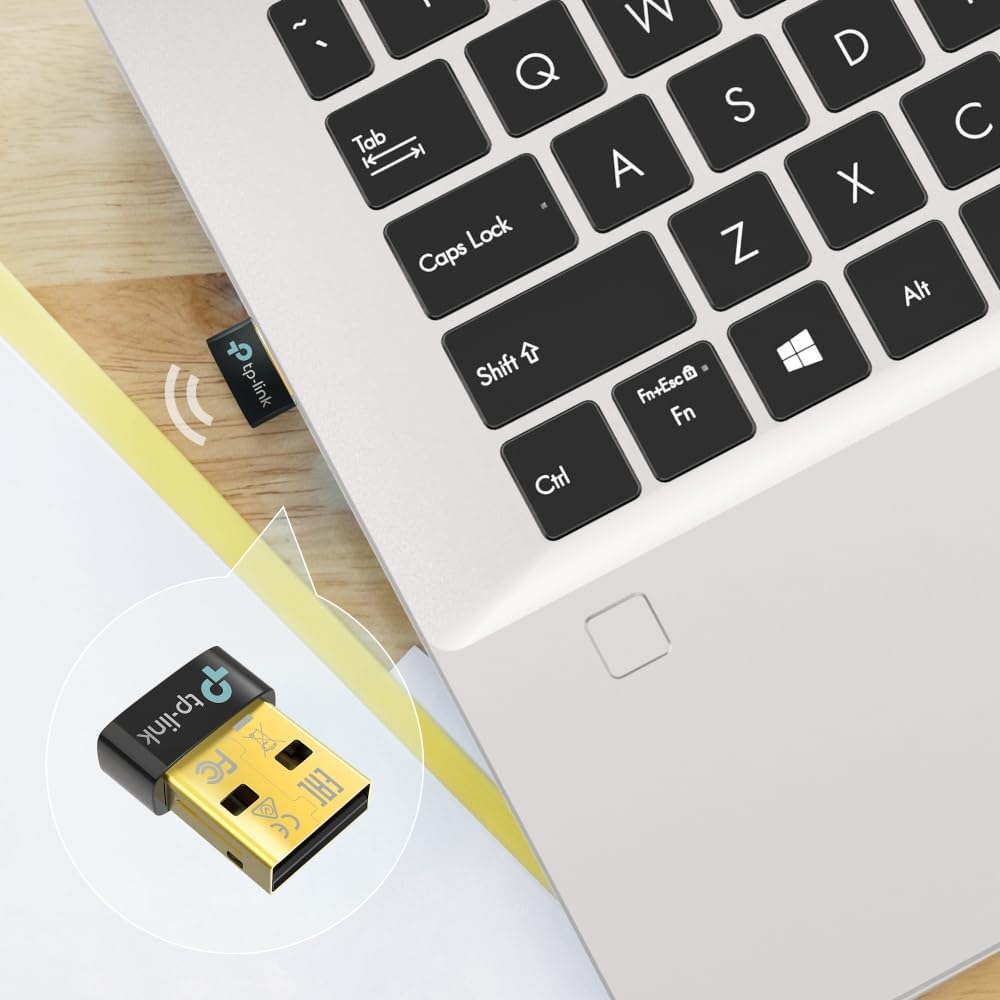
This suits a non-Bluetooth desktop or laptop that needs a compact way to connect several wireless peripherals. For example, you could leave the adapter in a desktop’s USB port, pair a keyboard and mouse for everyday work, then connect headphones when you want to listen without disturbing others. It makes sense if your goal is to add Bluetooth without changing computers.
A more demanding setup may call for checking the details first: the listing gives no measured range, and its speed claim is not a guaranteed result for every device or environment. If you need a stated distance or a specific transfer rate, this product information does not provide one. It’s not worth it if your PC already handles your Bluetooth accessories reliably or you need performance figures before choosing.
Final thoughts
The UB6A is a compact fix for a clear problem: a Windows PC that has no Bluetooth but still has a USB port available. Its support for up to seven connected devices and its small size make it more useful for a multi-accessory desk than a basic adapter intended for one occasional connection. The trade-off is that range and transfer performance are not quantified, and Windows 7 needs a driver. Choose it for straightforward Bluetooth access on a listed Windows version, look elsewhere if you need guaranteed range or a specified transfer speed.