

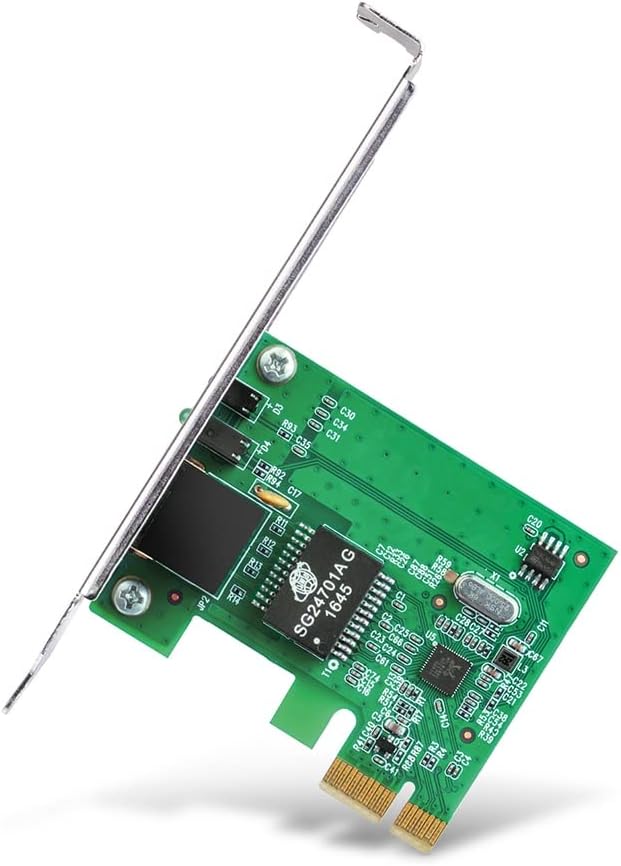
TP-Link PCIe network card TX201
Product description
For desktop PC owners looking to add wired 2.5 Gigabit Ethernet, the TP-Link TX201 is a PCIe network card with an RJ45 port. It supports connections at 2.5 Gbps, 1 Gbps and 100 Mbps, negotiating between those rates to work with different network equipment.
If you prioritise a faster wired link for large local file transfers, this suits that job, if you prefer a wireless upgrade, this is the wrong format. The card needs a compatible PCIe slot, and its top connection speed is useful only when the rest of your network supports it.
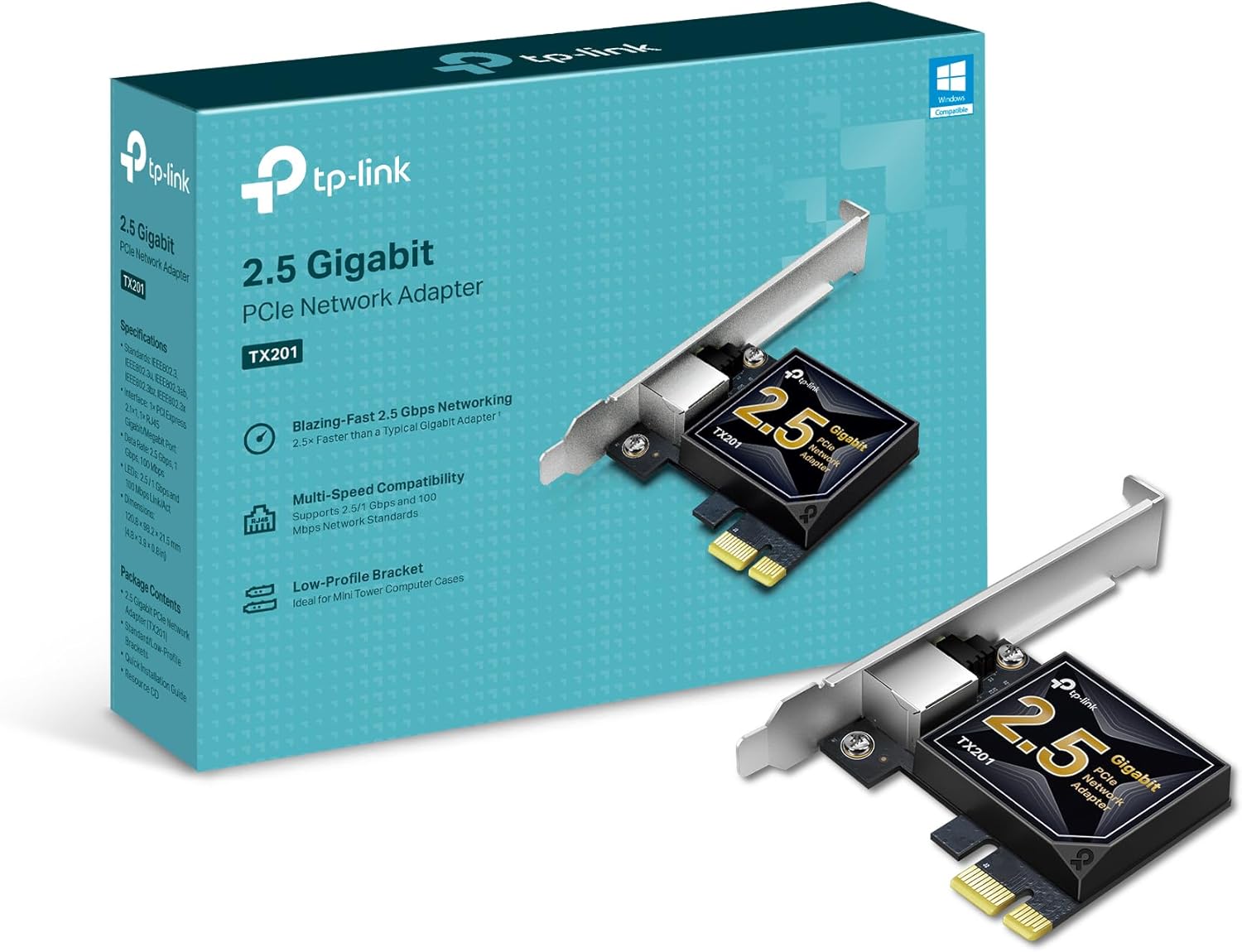
Where it shines

The TX201 is aimed at PCs whose built-in Ethernet is slower or unavailable, particularly when they connect to a network storage device or move large files between wired computers. For example, if you regularly copy project folders from a desktop to network storage, a 2.5 Gbps link may offer more headroom than a typical Gigabit adapter—provided the other network devices support the faster rate too. It can also serve as a wired connection for high-speed internet, though the card alone cannot make an internet plan faster.
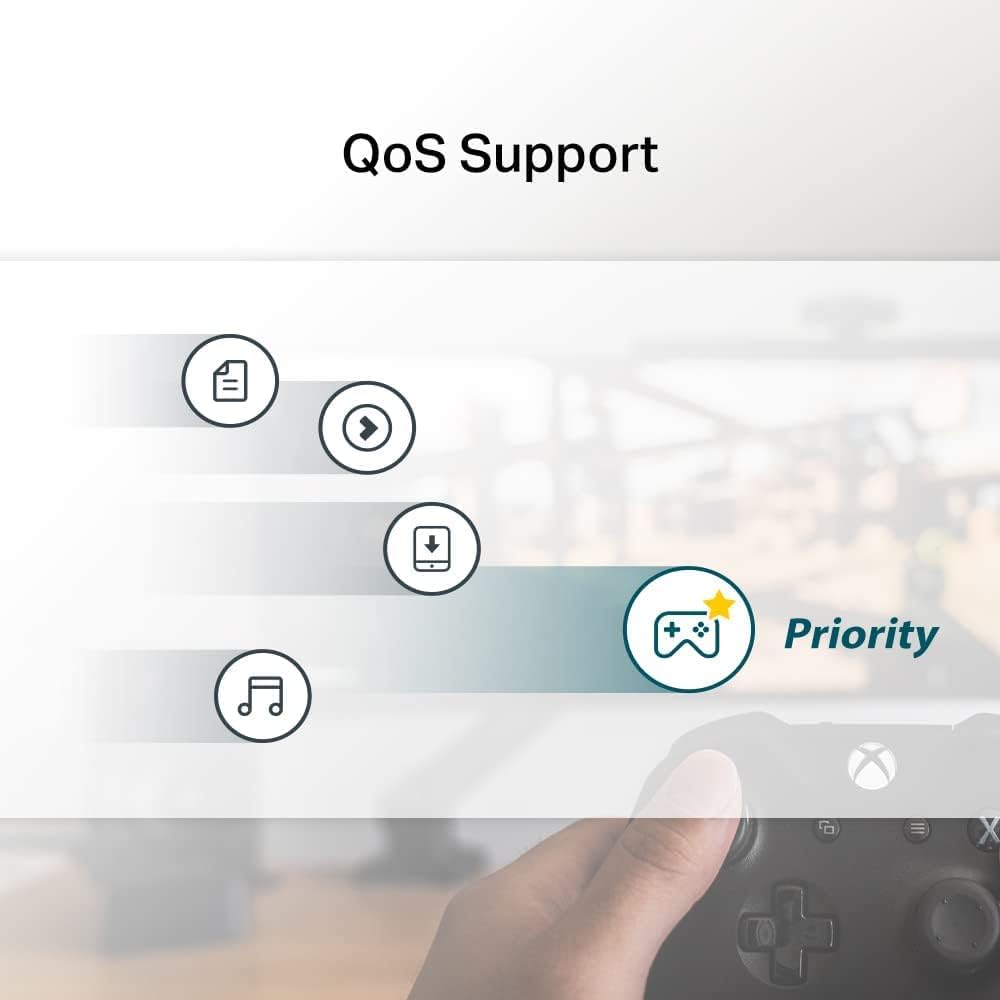
Te conviene si your computer has a suitable PCIe slot and you want a wired network upgrade, rather than replacing or adding Wi-Fi. Wake-on-LAN support is another practical extra for remotely waking a connected computer. The manufacturer also lists QoS bandwidth prioritisation for gaming and other demanding applications, that feature is not a substitute for having enough network capacity in the first place.
Highlights
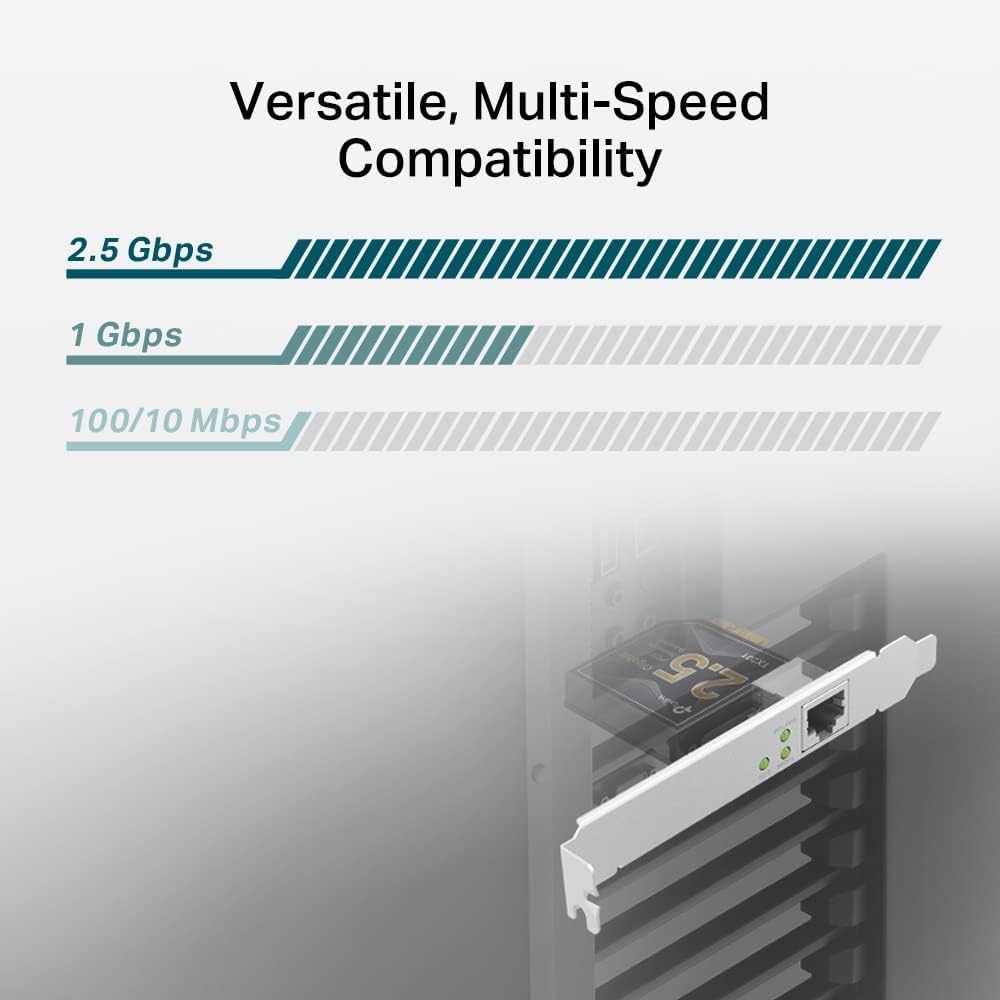
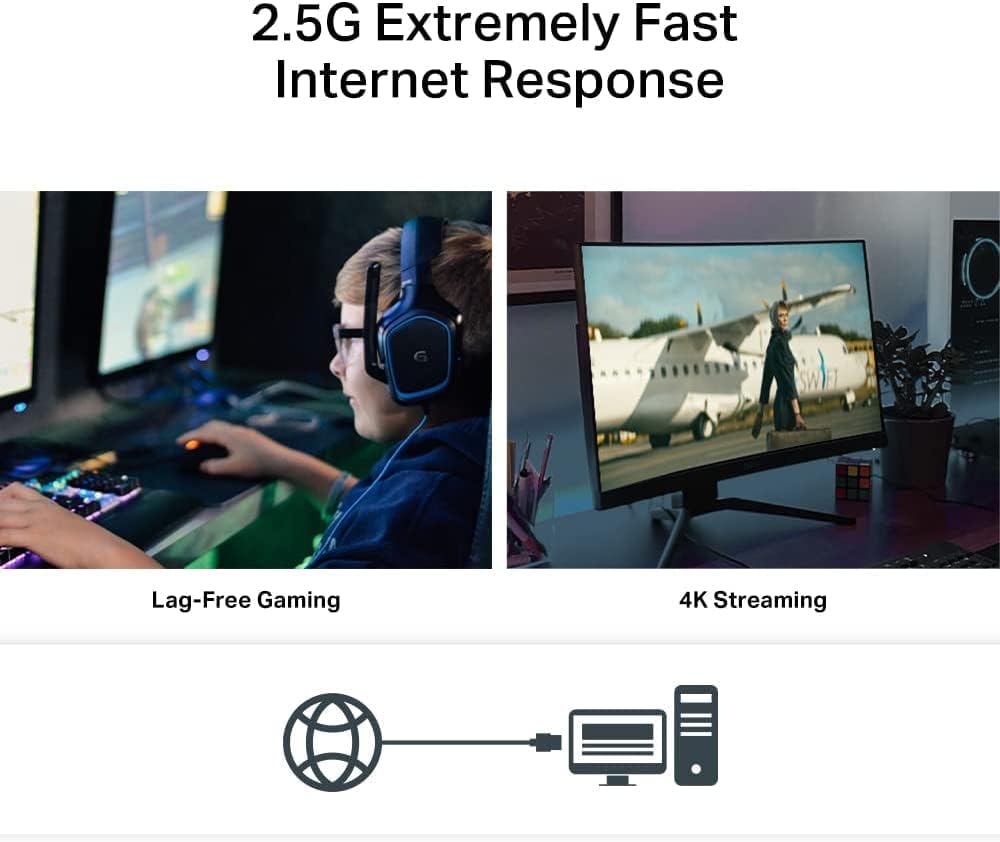
The port supports 2.5 Gbps, 1 Gbps and 100 Mbps Base-T, so it can connect at lower rates when the network does not offer 2.5 Gbps. The included standard-height and low-profile brackets give it more flexibility across full-sized towers and compact cases. Listed operating system support covers Windows 11, 10, 8.1, 8 and 7, Windows Server 2022, 2019 and 2016, and Linux.
According to the manufacturer, the card comes with a two-year warranty and 24/7 technical support. One point to weigh up: this is a wired-network component, not a general-purpose speed fix. If the router, switch, cabling or other end of the connection limits the link, installing the TX201 by itself will not deliver 2.5 Gbps end to end.
Best use cases
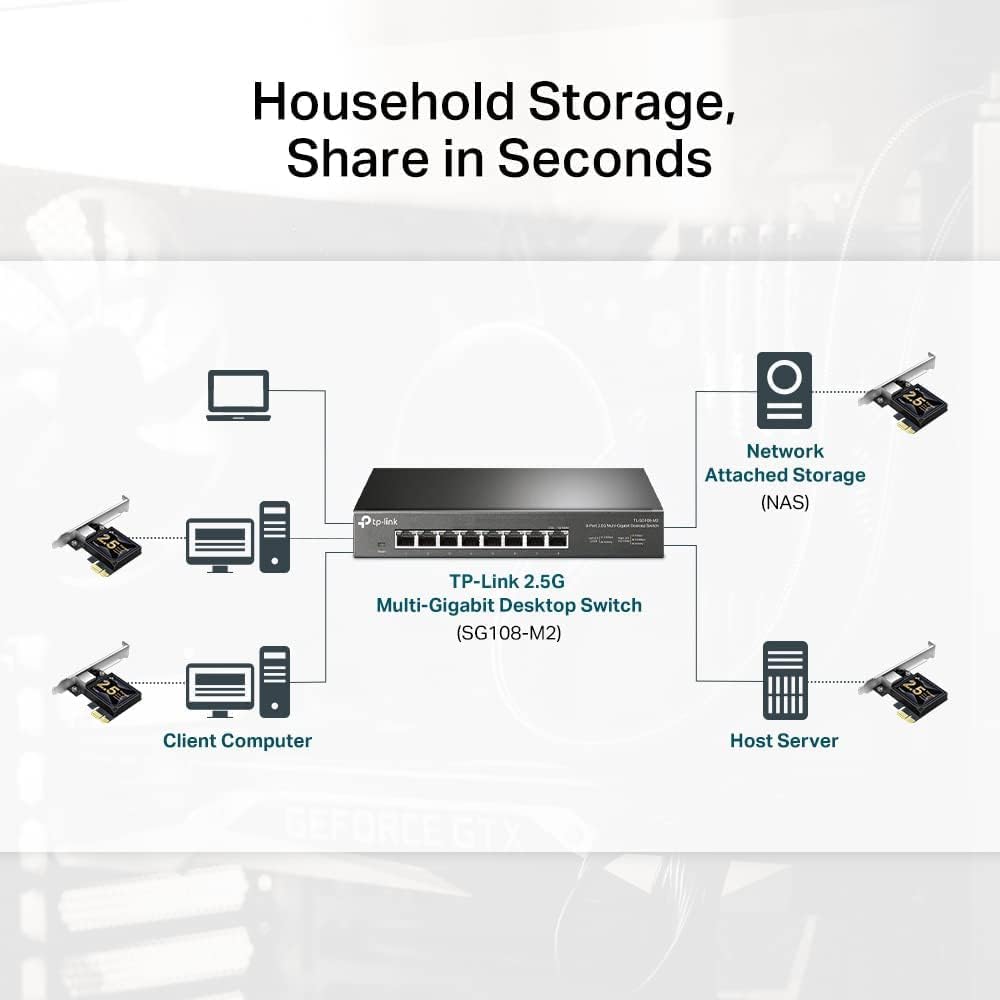
This card makes most sense for a desktop that already has a free PCIe slot and needs a faster Ethernet connection for local transfers, a compatible network or wired internet access. The low-profile bracket is useful when a standard-height bracket will not suit the case, while the standard bracket covers conventional tower builds. Check your computer’s available slot and case clearance before choosing any PCIe card, the product details do not specify card dimensions.
No es para ti si you need a wireless adapter, have no suitable PCIe slot, or expect the card alone to upgrade every part of your network. A basic Gigabit adapter may be enough where the connected equipment only supports Gigabit speeds.
Para cerrar
Choose the TX201 when you have a clear reason to move beyond Gigabit Ethernet and the rest of your wired setup can make use of a 2.5 Gbps connection. Its multiple link rates, OS support and bracket options make it a flexible desktop upgrade. If your network is limited to 1 Gbps, or you need Wi-Fi rather than a PCIe Ethernet card, the extra capability is unlikely to be useful.