

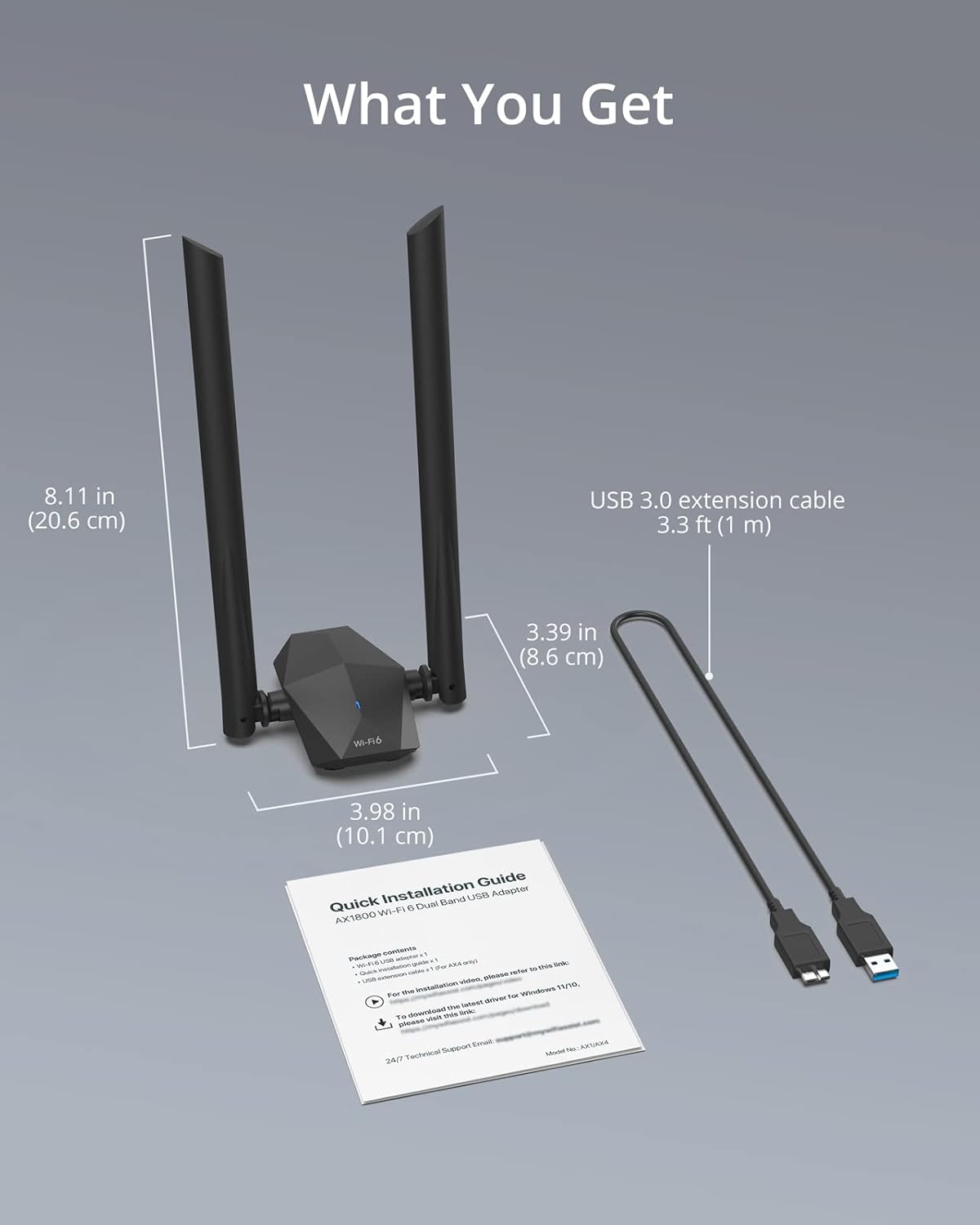
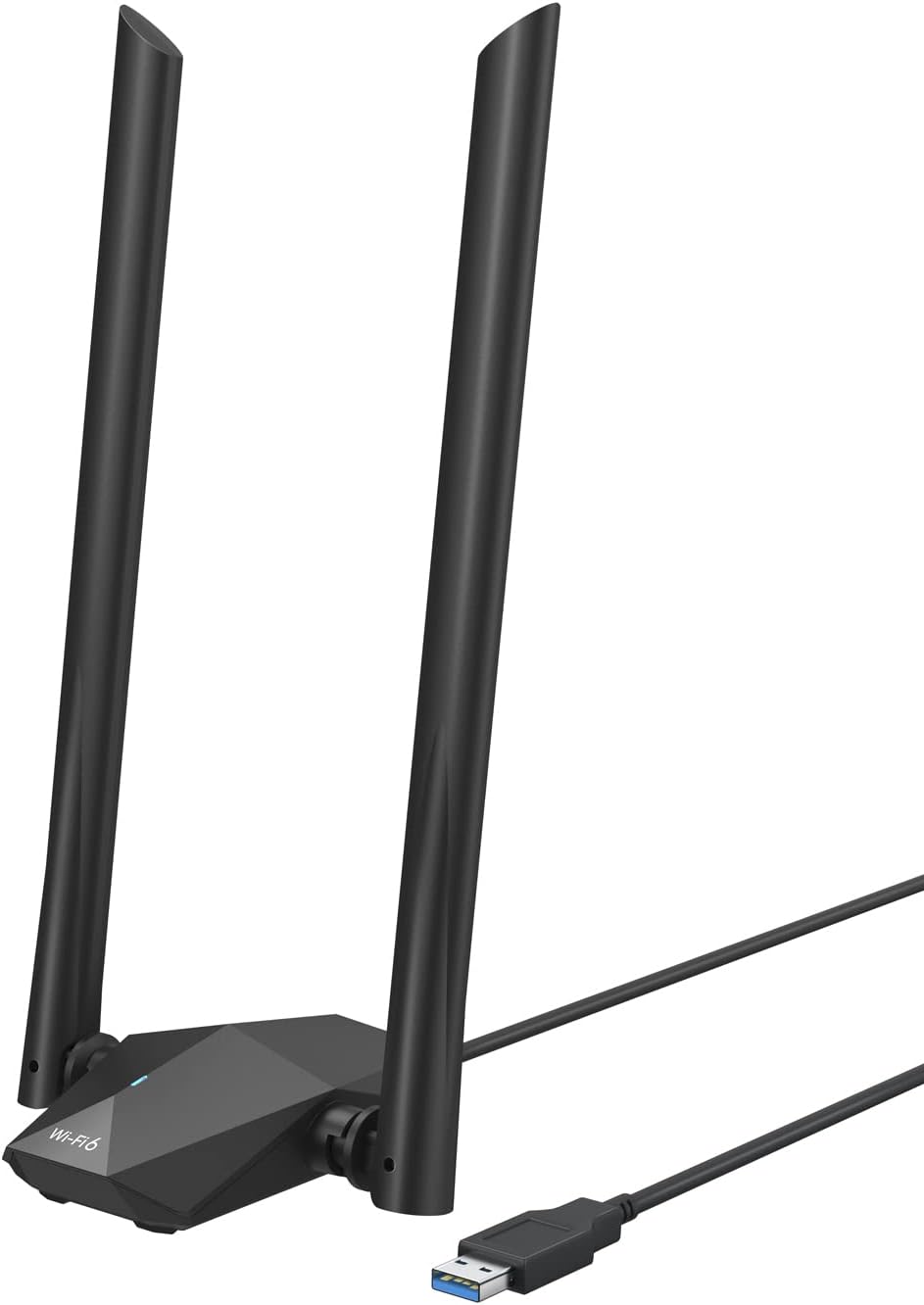
BrosTrend Wi-Fi 6 USB adapter, 1800 Mbps
Product description
What matters most
When a desktop or laptop gets a weak wireless signal, a USB adapter with external antennas can offer a different approach from relying on the computer’s built-in Wi-Fi. This BrosTrend model adds Wi-Fi 6 and dual-band connectivity through USB.
Its listed speeds are 1201 Mbps on 5 GHz and 574 Mbps on 2.4 GHz. Those are band-specific figures, not a promise of the speed you’ll see in everyday use, your router, internet plan and signal conditions also matter.
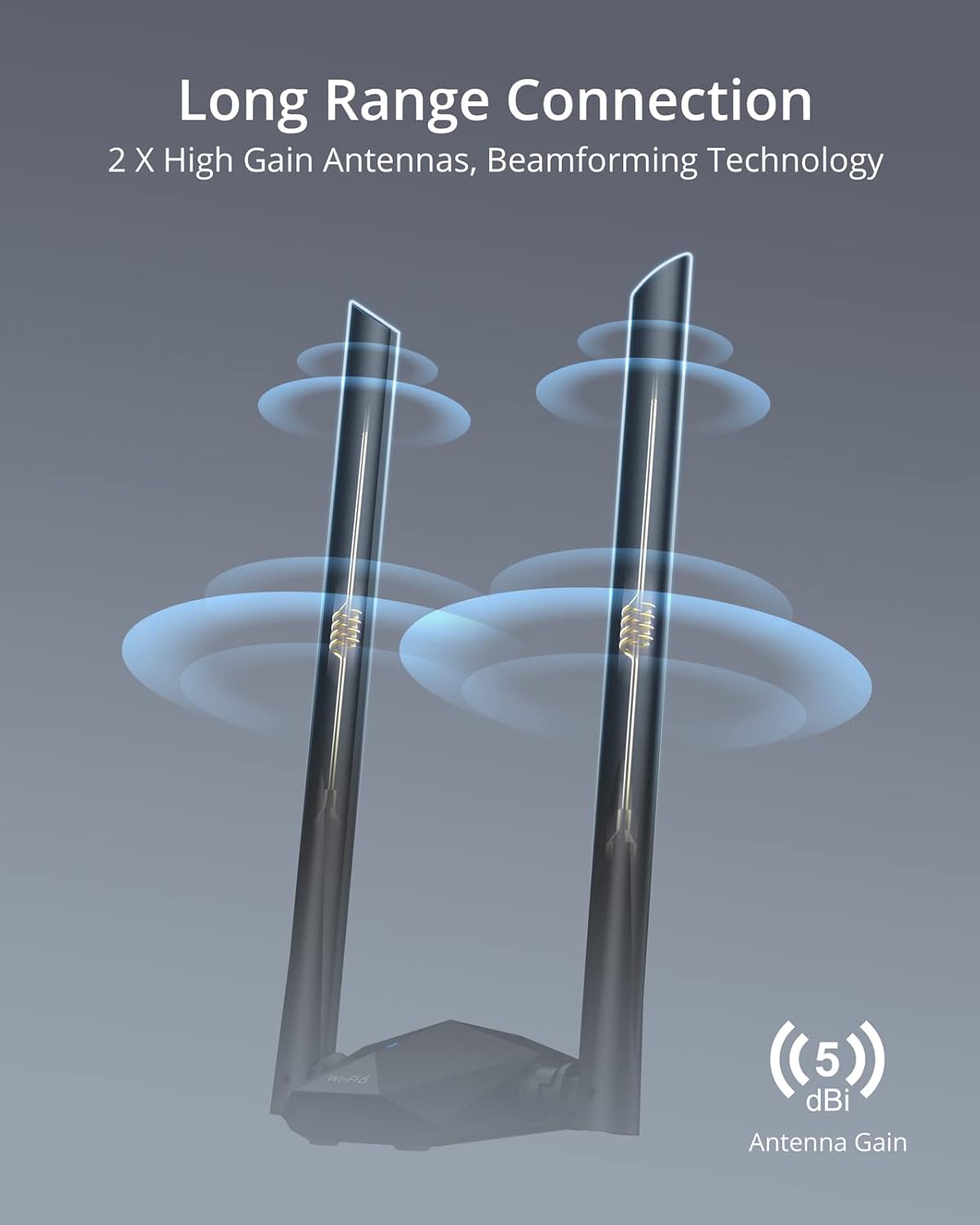
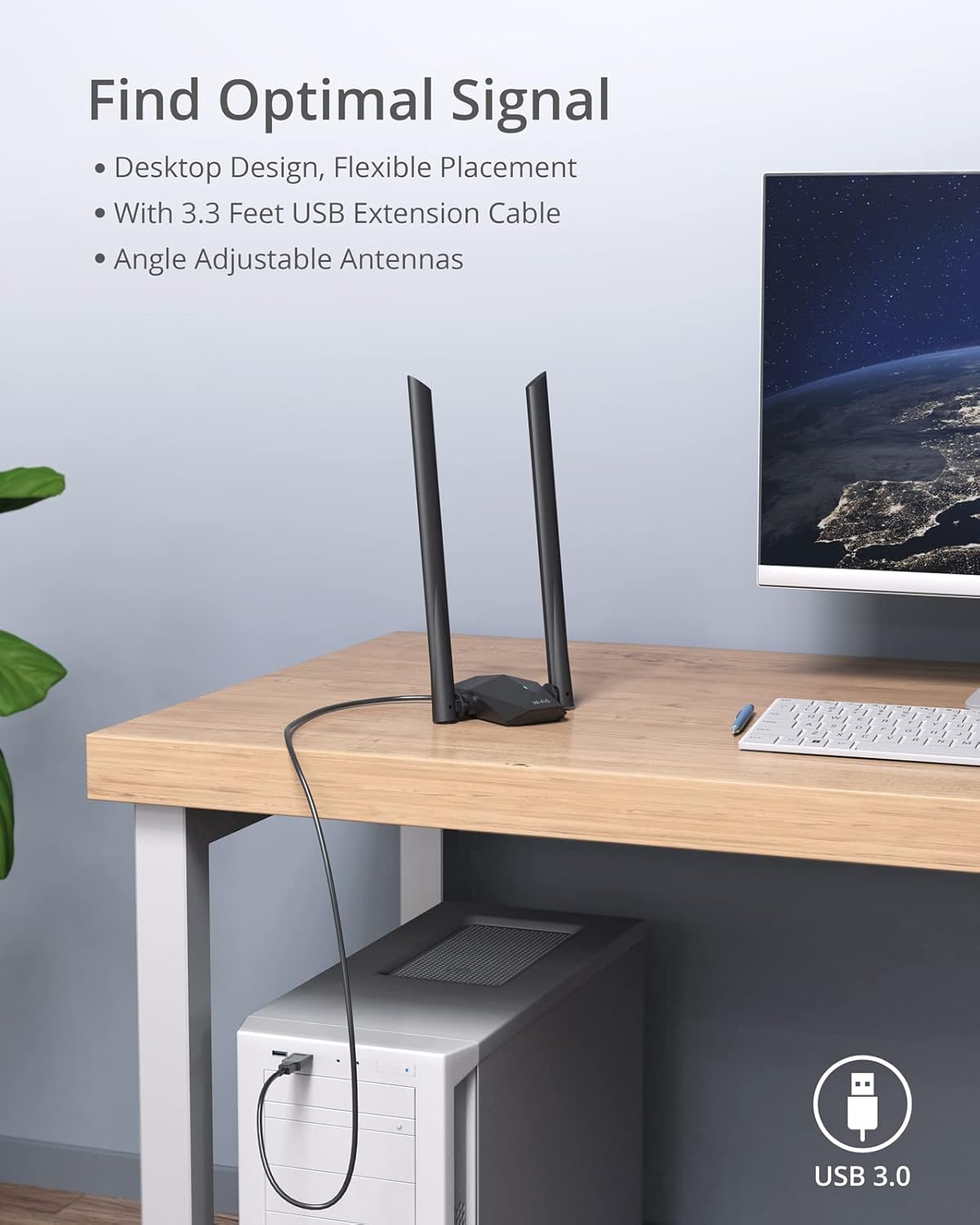
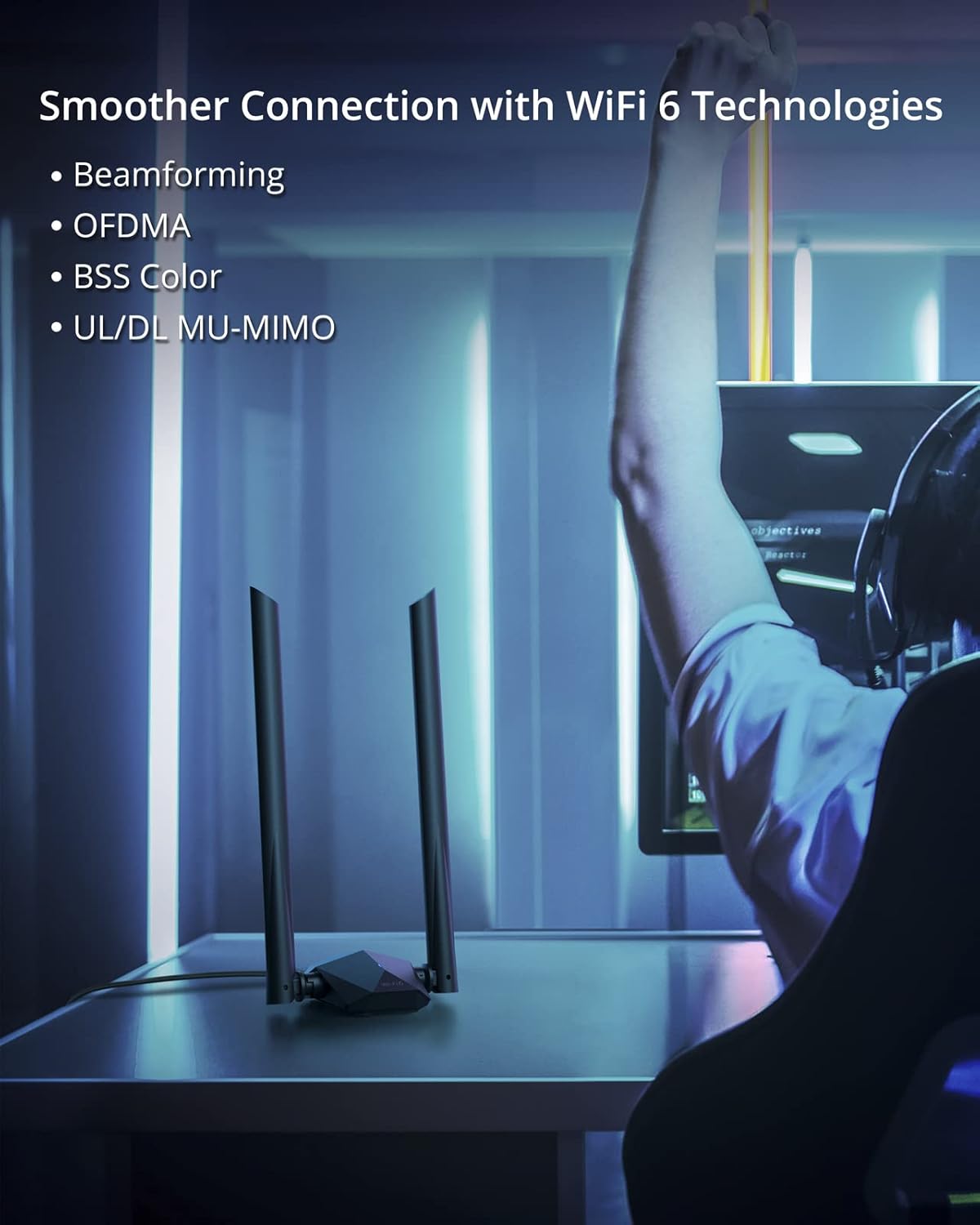
Two 5 dBi antennas, beamforming, OFDMA and MU-MIMO are part of the design. There’s also a USB 3.0 extension cable, so the adapter doesn’t have to sit directly beside the computer. Keep in mind that it supports Windows 11 and Windows 10 only, Linux isn’t supported.
Best use cases
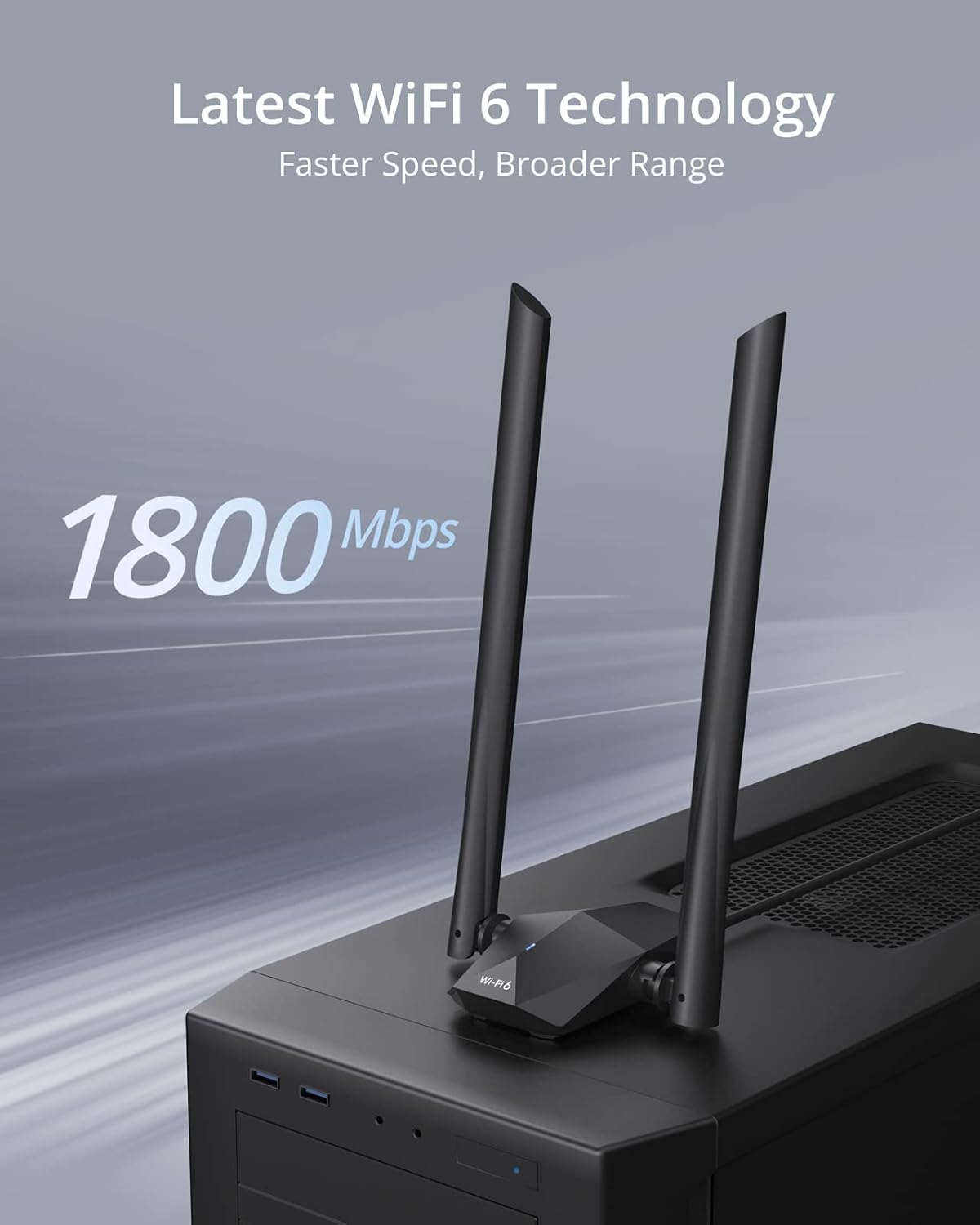
This is aimed at a PC that needs a wireless connection or a more flexible way to position its Wi-Fi receiver. For example, if a desktop sits under a desk or beside a wall, the extension cable lets you move the adapter to a more open spot rather than leaving it tucked behind the case. That may help it find a better signal, though it can’t guarantee coverage through every wall or floor.
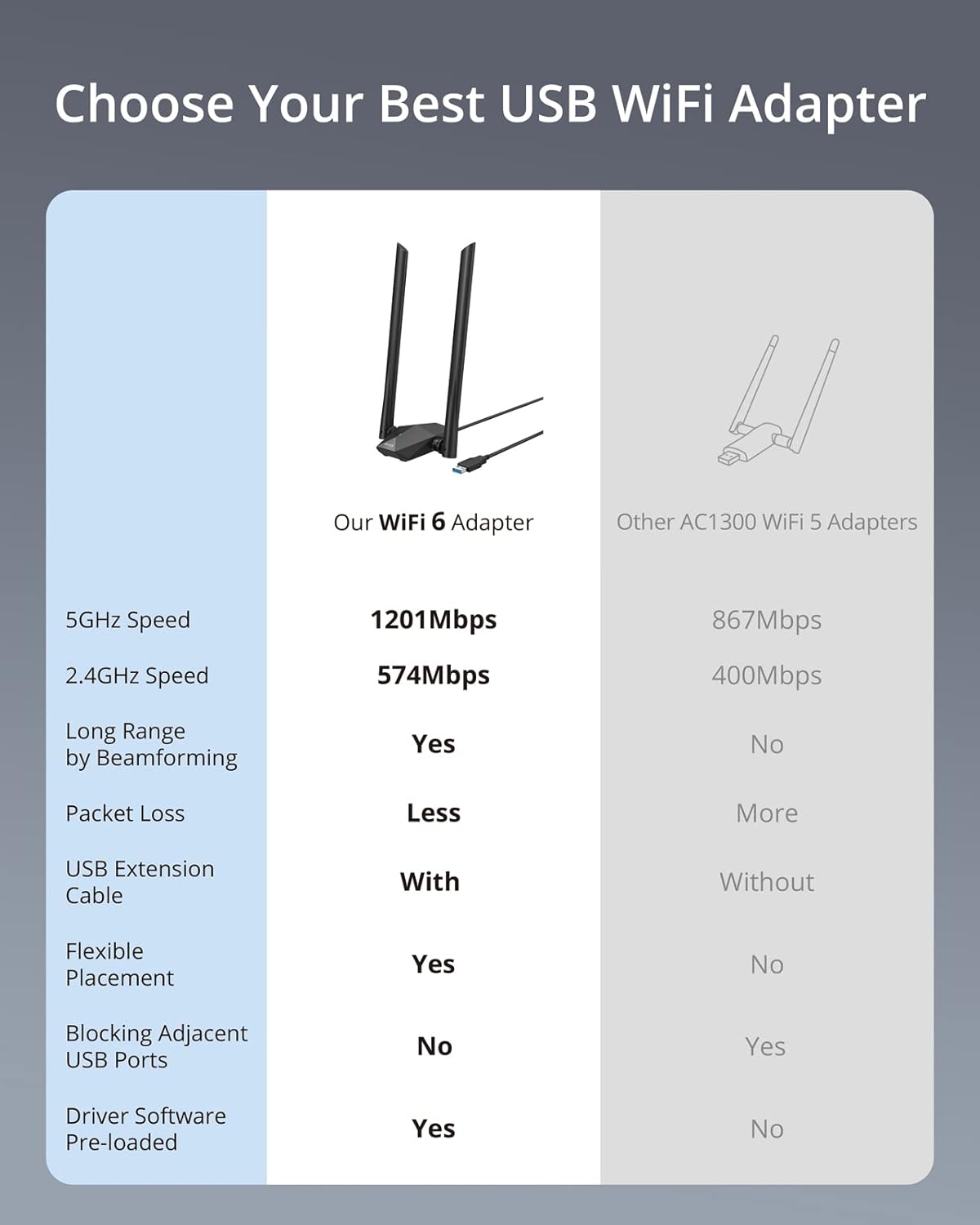
It’s a good choice if you want dual-band Wi-Fi 6 for tasks such as HD streaming, online gaming or video calls, and your computer runs a supported version of Windows. Given its design, the antennas and cable offer more placement flexibility than a compact adapter that plugs straight into a USB port and stays there.
Tips for day-to-day use
Try positioning the adapter where it has a clearer path to the router, then choose the band that suits the situation: 5 GHz is listed at up to 1201 Mbps, while 2.4 GHz is listed at up to 574 Mbps. The product information doesn’t specify how to choose between them for your particular home, so treat those figures as a guide rather than a guarantee.
The driver is pre-loaded, and the product is described as not needing a CD-ROM for setup. If you’re installing it on a Windows PC, check that it’s running Windows 10 or 11 before you start. It may not be the best choice if you need Linux support, or if you’re looking for an adapter that doesn’t take up room on your desk when positioned for better reception.
Before You Decide
Does it support Linux? No. The listed operating systems are Windows 10 and Windows 11, and Linux is explicitly unsupported.
Do I need a CD-ROM to install it? The product information says the driver is pre-loaded and that no CD-ROM is needed.
Can I move it away from the computer? Yes. It includes a USB 3.0 extension cable for flexible placement, which can help you try a different position for reception.
Is it worth it?
This adapter makes sense if your PC needs Wi-Fi, you use Windows 10 or 11, and you value adjustable placement alongside dual-band Wi-Fi 6. The antenna setup and extension cable are the practical differentiators here, especially for a desktop that’s awkwardly positioned. If your current connection is already reliable, or you need Linux support, those features may not justify adding another adapter. The key decision is whether you need the extra placement options—not just a higher advertised speed figure.