

Cudy Gigabit Ethernet switch GS105U
Product description
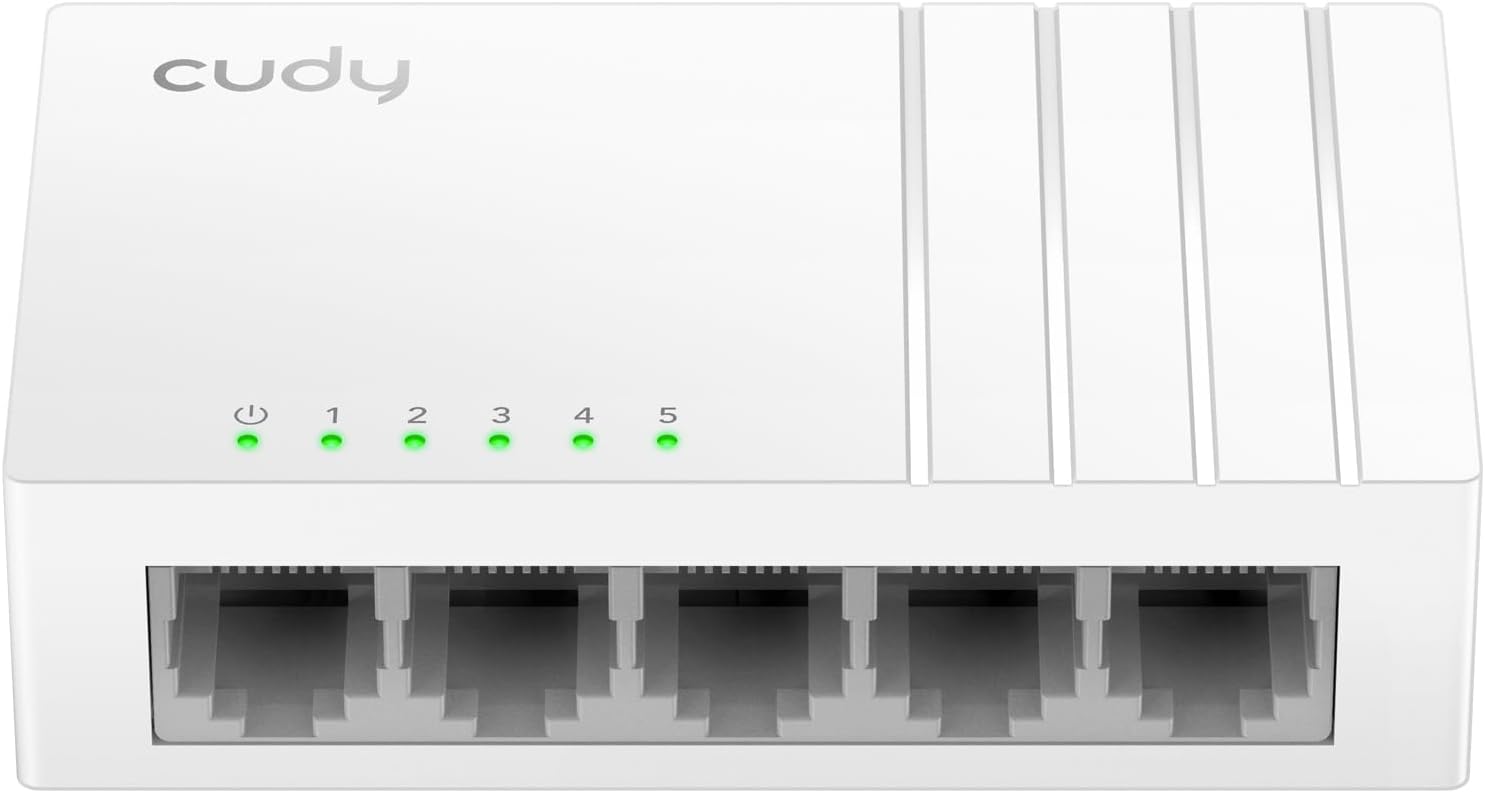
If you need a few more wired connections at a desk or TV stand, a compact switch is a simpler fit than replacing your router. The Cudy GS105U adds five Gigabit Ethernet ports, with automatic speed negotiation and plug-and-play operation for compatible wired devices.
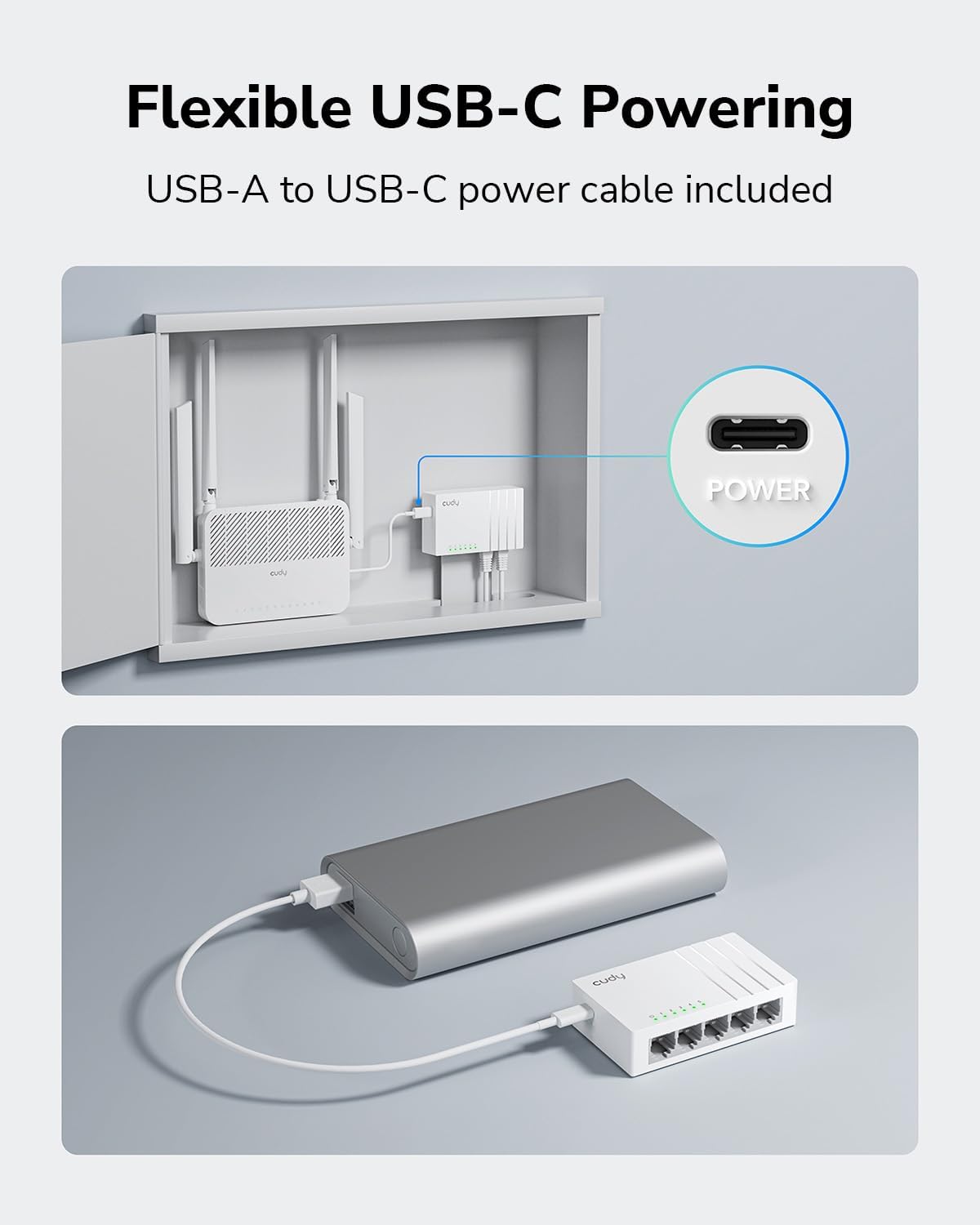
Its USB-C power input and slim plastic body suit a tidy setup. The listed details also include a USB-A charging port, QoS and jumbo frame support.
What to know
The five ports are intended for devices such as PCs, printers, smart TVs, game consoles and streaming devices. Auto-negotiation selects a supported connection speed for each device, while auto MDI/MDI-X means you don’t need to choose a special crossover cable. The switch is described as plug and play, so it’s aimed at adding connections without a configuration step.
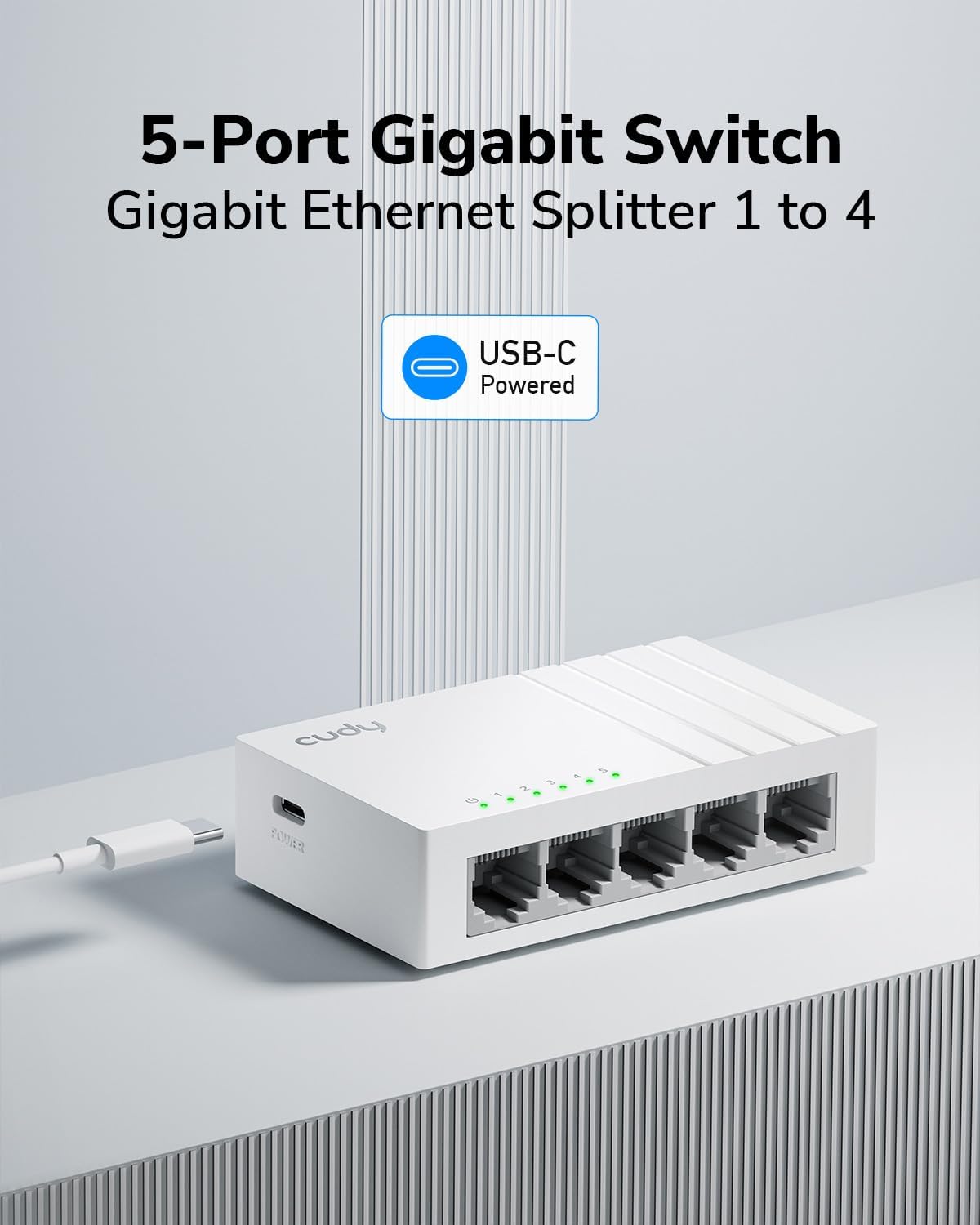
There are two different USB roles to keep straight: USB-C is the power input, while the listed USB-A port provides 5V and 2.4A for charging phones, tablets or other USB-powered devices. Keep in mind that the product information doesn’t identify what power adapter or cable is included, so don’t assume those accessories come in the box. The plastic body is also a different choice from a metal-cased switch, the listing describes this one as silent, but doesn’t give further noise or heat measurements.
How to use it
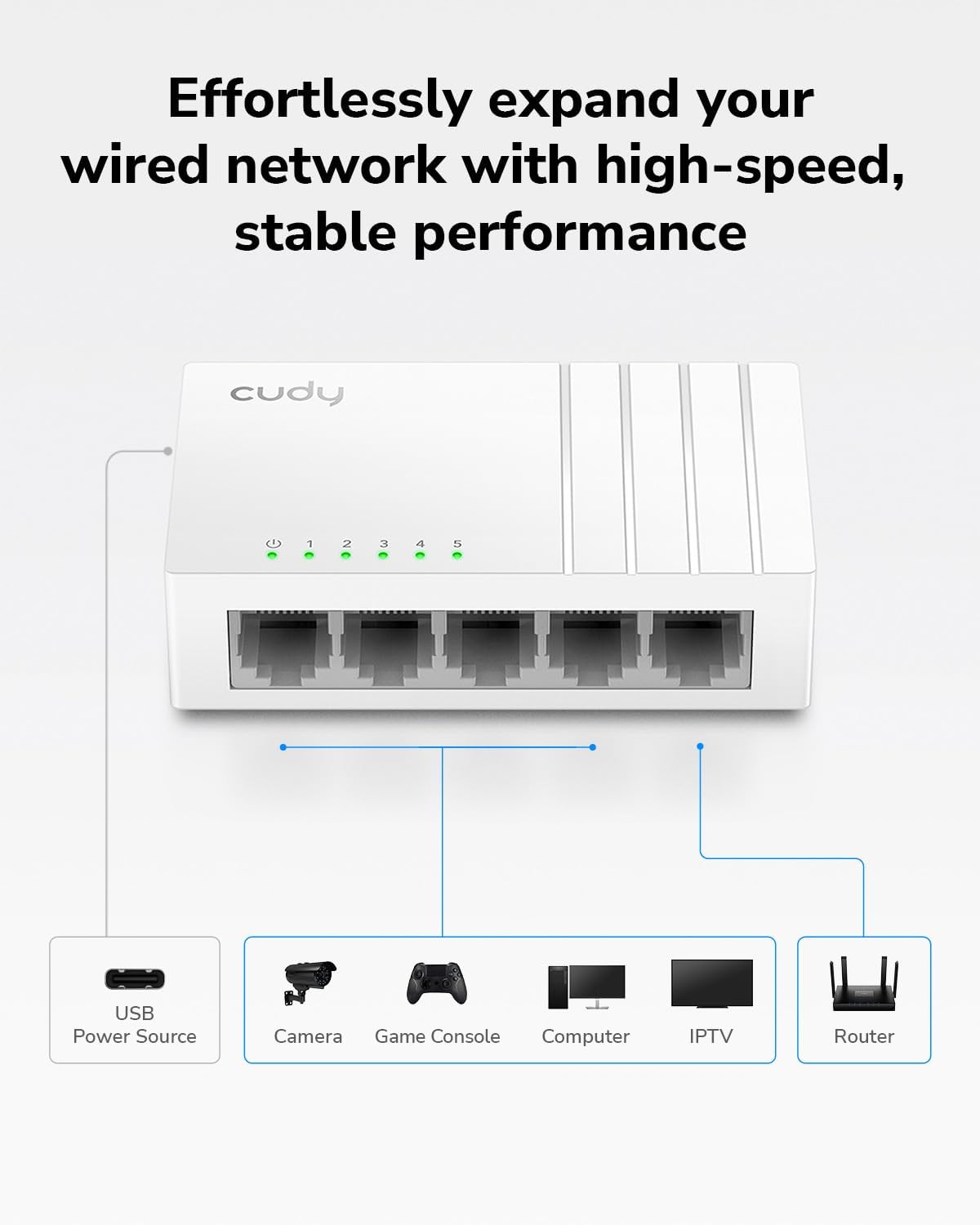
Connect the switch to power through its USB-C input, then use Ethernet cables to link your wired network devices. For example, you could place it beside a TV and connect a game console, streaming device and smart TV, keeping the USB-A port available for a compatible charging device. The setup is most useful where several devices share one wired connection point and running separate cables back to the router would be inconvenient.
Practical tips
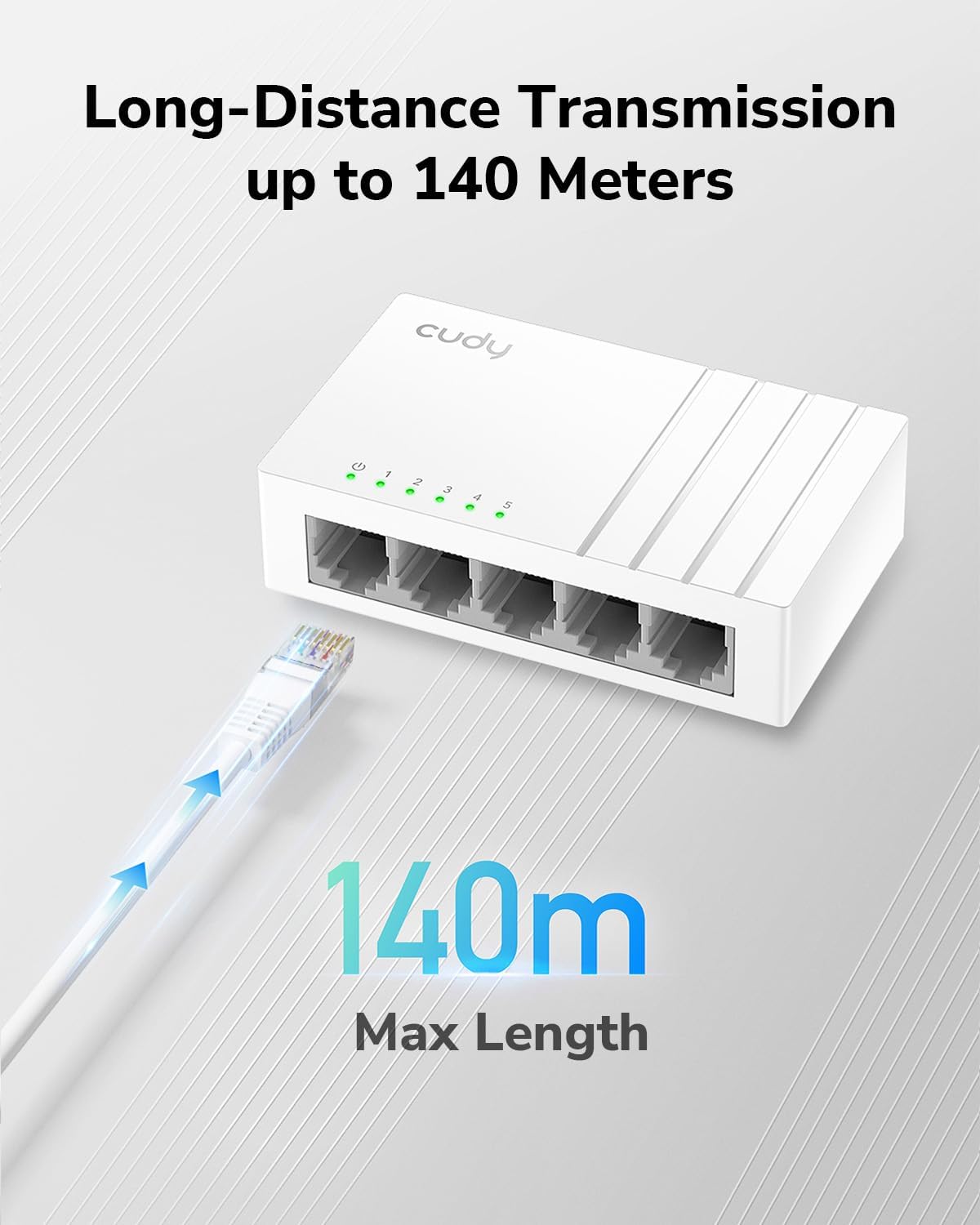
Before buying, count the devices you want to connect and allow for the connection back to your existing network as well. Five ports can add useful capacity, but the product details don’t explain whether the uplink uses one of those ports, plan your cabling with that in mind. QoS and jumbo frame support are listed, but no configuration guidance or performance figures are provided, so treat them as features rather than a promise of faster everyday internet.
For a quiet workspace or living room, the silent, ultra-slim design may be easier to place than a larger unit. If you need wireless coverage, this is not a Wi-Fi solution: it adds wired Ethernet connections. It also makes more sense for expanding a wired setup than for someone who only needs a single Ethernet connection.

Buying questions
Which devices can I connect? The listed examples include computers, printers, smart TVs, game consoles and streaming devices. Each needs an Ethernet connection and cable.
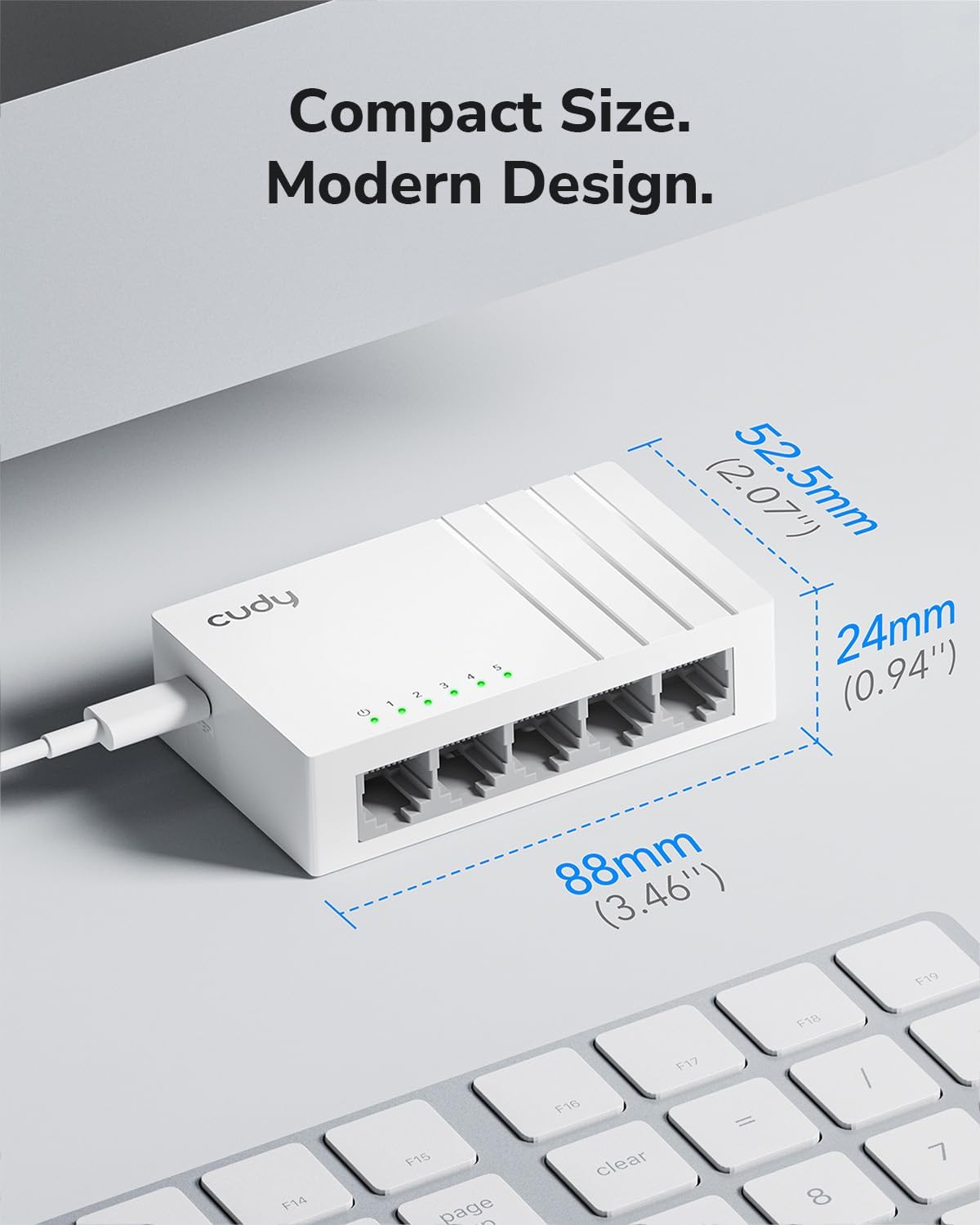
Does it need manual setup? It is described as plug and play, with auto-negotiation and auto MDI/MDI-X. The product details don’t describe advanced configuration steps.
Can it charge a phone? The listing specifies a USB-A charging port rated at 5V and 2.4A. USB-C is identified as the switch’s power input, not its charging output.
In your case
You’re a fit if you want to add several wired devices in one compact spot and value a silent plastic design, with a USB-A charging port as an extra. It may not be a fit if you need Wi-Fi, a metal enclosure, or detailed information about the included power accessories. Based on the listed details, the GS105U’s appeal is straightforward: extra wired ports without a setup process, rather than a more fully documented or wireless networking solution.