

Charging Dock for Nintendo Switch 2 Controllers
Product description
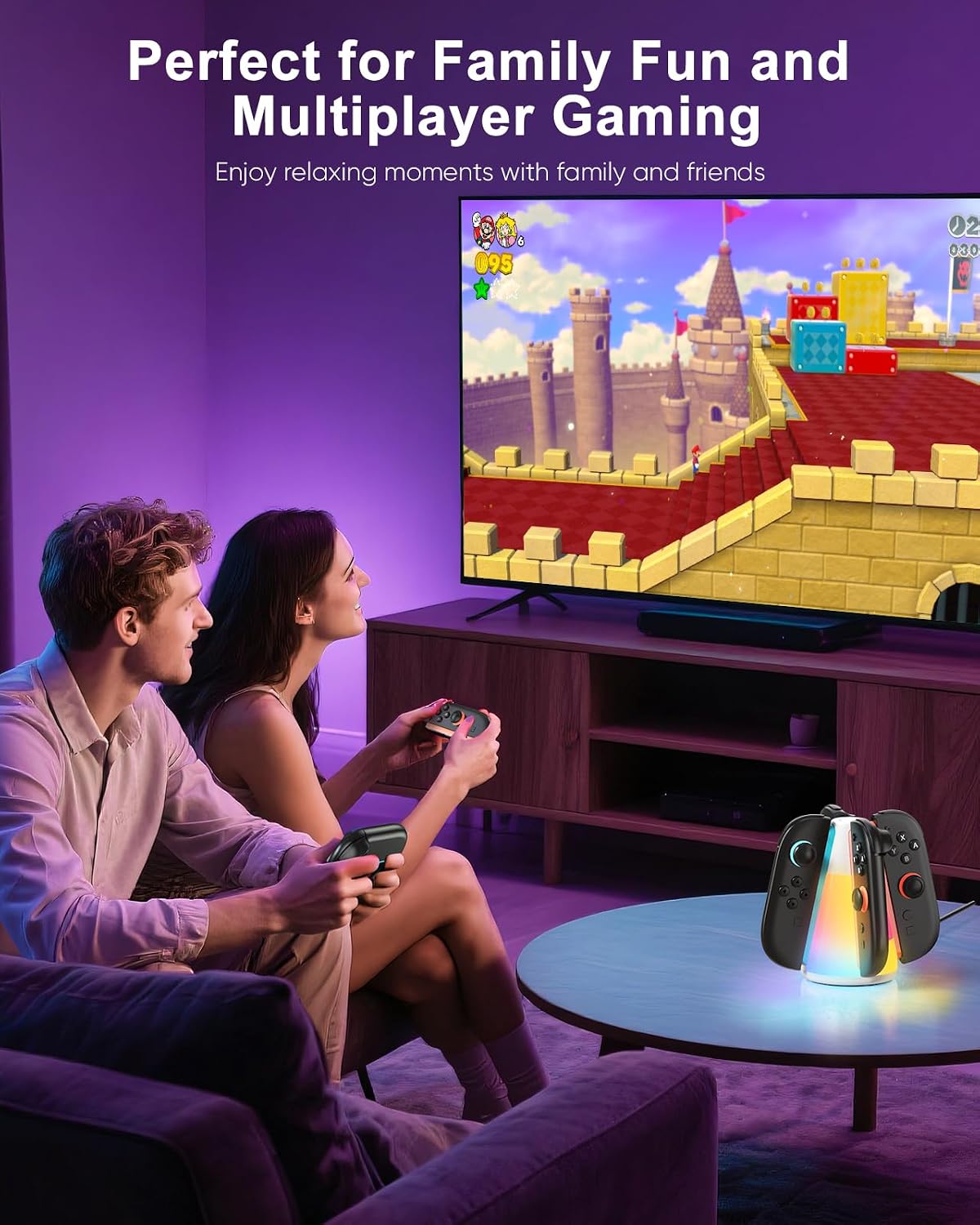
For Switch 2 owners who keep several controllers ready for multiplayer sessions, this dock is designed to charge up to four Joy-Con 2 controllers at once. It also gives them a dedicated place to sit between games, rather than leaving separate cables and controllers spread across a desk or TV stand. The listing describes bidirectional placement, so there’s no need to match a plus or minus direction when inserting a controller. If you prioritize charging several controllers and a bit of lighting, this has more going on than a basic charging stand, if you prefer an unlit, minimal setup, the RGB feature may be unnecessary.
Getting the most from it
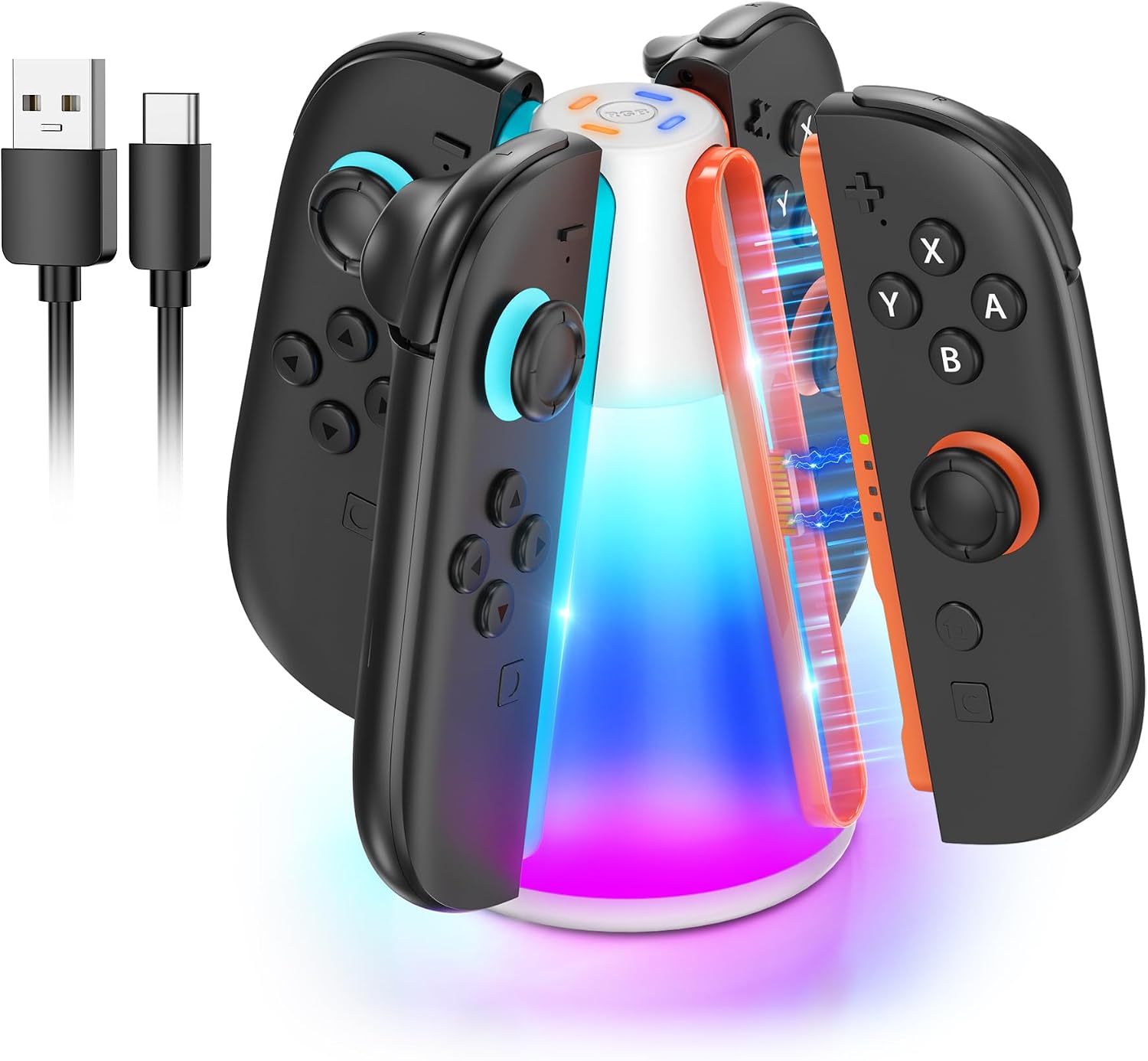
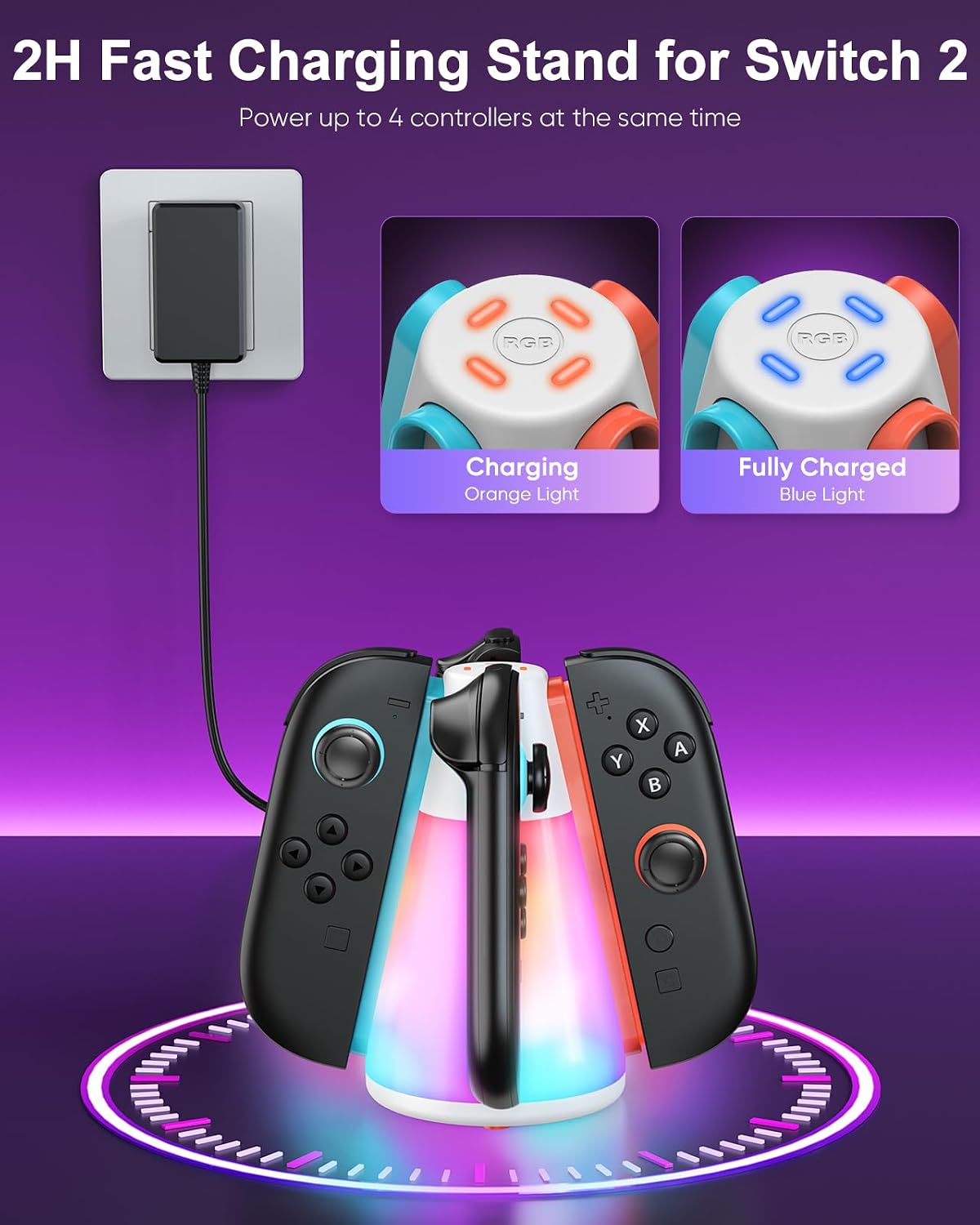
Connect the dock to a power source, then place the controllers in their slots to begin charging. The included USB-C charging cable is listed in the package, but a power adapter is not, so check what you already have available before setting it up. The charging indicators are described as orange while charging and blue once a controller is full, giving you a quick visual check without having to pick each one up.
The lighting is adjustable using a button: the product description lists four dynamic effects and six single-colour effects, with a three-second press to switch the lights off. In practice, that means you can leave the dock lit beside the console during a gaming session, then turn the glow off if it would be distracting in a darker room. The lights are an appearance feature, though, not a reason to choose this over a simpler dock if all you need is charging.
Why it’s worth it
The clearest benefit is consolidating charging for up to four controllers in one place. That can make a shared setup easier to manage: after a multiplayer session, return the controllers to the stand instead of finding a free cable for each one. The compact design is also presented as portable, which may suit someone who moves their gaming accessories between rooms or packs them for a trip.
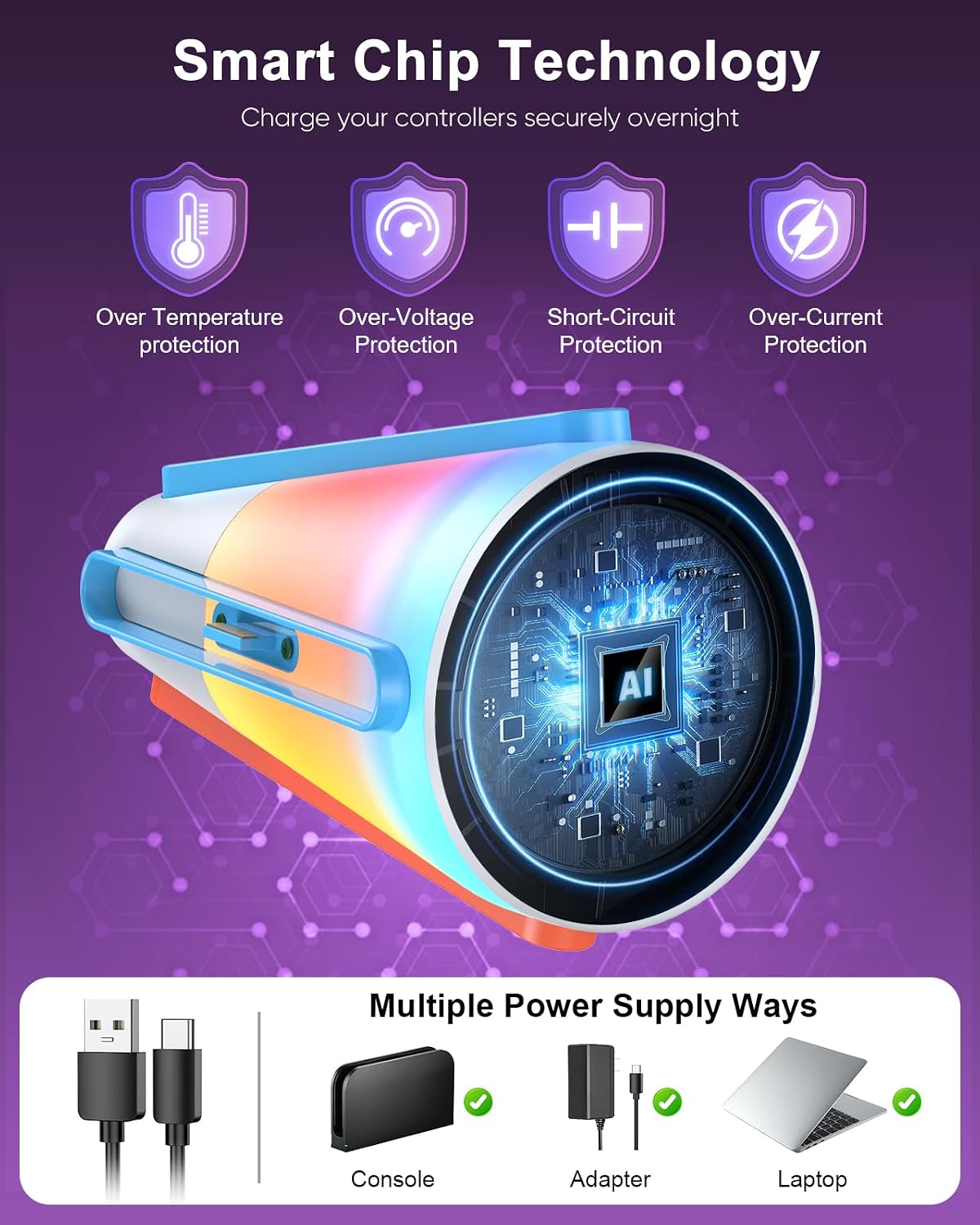
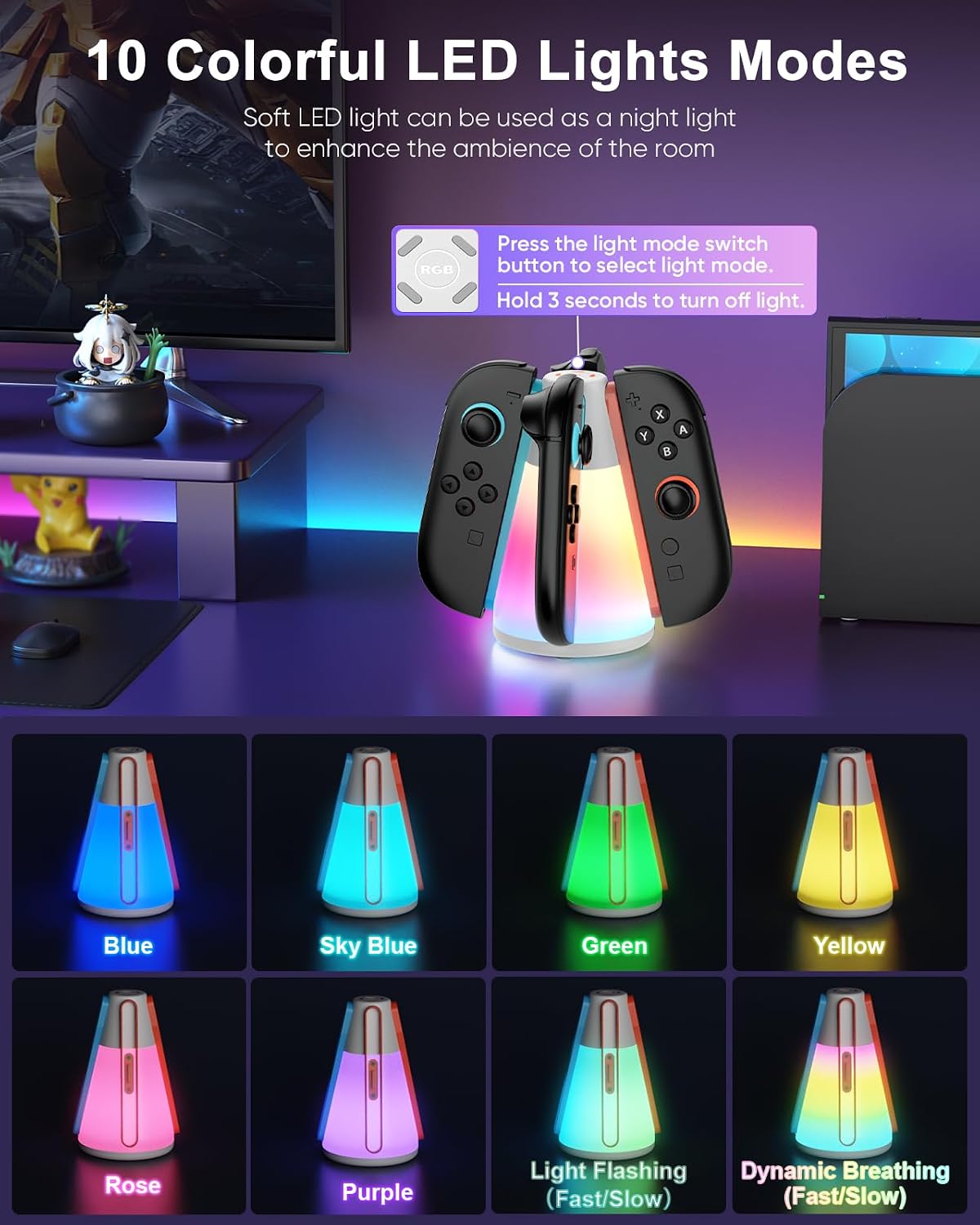
The listing also describes built-in protection against over-temperature, over-voltage, over-current and short circuits. Those safeguards are a useful consideration for a dock that may stay connected between sessions, although the product details don’t provide charging times or further information about its power requirements. It makes sense if you want one stand for multiple Joy-Con 2 controllers, a basic single-controller charger would be the more straightforward choice if you only need to charge one at a time.
Worth noting
This dock is specified for Nintendo Switch 2 controllers, identified in the listing as Joy-Con 2. Check that this is the controller type you own before choosing it, the product information does not establish compatibility with other controller models. The package contents are listed as the dock and a USB-C charging cable, so don’t assume an adapter is included.
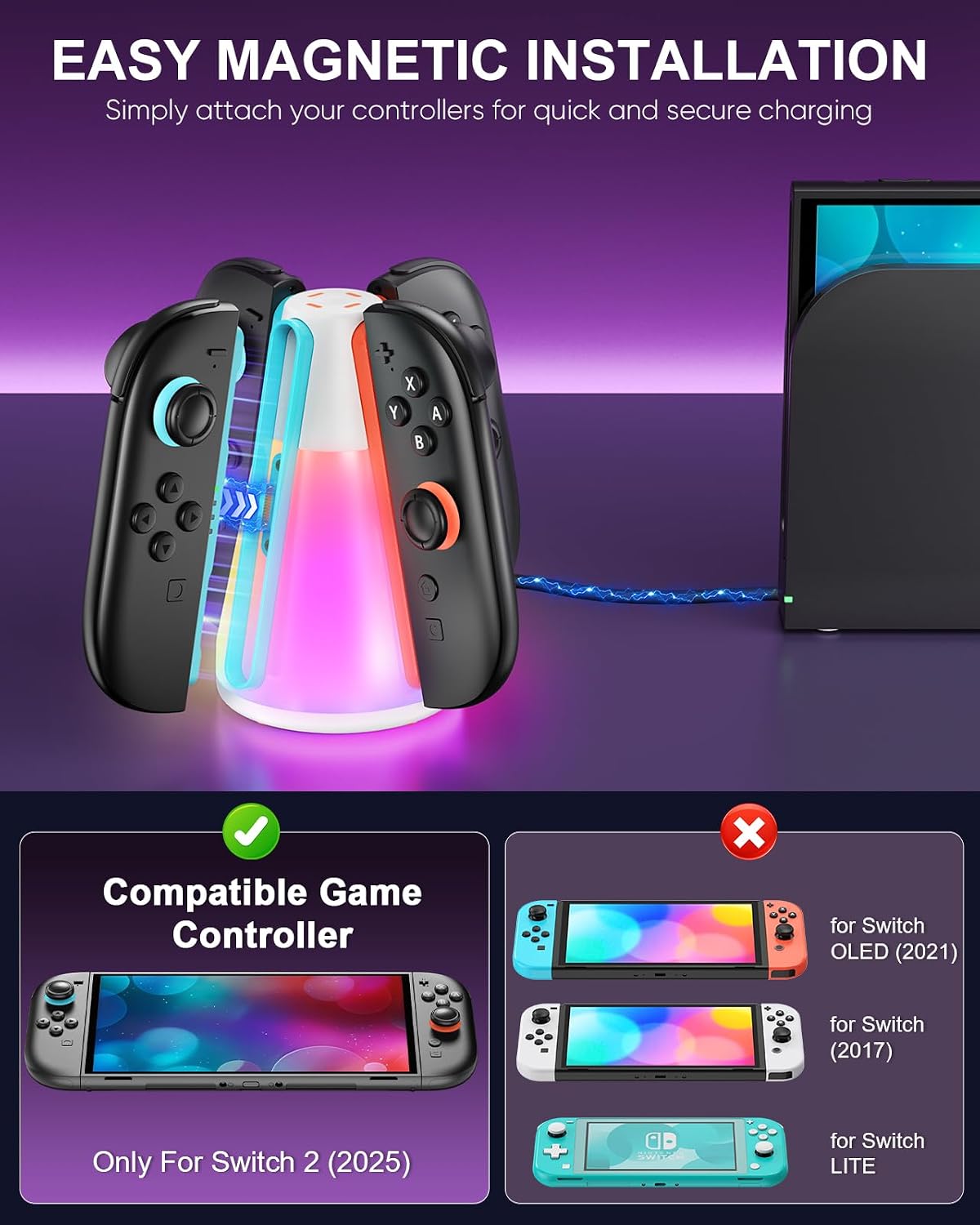
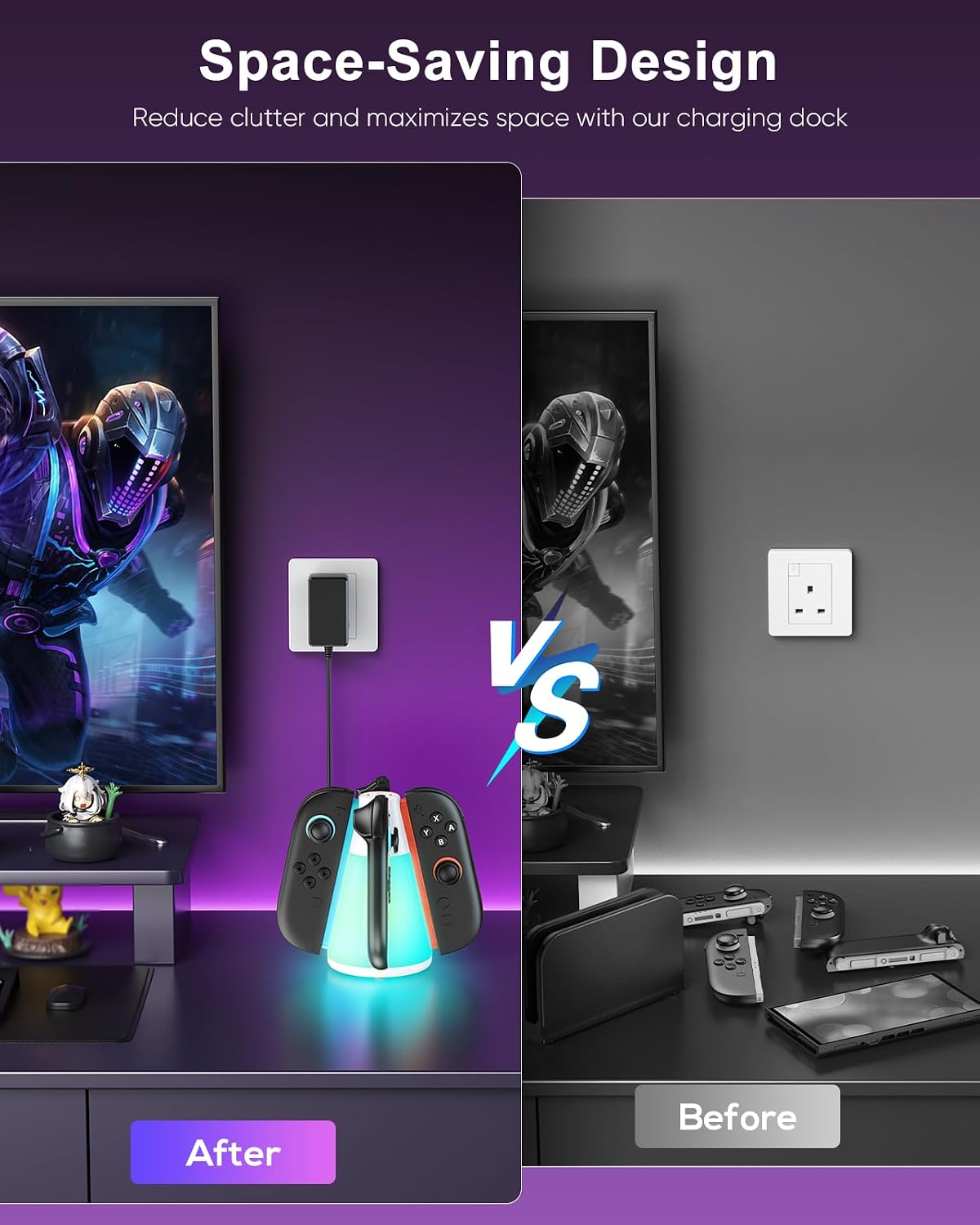
The RGB modes add a customisable look, but the description gives no dimensions, charging-speed figures or detail about how the dock connects to its power source beyond the included cable. Those omissions make it harder to judge how it will fit a particular shelf or how quickly depleted controllers will be ready. It is not for you if you want confirmed charging times, a stated adapter in the box, or a plain stand without lighting.
When to choose it
Choose this dock if you have several Switch 2 controllers to keep organised and like the idea of charging them together, with the option to turn the lights off. For example, it could sit beside the console as a shared drop-off spot after a game night, with the orange and blue indicators showing charging status at a glance. If you only have one controller, prefer the fewest possible features, or need detailed power and charging specifications before buying, a simpler or more fully specified charging option may suit you better.