

Nintendo Switch 2 Controller Charging Dock
Product description
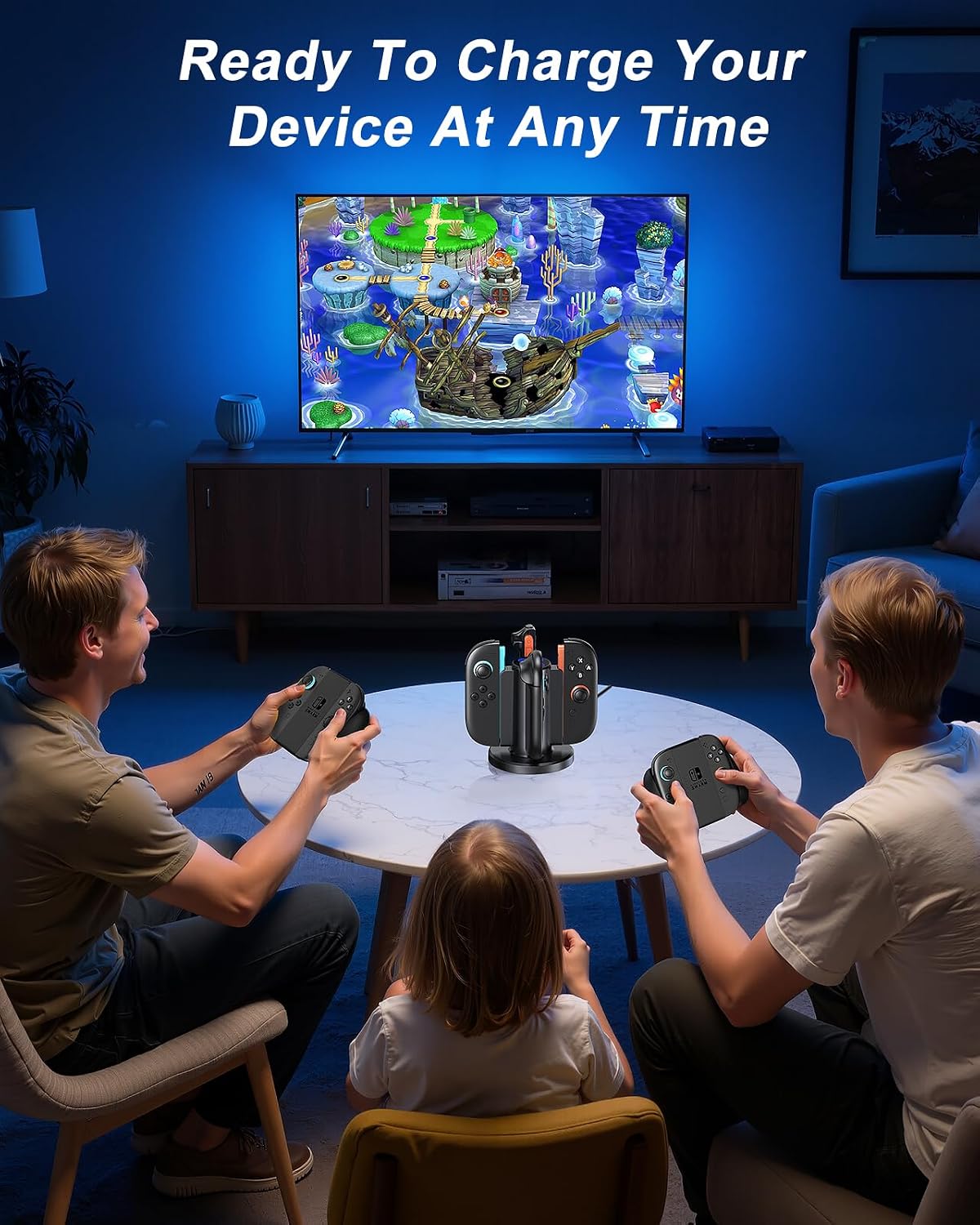
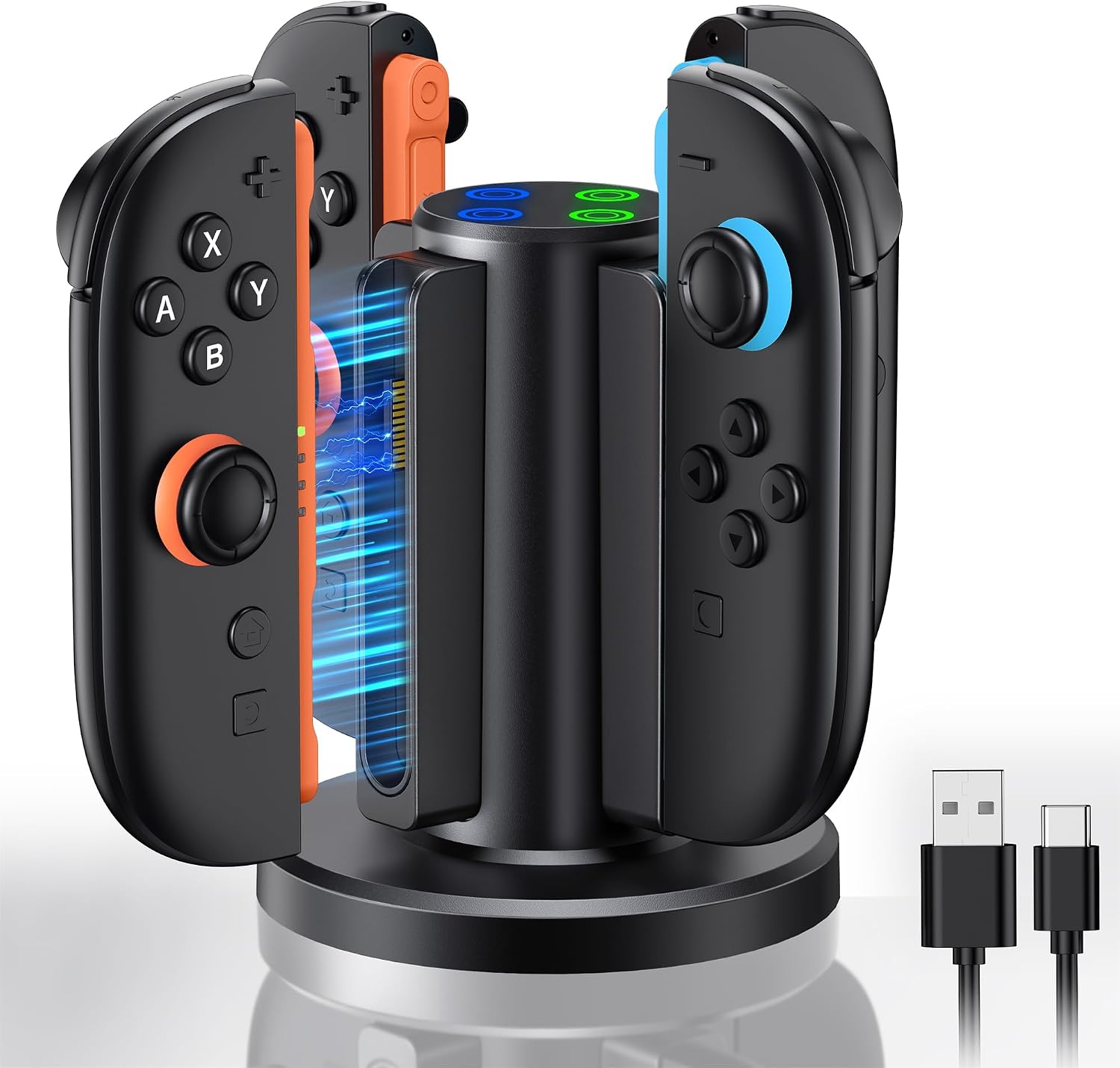
After a multiplayer session, four loose controllers can make a gaming area feel cluttered—and leave you wondering which ones need charging. This bidirectional dock is designed for Joy-Con 2 controllers and can charge up to four at once, keeping them together in one spot.
It uses magnetic seating, so there’s no need to work out a “+” or “−” direction when placing the controllers. The product listing calls it a fast charger, but doesn’t give charging times or power details.
Best use cases
This dock suits a household or shared gaming space where several controllers are used and need a regular place to charge. For example, after friends head home, you can return up to four Joy-Con 2 controllers to the stand instead of leaving them scattered around the TV. Its compact, lightweight design is also intended to make it easier to keep a gaming setup tidy or carry the dock when travelling.
It makes sense if you want a dedicated charging spot and value the convenience of charging multiple controllers together. If you usually play with one controller and already have a simple charging arrangement, this stand may take up space without adding much to your routine.
Product specs
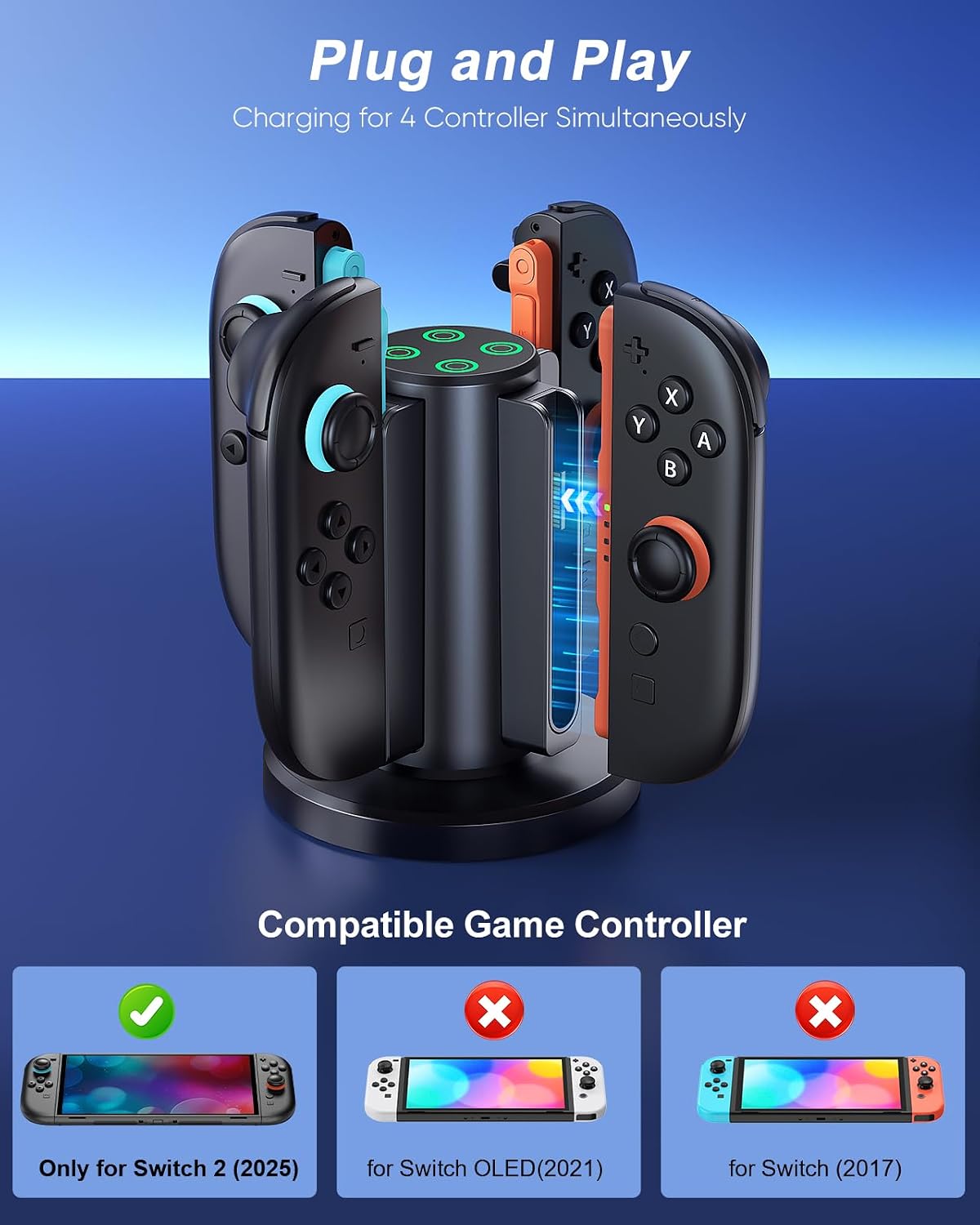
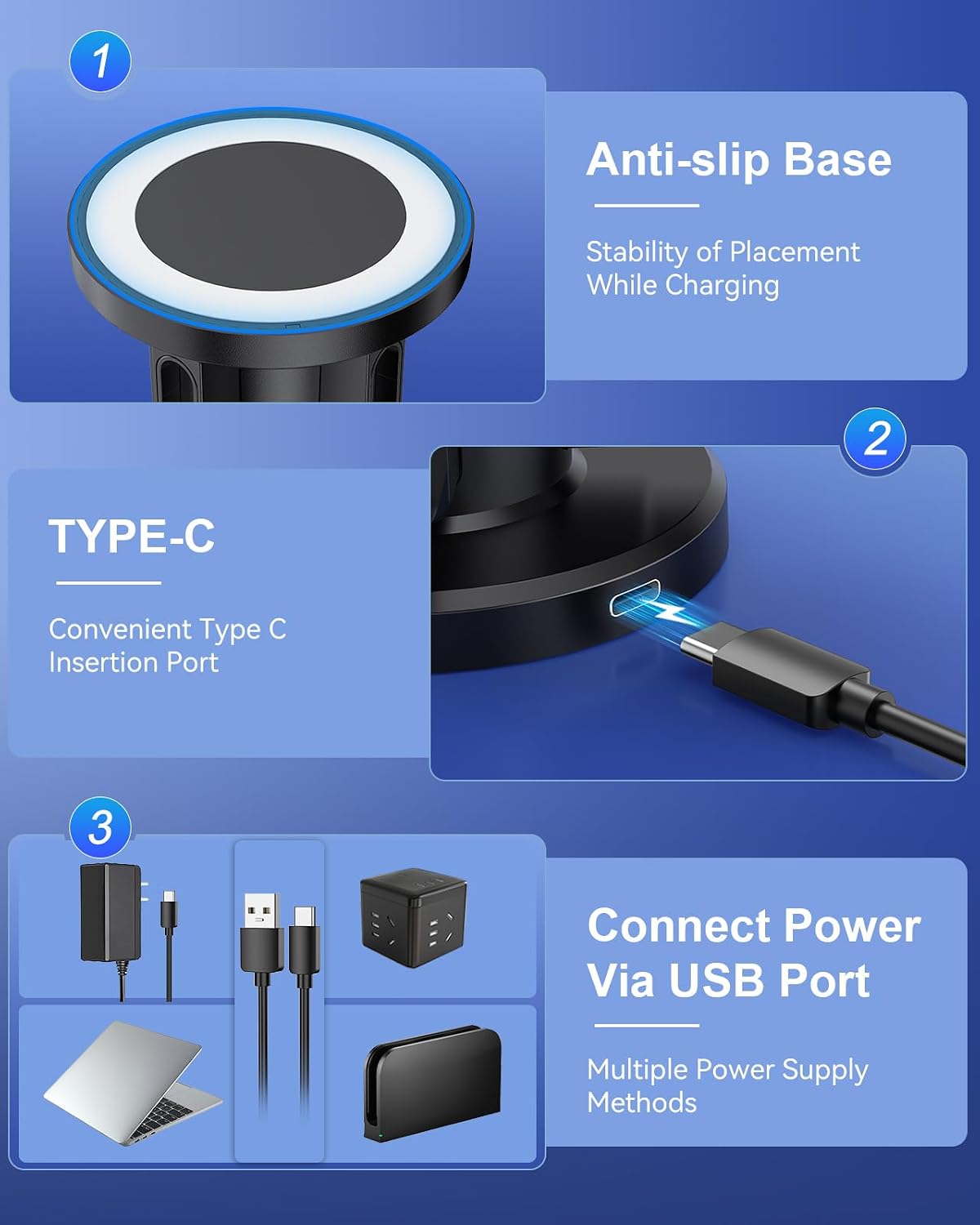
The dock is described as being made from ABS and connects using USB-C. The package includes the charging dock and a USB-C cable, a wall adapter isn’t listed, so don’t assume one comes in the box. Magnetic charging helps hold the controllers in place, and the dock is designed to accept them without needing to match a particular orientation.
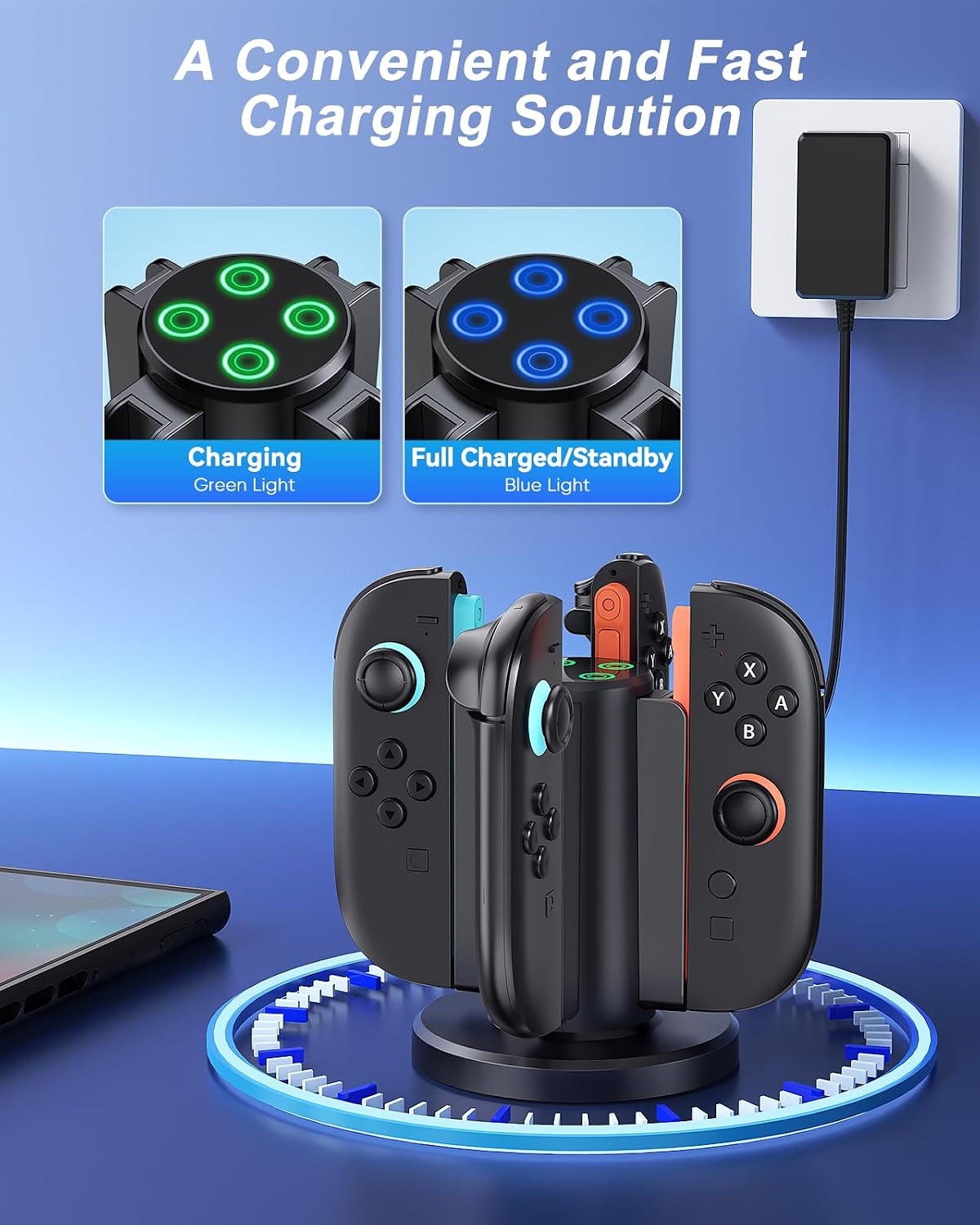
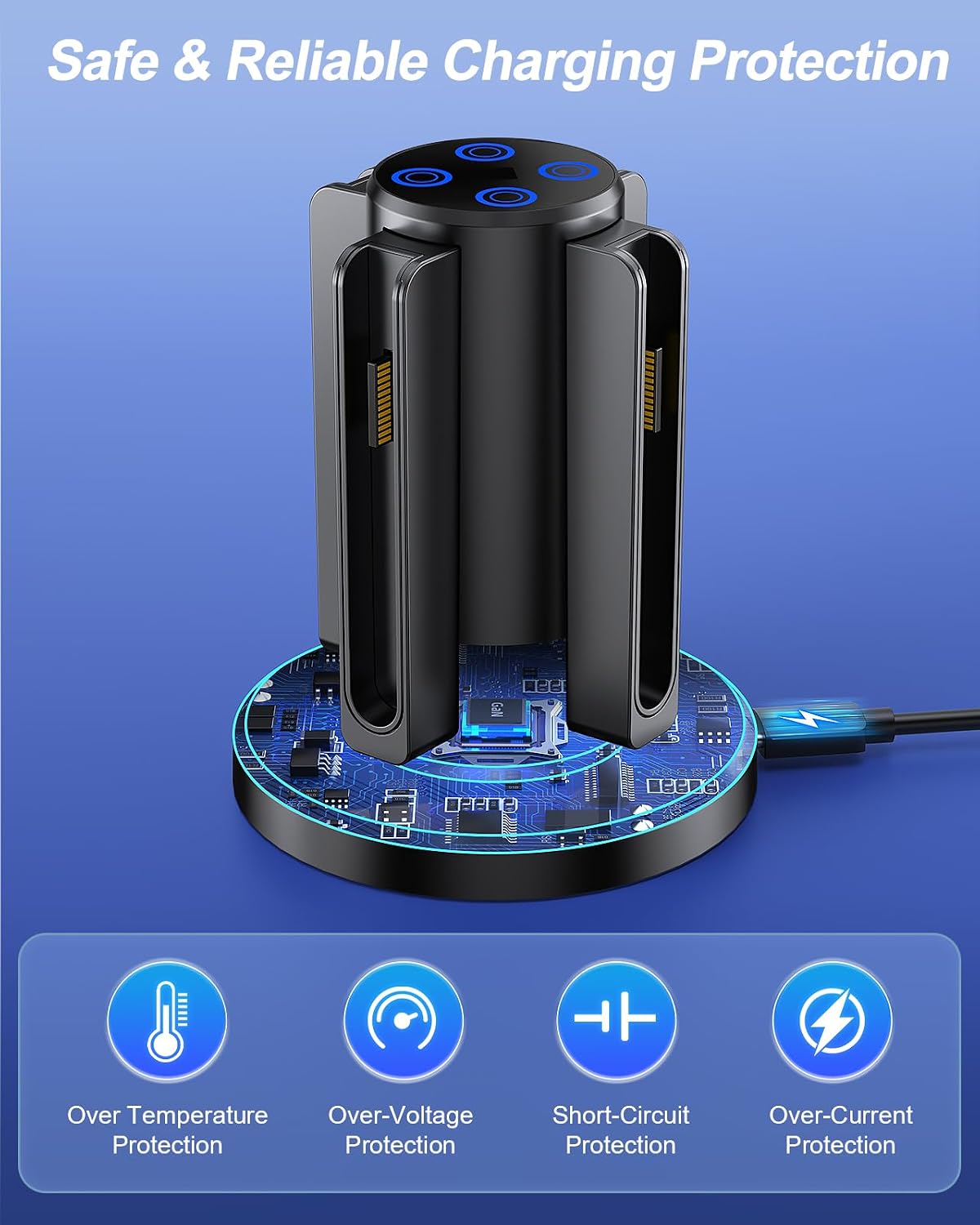
An LED indicates charging status. The listing assigns green to a full charge and blue to fully charged or standby, but those descriptions overlap, so the colour guidance isn’t especially clear. It also says to remove a thin protective film from the indicator before use. The built-in protection is described as covering over-temperature, over-voltage, over-current and short circuits, that’s a useful feature on the spec sheet, though it doesn’t replace using a suitable power source.
Where it shines
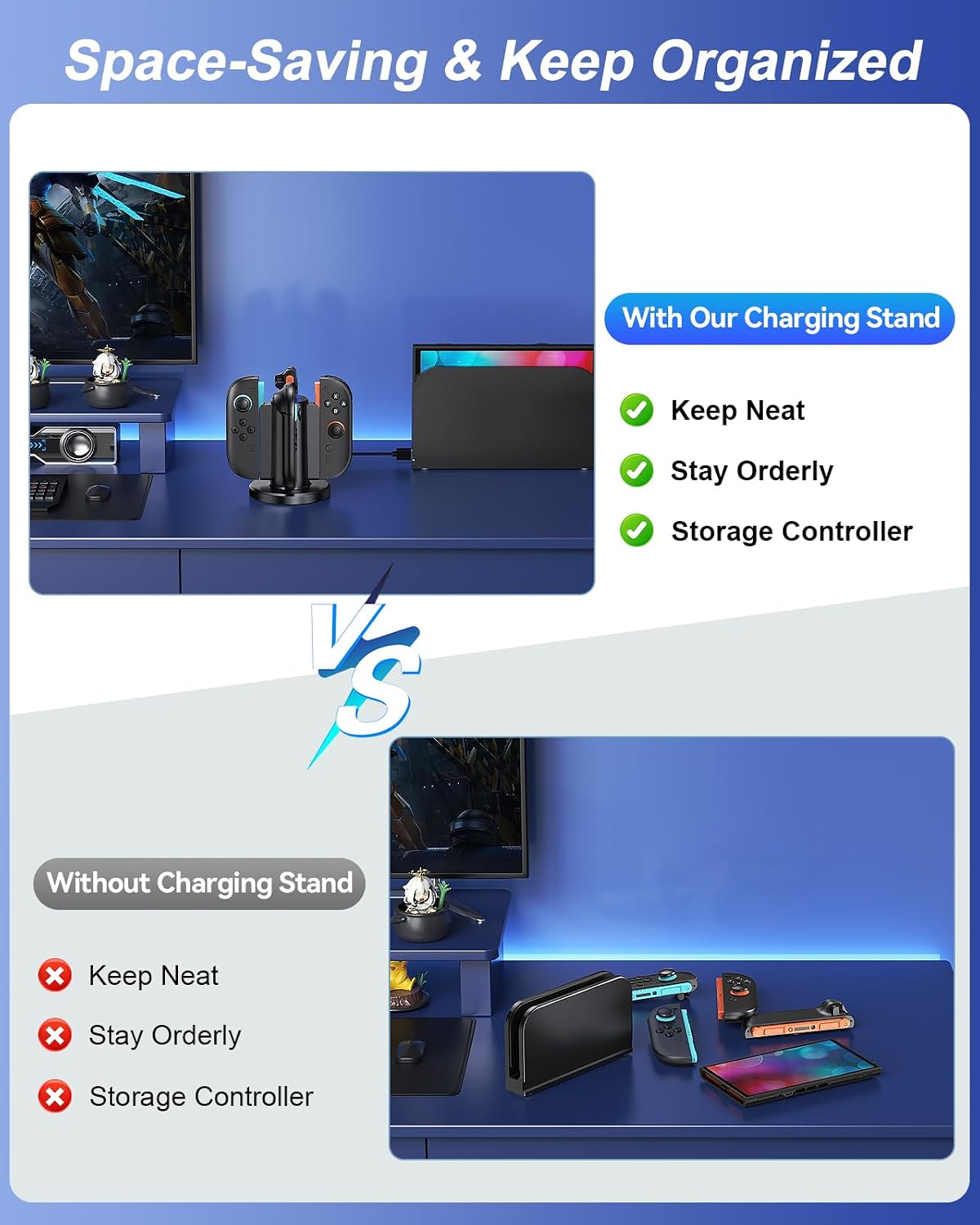
The practical appeal is organisation as much as charging. Instead of plugging controllers in individually or leaving them on a table, you can keep them upright and together near the console. The magnetic placement and bidirectional design make putting them back straightforward, particularly when several people share the setup. Without hands-on testing, the main limitation is that the listing provides no charging rate, charge-time estimate or detailed power requirements. If speed is your deciding factor, the word “fast” alone doesn’t tell you how it compares with another charging method.
A more basic approach may be enough if you only need to charge one controller at a time. This dock is aimed at a different priority: a single station for up to four controllers, with less clutter between gaming sessions. It isn’t worth it if you need confirmed charging times, or if you’re looking for a dock that includes a specified wall adapter.
Final decision
Choose this dock if you use multiple Joy-Con 2 controllers and want them stored together while charging. Its ABS body, magnetic positioning and included USB-C cable make the setup straightforward in principle, but the listing leaves charging performance unspecified and the LED colour descriptions are not fully distinct. If those details matter more than keeping four controllers organised, a charging solution with clearly stated power and timing information would be a better fit.