

MT-VIKI Z80A 15.6-Inch Laptop Screen Extender, FHD IPS, 360° Rotation
Product description
Technical overview
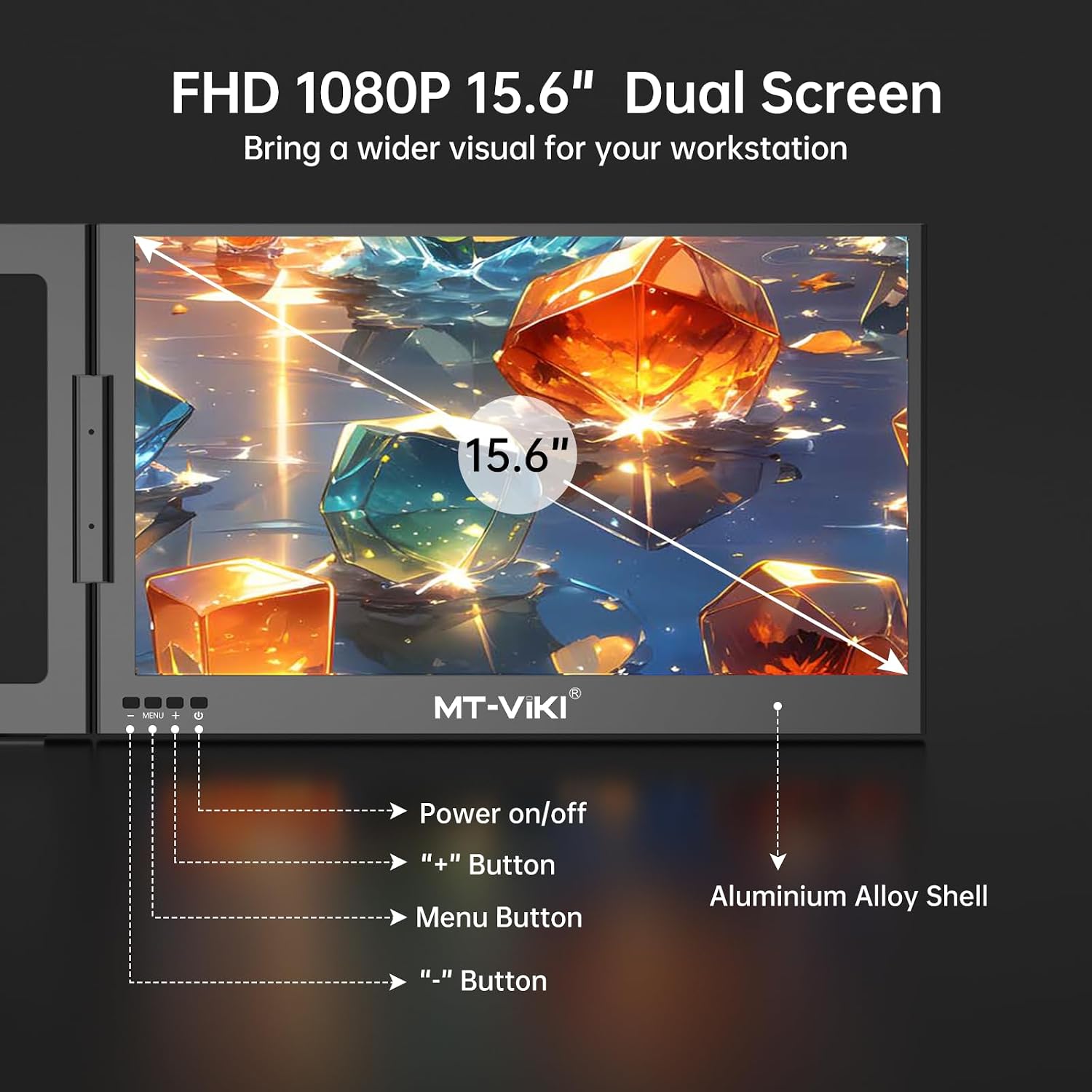
The 15.6-inch MT-VIKI Z80A adds a Full HD display to a laptop setup, giving you more room to keep work visible while switching between tasks. Its IPS LCD panel has a 1920 × 1080 native resolution, a 16:9 aspect ratio and a matte finish that helps reduce reflections. The listed colour gamut is 100% sRGB, with a 1200:1 contrast ratio.
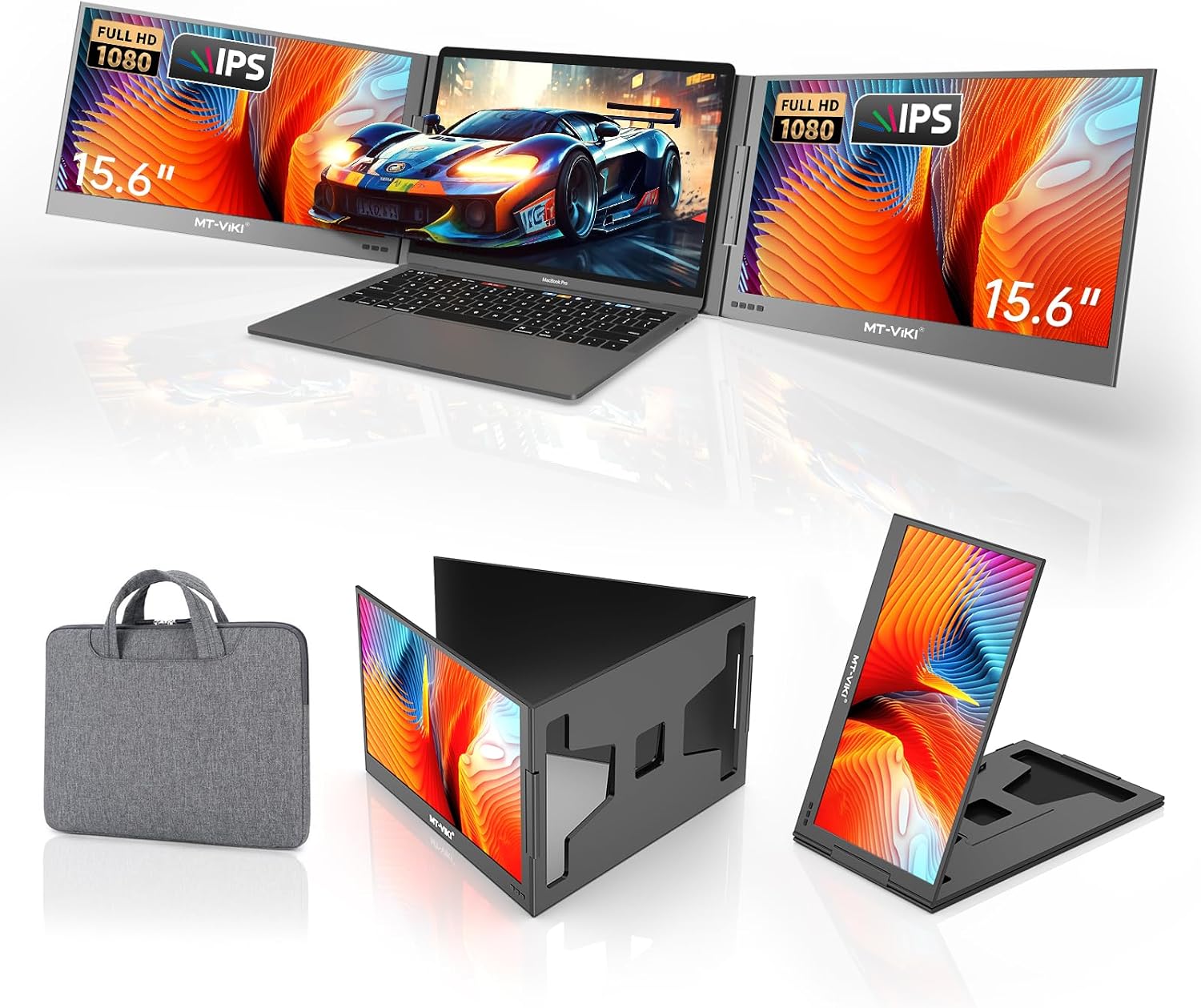
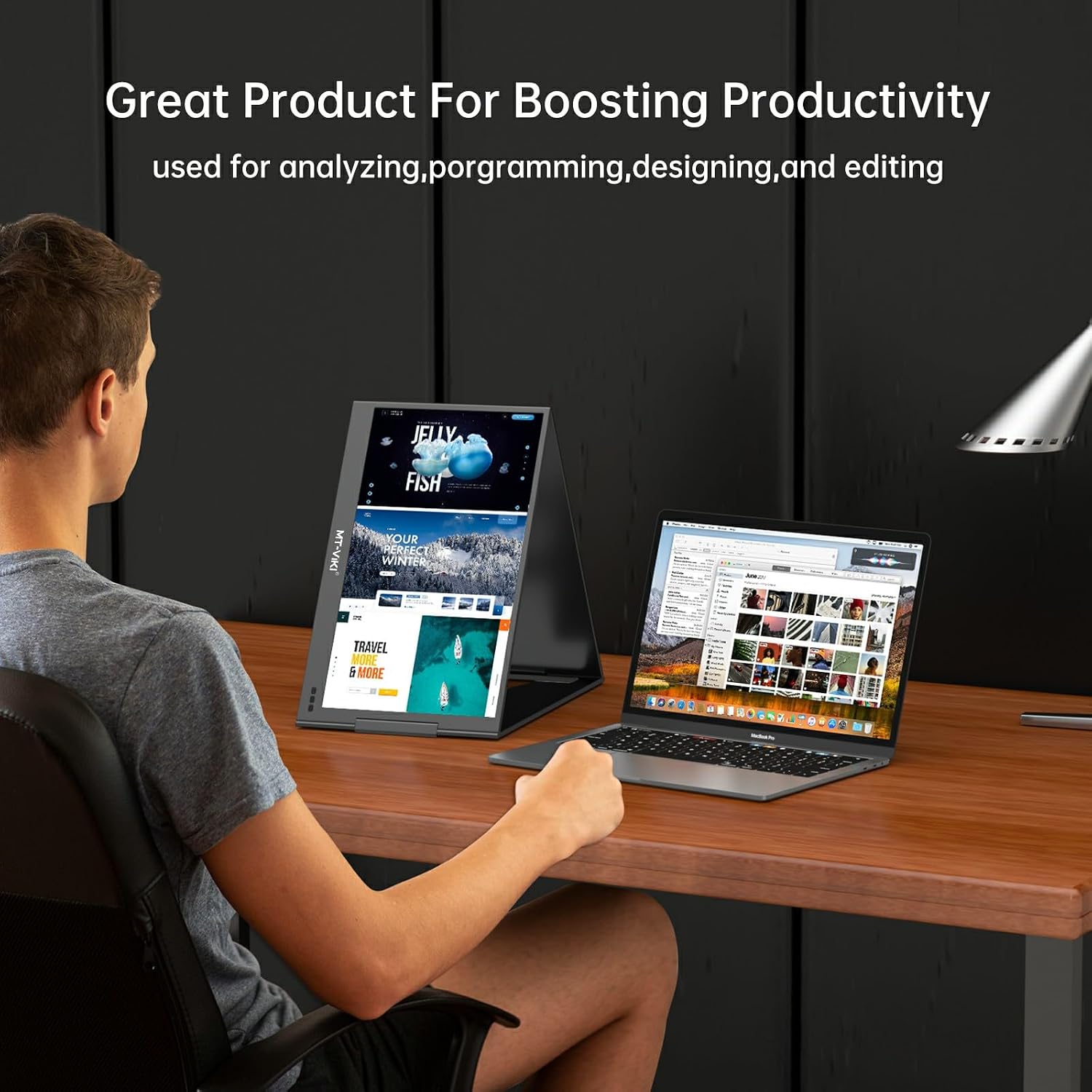
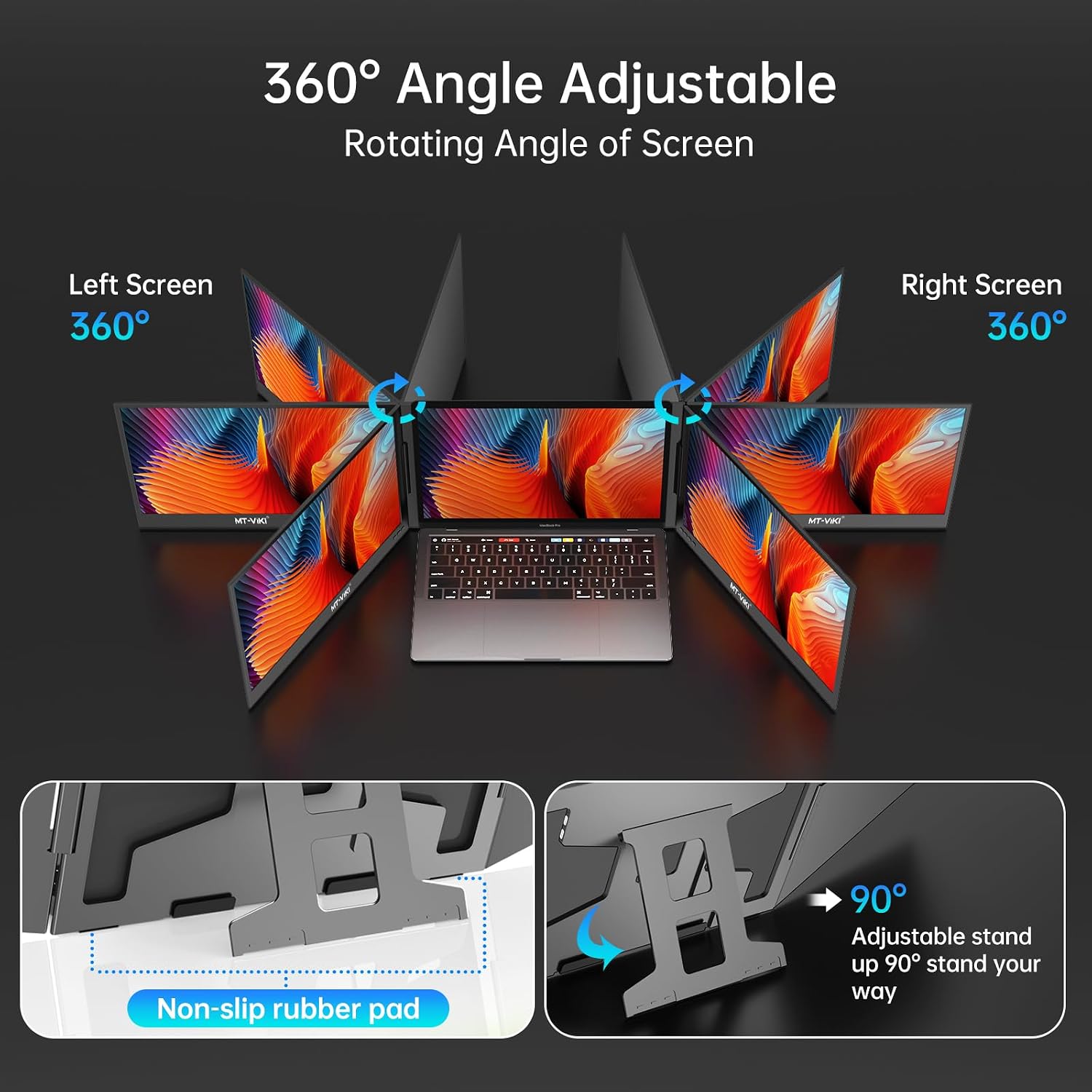
The screen can rotate 360° and fold for carrying in the included storage bag. Choose horizontal or portrait positioning, or use mirror and extended display modes to suit the way you work. Compared with carrying a separate desktop monitor, this foldable screen extender is designed to travel with a laptop and create an additional viewing area for business tasks such as keeping reference material beside a document or spreadsheet.
How to use it
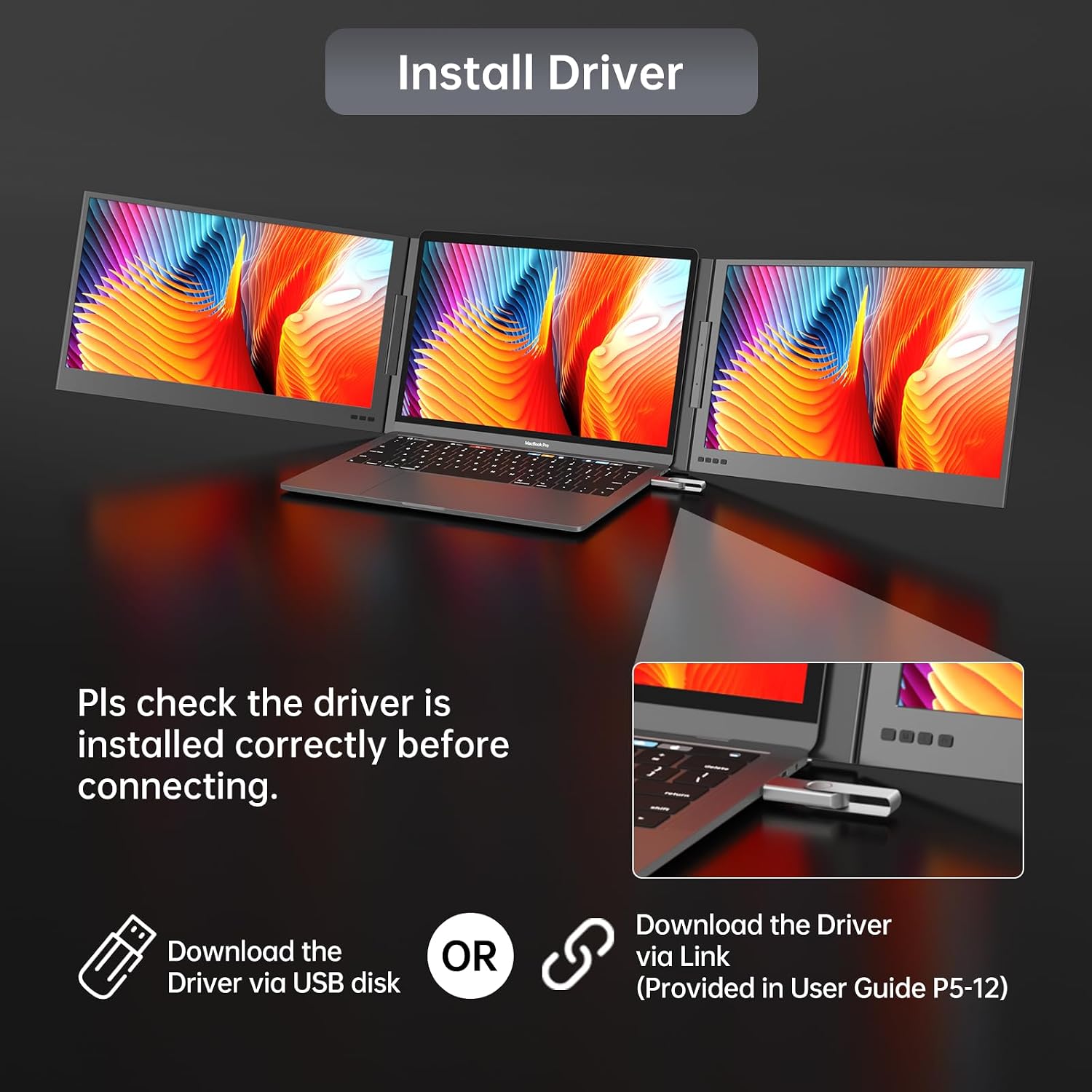
Install the required driver before connecting the display. For a one-cable setup, connect it to a full-function USB-C port that supports DP Alt Mode. A USB-C port used only for charging or data transfer will not provide a display signal. If your laptop has USB-A, the included USB-C-to-USB-A cable can be used, with the screen connected to external power when using that port. External power can also help maintain a stable picture if the screen flickers or goes black.
Once connected, select extended mode to keep separate content on the laptop and extender, or mirror mode to show the same content on both. The rotating design also lets you position the display horizontally or vertically for the material on screen. It makes sense if you want a portable way to add workspace for meetings, business documents or multitasking without setting up a full-sized monitor at a desk.
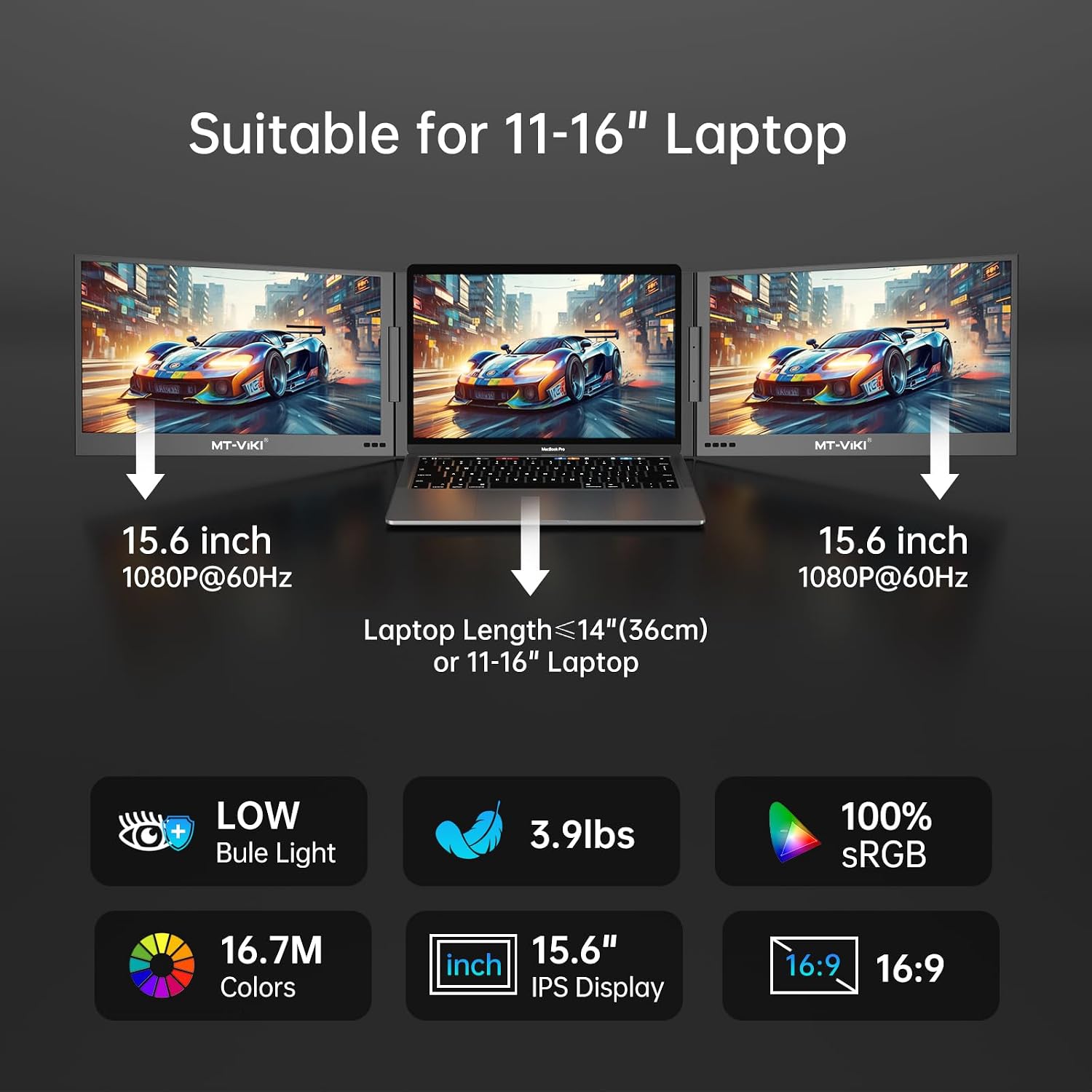
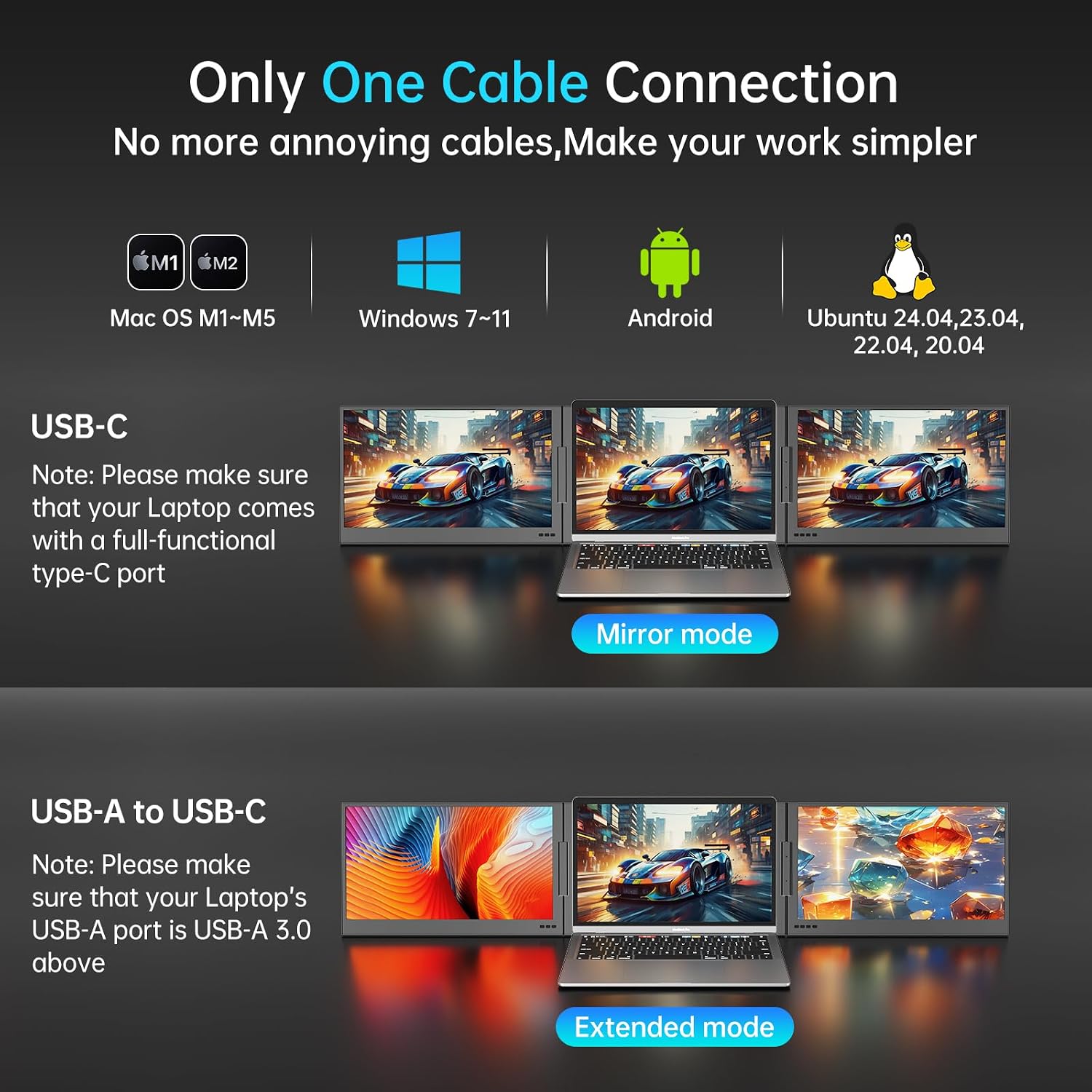
Buyers highlight the display resolution, while feedback on compatibility and portability is mixed, some also find the unit heavy. Matching the connection to a full-function USB-C port, or using USB-A with external power, is an important part of setting it up for your laptop.
Box contents
The package includes the 15.6-inch screen extender, a USB-C-to-USB-A cable, a USB-C-to-USB-C/USB-A cable, a USB drive, a 5V/3A power adapter, a user manual and a carrying bag. The required driver should be installed before use.
Final verdict
The Z80A is suited to laptop users who want a foldable second display for work on the move or a more flexible desk setup. Its Full HD IPS screen, portrait and landscape positioning, and mirror or extended modes give you practical ways to arrange information around your main laptop screen. Choose it when an extra 15.6-inch display and a portable format matter more than a permanently installed desktop monitor, and set it up through a compatible video-capable USB-C connection or USB-A with external power.