

Logitech Signature M650 L (910-006232) Wireless Mouse, Classic Blue
Reviews
Price
Product description
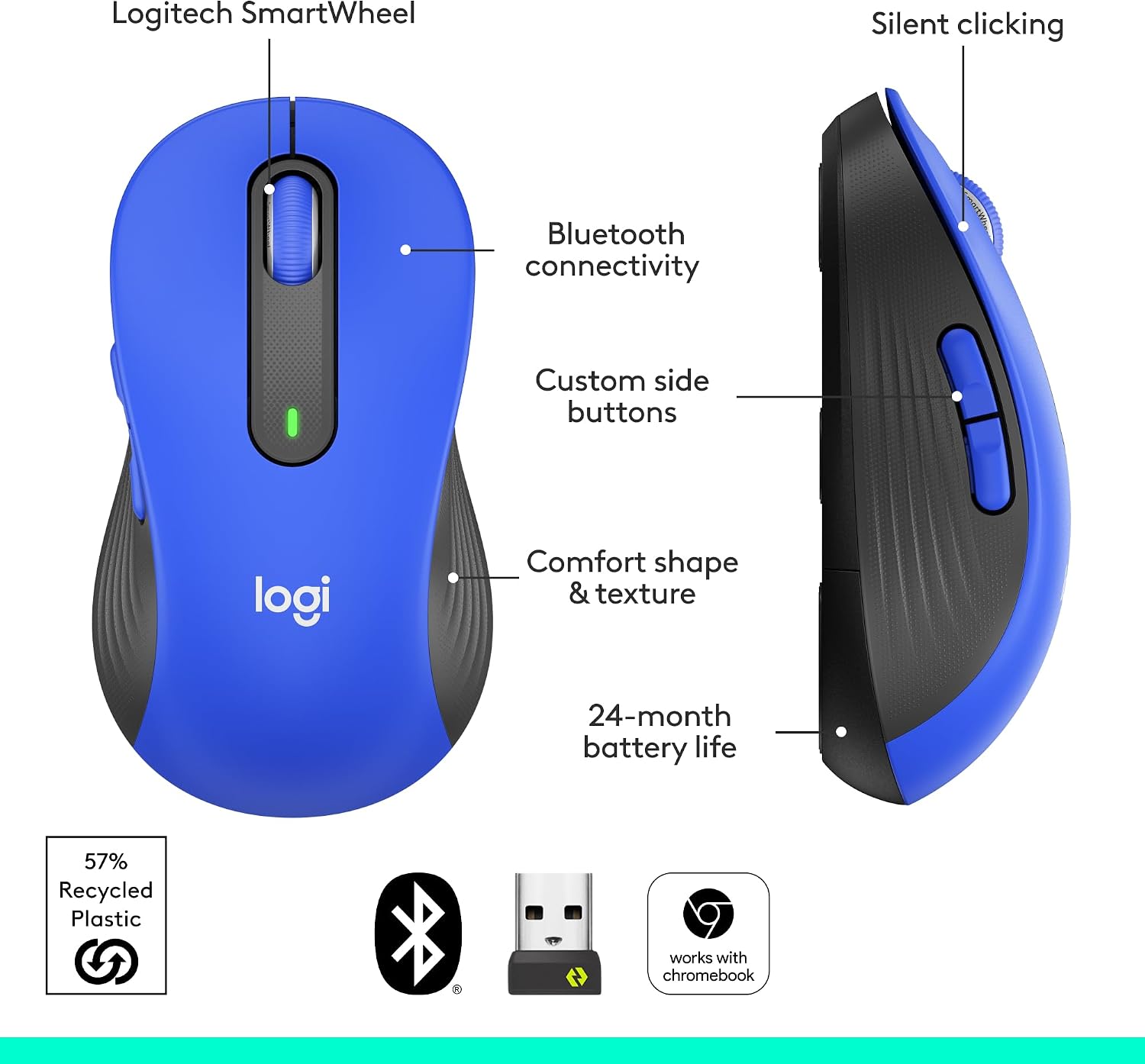
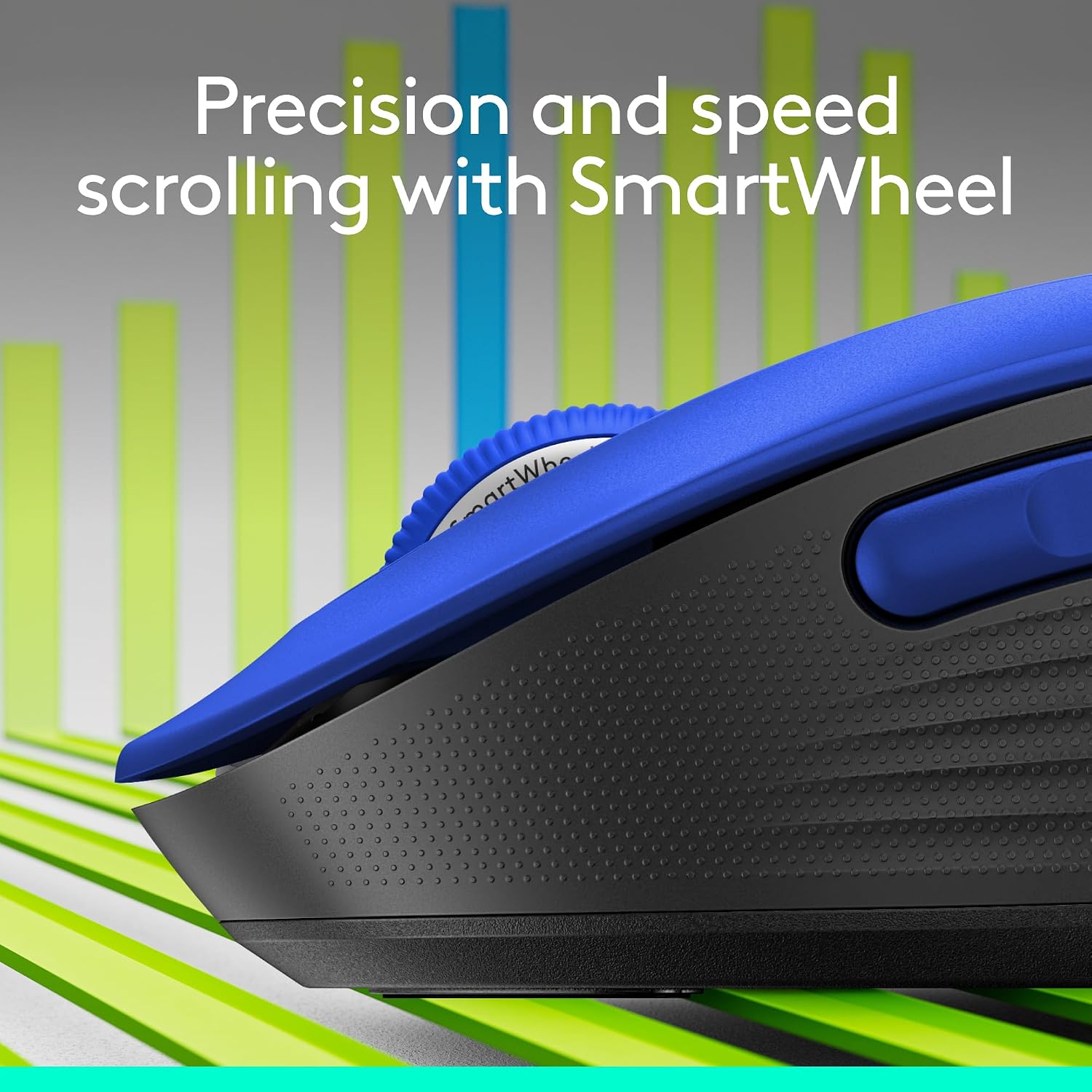
Some work calls for precise scrolling through documents, other tasks mean moving quickly through long web pages. The Logitech Signature M650 L adapts to both with its SmartWheel, switching between line-by-line control and fast scrolling with a flick of your finger.
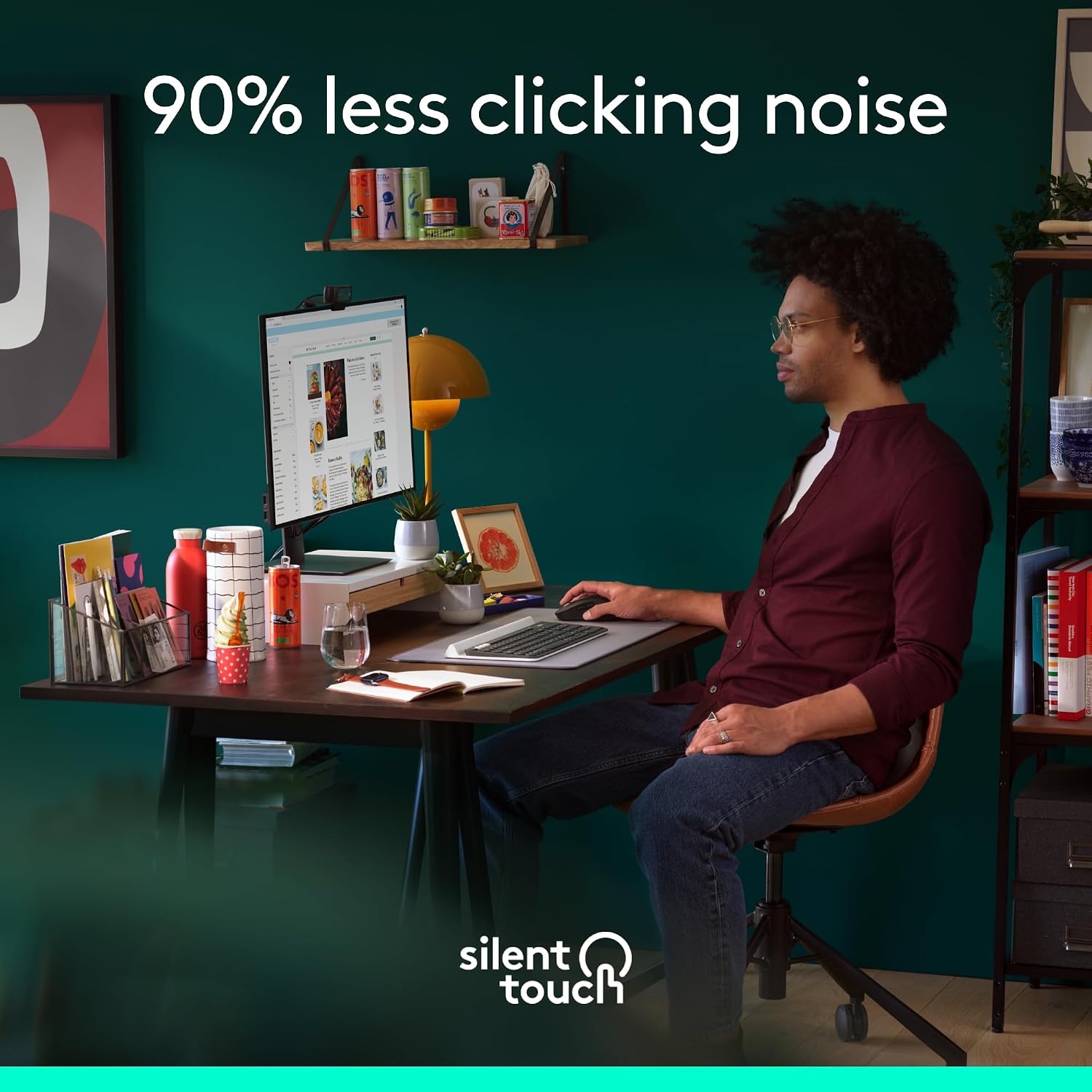
Its large, right-handed shape is designed for a comfortable grip, with a soft thumb area and rubber side grips. SilentTouch technology reduces click noise, helping keep a shared workspace or home office quieter.
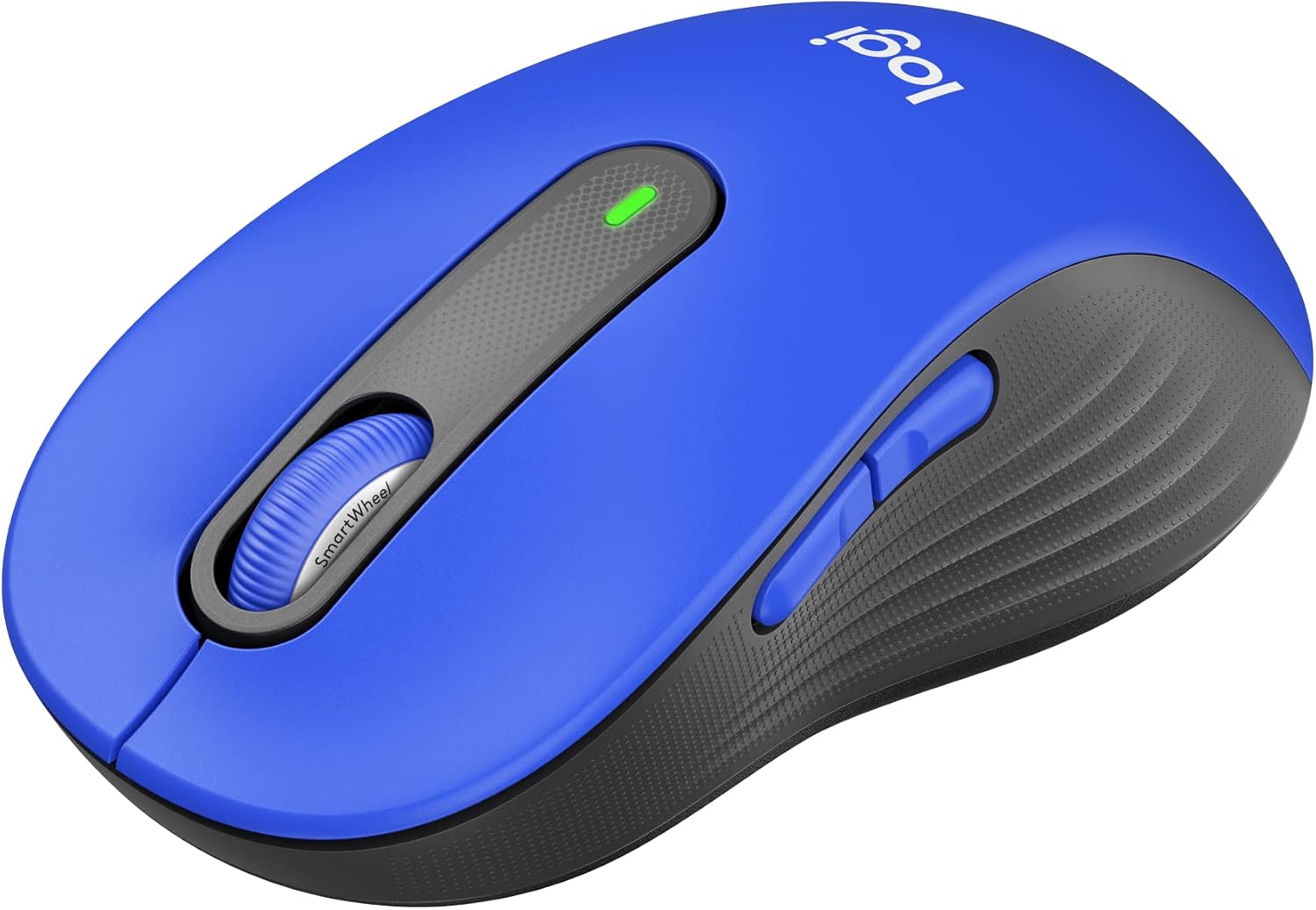
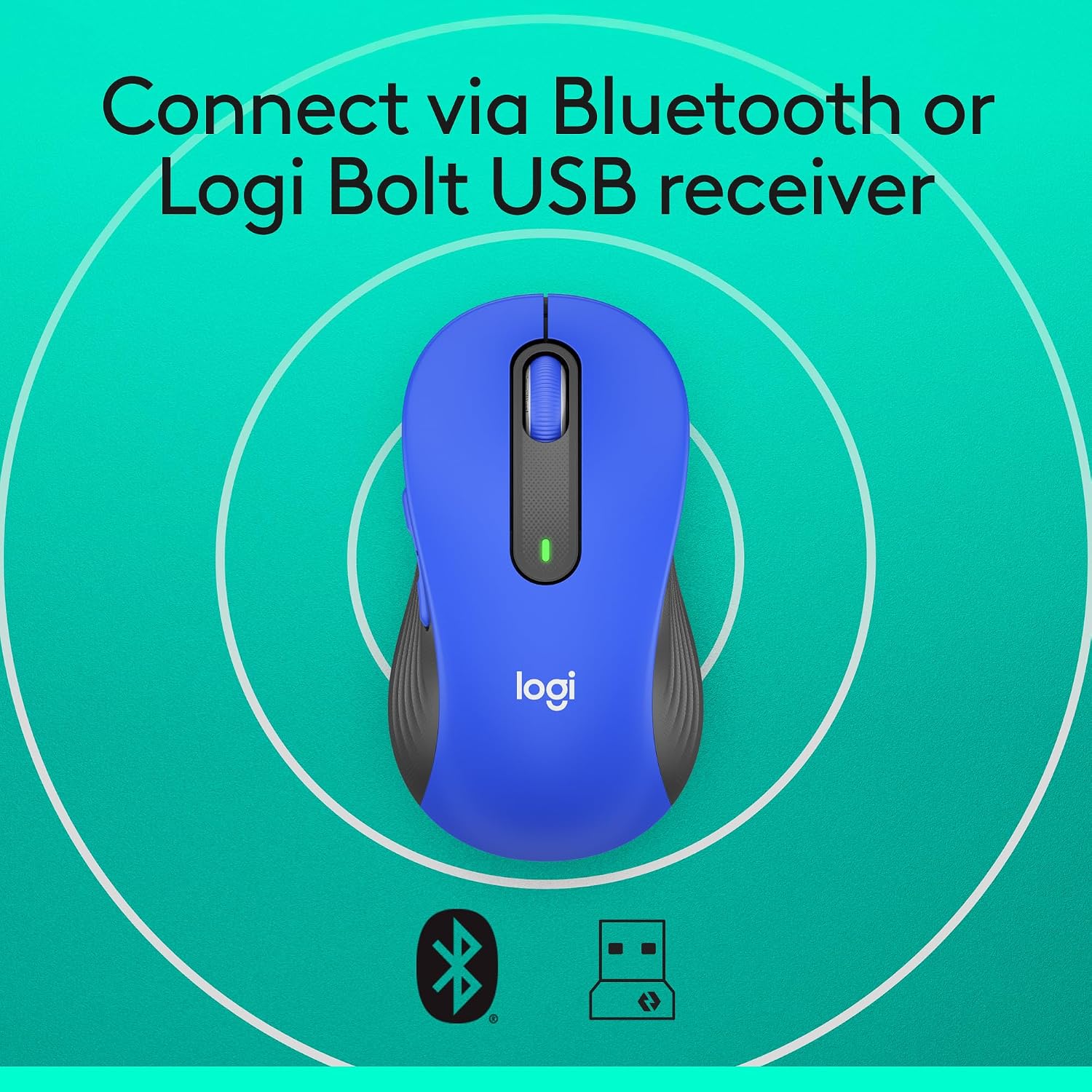
Connect using Bluetooth Low Energy or a Logi Bolt USB receiver. Customizable side buttons, multi-platform support and a single included AA battery make this a practical wireless mouse for everyday work.
What matters most
The SmartWheel suits a mix of reading and browsing: use controlled, line-by-line scrolling in a document, then switch to faster scrolling for a long webpage. That makes it useful for work that moves between detailed navigation and covering more content quickly, without changing mice or relying on a single scroll style.
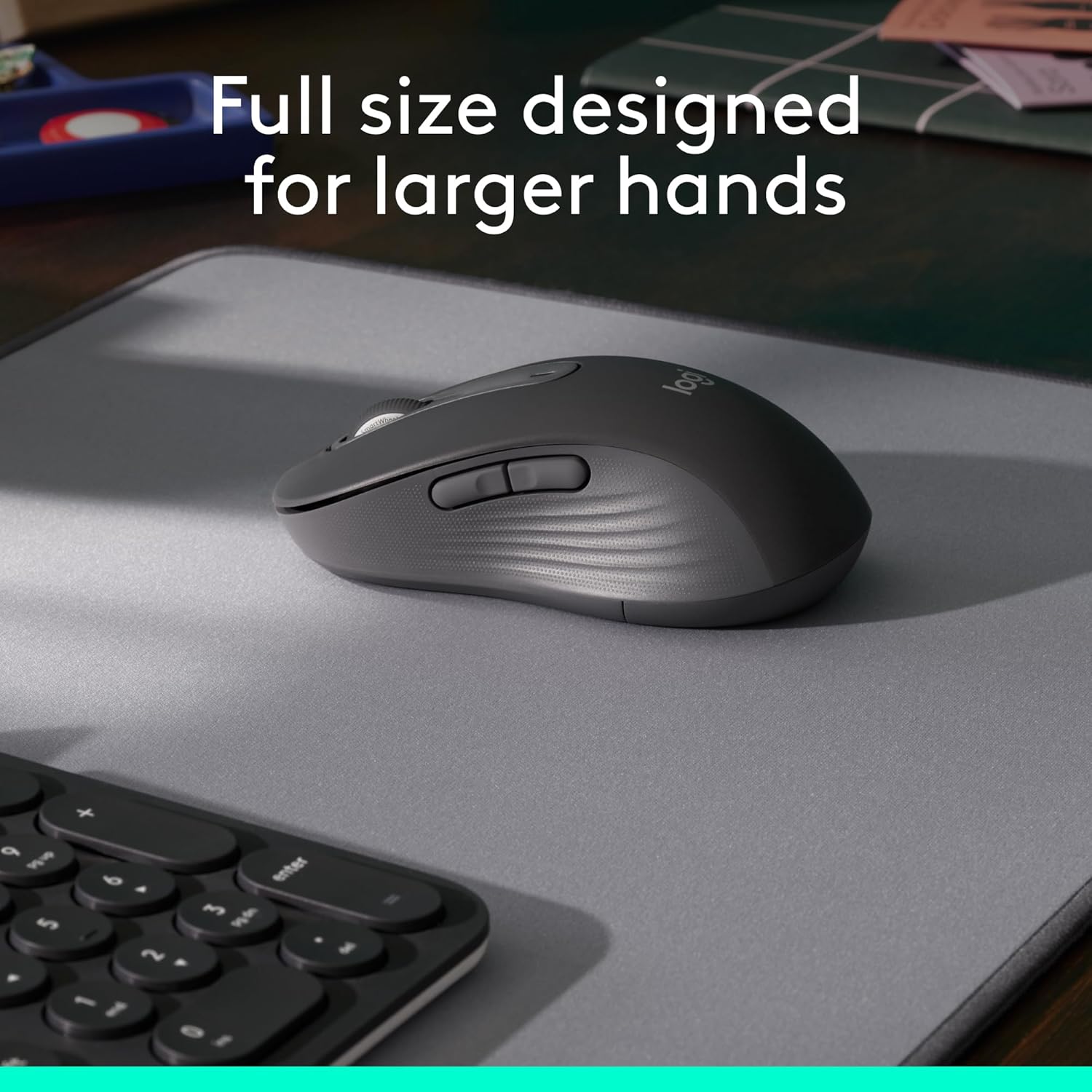
Comfort comes from the contoured shape, soft thumb area and rubber side grips. This large, right-handed model is intended for a more substantial fit, while its lightweight design helps keep everyday mouse movements comfortable. SilentTouch reduces click noise by 90% compared with Logitech’s standard mouse, a useful feature when working near others or concentrating in a quiet room.
Bluetooth Low Energy and Logi Bolt USB receiver connectivity give you two wireless connection options. The side buttons can be customized through Logitech Options+ on Windows and macOS, with shortcuts such as back and forward or copy and paste. The mouse supports Windows, macOS, Linux, ChromeOS, iPadOS and Android, so it can suit a workspace that includes different operating systems. Buyers often highlight its quiet clicks, comfortable feel and size, feedback on functionality is mixed, with some reporting issues during use.
Everyday use
The Signature M650 L runs on one AA battery, which is included, and is rated for up to 24 months of battery life, actual life may vary with use and computing conditions. That long stated interval means fewer battery changes as part of a regular desk routine. Its wireless design keeps the mouse free of a direct cable connection, while the choice of Bluetooth Low Energy or a Logi Bolt receiver lets you select a connection method that fits your setup.
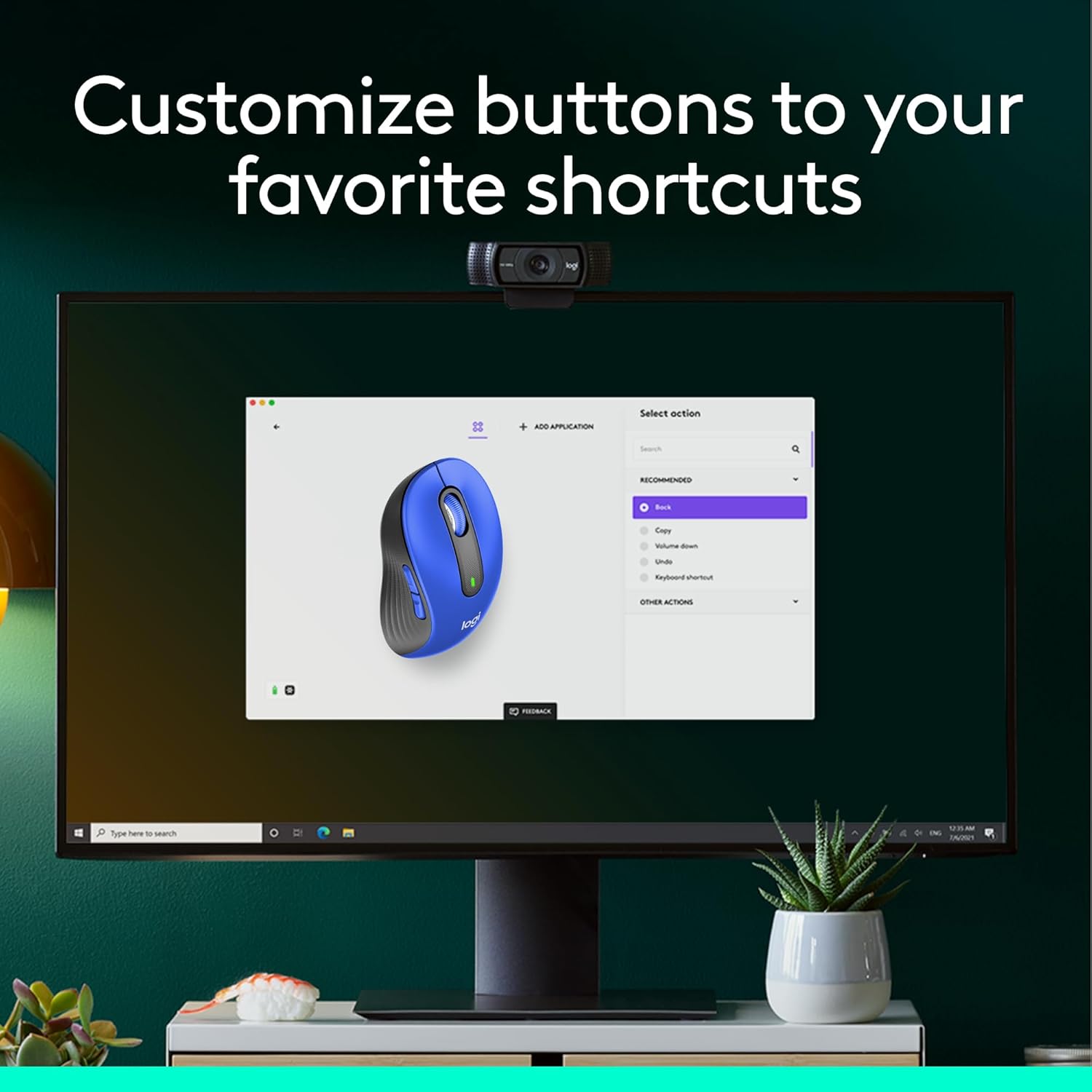
For maintenance, keep the mouse and its textured plastic enclosure clean as part of normal desk care. Its quiet-click design is especially suited to shared rooms, and the customizable side buttons let you tailor common actions to the way you work. Choose the large, right-handed Signature M650 L when that shape and hand orientation suit your everyday setup.
Best use cases
This mouse is well suited to office tasks, study and home computing where documents, web browsing and frequent navigation share the same session. For example, while reviewing a long online reference, the SmartWheel can move quickly through the page, when editing a document, it can return to more controlled line-by-line scrolling. Side-button shortcuts can also make familiar actions such as going back or forward easier to reach.
It is a particularly useful approach for someone who wants wireless flexibility and adjustable scrolling in one everyday mouse. A simpler mouse with fixed scrolling may suit a setup where those controls are not needed, the M650 L brings together adaptive scrolling, quiet clicks and customizable side buttons for varied computer tasks.
Final verdict
The Logitech Signature M650 L brings together a large, right-handed comfort shape, quiet SilentTouch clicks and SmartWheel scrolling that adapts to documents and long webpages. Its wireless connection choices, configurable side buttons and broad operating-system support make it a practical fit for everyday work across a range of computer setups.