

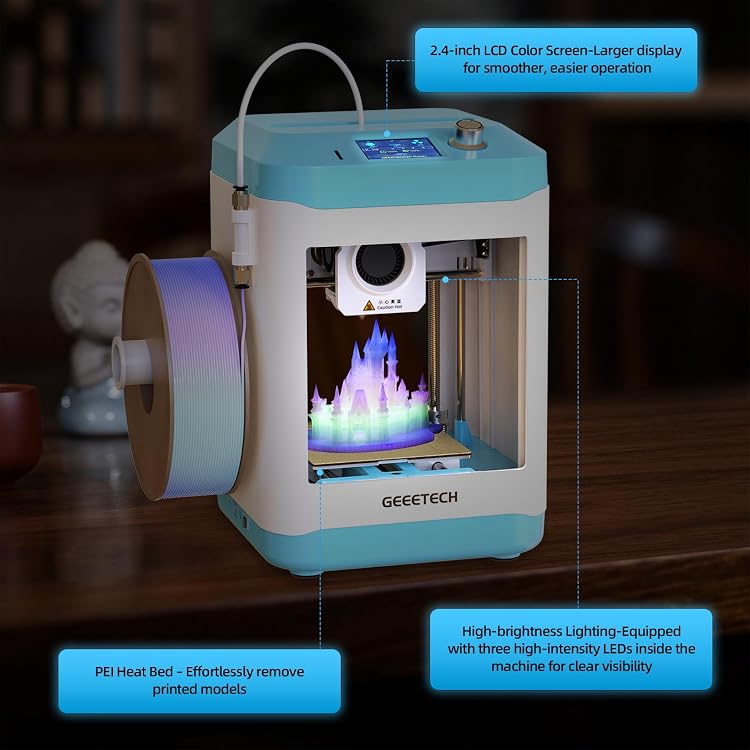
GEEETECH M1S Mini 3D Printer with WiFi Cloud Printing and Auto-Leveling
Product description
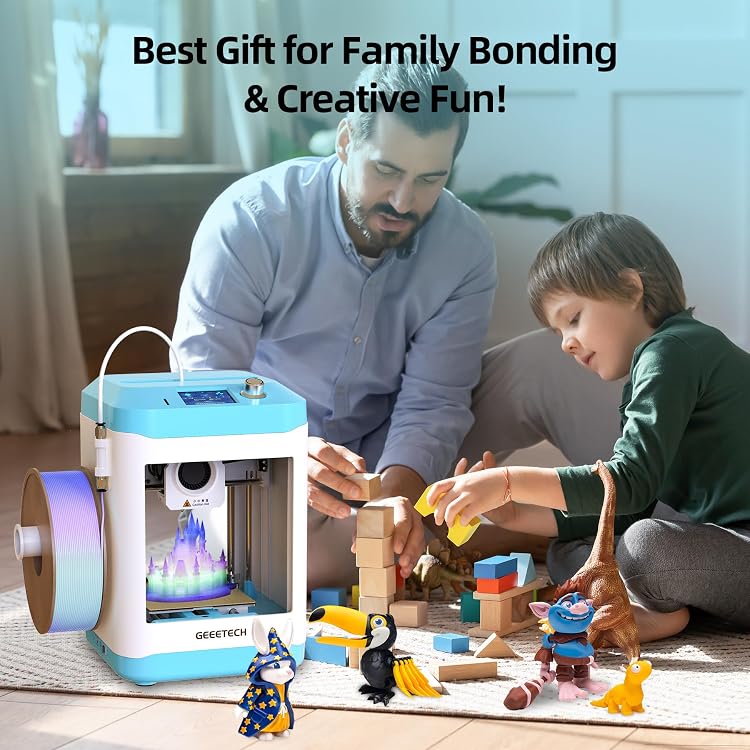
For classroom projects or a first hands-on introduction to 3D printing, the GEEETECH M1S brings guided, straightforward controls to a compact printer designed for kids and beginners.
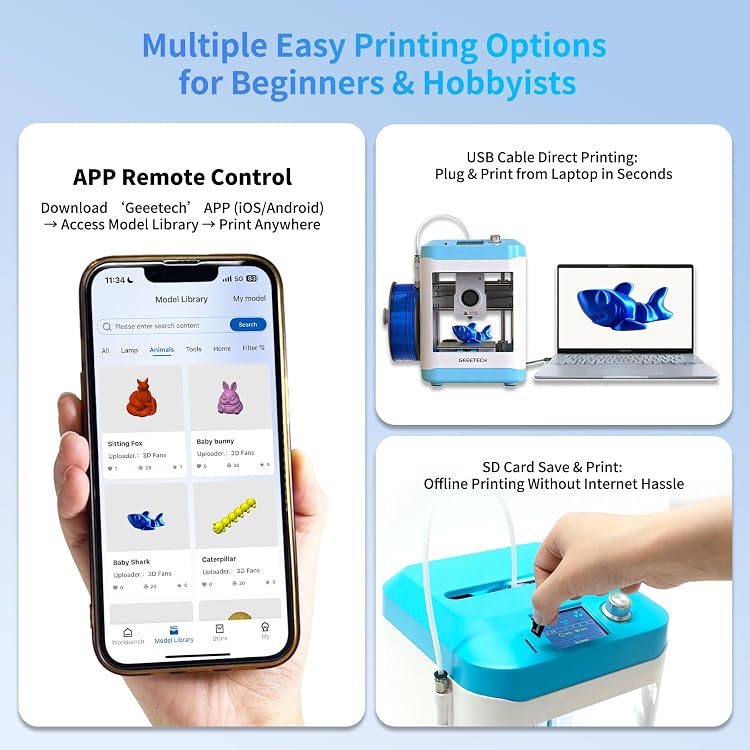
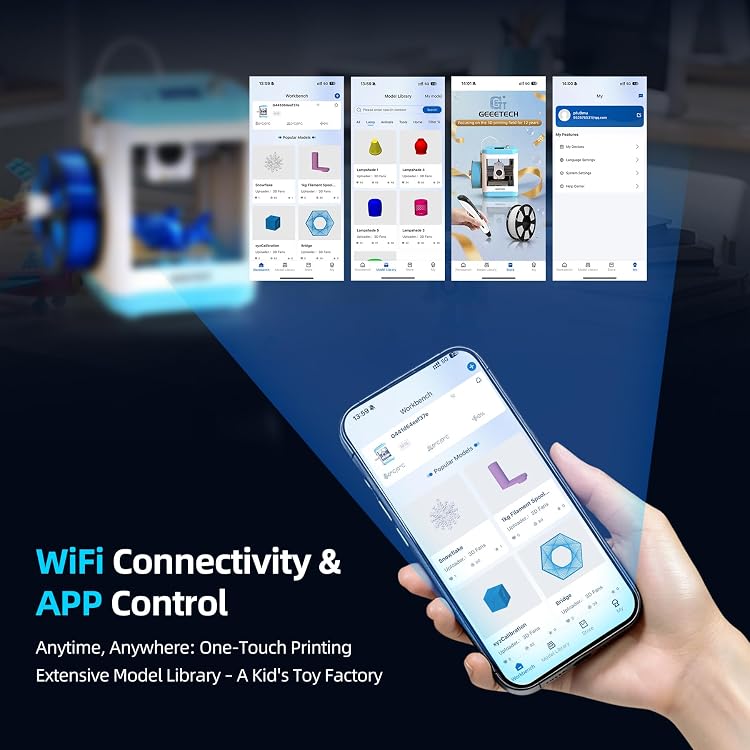
Send a print over WiFi Cloud Printing or use a TF Card, then follow the process on the 2.4-inch colour LCD screen. One-button filament loading helps simplify the first steps.
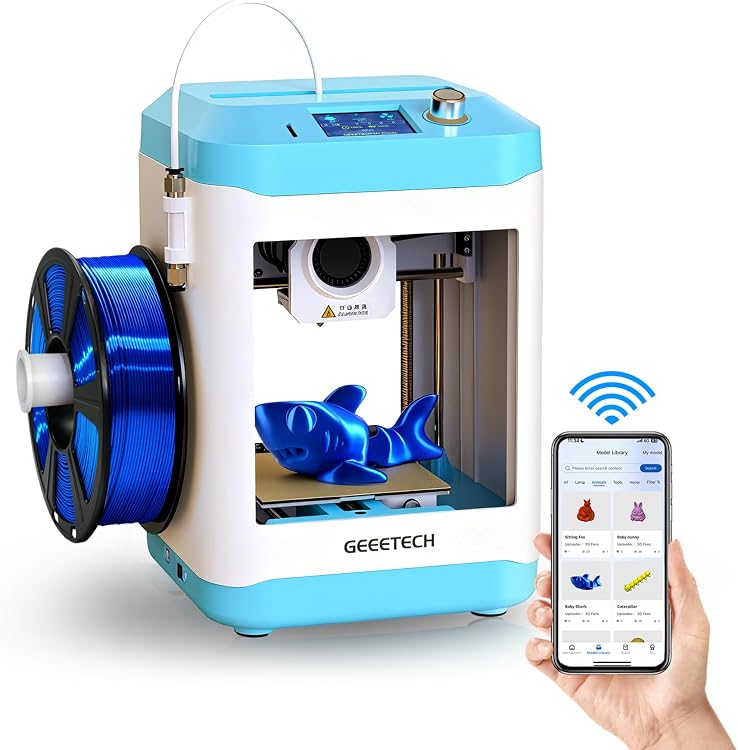
Choose this mini printer when space and beginner-friendly operation matter, a larger printer may be a better fit when the main priority is a bigger build area. The M1S has a 3.94 × 4.33 × 3.94-inch print area for small models and learning projects.
Technical details
- Type: Mini 3D printer
- Model: M1S
- Material: ABS and metal
- Colour: Lite Blue
- Product dimensions: 26.5D × 25.5W × 39.5H centimetres
- Print area: 3.94 × 4.33 × 3.94 inches
- Connectivity: WiFi Cloud Printing and TF Card
- Supported devices: Laptop, personal computer, smartphone and tablet
- Display: 2.4-inch colour LCD
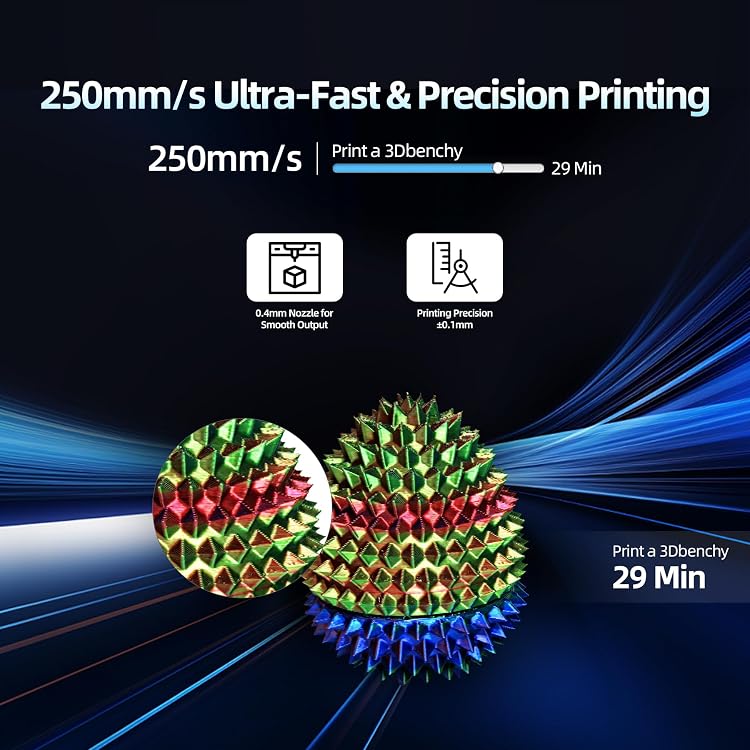
- Printing speed: Up to 250mm/s
- Levelling: 16-point full-auto levelling
- Build plate: Heated, flexible magnetic plate
- Extruder: Direct drive with dual-drive metal gears
- Filament: TPU and PLA, supports 0.5kg and 1kg spools
Everyday use
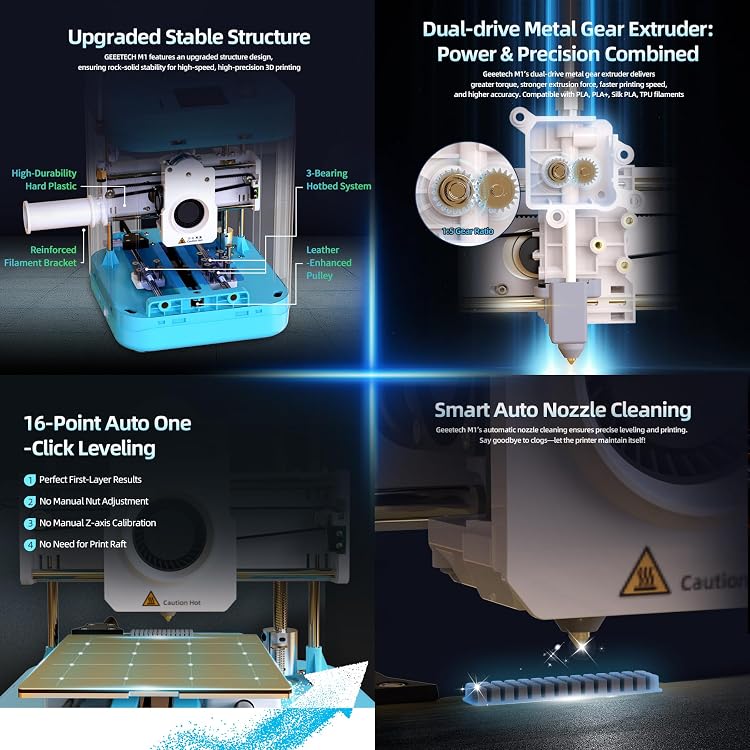
Auto-levelling helps streamline bed setup, while the flexible magnetic build plate makes finished models easier to remove and the surface easier to clean. The heated plate is designed to help reduce warping. Together, these features make it practical to move from a simple classroom model to a small project at home without relying on a complicated setup routine.
The direct-drive extruder uses a dual-drive metal gear system with a 1:5 gear ratio, providing the extrusion force for the stated TPU and PLA materials. A 50W heating rod and upgraded nozzle support the printer’s high-speed design. For a 1kg filament spool, use a filament holder to support stability, the holder model file is available on request.
Buyers commonly praise print quality, ease of setup and use, and the compact size, with some noting that children enjoy getting started with it. Feedback on reliability and durability varies, so these impressions are best treated as individual experiences rather than a measure of guaranteed results.
Tips for day-to-day use
A practical first project is a small model that lets a new user learn the loading and printing steps. The control knob, one-button filament loading and colour screen keep the basic workflow accessible, while WiFi Cloud Printing and TF Card provide two ways to start a job. To run auto-levelling, select Prepare in the menu, then choose Auto Leveling. This can be useful when setting up the printer before a new project.
Questions before you buy
Which devices are supported? The listed compatible devices are laptops, personal computers, smartphones and tablets. Prints can be sent using WiFi Cloud Printing, or started from a TF Card.
How do you start auto-levelling? Open the menu, select Prepare, then choose Auto Leveling. The printer uses 16-point full-auto levelling.
Which filament can it use, and what spool sizes are supported? The printer is described for TPU and PLA and supports 0.5kg and 1kg spools. For stability with a 1kg spool, use a filament holder.
Should you buy it?
It suits you if you want a compact printer with beginner-friendly controls for small home or school projects. Its auto-levelling, magnetic heated plate and choice of WiFi Cloud Printing or TF Card make the M1S a practical way to explore 3D printing without making the learning process depend on a complicated workflow.