

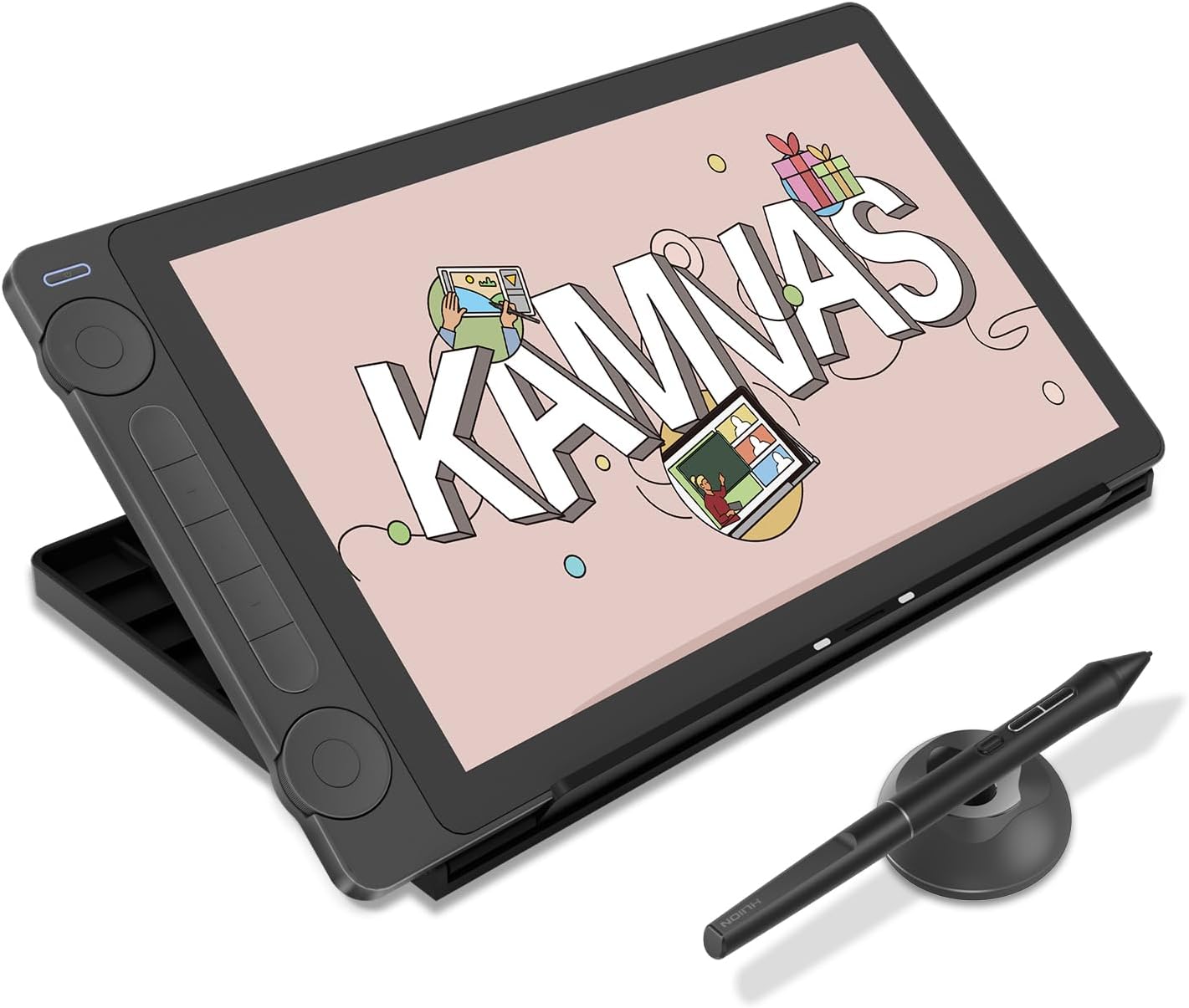
HUION Kamvas 13 (Gen 3) GS1333 Drawing Tablet, 13.3-inch Full-Laminated
Product description
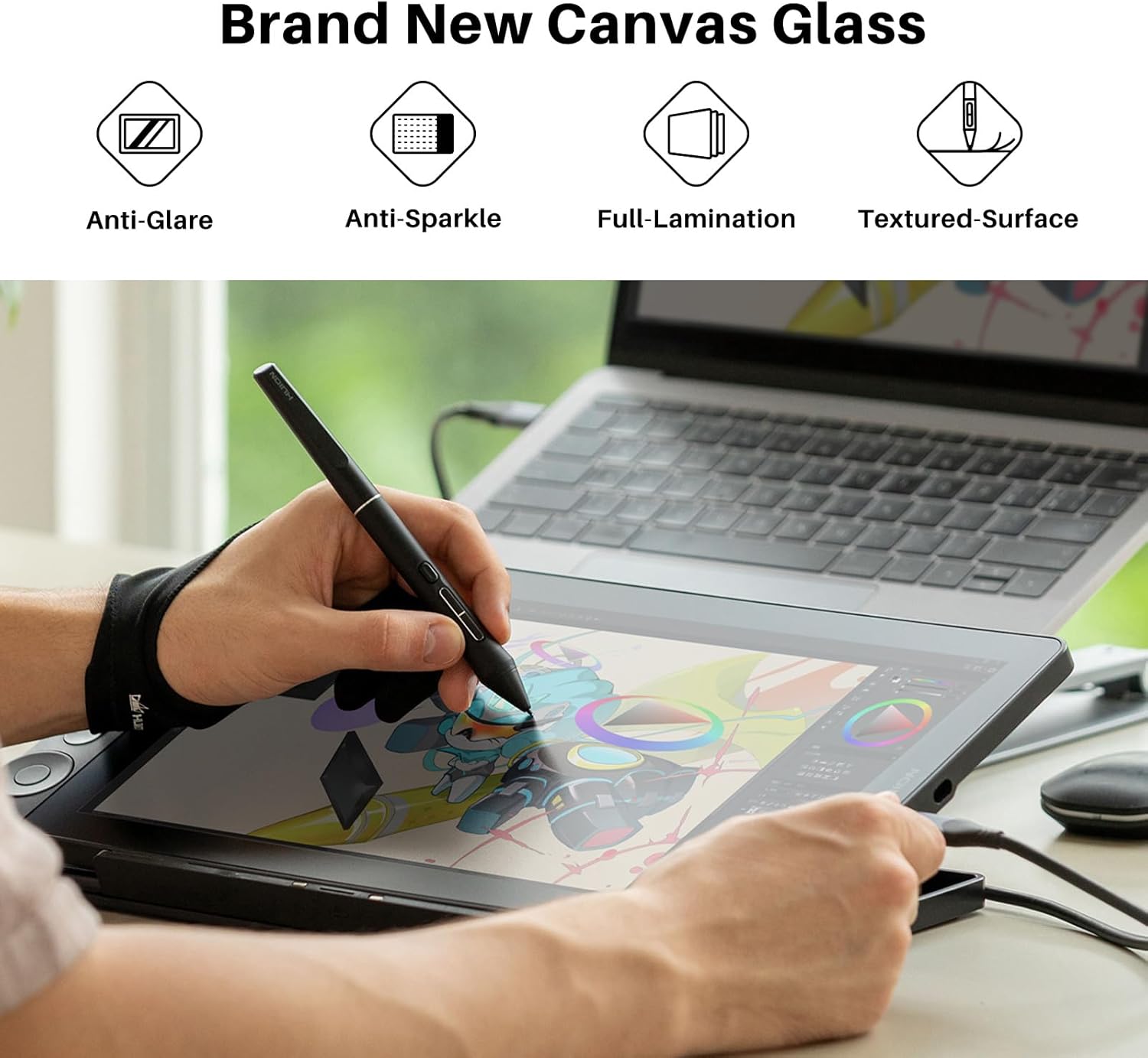
A fully laminated 13.3-inch display brings the pen tip closer to the image beneath it, helping you work with precise strokes and a more direct drawing feel. Anti-sparkle Canvas Glass reduces glare and adds a paper-like texture, while 99% sRGB coverage supports colour-conscious creative work.
The Kamvas 13 (Gen 3) is a screen-based drawing tablet for artists, designers, students and educators. Choose a pen display when you want to draw directly on the canvas, a traditional graphics tablet suits a different workflow, where you draw on a separate surface while looking at a monitor.
Tips for day-to-day use
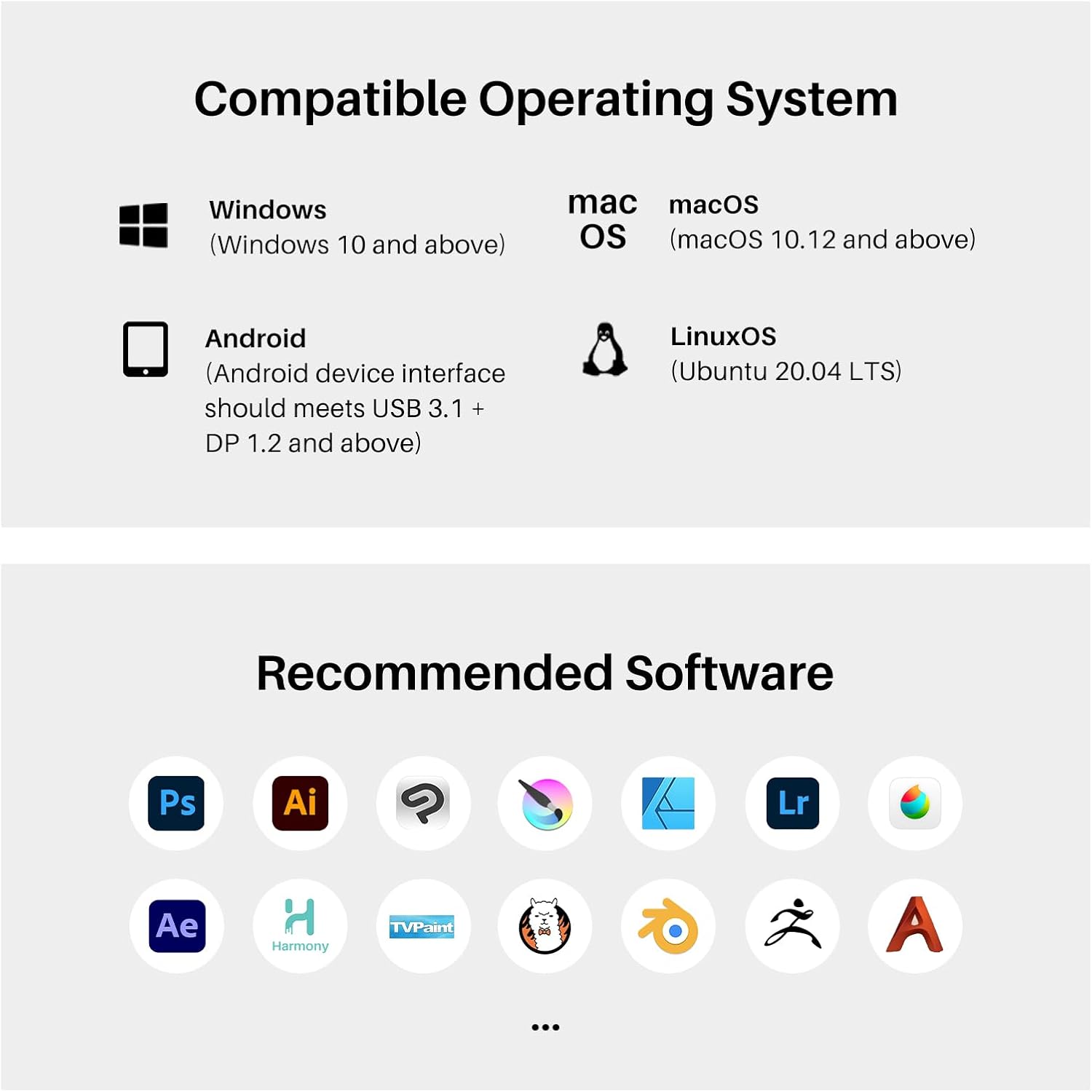
Connect the display to a computer, laptop or compatible Android device to use it, it is not a standalone tablet. For Android, the device must support USB 3.1 Gen 1 and DP 1.2. The screen can serve as a hands-on workspace for illustration, animation, design, 3D modelling or online education, with the pen and shortcut controls close at hand.
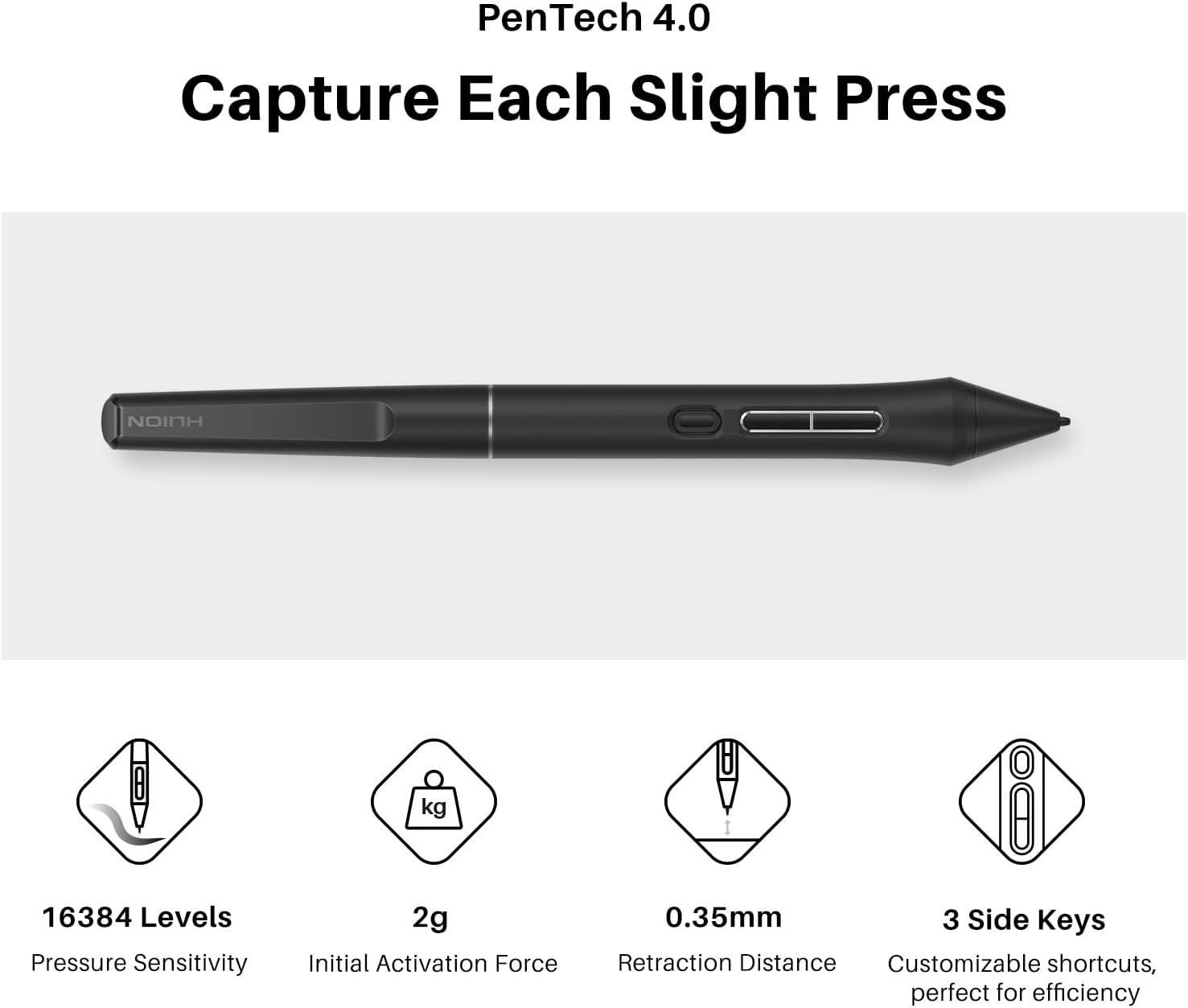
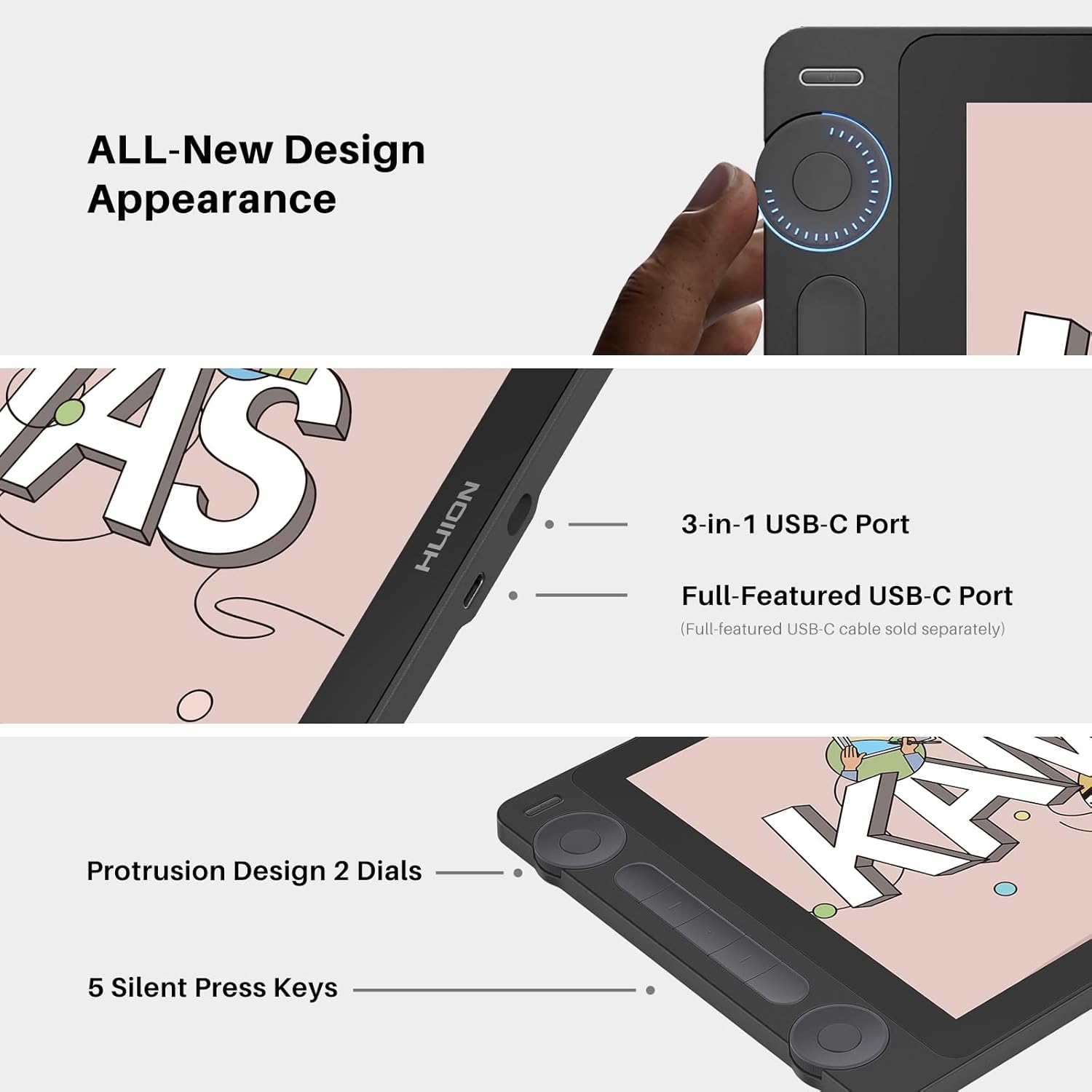
PenTech 4.0 provides 16,384 pressure levels, 60° tilt support and a 2 g initial activation force. Three pen side buttons can be customized for frequently used actions. On the tablet, programmable shortcut keys and two dial controls can be mapped to tasks such as changing brush size, zooming or undoing. Set them up around your regular workflow to reduce trips through menus and keep attention on the canvas.
Why it’s worth it
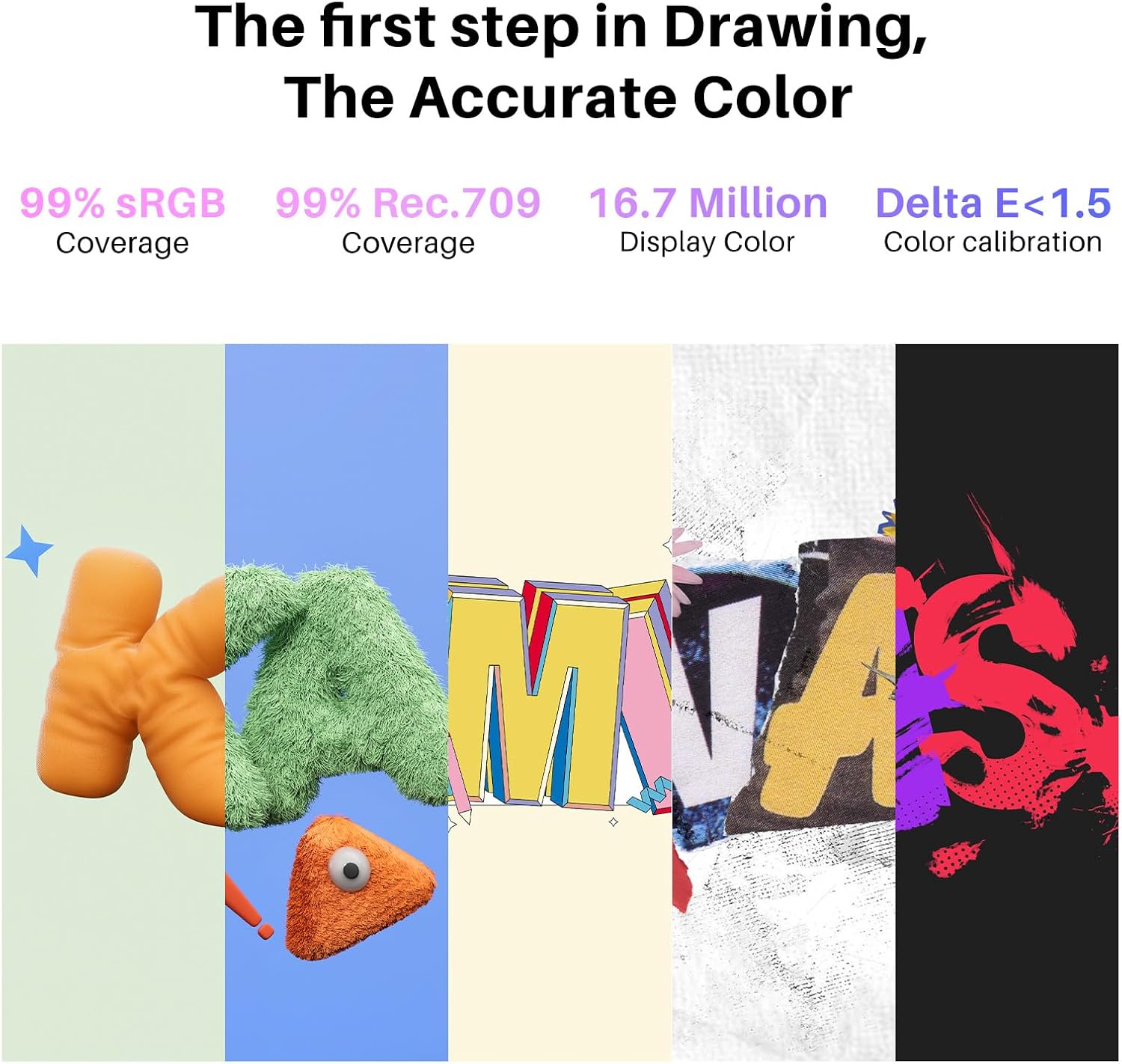
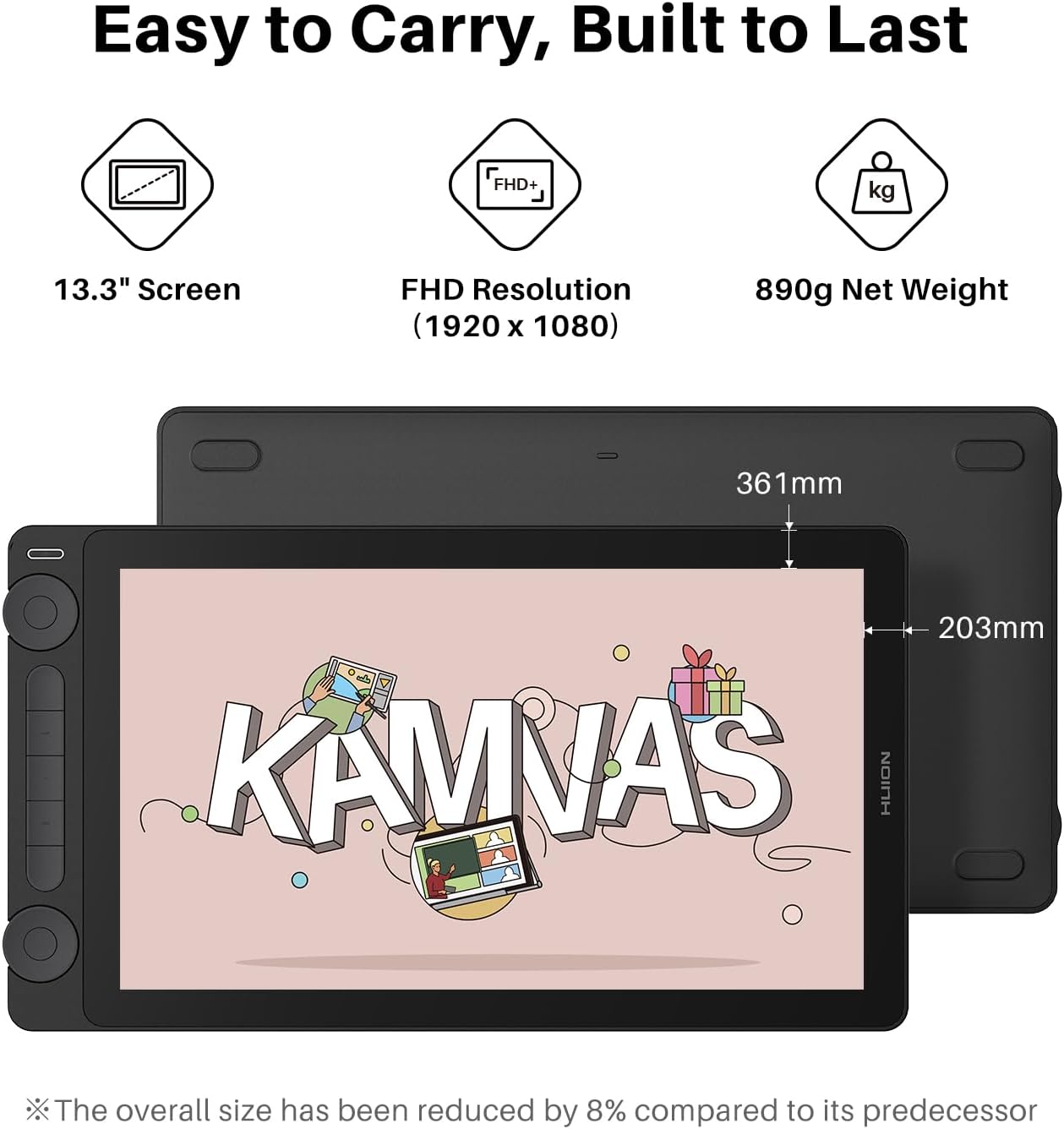
The display combines a 1980 × 1080 resolution with 16.7 million colours, 99% sRGB coverage and Rec.709 colour gamut support. HUION also lists average ΔE below 1.5 and a factory calibration report, useful details for creative work where consistent colour matters. Full lamination and the etched glass help make both viewing and pen placement feel more connected to the drawing surface.
Buyers have praised the screen clarity and described the tablet and its software positively. Feedback on functionality, responsiveness, calibration and setup is mixed, so experiences can vary. The documented shortcut and dial customization offers a practical way to tailor the controls to the apps and actions used most often.
Key points
- Display: 13.3-inch LCD, 1980 × 1080 resolution
- Surface: Fully laminated anti-sparkle Canvas Glass
- Colour: 99% sRGB, Rec.709, 16.7 million display colours
- Pen: PenTech 4.0, 16,384 pressure levels, 60° tilt support
- Controls: Three customizable pen buttons, programmable shortcut keys and dual dials
- Connectivity: USB
- Compatibility: Windows 10 or later, macOS 10.12 or later, supported Android devices and Ubuntu 20.04 LTS
What to clarify
Can I use the Kamvas 13 on its own? No. It is a drawing monitor and needs to connect to a computer, laptop or compatible Android device to work.
Which operating systems does it support? Listed systems include Windows 10 or later, macOS 10.12 or later and Ubuntu 20.04 LTS. Android devices need USB 3.1 Gen 1 and DP 1.2 support.
Can I customize the dials and shortcut keys? Yes. The two dials and programmable press keys can be assigned actions such as zoom, brush size, undo or other shortcuts.
Final verdict
For digital artists and designers who prefer drawing directly on a screen, the HUION Kamvas 13 (Gen 3) pairs a paper-like, anti-sparkle surface with a pressure-sensitive pen and customizable controls. Its colour specifications and 13.3-inch workspace also make it a practical fit for illustration, design and learning-focused creative tasks.