

GEEETECH M1 3D Printer, Auto-Leveling, 250 mm/s, Open-Source
Product description
Sixteen-point auto-levelling helps make print setup more straightforward, while the heated, flexible magnetic build plate supports model removal and cleaning. Could a ready-to-use setup make early projects easier to begin? The GEEETECH M1 arrives fully assembled, with knob controls and one-button filament loading. Its compact print area is suited to small projects at home or in a classroom.
At a glance
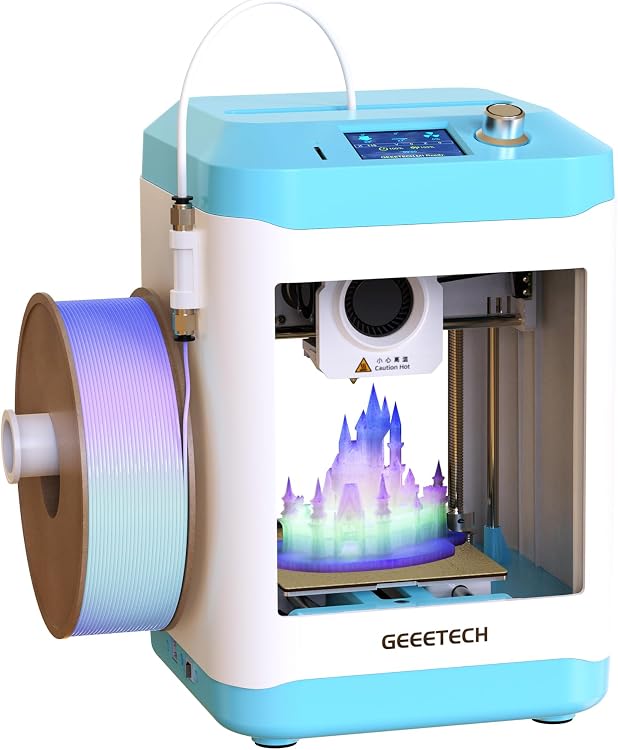
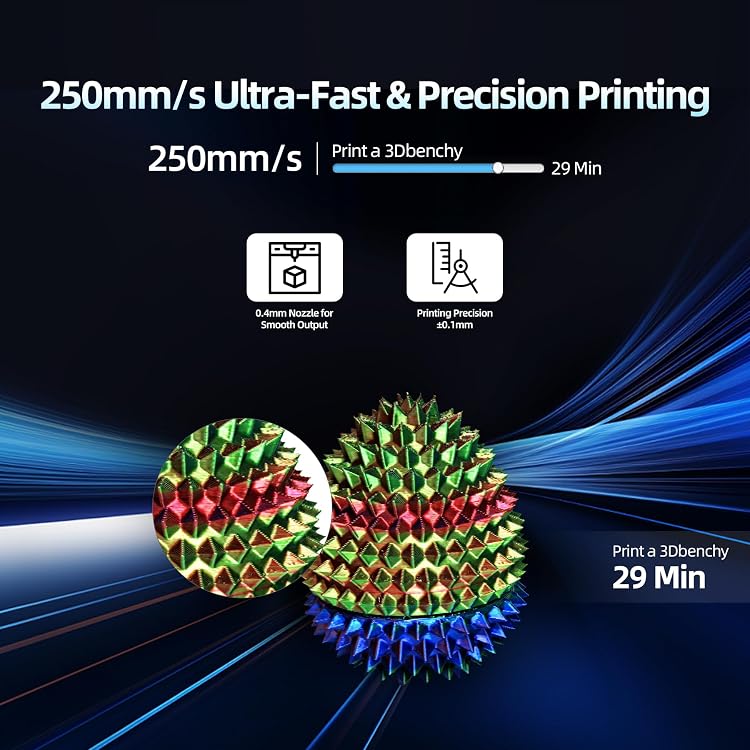
The M1 combines an auto-levelling system with a heated build plate to help keep the printing process approachable for beginners. Its print area measures 3.94 × 4.33 × 3.94 inches, giving learners room to make small models and practical objects while keeping the printer’s focus on compact projects. Printing speeds reach up to 250 mm/s, and a TF card connection supports plug-and-play printing.
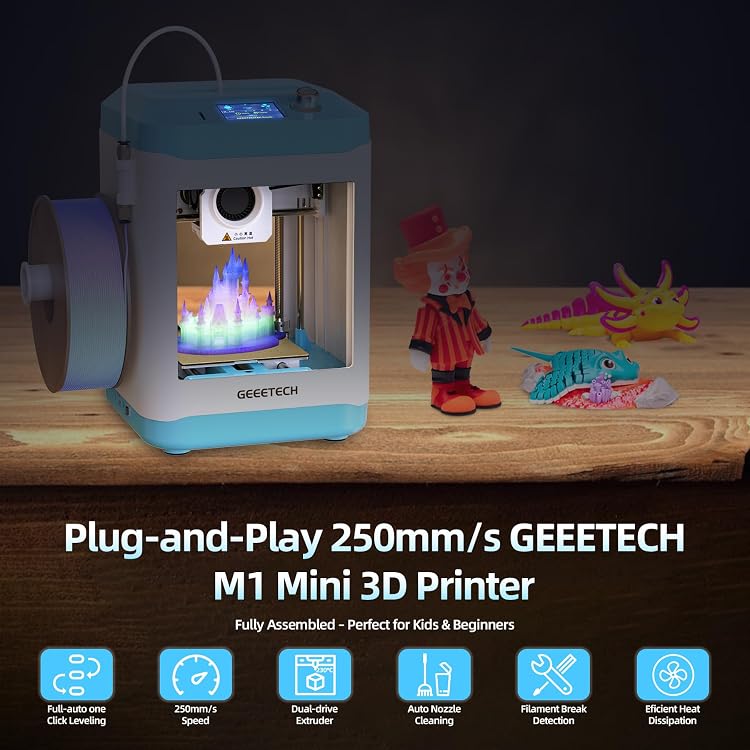
A direct-drive extruder uses a dual-drive metal gear system with a 1:5 gear ratio. It is designed to handle PLA and TPU filament, with support for 500 g and 1 kg spools. For stability with a 1 kg spool, use a filament holder, a printable holder model is available on request. The 2.4-inch colour LCD, high-brightness lighting and simple controls make it easier to follow the printer’s operation as a project takes shape.
The M1 is fully open source and supports Windows, macOS and Linux, with slicing software options including OrcaSlicer, Cura and Simplify3D. That gives users a way to work within familiar computer setups and explore different tools as their skills develop.
Care & maintenance
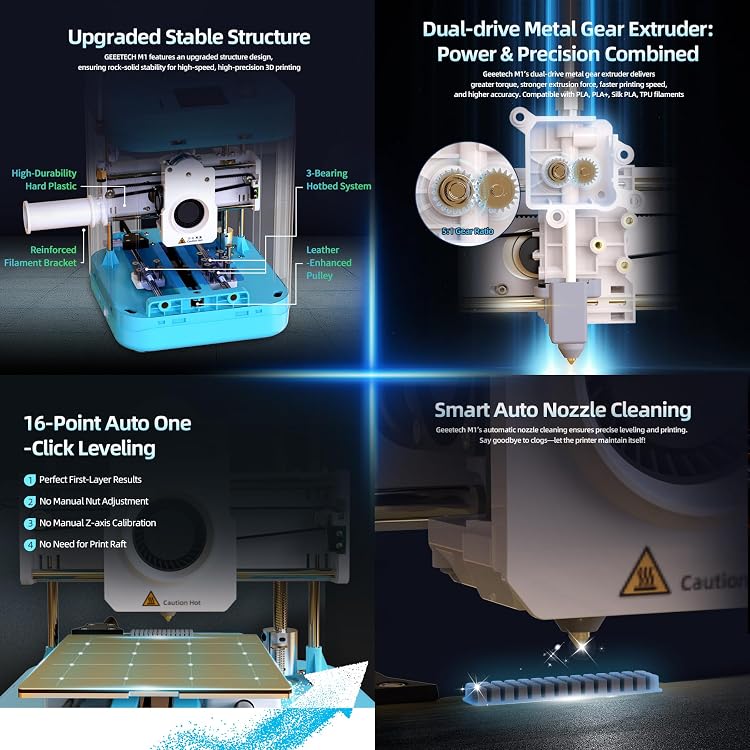
The flexible magnetic build plate is designed to make finished models easier to remove and the platform easier to clean. After a print, let the surface cool as appropriate for the task, then clean it before starting another project. Auto-levelling is accessed through the printer’s menu: select Prepare, then Auto Leveling.
If filament stops feeding because the nozzle is clogged, the manufacturer’s guidance is to heat the nozzle, remove the filament once it reaches the set temperature, and clear the nozzle with the supplied needle. If a model does not adhere, adjusting the Z-offset slightly may help, the nozzle position relative to the heated bed is the first thing to check. These simple maintenance steps help keep routine printing tasks manageable for new users.
Everyday use
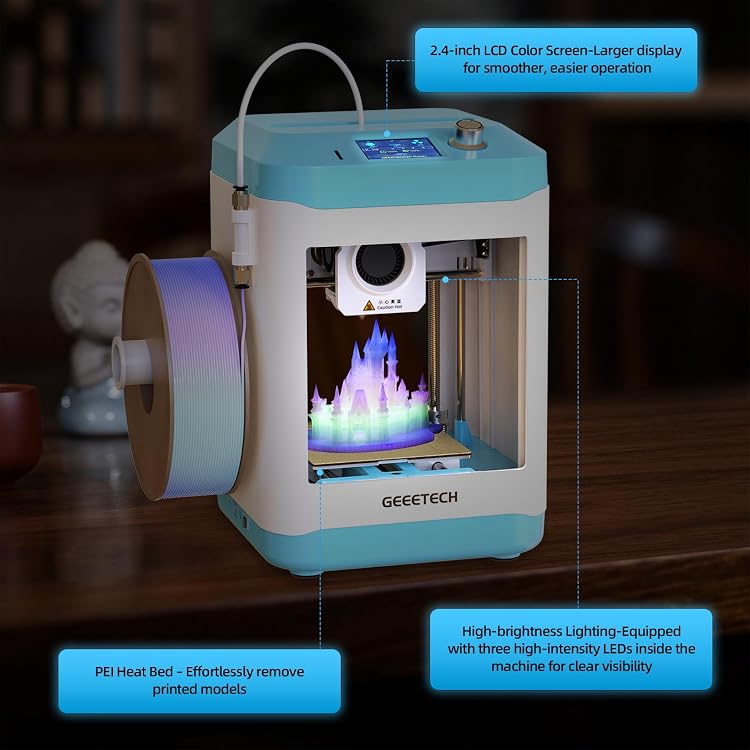
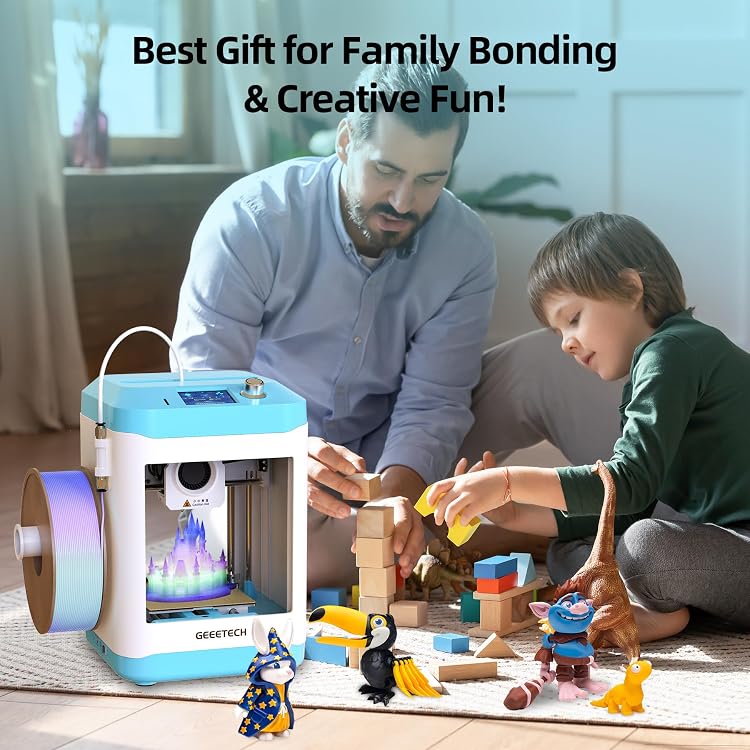
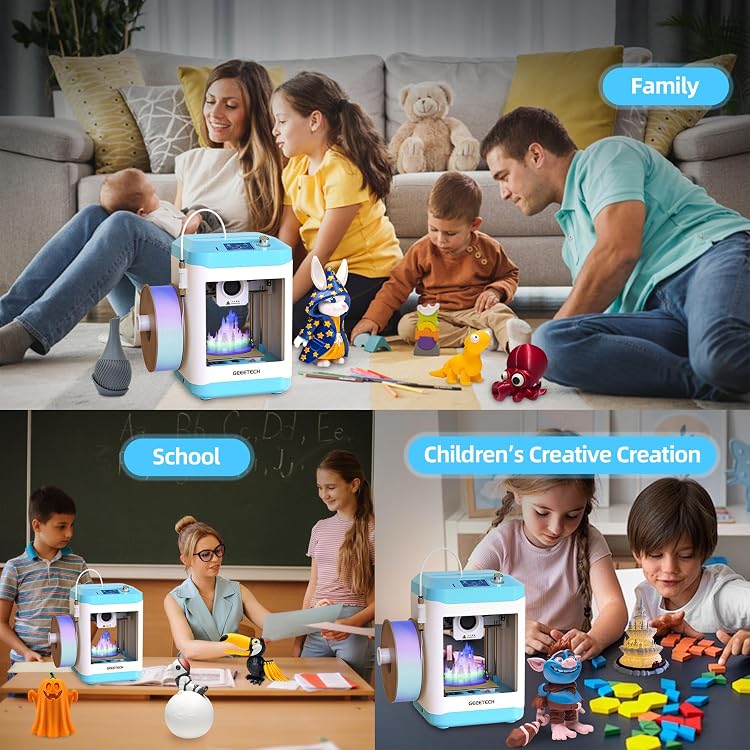
For a first project, a learner can load filament with the one-button function, choose a model in slicing software and send it to the printer via TF card. The small print area suits introductory models and other compact creations, while the bright lighting and colour screen help make the process easier to follow. At home, it can support hands-on experimentation, in a school setting, its open-source approach gives learners a chance to explore both printed objects and the software behind them.
Compared with choosing a printer centred on a larger build area, the M1 takes a compact, learning-focused approach. Buyers also describe it as easy to set up and use, and appreciate its size and print quality. Feedback on reliability, durability and value is mixed, so those impressions are best treated as individual experiences rather than guaranteed outcomes.
Is it worth it?
The GEEETECH M1 brings together pre-assembled convenience, auto-levelling, straightforward filament loading and an open-source workflow in a compact printer. It’s a good fit if you’re starting with 3D printing, introducing children to making, or looking for a home or school tool for smaller projects. Its practical appeal is the way it helps newcomers move from setup to hands-on learning without requiring a large-format machine.