

ELECOM EX-G M-XT3URBK Wired Trackball Mouse with 6 Programmable Buttons
Product description
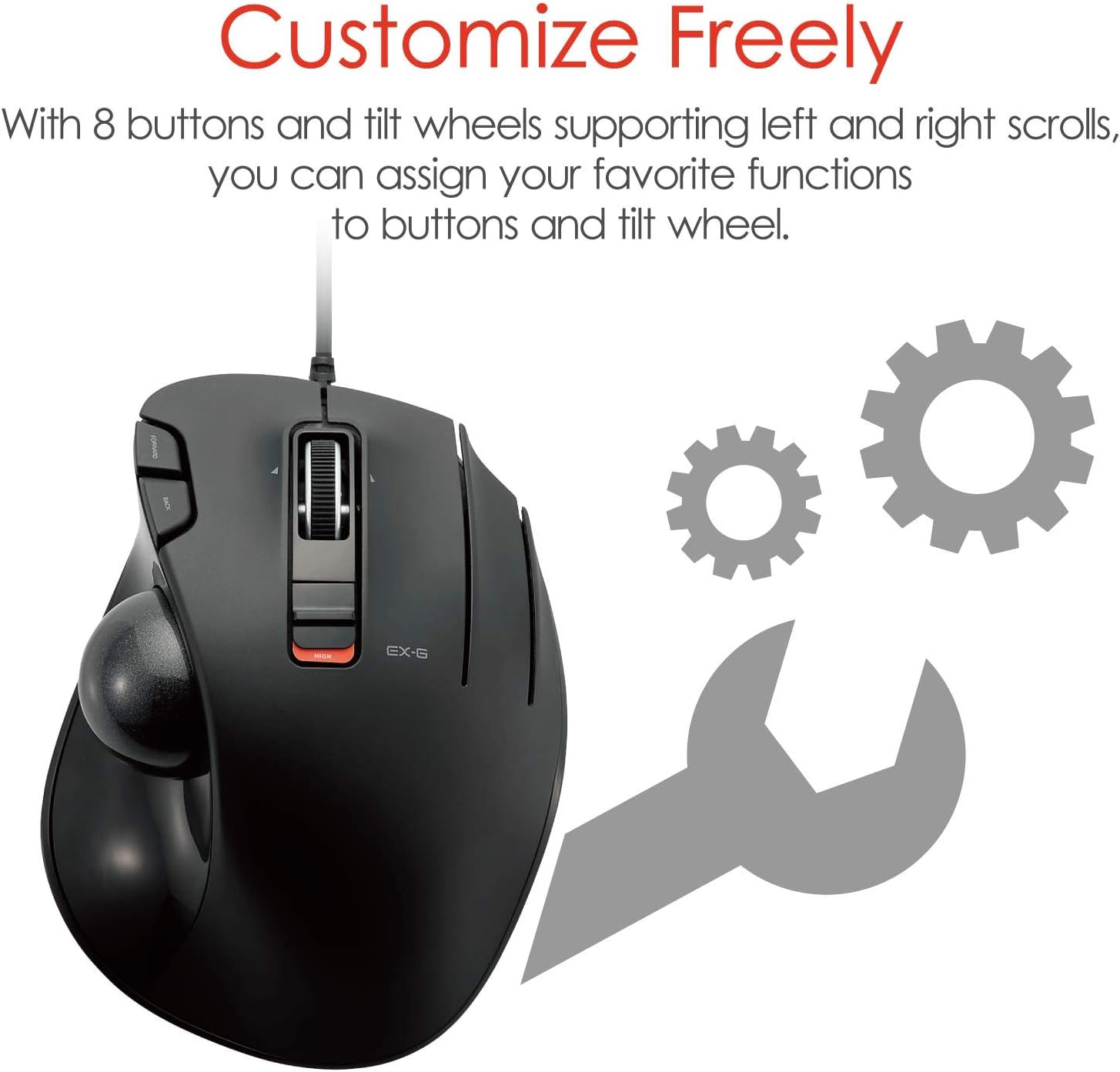
This wired, thumb-operated trackball measures 12.4 × 9.4 centimetres across its listed length and width. Its optical sensor tracks movement through the roller ball, so cursor control takes less hand movement than steering a conventional mouse across the desk. Six buttons can be assigned functions using ELECOM Mouse Assistant. Switchable 750 or 1500 DPI settings let you choose a slower or faster cursor response.
Key takeaways
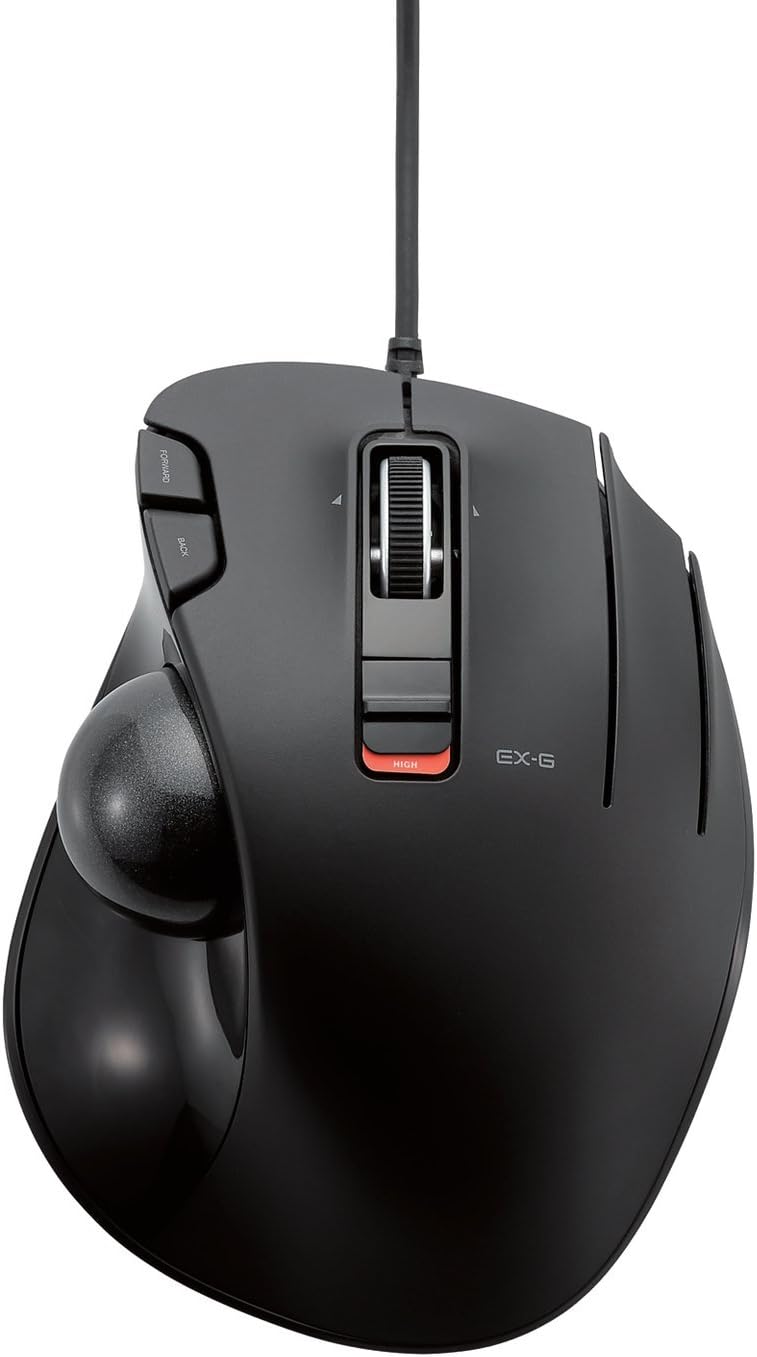
The EX-G combines thumb control with optical tracking for everyday computer use at home or in an office. Rather than moving the whole mouse to position the cursor, roll the ball with your thumb, this can be useful when you want a stationary pointing device and a more contained desk setup. The right-hand orientation shapes the intended way to use it.
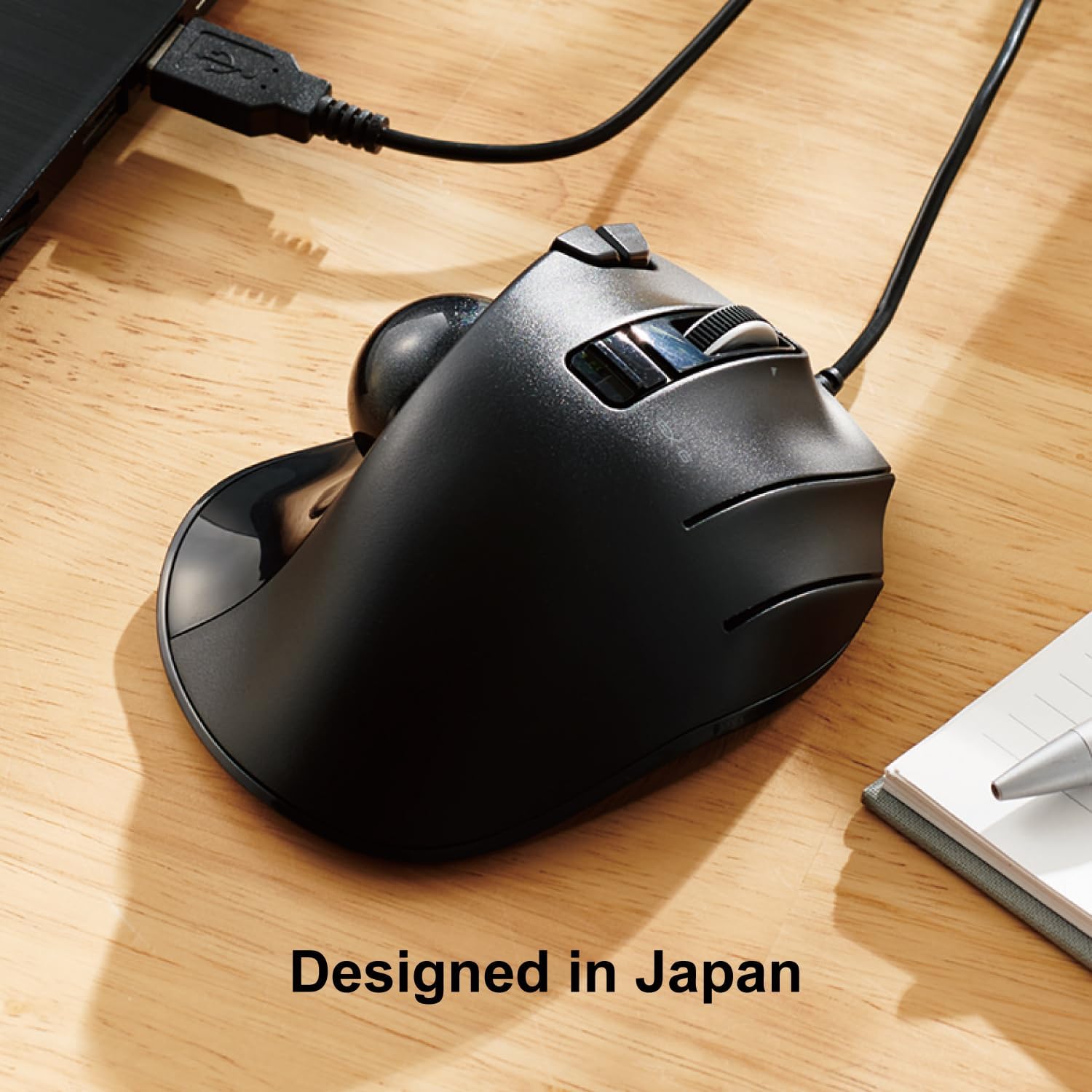
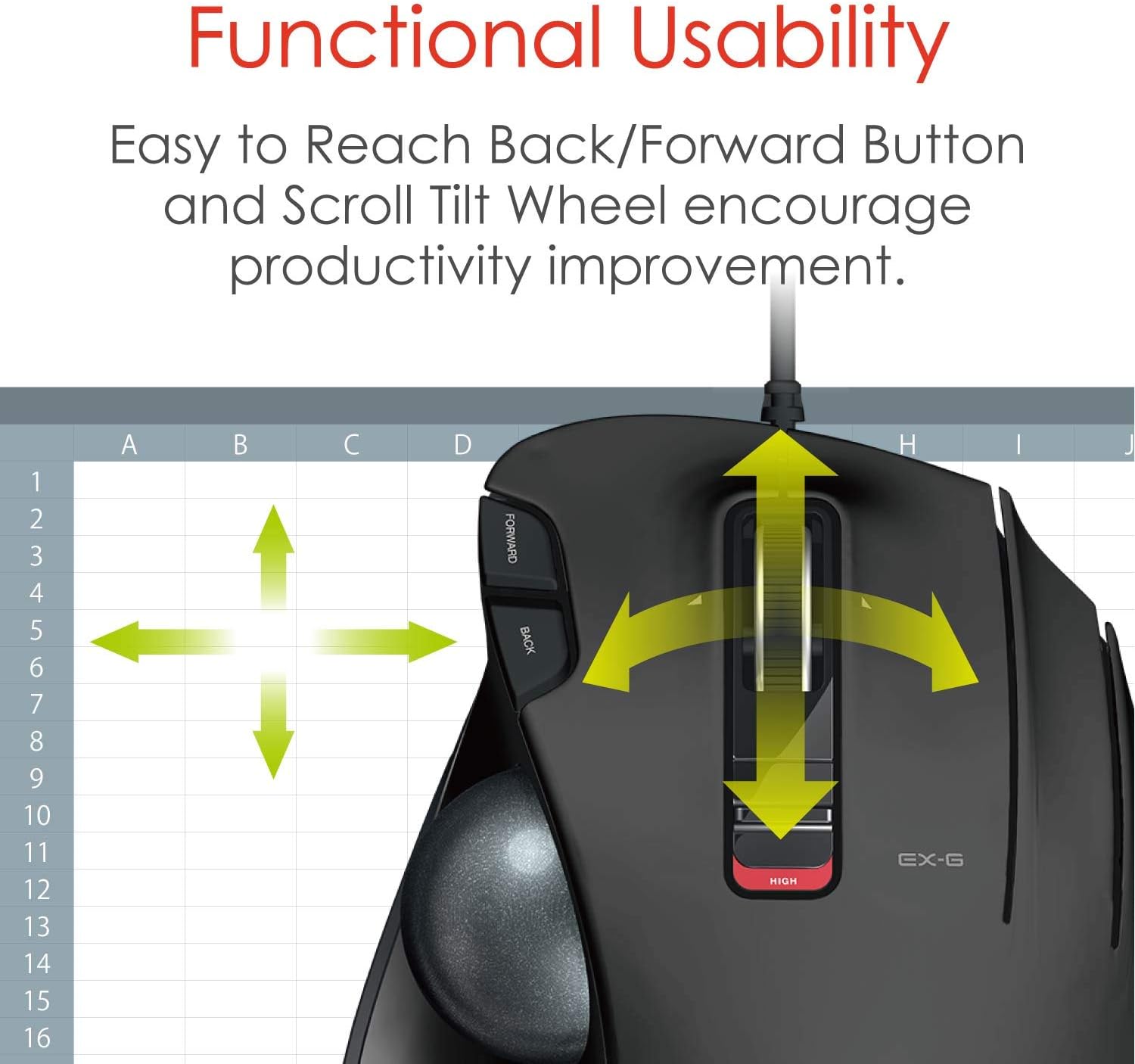
Use the DPI button to switch between 750 and 1500 DPI, depending on whether you prefer slower, more controlled cursor movement or a faster response. The six buttons are programmable through ELECOM Mouse Assistant, available to download from the ELECOM website, so you can assign functions to suit your usual tasks. Its wired connection keeps the mouse connected to the computer without relying on wireless pairing.
Care tips
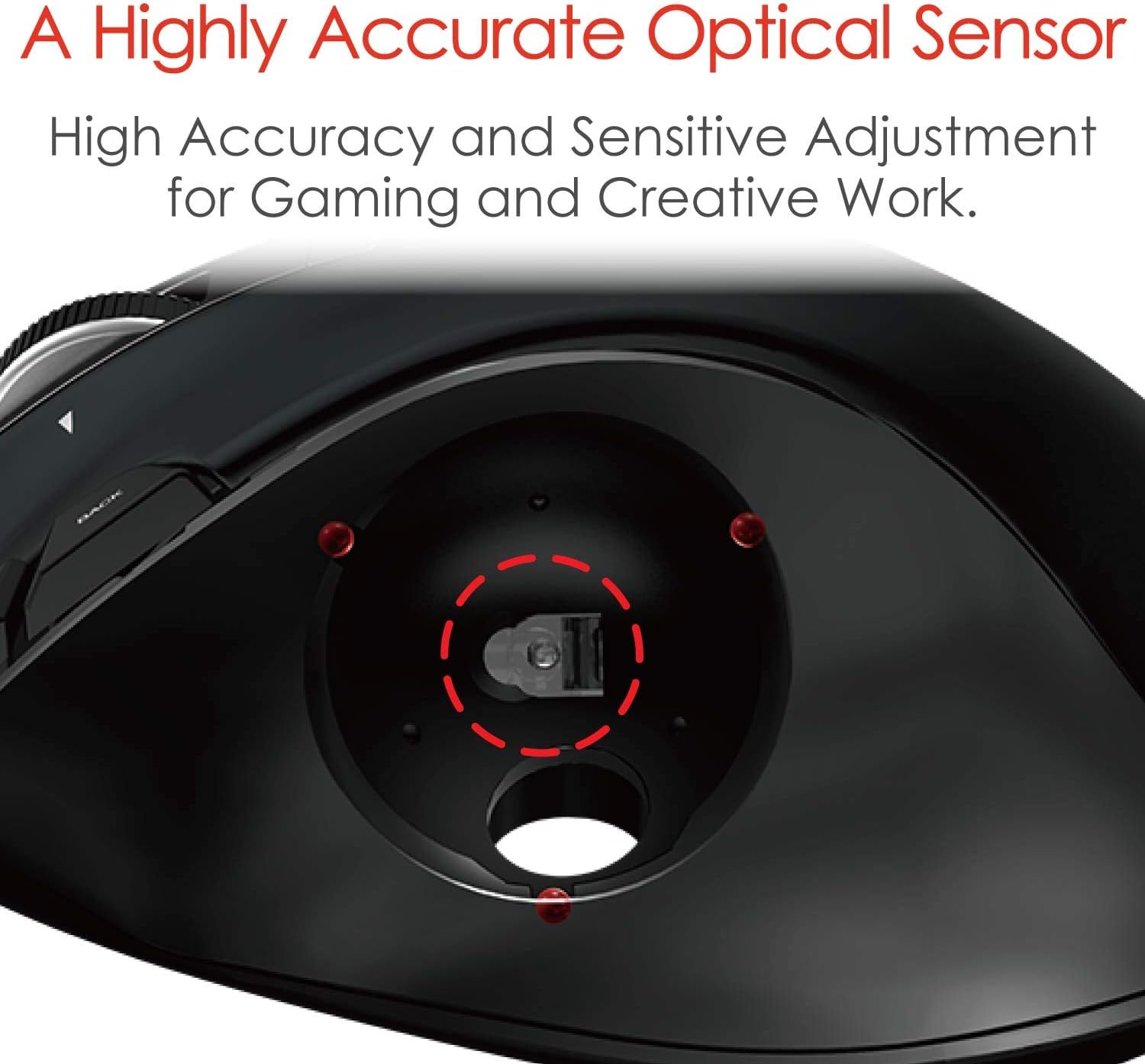
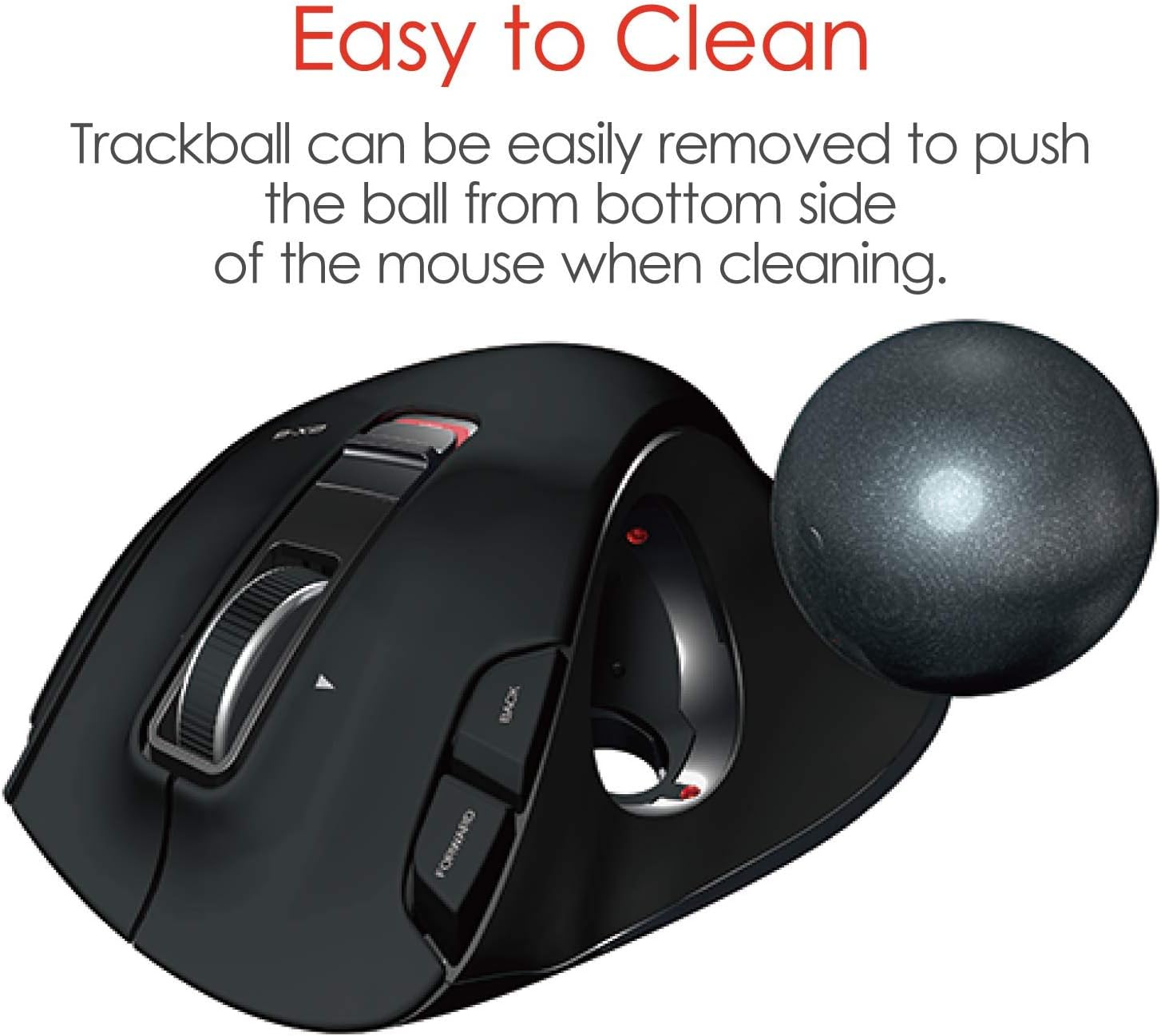
The ball sits on three artificial ruby bearings and can be removed by pushing it through the opening on the underside. This gives you direct access to the ball for cleaning and helps keep routine maintenance straightforward. The bearings are designed to resist dust and dirt build-up, so they do not need frequent cleaning. Keep the ball and its bearing area clear when maintenance is needed, then return the ball to the device before use.
Tips for day-to-day use
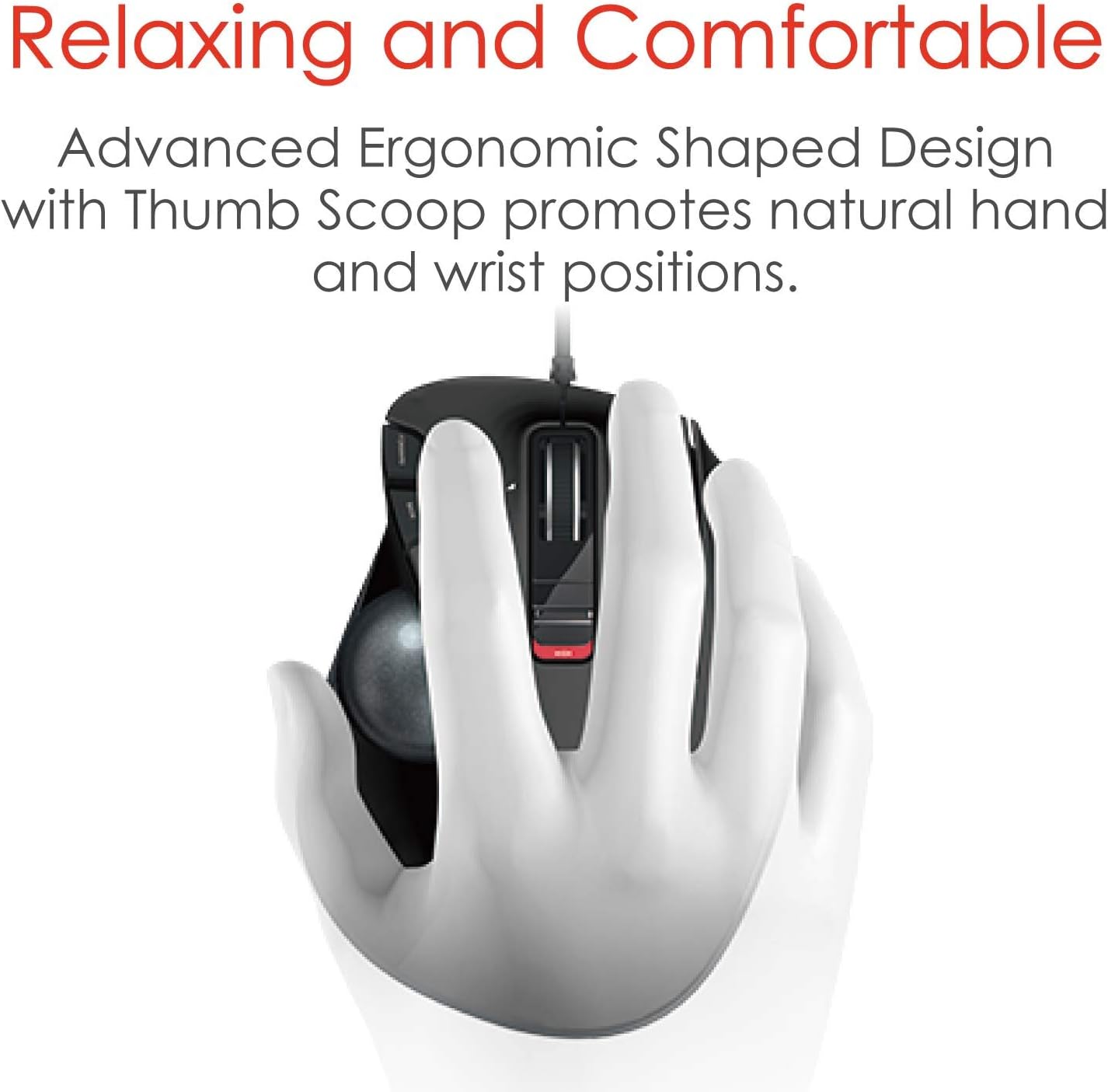
Place the trackball where your right hand can reach the ball and buttons comfortably, then use your thumb to guide the cursor. For general browsing or document work, start with the cursor speed that feels easiest to control, switch DPI when you want a different pace. You can also customise the six buttons with ELECOM Mouse Assistant to make frequently used functions easier to reach.
The listed system requirements cover Windows Vista, Windows 7, Windows 8.1, Windows RT 8.1 and Windows 10 or later, as well as macOS 10.10 or later. Horizontal scrolling does not work with Windows RT 8.1. Check that your computer runs a supported system before setting up the mouse.
When it makes sense
It’s a good fit if you want thumb-operated cursor control for a home, office or telework setup, particularly when you prefer not to move a conventional mouse around the desk. The programmable buttons and two selectable DPI settings add practical ways to tailor everyday navigation. Choose this wired trackball for a dedicated right-hand setup where a stationary mouse body and ball-based control suit the way you work.