

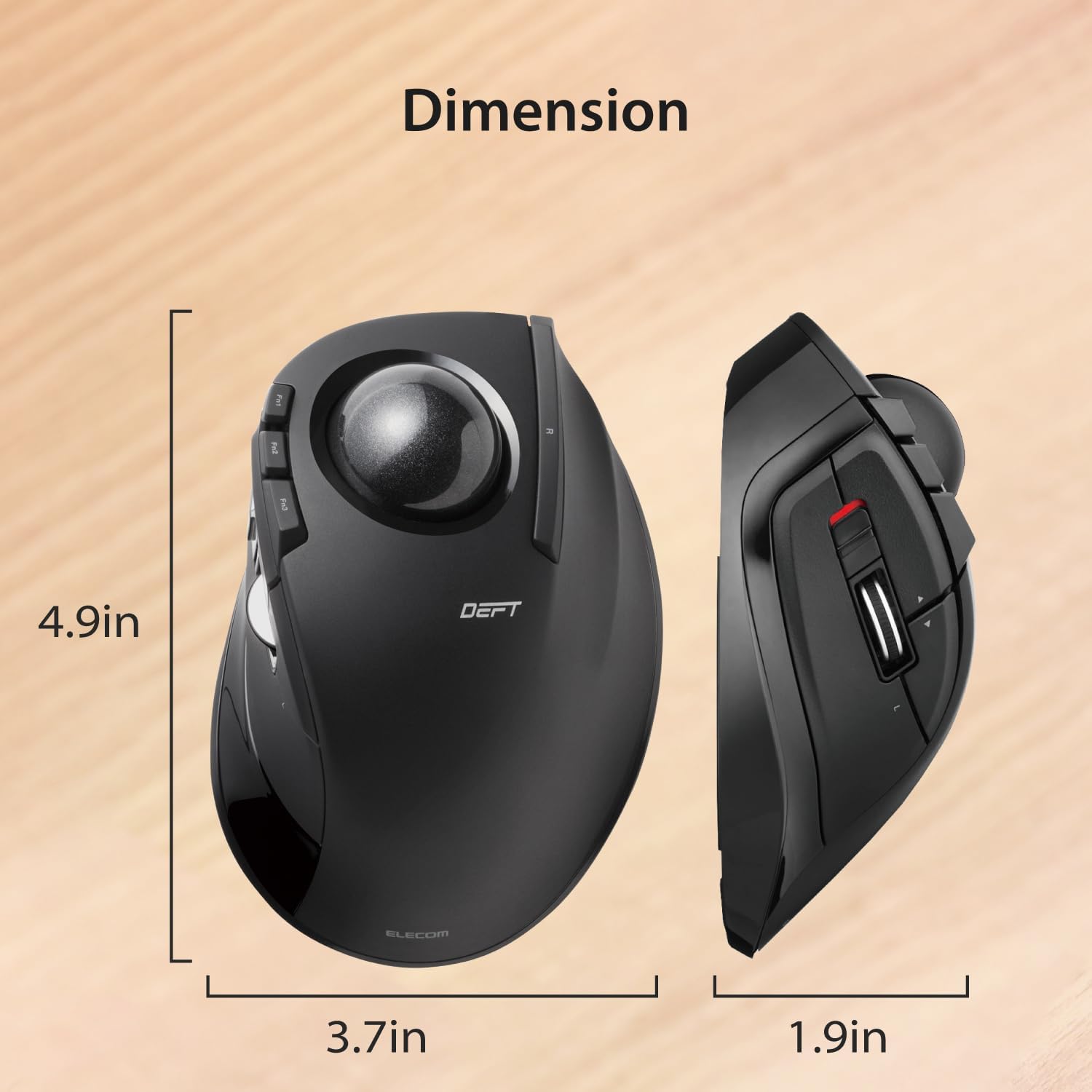
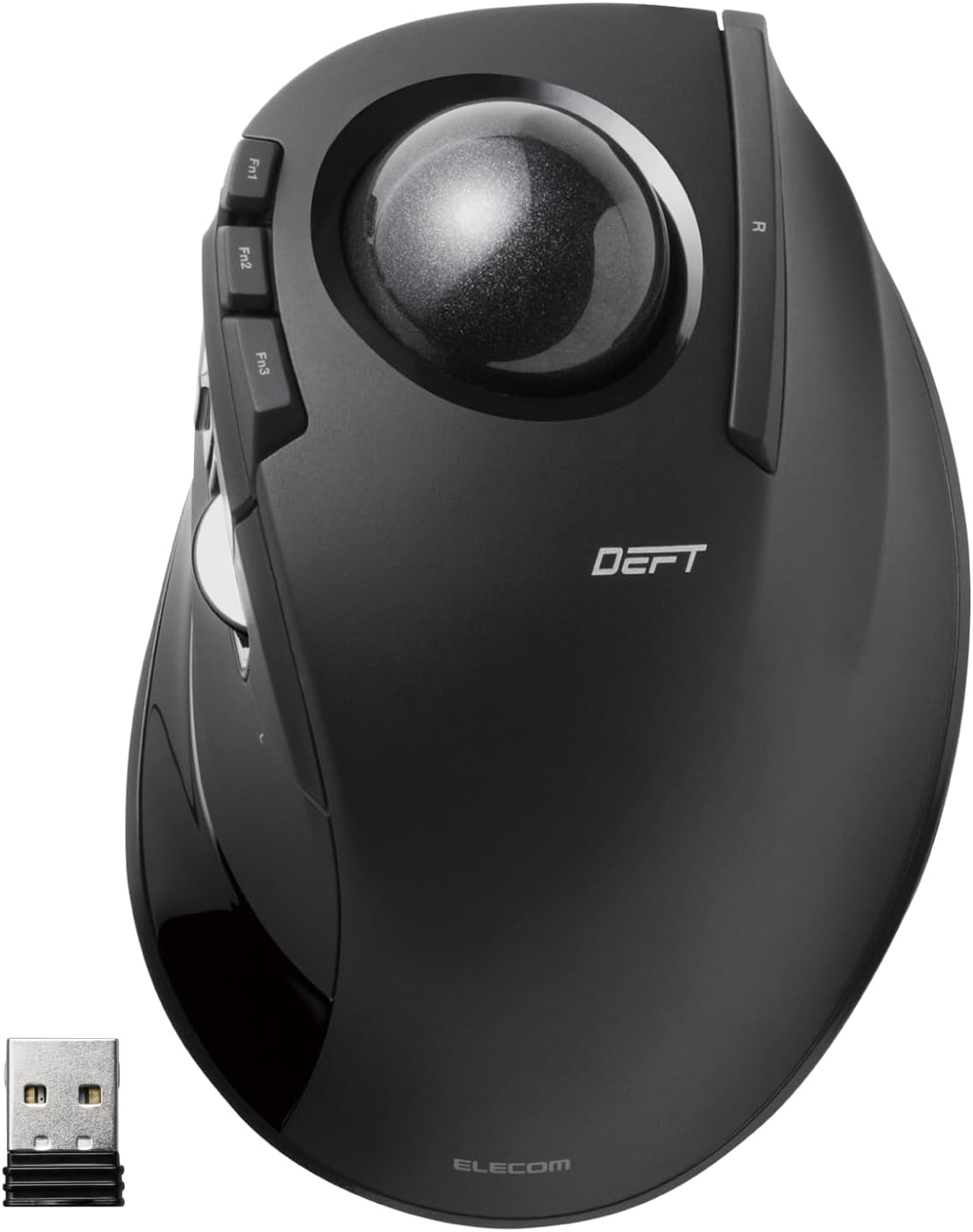
ELECOM M-DT2DRBK DEFT Trackball Mouse, 2.4GHz Wireless, 8 Buttons
Product description
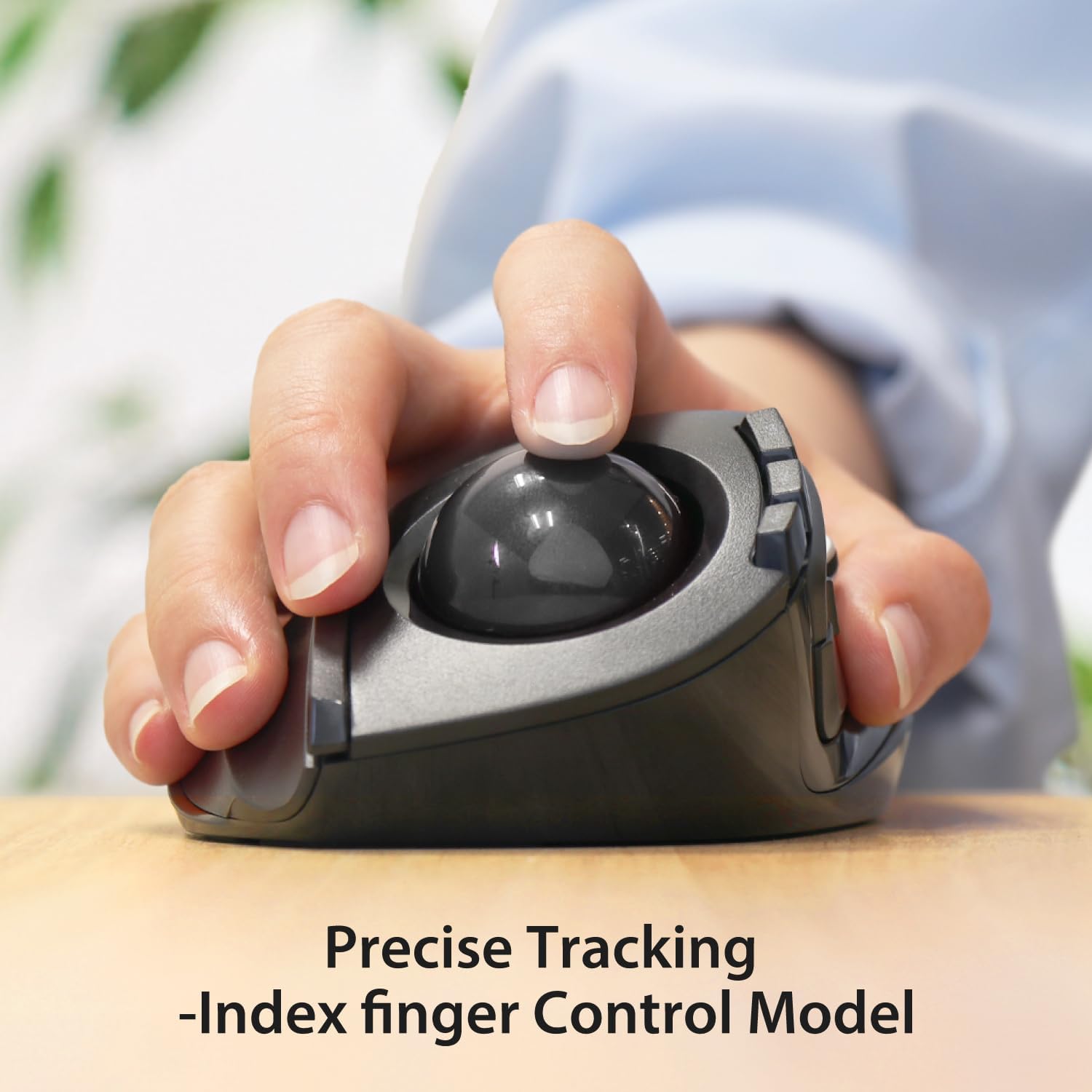
For desk work where you want to move the cursor without sliding a mouse across the surface, the ELECOM DEFT M-DT2DRBK uses a finger-controlled trackball. Its wireless 2.4GHz connection and eight buttons give you a different way to navigate and access functions while keeping the mouse itself in place.
The optical sensor has two selectable cursor speeds, and the shape is designed around hand and finger movement. It’s a desktop-focused alternative to a conventional mouse, rather than a compact travel model.
Spec sheet
- Name: ELECOM DEFT Trackball Mouse
- Model: M-DT2DRBK
- Type: Wireless finger-operated trackball mouse
- Connectivity: 2.4GHz wireless
- Buttons: Eight, with assignable functions using ELECOM Mouse Assistant software
- Tracking: Optical
- DPI: Switchable between 750 and 1,500
- Colour: Black with a black ball
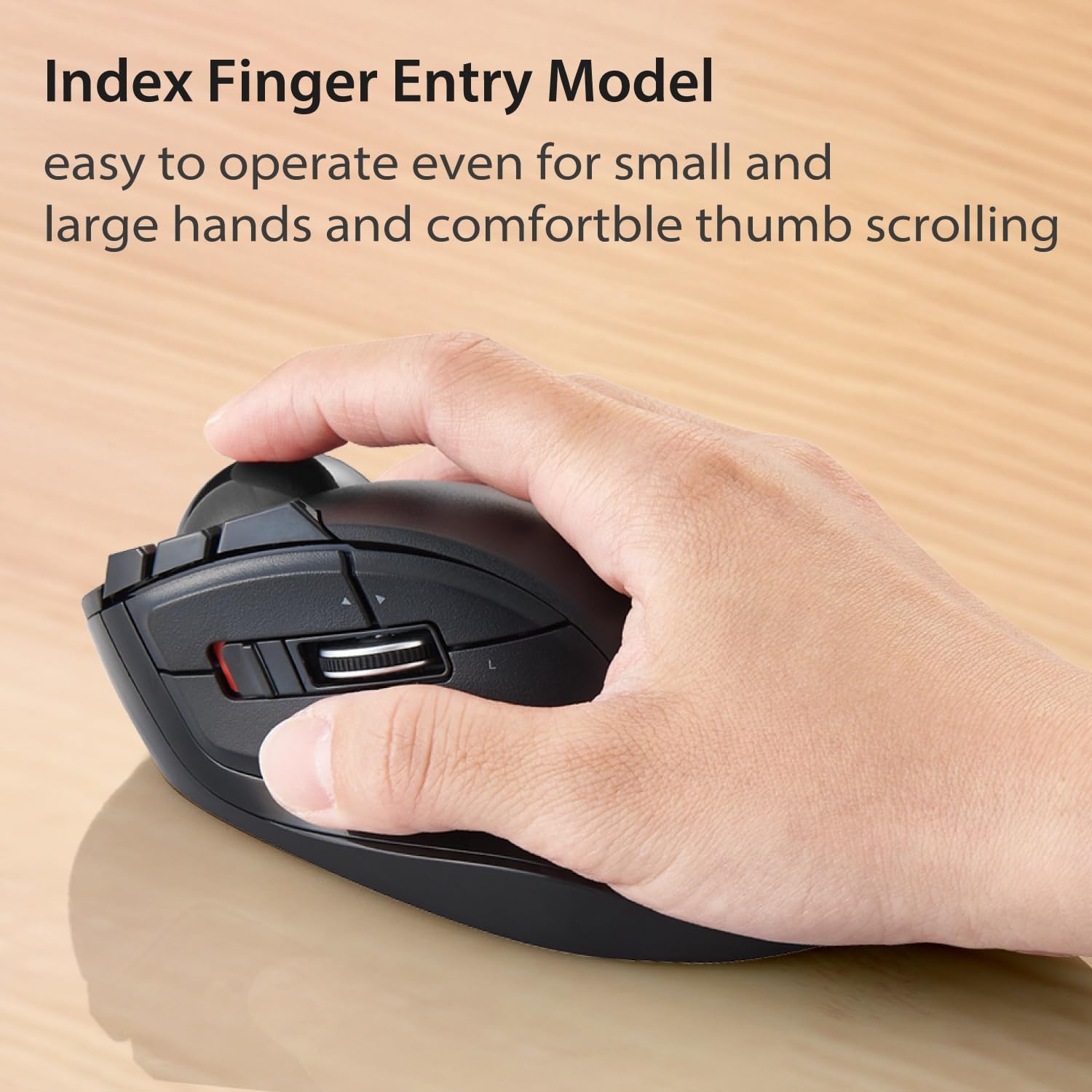
- Dimensions: 94.7mm × 124.4mm × 47.9mm
- Weight: 4oz without battery
- Compatibility: Windows 7, Windows 8.1, Windows RT 8.1 and Windows 10 or later, macOS 10.10 or later
- Power: One AA battery
- What’s included: One AA battery
Getting the most from it
The ball controls cursor movement, so a practical use is working at a desk where you’d rather keep the mouse in one spot and move your fingers to navigate. The trackball can be removed by pushing it through the opening underneath, which allows access for cleaning. That maintenance detail matters for a design that relies on a freely moving ball.
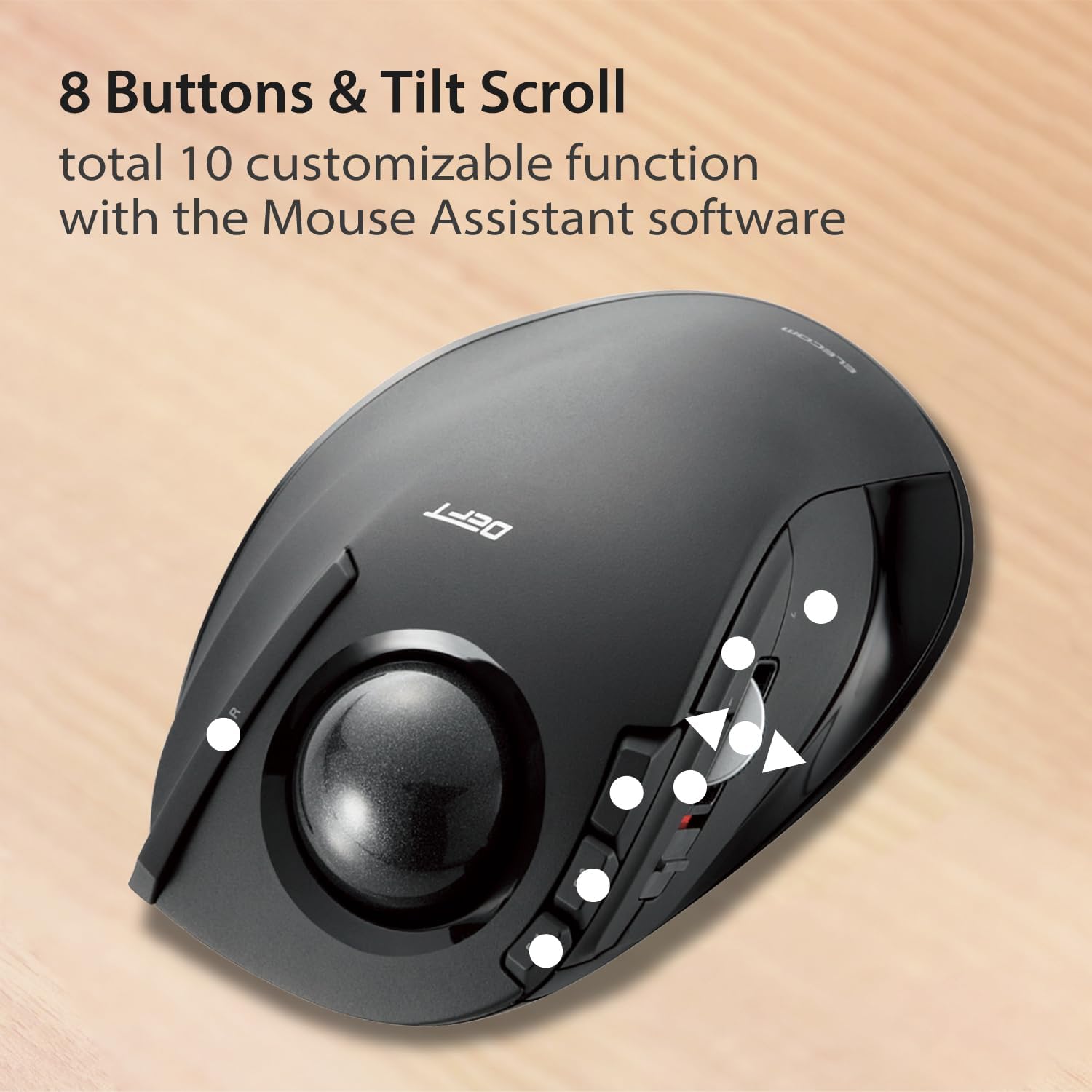
The eight buttons can be assigned through ELECOM Mouse Assistant, available to download from ELECOM’s website. This gives you the option to set up frequently used functions, though the software is an extra step if you want to customise the controls. Switching between 750 and 1,500 DPI lets you choose a slower or faster cursor response, the listing does not provide further adjustment levels.
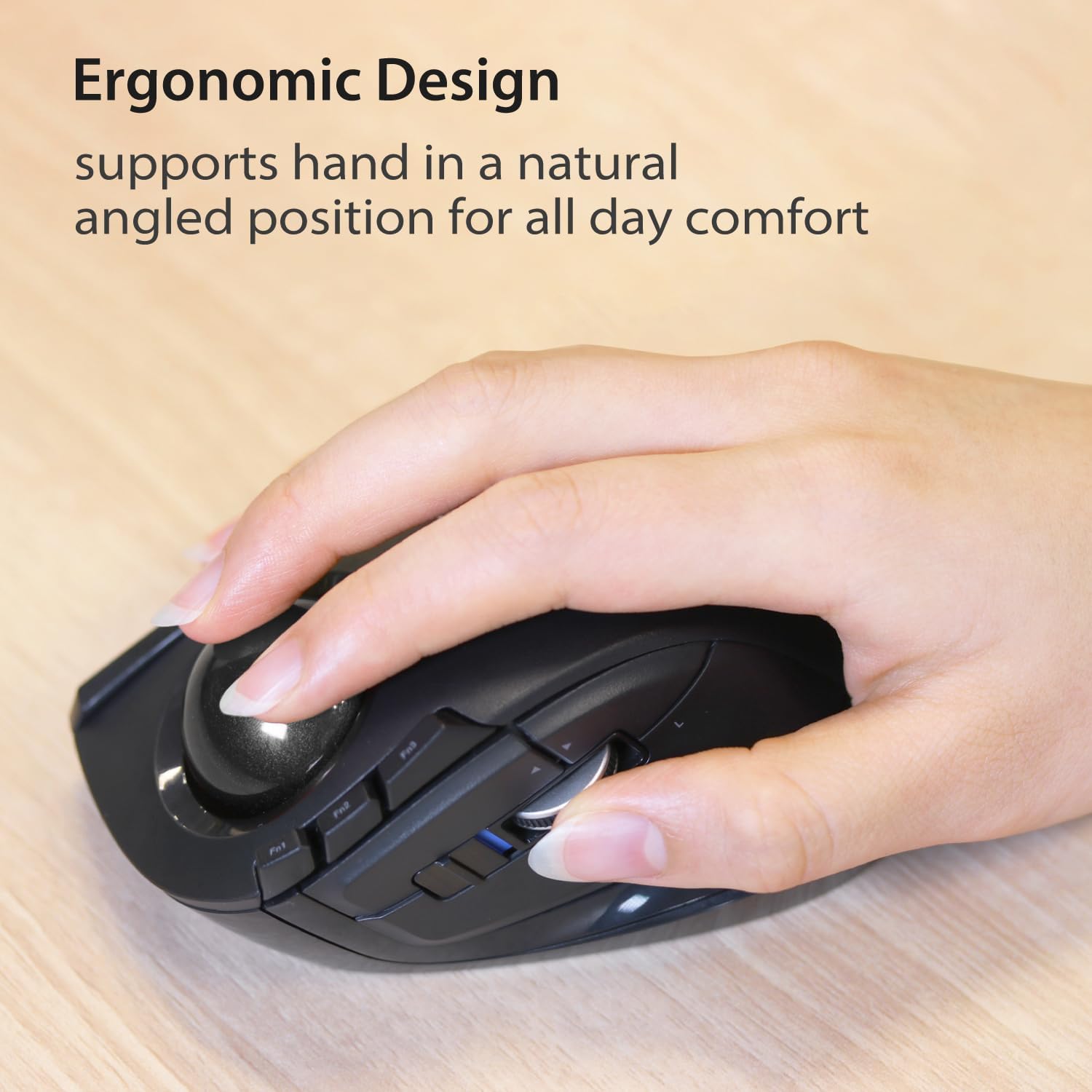
ELECOM says the shape draws on six hand muscle and skeletal structures, with attention to the hand’s folding movements. That is a design rationale, not a guarantee that the fit will suit every hand. You’ll like it if you want finger-led cursor control and programmable buttons in a wireless desktop mouse. Better avoided if you specifically need horizontal scrolling on Windows RT 8.1, where that function is stated not to work.
Included in the pack
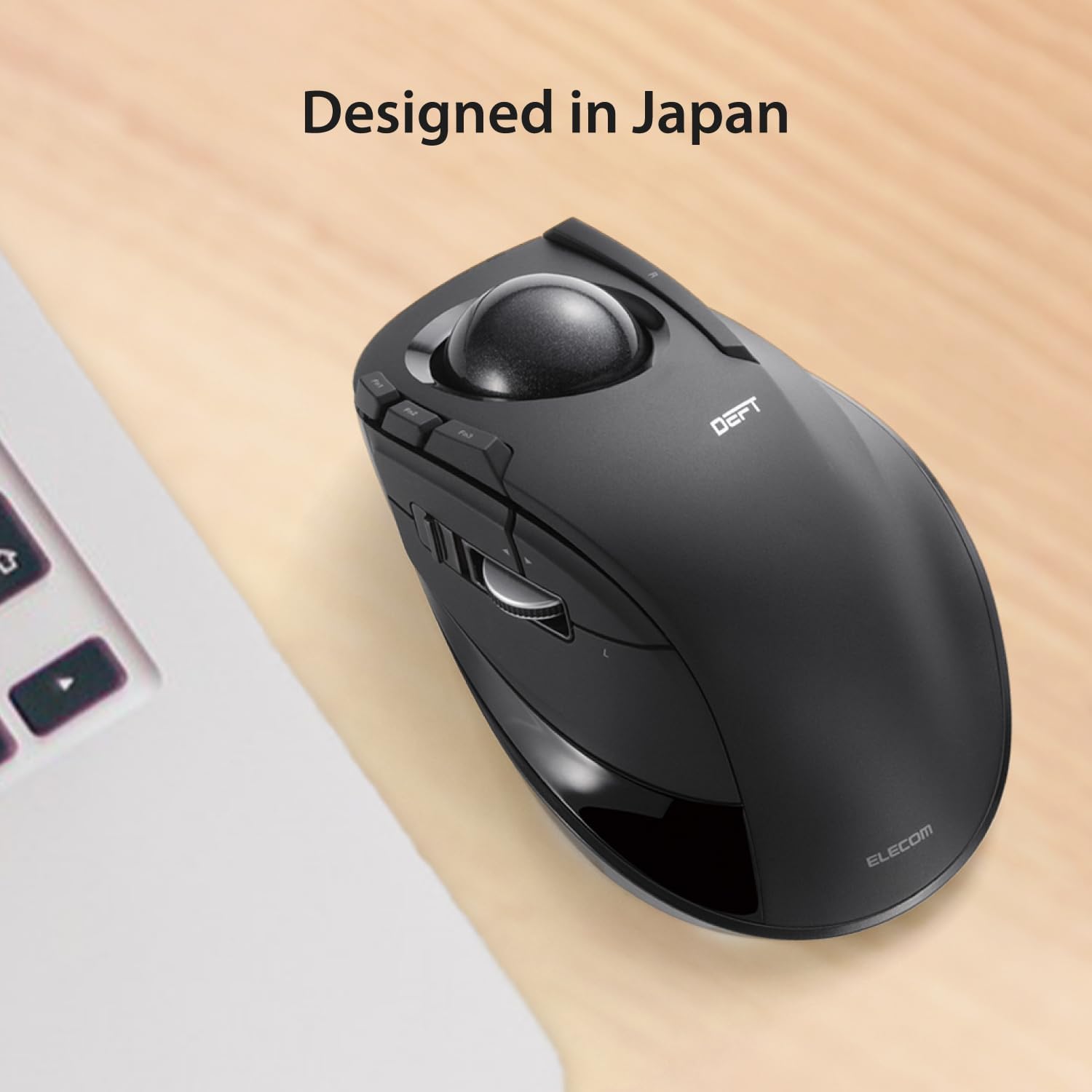
One AA battery is included, so the listed power source is supplied with the mouse. The product details also mention a battery-remaining indicator lamp. No battery-life estimate is provided, so there is no stated interval for when a replacement may be needed.
Is it worth it?
The main reason to choose the DEFT is its trackball format: it suits a setup where keeping the mouse stationary is more useful than moving a standard mouse around. The eight assignable buttons and two DPI settings add practical control options, while the removable ball makes cleaning possible. If you prefer a familiar mouse that moves across the desk, this design asks you to adapt to finger-operated tracking instead. Its appeal is clearest when that change in control method matches how you work, the supplied details don’t establish battery life or a specific hand size that it will fit best.