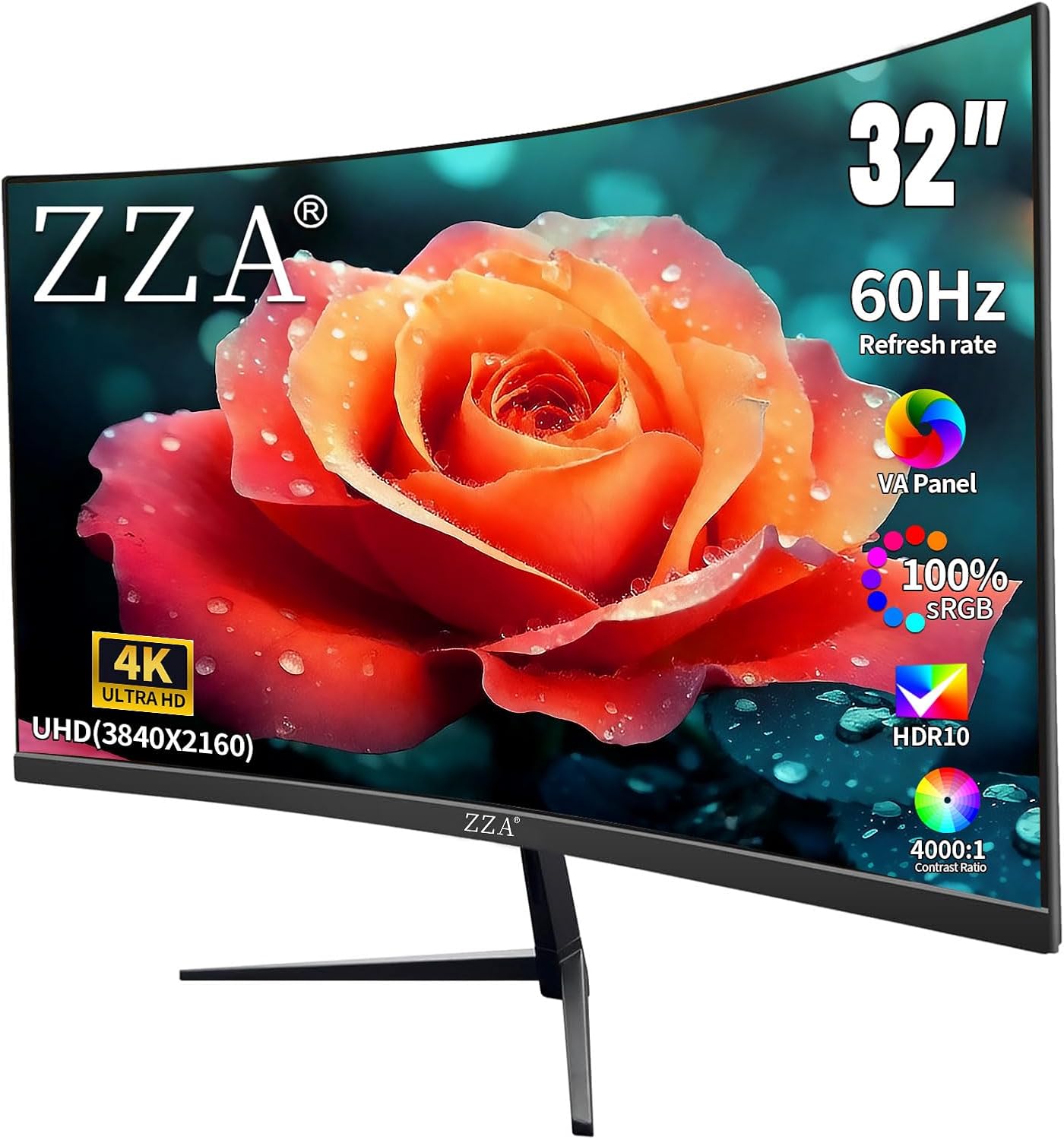
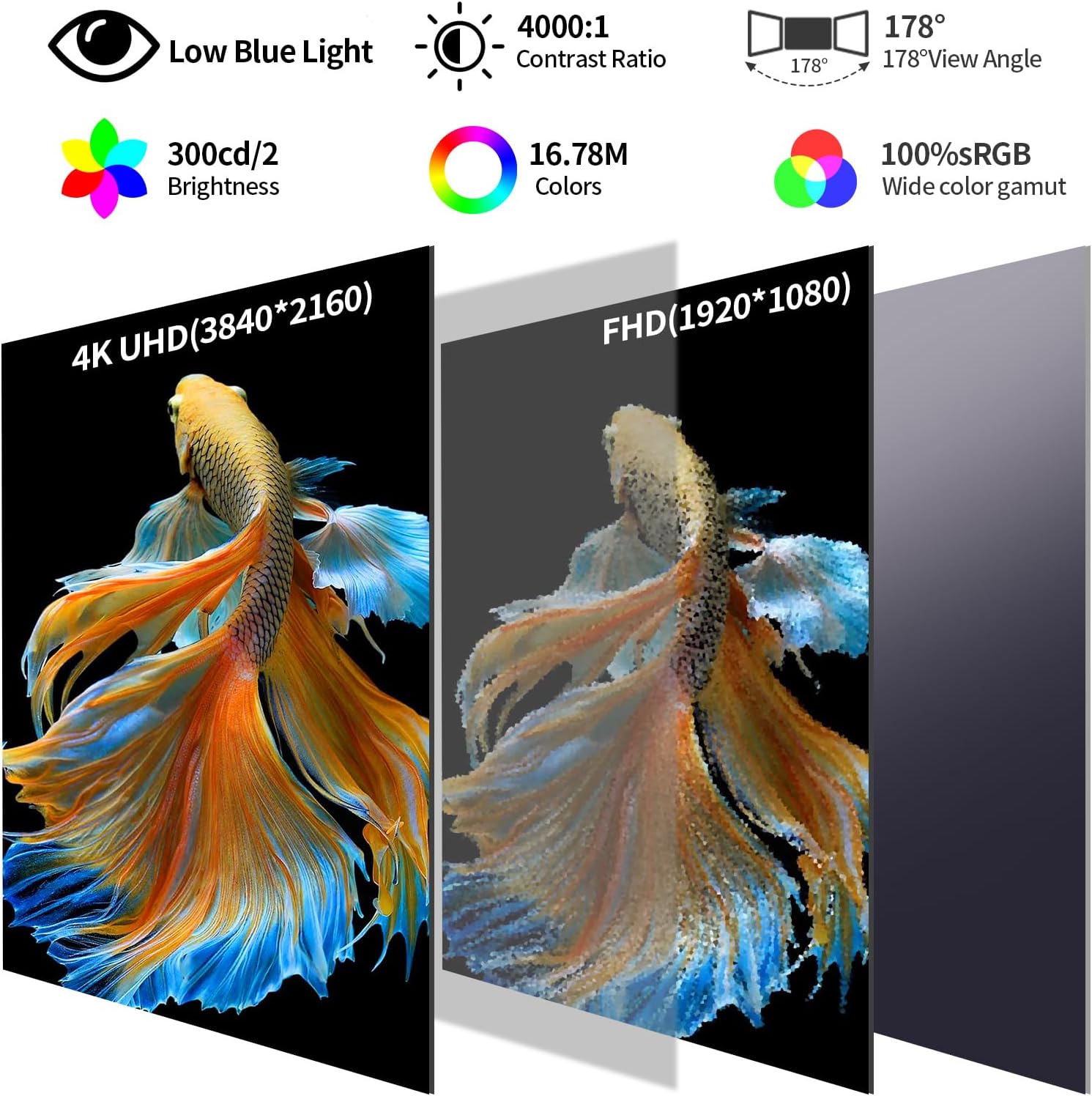
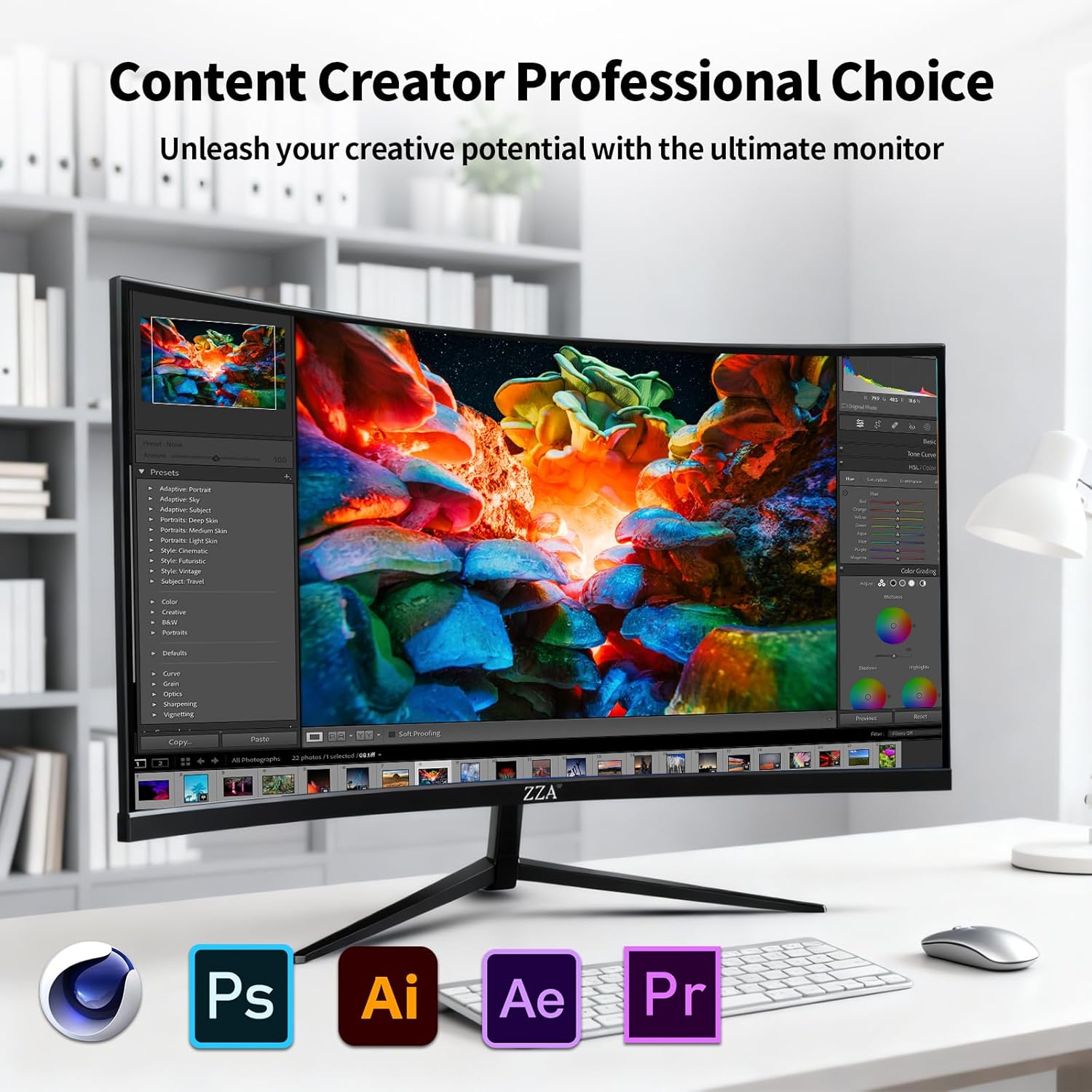
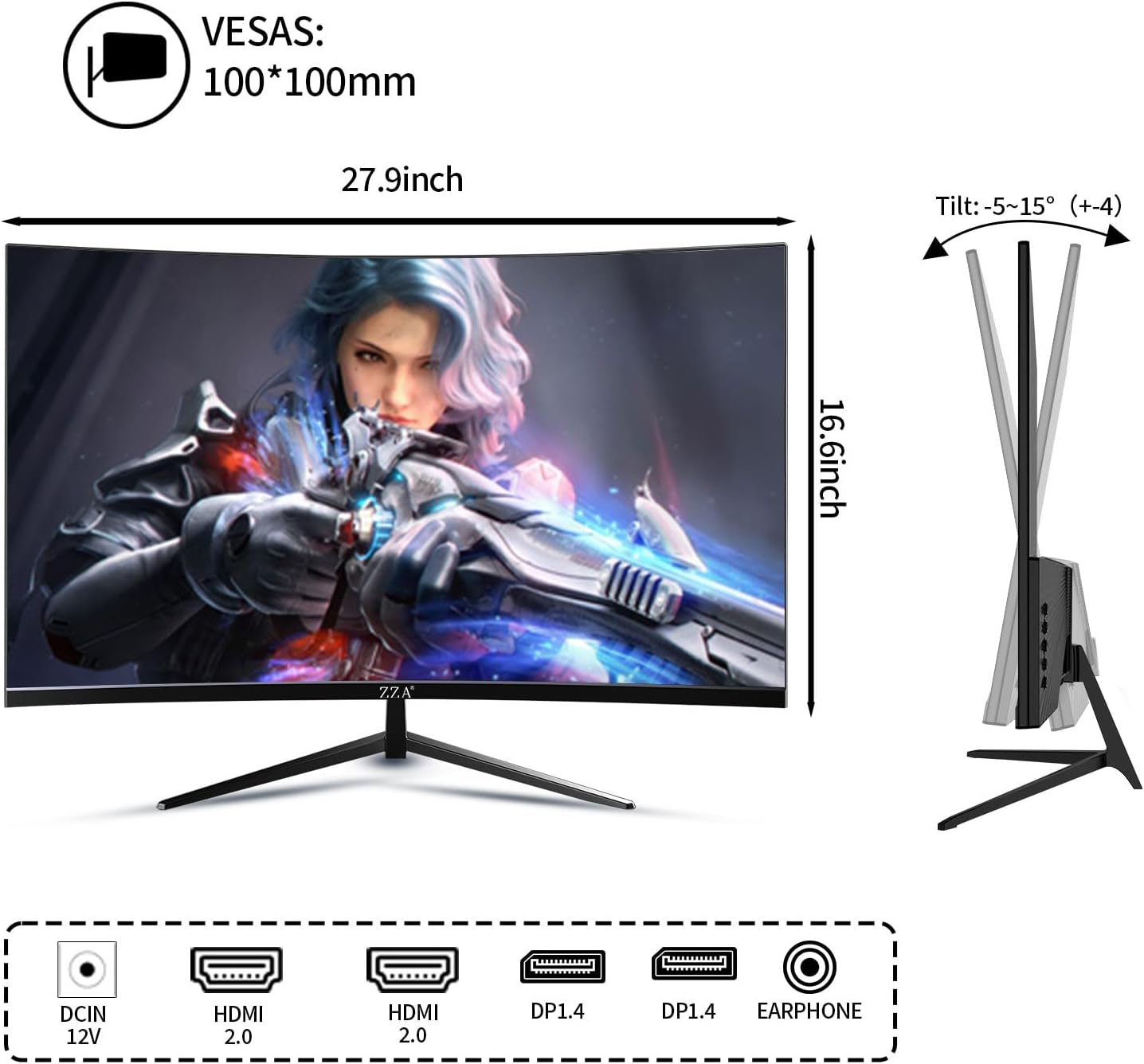
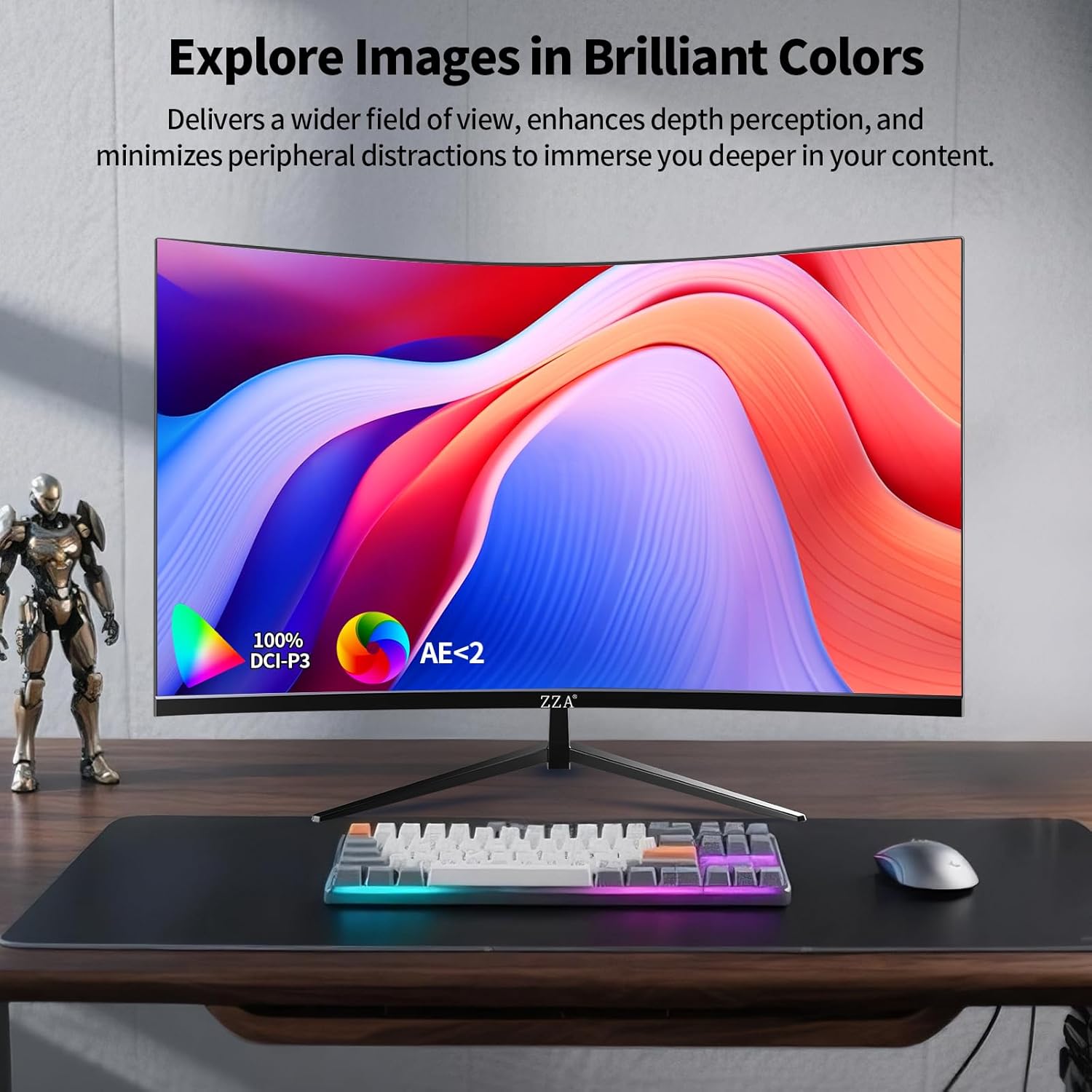
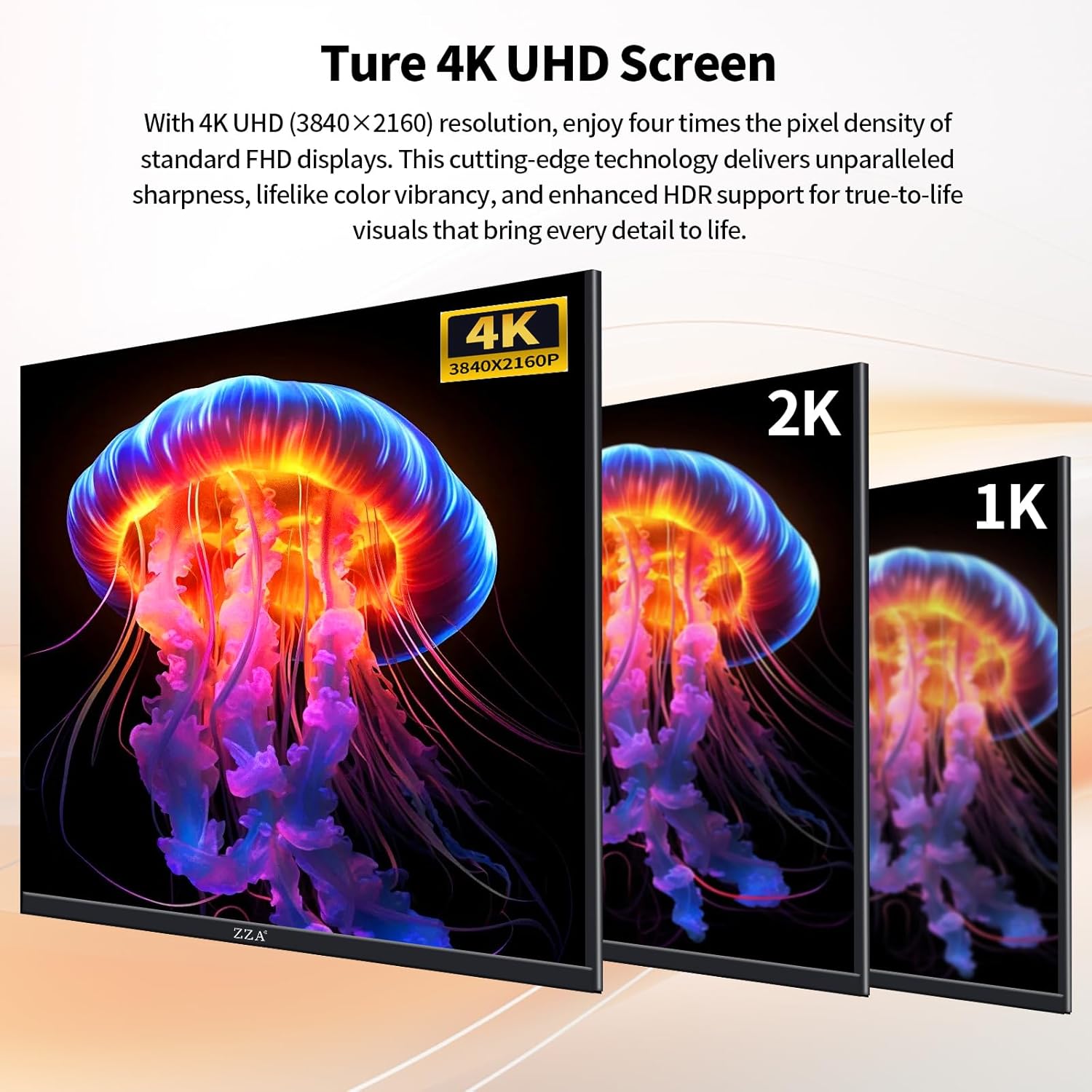
What this monitor is and who it’s for\nThe ZZA 32 Inch 4K monitor is a large-period productivity and multimedia display designed to deliver sharp 4K visuals and a broad color range. With a 32-inch screen size and 3840 x 2160 resolution, it targets users who want more screen real estate for creative work, video editing, photo editing, and general productivity. If you’re balancing tasks like graphic design, document-heavy work, and casual entertainment, this monitor aims to provide a single display that can handle both.\n\n## Key strengths in practice\nOn paper, the monitor offers 100% sRGB color coverage and 100% DCI-P3 color support, plus 1.07 billion colors and a 4000:1 contrast ratio. In real-world use, that translates to deeper blacks, richer midtones, and more nuanced color transitions—useful for photo editing, video color work, and watching films with more lifelike depth. A brightness level near 300 nits keeps images clear in typical home or office lighting, though it isn’t a high-brightness panel for sunlit rooms.\n\n## Core specs at a glance\n- Size and resolution: 32 inches, UHD 3840 x 2160\n- Color and depth: 100% sRGB, 1.07B colors, 4000:1 contrast\n- Pixel density: 163 PPI tuned for crisp text and detailed imagery\n- Refresh and sync: 60Hz with AMD FreeSync for smoother casual gaming and video playback\n- Ports: 2x DisplayPort 1.4, 2x HDMI 2.0, headphone jack\n- Connectivity and compatibility: Works with desktops, laptops, mini PCs, and game consoles via common inputs, and supports VESA 100x100 mm for mounting.\n\n## What stands out in day-to-day use\nThe 4K panel enhances workflow for creative tasks that benefit from more screen real estate, like arranging palettes, timelines, and reference materials side-by-side. The color coverage and wide gamut aim to deliver more accurate visuals for editing tasks, while the 60Hz refresh rate keeps motion reasonably smooth for casual gaming and video viewing. The built-in eye-care features and a robust set of inputs can simplify a mixed-use setup—home office, content creation, and entertainment—without juggling adapters.\n\n## Potential limitations you should know\nIt isn’t a high-refresh gaming monitor. At 60Hz, you may notice smoother motion on dedicated gaming panels with higher refresh rates, especially for fast-paced titles. The brightness is adequate for typical rooms but may feel less vivid in very bright spaces or if you’re aiming for HDR-like punch without an HDR-certified panel. Also, while color coverage is broad, precise color accuracy depends on calibration and production tolerances—so it may require fine-tuning for professional-critical work.\n\n## Who it’s best for\n- Creative professionals and students who want a large, sharp workspace for editing, design, or multi-application layouts.\n- Casual gamers and movie viewers who don’t require ultra-fast reaction times but appreciate smooth performance and a broad color range.\n- Office users who benefit from expanded screen real estate for documents, spreadsheets, and presentations.\n\n## Who might want to skip it\nIf you need top-tier color accuracy for print workflows, or you require a high-end HDR experience, this monitor’s specs may not meet those exacting standards. If ultra-fast competitive gaming is a priority, a higher refresh rate panel could be a better fit.\n\n## Checkpoints before you buy\n- Confirm your computer supports HDMI 2.0 or DisplayPort 1.4 at 4K60 for best results.\n- If you plan to mount it, ensure your mount supports a 100x100 mm pattern.\n- Consider color-critical tasks: you may want to calibrate after setup to align with your workflow.\n\n## Practical usage example\nImagine a photo-editing workflow where you drag reference images onto one side of the screen while editing on the other. The 32-inch real estate helps you keep tools and previews visible without constant window-switching, which can speed up iterations.\n\n## FAQ (short)\n- Does it support HDR? The spec list emphasizes 4K UHD and color coverage but does not confirm HDR support.\n- Can I use it with a laptop? Yes, via HDMI 2.0 or DisplayPort 1.4—adapters may be needed depending on the device.\n- Is it good for productivity? Yes, the large, sharp panel with wide color gamut supports multi-document workflows well.\n\n## Final verdict\nFinal verdict: a solid all-around 32-inch 4K monitor for mixed-use environments. It excels at providing space for multitasking and color-rich content, but if your priority is high-refresh gaming or exacting professional color workflows, you may want to compare against panels tailored for those use cases.\n\n## Is it worth it?\nWorth considering if you value screen real estate, decent color range, and flexible inputs for a home or office setup.