

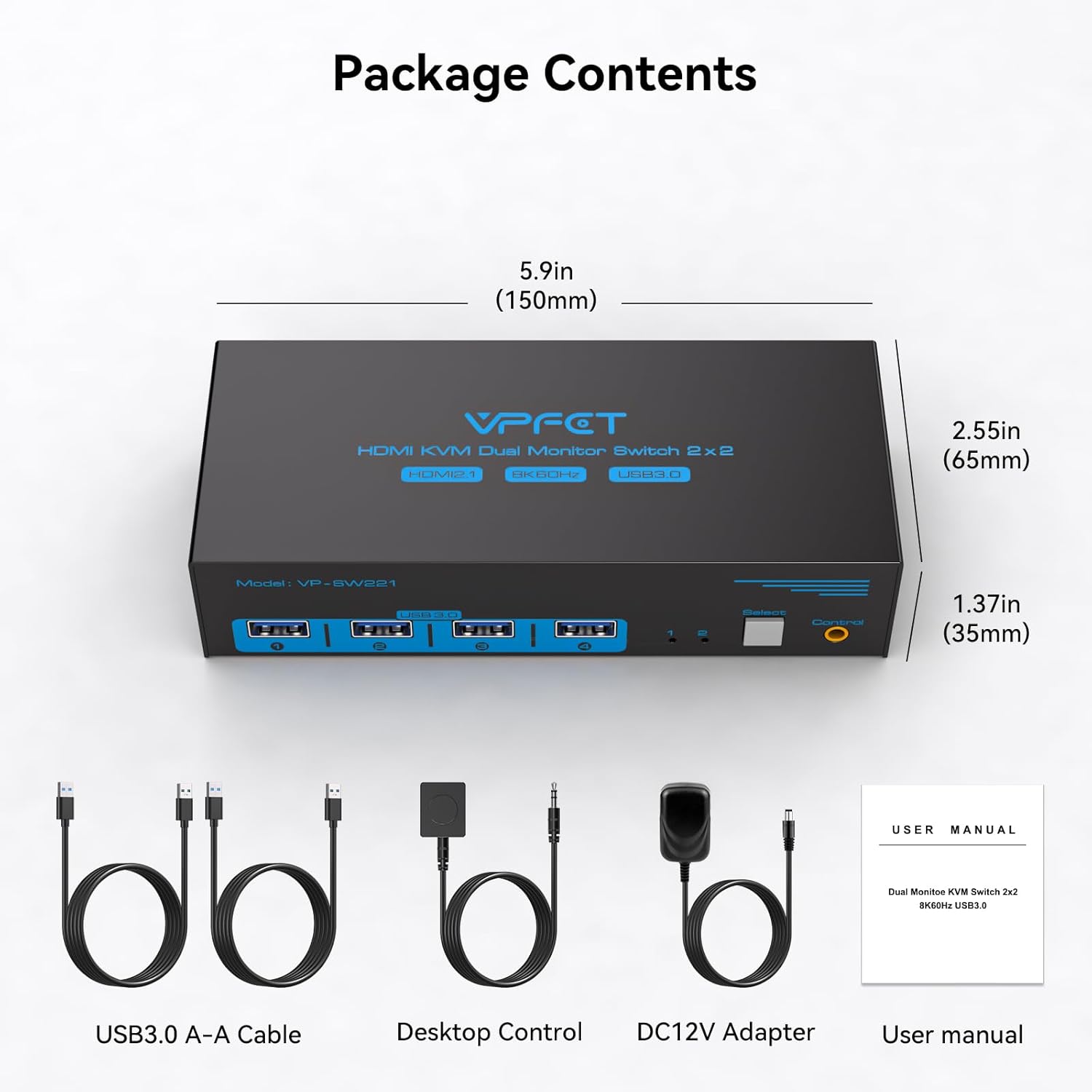
VPFET Dual-Monitor HDMI KVM Switch, 8K@60Hz, 4K@120Hz, 4 USB 3.0 Ports
Product description
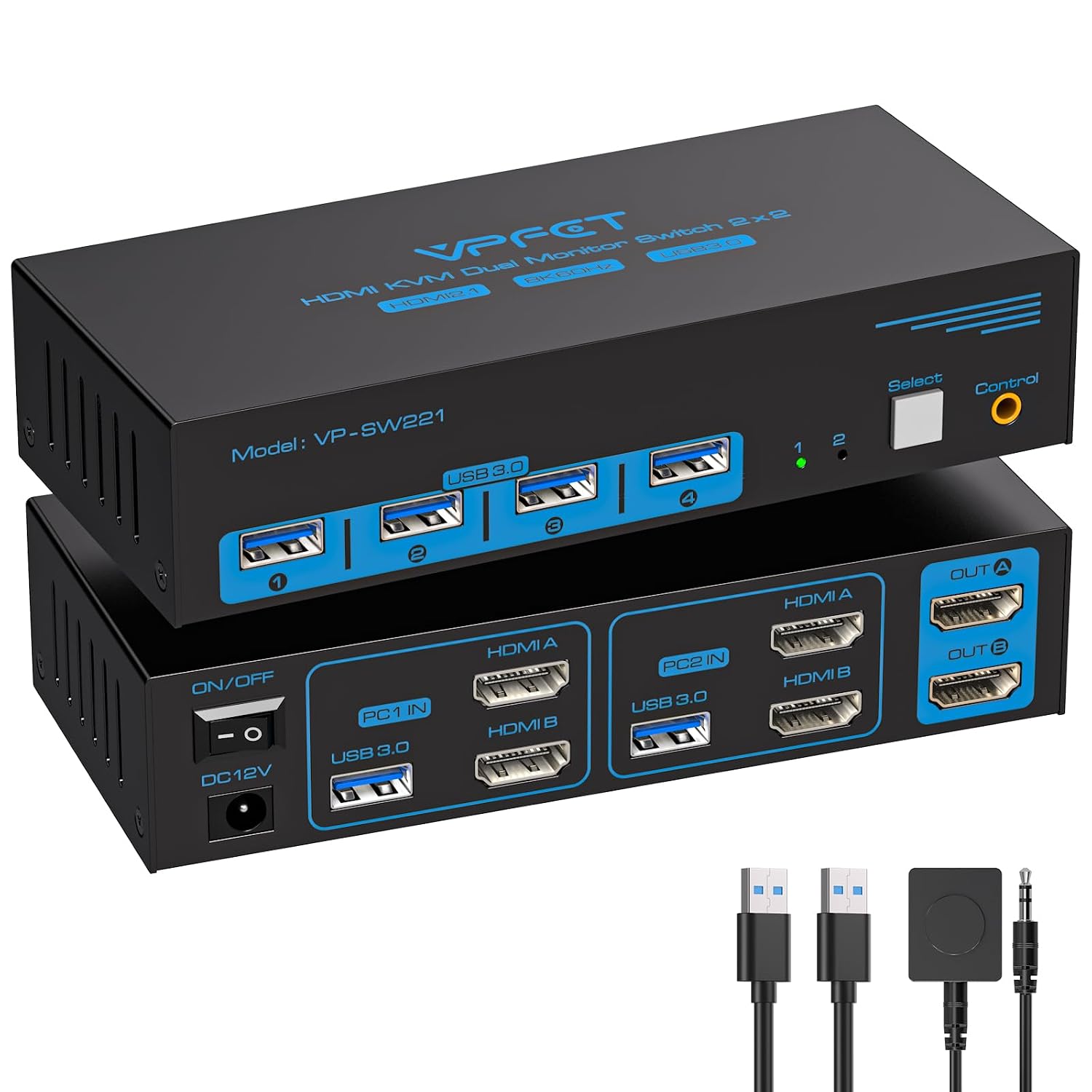
If you need to move between two computers without rearranging your desk, a dual-monitor KVM switch can keep your screens and shared peripherals connected. If your setup only needs to control one computer, this kind of switch may add connections you won't use. The VPFET model is designed for a two-computer, two-monitor setup, with HDMI video switching and USB device sharing.
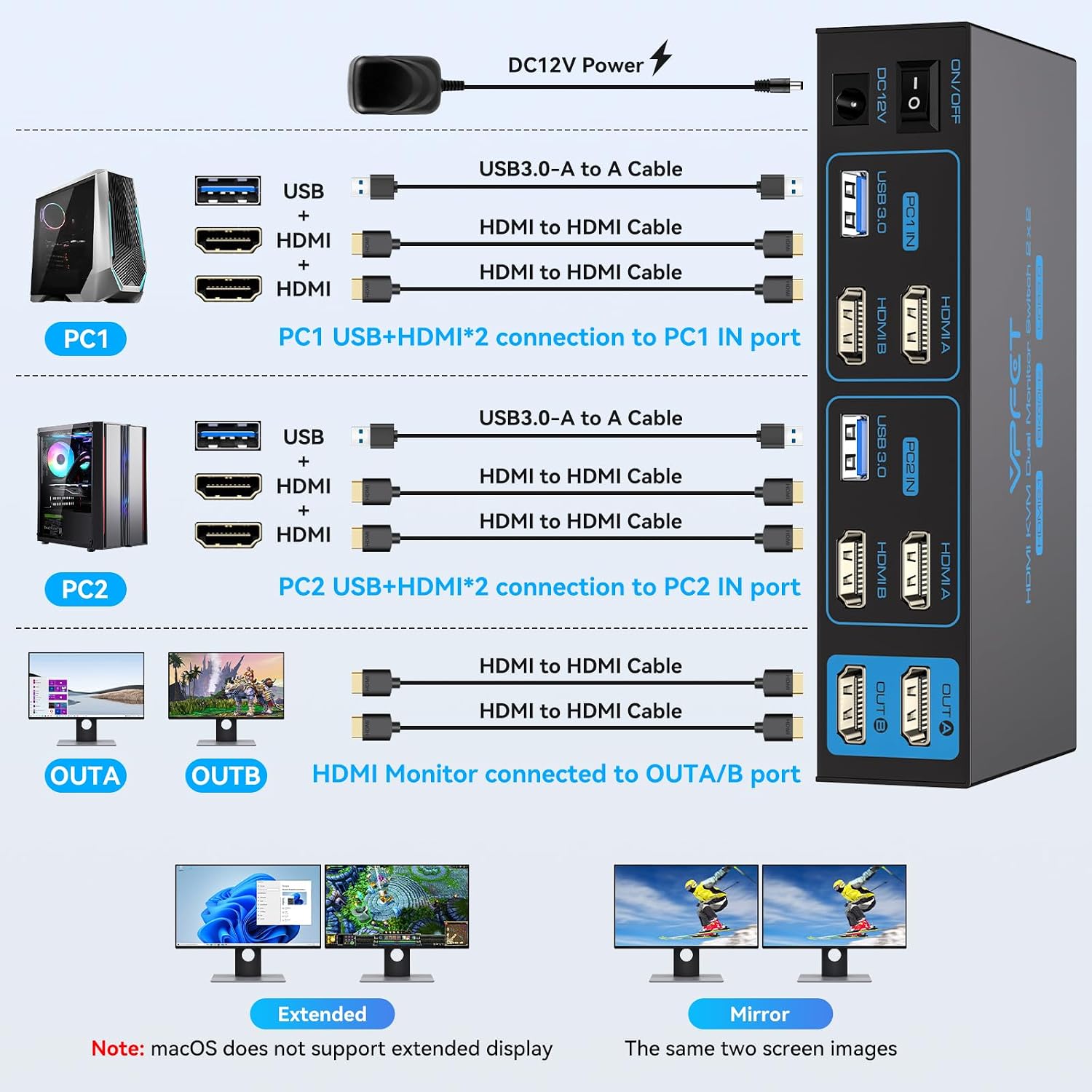
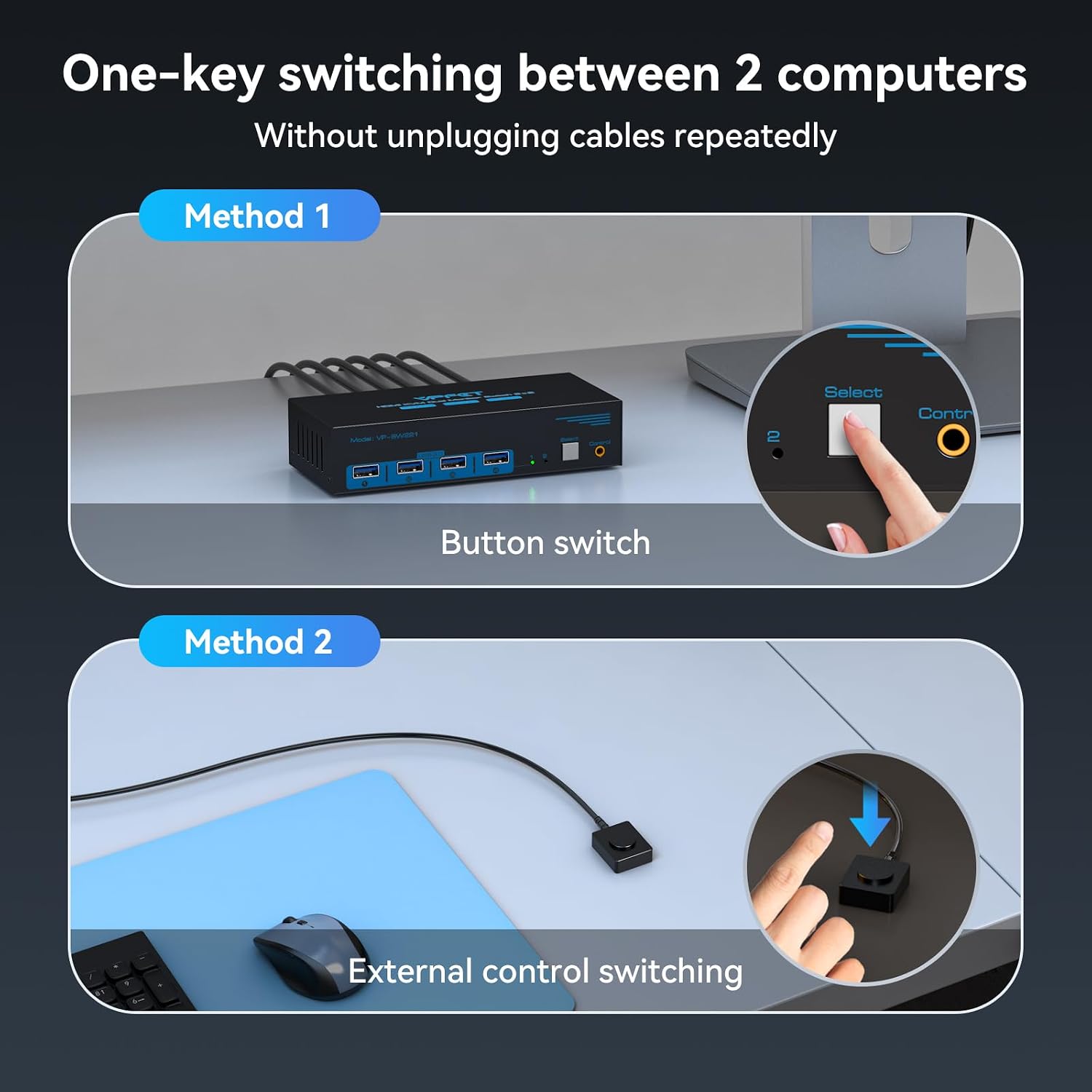
It offers one-touch switching from either the button on the unit or the included wired controller. That can suit a desk shared by a work PC and a personal laptop, or a workstation and a gaming computer. It may not suit you if your computer lacks two HDMI outputs or does not support mirrored and extended desktop modes, the switch cannot create dual-monitor support by itself.
Everyday use
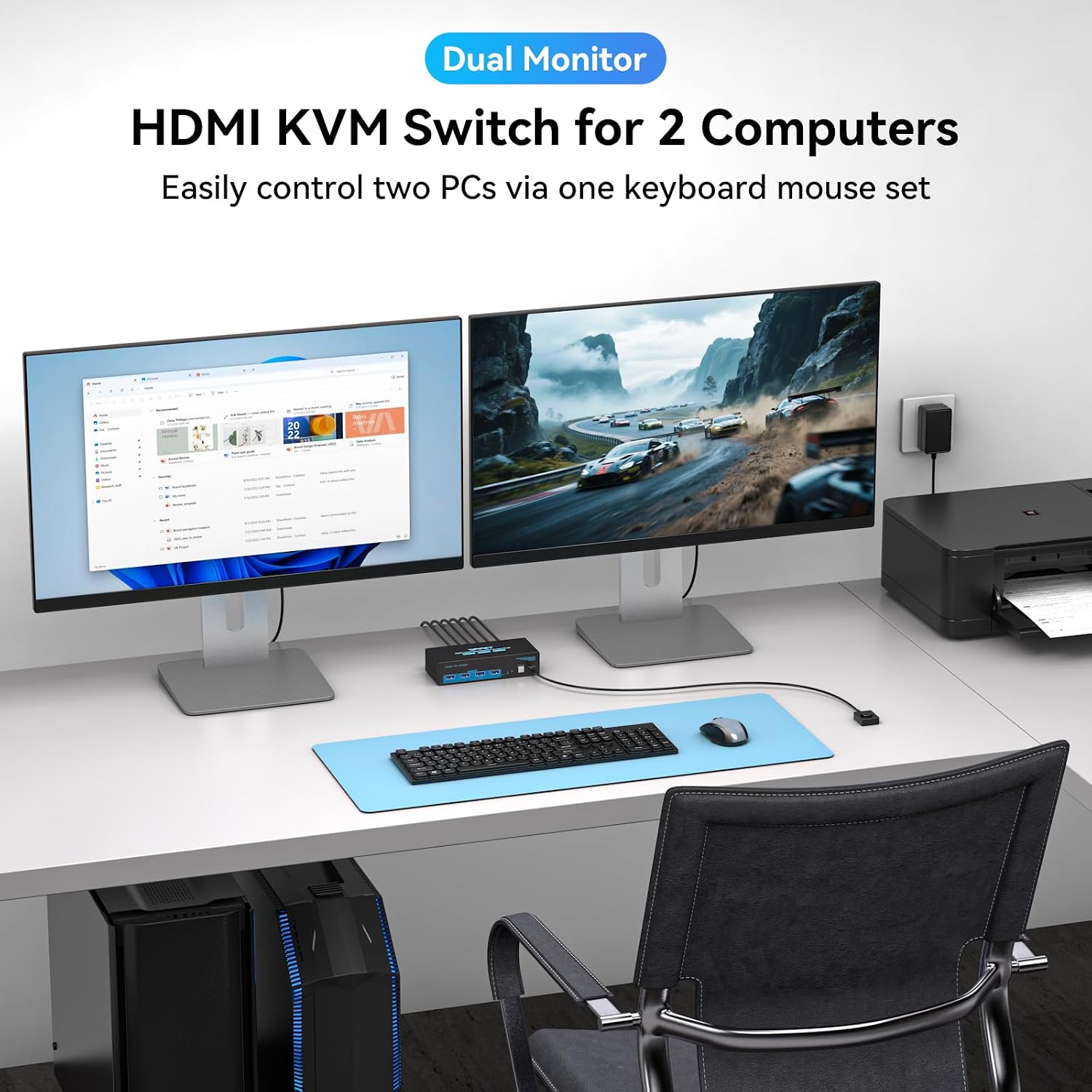
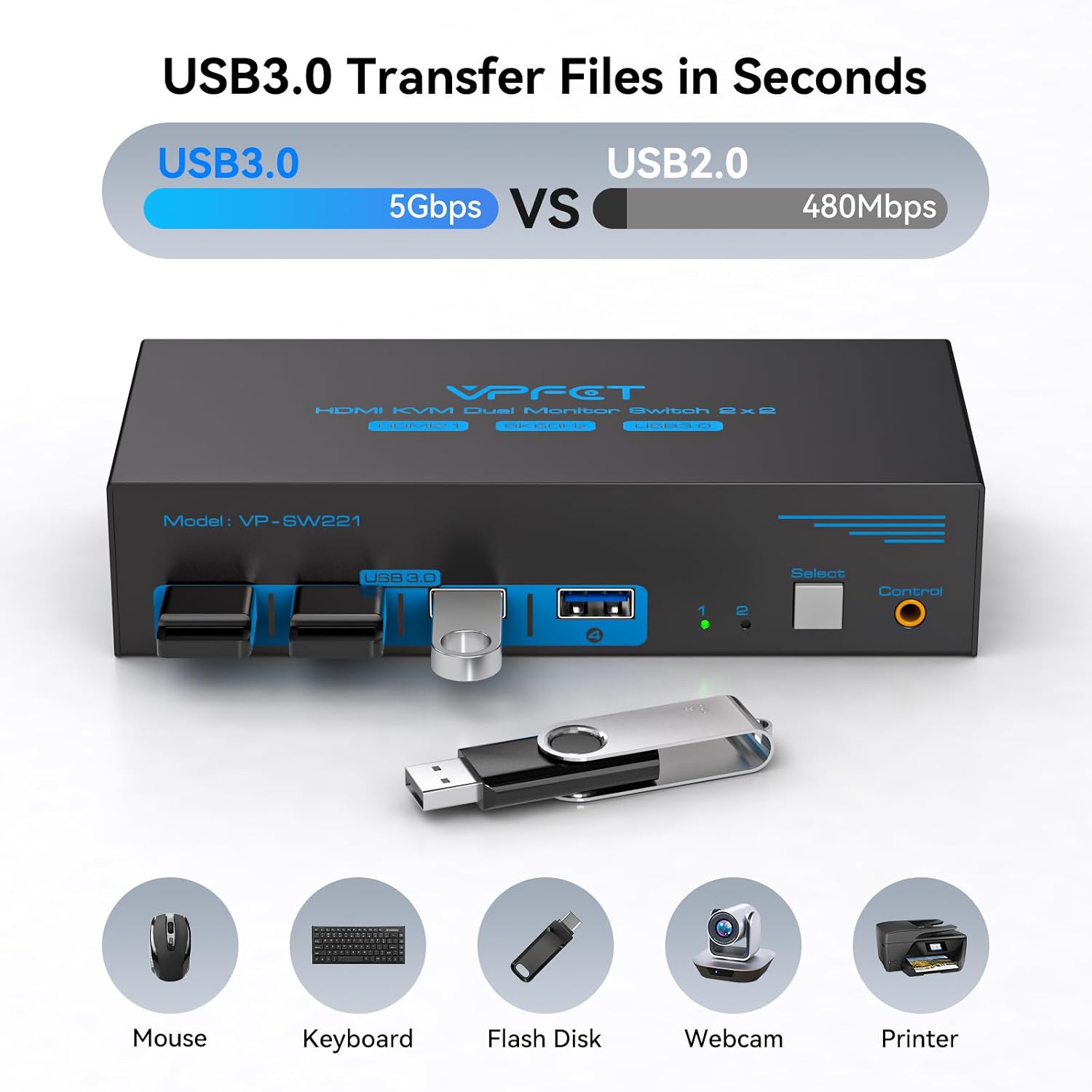
Connect two computers and use one keyboard and mouse across the setup, while sharing USB peripherals such as a printer, scanner, webcam, or other wired or wireless devices. The four USB 3.0 ports support data transfer speeds up to 5 Gbps and are backward compatible with USB 2.0 devices. The USB and HDMI switching functions can be used together or separately, giving you flexibility if you want to switch peripherals without switching video, or vice versa.
For example, someone who alternates between a work computer and a gaming PC can switch the connected setup with the panel button or wired controller rather than unplugging cables. Keyboard hotkey switching is not supported, so plan to use one of those physical controls. Supported operating systems include Windows, Mac OS, Linux, and Unix, the listed compatibility also includes laptops, desktops, and gaming PCs.
Strengths
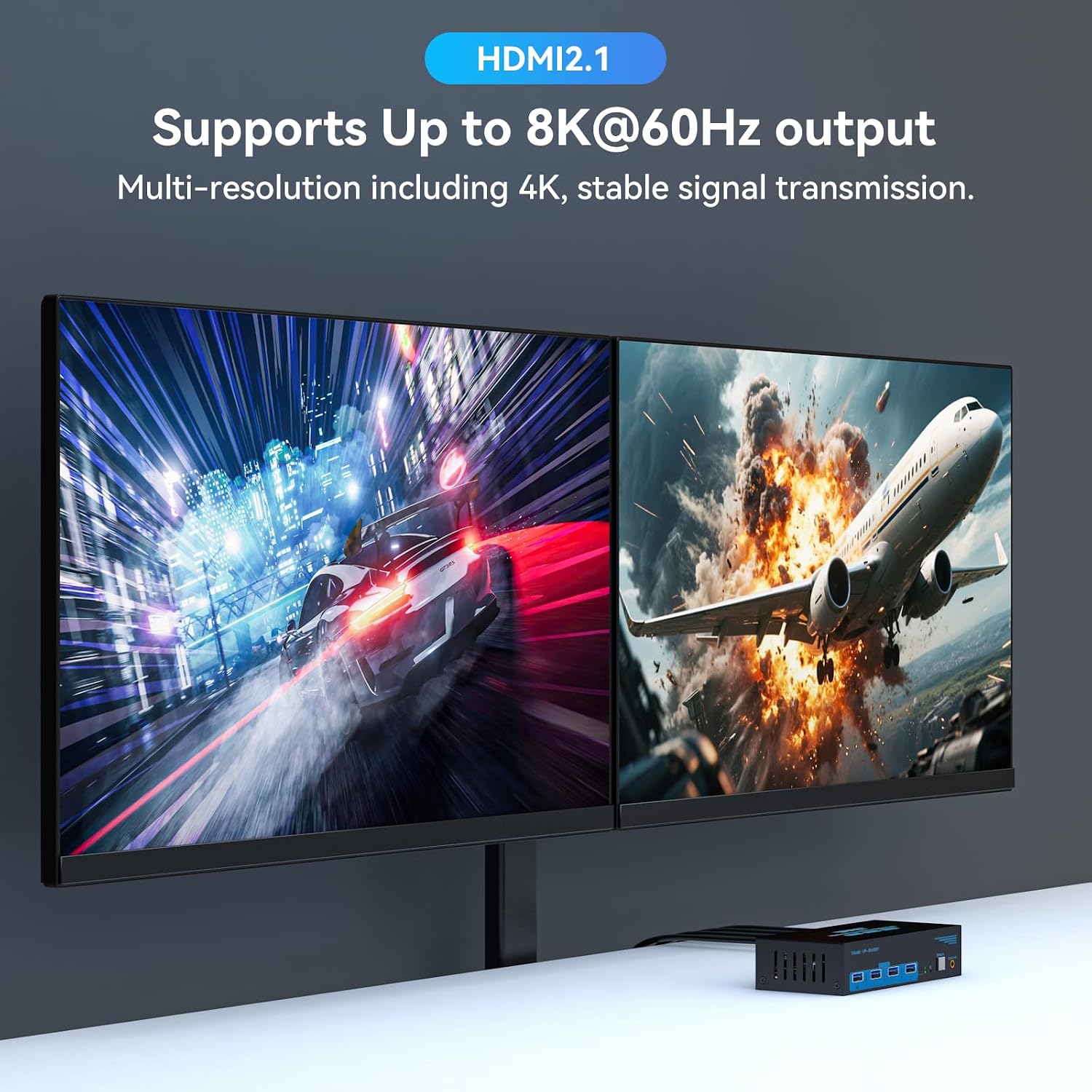
The headline display modes are up to 8K@60Hz and 4K@120Hz, which may be useful for high-resolution viewing or a higher-refresh-rate display. Reaching those modes depends on the connected cables and monitors supporting them. The switch also includes a 12V/1A power adapter, which is required for operation and helps provide power for connected USB devices. The product information notes that host power alone may not support devices such as hard drives, so the adapter is part of the setup rather than an optional extra.
Compared with a simpler single-monitor switch, this model is aimed at people who need to route two HDMI displays between two computers and share USB accessories. A solid pick if both computers already support the required dual-display arrangement and you want physical one-touch switching. The adapter requirement and lack of keyboard hotkeys are practical details to account for before choosing it.
Quick overview
- Name: VPFET dual-monitor HDMI KVM switch
- Type: Two-computer, two-monitor KVM switch
- Display: Up to 8K@60Hz or 4K@120Hz, with compatible cables and monitors
- Connectivity: HDMI and four USB 3.0 ports, USB 2.0 backward compatibility
- Switching: Onboard button or included wired controller, no keyboard hotkey support
- Power: DC 12V/1A adapter required
- Dimensions: 5.91 x 2.56 x 1.42 inches
When it makes sense
Choose this switch when two computers need access to the same pair of HDMI displays and USB accessories, and both computers can output to two monitors in mirrored or extended mode. Check the video path as well: passive adapters and standard conversion cables will not carry video through the switch, an active adapter is needed if your setup requires one. That requirement matters when planning connections, especially if either computer lacks the right HDMI outputs.
If your priority is simply swapping one monitor between computers, a single-display switching setup may be a more direct fit. This VPFET unit makes more sense when dual-screen routing and shared USB devices are central to the desk, and its connection requirements match the computers and displays you already use.