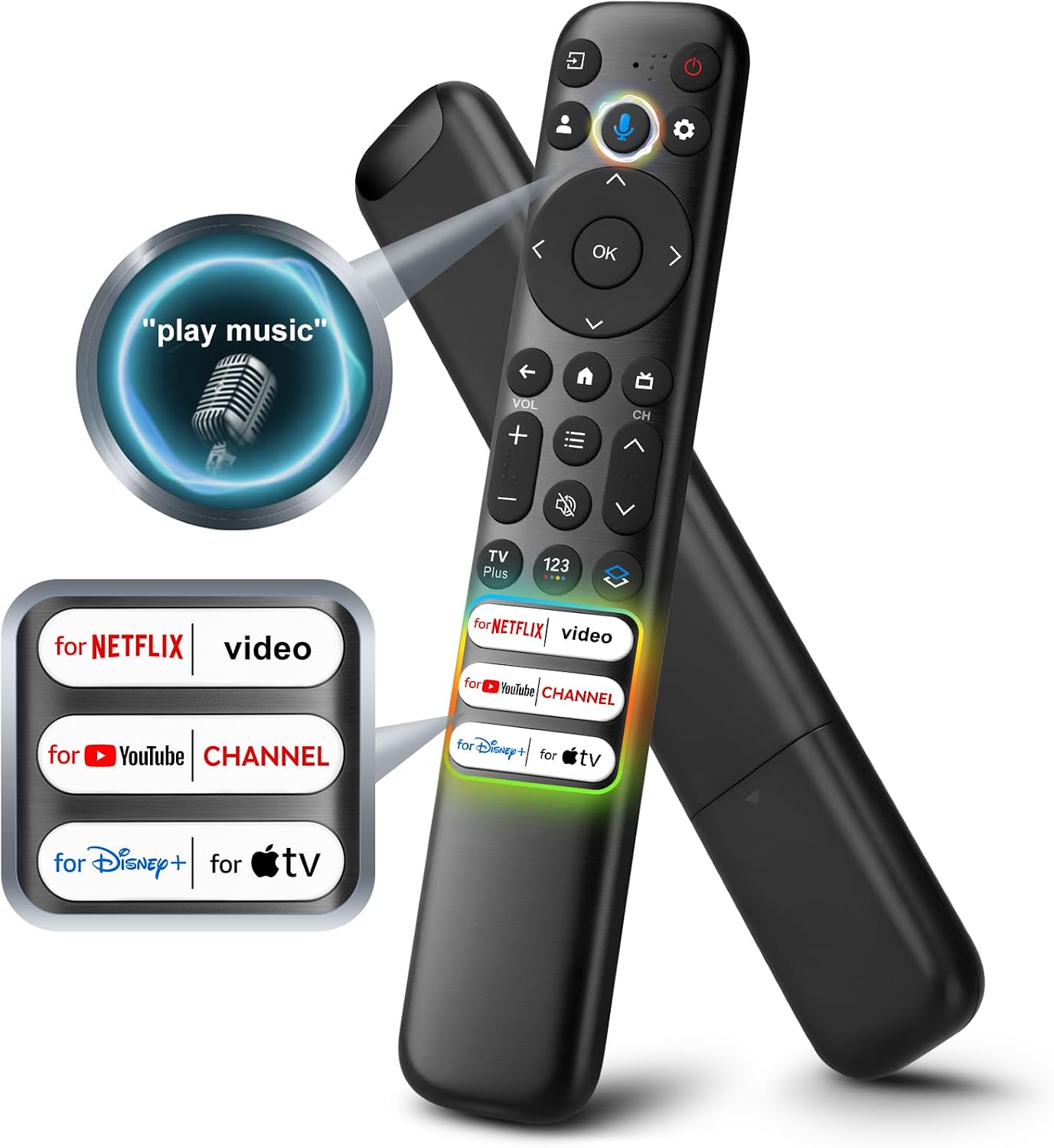
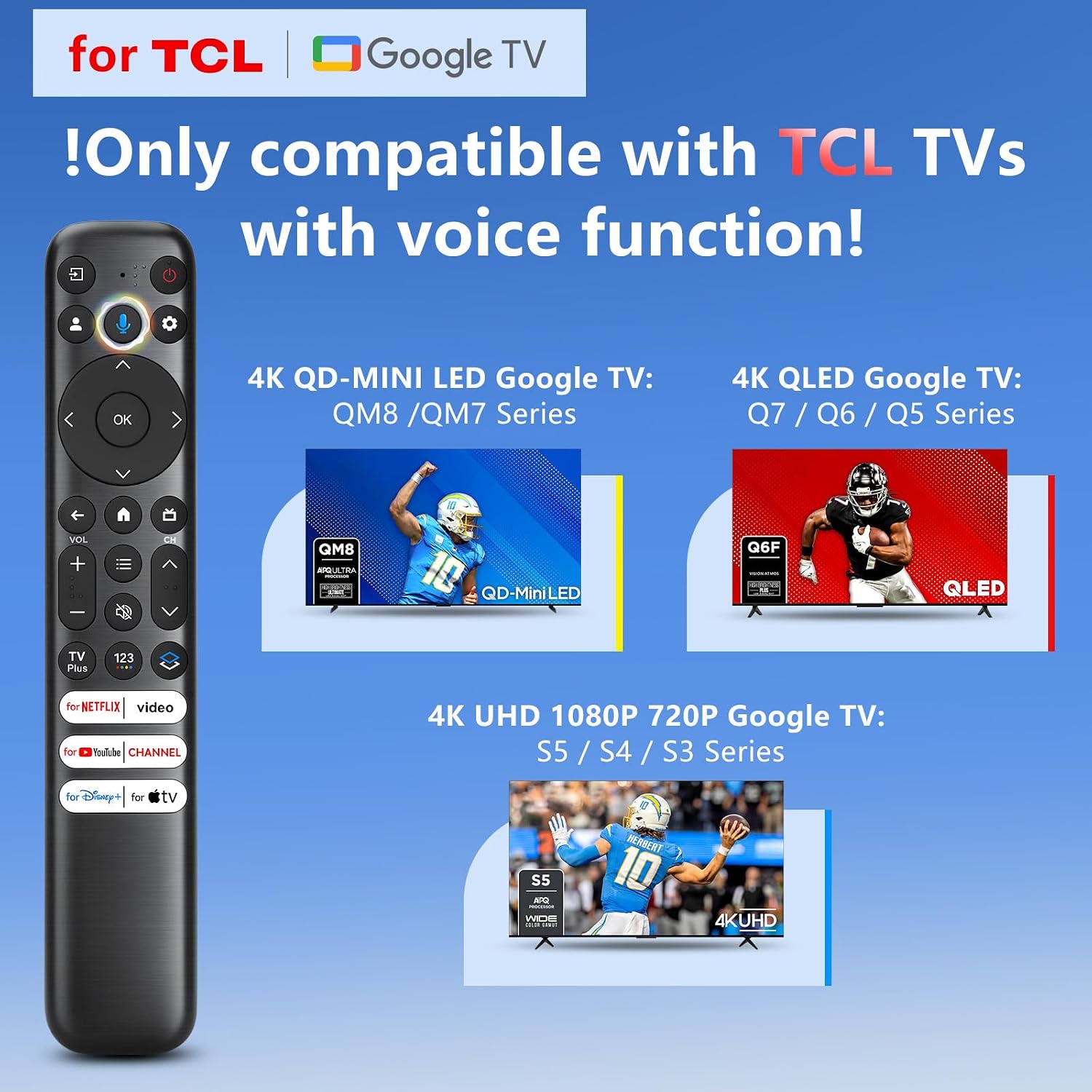
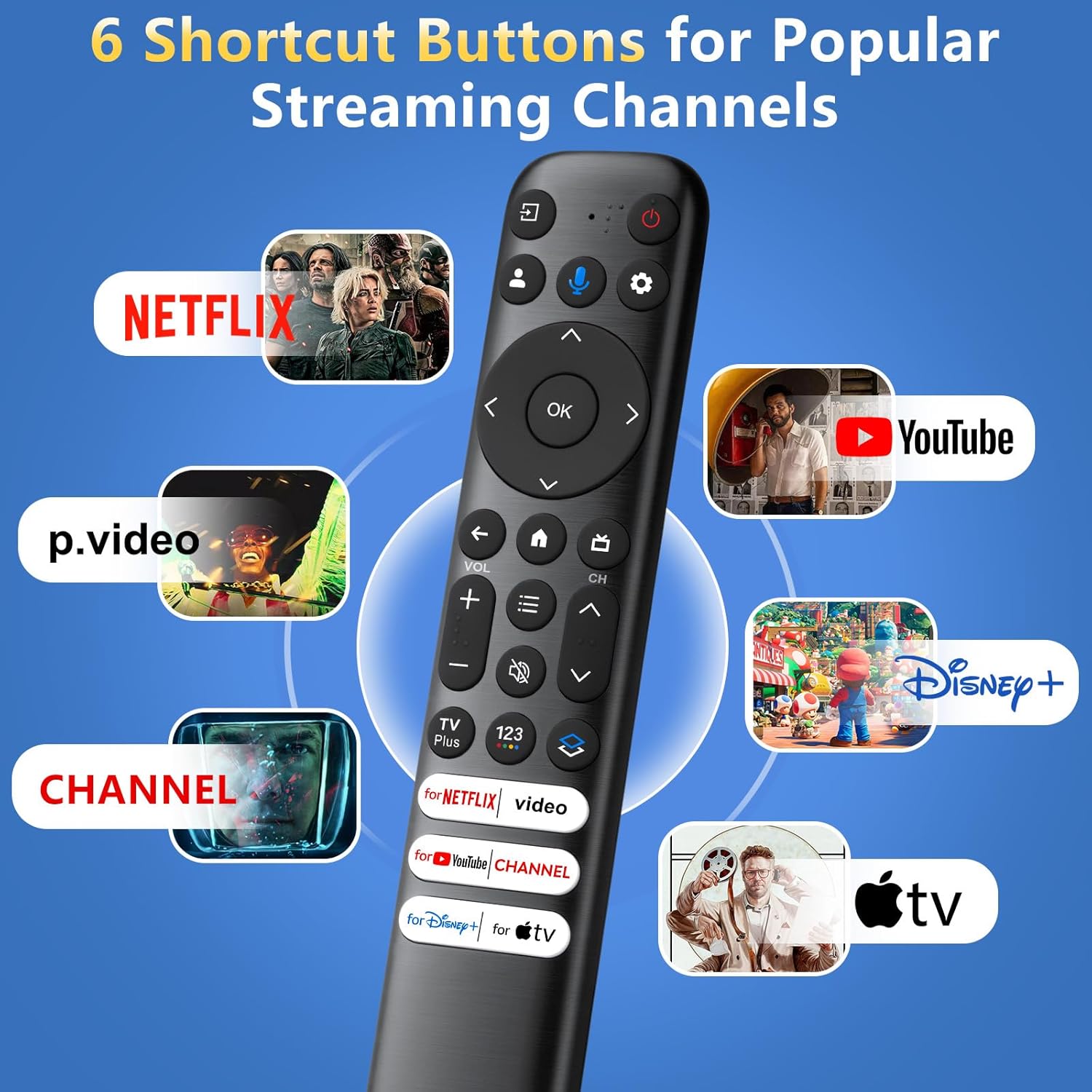
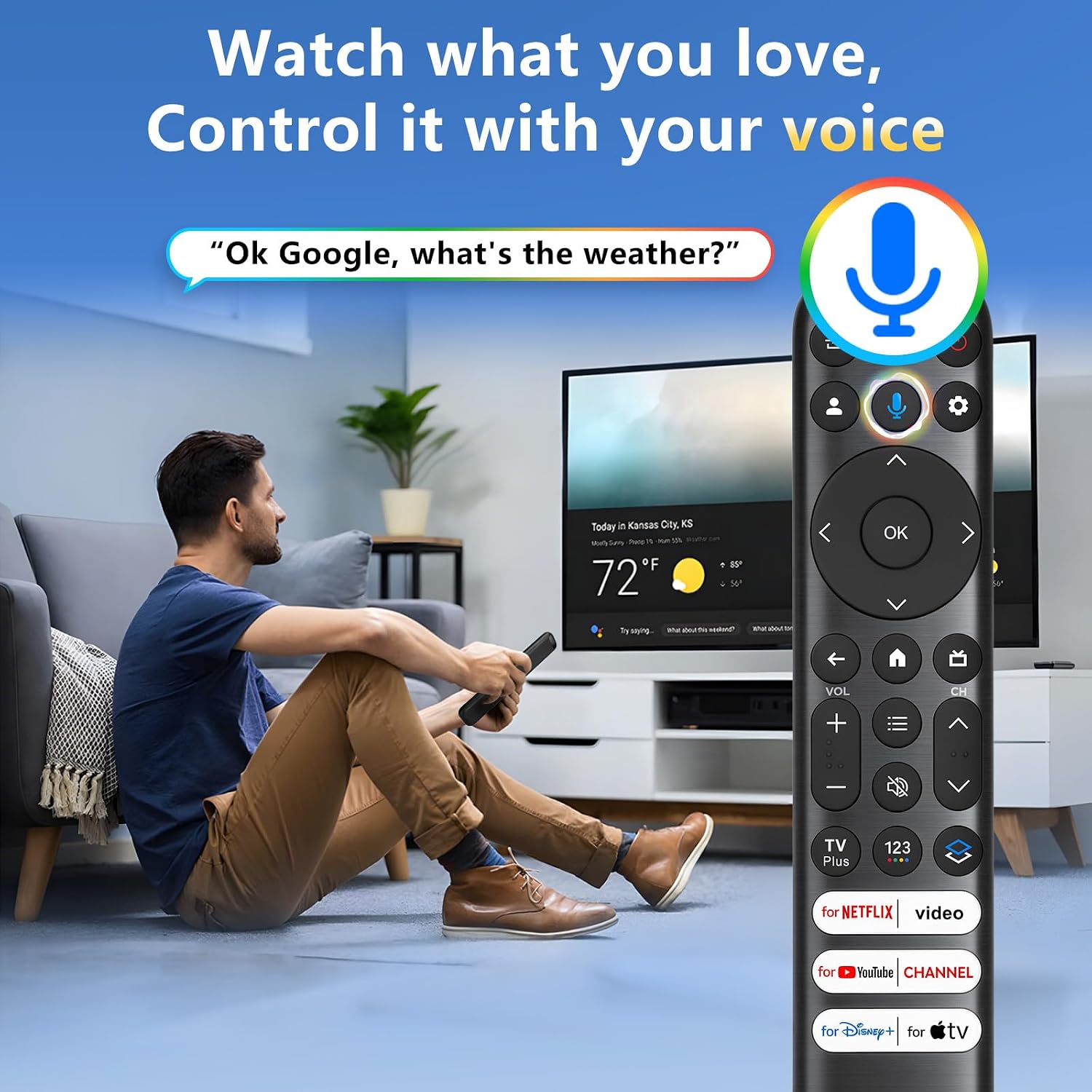
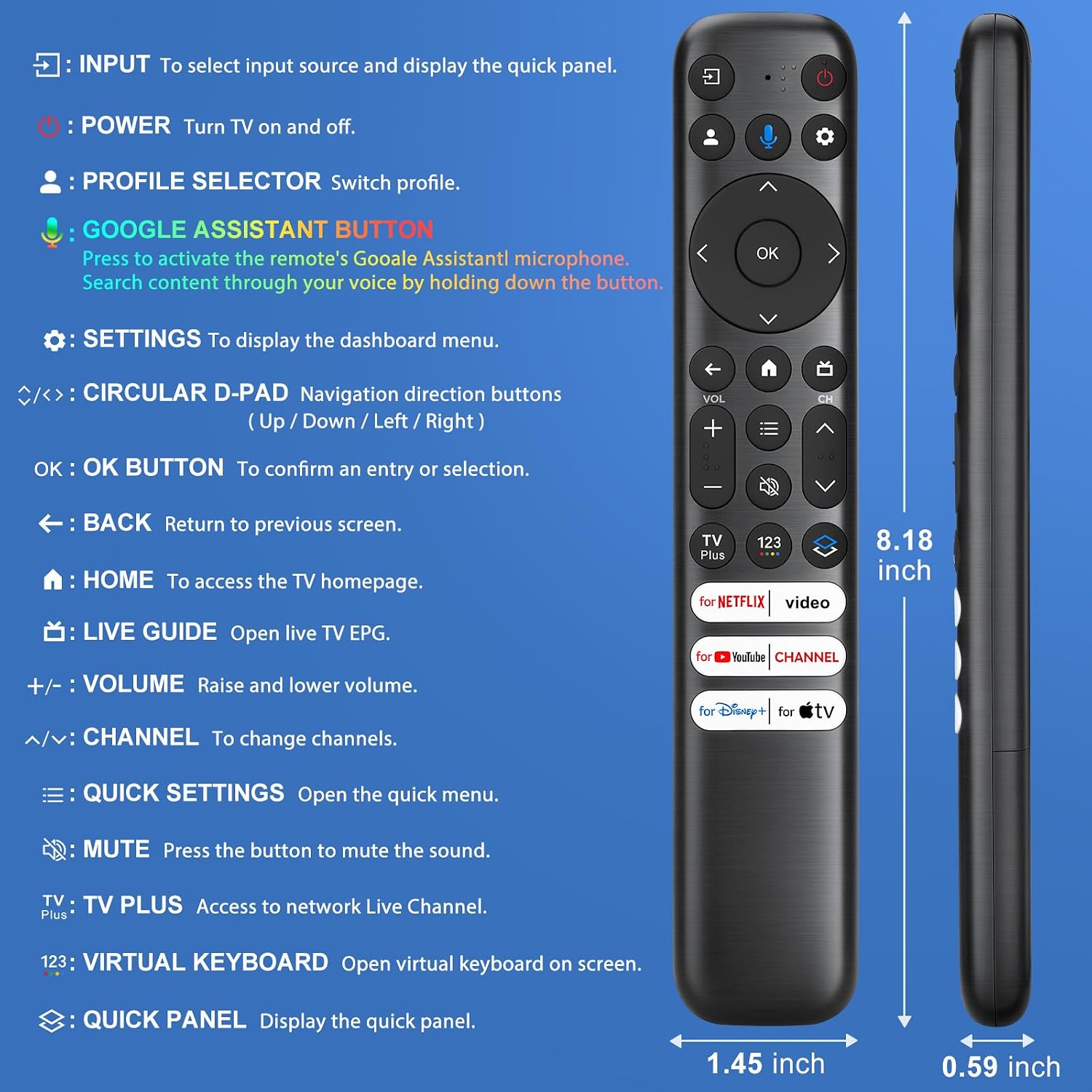
What it is and what it solves\nThis is a voice-enabled replacement remote designed for TCL Google TV models, specifically the QM8/QM7/S5/S4/S3 and Q-series among others. It aims to simplify control for TCL Google 4K UHD HDR LED, QLED, and similar smart TVs by adding hands-free voice commands, reducing the need for endless button presses. On paper, it helps you search for shows, adjust volume, and switch inputs with spoken commands, which can save time and minimize typing.\n\n## Compatibility and limitations\nThe remote is described as universally compatible with a wide range of TCL Google Smart TVs, but is not for TCL Roku TV. Importantly, voice and shortcut functionality require your TV’s original hardware support, if your TV’s remote lacks these features, the replacement won’t enable voice or shortcuts. Always verify your model and feature support before purchase.\n\n## How to use and pairing basics\nActivate the voice function by pairing the remote with your TV. Steps include pressing the Google Assistant button to pull up the pairing screen, then holding HOME and OK for 5 seconds until pairing is confirmed. Note that batteries are not included.\n\n## Performance and range\nThe remote boasts a stated 40-foot transmission range and a fast 0.2-second response time, with connectivity that remains stable from multiple angles—even without direct line of sight. This can be a meaningful improvement over basic remotes if you value quick, reliable voice control.\n\n## What to expect in day-to-day use\nWith hands-free voice control, you can search for content, adjust volume, and switch inputs without fumbling for tiny buttons. The experience hinges on your TV’s support for the feature, if it’s not supported, you won’t get voice or shortcut benefits.\n\n## Pros and cons at a glance\n- Pros: convenient voice control, wide compatibility range, strong connectivity, quick response.\n- Cons: requires TV hardware support for voice/shortcuts, batteries not included, not compatible with TCL Roku TVs.\n\n## Who it’s for\nThis remote is a good fit if you own a TCL Google TV and want a more effortless, voice-driven way to control your TV. It may be especially appealing if you frequently search for content, adjust settings quickly, or prefer a hands-free experience.\n\n## When it makes sense to buy\nConsider it when you want to upgrade from a basic remote to voice-enabled control and your TV model is within the supported TCL Google TV lineup. If your TV already relies on voice features built into other devices or your current remote handles voice well, the improvement may be incremental.\n\n## What to review before buying\nVerify your exact TCL Google TV model and check whether your TV supports voice and shortcuts with a replacement remote. Also confirm the remote packaging includes batteries or if you’ll need to supply them.\n\n## Practical usage example\nImagine waking up the TV and launching your streaming app just by saying, ‘Watch drama now’ or ‘ Volume up,’ without hunting for the remote or typing titles.\n\n## FAQ\n- Q: Will this remote work if my TV doesn’t support voice yet? A: No, voice and shortcut functions require your TV’s hardware support.\n- Q: Are batteries included? A: No, batteries are not included.\n- Q: Is it compatible with TCL Roku TVs? A: No, it is designed for TCL Google TV models, not Roku variants.\n- Q: How long is the pairing process? A: It follows a simple two-step process described by the manufacturer, typically completing when pairing is confirmed on screen.