

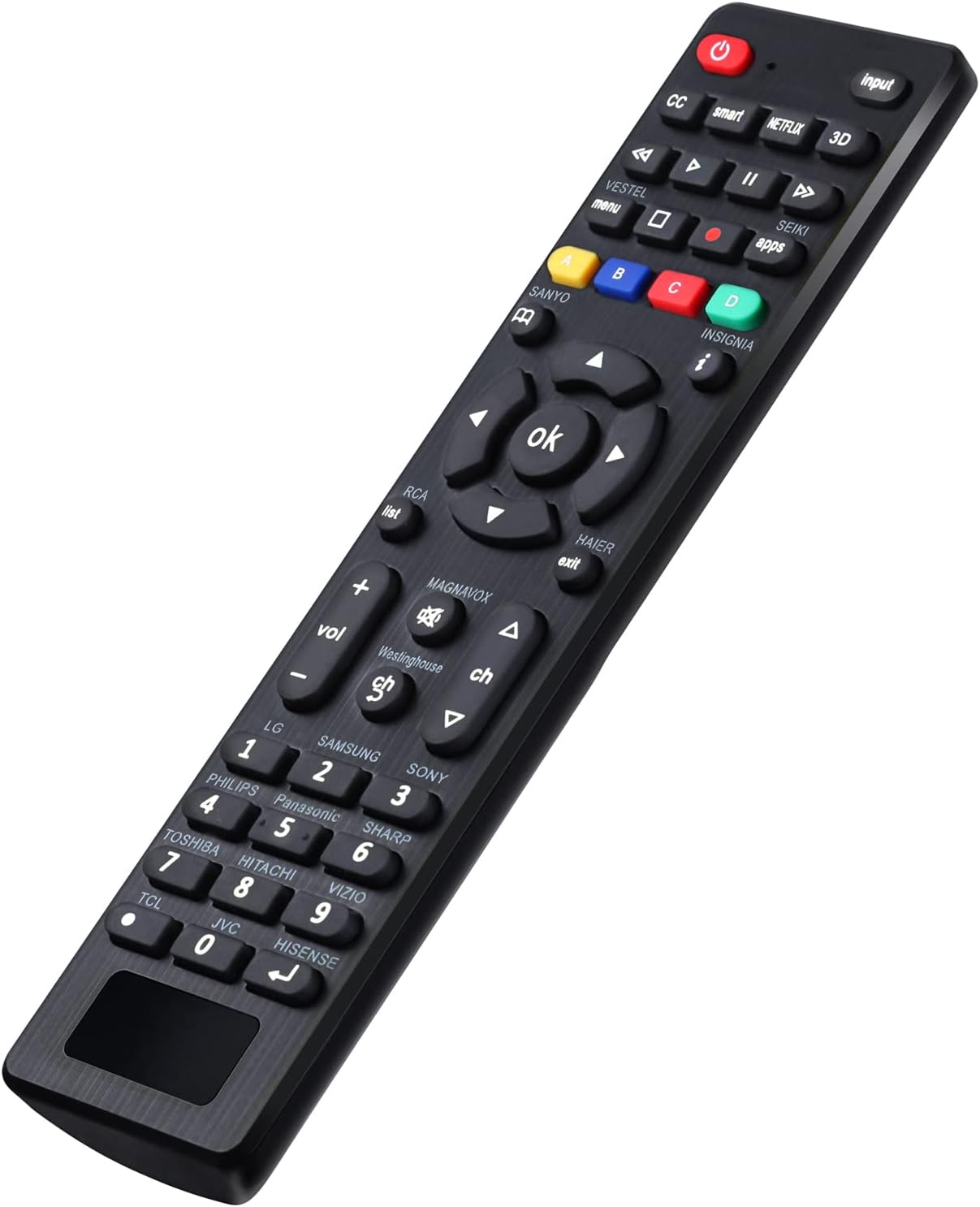
Universal TV Remote RC-G008 for Samsung, TCL, Vizio, Sony, Panasonic and more
Product description
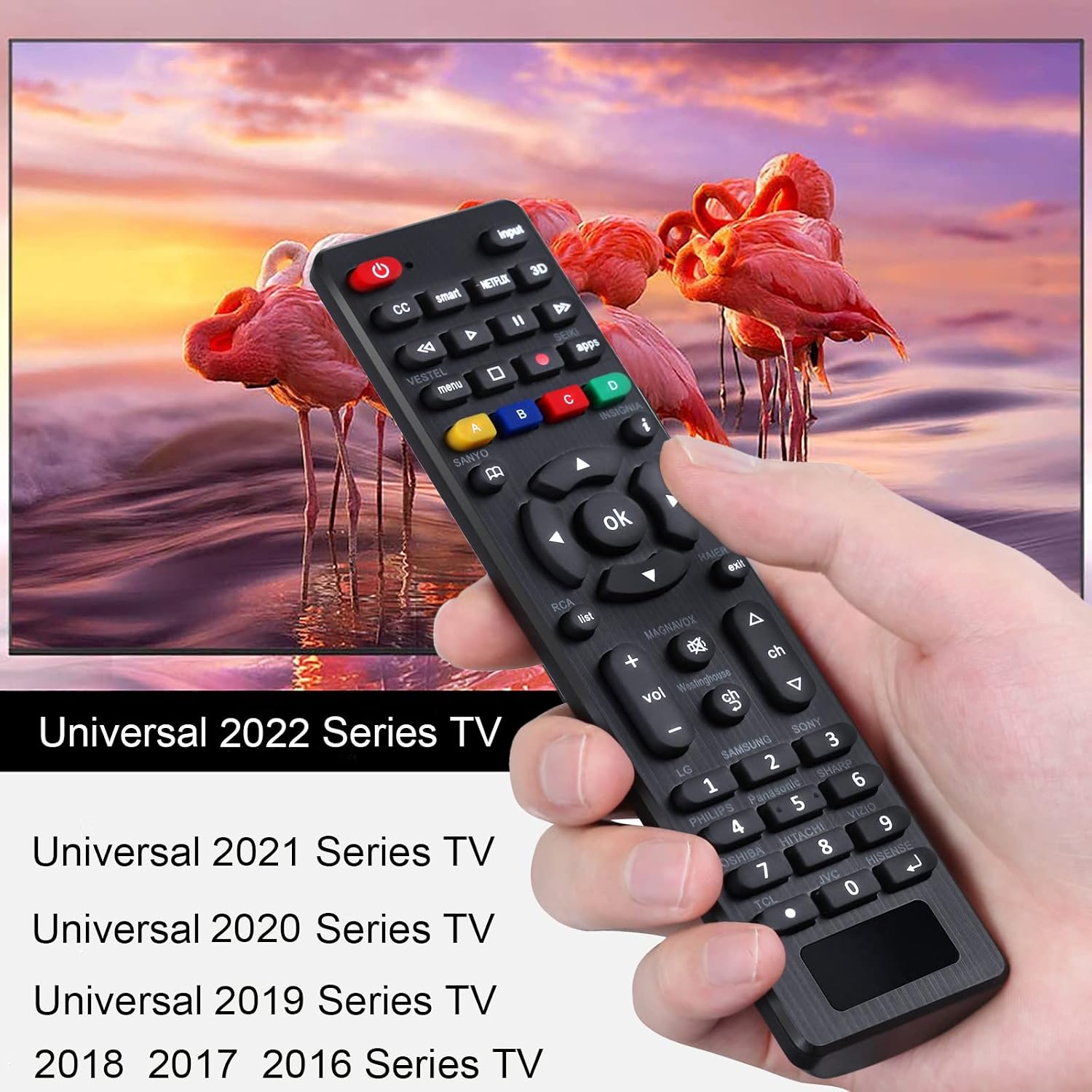
If your TV remote is missing, damaged, or just stopped responding, a universal remote is often the fastest “get it working again” fix. This RC-G008 is designed to control many LCD/LED/3D HDTV Smart TVs from popular brands—so on paper, you’re not locked into one manufacturer.
That said, universal remotes live and die by compatibility. Some TVs accept codes quickly, others may take a few tries using the available setup methods. It’s not perfect, but it can be a practical replacement when you want basic control without hunting for an exact OEM remote.
The essentials (what it is and what it solves)
RC-G008 is a universal TV remote meant to replace an old or broken remote for a wide range of TV brands listed by the product. It focuses on controlling key TV functions through an LED/code setup process. Instead of requiring you to find the exact remote model number, you set it using either a direct code list method or a brand search method.
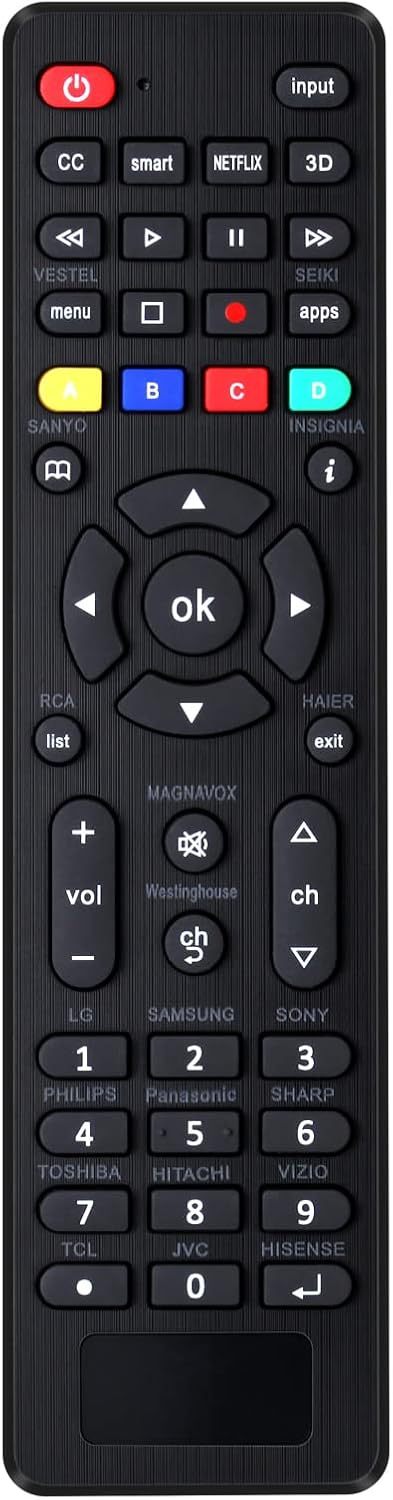
A small, light, compact design also matters in real life—if you’ve ever tried using a bulky “boxy” remote in the dark, you’ll appreciate something easier to grab.
Key features that matter in day-to-day use
This remote is built around two setup approaches, and that’s usually the difference between “it works” and “I’m still fiddling.”
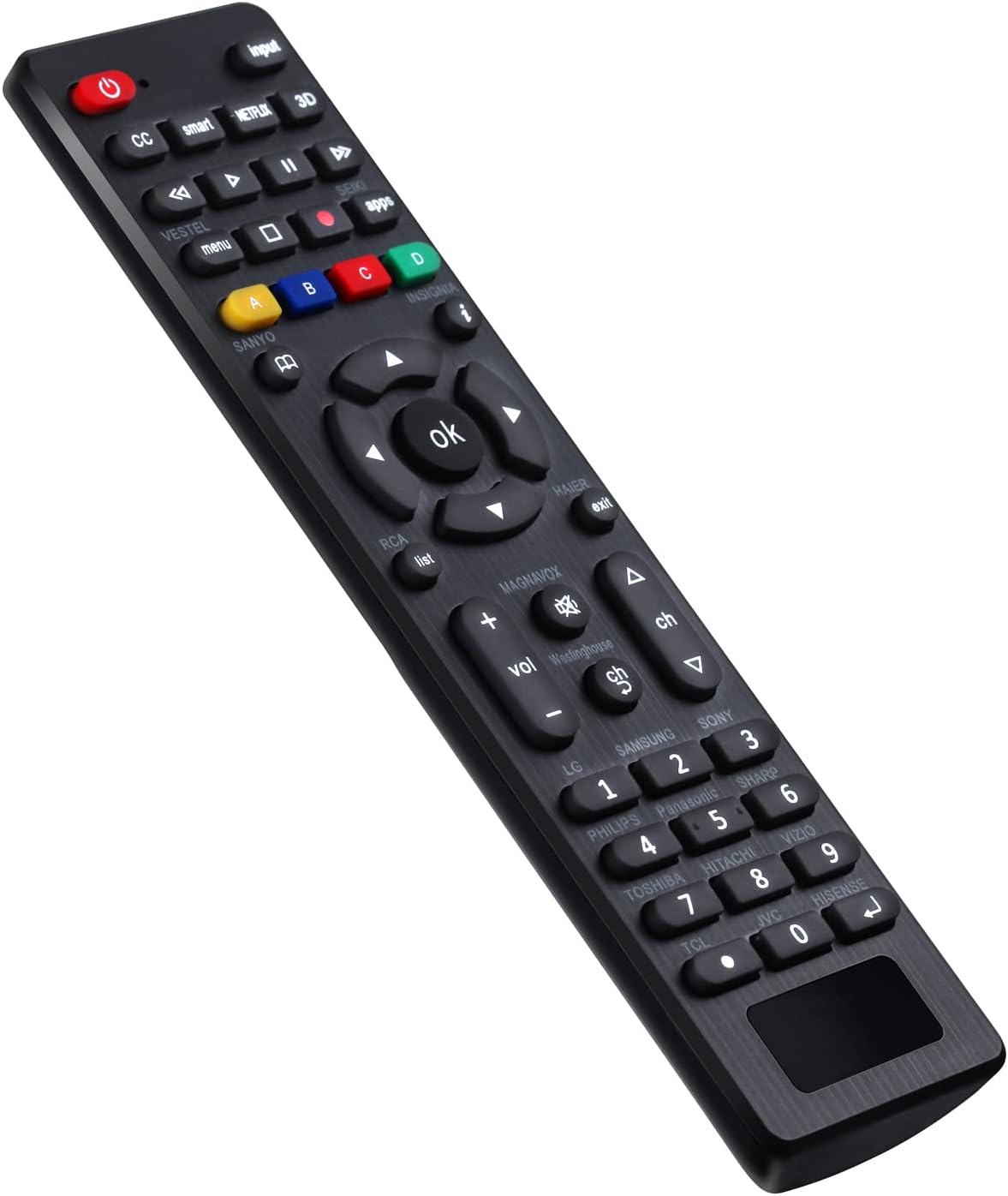
First, you can set it by code: press and hold the brand button for 3 seconds, then enter a 3-digit code from the code list. If the code matches, the LED behavior changes (the LED turns off when the code is correct). If the code is wrong, the LED still lights, and you’ll need to try another code.
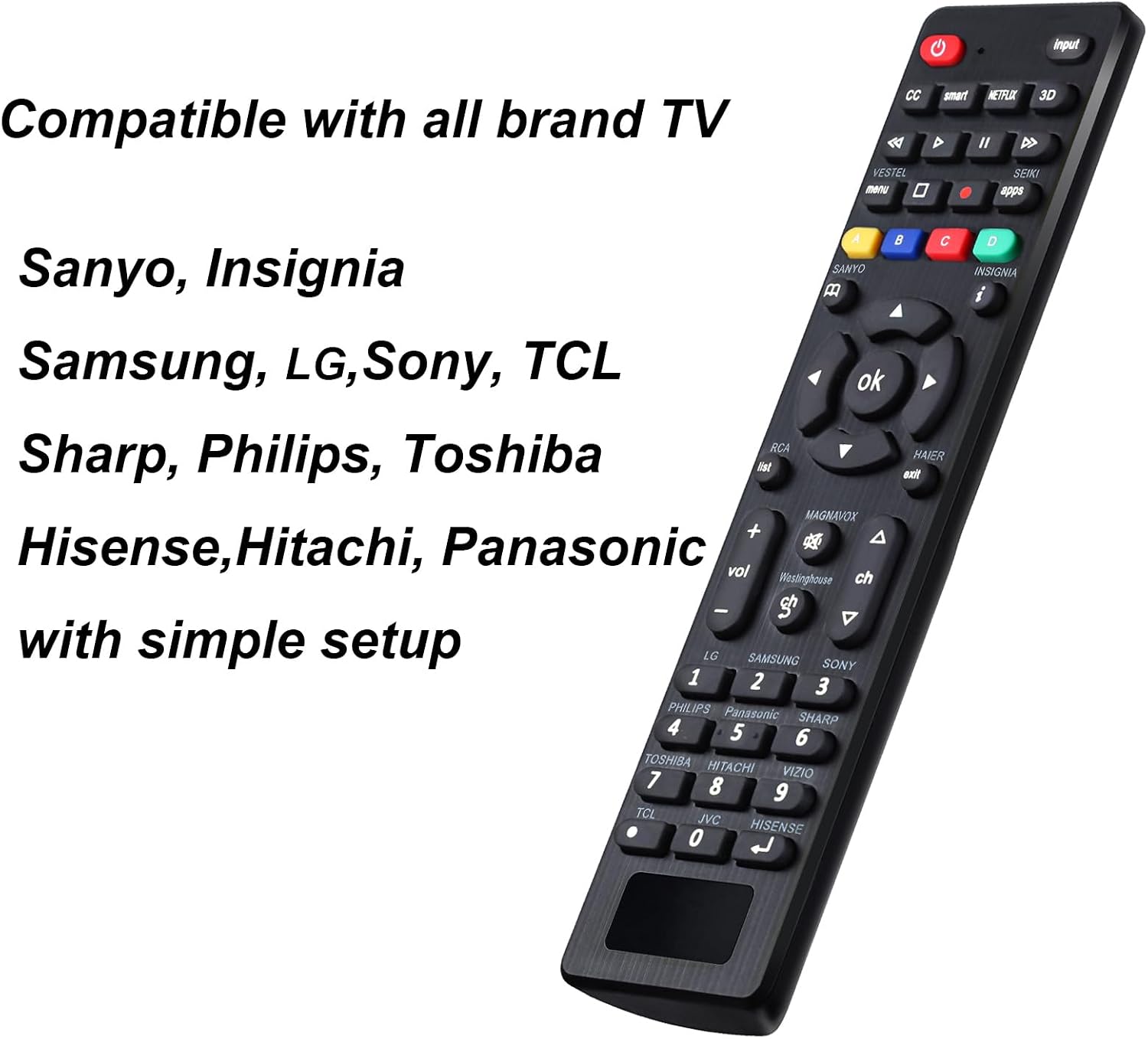
Second, there’s Brand Search: press and hold the corresponding brand button for 5 seconds, wait for the LED flashing sequence, and the setup completes. The process also includes an instruction manual, which is helpful because universal remotes often require patience rather than plug-and-play.
In the default setup, it can directly control multiple well-known brands mentioned in the listing, including Samsung, Sony, Philips, and Panasonic.
Where it shines vs. simpler replacements
This RC-G008 makes the most sense when you want broad brand coverage without buying multiple brand-specific remotes.
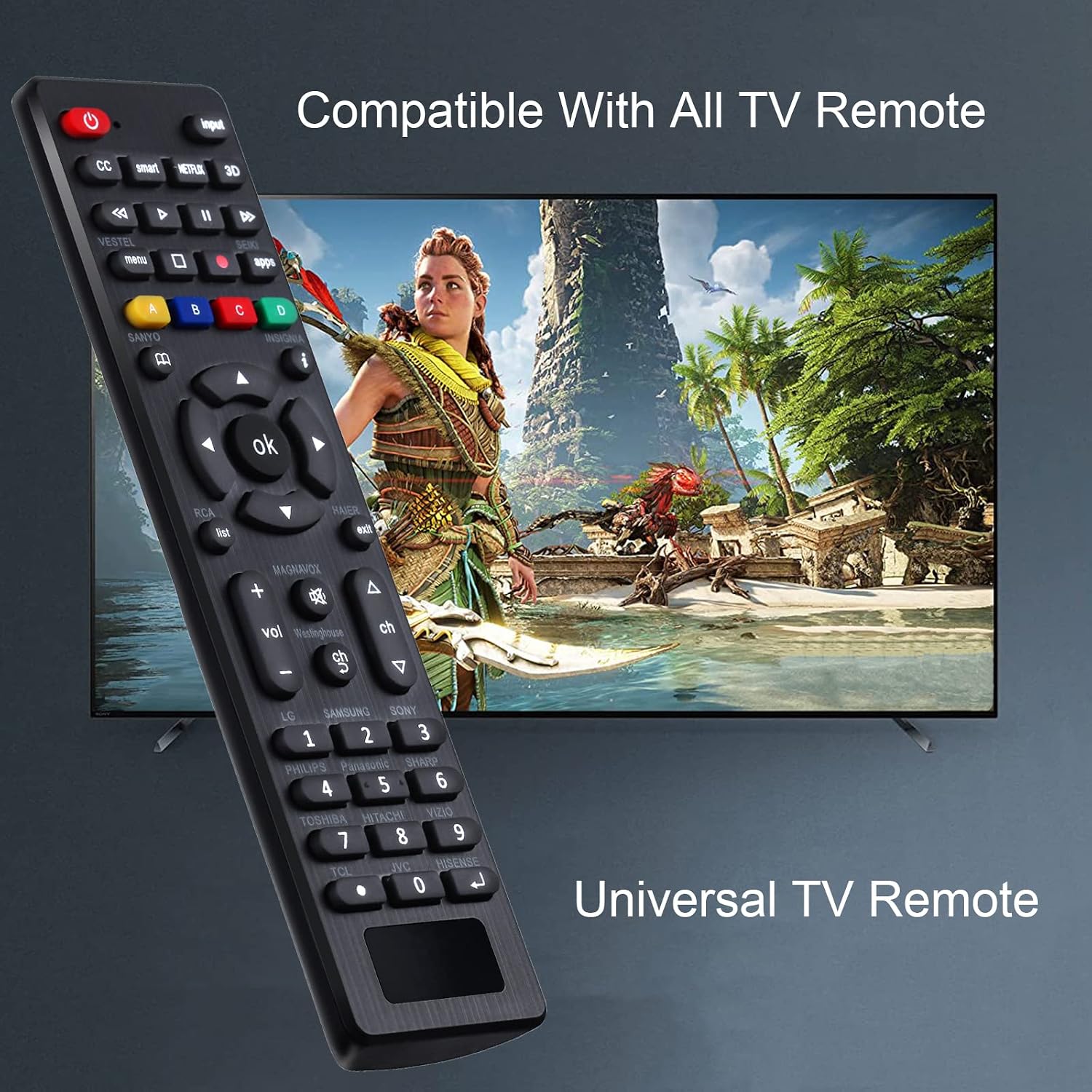
It’s especially worth considering if: - You don’t have the original remote anymore and need a general replacement. - You’re trying to cover several TVs in one household (or a household with mixed brands). - You’re okay spending a few minutes on setup if the first code doesn’t land.
A practical micro-example: imagine you grab it, aim at the TV, then attempt the code setup for your brand. If nothing responds, you don’t have to start over from scratch—you can try a different 3-digit code, or switch to the brand search method for the same TV. That “fallback” setup path is often what you’re really paying for.
What to know before you buy (compatibility and limitations)
Universal remotes can be slightly unpredictable. Even though the listing names many brands, compatibility can depend on the TV model and whether the correct code is available in the code list.
Keep in mind: - If a code doesn’t work, you’ll likely need to try multiple codes or use brand search. - The remote is advertised for many LCD/LED/3D HDTV Smart TVs, but that doesn’t guarantee every single model will respond the same way.
If you need something guaranteed for a specific TV model with zero setup time, this might feel more like a “process” than a guaranteed replacement.
Quick overview of the setup methods
Here’s the flow you’ll typically follow based on the listing:
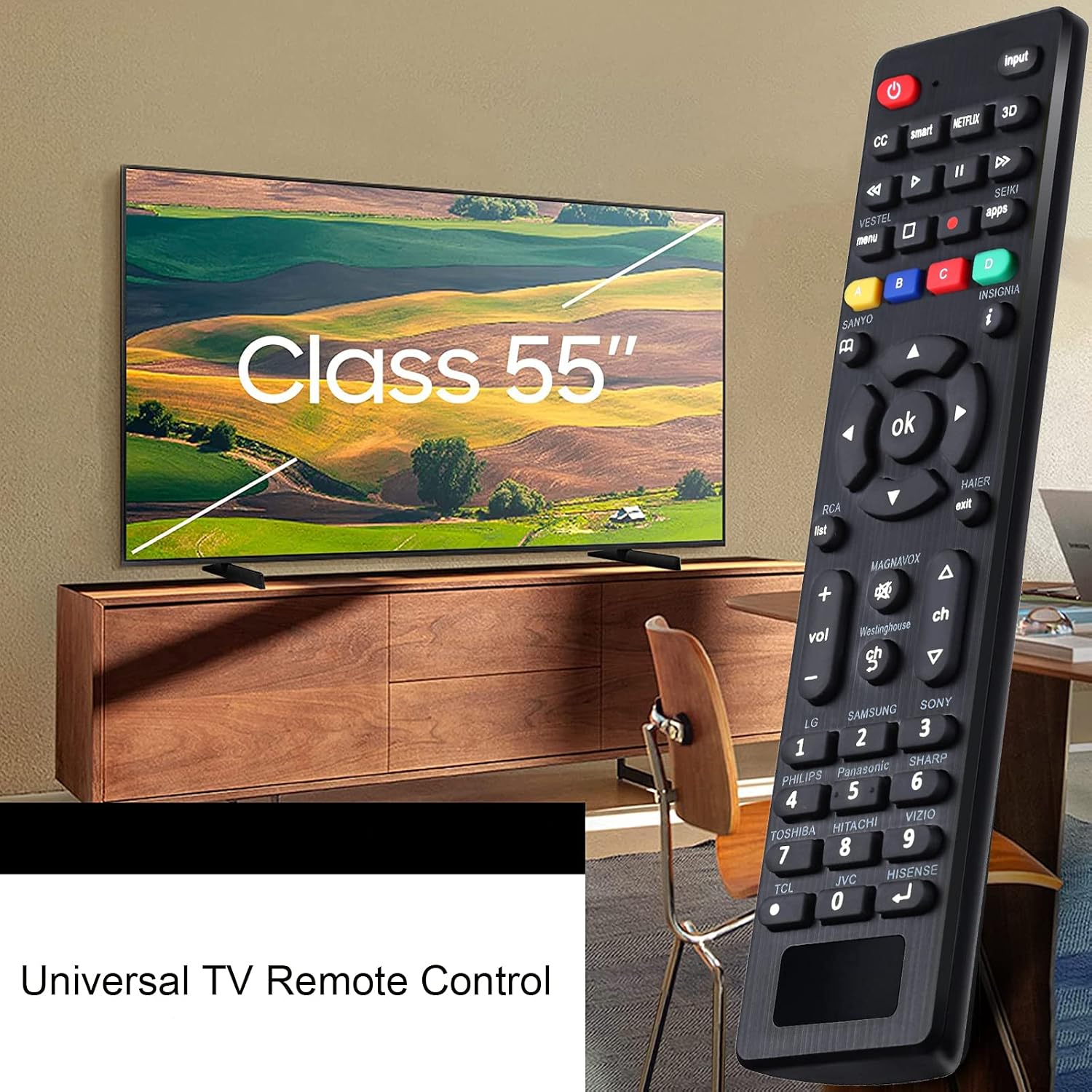
- Set by code: Hold the brand button for 3 seconds, use the 3-digit code from the code list, and watch the LED behavior to tell whether the code worked. If it fails, try another code and repeat.
- Brand search: Hold the brand button for 5 seconds and let the remote complete the search process (the listing notes that an instruction manual is included).
- Restore to initial setting: You can reset using the [OK] + [0] button combination for about 3 seconds, after which the LED flashes four times and the remote returns to initial setup.
If you’re the type who wants an instant solution, you may feel the setup steps more than you’d like. But if you can spare a few attempts, these methods are exactly what make universal remotes useful.
Is it worth it?
A solid choice if you want a universal TV remote that can cover many LCD/LED/3D HDTV Smart TV brands and you’re okay with code or brand-search setup. It’s a sensible replacement when the old remote is damaged or missing, especially since the listing states you can directly control certain major brands under default settings.
You may want to skip it if you’re very sensitive to compatibility risk—because universal remotes can require multiple code attempts, and not every TV model responds the same way. If you need strict “works immediately” certainty, you’ll likely be happier going for a more exact match.
Mini FAQ
Will this work with my TV brand?
It’s designed for many brands listed in the product description, but setup still depends on the correct code or brand search result. If the first attempt doesn’t work, the listing suggests trying another code.
How do I set it up?
You can set it by entering a 3-digit code from the code list after holding the brand button, or use Brand Search by holding the brand button for 5 seconds.
What if none of the codes work?
The listing indicates you can try other codes and repeat the code setup process. If needed, you can use the brand search method as an alternative approach.
Can I reset the remote?
Yes. The listing describes restoring the initial setting by holding [OK] + [0] for about 3 seconds, after which the LED flashes four times.