

SLE-TECH Universal USB-C Chromebook Charger 65W (Type-C Power Cord), compatible with select HP, Lenovo, Dell, Acer, ASUS and more
Product description
The essentials
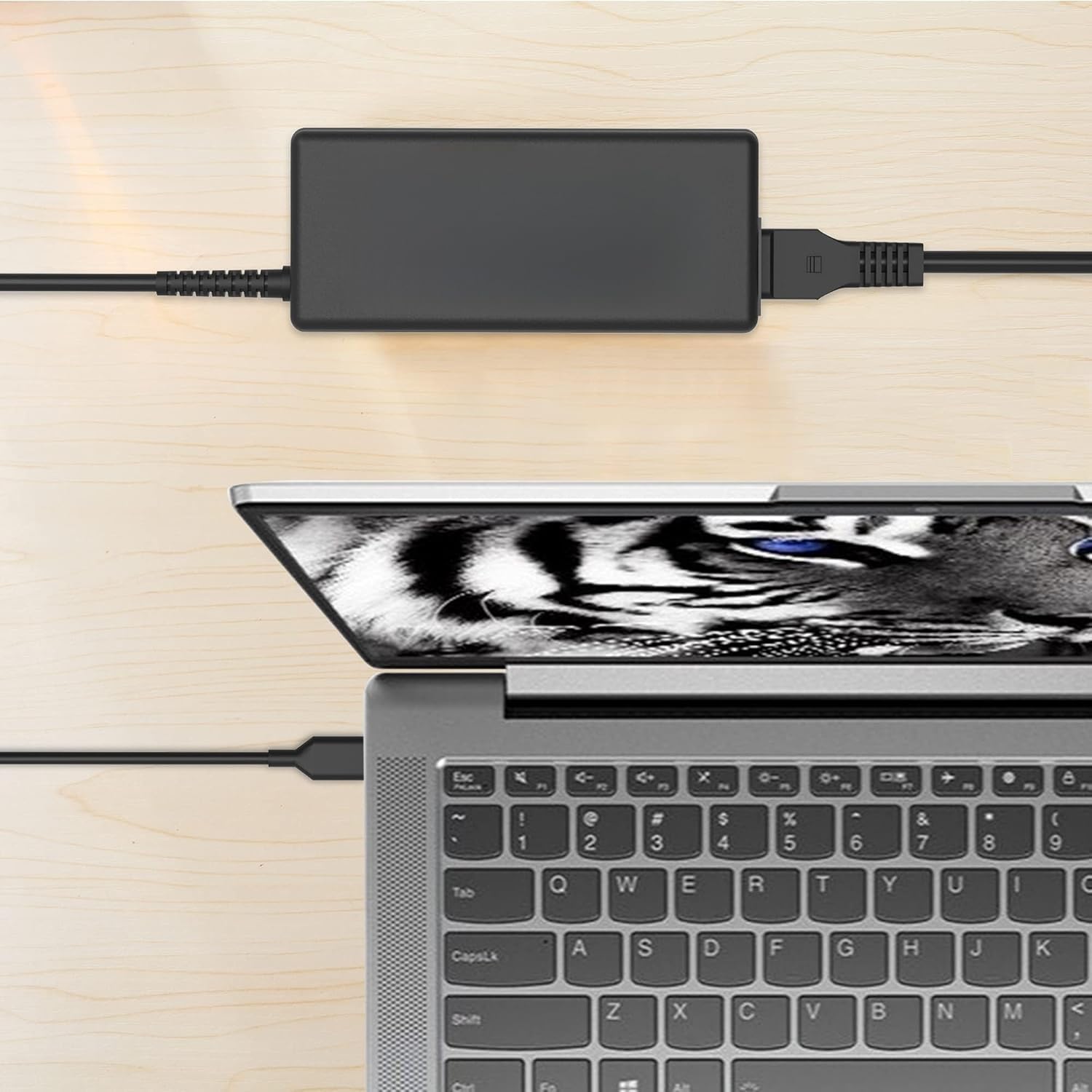
If you’ve got more than one USB-C device at home—especially a Chromebook plus a couple of school or work laptops—this SLE-TECH universal charger is built for that “one cord, many devices” lifestyle. On paper, it’s a 65W USB-C Type-C power cord that supports multiple output modes (including 5V up to 20V profiles), so it’s meant to work across a wide range of Chromebook and laptop models.
That’s the appeal: fewer chargers to keep track of, less desk clutter, and a simple replacement option when the original adapter goes missing. Of course, universality is never 100% guaranteed for every setup—USB-C charging compatibility depends on whether a device supports the right USB-C power profile—so it’s worth double-checking your exact model.
What to expect from the 65W USB-C setup
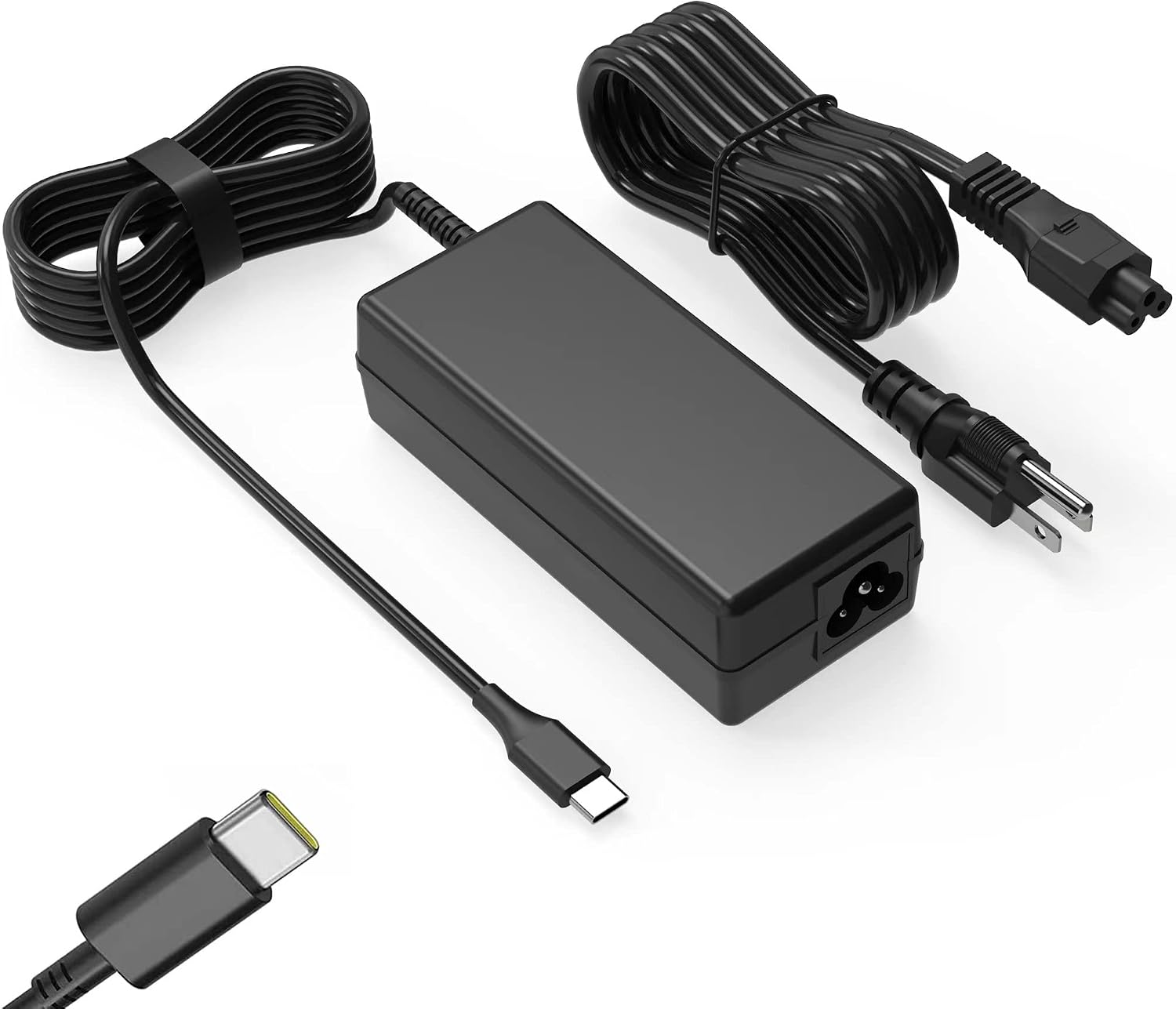
This charger takes universal input (100-240V, 50-60Hz) and is rated for up to 65W on the USB-C output side. The included power profiles listed in the specs are 5V-3A, 9V-3A, 15V-3A, and 20V-3.25A.
In real buying terms, that typically translates to a “covers the bases” approach for common Chromebook and lightweight laptop charging needs. You’re not looking at an ultra-technical power brick here—the goal is straightforward: stable USB-C charging for compatible devices.
One practical way to picture it: you can plug it into a desk USB-C area and charge a Chromebook during a study session, then swap to another compatible laptop when you’re working later. Less switching between different adapters is usually the biggest day-to-day win.
Compatibility range: where it fits, and where it can miss
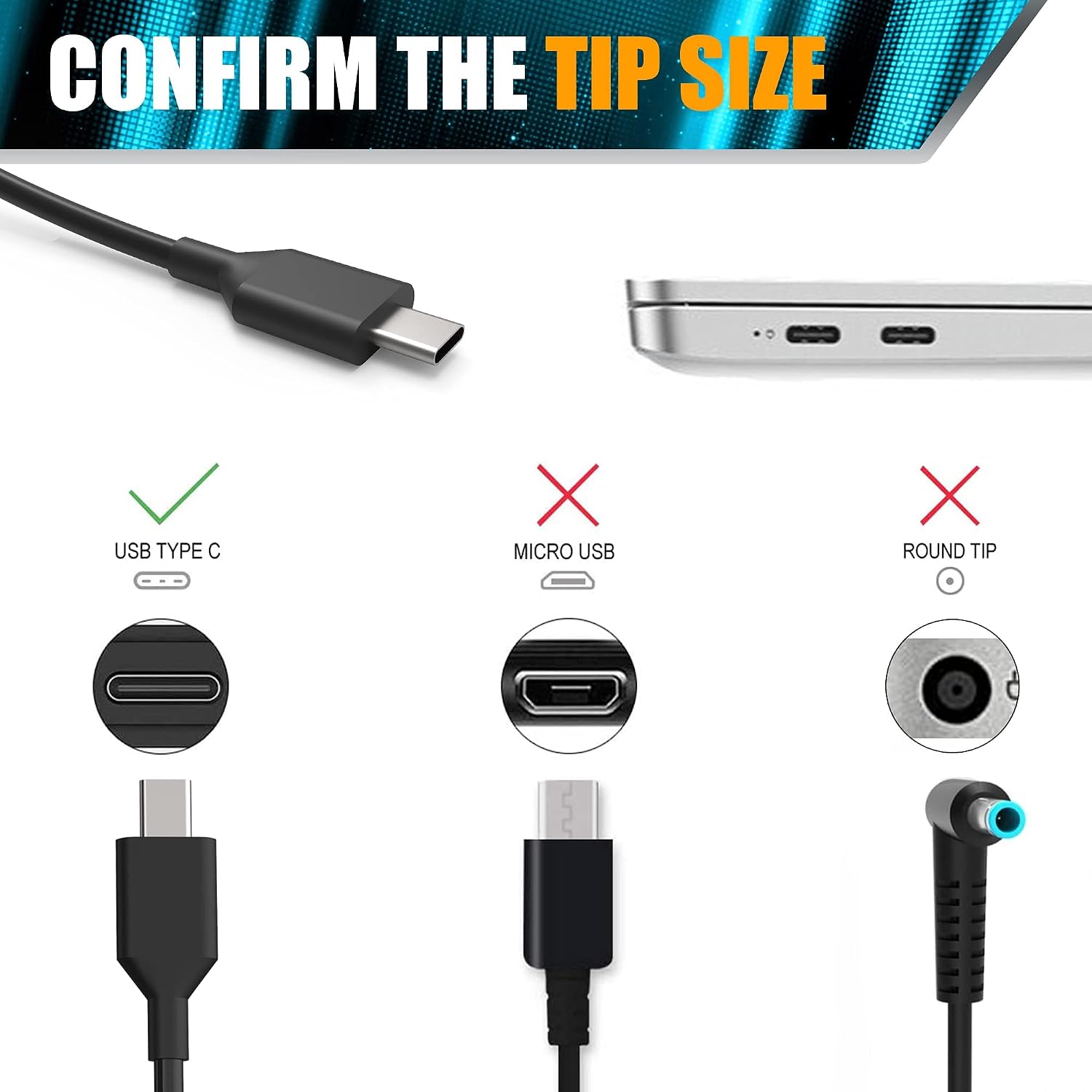
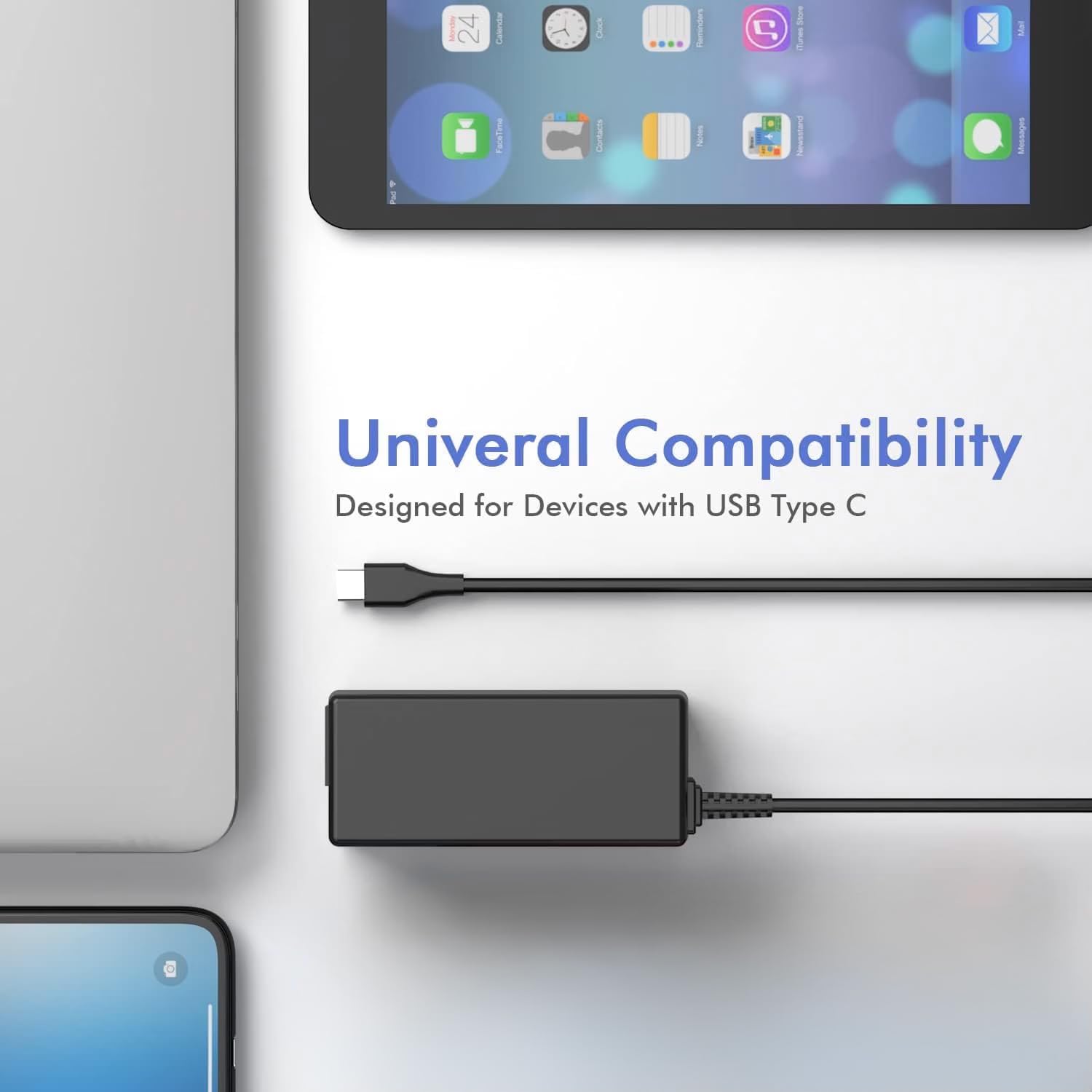
The product description lists compatibility with a long set of Chromebook and laptop series across brands like HP Chromebook, Lenovo Chromebook/ThinkPad, Dell Chromebook/Latitude/XPS, Acer Chromebook Spin, ASUS, Samsung, and others. It also notes compatibility with certain 45W use cases.
However, here’s the part to pay attention to: universal chargers are only “universal” when your specific device supports USB-C charging and accepts the charger’s supported voltage/current negotiation. So even if your laptop is in the broad family list, you should still verify the exact model number before buying.
It might not be the best match if your device requires a very specific charging spec that isn’t covered by the listed USB-C profiles. If that’s possible for your setup, you may want to choose a charger that is explicitly confirmed for your model rather than relying on a broad compatibility list.
Tech specs that matter for buying
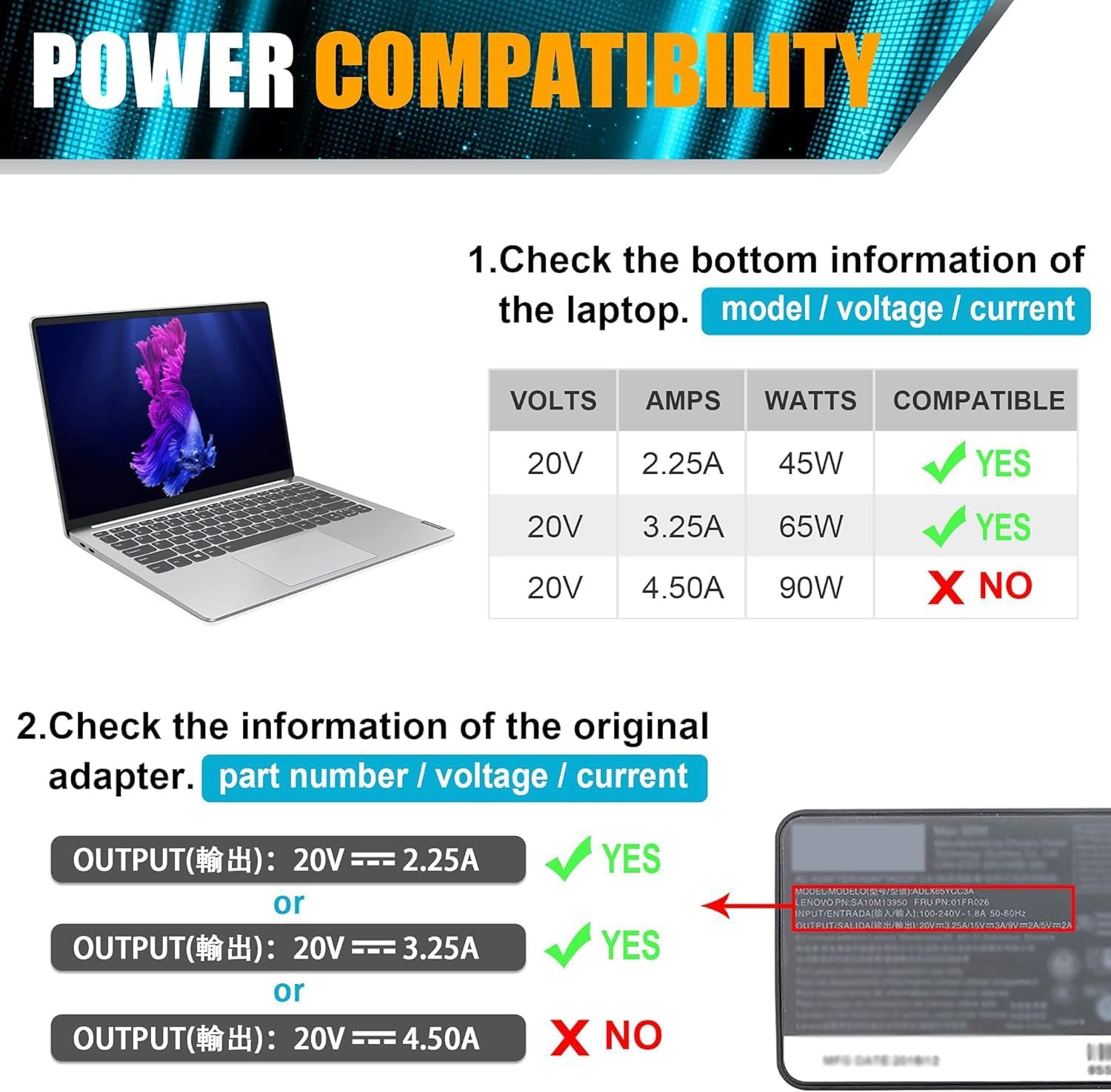
This is a 65W USB-C (Type-C) charger and it’s specified with these electrical ratings:
Product specs
- Input: 100-240V, 1.6A, 50-60Hz
- Output options: 5V-3A or 9V-3A or 15V-3A or 20V-3.25A
- Rated watts: 65W
- Type: USB-C / Type-C power cord
- Compatibility note: also compatible with 45W (as stated)
Key takeaways for real decision-making
If you’re deciding whether this is “worth it,” focus on the situation you’re buying for.
Worth considering if you want a single USB-C charger that can cover multiple compatible Chromebooks and select laptops at home, in a classroom, or while traveling between devices.
It’s not for you if your main priority is guaranteed charging for one exact laptop model with no extra checking. Also, if your device is outside the listed compatibility families (or if you can’t confirm your exact model supports USB-C charging), you might run into an annoying mismatch.
A good way to use this info: look up your device model number first, then compare it to what the listing says it works with. That small step can save you from buying the “right-looking” adapter that’s still incompatible with your exact requirements.
Quick answers (mini FAQ)
Is this charger good for Chromebooks?
It’s specifically described as a universal Chromebook charger and lists multiple Chromebook series across brands, so it’s clearly aimed at that use case.
What wattage is it rated for?

It’s rated at 65W and also states compatibility with 45W.
Will it charge devices from multiple brands?
The listing includes compatibility for a broad range of brands and model series, but you should still verify your exact device model.
What should I double-check before purchasing?
Confirm your exact Chromebook/laptop model number and make sure it’s listed as compatible, since “universal” still has limits.
Final verdict
When it makes sense
Buy the SLE-TECH Universal USB-C Chromebook Charger 65W if you want one USB-C power cord that can reasonably cover multiple compatible Chromebooks and select lightweight laptops, based on the broad model list provided. It’s a sensible replacement and travel-friendly option for people who don’t want to carry separate bricks.
Skip it if you can’t confirm your exact model is supported or if your device may have stricter charging requirements than what the listed USB-C output profiles cover. In those cases, you’ll get better peace of mind choosing a charger that’s explicitly confirmed for your specific device.