

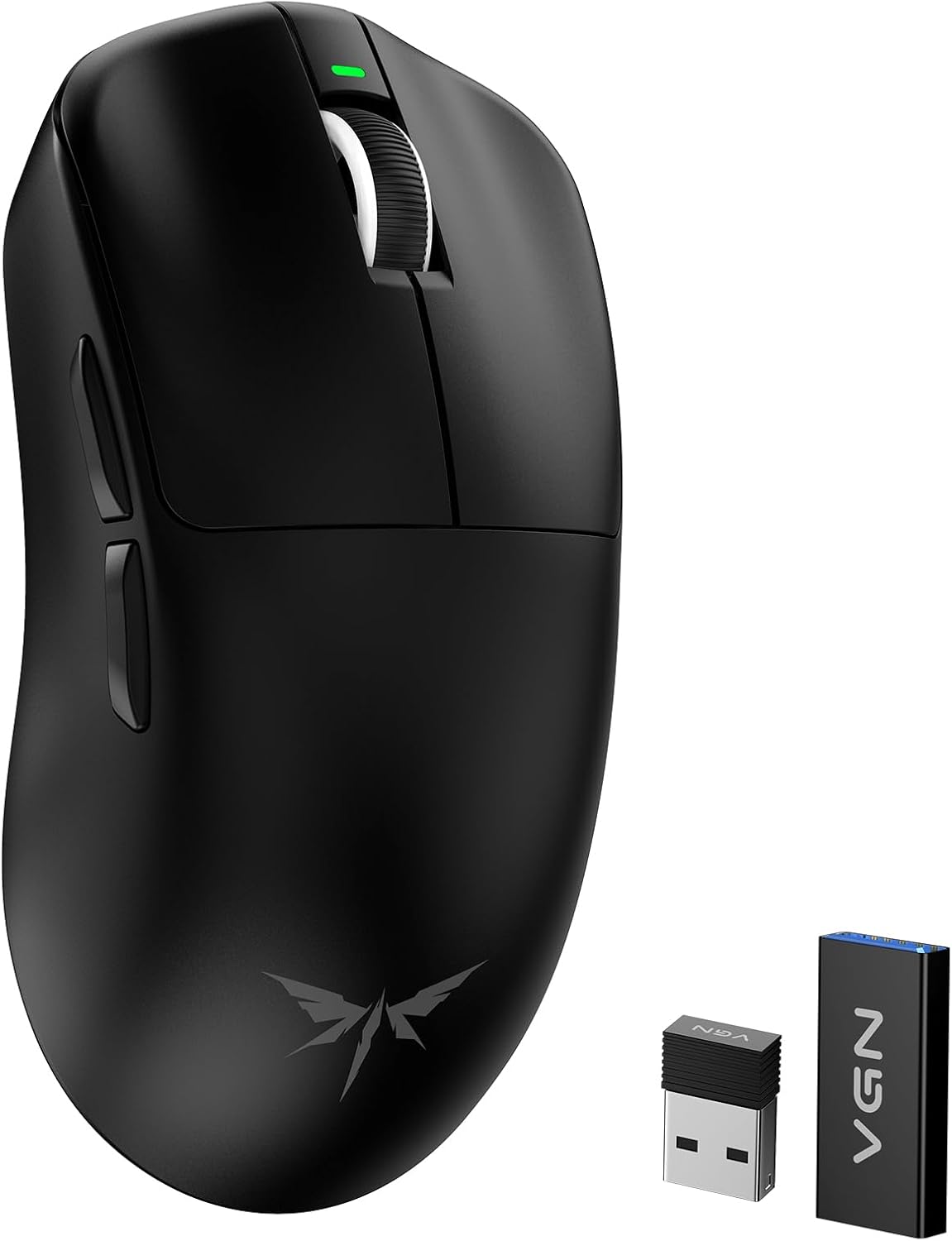
VGN Dragonfly F1 MOBA Wireless Gaming Mouse (PAW3395, 26K DPI, 55g) — Anti-Slip Grip, Dual-Mode 2.4GHz + USB-C
Product description
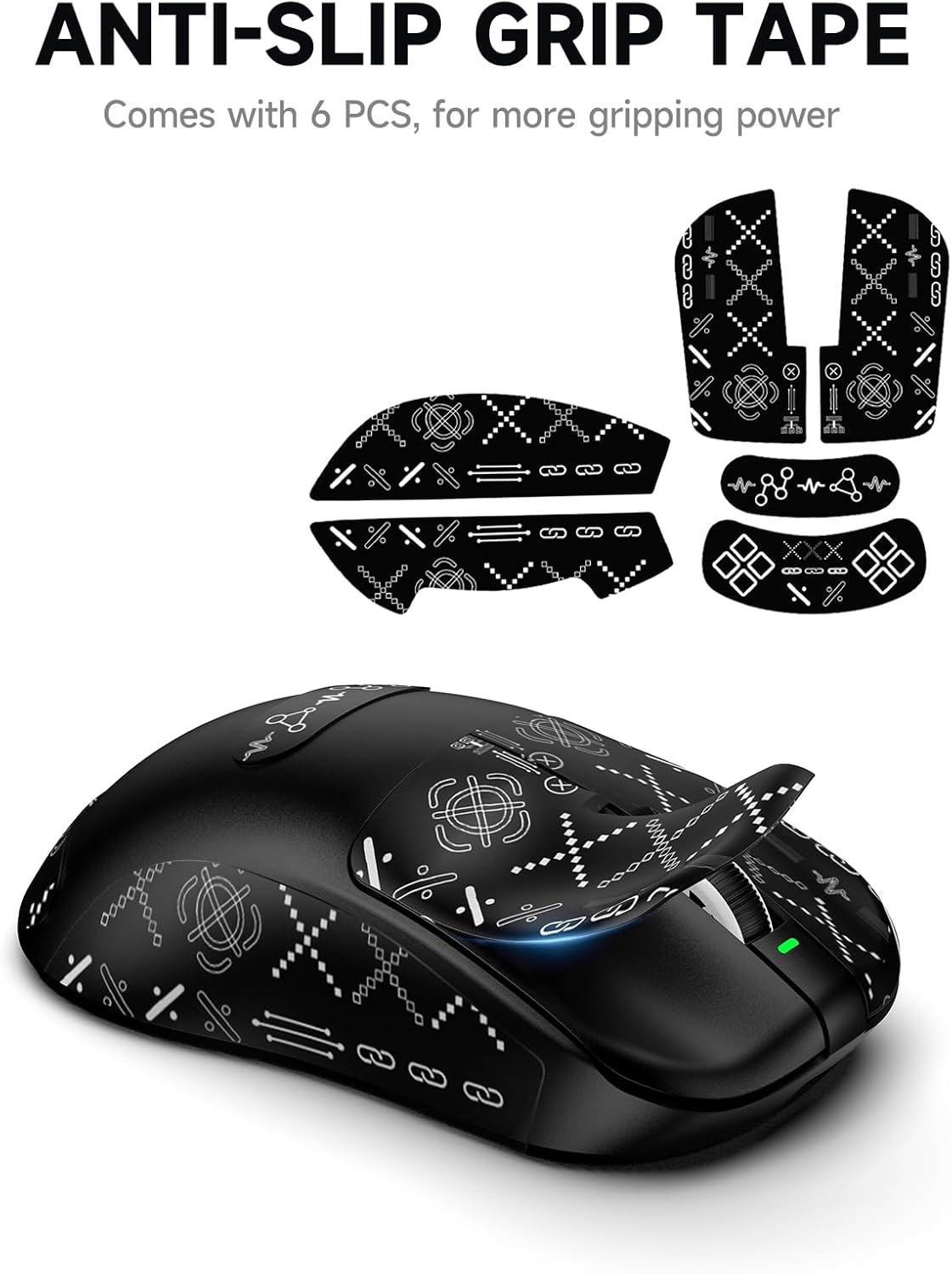
If you play MOBA-heavy titles, your mouse has to do two things: click fast and stay planted during frantic fights. The VGN Dragonfly F1 MOBA Wireless Gaming Mouse is built around that idea with an optimized tactile switch feel, a silver-ion anti-slip grip coating, and a high-end PAW3395 optical sensor.
It’s not perfect on paper for everyone—wireless performance and real-world battery life can vary by settings and play style—but for players who want an esports-leaning spec stack and a lighter on-hand feel, it’s the kind of mouse that deserves a close look.
The essentials
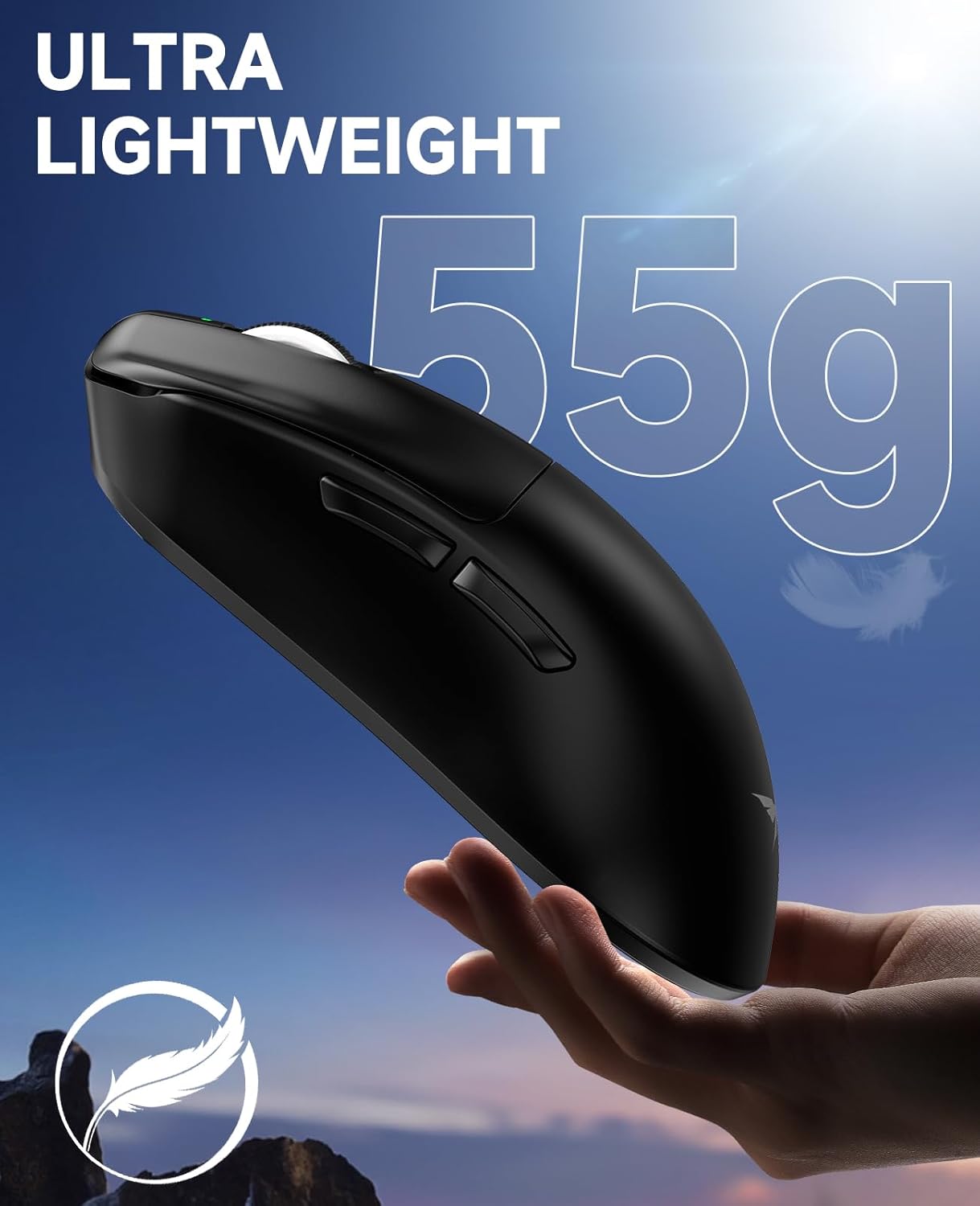
This is an ultralight wireless gaming mouse designed for speed work and precise movement. The standout themes are the “optimized tactile click” tuning (so the click effort is reduced while still staying responsive), a frosted anti-slip coating meant to resist sweat and keep control during high-pressure matches, and a PAW3395 sensor tuned for consistent tracking.
There’s also dual-mode flexibility: you can run 2.4GHz wireless for fast response or switch to USB-C wired mode when you want the most direct connection. The brand also includes low-friction PTFE feet, which is usually what you feel most immediately if you like smooth glide.
Where it shines (and what you’ll notice in-game)
On paper, the most practical advantages show up in two moments: rapid clicking and movement precision.
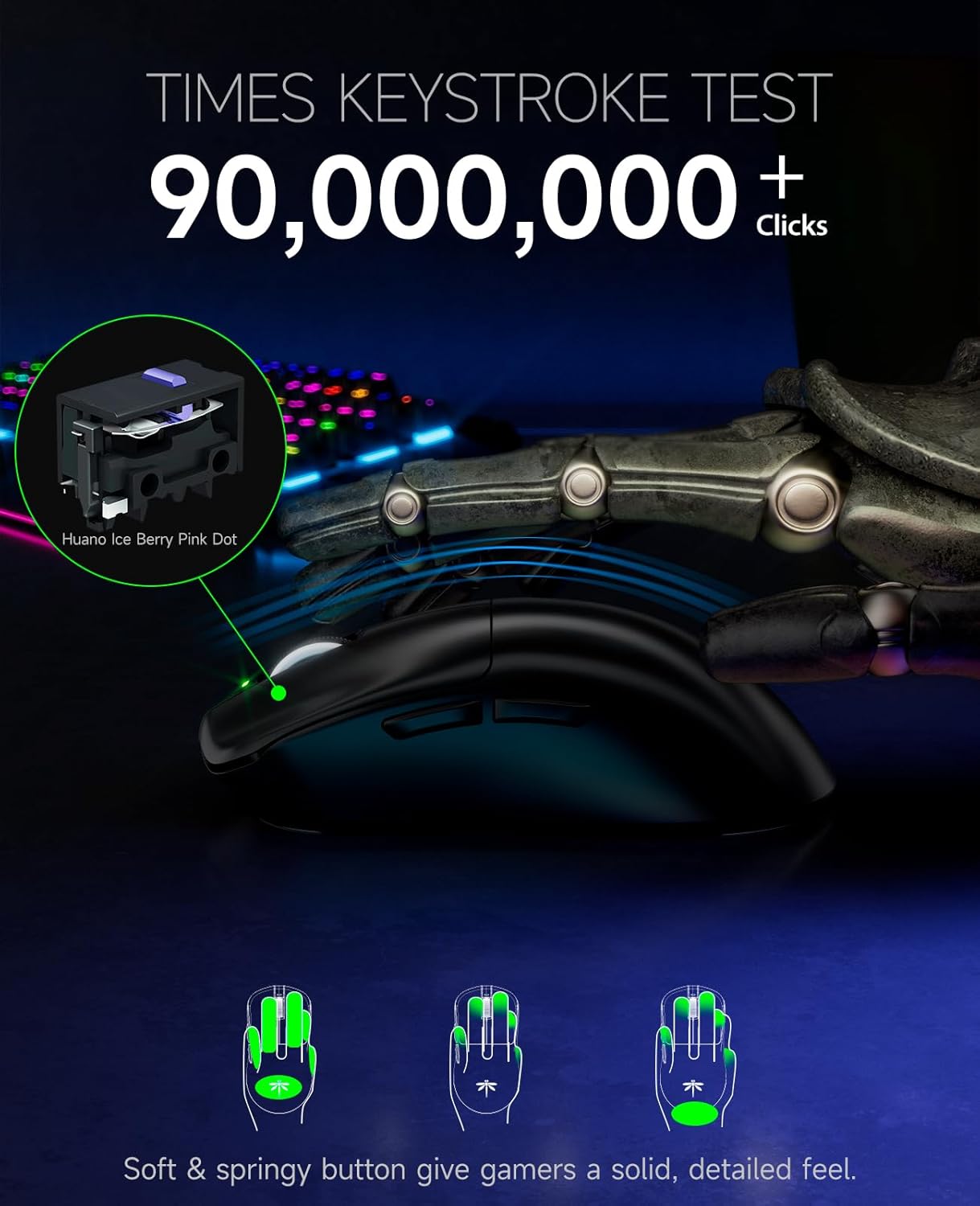
First, the mouse uses premium tactile switches that are specifically tuned for a softer yet highly responsive click feel. The reduced click force is aimed at lowering finger fatigue during long sessions—exactly the kind of thing that matters when you’re spamming abilities, weaving auto attacks, or trying to land frequent skill shots.
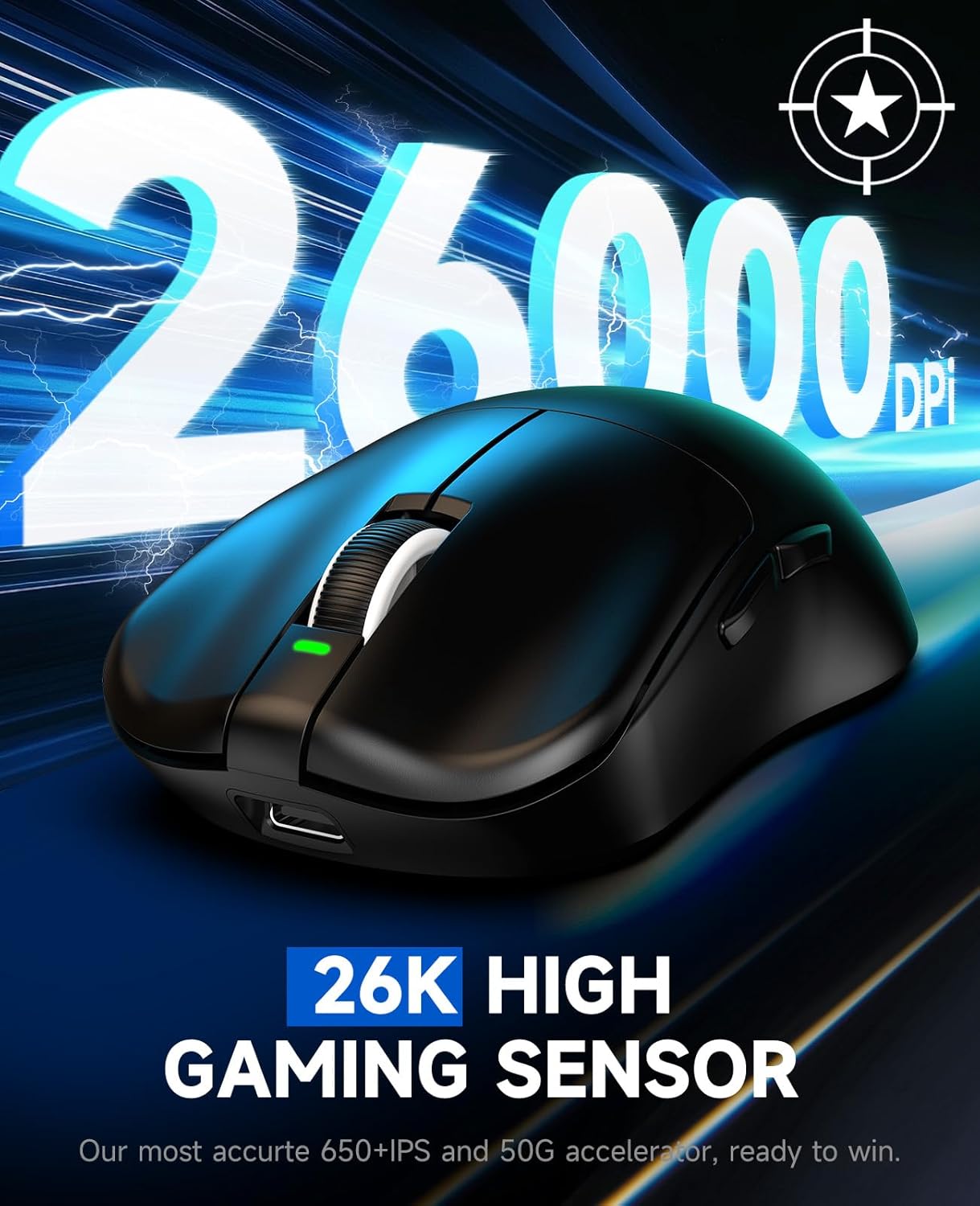
Second, the PAW3395 flagship optical sensor is listed as 26,000 DPI, positioned for complex maneuvers and rapid-fire accuracy. The description emphasizes that it delivers consistent performance without acceleration or smoothing, which is the sort of baseline you expect if you’re trying to keep your aim behavior predictable.
And finally, the anti-slip silver-ion frosted coating is designed to stay secure even when you’re sweating. That’s not a small detail in MOBA team fights, where your mouse hand often tenses up. A grip that holds texture over heavy use is the right goal—though whether it feels perfect for you depends on your own hand oils and humidity.
Key takeaways on wireless vs wired
The dual-mode approach is a big part of the appeal: 2.4GHz high-speed wireless, plus USB-C wired mode. In day-to-day terms, that means you can use wireless for comfort and freedom, and switch to wired if you’re troubleshooting latency-sensitive scenarios or just prefer the feel of a cable.
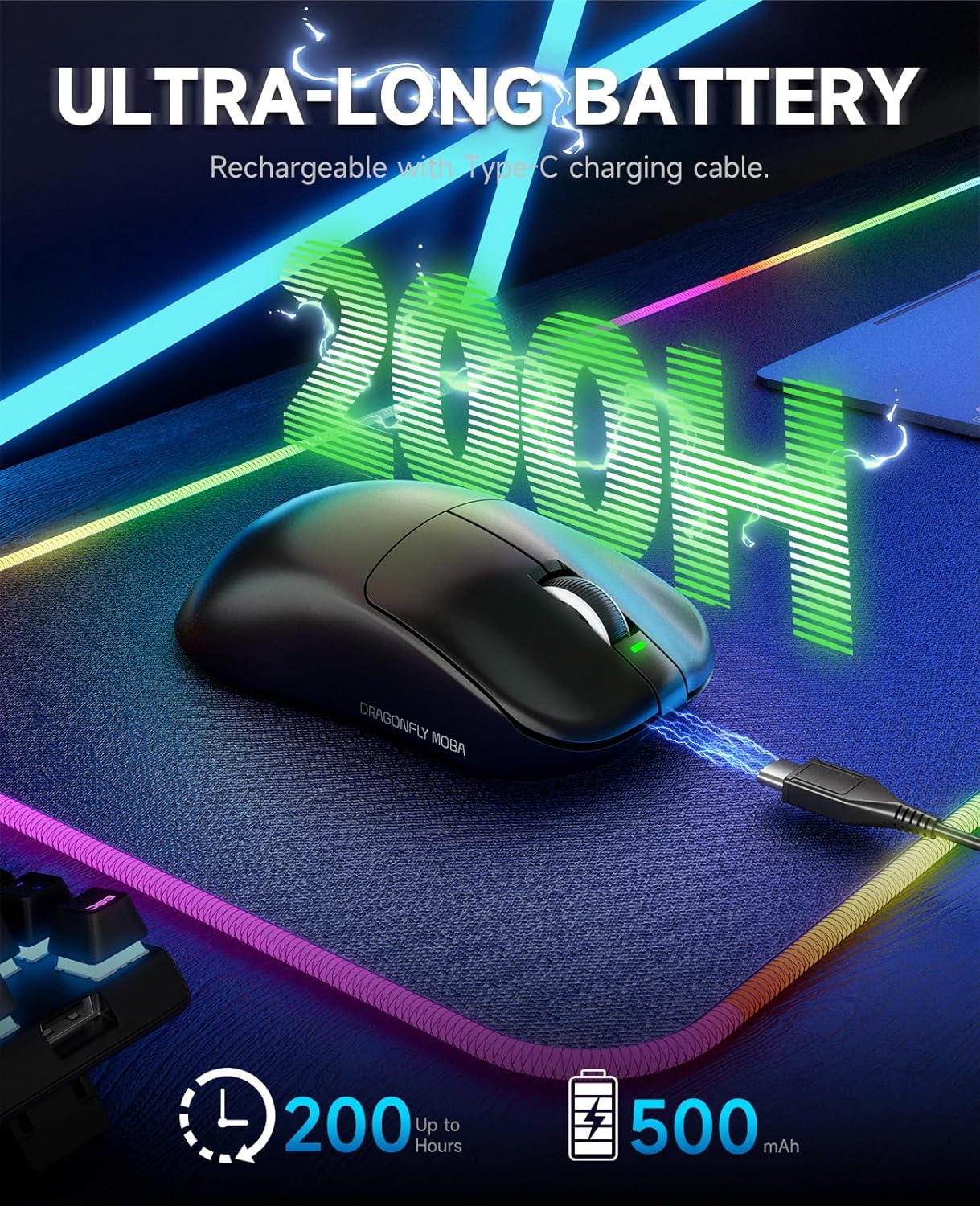
One caution: “up to 130 hours” is always a best-case figure, and actual battery life can be shorter depending on settings and usage. Still, the stated long endurance is meant to fix a common frustration with gaming mice—charging too often.
Also, the mouse is described as supporting 4000Hz polling. If you’re someone who cares about higher polling rates, it’s worth considering, but you’ll also want to make sure your setup/settings align, because polling benefits depend on the full chain (PC, software, and configuration).
Tech specs you should actually care about
- Name: VGN Dragonfly F1 MOBA Wireless Gaming Mouse
- Type: Wireless + wired gaming mouse (dual-mode)
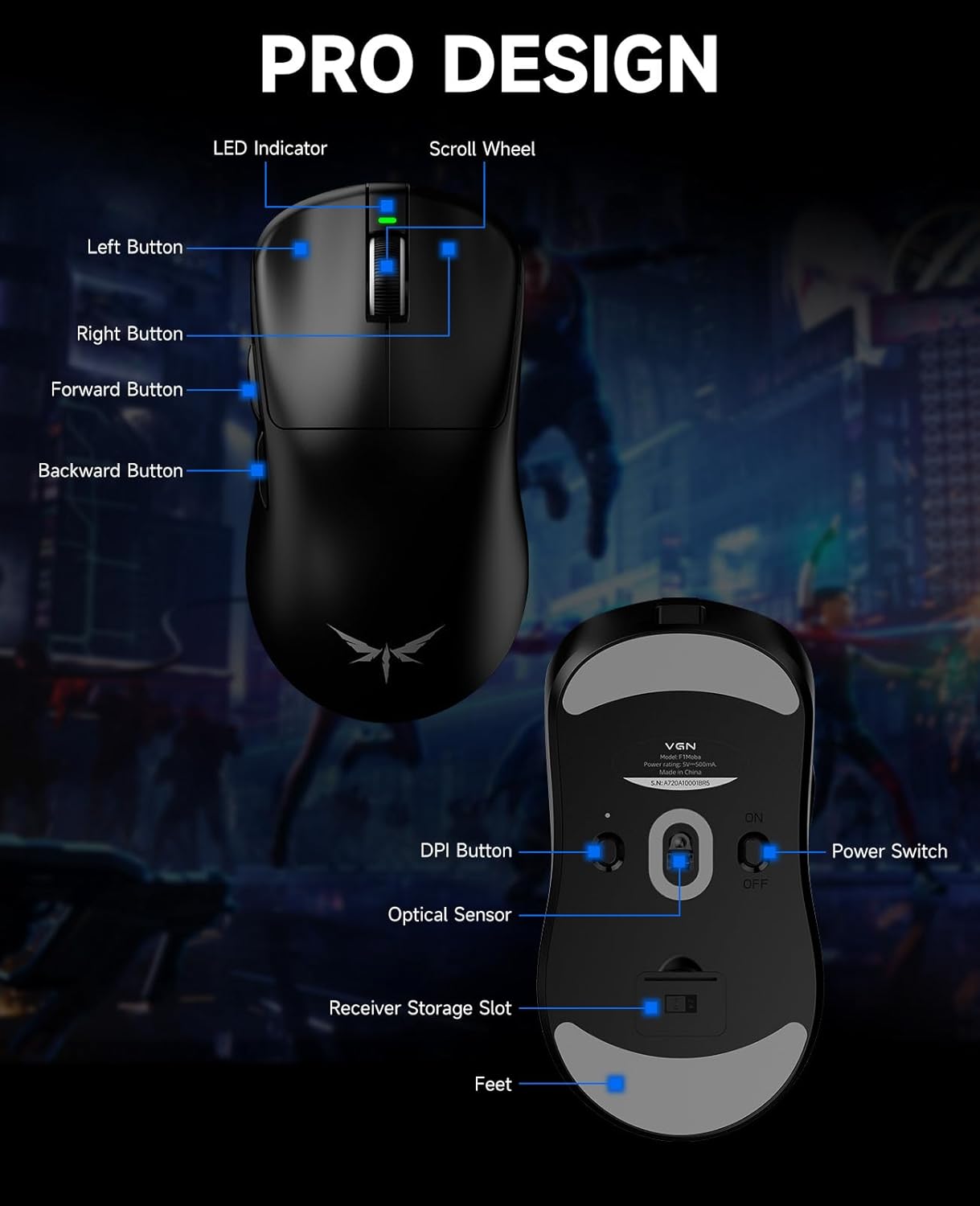
- Sensor / resolution: PAW3395 optical sensor, up to 26,000 DPI
- Weight claim: 55g ultralight
- Polling support: up to 4000Hz
- Connectivity: 2.4GHz wireless and USB-C wired mode
- Compatibility: Windows PC, macOS, and Linux
- Battery endurance (claimed): up to 130 hours
- Feet: low friction PTFE feet
You don’t have to obsess over every number, but these are the ones that shape how it plays: sensor behavior, weight feel, and whether wireless is “good enough” for your style.
Best use cases (and who should be cautious)
It makes sense if you’re chasing: faster, more frequent clicking with less finger fatigue, a secure anti-slip grip during tense matches, and a lightweight mouse that helps with quick micro-adjustments and sweeping moves.
You may want to skip it if you’re very picky about switch feel and want a more specific “click profile” than what the description suggests. Also, if your top priority is battery life in real-world heavy wireless use, remember the endurance is stated as “up to,” so it can be optimistic depending on your settings.
Worth considering if you’re building an esports-style setup and want a mouse that can run wireless or wired without changing your whole workflow.
Practical setup example (what “optimized” usually means)
Let’s say you’re practicing in a MOBA lane phase where you’re landing repeated quick inputs—ability taps, animation cancels, and short bursts of autos. With a tuned tactile switch designed for reduced click force, the idea is that you can keep your fingers from getting as tired over longer stretches. Pair that with an anti-slip coating meant to resist sweat, and the “control” part is more about preventing your grip from shifting when the match heats up.
Then, when you’re doing aim corrections—both small adjustments and wider sweeps—you’re relying on the PAW3395 for consistent tracking behavior as described.
Is it worth it?
It’s worth buying if you want an ultralight esports-leaning wireless gaming mouse that targets high-frequency clicking comfort, secure anti-slip grip during intense play, and consistent sensor tracking with the PAW3395. The dual-mode wireless + USB-C setup is also a practical plus if you like flexibility between comfort and direct connection.
Better avoided if you need certainty about real-world battery life beyond “up to,” or if you’re extremely sensitive to switch feel and need a very specific tactile response that isn’t guaranteed by this description.
If you’re the type of player who values predictable aim behavior, smooth glide PTFE feet, and a lighter hand feel for fast movements, this one lines up well with that goal. If not, it may feel like more features than you’ll actually use.
Quick FAQ
How does the mouse handle clicking comfort?
The description says it’s specifically tuned with premium tactile switches for a softer yet responsive click feel, with reduced click force to help lower finger fatigue over long sessions.
Does it support wireless and wired at the same time?
It’s described as dual-mode, letting you switch between 2.4GHz wireless and USB-C wired mode.
What sensor does it use?
It uses a PAW3395 optical sensor, listed up to 26,000 DPI.
Is it compatible with Mac and Linux?
Yes, it’s described as fully compatible with Windows PC, macOS, and Linux setups.
What’s the biggest limitation to keep in mind?
The endurance is stated as “up to 130 hours,” so actual battery life can vary with settings and usage habits.