

UGREEN USB-C Docking Station Dual HDMI
Product description
Highlights
When a laptop needs to drive two external screens and connect several peripherals from one USB-C setup, the UGREEN docking station brings those connections together in a compact 7-in-1 aluminum dock. It has two HDMI outputs, two USB-A data ports, two USB-C data ports, and a USB-C port for power delivery.
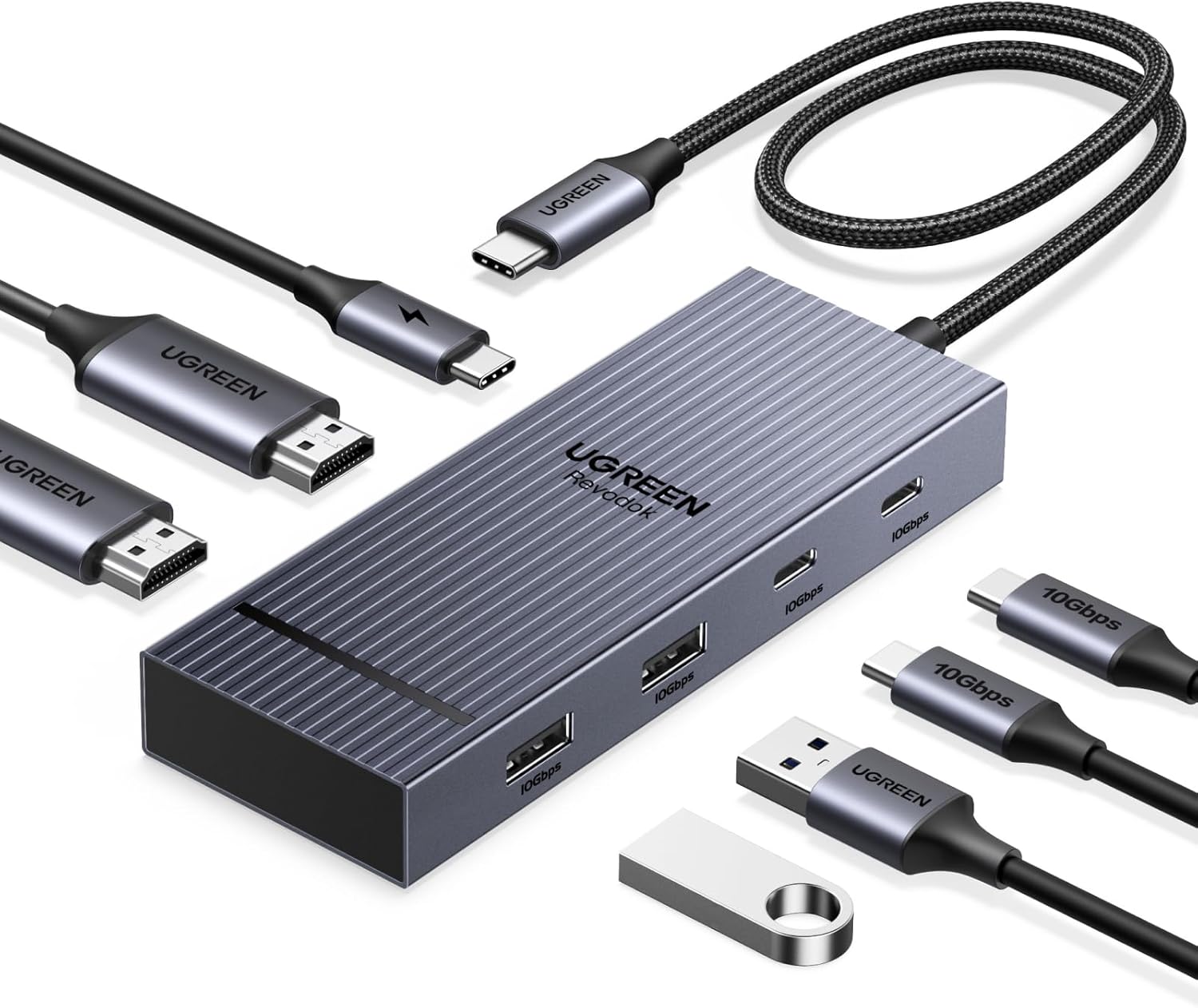
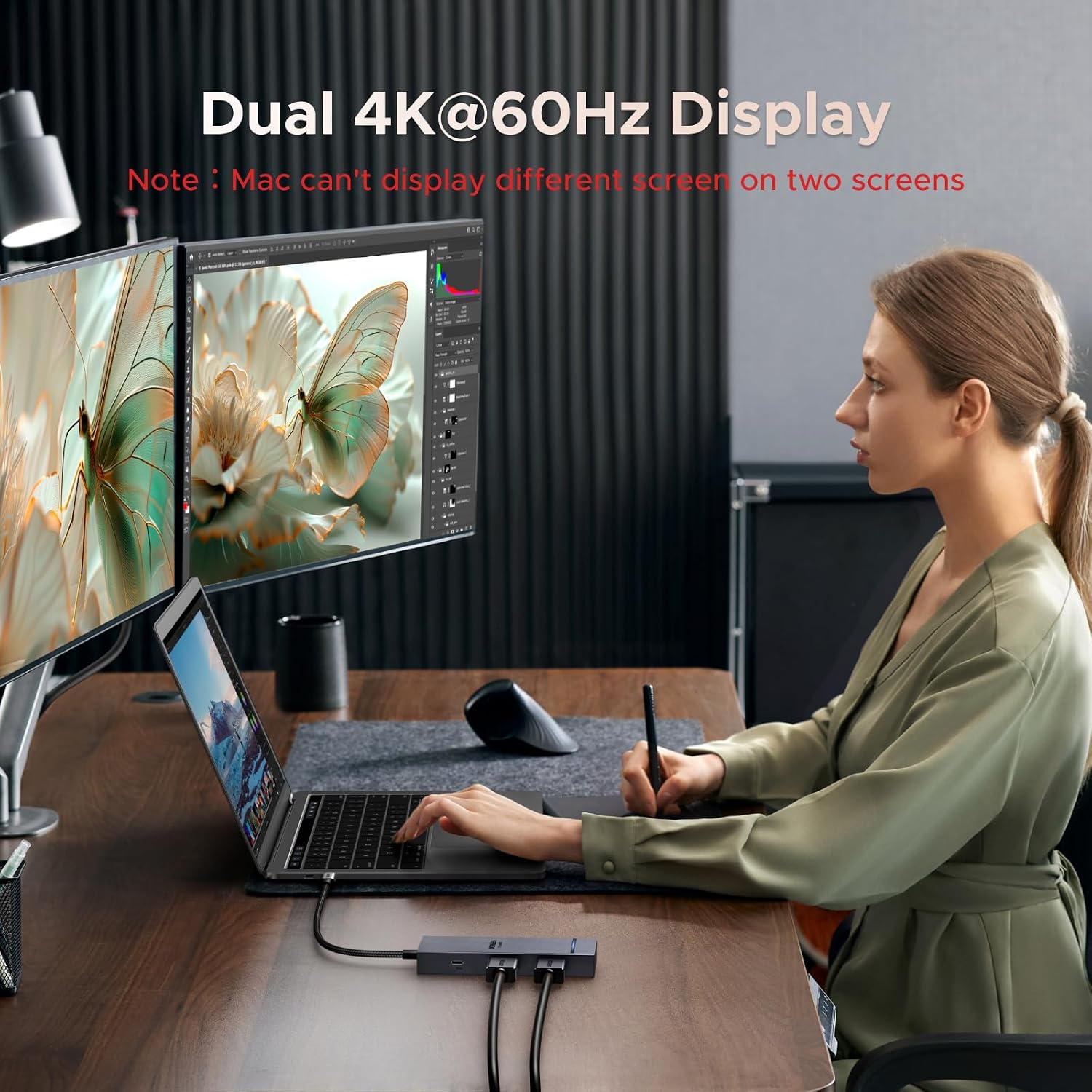
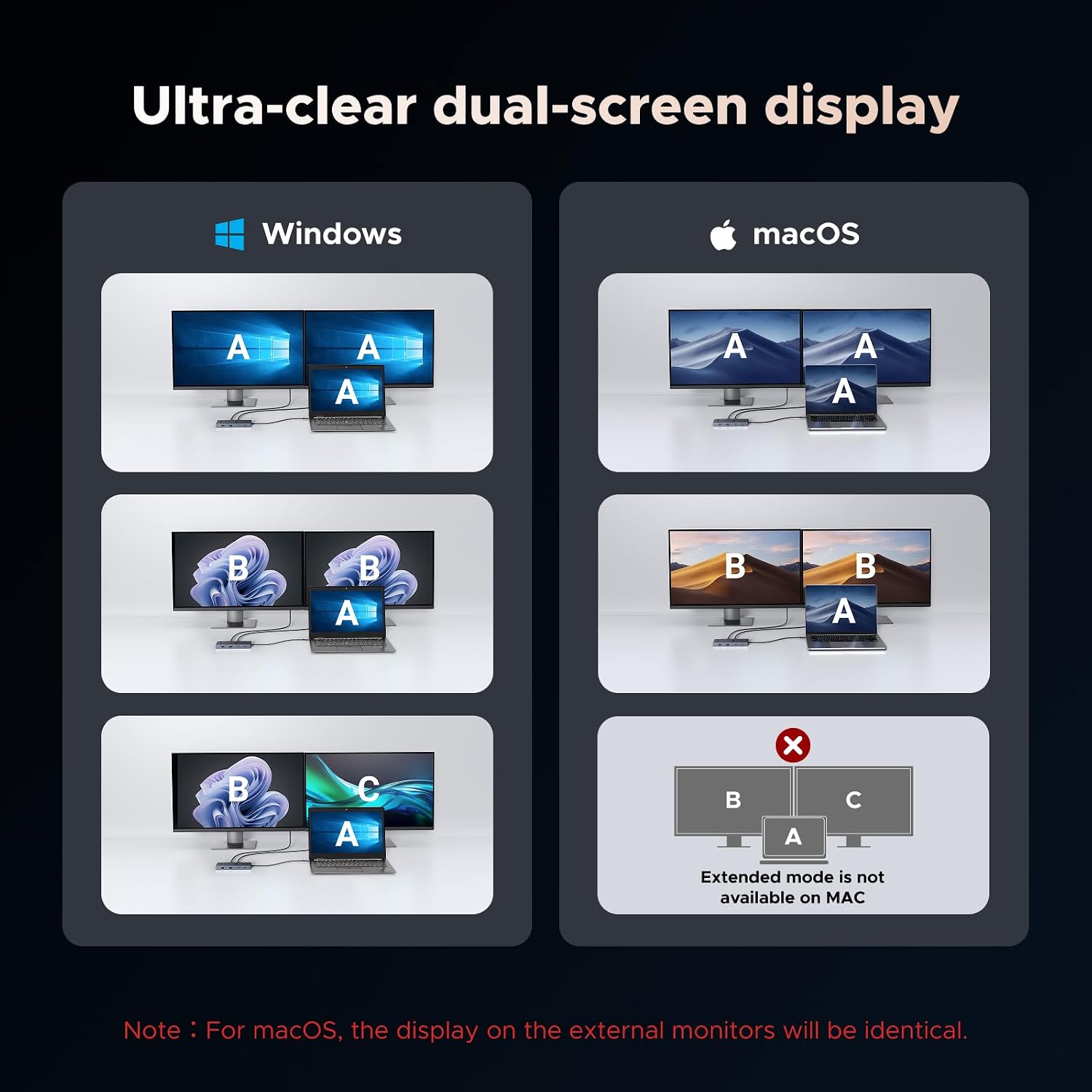
The HDMI ports support dual displays at up to 4K@60Hz, but the laptop needs a full-function USB-C or Thunderbolt 3/4 port, and dual-screen output also depends on DP 1.4 support. Keep in mind that macOS mirrors the same content across external monitors rather than extending the desktop across two independent screens.
How to use it
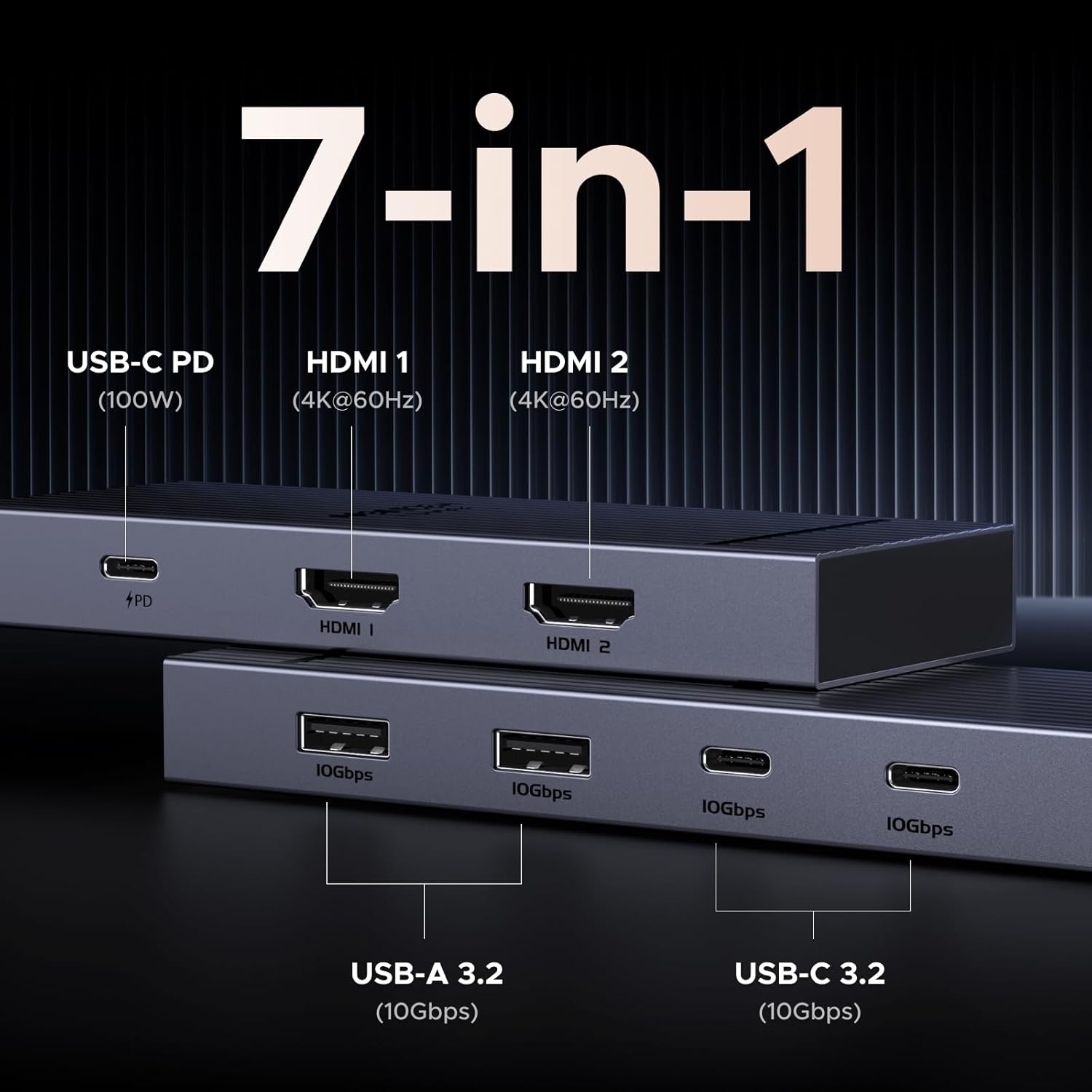
Connect the dock to a compatible laptop, then attach monitors and peripherals to the relevant ports. For example, you could connect two displays for a desk setup and plug in a keyboard, mouse, and storage device for everyday work. The USB-A and USB-C data ports support transfer speeds up to 10Gbps when the connected device and cable support that rate.
The power-delivery port supports charging up to 100W, but the dock does not include a charging cable or power adapter. You’ll need a 100W-or-higher charger, or the laptop’s original charger. That port is for charging only, it does not carry data or video. The USB-A and USB-C data ports also do not charge devices or transmit video or audio, so they shouldn’t be treated as extra display or charging outputs.
Practical tips
Before choosing this dock, check the capabilities of your laptop’s USB-C port rather than relying on the connector shape alone. For dual 4K@60Hz output, the laptop must support DP 1.4, a compatible cable is also needed for 10Gbps data transfers. These requirements matter more than the number of ports if your goal is a specific monitor or transfer setup.
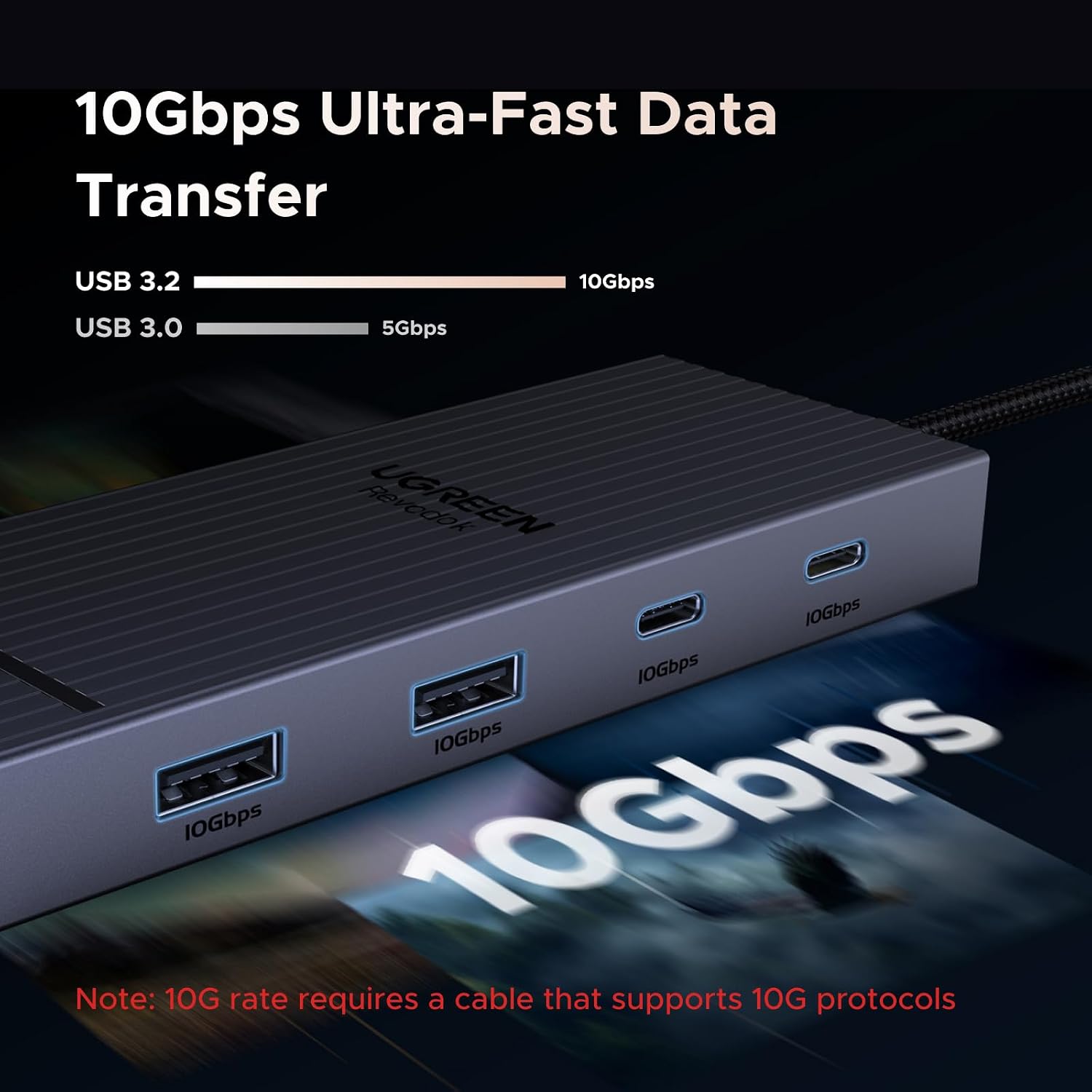
Compared with a basic USB-C hub, this dock is aimed at a more screen-heavy desk, with two HDMI outputs and four dedicated high-speed data ports. A simpler hub may be a better fit if you only need a few connections and one display. It makes sense if you want one dock for dual-screen Windows work and everyday USB accessories. Not the best choice if you need two different extended displays from a macOS laptop.
When it makes sense
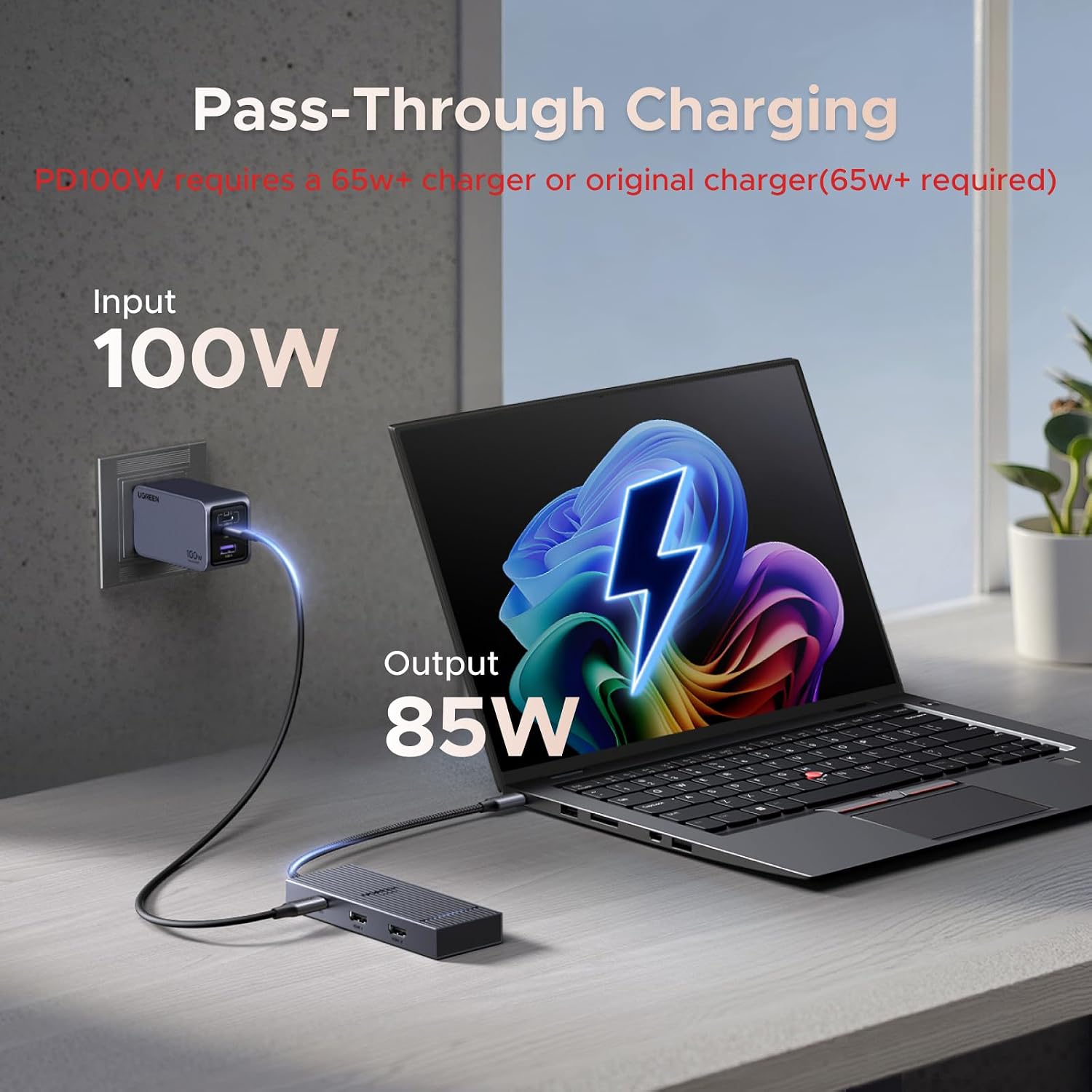
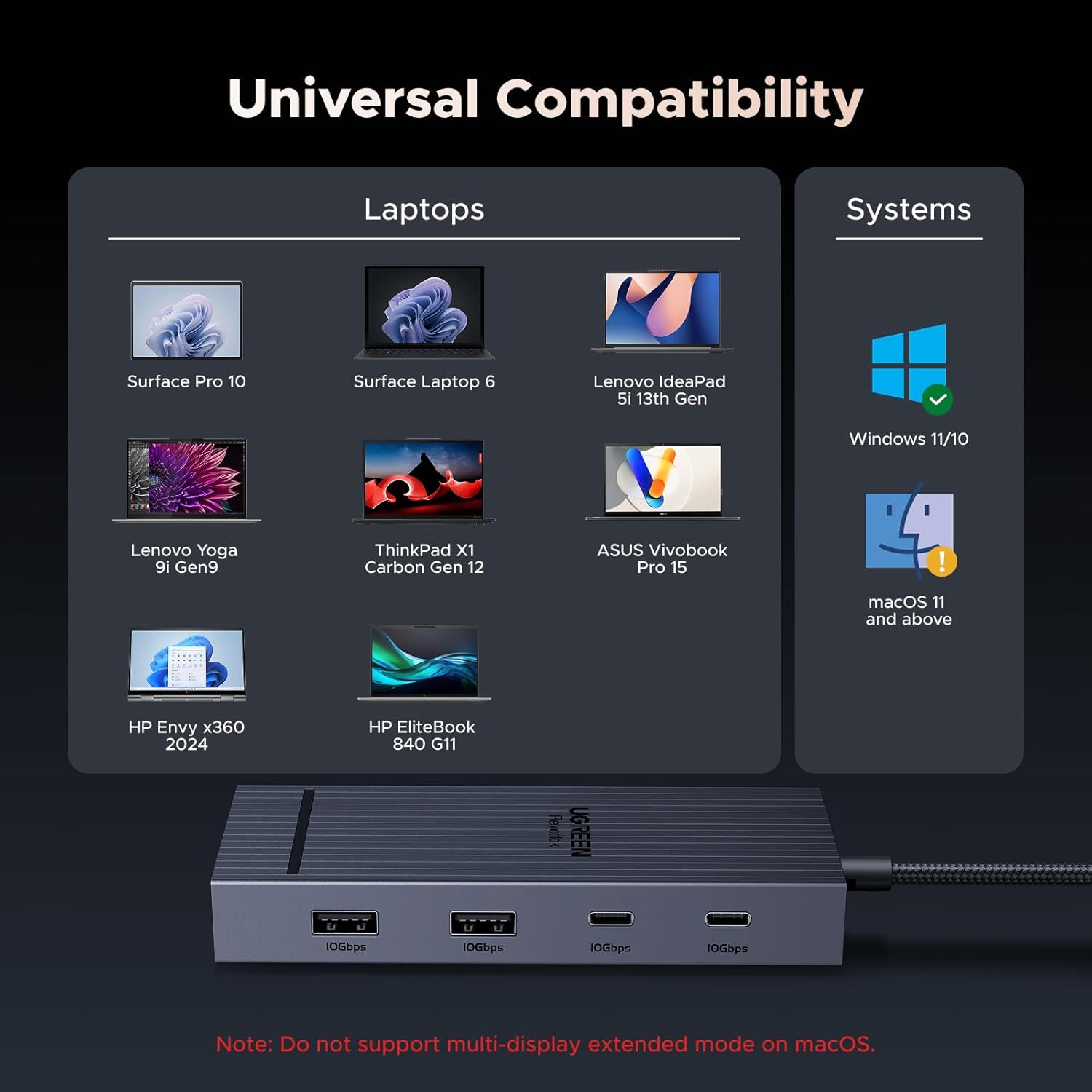
This dock is worth considering for a laptop desk where two monitors, several USB accessories, and pass-through charging are part of the routine. It lists compatibility with devices such as ThinkPad, ZenBook, Chromebook, and Surface, but the laptop’s port capabilities still determine which features work. Without having tried it, the practical buying question is whether your specific laptop supports the display mode you want.
Choose it when its combination of HDMI, USB data, and charging matches your setup. If independent extended displays on macOS are essential, or your laptop lacks a full-function USB-C or Thunderbolt port, a different connection approach will be a better match.
Before you decide
Will it extend two displays on Windows? The description says Windows systems can use an extended dual-screen display, subject to laptop support for the required USB-C video capabilities.
Will two external monitors show different content on macOS? No. The listed macOS behavior is mirror mode, with the same content on both external screens.
Does the dock include a charger? No. The charging cable and power adapter are not included, the PD port requires a 100W-or-higher charger or the laptop’s original charger.