


UGREEN 25158 USB-C to DisplayPort 1.4 Cable, 10 ft, 8K@60Hz
Reviews
Price
Product description
Connect a USB-C laptop or phone to a DisplayPort monitor for a high-resolution work or gaming setup. The 10-foot cable supports a direct connection, while MST also enables daisy-chained displays. Its one-way USB-C-to-DisplayPort design makes the intended connection clear.
Key features

DisplayPort 1.4 supports resolutions up to 8K at 60Hz, with backward support for 4K at 240Hz and 2K at 360Hz. The source device and monitor determine the resolution and refresh rate you can use. With up to 32.4Gbps bandwidth, Dynamic HDR, VRR, and ALLM, the cable is designed for detailed viewing and responsive gaming setups. It also supports DSC and HDCP 2.3, along with audio formats including eARC, DTS, and Dolby.
A braided nylon exterior, aluminum alloy housing, and reinforced strain relief add practical details for regular desk use and packing. Customer feedback often praises the clear picture and sturdy construction, reports about connectivity and durability are mixed, so their experiences vary by setup and use.

How it fits
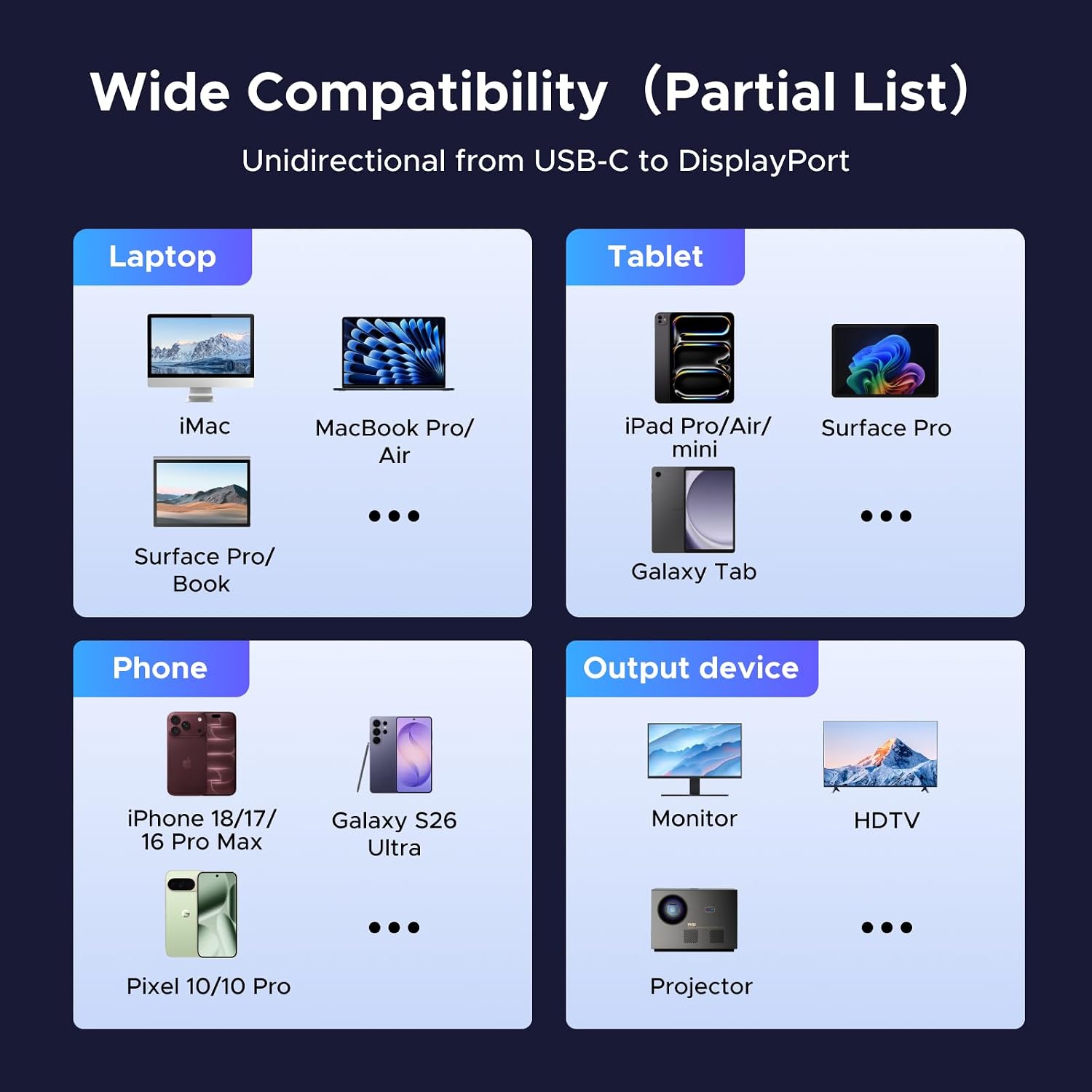
Use the USB-C end with a source device that supports video output through DP Alt Mode or Thunderbolt 3, 4, or 5, then connect the DisplayPort end to a monitor. The signal travels in one direction only: from USB-C to DisplayPort. It does not send video from a DisplayPort source to a USB-C display.

The cable can connect compatible phones, tablets, and computers to DisplayPort monitors, including devices from the iPhone, Galaxy, MacBook, iPad, and XPS families. For a straightforward setup, connect the source directly to the display, the cable does not require a driver or software. The connected device and monitor must support the video mode you want to use.
Everyday use

At a desk, connect a laptop to a DisplayPort monitor to extend or mirror the screen for work, photo and video editing, or entertainment. For gaming, supported high refresh rates, VRR, and ALLM can serve setups where the source and display both offer those modes. The 10-foot length gives you room to position a computer or phone away from the monitor while keeping a direct cable connection.
For a multi-screen workspace, MST support allows daisy chaining multiple monitors when the connected equipment supports that arrangement. MacBook clamshell mode is also supported, giving compatible setups another way to use an external display. These features make the cable useful whether the priority is a single large screen or a more flexible desk layout.

Practical questions
Can it connect a DisplayPort computer to a USB-C monitor? No. This cable carries video only from a USB-C source to a DisplayPort display.
Do I need to install a driver? No. Connect the cable directly between a compatible USB-C video source and a DisplayPort monitor, no driver or software is needed.
Can I use it for a daisy-chained monitor setup? Yes. The cable supports MST for daisy chaining multiple monitors, with the connected equipment determining the available display arrangement.
When it makes sense
Choose the UGREEN 25158 when you need a direct USB-C or Thunderbolt video connection to a DisplayPort monitor, with support for high resolutions, gaming features, and a 10-foot reach. It’s a practical fit for a home office, editing desk, or gaming setup built around a compatible source and display.