

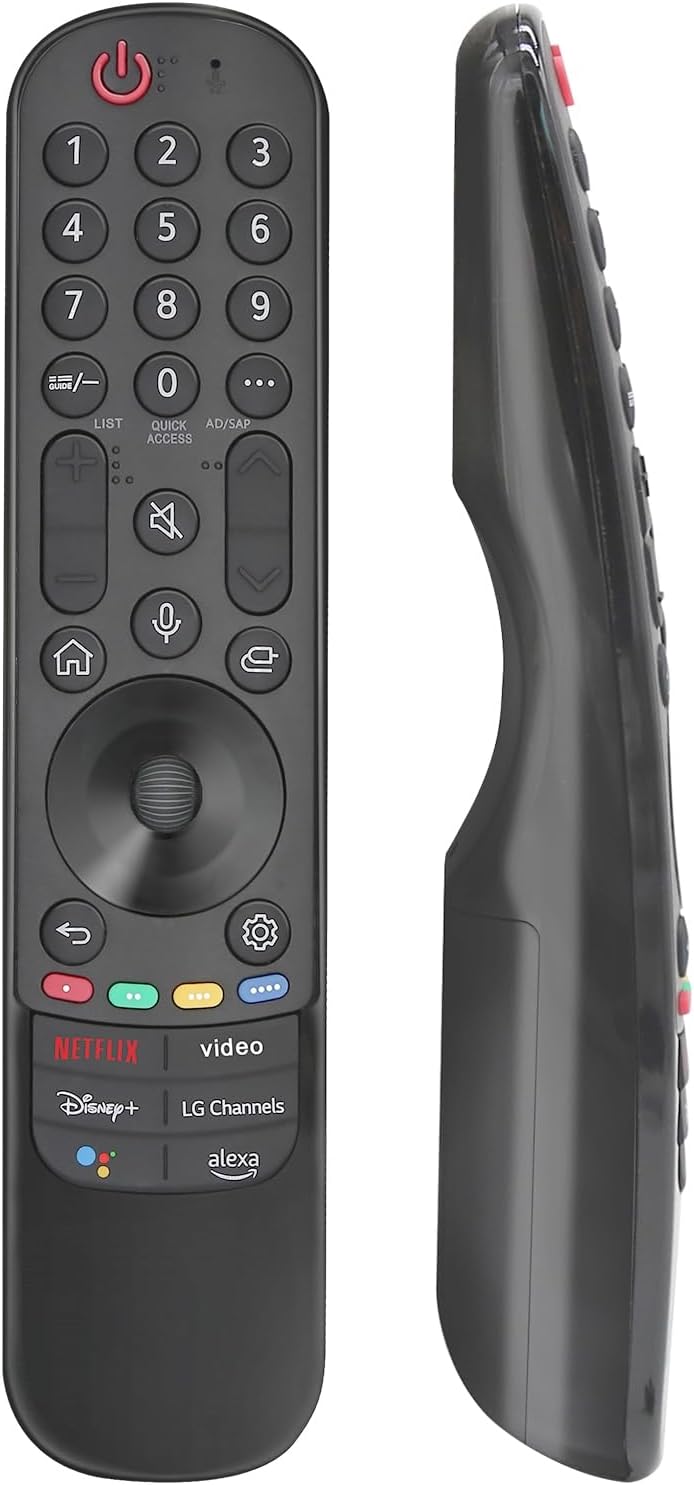
Tsinghcw Universal Remote Replacement for Vizio Smart TVs (XRT136/XRT140/XRT260/XRT270) — No Voice
Product description
What you’re really buying
If your Vizio Smart TV remote is missing, broken, or just driving you crazy with inconsistent button presses, a replacement remote is usually the quickest fix. This Tsinghcw universal remote is made to work as a replacement for several Vizio remote models (including XRT136, XRT140, XRT260, and XRT270).
The big theme here is simplicity. It’s designed to be plug-in and go: no pairing, no programming steps, and it doesn’t include voice controls. On paper, that’s great if you want something straightforward that gets your TV back under control fast.
Compatibility and key model coverage
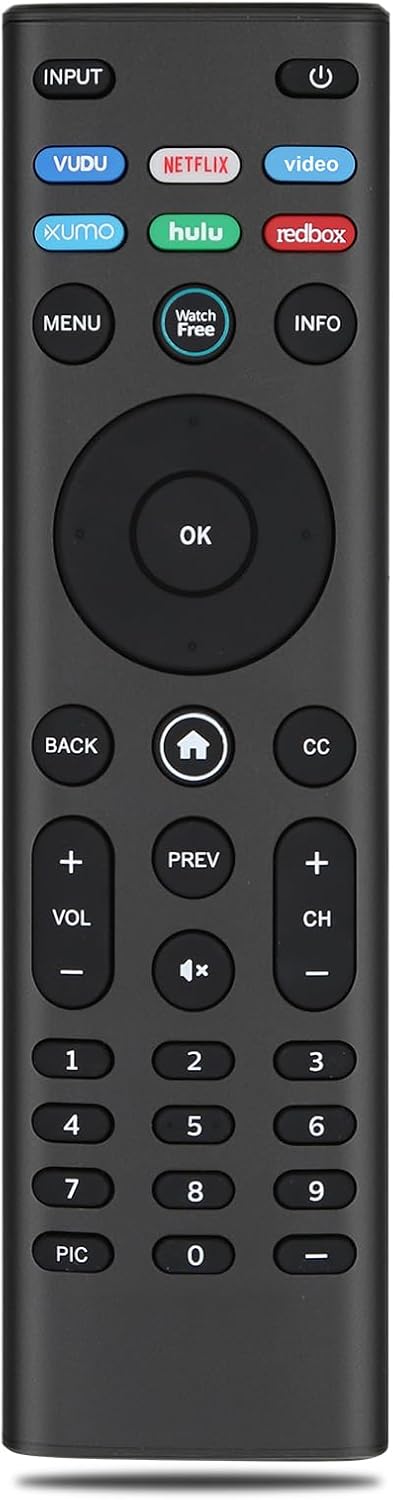
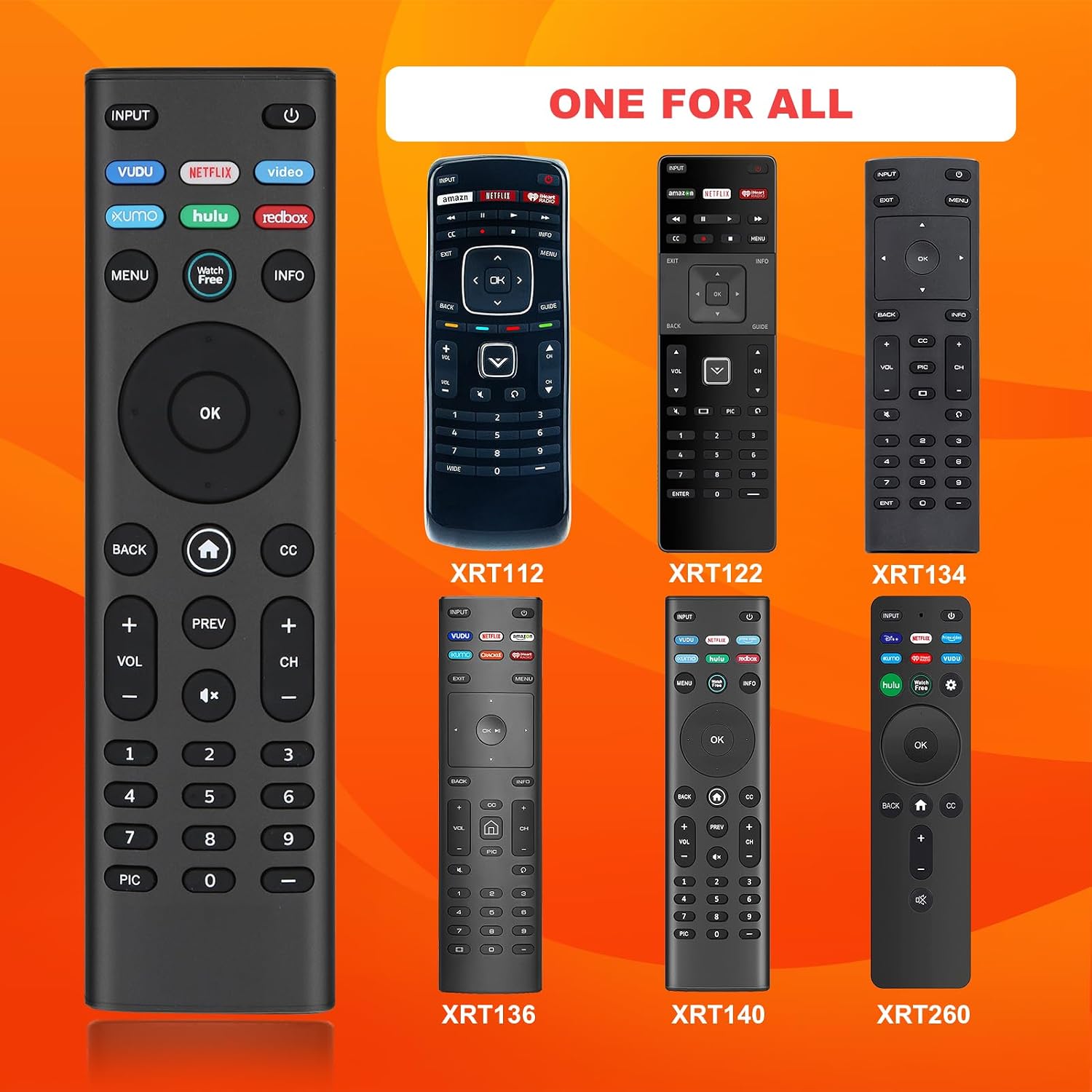
The product listing states it’s compatible with Vizio Smart TV models across multiple series, including D-Series, E-Series, M-Series, P-Series, PX-Series, V-Series, OLED, and more. It also calls out specific remote codes/models it’s meant to replace, with XRT140 described as a common universal remote that pairs with XRT136/XRT135/XRT510/XRT500/XRT100/XRT112/XRT122/XRT302, and remotes listed as VR1/VR2/VR10/VR15.
This kind of broad compatibility can be useful when you don’t want to hunt down the exact original remote part number. Still, keep expectations realistic: “universal replacement” usually means it covers a range, but you’ll want to confirm your TV/remote model lands in the supported group.
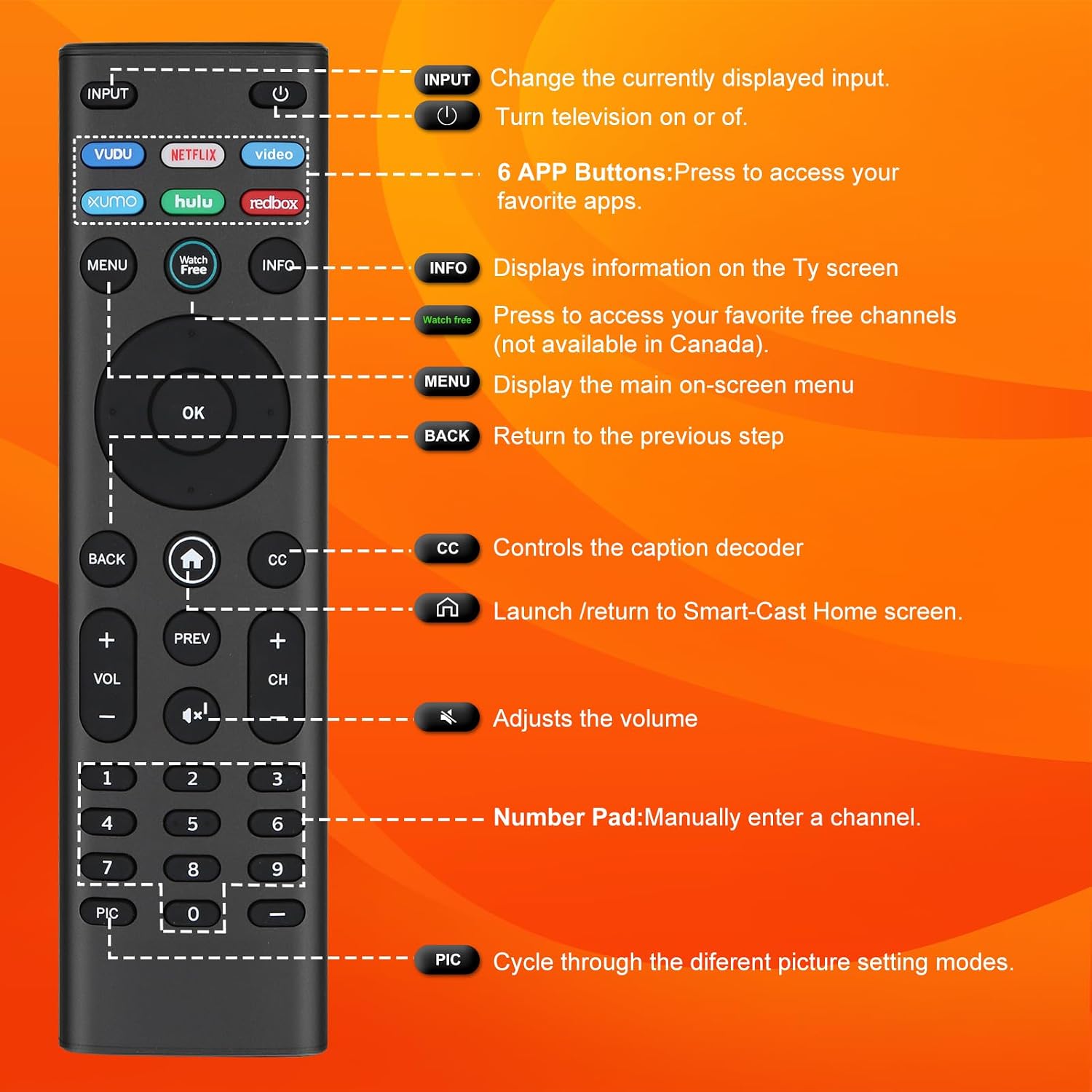
Buttons that matter day to day
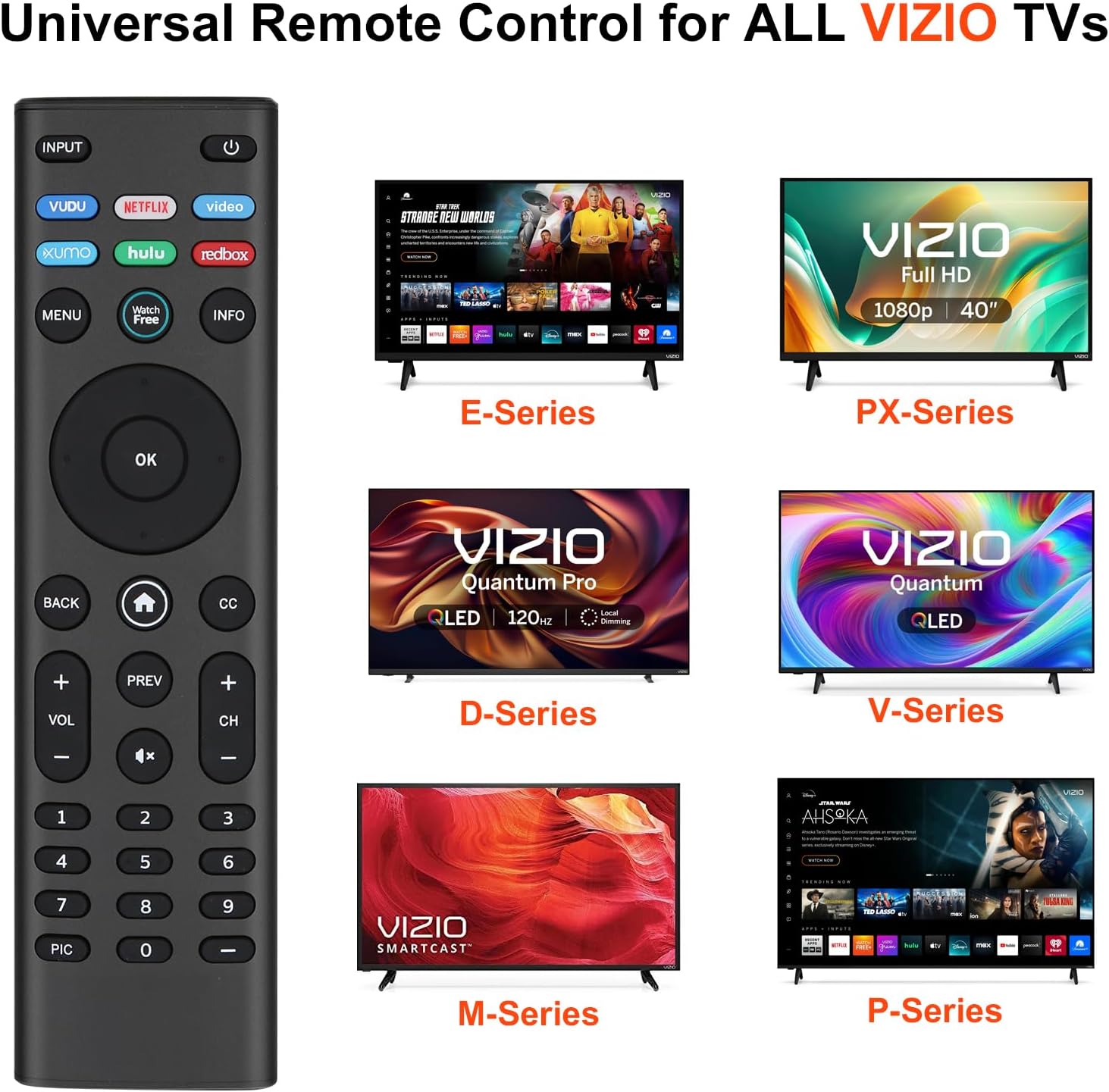
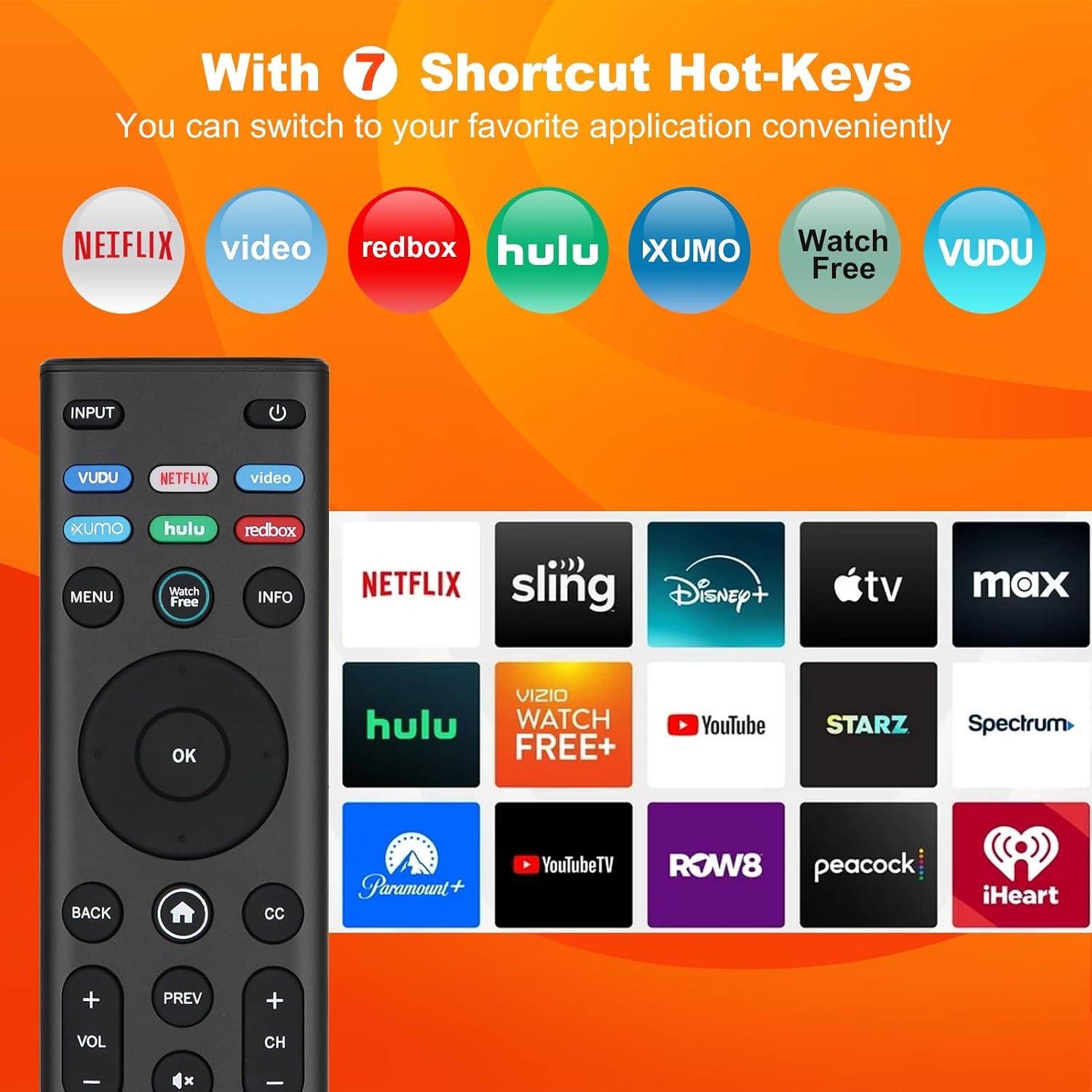
What stands out for everyday use is the shortcut approach. The remote includes six popular direct-access buttons so you can jump quickly into apps you actually use. The listing names shortcuts such as VUDU, Netflix, (P) Video, Xumo, Hulu, and Redbox.
So instead of scrolling through menus when you’re settling in for the night, you can hit a button and be there. It’s not a feature-packed remote, but it’s clearly built around fast access—exactly the kind of thing people miss when a remote goes missing.
Ease of setup (and where it may feel limiting)
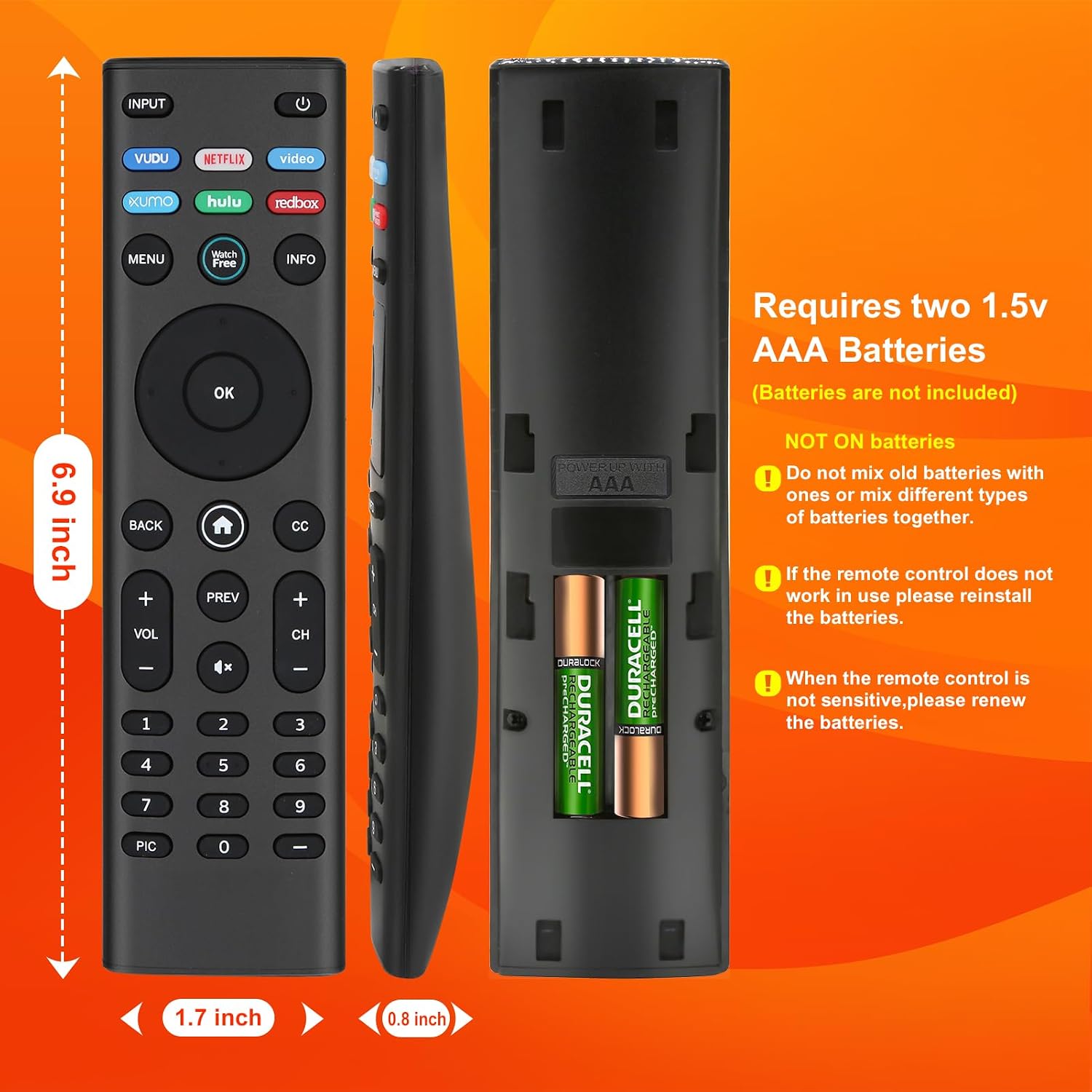
Setup is refreshingly low-effort. The remote requires two AAA batteries (batteries not included), and the listing emphasizes there’s no pairing needed and no programming required. In a real “replace it and move on” scenario, that means you can swap batteries and start controlling your TV almost immediately.
The limitation is also clear: there’s no voice functionality. If you rely on voice search or want hands-free commands, this one won’t scratch that itch. It’s more of a traditional remote replacement—simple, practical, and focused on basic control plus app shortcuts.
Quick buy checklist before you commit
Before purchasing, you’ll want to sanity-check a few things so you don’t end up with a remote that’s “close but not quite.”
- Confirm your current Vizio remote model (or the code printed on it) matches one of the listed targets.
- Make sure your TV model/series is within the compatible Vizio Smart TV list provided.
- Decide whether the lack of voice control is fine for you.
- Plan on using AAA batteries right away (you’ll need to supply them).
If your main priority is getting back to normal viewing without setup headaches, this checks that box well.
Who it’s for (and who should skip it)
This remote makes the most sense if you want a direct replacement for a Vizio Smart TV remote and you don’t want to deal with pairing steps. It’s especially reasonable if you mostly care about switching inputs, changing channels, and launching streaming apps via shortcuts.
It may not suit you if you specifically need a voice remote feature, or if your TV situation is unusual and your current setup doesn’t fall into the stated compatibility range.
Is it worth it?
Worth considering if you need a simple Vizio Smart TV remote replacement and you prefer a no-pairing, no-programming setup. The app shortcut buttons (VUDU/Netflix/Xumo/Hulu/Redbox and the listed option) are a practical touch, and the “just add AAA batteries” approach is the kind of convenience that usually matters when you’re trying to fix a problem quickly.
Skip it if voice control is a must-have for your viewing habits, or if you can’t confidently match your TV/remote model to the compatibility list provided.
Mini FAQ
Will I need to pair or program this remote?
No. The listing states no pairing and no programming are needed—insert 2 AAA batteries and use it.
Does it include voice control?
No voice function is included.
What apps does it have shortcut buttons for?
The listing names shortcuts for VUDU, Netflix, (P) Video, Xumo, Hulu, and Redbox.
What batteries does it use?
It uses 2 AAA batteries (batteries are not included).